
Best online tools for learning how to draw

Have you always wanted to pick up drawing? These tools can get you started!

Drawing

Kids love drawing and tend to focus on the joy of creation over fretting about their ability to draw a photo-realistic human hand by sight.

As we get older, we often give up on drawing, leaving the creativity to the artists of the world. We come to the conclusion that art skills are something you either have or don’t.

That’s not actually true.

Drawing skills can be learned, at any age, and today, you don’t even have to enroll in your local adult learning center to do so.

Learn to Draw on YouTube

YouTube is the go-to source for learning anything from home improvement tips to putting on makeup. It’s also a great place to learn how to draw for free!

Just like Bob Ross did decades ago, artistic YouTubers walk aspiring creators through video tutorials — and thanks to the power of the internet, you can pause and rewind as needed.

Here are a few channels worth checking out:

8

Circle Line School

The Circle Line School’s channel is all about teaching you how to draw optical illusions, perspective drawings, and mastering the human face.

Proko

Stan Prokopenko is a California-based fine artist who will cover everything you need to know to learn drawing from his free YouTube channel. He goes over everything from what kinds of pencils to buy, how to shade lights and darks, and even draw caricatures of your favorite celebs. Who doesn’t want to draw like Taylor Swift and Obama?

Christopher Hart

If you’re more interested in learning to create your own manga, Christopher Hart’s channel will walk you through the steps to create characters that range from the easy to the more detailed.

Darryl Tank

Okay, this guy is insanely good at pencil drawings that look like photos.

His YouTube tutorials cover slightly more advanced techniques like drawing freckles that don’t look like polka dots or really nailing the texture of a basketball.

He’ll also walk you through things like how to draw a realistic sphere — mastering form and shading, and even provides some tips for left-handed folks so they don’t smear their work.

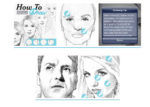
How to Draw with Matt Busch!
learn to draw online

Okay, we don’t totally love this website, but the art lessons are approachable and ultimately, pretty solid.

Lessons are broken down into 11-step tutorials built around teaching newcomers the fundamentals of drawing.

Udemy
Udemy Art

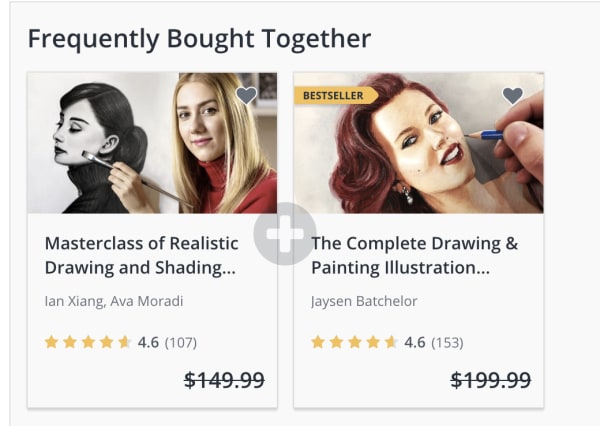
Udemy has a ton of drawing classes that range from beginner to master draftsperson.

At the time of writing, most classes are on sale for $9.99 a pop — some down from $199, like this one which comes with eight hours of video lessons and 19 downloadable resources. If you miss the deal, it seems like they run these promotions fairly regularly — so keep checking back if a course seems a bit steep.

Or, there’s this master class specifically for learning how to draw human features or another aimed at teaching people how to draw cartoons. The point is, there are plenty of skills you can learn — straight from behind the computer screen.

Ink Drawing Techniques: Brush, Nib, and Pen Style
skillshare ink drawing course

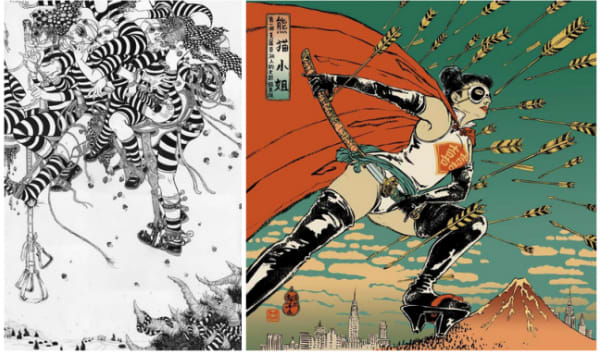
If you’ve always wanted to learn how to make amazing ink drawings, this online class from illustrator and School of Visual Arts instructor Yuko Shimizu is worth signing up for with Skillshare.

Skillshare Download Now ►
9

Shimizu will not only teach you proper inking techniques, but she’ll also walk you through different types of papers, nibs, brushes, and more.

The class is about 90 minutes, broken into 15 mini lessons making it an approachable entry point into the world of pen and ink. It’s perfect for beginners and pros alike.

Artists Network
artists network streaming

Artists Network is a subscription service that allows you to stream 700+ art workshops that cater to artists at every level.

The site has some free content including mini tutorials like this one that walk you through how to draw animals.  The streaming service itself is $16.66 per month.
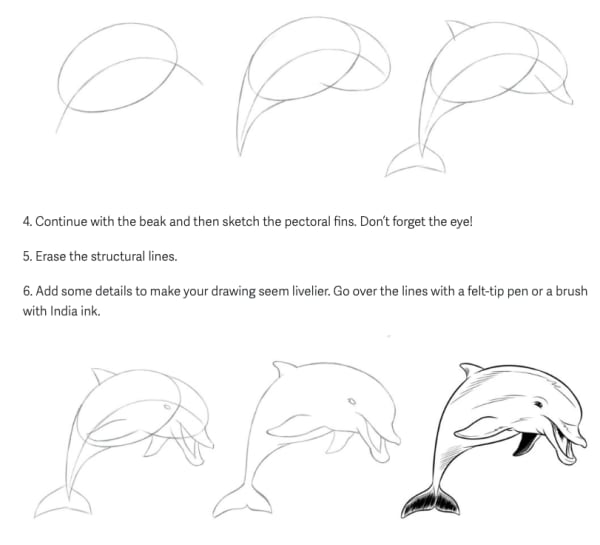
step by step animal drawing

You can also sign up for digital courses a la carte if you’d like to explore oil pastels or watercolors.

Wrapping up

There’s no shortage of great art content online. We recommend starting with YouTube, it’s free, and there are tons of channels that cater to specific niche skills, as well as just the basics.

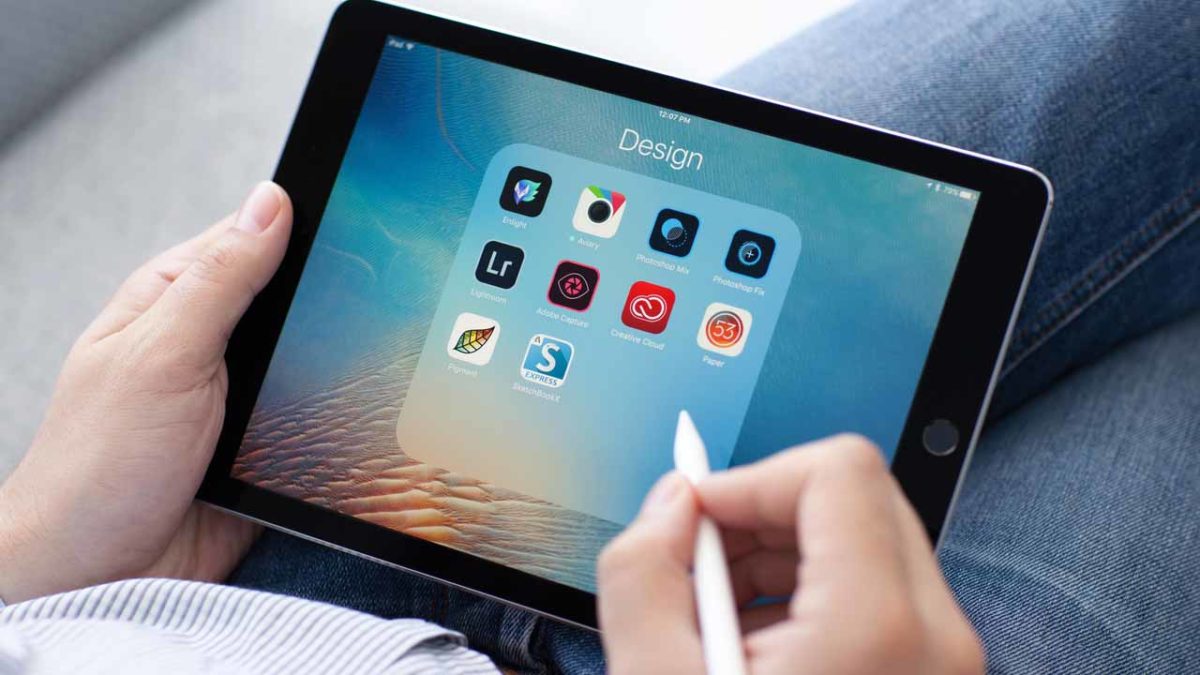
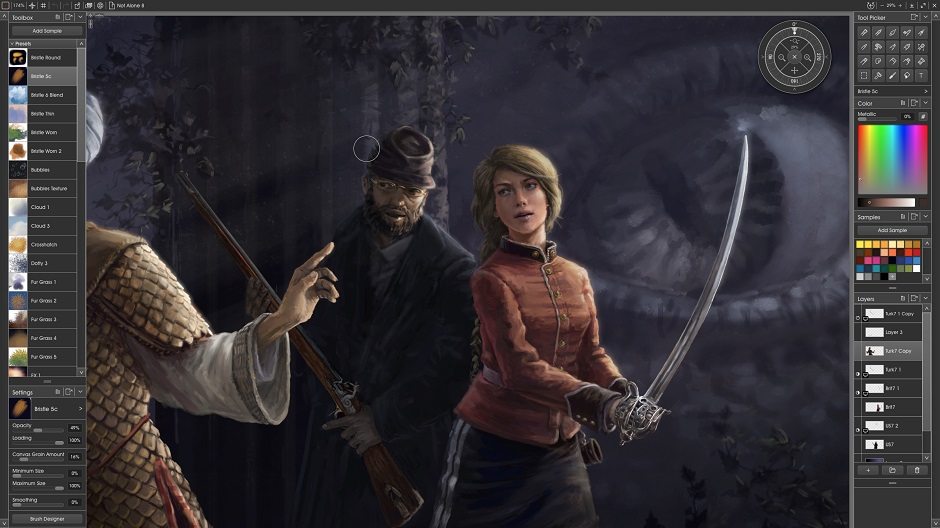
Artweaver Download Now ►
7

6 best Apple Pencil apps for 2019

Ditch the pen and paper and bring your art to the 21st century with these apps.
The Apple Pencil has transformed the world of digital art. Purists might argue that nothing can replace the feeling of putting a new set of pens to paper. However, the Apple Pencil gets pretty close to replicating the joy of analog art.
If you’re looking to buy an Apple Pencil, you can order one on Amazon here. 

There’s also the added benefit that using the stylus with the right apps means you can take your drawings to a whole new level.

Below, we’ve compiled a roundup of the best Apple Pencil apps, and we’ve included something for everyone. Whether you’re a seasoned pro designer or coloring is more your speed, there’s an app for you.

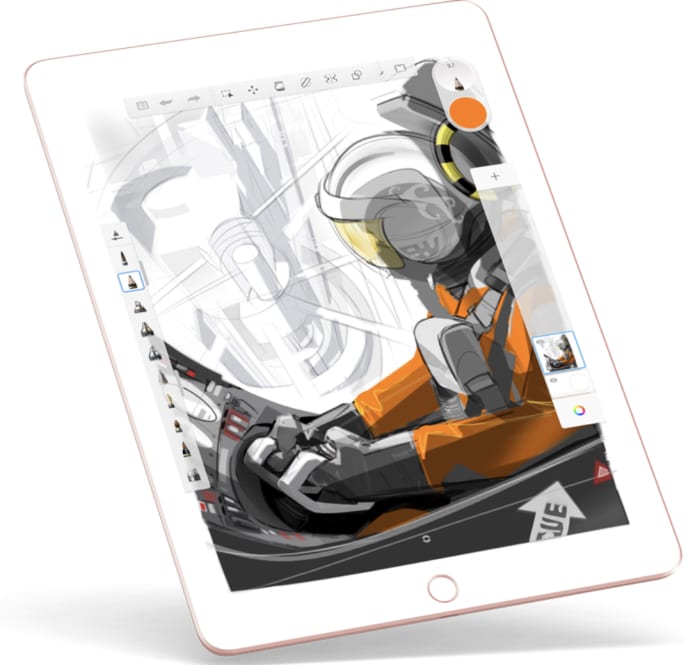
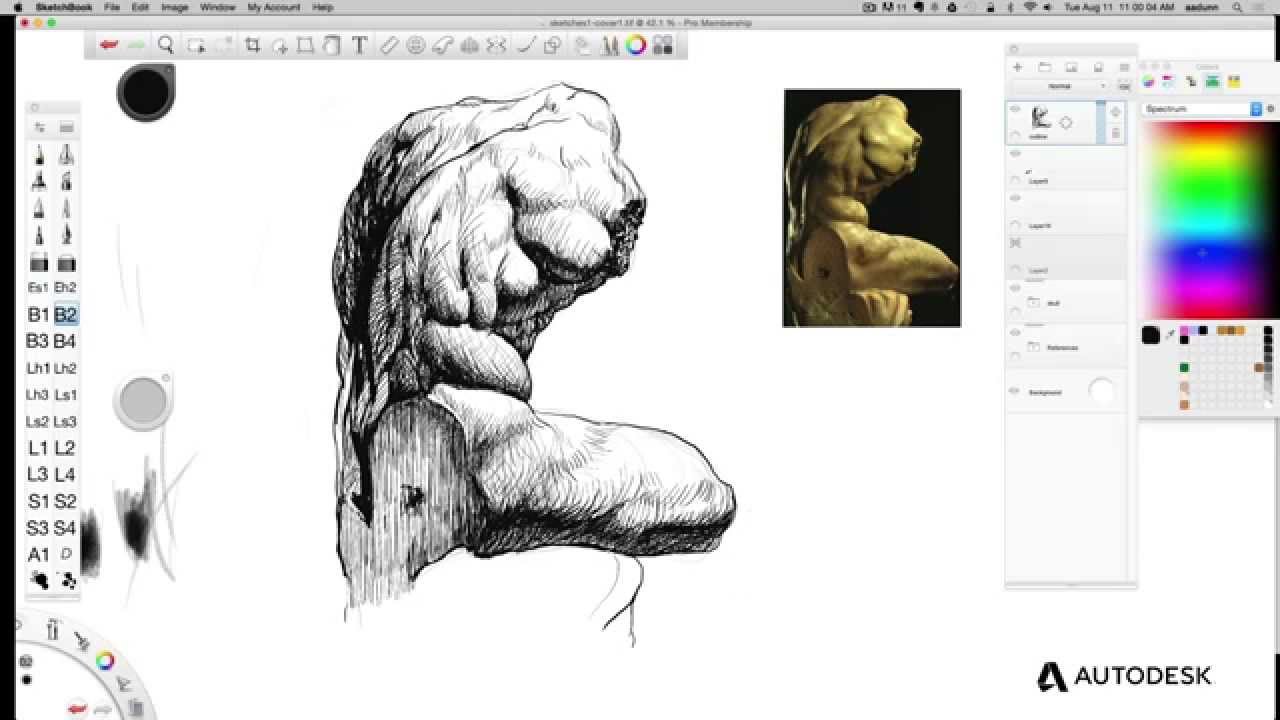
Autodesk Sketchbook

Autodesk Sketchbook is a sketch app that brings your standard fare to the table. Pencils, ink, and nearly 200 brushes are at your fingertips. For art nerds, you’ll have access to the full library of Copic Colors. If you’re like us, you’ve maybe spent too much money collecting them all before the Apple Pencil was an option.

Autodesk is sold as a business tool. The brand is more about software solutions with solid UX to organizations than it is creating software built for “fun.” Yet, Autodesk Sketchbook is fun.

You can snap a pic of your analog art from your tablet or phone and make changes from there. This is a good choice for those who aren’t quite sold on going full-on digital yet. Or, you can sketch out your ideas on the app’s endless sketchpad.

The website claims that the app feels just like drawing on paper, but it takes things a bit further. The app adds in features for product designers, industrial designers, and automotive designers among other skilled pros.

Autodesk Sketchbook Download Free ►
10

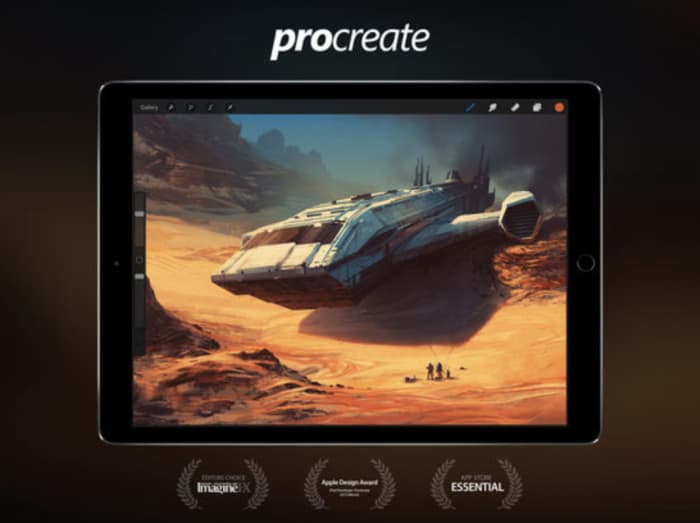
Procreate

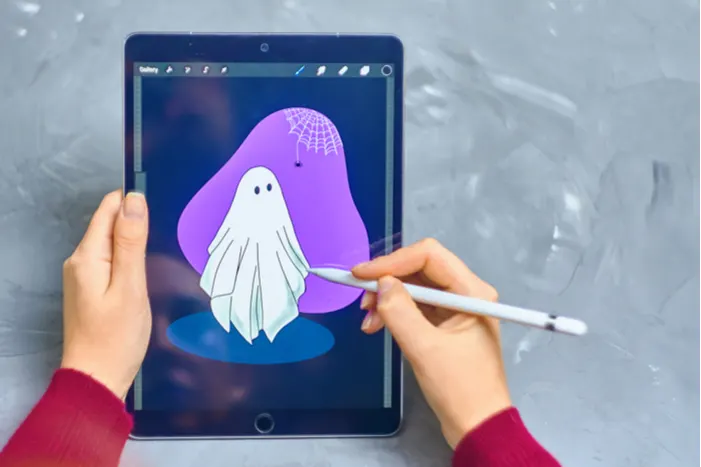
procreate for iPad

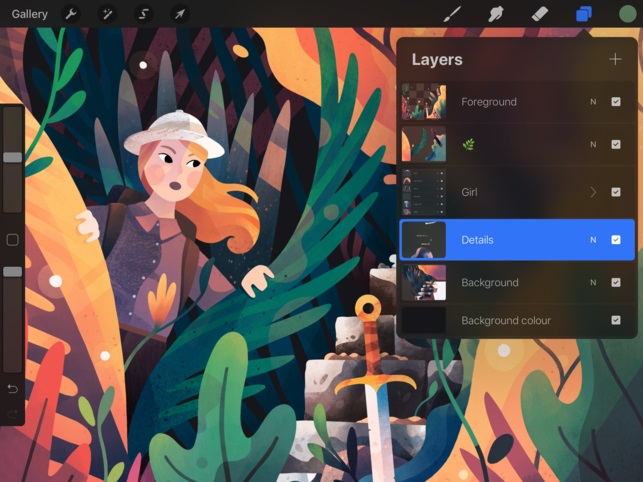
Procreate strikes a balance between professional-grade graphics and a relatively low learning curve. The focus is less on packing in the most tools,  but more on a thoughtful interface that doesn’t get in the way of genius.

This app brings together a lot of the tools you’d find in Photoshop and Illustrator. It’s similar to the Adobe Suite in that it’s built to handle layers and it comes with brush and tool presets.

It’s also just $9.99, which is equivalent to a month of using Photoshop and Lightroom through the Adobe Creative Cloud. Procreate is an Apple Design winner for good reason. There’s no drag, and you can undo and redo up to 250 levels. You can also record your drawings as HD videos if you’re into showing off your process.

Procreate Download Free ►
9

Pigment

Pigment coloring app

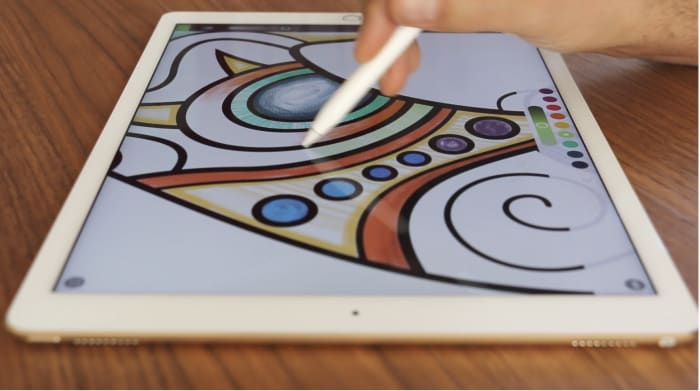
Adult coloring hit it big a few years ago. It’s known to combat anxiety, reduce stress, and it’s undeniably fun. Pigment takes the coloring book and brings it to the iPad, bringing all the tools you need to your screen.

Sure, maybe you didn’t come up with the lines on your own, but there’s something relaxing about kicking back with a coloring book. With the Apple Pencil, you’ll get a more authentic coloring experience than you might with a smartphone app and no stylus.

Pigment offers 4,000+ pages to color your way through and you can choose to color one section at a time or take a more traditional approach.

8

Paper

paper ipad apple pencil app

Paper isn’t exactly new — in fact, it was one of the first apps available when the iPad Pro came on the scene. Still, the whole aesthetic experience is something special.

Paper presents a personal space for writing notes, creating doodles and drawings, and journaling. Taking things digital means you’ll get some technological assists like auto-corrections. This will crisp up your rough lines. You can also input templates— storyboard, templates, and grids, for some added precision.

Tayasui Sketches

Tayasui sketch app

Use your Apple Pencil to draw, paint, and edit with a variety of tools from oil pastels to pen brushes, patterns, and smudge. Tayasui Sketches is one of the most comprehensive sketching apps for iPads and mobile devices. It’s not as complex as something like Procreate, yet the tools are sophisticated enough for skilled digital artists.

Tayasui Sketches Download Free ►
9

Affinity Designer

affinity design app

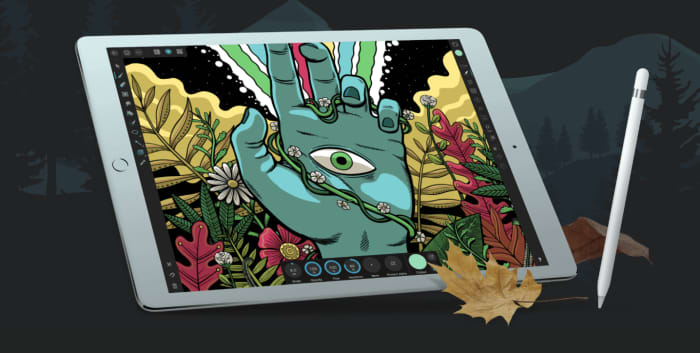
Affinity Designer is of the best professional drawing apps for Apple Pencil and iPad. It is a feature-rich design tool that allows you to create freehand vector drawings with tons of detail.

Affinity Designer is built for the iPad, so it’s sensitive to Apple Pencil pressure and allows you to pinch and pull your way around the screen. It includes a range of touch gestures that replace keyboard commands like shift or alt.

Work in layers, zoom in on specific sections, and gain complete control over your colors. Additionally, you can use Affinity for custom typography, and import your own fonts for fine-tuning or start from scratch.

Don’t let the app intimidate you. Regardless of your skill level, Affinity gives you a professional toolset for under $20.

Affinity Designer Download now ►
9

Drawing a conclusion

If you’ve always wanted to learn how to draw, we have a few solutions for your needs. 

There is an app to help you with any and all art need that comes your way. Whether you consider yourself a beginner or a master, these apps can help put the picture on the canvas in your head to the screen in your hands.

Best animation apps for iPad

Ready to try your hand at animation?

iPad art

Apple’s iPad can be a powerful animator tool!

We want to mention right off the bat: should you try to become a professional animator with an iPad? The answer is no: there are far better tools for the job. But if you’re already an iPad fan, enjoy art, and want to give animation a try, we’ve got the apps for you! They can get you started, and help you begin tackling the fundamentals:

Namely… FlipaClip and Animation Deskthe best tools for a budding iPad animator!

Best animation apps for iPad

Introduction

At 4.6 stars from over 25,000 reviews, Flipaclip is our recommendation. This app mimics the feel of creating a stick figure flip book in elementary school, with all the upgrades and benefits that can be expected from an iPad’s powerful software.

FlipaClip - Cartoon Animation download free ►
9

And, for our second option, Animation Desk offers a decent experience that has been rated at 4.4 stars with a little over 4,000 ratings. It’s slightly more complicated, but no less powerful!

Animation Desk download free ►
8

Now that you’ve been acquainted, let’s get into it:

Price

First things first: how much will this cost?

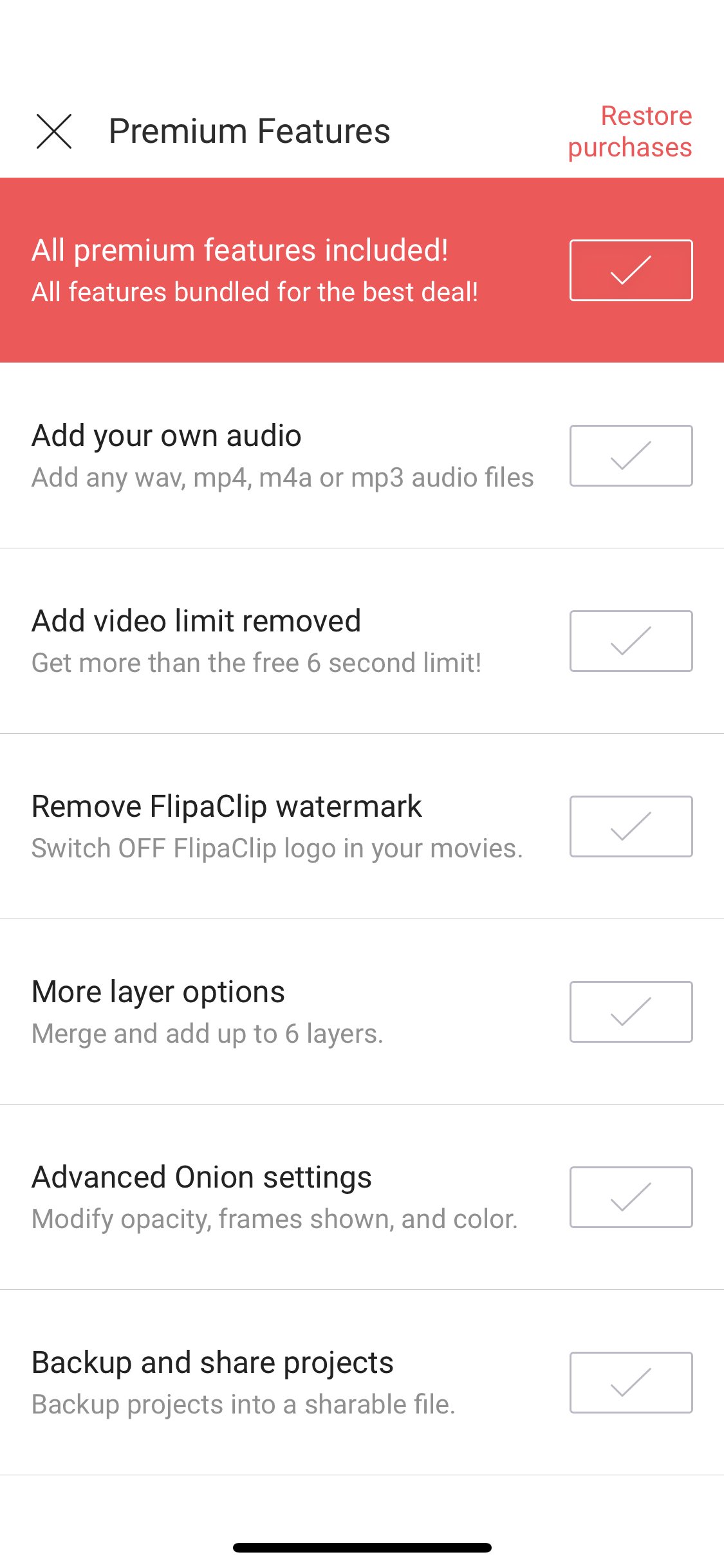
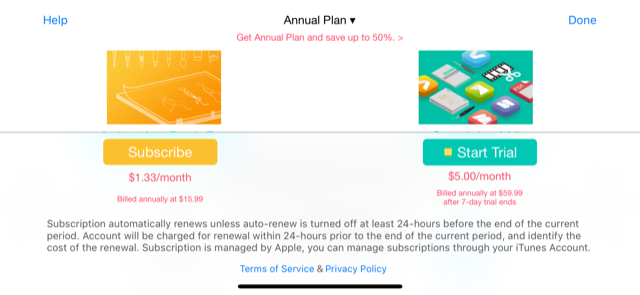
Flipaclip can be downloaded for free, but prepare for rampant ads, a limited number of files, and severe limitations. So, basically, you actually have to pay for premium, which is going to run you around…$6.

Yep, just six bucks. For everything. It’s essentially a six dollar app! Here are just a few things provided with the full product:

Animation Desk can be used for free as well, but also has restrictions. However, the app doesn’t tell you what these are and, instead, offers yearly subscriptions for $16 or $60 a year. A subscription can provide more pen tools and access to other creativity apps from the developer.

There’s also a $20 “Ultimate” version, but it has fewer stars from fewer ratings on the app store, likely due to the initial fee. If you like Animation Desk’s free version, it may be your cup of tea!

The User Interface

With price out of the way, you can begin to judge the apps themselves. So, next comes the user interface, one of the most important factors!

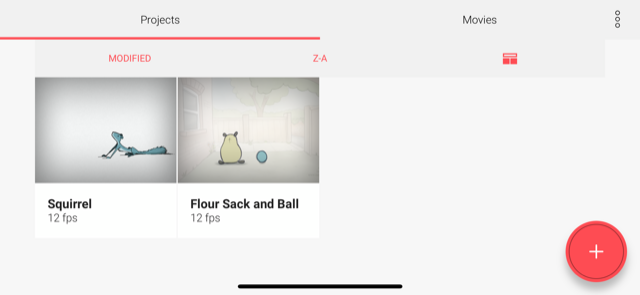
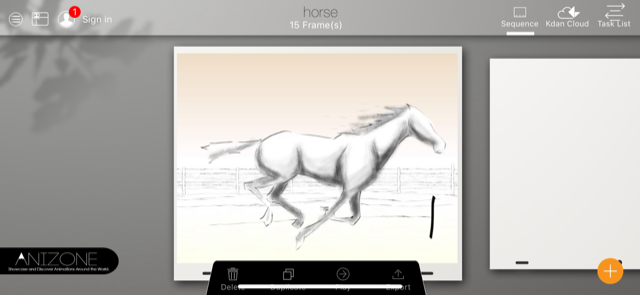
What do you see when opening the app? Here it is:

FlipaClip

The main menu looks clean and intuitive. Navigation couldn’t be easier:

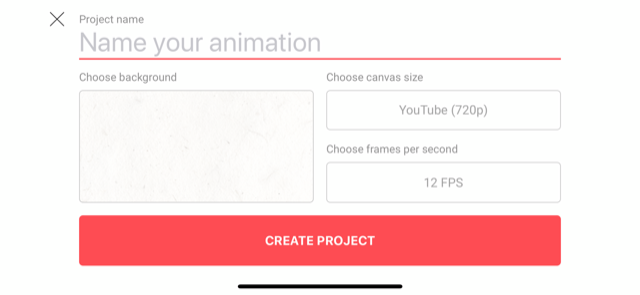
Making a new animation? When you hit “+”, you get a screen that easily allows you to change the size, title, and Frames Per Second (FPS) for the project. Choose a background; it can be one of FlipaClip’s paper backgrounds, or you can insert an image of your choice later.

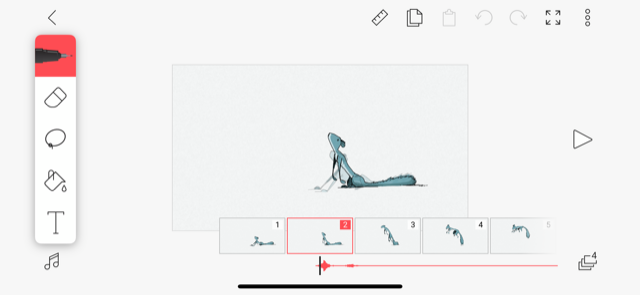
Here, FlipaClip combines the best parts of a drawing app with animation tools. On the left, you have your pens, eraser, lasso, fill, and text tools. At the bottom, the slide controls:

The difficulty is in the drawing, where it should be, rather than the app’s usage.

Animation Desk

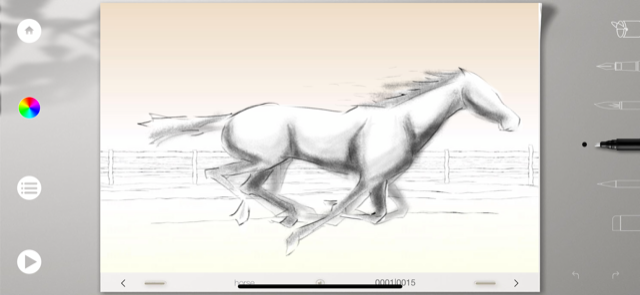
While FlipaClip appears more easygoing, Animation Desk looks more professional, with a slate gray background. There are more icons and options, which may be helpful or simply make the picture “busy.”

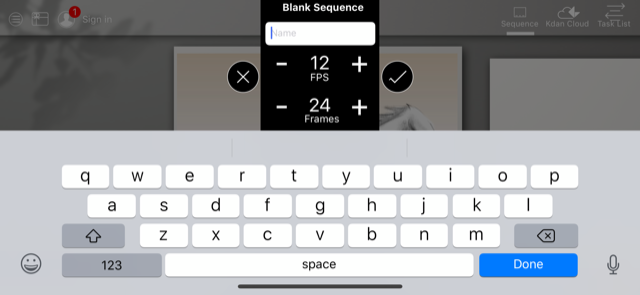
Animation Desk’s project creator asks you choose a name, FPS rate, and starting number of frames to work with. Here, we have 24 frames at 12 frames per second… or a 2-second video.

Inside the creator menu, you’ll find your art tools on the right and a sort of navigation menu at the bottom. The color selector landed on the left side, amongst the menu and frame selection buttons.

A Few More Thoughts

Let’s talk about some notable similarities and differences between the two.

Both apps facilitate the use of animation frames with all the regular tools expected of an artistic app. But, unlike more professional animation apps like Adobe Animate, neither of these tools allow vector-based graphics, or time-based frame placement.

They both are legitimate animation options.

There are a few differences:

flipaclip

FlipaClip has a few great pros. We’ll name four:

  • Zoom in and out: the frame can become larger than your iPad screen, or smaller (Animation Desk only allows the frame to shrink). This makes altering small details much easier.
  • A ruler: create straight lines!
  • Easier animation tools: at the bottom of the screen, FlipaClip’s frame viewer works intuitively: slide left and right to different parts of the video. Copy videos, paste, and add new ones simply by pressing down on the selector slide.
  • Settings menu: easily change onion settings (the faint lines showing future and past frames), establish a grid, and add outside materials.

animation desk

Trying Animation Desk? Check out these benefits!

  • Brushes: with the payment, there are a ton of new brushes available. Without this, both programs have the original four: pen, brush, marker, and pencil.
  • Truly free: you can use the app without paying and avoid running into rampant ads and other crippling limitations.
  • The creation environment. It bears being mentioned again: Animation Desk looks good!

Conclusion

The Apple store numbers don’t lie: FlipaClip works better in a number of important ways, but Animation Desk has a few killer benefits that will be perfect for some users.

We hope this helps you take a solid stab at animation: the practice can be highly rewarding!

FlipaClip - Cartoon Animation download free ►
9
Animation Desk download free ►
8

Unleash your creativity with this new Adobe software sale

Get 20% off the Adobe Creative Cloud for a limited time.

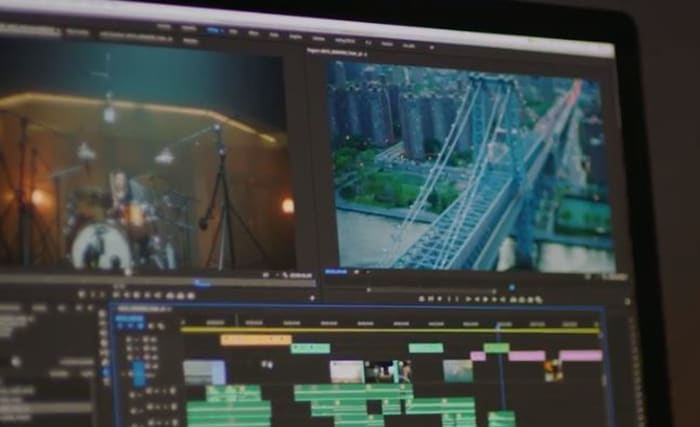
These days, it’s hard to think of a career that doesn’t benefit from access to good video and audio editing software: Photoshop, Illustrator, Lightroom, After Effects – these are the secrets to stepping up your presentation game, no matter your vision, no matter what medium. Whether you’re an Animator, YouTuber, Filmmaker, or a Graphic Designer, these are the tools you need.

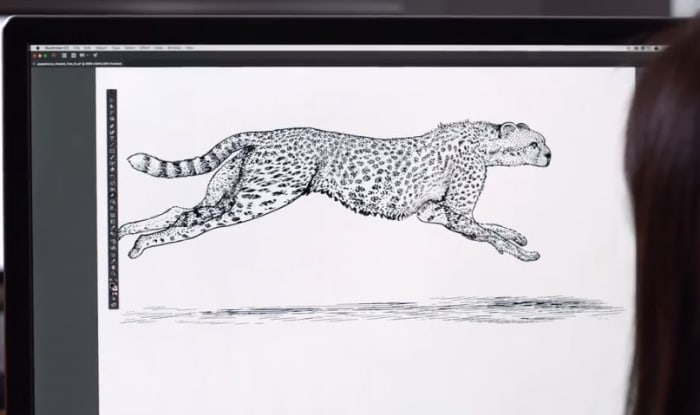
Adobe video editing software
Edit your projects with the same tools as Hollywood professionals

These Adobe products will let you create and edit on the fly from either your desktop or mobile device, and breathe life into whatever you can dream up, adding any manner of graphics, effects, and pro-quality audio.

Creative Cloud

Got your eye on a few of these products? Save your money and check out the Creative Cloud. The Creative Cloud is a series of different price plans that group all the best video and audio editing software into a neat bundle. Now, for a limited time, you can grab all this great software for £39.95/month. That’s 20% off.

Creative Cloud contains all the renowned apps and services we mentioned above, giving you a huge leg up in any video editing, visual and audio design, and photography you want to tackle.

Adobe Creative Cloud
Watch your art and animations come to life

It’s also got built-in tutorials and templates if you’re just starting out, so you’ll get a feel for how each program functions as you take your first steps. If you’re already a seasoned artist, you’ll find the Creative Cloud has all the design tools to bring your ideas to life.

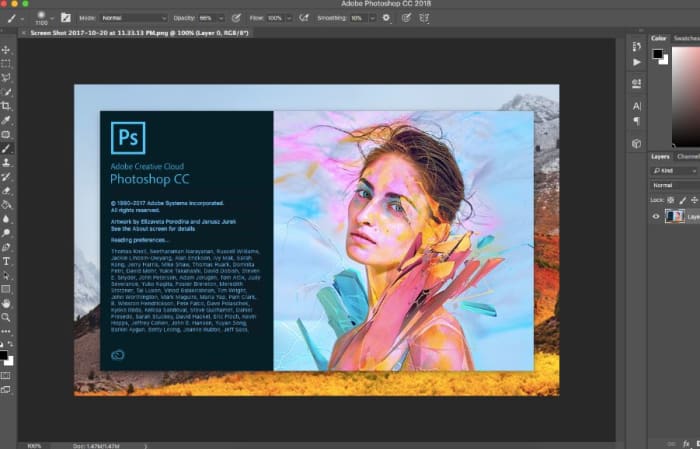
Adobe Photoshop
Your trial subscription will automatically roll over to the full version!

This is the perfect opportunity to sample some of Creative Cloud’s most powerful tools, and to do it conveniently and for a great discount.  If you’ve ever wanted to unleash your creativity, jump on the sale and see what you can dream up!

Adobe offer

5 best apps for drawing on the go

Want to make a digital doodle? Here are five great options to advance your art.

Whether you’re a professional artist or just enjoy drawing as a hobby, having a good set of drawing tools is important for working on any project you may have going on. Not everyone prefers to draw digitally, but there are plenty of programs to help your digital art feel the same way it does with pen and paper. And nowadays, there are dozens of programs you can use directly from your phone to do this. These can improve any project you plan to work on as an artist.

5 best apps for drawing

Autodesk Sketchbook

Autodesk Sketchbook

Autodesk Sketchbook is a free mobile option for drawing, editing, and organizing your work. You can use it whenever you’re away from your tablet or other devices you use to draw.  This is perfect for when you need a little touch up on your work here and there, or when you’re doodling on a train. It also lets you save directly to iCloud and Dropbox, so you don’t have to send your revisions to yourself.

Autodesk Sketchbook Free Download ►
8

Procreate

Procreate

Procreate is a really cheap option for a professional app. The array of brushes this program has rivals that of some of the most high-end drawing programs, while being completely accessible from your mobile device. It has a powerful, fast painting engine, with incredibly high-resolution capabilities. If you want something professional to work with on your mobile device, then there is no better choice than Procreate.

If you’re interested in using Procreate, we have an easy guide for helping you get started.

Procreate Download Now ►
9

Artrage

Artrage

Artrage prides itself on creating realistic paintings, and it clearly does a fantastic job at doing so. Art created on Artrage rarely looks like it came from a digital artist. It not only has many different choices for art tools, but it also lets you interact with your canvas as if you were actually using these tools. This means you can “throw” paint on your canvas or smudge your work in a way that you rarely get to do in a digital format. Artrage is a great tool for not only creating realistic art, but also experiencing digital art as if you were creating it traditionally.

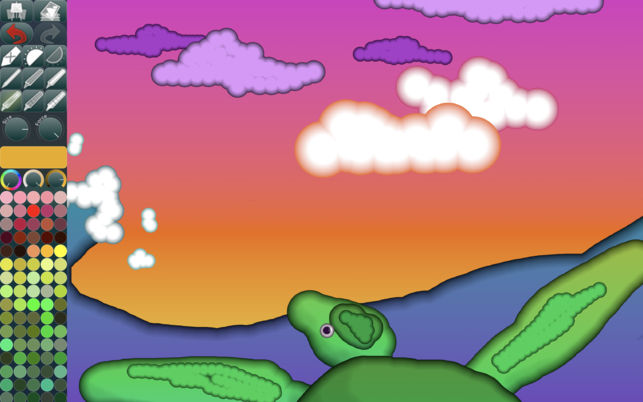
Daydream Doodler

Daydream Doodler

As the name implies, this app is mostly for doodling. It focuses heavily on a cartoonish color palette. It definitely isn’t meant to be used for professional work (though we’re sure there are artists out there that could use it for that), but it’s really easy and simple to use compared to most drawing programs. The program is highly intuitive and it’ll feel just like doodling on paper. As a free app, it’s a great choice to look into if you want to do some fast drawings every now and again.

Daydream Doodler Free Download ►
7

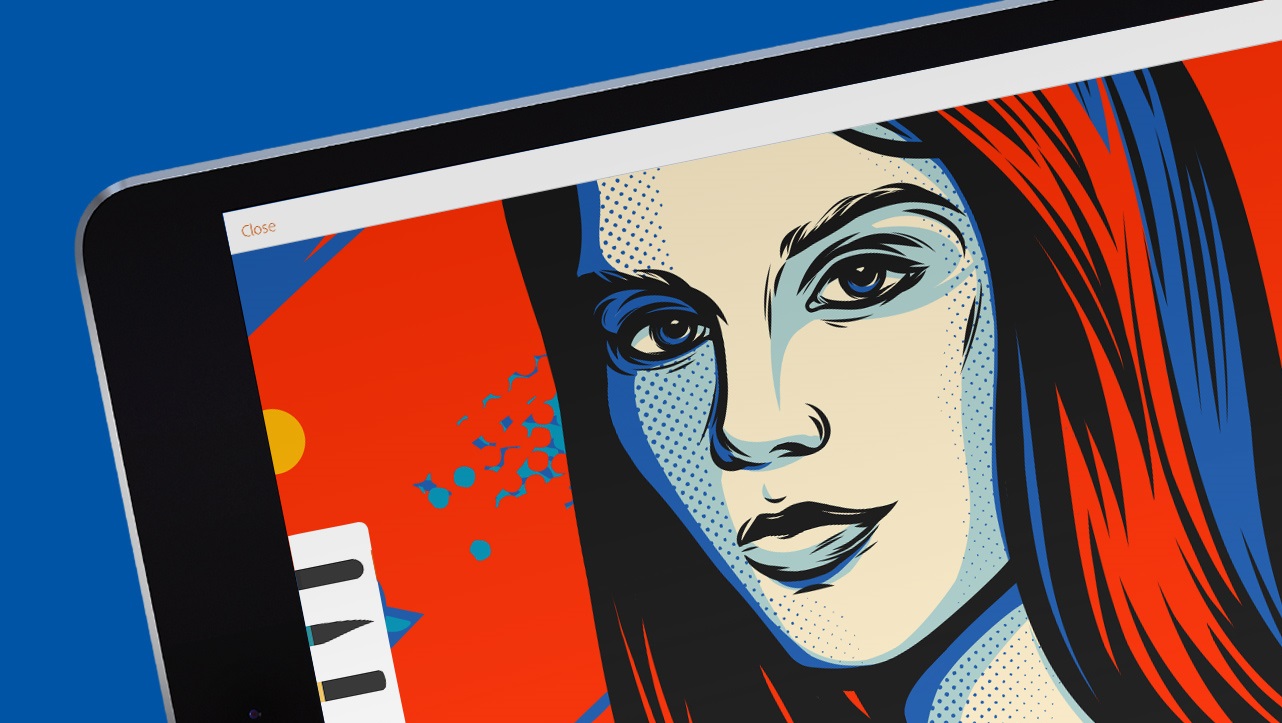
Adobe Illustrator Draw

Adobe Draw

As the creators of the PC programs, Photoshop and Illustrator, Adobe is already a popular name among artists. Adobe Draw retains many of Illustrator’s capabilities, making it a great tool for creating both 2D and 3D images. It also lets you connect directly to Photoshop and Illustrator, so you won’t have to use Dropbox or Google Drive to transfer your work over to your PC. This app is another fantastic professional drawing tool that every artist should have.

Adobe Illustrator CC Download ►
6

As an artist, you may enjoy other people’s art just as much as you enjoy creating your own. If so, you’ll definitely want to check out our article on the best apps for art and culture. These can also give you some extra inspiration when working on your own art.