50 Sensational Desktop Wallpapers to Download Right Now

Download now these 50 wallpapers for your PC or Smartphone, they are amazing. Landscapes, castles, drawings, futuristic images, sunrises etc. Discover and download them for free here.

Are you looking for a good desktop wallpaper for your PC? Tired of always having the same wallpaper on your Mac or your smartphone? you have come to the right place! And it is that although we do not think about it often, the image with which we decorate our desktop and cell phones says a lot about ourselves, so… Why settle for anything?

At Softonic we have scoured the Internet in search of the best free 4K and HD wallpapers so that your screens look like never before. Here you will find 50 backgrounds covering the most popular themes. Landscapes, series, videogames, anime, star wars, aesthetic-type backgrounds… Don’t worry, we haven’t forgotten about dynamic backgrounds either. Go ahead and try them all!

How to download and customize wallpapers on PC, Mac and mobile

If any of the desktop wallpapers that we offer make you tickle, don’t hesitate to download them and put them on your computer… They are for free! Don’t know how to do it? Don’t worry, it’s very simple. You just have to follow these steps.

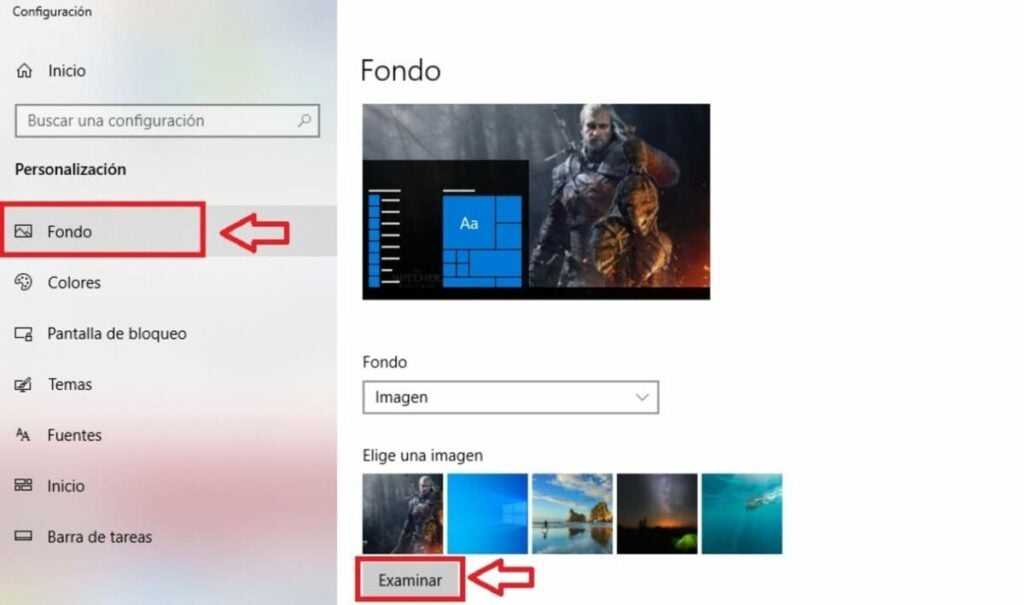
  • On PC– Click on the download link to save the wallpaper to your hard drive. Now simply right click on the desktop and select the “Customize” option. Under the “Background” tab, click “Browse” and select the background you just downloaded.
  • On Mac– Click on the download link to save the wallpaper to your computer. Now select the Apple menu and choose “System Preferences“. Once done, go to “Desktop and Screensavers” and select the “Desktop” option. Open the “Photos” drop-down menu and select the wallpaper you just downloaded.
  • On mobiles and cell phones– Click on the link to download the wallpaper to your mobile. If you are an Android user, access your device’s gallery and set the image you want as wallpaper. If you have an iPhone, go to your phone’s settings, click on “Wallpaper” and select the option “Add new wallpaper“. Then select the image of your choice.
4K and HD wallpapers

1. Nubes coloridas

DOWNLOAD 4K BACKGROUND

DOWNLOAD HD BACKGROUND

2. Anime girl dream

DOWNLOAD 4K BACKGROUND

DOWNLOAD HD BACKGROUND

3. GTA V – Los Santos

DOWNLOAD 4K BACKGROUND

DOWNLOAD HD BACKGROUND

4. Stranger Things

DOWNLOAD 4K BACKGROUND

DOWNLOAD HD BACKGROUND

5. Darth Vader Lightsaber

DOWNLOAD 4K BACKGROUND

DOWNLOAD HD BACKGROUND

6. Fantasy Landscape

DOWNLOAD 4K BACKGROUND

DOWNLOAD HD BACKGROUND

7. Swiss Alps

DOWNLOAD 4K BACKGROUND

DOWNLOAD HD BACKGROUND

8. Fireworks

DOWNLOAD 4K BACKGROUND

DOWNLOAD HD BACKGROUND

9. Ford Mustang

DOWNLOAD 4K BACKGROUND

DOWNLOAD HD BACKGROUND

10. Lion at Sunset

DOWNLOAD 4K BACKGROUND

DOWNLOAD HD BACKGROUND

11. Black dog

DOWNLOAD 4K BACKGROUND

DOWNLOAD HD BACKGROUND

12. Avatar: The Sense of Water

DOWNLOAD 4K BACKGROUND

DOWNLOAD HD BACKGROUND

13. Neytiri (Avatar)

DOWNLOAD 4K BACKGROUND

DOWNLOAD HD BACKGROUND

14. Wednesday (Jenna Ortega)

DOWNLOAD 4K BACKGROUND

DOWNLOAD HD BACKGROUND

15. Pair of keychains

DOWNLOAD 4K BACKGROUND

DOWNLOAD HD BACKGROUND

16. God of War Ragnarok

DOWNLOAD 4K BACKGROUND

DOWNLOAD HD BACKGROUND

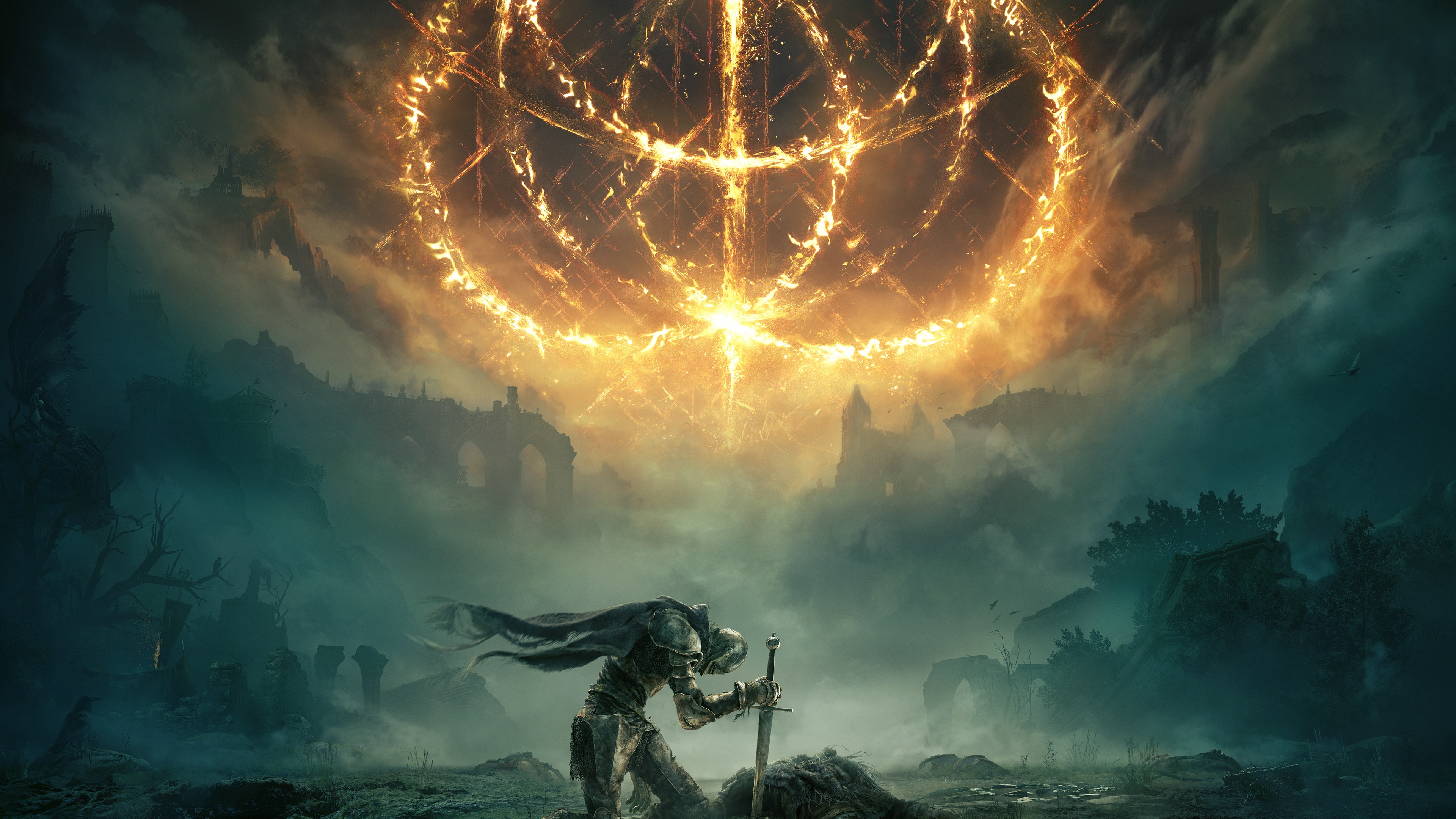
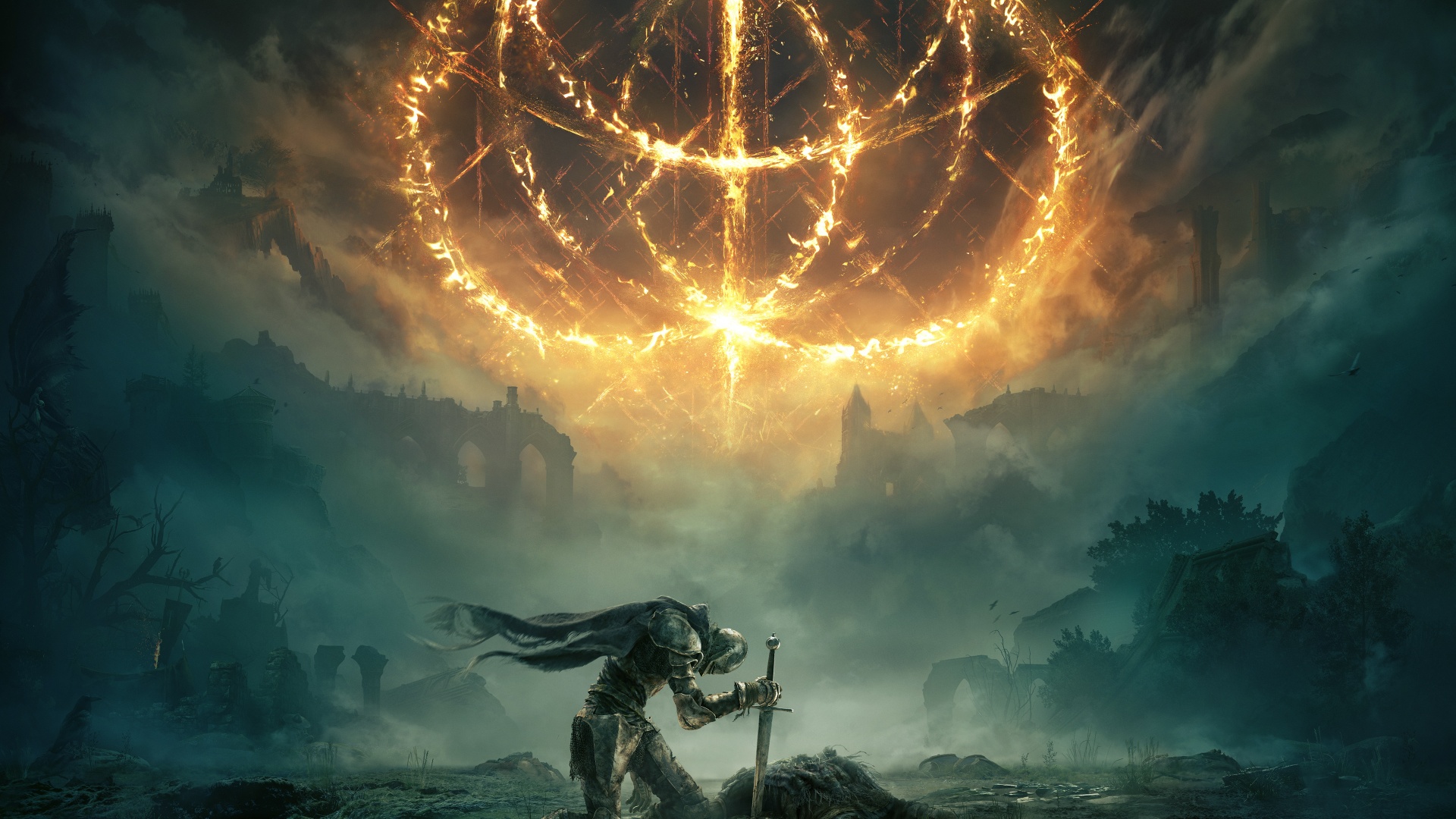
17. Elden Ring

DOWNLOAD 4K BACKGROUND

DOWNLOAD HD BACKGROUND

18. Super Mario

DOWNLOAD 4K BACKGROUND

DOWNLOAD HD BACKGROUND

19. The Last of Us (2023)

DOWNLOAD 4K BACKGROUND

DOWNLOAD HD BACKGROUND

20. Arcane

DOWNLOAD 4K BACKGROUND

DOWNLOAD HD BACKGROUND

21. Chainsaw Man

DOWNLOAD 4K BACKGROUND

DOWNLOAD HD BACKGROUND

22. Particle explosion

DOWNLOAD 4K BACKGROUND

DOWNLOAD HD BACKGROUND

23. Marvel’s Spider-Man

DOWNLOAD 4K BACKGROUND

DOWNLOAD HD BACKGROUND

24. Assassin’s Creed Valhalla

DOWNLOAD 4K BACKGROUND

DOWNLOAD HD BACKGROUND

25. Death Stranding

DOWNLOAD 4K BACKGROUND

DOWNLOAD HD BACKGROUND

26. Kitten with flower

DOWNLOAD 4K BACKGROUND

DOWNLOAD HD BACKGROUND

27. The Last of Us 2

DOWNLOAD 4K BACKGROUND

DOWNLOAD HD BACKGROUND

28. Elephant Fantasy

DOWNLOAD 4K BACKGROUND

DOWNLOAD HD BACKGROUND

29. Guardians of the night

DOWNLOAD 4K BACKGROUND

DOWNLOAD HD BACKGROUND

30. Sunset at Alpha Centauri

DOWNLOAD 4K BACKGROUND

DOWNLOAD HD BACKGROUND

Mobile and cell phone wallpapers

1. Anime couple

DOWNLOAD BACKGROUND

2. Astronaut

DOWNLOAD BACKGROUND

3. Lake Tahoe

DOWNLOAD BACKGROUND

4. Leo Messi

DOWNLOAD BACKGROUND

5. Color explosion

DOWNLOAD BACKGROUND

6. Blue Ford Mustang

DOWNLOAD BACKGROUND

7. Kratos and Atreus

DOWNLOAD BACKGROUND

8. Northern Lights

DOWNLOAD BACKGROUND

9. Hello Kitty

DOWNLOAD BACKGROUND

10. Shetland Sheepdog

DOWNLOAD BACKGROUND

Dynamic backgrounds for mobile

1. Forest Live Wallpaper
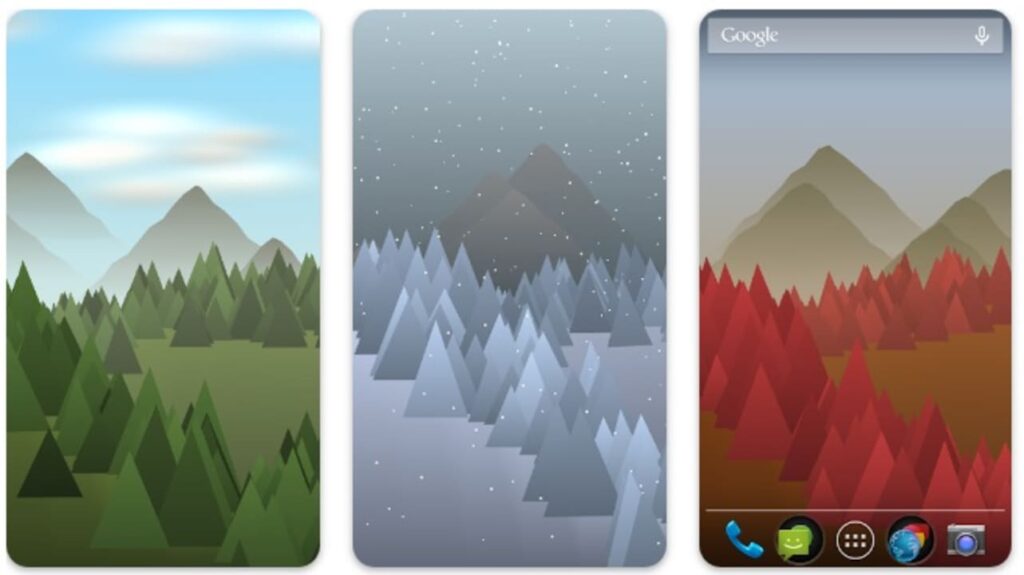
Forest Live Wallpaper DOWNLOAD
9

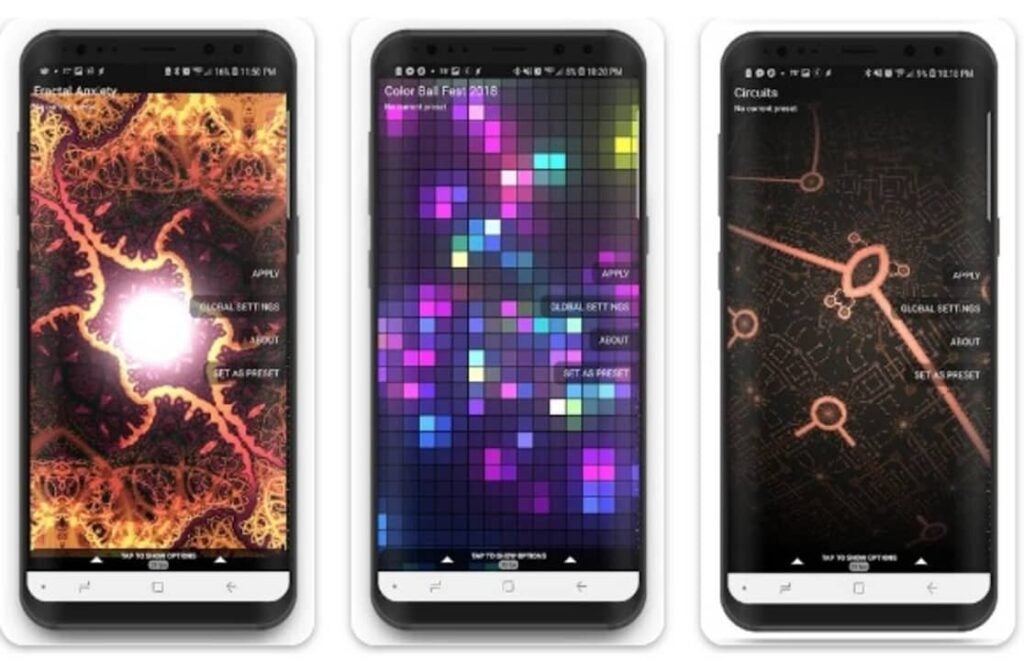
2. Fracta Live Wallpaper

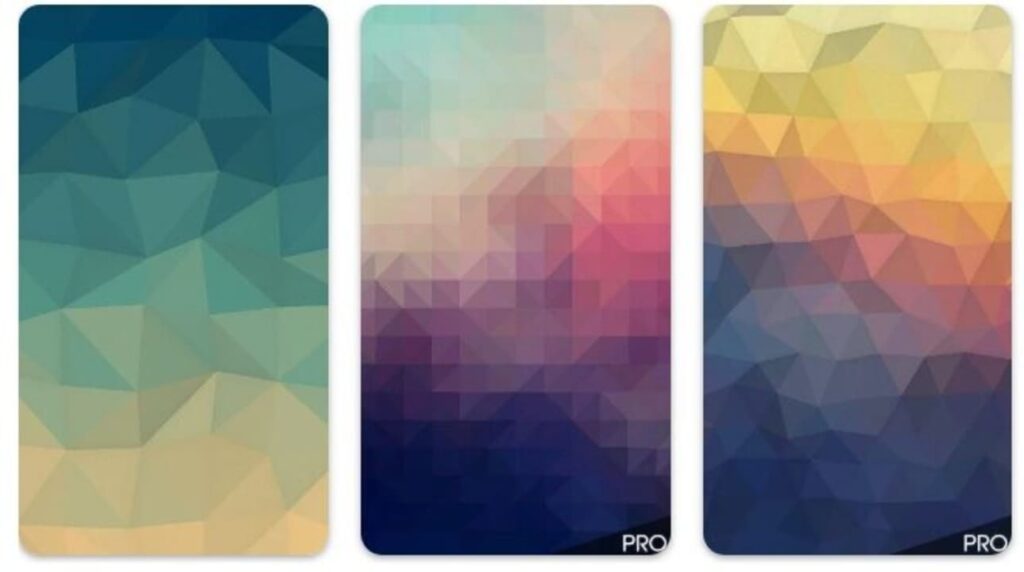
Fractal Live Wallpaper DOWNLOAD
8

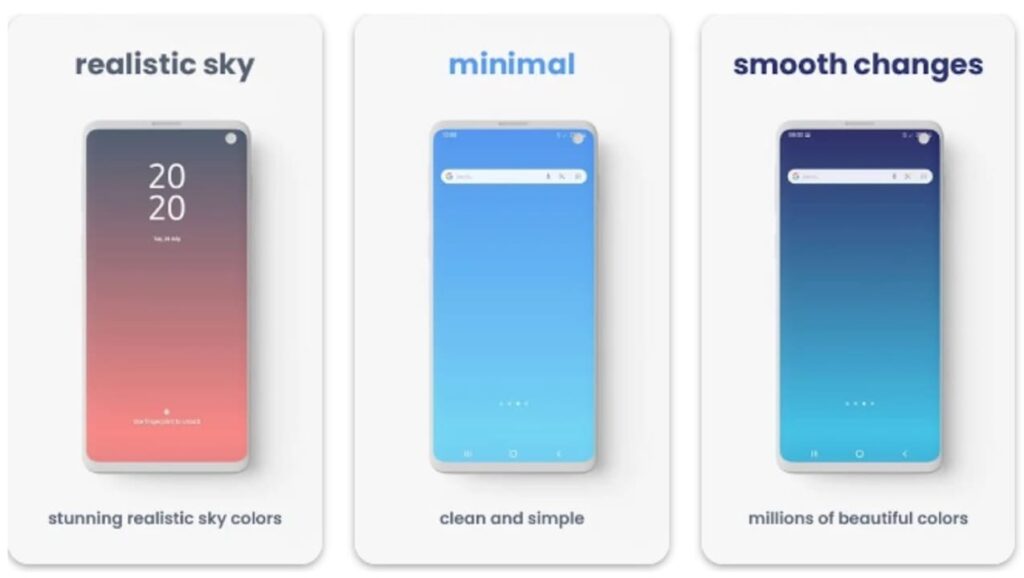
3. Minima Live Wallpaper

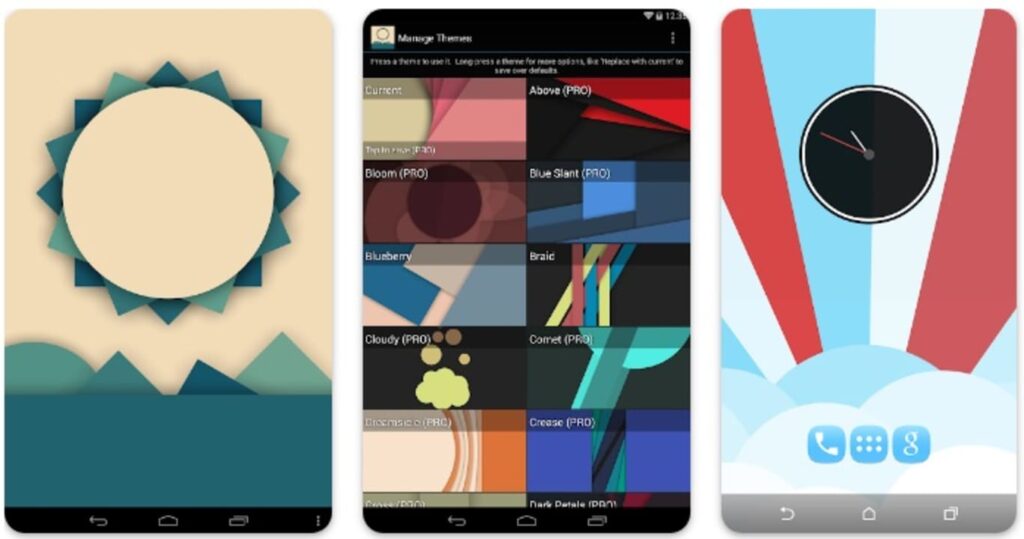
Minimal Live Wallpaper DOWNLOAD
8

4. 2D Mountain Landscape

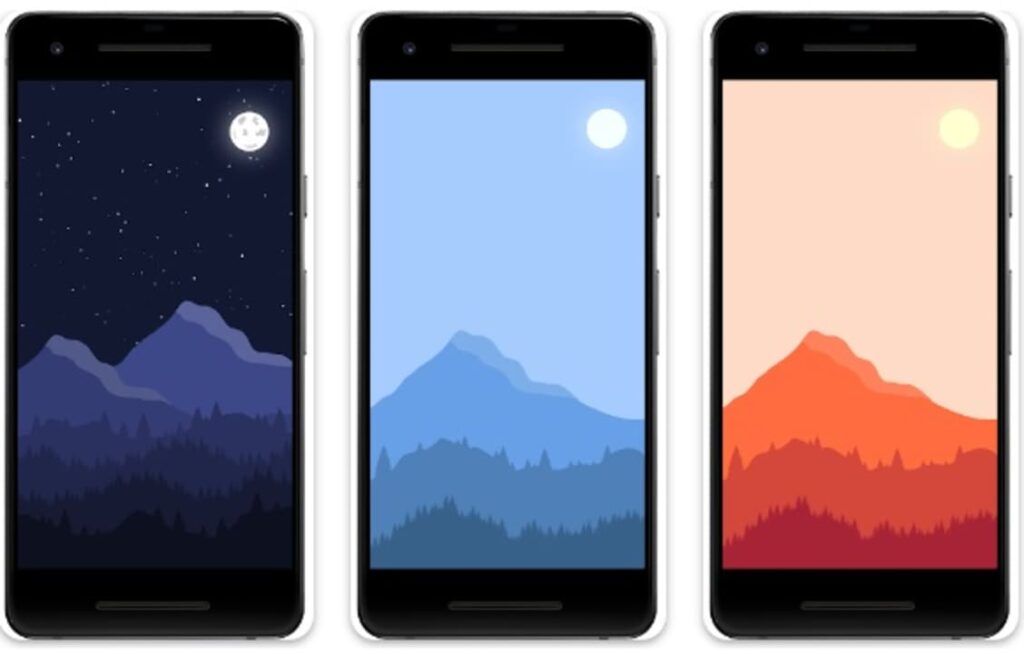
2D Mountain Landscape DOWNLOAD
9

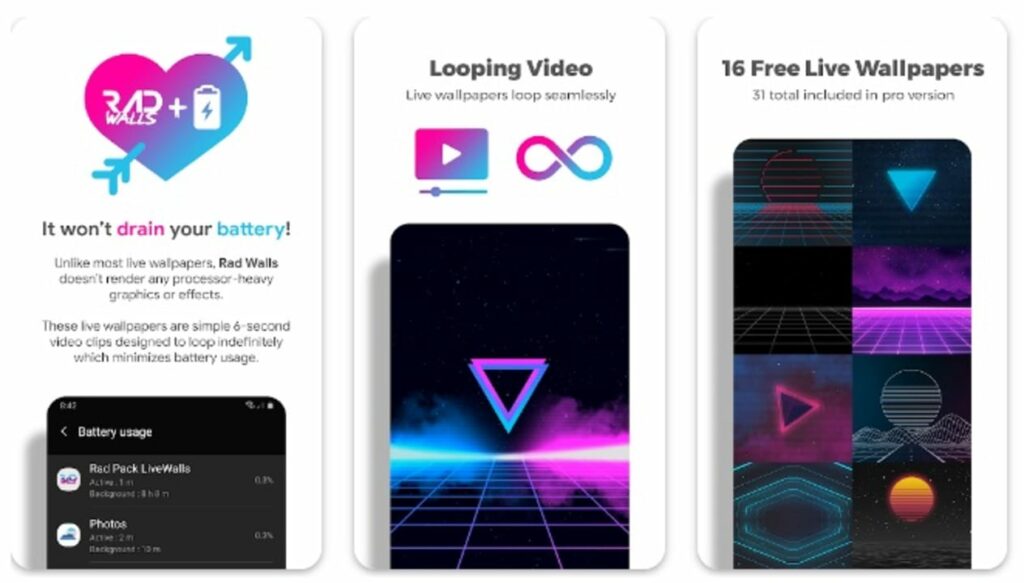
5. Rad Walls

Rad Walls DOWNLOAD
9

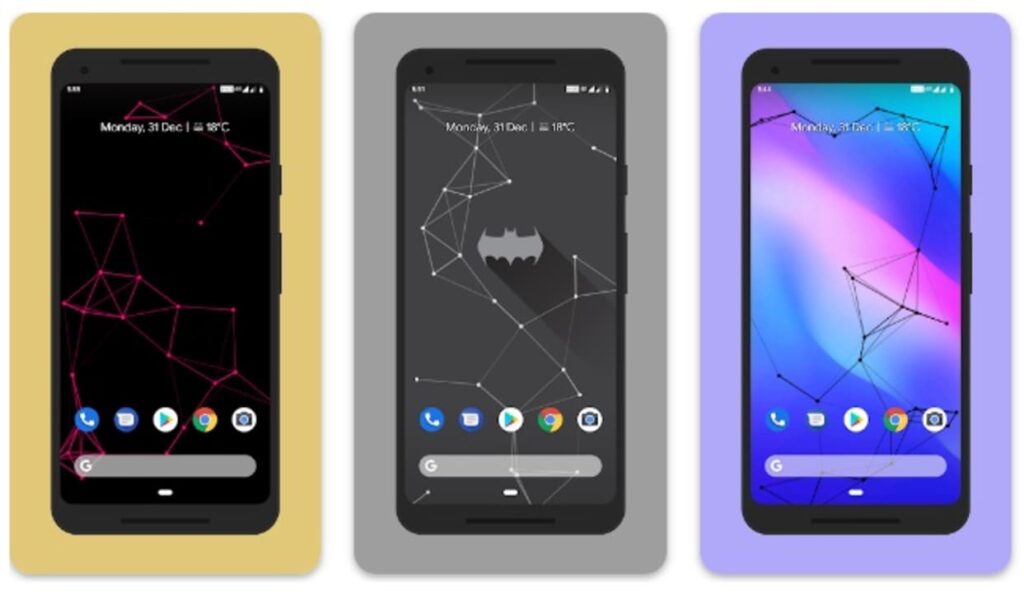
6. Particle Live Wallpaper

Particle Live Wallpaper DOWNLOAD
9

7. Wallow

Wallow DOWNLOAD
8

8. ShaderPaper

ShaderPaper DOWNLOAD
8

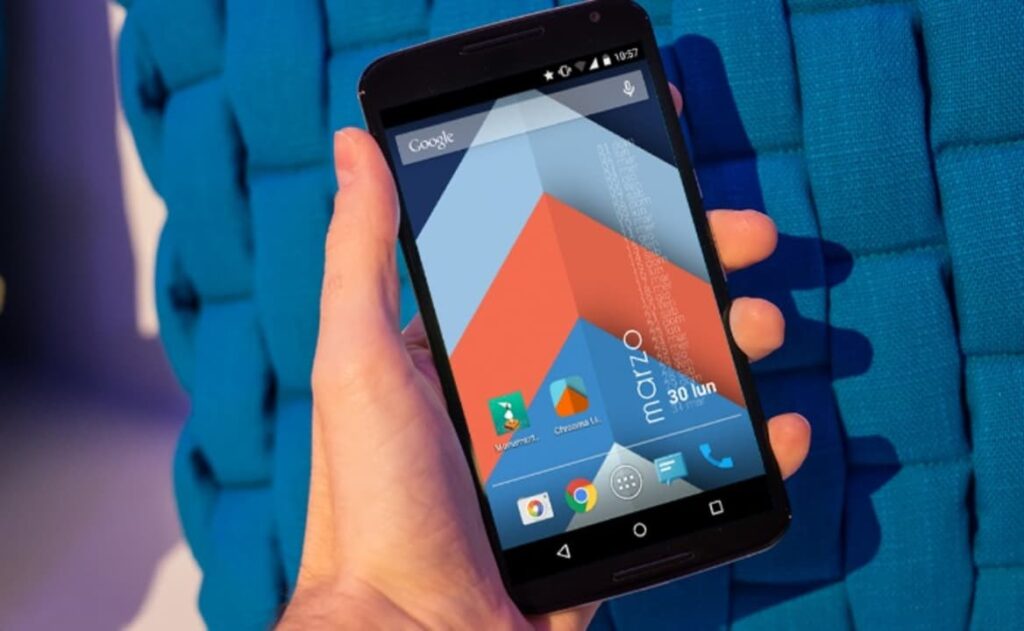
9. Chrooma

chroma DOWNLOAD
9

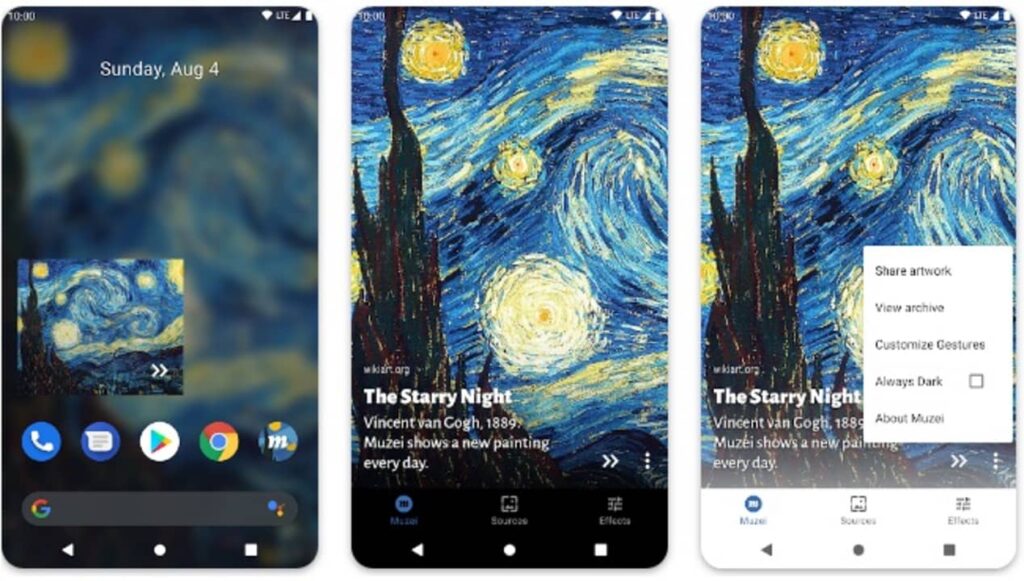
10. Muzei

Muzei Live Wallpaper DOWNLOAD
9

Do you want more free backgrounds to download?

Has our selection become too small for you Don’t worry! There are endless web pages from which you can download amazing backgrounds in just a few seconds. These are the ones we like the most:

If what you are looking for are wallpapers for your smartphone, we recommend that you take a look at our selection of the best wallpaper apps and animated wallpapers. And if you like landscapes, don’t miss these landscape wallpapers. Now you have no excuse for the screen not to look beautiful!


5 Best Free Apps to Record Audio with your PC

Have you ever wondered how to record a podcast, take audio notes or record the sound of any streaming video? With the rise of new technologies, recording audio has become an increasingly present task in our classrooms, companies and even among online teaching professionals. If you are thinking of taking voice notes, recording any kind of audio clip or trying your hand at recording your own podcast, you will need to have the right software installed on your PC. But… Which program to download?

If you have searched the Internet, surely you have already seen that there are endless tools with which to record audio from your PC. However, not all of them are easy to use or free. To make your life easier, at Softonic we have prepared a list of the best free programs to record audio from your PC. We hope they help you!

1. Audacity

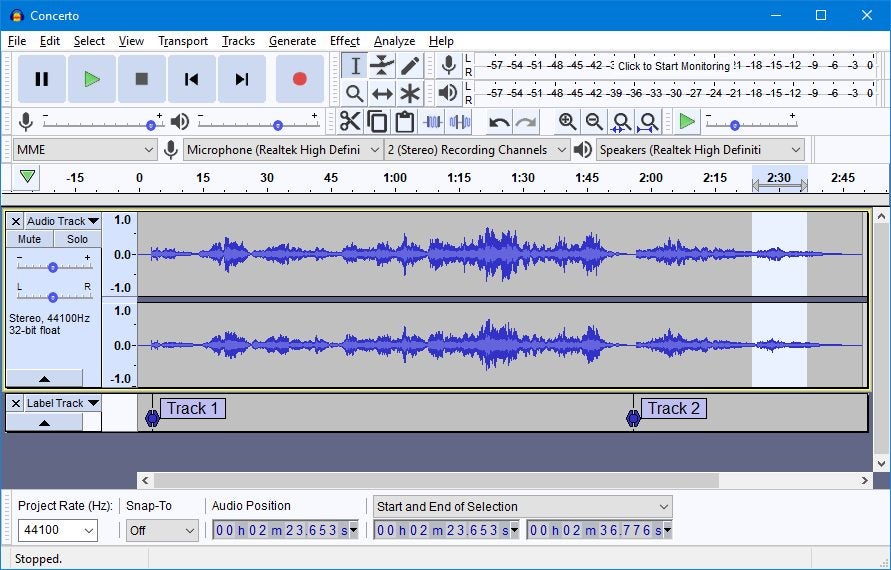
Audacity is, without a doubt, the best option to record audio from your PC. Not only is it a powerful free recording software, but it is also open source, thus opening up a world of possibilities for its users. One of its strengths is that, thanks to its simple and intuitive interface, it is a program accessible to all types of users. This translates into recording and editing tracks in record time, always offering professional results.

Despite being a seemingly simple program, Audacity offers all the necessary tools to record and mix audio tracks. It also includes tools to improve the sound, analyze the bass frequency and add effects such as audio equalization. Without a doubt, it is the perfect option to record any audio track from your PC.

Main features of Audacity :

  • Allows you to record and edit audio tracks
  • Very easy to use
  • Professional tools
  • Multiplatform
  • Free and Open Source
Audacity DOWNLOAD
9

2. Sound Forge

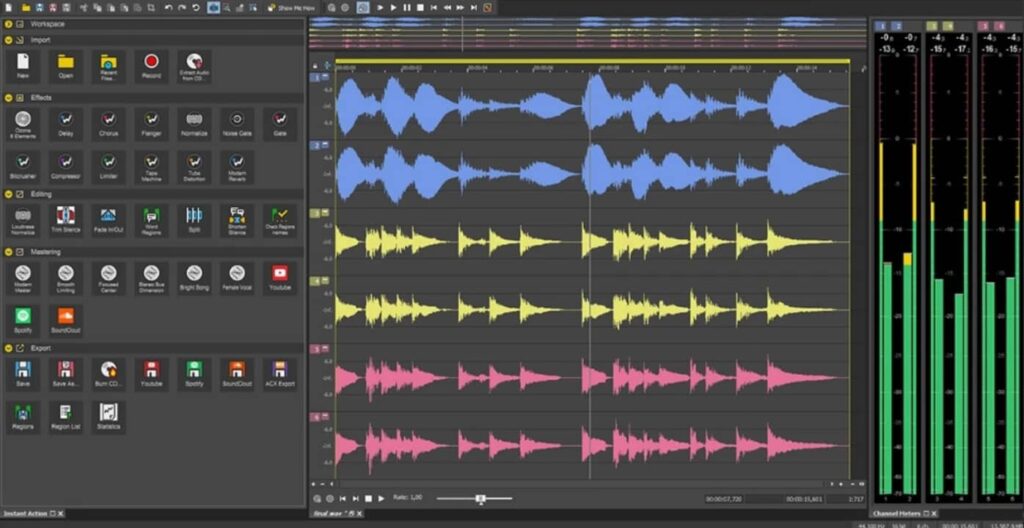
Sound Forge is a very powerful digital audio editing suite designed for the professional and semi-professional audience. In fact, for many years it has been considered the go-to audio editing program for artists, producers and engineers in the industry. Among its main features we find its exceptional audio quality and its advanced mastering and effects tools, with which you can create the perfect audio track.

In addition to being able to record audio, Sound Forge is a software designed to edit and polish the tracks created to the smallest detail. The program also stands out for its high compatibility with file formats and the possibility of exporting them directly to your favorite platforms. Its only weak point: its high learning curve. Sound Forge has a free trial version with which you can enjoy this editor and, if it meets your expectations, purchase its Pro version.

Main features of Sound Forge :

  • Professional recording and track editing tools
  • Recording of up to 32 different audio channels
  • VST plug-in support
  • Supports high-resolution audio recording
  • Includes a wizard to help beginners
  • Headlining software for major artists
Sound Forge DOWNLOAD
8

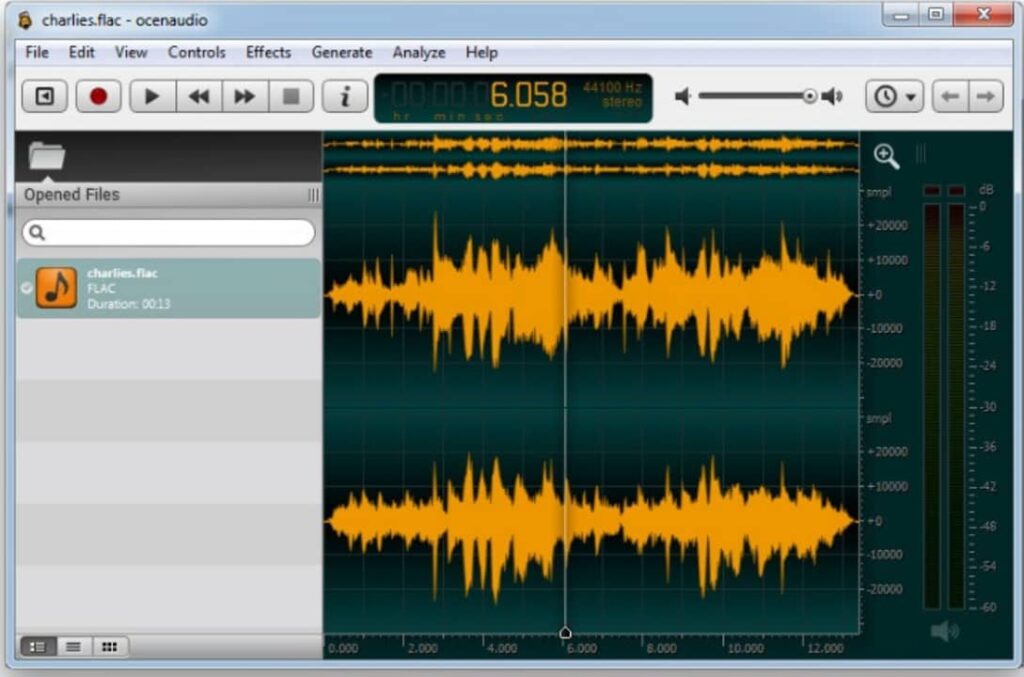
3. Ocenaudio

Ocenaudio is a free audio editor that is very easy to use with which you will be able to record, edit and analyze any track in just a few clicks. Although it is not the most powerful tool on the market, it does include some really interesting features such as the ability to add VST (Virtual Studio Technology) plugins. This makes it especially suitable software if, in addition to recording audio tracks, you want to add effects to them.

Among the main virtues of Ocenaudio is its ease of use. It has an intuitive interface and easy-to-learn controls. In addition, the program is completely translated into several languages, ideal for those who do not yet master the language of Shakespeare. As a final point, Ocenaudio is compatible with a large number of formats (FLT, MP3, M4A, 3GP, OGG, MOV, MKV, AVI, VOC, WAV, etc.) being perfect for both importing and exporting our audio tracks.

Main features of Ocenaudio:

  • Easy to use
  • Allows simultaneous editing of multiple files
  • VST plug-in support
  • Portable version available
  • Available in different languages
  • Completely free of charge
Ocenaudio DOWNLOAD
8

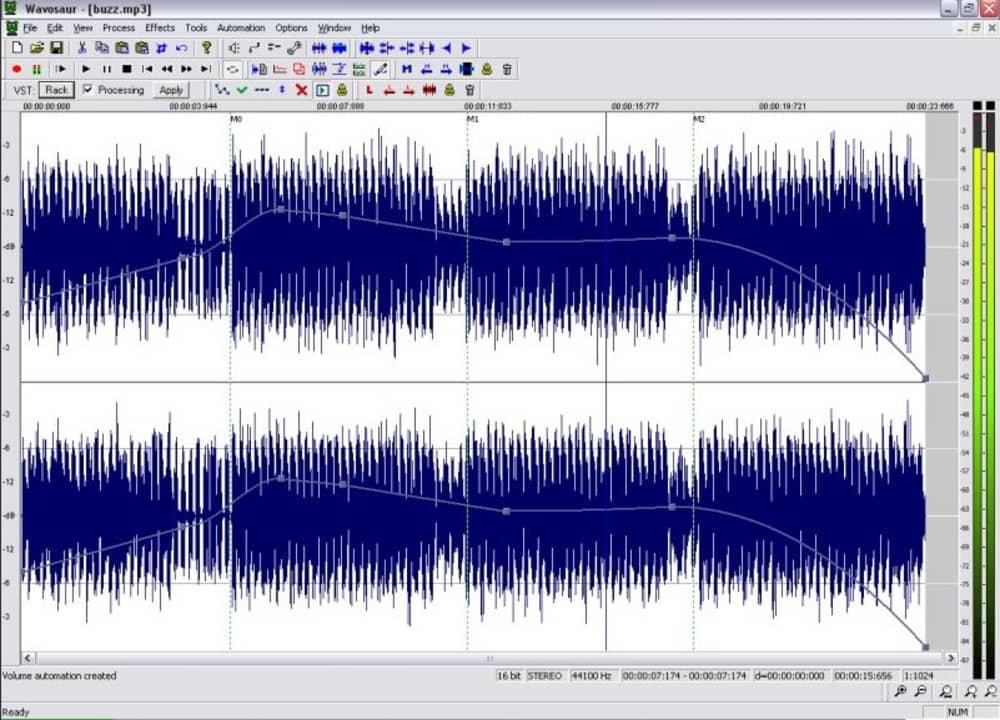
4. Wavosaur

Wavosaur is another excellent option to record audio from your PC completely free of charge. This application stands out for offering native support for VST, making it a useful tool not only for recording, but also for editing, adding an effector and manipulating tracks to your liking. In addition to this, it has all the options of a good audio editor, allowing you to record, analyze, copy, paste, modify channels and convert any type of track with just a few clicks.

A very interesting point about Wavosaur is that it is a portable program and therefore does not require installation. Just download the file, double click on it and start recording and editing audio instantly. In addition to this, it is an app with high file compatibility, accepting to import and export audio in WAV, MP3, AIF, AIFF and OGG VORBIS formats. And it’s free!

Main features of Wavosaur:

  • No installation required
  • VST support
  • Export audio files as text
  • Analyzes the audio frequency of the second and third spectra
  • High format compatibility
Wavosaur DOWNLOAD
8

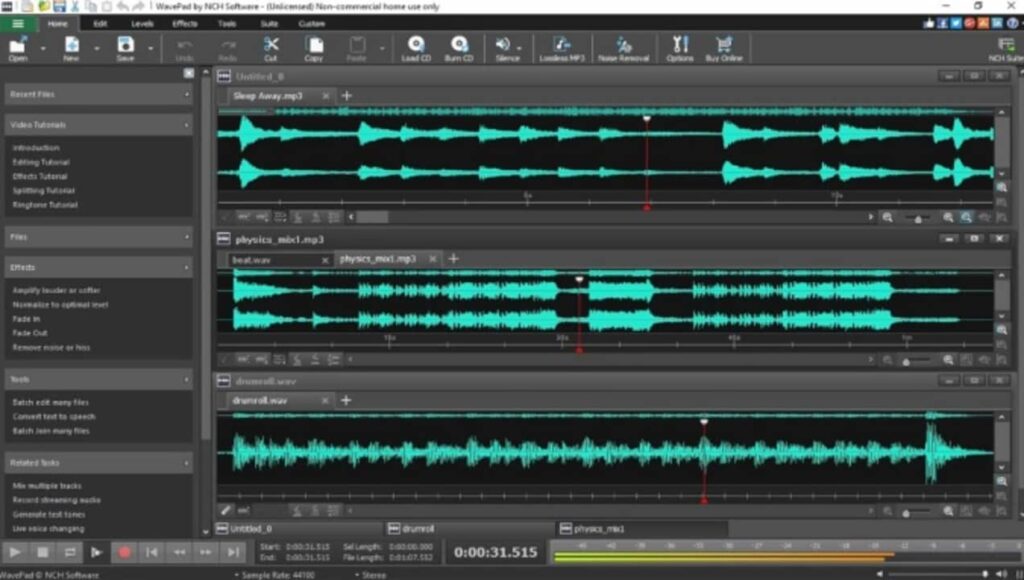
5. WavePad

We close our selection with WavePad, a powerful and complete audio editor with which you can record and edit tracks from your PC. The program has all the basic and advanced editing tools as well as the possibility of adding audio effects. In addition to this, it allows the integration of DirectX and VST plugins, thus opening the possibility of adding endless additional tools and effects.

One of WavePad’s strengths is its compatibility between formats. In fact, it is compatible with almost all current music and audio file formats (MP3, WAV, VOX, GSM, WMA, AU, AIF, FLAC, real audio, OGG, AAC, M4A, MID, AMR, etc.) It is also very intuitive and easy to use, making it perfect for both new and experienced users. WavePad is completely free to download, but is only available for non-commercial use.

Main features of WavePad :

  • Compatible with the vast majority of formats
  • Intuitive and easy to use
  • Compatible with DirectX and VST plug-ins
  • Includes a large number of audio effects
  • Allows batch processing
WavePad DOWNLOAD
8

Driver Booster 8 Now Helps Offline Computers

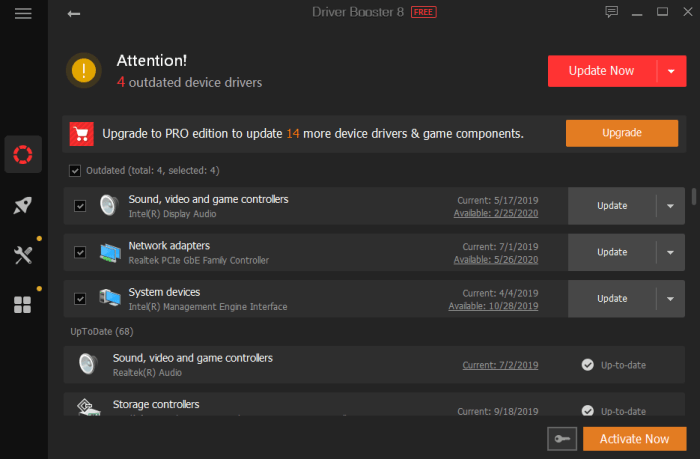
Just like any machine, computers need maintenance. More specifically, the drivers that power your computer’s hardware and game components have to be kept up-to-date or you could experience sound and display glitches, slow downs, crashes, or even the complete disabling of certain components such as your mouse or monitor. Yet, keeping up with the dozens and dozens of drivers your PC needs to function correctly is a practically impossible task for a human. Fortunately, IObit – leaders in PC health solutions – have just released a new version of its Drive Booster software to get the job done for you.

ScreenshotDriver Booster 8

Now in its eighth release, Driver Booster continues to improve the way in which it keeps PCs humming along with the right driver updates as soon as they are released. 

For this version of the software, IObit has once again upped Driver Booster’s database. It now monitors over a whopping 4.5 million drivers and game components. Once updates are identified, they can be installed quickly and safely, thanks to the fact that all updates come from the official manufacturer’s website, and have passed both IOBit testing as well as Microsoft’s Windows Hardware Quality Lab (WHQL) tests, which gives the stamp of approval to drivers made by companies other than Microsoft. 

The updates can fix problems with a simple click that might otherwise take hours of searching and experimenting to solve. 

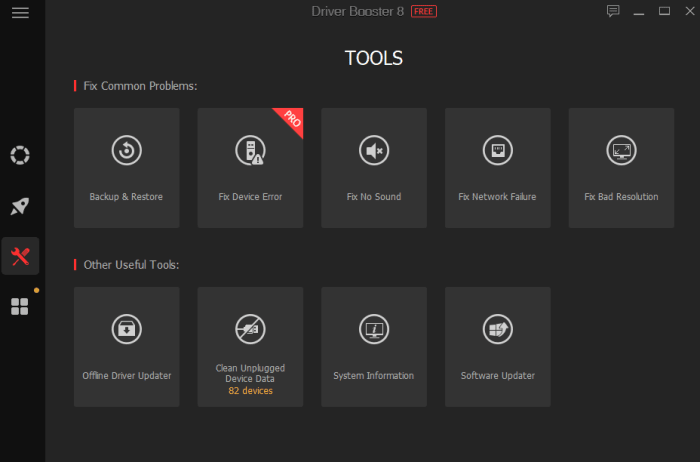
Screenshot“According to TechRadar ’s article: Windows 10 has killed off driver updates via Device Manager“ said Bing Wang, Product Director at IObit, “So now it could be harder for common users to get the latest device drivers. Driver Booster 8 is a great choice for all PC users, as it includes fresh but safe drivers in its database, is easy to use, and it can help users solve common driver issues like no sound and network failure problems.”

 Offline Update Now Included

Keeping your drivers up-to-date is hard enough when you are connected to the internet, but what happens when the drivers that get you online (like your wireless adapter) fail and your computer has no way to connect? Driver Booster 8 now has a solution.

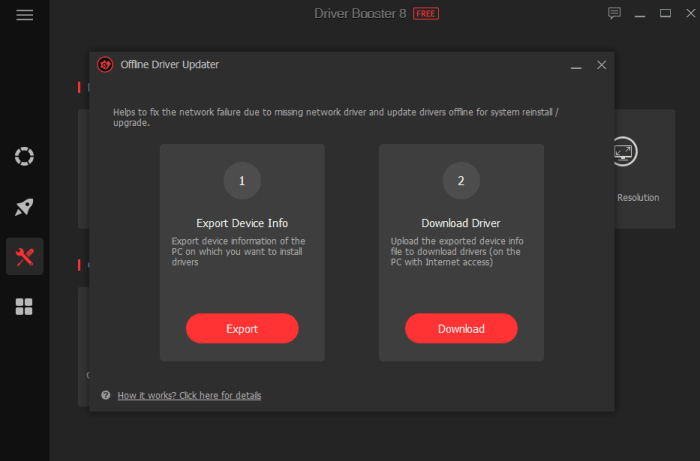
ScreenshotThanks to its Offline Driver Update, the software can get your unconnected computer back online in a few short steps. You simply download the drivers to a computer that can connect and transfer them over to the non-functioning machine. The software walks you through every step of the process and fills in a vital gap that was missing in the driver-update landscape.

Driver Booster 8 is now available on IObit and Softonic. It can fully support Windows 10, 8/8.1, 7, XP and Vista.

IObit turbocharges latest release of Advanced SystemCare Ultimate to keep PCs safe and speedy

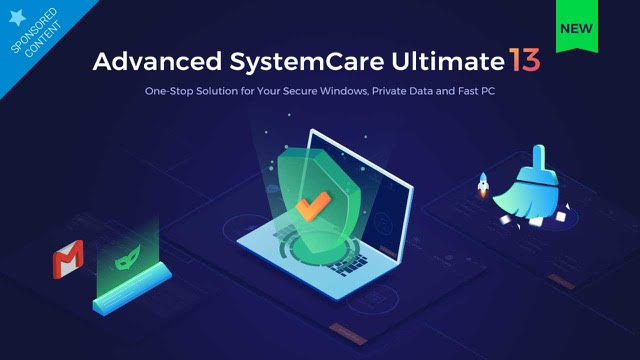
If you own a PC, you’re already familiar with the need for robust antivirus software. You might also be acquainted with software that scans your computer and helps you make tweaks to keep it humming along efficiently rather than getting bogged down with useless files and malware. What you might not know is that IObit has been producing a software solution that combines both of these functions, and that in its latest release of the program – Advanced SystemCare Ultimate 13 – it has injected a significant dose of new tech to ensure that its solution is one of the best on the market at this time.

For starters, Advanced SystemCare Ultimate 13 has been bestowed with an antivirus database that is 30 percent larger than in the previous release, along with a spyware database that is a whopping 200 percent larger than in the past. This bleeding-edge digital gold mine ensures that the software is now entirely equipped to identify even the most recently unleashed online threats. 

On top of this, IObit partnered with Bitdefender, a global cybersecurity leader, to update its antivirus algorithm – meaning that real-time protection against threats including viruses, malware, worms, Trojan horses, spyware and ransomware are now at an industry-leading level. 

Advanced SystemCare Ultimate 13’s protective features have also been expanded to monitor system emails to guard against spam, phishing scams and more, while the program’s Surfing Protection functionality indicates unsafe links when search results are returned, allowing users to steer clear of potentially troublesome websites.

So that covers the improvements to Advanced SystemCare Ultimate 13’s protection software. What about its PC cleaning and optimizing functions? IObit has introduced significant improvements here as well.

As with the protective side of the software, it starts with a database upgrade. The Startup Organization database has been increased by 30 percent to speed boot time by eliminating unnecessary processes and system services. Beyond this, Advanced SystemCare Ultimate 13 has a stronger PC cleaning function, which zaps junk off your hard drive like temp files and the cache files kept by programs such as Dropbox, Steam, Chrome Firefox and more. A file shredder functionality completely eliminates deleted files, a context menu helps clear out unwanted shortcuts without a trace, more robust privacy shields guard against the leakage of personal information, and a multiple accounting cleaning utility allows full machine optimization without the need to switch accounts. 

“With the continuous appearance of new viruses, we consistently value the expansion of our anti-virus & spyware database, we believe that only if we insistently extend the anti-virus database we can truly deal with rampant viruses” said Bing Wang, the Product Director at IObit, “Advanced SystemCare Ultimate 13 aims at providing users a more secure and stable PC with a larger anti-virus database and more powerful cleaning, that can rank among the top comprehensive utilities of antivirus and system optimization.”


Advanced SystemCare Ultimate 13 is now available on Softonic. It provides full support for Windows 10, Windows 8/8.1, Windows 7, Windows XP and Vista.


Top 6 Microsoft Excel alternatives for Mac and PC

Excel isn’t your only option; check out these alternatives!

Excel

Microsoft Office has been a business standard for a long time now. Despite how common it is, using it over and over again can get very dry. Also, if you have to pay for it yourself, Microsoft Office can be a little expensive. Because of this, many people have been looking for alternative options for both their business and personal use. Excel is one of the more complicated programs offered by Microsoft Office, so finding an alternative can be a difficult task. Thankfully, there are plenty of free and cheap options. 

Microsoft Excel Download now ►
7

Top 6 Microsoft Excel alternatives for Mac and PC

LibreOffice

While LibreOffice lacks a few formatting options when compared to Excel, it is offered as a free alternative to all Microsoft Office products. Since LibreOffice only offers the basic functionality of Excel, it isn’t often that you’ll see this program in a business setting, but it can make for a free program to use at home.

If you need something to help keep organized or to help with some basic number balancing, it’s a good option. LibreOffice is available for both Mac and PC.

LibreOffice Free Download ►
7

WPS Office

Another option available on both Mac and PC, WPS Office is not only a good alternative to Excel but Word as well! 

Most free spreadsheet programs will struggle to have complex programs but provide simple features that can be nice for smaller data management. WPS Office is the middle ground between most free programs and more powerful ones like Excel.

While it won’t be able to perform as complex features like Excel, it is generally a more user-friendly program. That being said, if you choose to pay for it, you will be able to get most of the complex features that Excel itself has.

WPS Office Free Download ►
7

Google Sheets

This may seem like an obvious choice, but the Google Suite provides completely free alternatives to all Microsoft Office products. That being said, Google Sheets has the added bonus over Excel that you are able to use it as part of a browser. Additionally, Google Sheets allows for real-time collaboration. All you have to do is invite other Gmail users to edit your work and they’ll be able to start on it with you right away. Once again, this is available on both Mac and PC. 

Google Sheets Free Download ►
8

Numbers

This one is Mac exclusive, but it is super helpful.

As with most Apple products, their spreadsheet program is well-known for being one of the most user-friendly and aesthetically pleasing spreadsheet programs out there. Workbooks are able to be saved and worked on in a variety of formats, allowing you to use practically any spreadsheet with Numbers. It also has many helpful and easy-to-use templates for those who may not be the most familiar with these types of programs.

Thinkfree

Thinkfree Office is often compared to Google Suite applications, as they are both provide free alternatives to Microsoft Office. Thinkfree’s spreadsheet application is much easier to learn than similar programs, like Excel, which makes it useful for those who are less tech-savvy. Unlike LibreOffice, it also provides a variety of formatting options, making it easily compatible with Excel itself.

Although Thinkfree is available for both Mac and PC, most online tutorials you will find online are in Spanish. If that proves to be a language barrier for you, this might not be your best option.

ThinkFree Download ►
7

Gnumeric

Gnumeric is an open-source spreadsheet program that can be used for easy and simple data management. However, since it is an open-source program, it can be customized to do practically anything. While it will start as one of the less complex spreadsheet programs, it can become one of the most powerful ones. It is great for both beginners and experts; however, it is not available for Mac. 

7

Wrapping up

If you’re a beginner with spreadsheet programs, you may also want to check out our Softonic Solutions’ Best Excel Tutorials to get some help on getting started. Many of these programs can be a bit complex. Let us know in the comments below about which program worked best for you! 

How to choose your graphics card

From price to speed, there are so many things to consider when buying a graphics card!

GPU

When you’re building your new gaming PC, one of the most expensive single pieces you’ll end up buying is your graphics card. If you’re going to dish out a few hundred bucks for one, you better make sure that you are getting the best one for all of your needs.

We took a look at some of the best graphics cards on the market, and what you should consider before adding it to your cart. Price is far from the only thing you should consider as some of these can make all of the difference depending on your needs.

How to choose your graphics card

The main things you need to look into when choosing a graphics card are GPU/memory, cooling, noise, size, aesthetics, and extra features. We’re going to go through these features one by one to let you know why each is important.

GPU/Memory

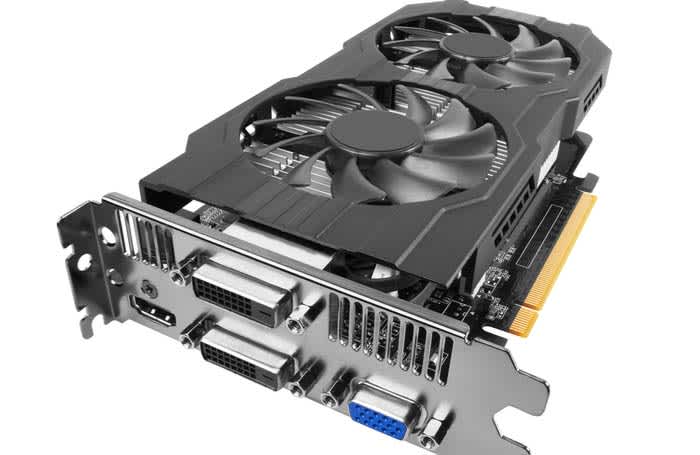
Zotac

With GPU and memory comes speed, and this can vary drastically based on what kind of graphics card you buy. On one hand, you might have a graphics card that can let you play the most heavily modded version of Skyrim you can find with no issue, or you can have one that struggles to play Tetris.

Check to see what the games you want to play require for a GPU in order to play them fluidly and fast.

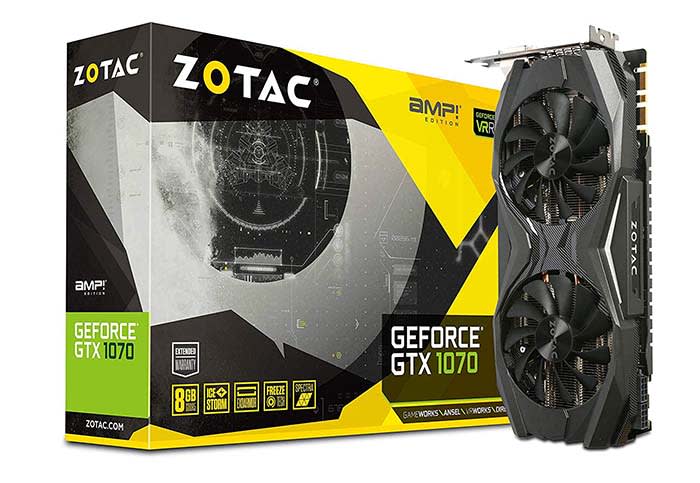
If speed is the name of the game for you, we’d recommend the Zotac GeForce GTX 1070. With 1070 GPU, you get some of the highest speed you can get for the price of $350.

Cooling/Noise

Fan comparison
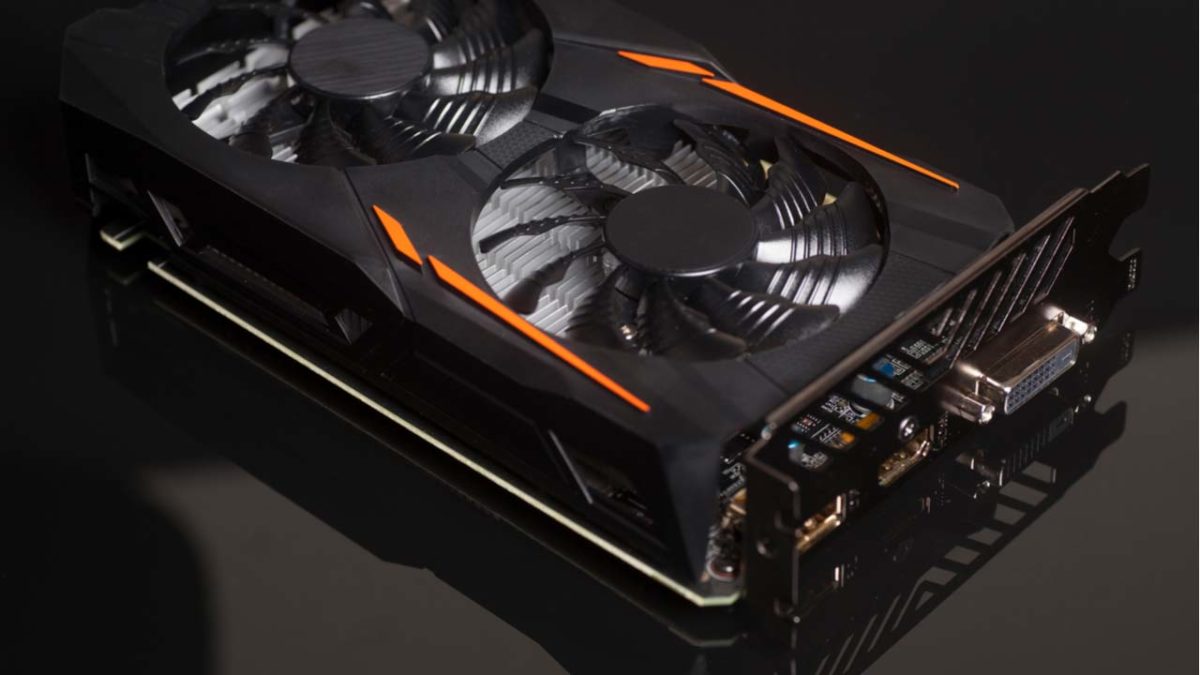
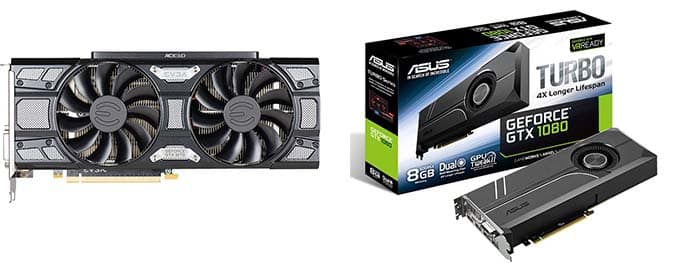
You might be able to save a few bucks if you get a graphics card with a small fan or only one fan, but you risk the GPU overheating and have to deal with a lot of noise.

When buying a graphics card, take a look a the quality of fans that go into them. Fans are what keep your graphics card from overheating, and help reduce noise. If you have good fans, then your GPU stays cool and quiet. A single fan or a small fan can mean that your PC will run hot and loud.

The Zotac GeForce GTX 1070 is still a good option in this department, but if you are willing to compromise speed and memory, the Diyeeni Colorful GTX 1060 is a solid choice. Your GPU will run nice and cool, and it will be as quiet as a church mouse. You can even pick this one up for less than $300. Don’t worry, you can still play Skyrim with this bad boy.

Size

Chassis

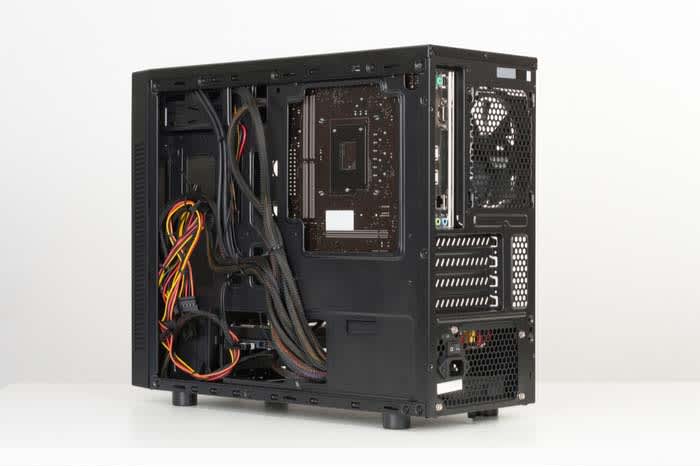
Depending on the size of your device’s chassis, you may be limited on the size of the graphics card you can buy. Just so you know, it would really stink if you bought a big, expensive, non-refundable graphics card only to find out it’s far too big. This is why many people choose their graphics card first and then build a PC around it. 

Your typical chassis for a decent gaming PC will support a graphics card as big as 12 inches by 9.63 inches. However, if you are going to get yourself a smaller chassis, you can be limited to 9.63 inches by 9.63 inches or even 6.75 inches by 6.75 inches.

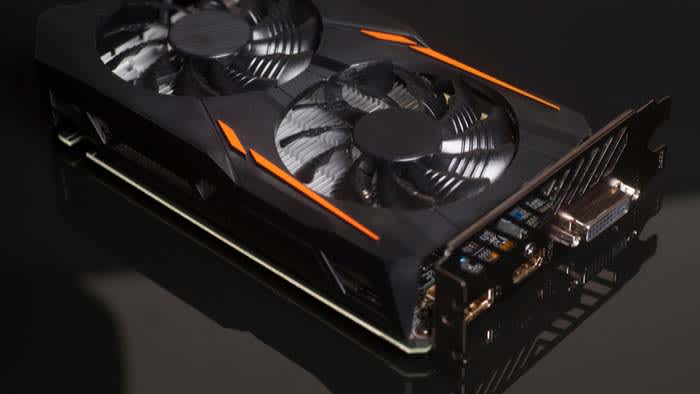
The Zotac GeForce GTX 1070 and the Diyeeni Colorful GTX 1060 can fit inside the large chassis with no issue. However, if your chassis has a smaller limit, there are other options. For the 9.63 by 9.63 chassis, the Gigabyte GeForce GTX 1050 is a great option. If you have the smallest option, go with the Gigabyte GeForce GT 1030. 

Aesthetics and extra features

graphics card

Before you buy a graphics card, make sure you are buying one that comes with a good warranty. If your graphics card gets fried because of a faulty piece, you need to make sure that you have a warranty that will cover the damage. However, there are other features you can look into to bundle into your purchase.

GeForce typically has game bundles for some of their bigger graphics cards. Be careful though; you don’t want to spend an extra $500 just to get one or two games that cost $60 each.

Wrapping up

If we had to pick the best graphics card on the market right now, we’d have to go with the Zotac GeForce GTX 1070. For the price, there just isn’t anything else on the market that will let you play games in such high quality. You can play pretty much whatever you want in beautiful 1080p at high speeds without much risk of your PC overheating. 

Watch: Call of Duty: Modern Warfare reveal trailer

Call of Duty: Modern Warfare says goodbye to annual passes, and hello to free content!

Modern Warfare explosion

After eight years of waiting, gamers are finally getting the next Modern Warfare game in the Call of Duty lineup. Activision released the trailer for Call of Duty: Modern Warfare, and the hype is real:

To make things even better, we don’t have to wait very long before this comes out. The trailer ends by giving us a release date of Oct. 25 of this year!

New features

Modern Warfare night vision

According to Kotaku, the game will feature the following updates:

  • Modern Warfare will remove annual passes. Instead, it will deliver free maps, content, and post-launch events to all players. Although these features will be free, we don’t know whether or not Activision will include any paid content.
  • The game will feature cross-play support between PC and consoles. We don’t know if Xbox One users can play against PS4 players, but they will be able to play against PC users.
  • The PC version is exclusive to Battle.net
  • Modern Warfare will be on a completely new engine.
  • In the campaign mode, players will traverse through European cities as well as the Middle East.
  • You will be able to play co-op in “Elite Operations.”
  • There will be an “immersive narrative experience” crossing single-player, co-op, and competitive multiplayer.

Call of Duty Download now ►
7

What did the trailer show?

Captain Price

If you’re looking for next-level storytelling, Call of Duty simply isn’t the franchise for you. As far as stories go, there really isn’t a single Call of Duty game with a noteworthy story, and this game doesn’t look like it will be an exception. That said, we do get a shot of the return of fan-favorite character Captain Price. 

Although the story looks lacking, the graphics look absolutely top notch. 

Modern Warfare shoot shootCharacters move throughout the world without the landscape blurring around them. This suggests that the game has low motion blur. Over the past few years, motion blur has made its way into games. Basically, motion blur keeps characters looking crisp when the camera moves while the backgrounds get blurry. The Uncharted series is a prime example of a franchise with big motion blur issues.

Luckily, everything in this game looks crisp no matter how intense things get.

How will this be different from other Call of Duty games?

To be perfectly blunt, Call of Duty games don’t often stray from their winning formula. Call of Duty games consistently sell millions of copies despite the fact that each game feels like more of the same.

However, Activision appears to be atoning for sins of the past, and for that we’re excited. Not having to pay extra for more maps, content, and events is a huge step in the right direction. 

Do we think this game is going to be a contender for Game of the Year? Probably not. Death Stranding looks like it will have that on lockdown. However, it does look like it will set a positive tone for Call of Duty games in the future.