How a trip to Thailand taught me the value of backing up data

Insurance is one of those annoyingly adult things we all need. It might be for your car, house, or holiday, and while it’s a bit galling to pay for something that might happen, when things go wrong insurance quickly pays for itself. When it comes to our data, however, we’re often a little too complacent. 

Take my trip to Thailand, for example. When I arrived, my suitcase had fallen under the wheels of the baggage truck, destroying my iPod, laptop, and camera. A quick call to the insurance company and voila – all were replaced after paying a small excess.
But one thing I didn’t get over was the loss of my data. I lost a ton of precious files – including music, photos, videos, and a half-finished novel. I managed to replace some pictures by downloading them from social media, but everything else was gone for good.

After calming down, I couldn’t help thinking, Why the heck didn’t I back up my data? I had my travel insurance. My personal accident insurance. I even had mobile phone insurance. Why didn’t I give my digital valuables the same level of protection by backing them up?

Since then, I’ve been backing up manually, which if you’ve ever tried yourself you’ll know how tiresome it can be. Also, given the length of time it takes, I back-up maybe once a month, more if I remember, and this is hardly the peace of mind I was hoping for. 

Thankfully, I get to work with a lot of innovative technology at Softonic, and I stumbled upon a smart solution to backing up my data:  Ashampoo Backup Pro 11.
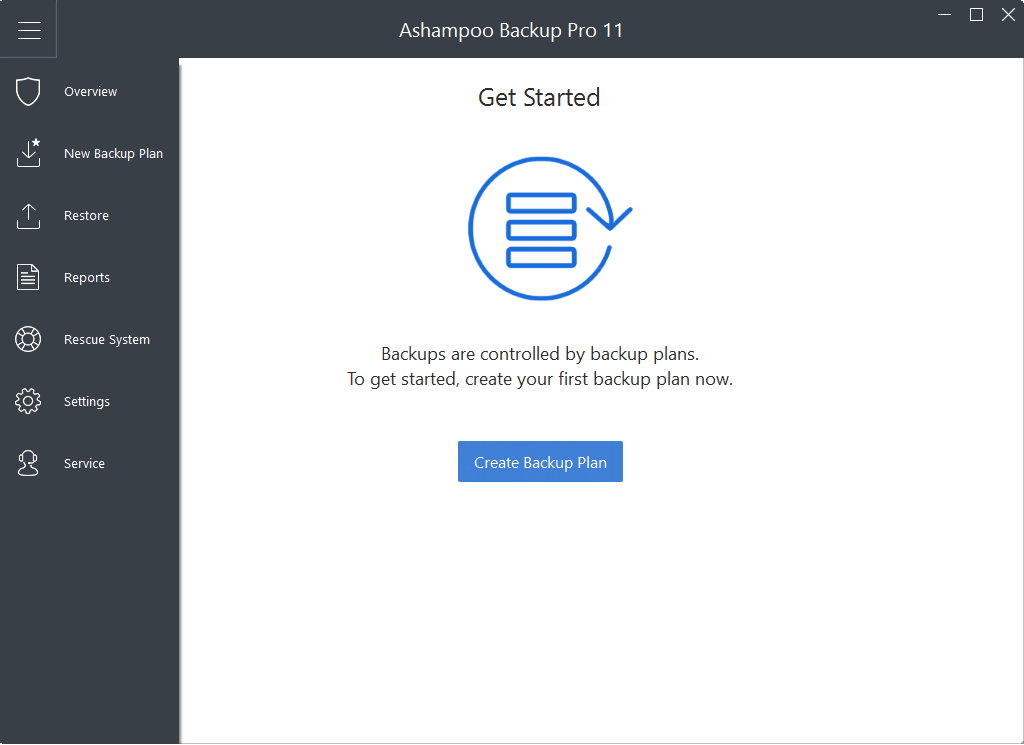
The award-winning Backup Pro 11 backs up data quickly and automatically so you don’t need to think about it. It works by creating restore points so if your computer fails, or like mine, falls under the wheels of a baggage truck, you can restore all your data on another machine (hopefully a sparkly new one from the insurance company).

Backup Pro 11 makes these restore points automatically by scanning modified files and saving them to physical storage – such as a USB drive, DVD, or CD – or cloud storage, with support for all the big names like Dropbox and Google Drive.

You choose the files to back up, so you don’t waste storage on meaningless files, and if your system breaks down, you can use the emergency application to boot and restore from an earlier point.

I think Backup Pro 11 is a fantastic way of protecting digital value, and costing just $15.99 for life, it’s the cheapest data insurance policy you could ever buy. So please don’t make the mistake I did. Download Backup Pro 11 today and never worry about losing your data again.

Why printing your photos can make you happier

An old girlfriend of mine asked why I took so few pictures. When I explained I just couldn’t be bothered, she patiently replied that pictures are like memories – if you don’t take any, how are you supposed to remember all the happy moments you had in life?

I’m not especially forgetful, but her point struck a chord. My girlfriend taught me a fundamental truth: photographs help us immortalize special memories. And the very best memories deserve to live in the physical world, where you can see them every day, reliving the best times of your life as if they were yesterday.

Since then, I’ve been taking photos regularly and printing them using 1ClickPrint. Now I’m in the habit of taking pictures it’s great to browse albums or walk around my home and remember the sights, smells, and sounds of the past.

You see, just taking pictures isn’t enough. It’s what you do with them that counts. Do you remember what you did with your last picture? If you’re like 90% of the population you probably uploaded it to social media. That buzz you get when the likes build up is pretty special, but like all cheap thrills it fades quickly, and so does the photo.

It’s a strange irony: we take cameras with us everywhere but spend far less time looking at the pictures. Yet studies have shown that browsing old albums makes you happier than eating chocolate, watching TV, listening to music, or drinking booze.

If you truly want to relive your favorite moments of the past, why not print your photographs? Hang them on your living room wall, in your study, in the kitchen, frame and display them on your desk at work… do anything to bring those treasured moments to life in the real world.

I use 1ClickPrint to create canvas prints of my favorite pictures, but they also print on metal, wood, acrylic, and (of course) paper, so you can find the right style for your home. Instead of spending money on costly artworks, cover your walls in loved ones and exotic places, bringing you closer to friends, family, and past adventures.

The craftspeople at 1ClickPrint prepare everything by hand, using the finest art-grade inks to ensure long-lasting, colourful, and vibrant pictures. Every order is then triple-checked before leaving the printers and sent securely to your door. With premium, hand-stretched canvas prints beginning at just $5.99, you can easily print within budget. 

Abandoning your photographs on a hard drive or social media account denies them their true power. If you take pictures to remember a special moment, then give them life by printing them. You’ll feel a lot happier if you do.

UNREAL Mobile launches the cheapest unlimited mobile plan ever

In 2012, FreedomPop made headlines for being the world’s first free mobile service. Although the free plan was great for light use, the usage caps left power users out in the cold.

Now, UNREAL Mobile, an offshoot of FreedomPop, is going after the premium market by offering the world’s first unlimited mobile plan for just $10.

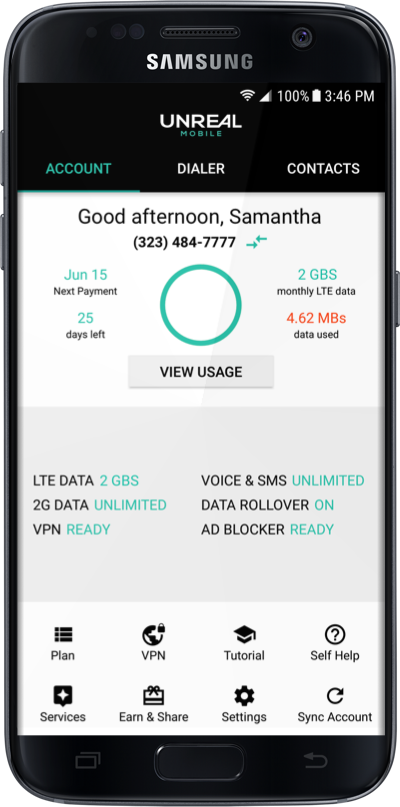
Power users can now spend less but enjoy the same flexibility of more expensive plans from Verizon and Sprint. In addition to unlimited calls, texts, and data, you also get encryption, privacy, and ad-blocking features, too.

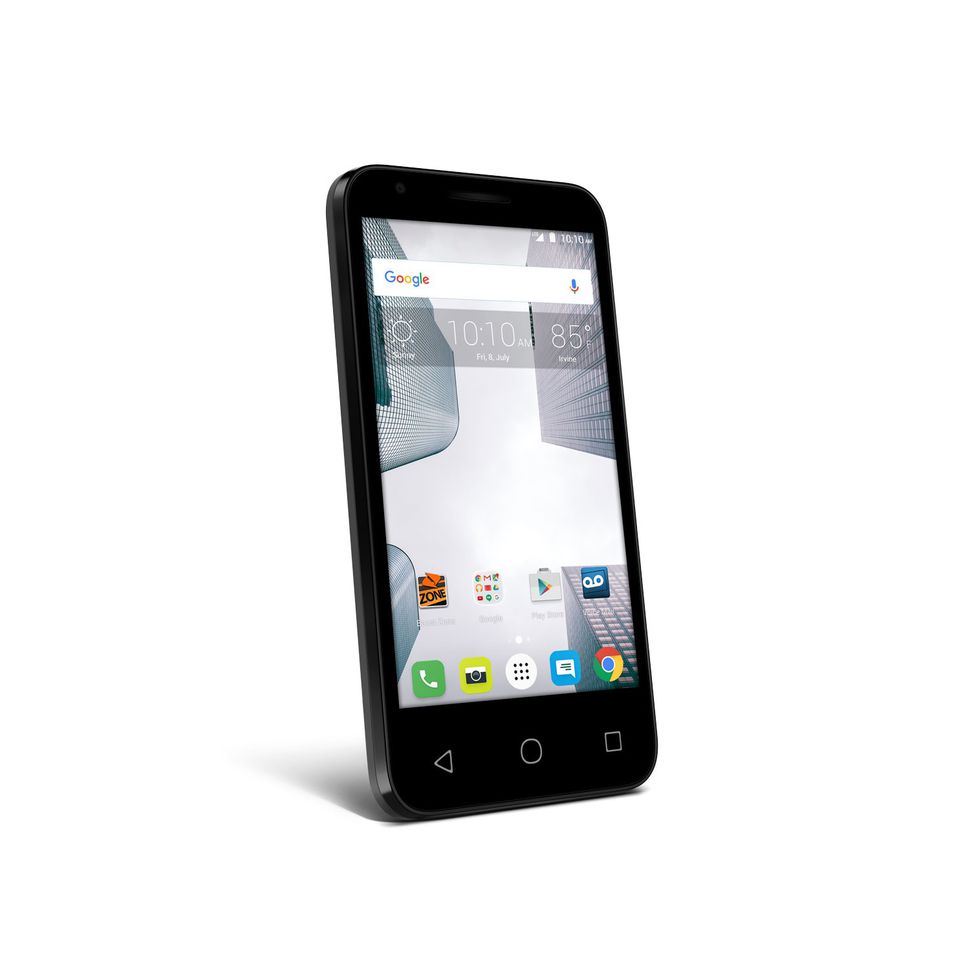
UNREAL Mobile is currently offering a free trial on their Unlimited Talk, Text, & Data + 2GB LTE (worth $15/month). This also comes with a 67% discount on the Alcatel Dawn LTE for $49.99 (worth $149.99) for a limited time only.

With a 30-day money back guarantee, you can try UNREAL Mobile risk-free before deciding if it’s the right plan for you.

Here’s how it works.

UNREAL Mobile Phone Plan

You get…

  •      Free trial of Unlimited Talk, Text, & Data + 2GB LTE (worth $15/month)

Plus…

  •      Enjoy 67% off the Alcatel Dawn LTE at just $49.99 (worth $149.99)
  •      Get peace of mind with a 30-day money back guarantee
  •      Save your high-speed data with monthly data rollovers
  •      Earn a high-speed data bonus of 10% after 3 months
  •      Protect your data with encryption and privacy
  •      Smart usage with data compression so your high-speed data goes further
  •      Use your phone number anywhere, across any device
  •      … and lots more

If you enjoy the freedom of an unlimited plan, UNREAL Mobile could save you $100s a year. It’s the cheapest unlimited plan on the market, and with a 30-day free trial and money back guarantee, it’s the perfect time to try it out for yourself.


5 of the best laptops for around $400

Budget laptops are easy to find, but you’ll have to make sacrifices.

Depending on your needs, you might want a larger screen, more RAM, a bigger hard drive, or faster processor. If you prioritize a couple of these and accept a reduction in (or loss of) other features, you’ll find a laptop that does what you want at a price that doesn’t break the bank.

We’ve listed five of our favorite budget laptops below. Note these are proper laptops, not Chromebooks. A Chromebook outsources most of its processing power to the cloud through Google’s browser, so you need to be online to get the most out of it. If you’re really tight for cash, they’re a reasonable alternative and cost much less (usually under $250).

For everyone else, here’s our rundown of the best laptops for under $400…

1. Lenovo IdeaPad

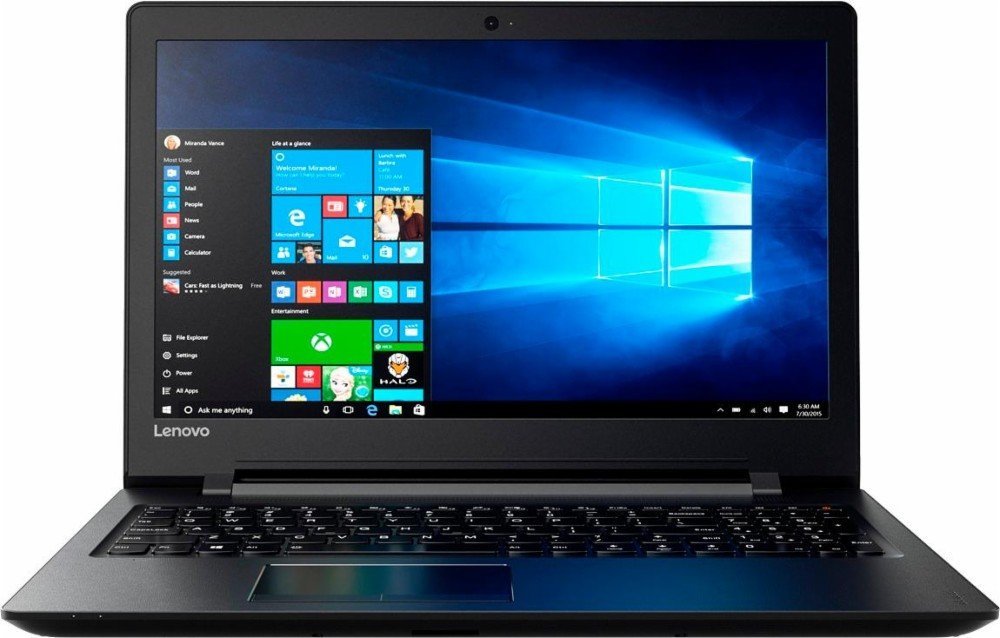
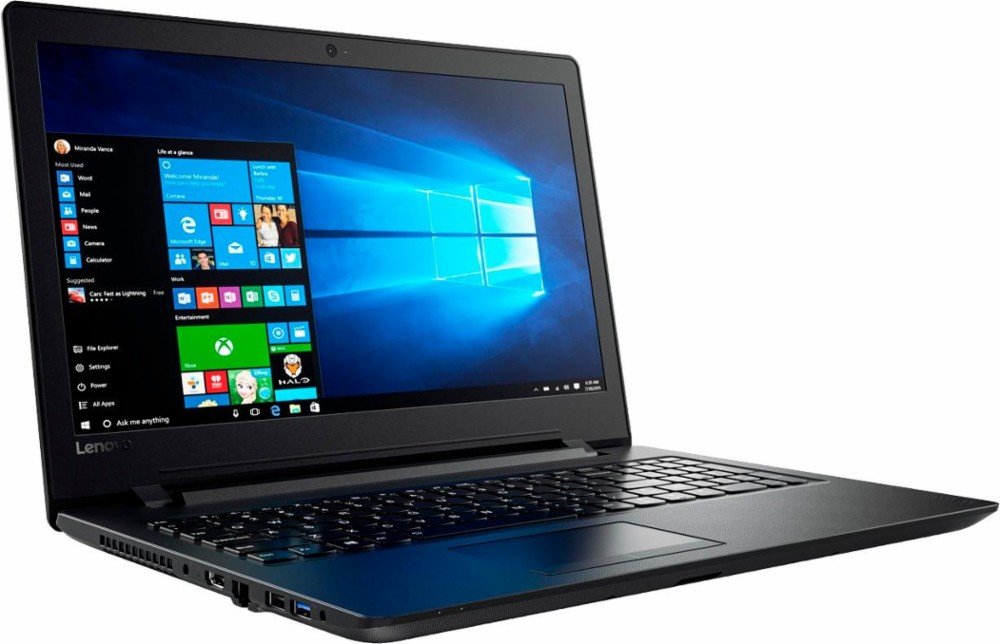
The Lenovo IdeaPad is a great all-rounder. From its 15.6” HD screen to its full-size keyboard, the hardware is perfect for business and study. The AMD quad-core A6 processor ramps up to 2.4 GHz – enough for most tasks – and the 500GB HDD will store hundreds of photos and movies.

The standout feature is the 8GB RAM, which ensures you don’t experience slow-down when using several applications at once, or during RAM-heavy tasks like photo and video editing.

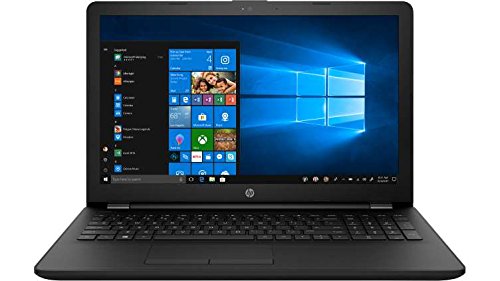
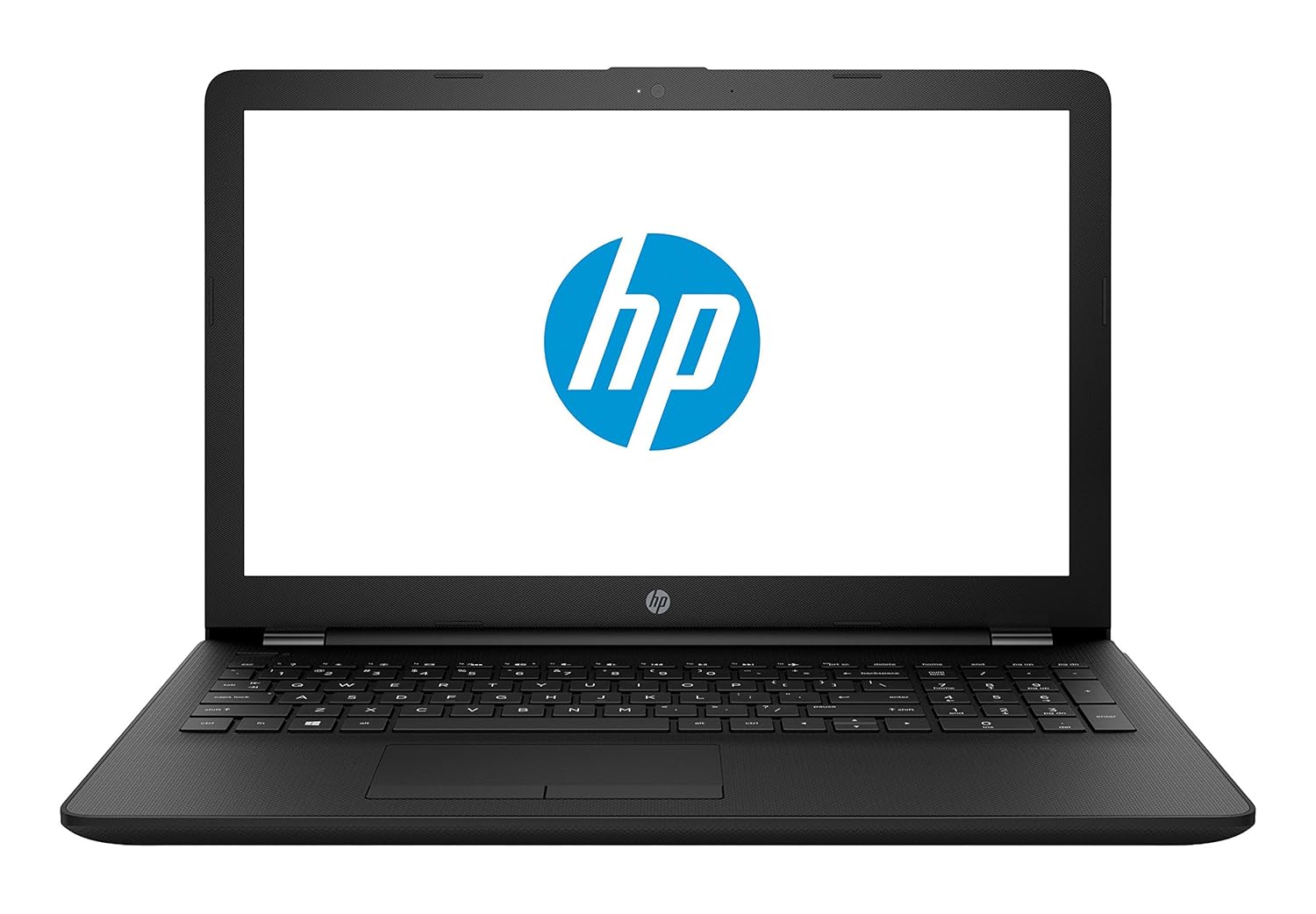
2. HP 15-BS091MS

Not the most inspiring name, but it certainly makes up for it in features. The HP 15 uses an Intel i3 processor clocking 2.4 GHz, has 6GB RAM, and a 15.6” HD LED touchscreen. The standout feature? Its massive 1TB HDD.

If you want to store all your photos and movies, as well as download the latest software without worrying about filling up the HDD, this laptop is for you. The Intel processor is also a bonus – while it clocks the same as the IdeaPad, Intel CPUs are generally considered of better quality, so should run faster.

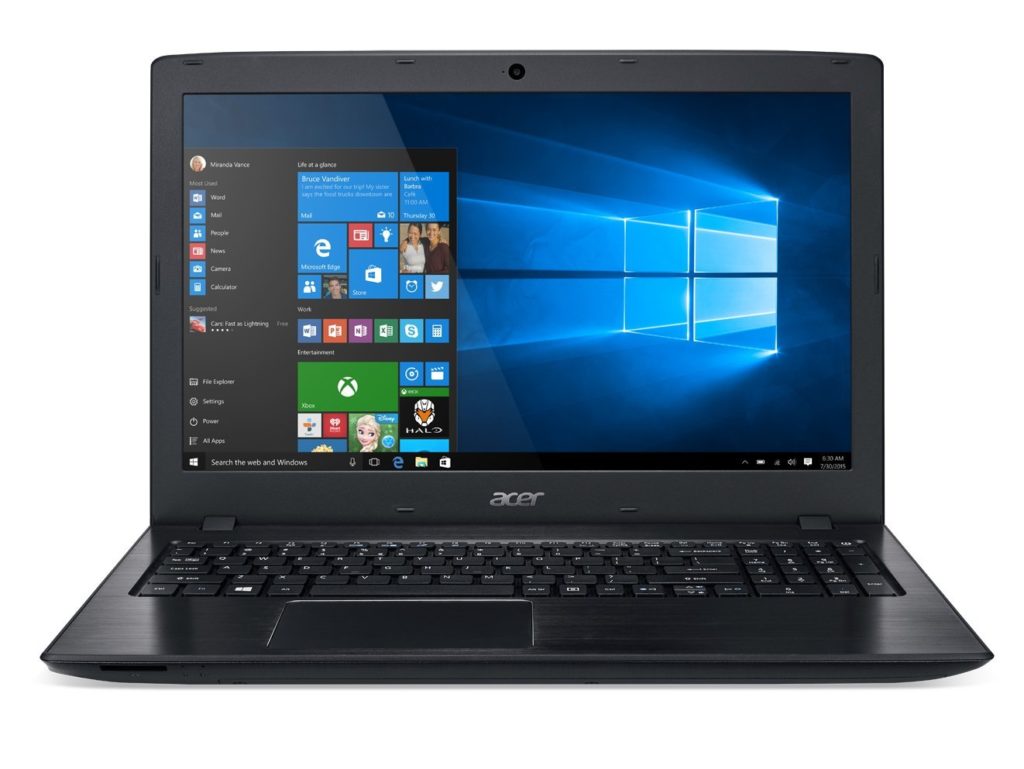
3. Acer E15

The E15 also has a 7th generation Intel i3 processor clocking at 2.4 GHz, but only 4GB RAM. This will make it a bit slow during intensive tasks, but it does make up for it in storage with a 1TB HDD (and you can always add more RAM later).

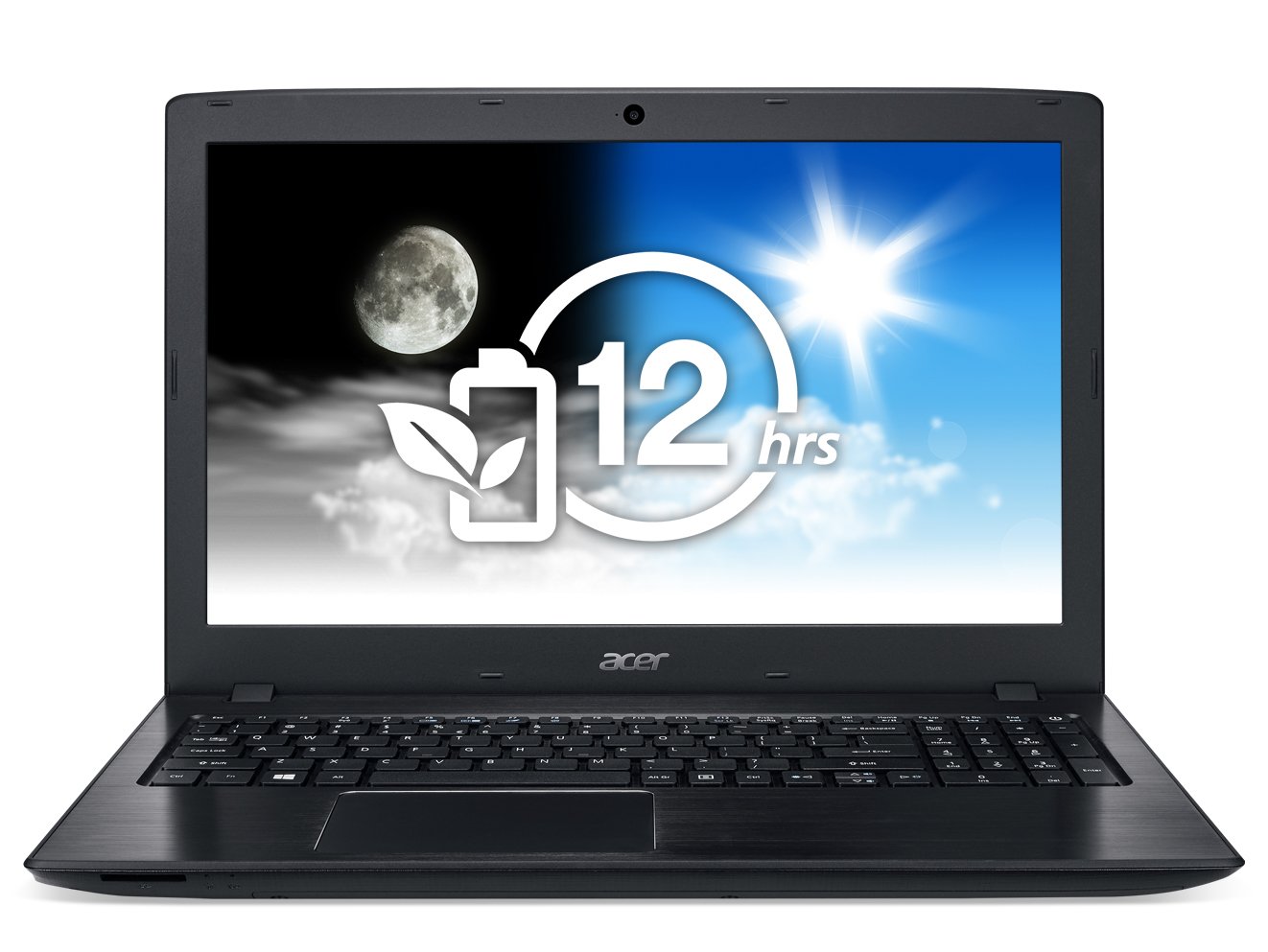
While the screen also measures 15.6”, it enjoys a full HD display of 1920×1080 – perfect for movies and media editing – but no touchscreen. The E15’s standout feature is its 12-hour battery life, the longest of any laptop on this list.

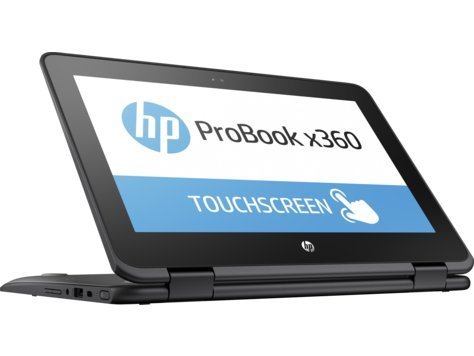
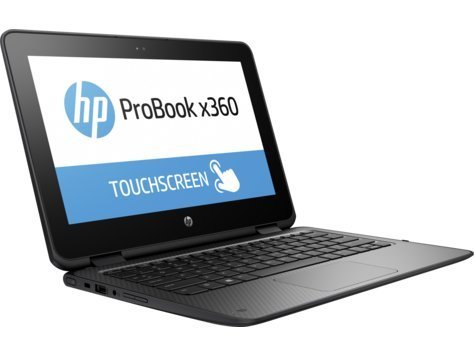
4. HP ProBook x360

If you’re looking for something to use on the move, the ProBook is worth a look. Its processor is relatively underpowered, but for emails, watching videos, and browsing it’s more than capable. The 11.6” HD touchscreen is small enough for large handbags and small backpacks, and the 360-degree hinges mean you can use it like a tablet. Bear in mind there’s no DVD/CD drive, though.

The 128GB SSD might not hold as much as the others, but SSDs are faster and less prone to failure. There’s no standout feature as such, instead, it’s the perfect blend of size and features , touchscreen, and SSD that make this a great portable machine.

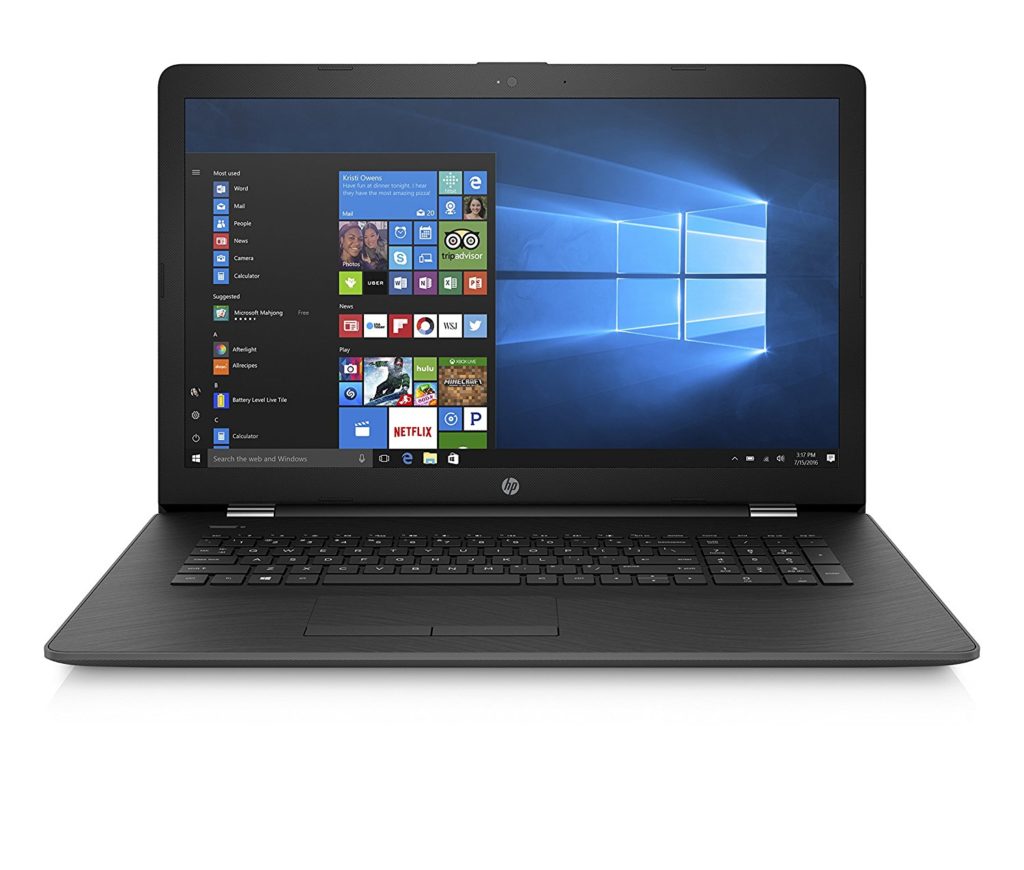
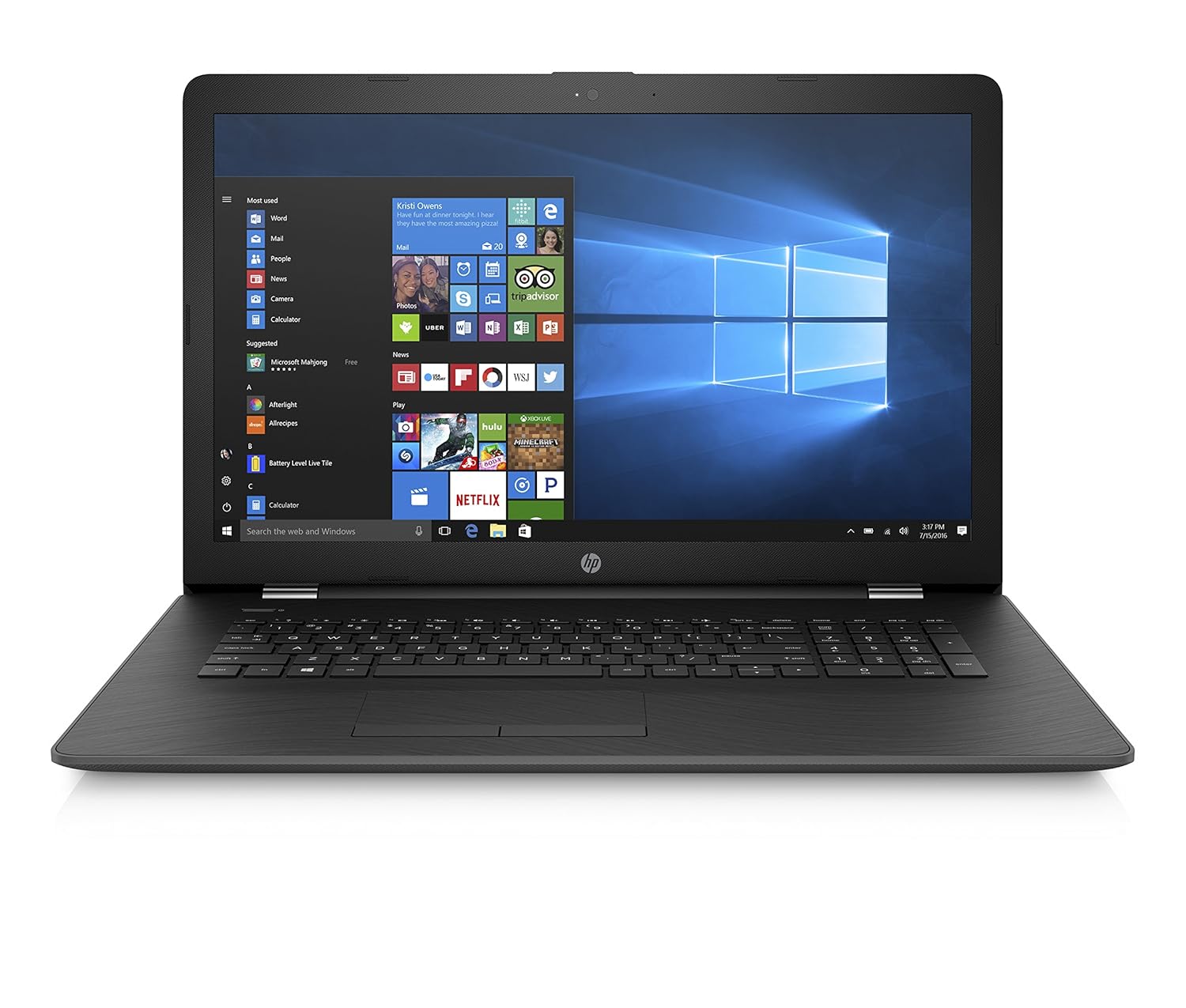
5. HP 17-AK010NR

The HP 17 might not use an Intel processor, but its AMD A9 chip clocks up to 3.6 GHz. That’s easily enough for the toughest computing tasks, but its 4GB RAM does let it down a bit. Thankfully, it’s expandable. There’s a CD/DVD drive, and a decent battery life of 6 hours for video playback. The standout feature here is the 17.3” LED screen.

At 1600×900 its not full HD, but unless you’re a pixel-peeper, you probably won’t notice. It’s higher than 720p, so still a great choice for HD movies, and that extra screen space is perfect for working on two documents at once.  

You don’t have to spend thousands to get a decent laptop. There’s plenty of choice out there for almost any budget, but to avoid disappointment, ensure you know what’s most important to you before clicking that order button. 


5 of the best office gadgets

Bored with the same old office supplies? Have a little fun and inject some personality into your workplace with these picks!

Love it or loathe it, many of us spend the majority of our time in the office. If your days are spent trying to look busy, doodling in meetings, or finding the best place for some quiet reflection (a nap), then maybe it’s time for some fun.

Below, we’ve picked five office gadgets that’ll help relieve some of that boardroom boredom. So grab a coffee from the vending machine, get out the company credit card, and upgrade your workspace.

1. Muji Hand Shredder – $14.99

Muji, the Japanese retail company, specializes in minimalist, sustainable design. Their passion for recycling shines in this low-tech, hand-powered shredder. Being small, you can carry it in your handbag or suitcase, plus you get a (tiny) workout every time you shred. Maybe don’t go straight for that 500-page contract though.

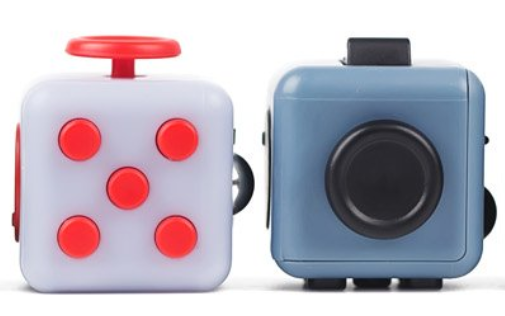
2. Fidget Cube – $19.95

If you’re chained to a desk all day, you’re going to get fidgety. Rather than letting it spoil the cool persona you’ve cultivated with your colleagues, buy a Fidget Cube and keep those fingers busy.

The manufacturer says, “Fidgeting shouldn’t be stigmatized or mocked as unbecoming or inappropriate. We’re passionate that, with the right tools and outlet, fidgeting has positive and real-life applications.”

With six sides – Spin, Roll, Breathe, Flip, Glide, and Click – you’re sure to find the right distraction for you. 

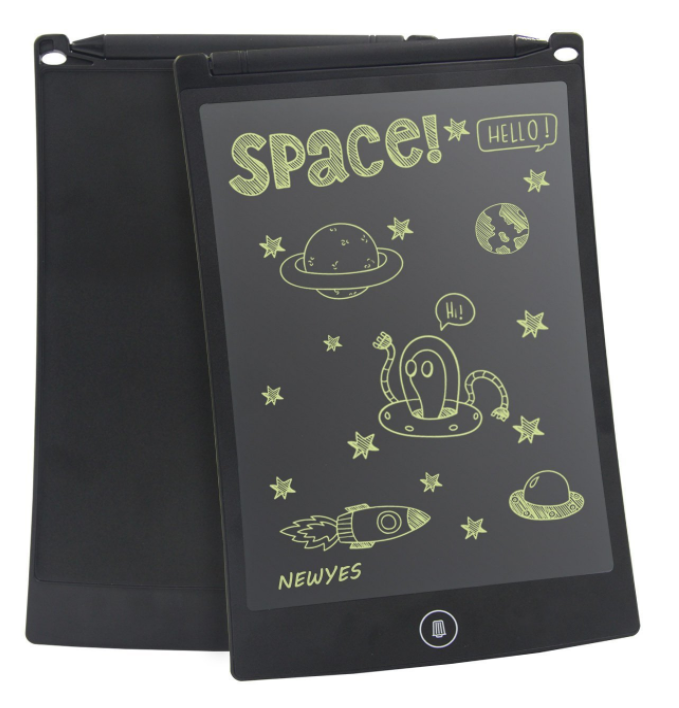
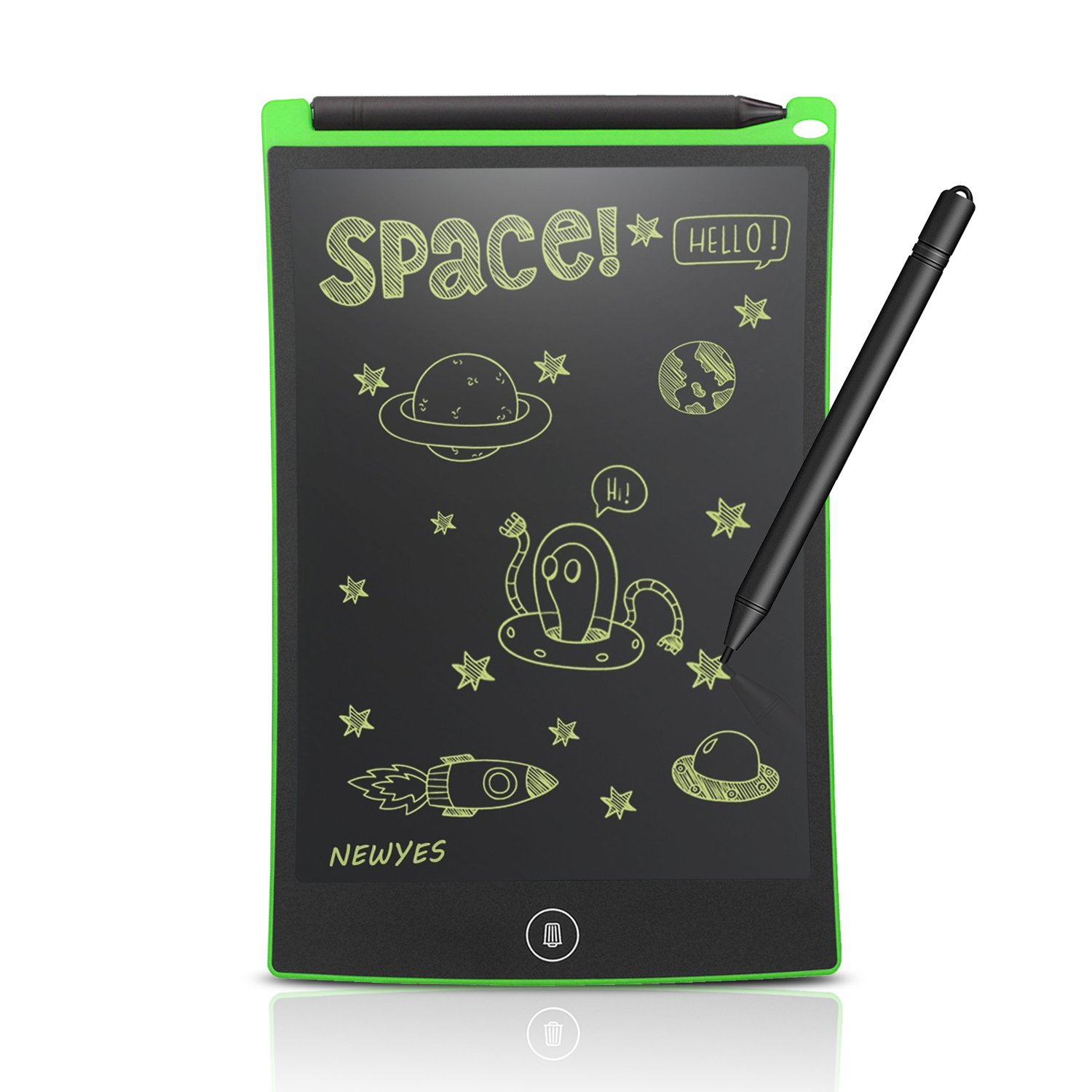
3. LCD Writing Tablet – $13.97

If your office is determined to become paperless, this LCD writing tablet is here to help. The screen uses flexible liquid crystal technology to sense pressure and display whatever you write or draw.

It can be erased over 500,000 times, and there’s no need to use an eraser: just press the button at the bottom and the screen will clear. Not only does this save paper, but it’s much more secure than plastering sticky notes on your screen.

4. Mini Drone – $24.99

For a small amount of money, you could soon be scaring Dave from accounting with this tiny mini drone. Powered by a 3.7V battery, you get around five minutes of flying time, and it will charge back up to full in around 30 minutes. 

The drone has two speed modes, a 360° rollover mode, LED lighting, and a range of nearly 100 feet. You can also upgrade it with a 5.8G FPV camera, allowing you to enjoy real-time transmission through FPV goggles. Office pranks could get way more interesting, but probably best not to bug the boss.

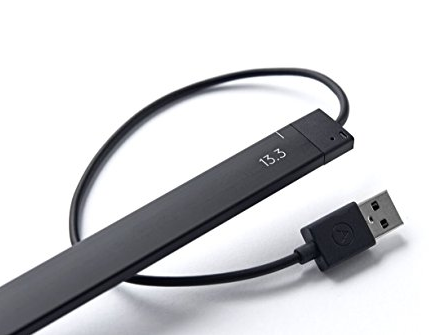
5. AirBar Touchscreen Converter – $73.25

This clever little device converts a non-touch Windows 10 notebook, or Macbook Air (separate model), into a touchscreen device. It emits an invisible light field over your laptop screen, sensing your finger touches and converting them into mouse clicks.

You can tap, pinch, zoom, sweep, and rotate, and it works straight out of the box with no software or drivers. The device only works with laptops currently, and you have to make sure you get the right size bar, but it’s incredibly easy to set up and use. 

Offices can be as dull as dishwater at times, but they don’t have to be. We hope these gadgets have inspired you to inject a little fun into your working day. If not, well, at least you’re a bit closer to clocking out. 


The 5 best apps to survive a zombie apocalypse

If the zombie apocalypse broke out today, 5 apps could save your life. Don’t wait until the walking dead are shambling your way. Download these apps now!

There are two types of people in this world: those who prepared for the zombie apocalypse, and those who get eaten.

The undead have been around in popular culture for decades now. While we’ve all enjoyed watching determined survivors stand against never-ending waves of flesh-hungry zombies, we don’t always take the time to prepare ourselves. One day you might be the one holed up in an abandoned shopping mall. So ask yourself one question: are you ready?

Fortunately, we live in a world where access to technology means help is always at your fingertips, and here at Softonic, we’ve taken the time to put together a list of apps that would be most helpful in the event of an apocalyptic zombie outbreak. 

Credit: Frank Ockenfels 3/AMC

1. SOS Flashlight

It’s highly likely that your phone has a flashlight, which will help you navigate dark areas when the power is out. But what if you see a group of survivors and need to get their attention? Shouting is all well and good until the zombie horde descends on you. Instead, this helpful little app will let you flash out the international sign for distress (SOS).

S… O… damn, the zombies are here!

Super Flashlight Avoid zombies, download now
8

2. Motion Detector

At some point, you have to sleep. And in a world overrun by zombies, there’s more to worry about than your partner stealing the all the blankets, or getting up in the dark and stubbing your toe.

To sleep peacefully, safe in the knowledge that your safe-house hasn’t been overrun by the undead, you need this handy little app. Set your smartphone camera to overlook a door or window and it will raise an alarm if anything moves – it’ll even take a photo of what it saw.

Motion Detector Pro avoid zombies, Download Free
7

3. Maps.me

For most apps, if your mobile data runs out, or the signal’s bad, it’s game over. You might as well sprinkle some herbs on your head and let the zombie horde enjoy feasting on your brains à la provençal.

Fortunately, this app allows you to browse highly compressed, offline map data, with full GPS support, offline search, and routing by foot and car. You can bookmark safe-houses and useful locations, and then share them with other survivors.

8

4. First Aid

While this app won’t help if one of your group gets bitten, it’s worth having when you’re hurt. There’s likely to be a lot of dangerous ground and territory to cover, and you don’t want a simple cut or sprain slowing you down, or turning into something far more deadly. Instead, use the Red Cross’s First Aid Training app to deal with all minor injuries.

First Aid - American Red Cross patch the wounded, Download Free
7

5. Zombies! Run

If there’s one thing that separates the living and the dead in a post-apocalyptic world, it’s cardio. When you’re running for your life, being able to do a 5K could save your life. 

This app helps you get a head start. You are a runner en-route to one of humanity’s last remaining outpost. As you run, you gather supplies and rescue other survivors. Just be ready to speed up whenever you hear zombies on your tail. And when the apocalypse comes, just remember that you don’t always need to outrun the zombies, you just need to outrun at least one other survivor.

That completes our round-up. Hopefully, you’ll find something here that will help you and your friends get ready for the rise of the undead. Stay safe out there, survivors!


4 essential kitchen gadgets for under $50

Looking to upgrade your kitchen on the cheap? A few inexpensive purchases can send your taste buds soaring for years to come! Follow along…

Life revolves around the kitchen. It’s a place where love is measured in dollops of cream, where a sprig of parsley becomes a work of art, and a splash of wine finishes a hearty stew.

Aside from quality ingredients, there’s very little you need to cook great food, but there are plenty of kitchen gadgets that can help out. Most are time-savers, while others let you explore food in new and exciting ways.

You don’t have to spend a fortune on kitchen accessories, either. While the big brands carry big price tags, there’s plenty of affordable gadgets to make cooking fun. To prove it, here’s a list of four essential gadgets you can buy for under $50 each.

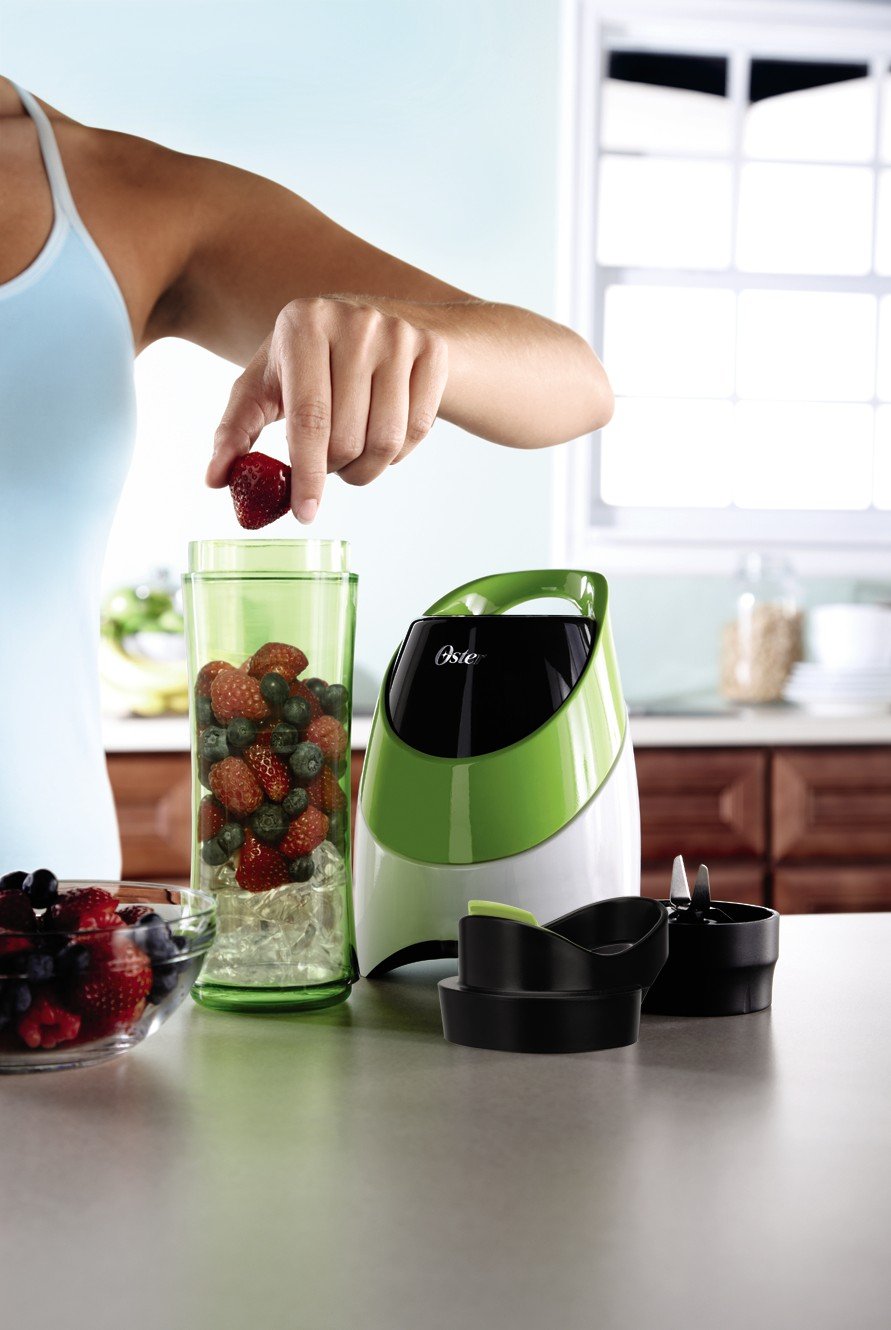
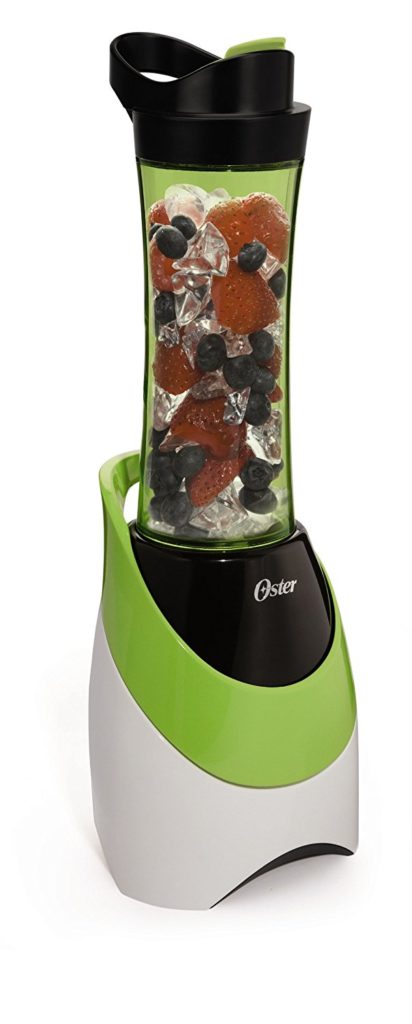
1. Oster My Blend 

If you’re on a diet, or just fancy jazzing up your protein shake post-workout, this mini blender from Oster is the perfect companion. Its 250W motor will blend ice, fruit, and other healthy ingredients into a delicious smoothie you can enjoy on-the-move.

The BPA-free bottle is the perfect size for a meal-replacement shake, and makes cleaning the My Blend super easy – just pop it in the dishwasher when you’re done. With an overheating prevention mechanism, the only burn you need to worry about is the one cramping up your thighs at BodyPump.

The price and performance of the Oster My Blend make healthy eating a piece of cake (well, not literally).

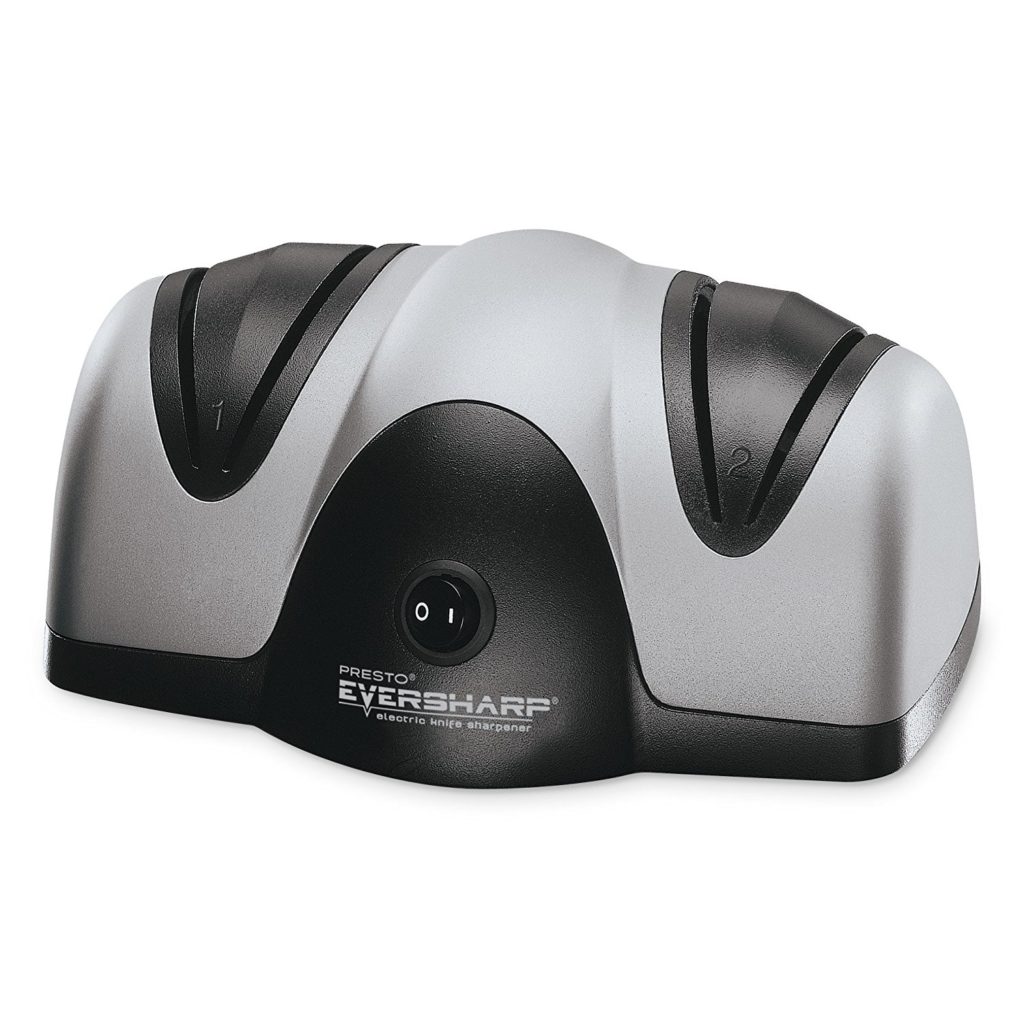
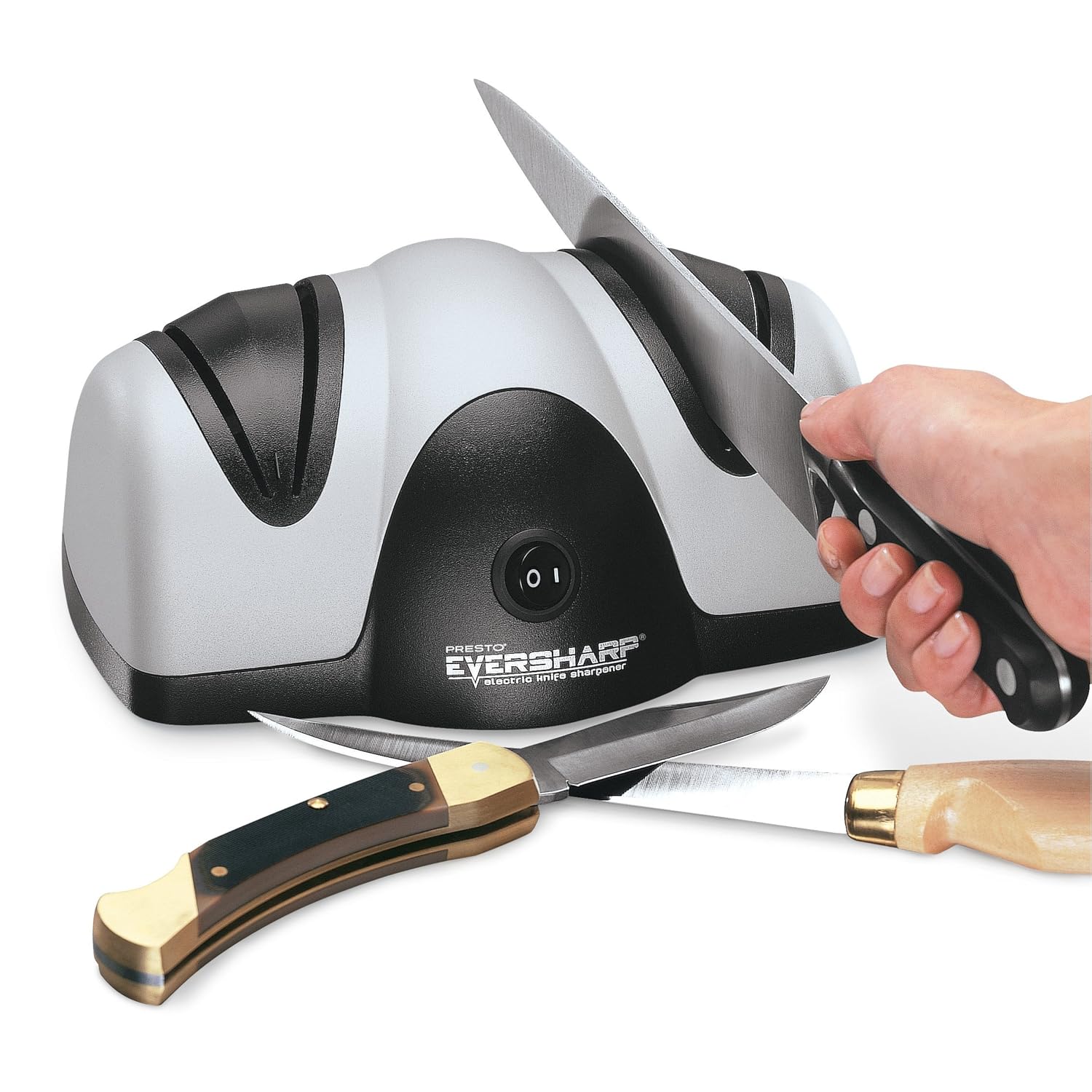
2. Presto EverSharp 

The Samurai knew the importance of a sharp edge, and would insult their foes by cursing them with blunt, brittle blades. In the kitchen, a keen edge is just as important – without it, you’re just bashing veg into a pulpy mess.

This electric knife sharpener updates the whetstone for the modern era. No longer do you need to “whet” your blade manually, just pop your knife in the slots and Sapphirite sharpening wheels will have your blade as keen as a razor in seconds.

3. Krups Spice and Coffee Grinder

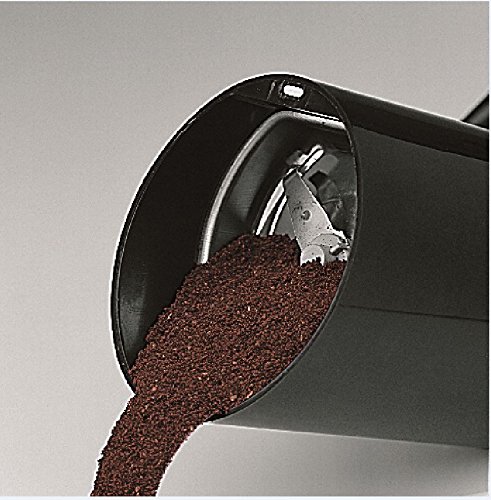
Coffee beans stay fresh for much longer than ground coffee, retaining that wonderful aroma and flavourful body you love. Oxidation and moisture start degrading coffee the moment you grind, so if you’re going to store coffee, store the beans in an airtight container and only grind when you need to. 

This Krups Coffee Grinder is an excellent way to ensure you have a full flavor every time you brew. It’ll even grind seeds like chia or flax, which you can add to your Oster My Blend for an even healthier shake.

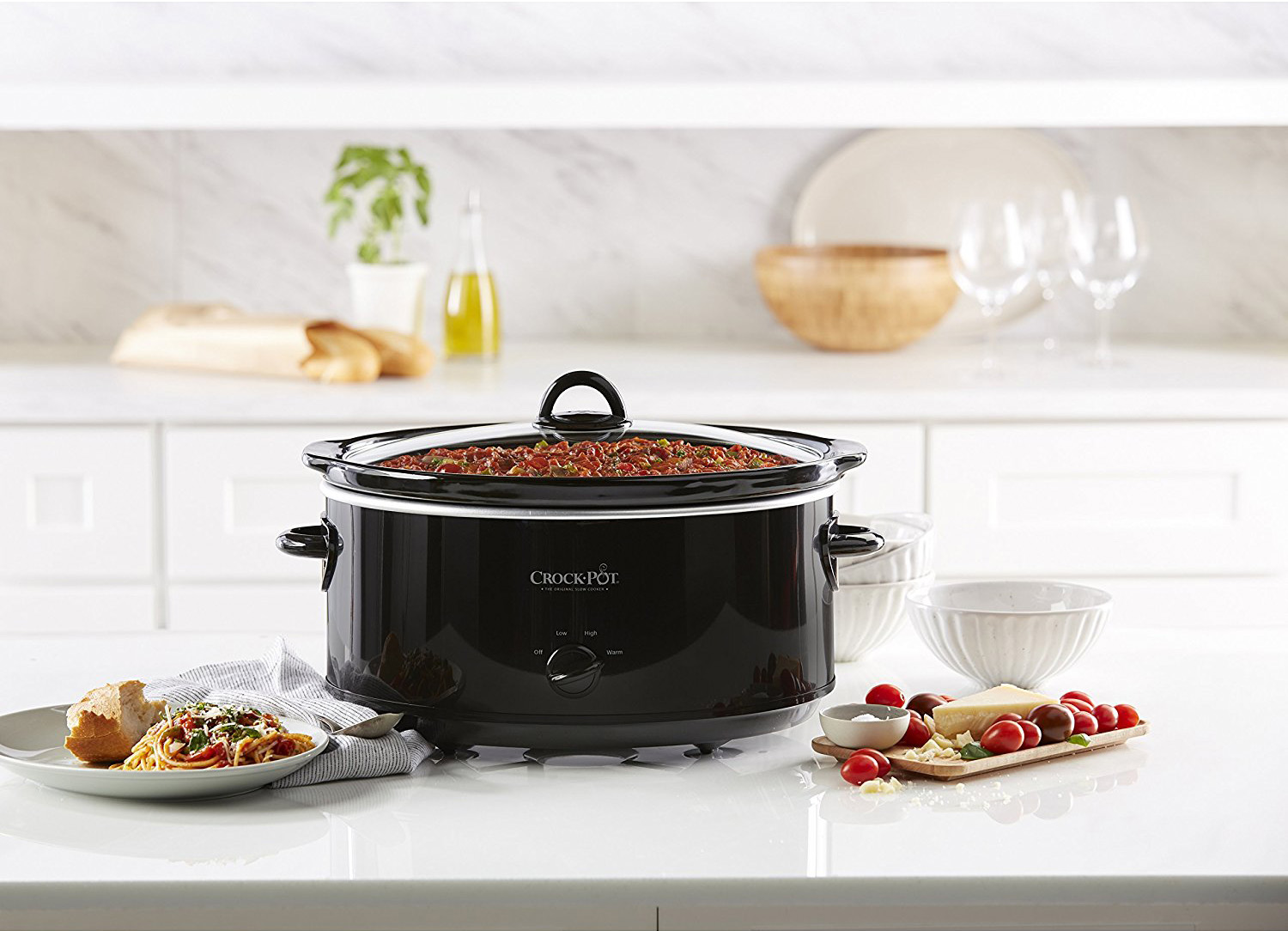
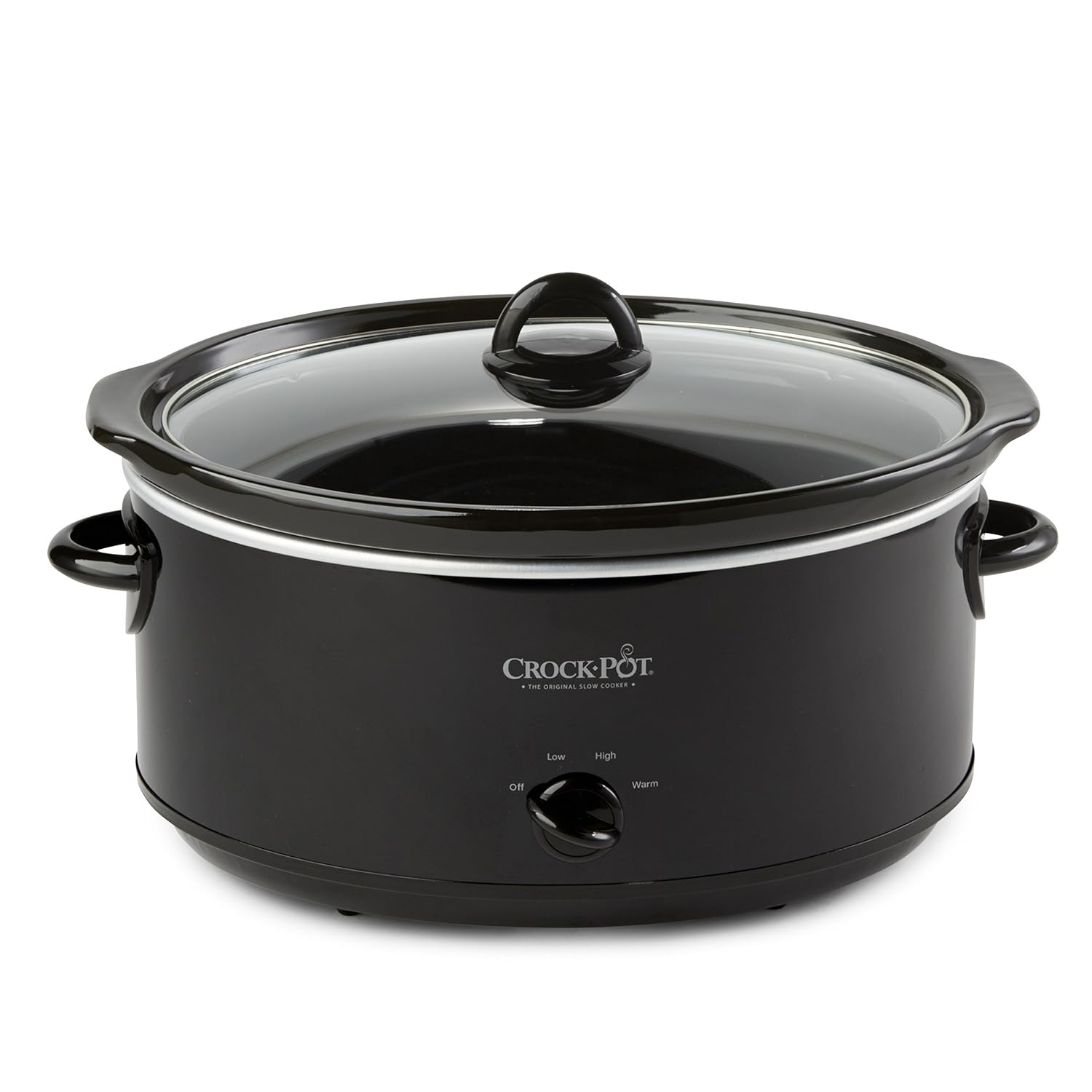
4. Crock-Pot Slow Cooker 


The Crock-Pot was one of the first slow cooker brands to hit the market, and boy does it show. This feature-packed device cooks food over a long period of time so you retain more nutrients and flavor.

Slow cooking is absurdly easy and the results are incredible. Throw chicken breasts in with salsa and a diced onion and a few spices and you’ll have mouth-watering, tender chicken tacos in four hours. The magic of a slow cooker is that you don’t have to stir or mix or even touch anything once you throw it in. This Crock-Pot will slowly combine all those flavors into the juiciest, most mind-blowing food you can imagine. It doesn’t heat up your kitchen in the summer and it delivers a reliable comfort food assortment in the dead of winter. Get one and learn how easy incredible cooking can be.

There are plenty of affordable accessories for your kitchen, from hand blenders to electric whisks, so you’re bound to find something to aid your cooking style. Good luck with your next dish – and don’t forget to taste as you go.   


5 ways to improve your Snapchat Stories

If you use Snapchat, you’re probably familiar with Stories. Although the app started out as a new way to share photos, Stories gives you a new way to interact with your friends and followers.

Rather than sending isolated photos, Stories lets you create a narrative out of the interesting things you’ve done. Better yet, they live for 24 hours, and can be viewed again and again. Once the time limit is up, they’re automatically deleted.

Stories are a particularly good way to interact with a larger number of people. Celebs, brands, and other high-profile users can share their Snapchat name manually or by snapcode so thousands of users can watch their Stories, such as that time DJ Khaled got lost at sea on his jet ski:

So how can you improve the impact of your own stories? While we don’t recommend buying a jet ski and getting lost in the ocean, we can help with some top tips on making the most of your Snapchat posts.

1. Keep It Dynamic

Stories make you the director of your own movie. Remember the last film you watched? Was every shot static and unmoving, or did the camera change location, pan, and zoom in and out? Unless you’re watching something really arty, it was probably the latter, and you should remember these techniques for your Stories.

Change the angle of your shots, have one close up, and another further back. Keeping things moving creates a more interesting visual style, and keeps your audience engaged and excited.

2. Timing… is everything.

It’s a classic statement, but timing really is so important. In an app which focuses on short-lived interactions, anything longer than it needs to be will have your audience clicking away faster than a buttered bullet.

When you’re creating a Story, you have an option to select the time for each snap. Don’t default them all to 10 seconds. Just like the visuals, mix up your timing to keep it fresh. This is particularly useful when you’ve got a big joke reveal at the end of your story, like this post about two friendly coke cans.

3. Get Creative

Snapchat Stories has all of the same filters, text, and lenses that you can use in your direct messages, so go crazy! You can draw all over everything, add messages, change colors – the sky’s the limit. For some inspiration, check out these posts from well-known Snapchatters Christine Mi, CyreneQ, and Chino.

4. Openings and endings

Your opening and closing snaps are the most important of your Story. With your opening snap, try and draw in your audience – tease them with a message that gets them interested, and makes them want to continue reading.

Your last snap is just as important – it’s the thumbnail that others will see as the preview for your story. Although it’s pretty tiny onscreen, this is the first thing that users are going to interact with when they see your story. If your first thumbnail already has them interested, you’ve already won.
If you’re snapping for a business or brand, it’s also good sense to end with a question or encourage some sort of response – it drives engagement with your audience, and makes them feel more involved in your content.
5. It’s all about the plot

They’re called Snapchat Stories for a reason. Just like any good book, TV show, or movie, remember that every story needs a beginning, a middle, and an end. Bearing this in mind when you’re making your posts will put you miles ahead of anyone posting random headshots and their breakfast for the day. 

Now you know how to make awesome Snapchat Stories, it’s time to get out there and start snapping. Have fun.


The 5 best gadgets for the living room

Upgrade your living room with these gadgets and you’ll be the king of movie nights.

Our living rooms are where we spend most of our lives. From bouncing on the sofa as a toddler to sharing nibbles with your friends, the living room is enjoyed by all ages.

To help you squeeze even more fun from your home’s core social space, here’s a list of five awesome gadgets that will turn your living room into a hub of entertainment and happy memories.

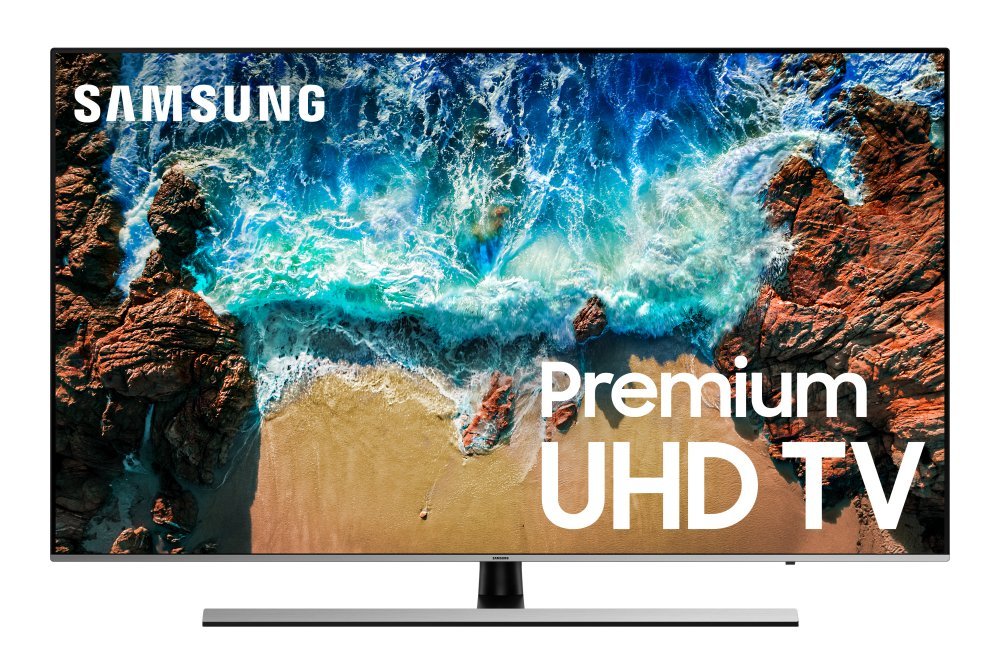
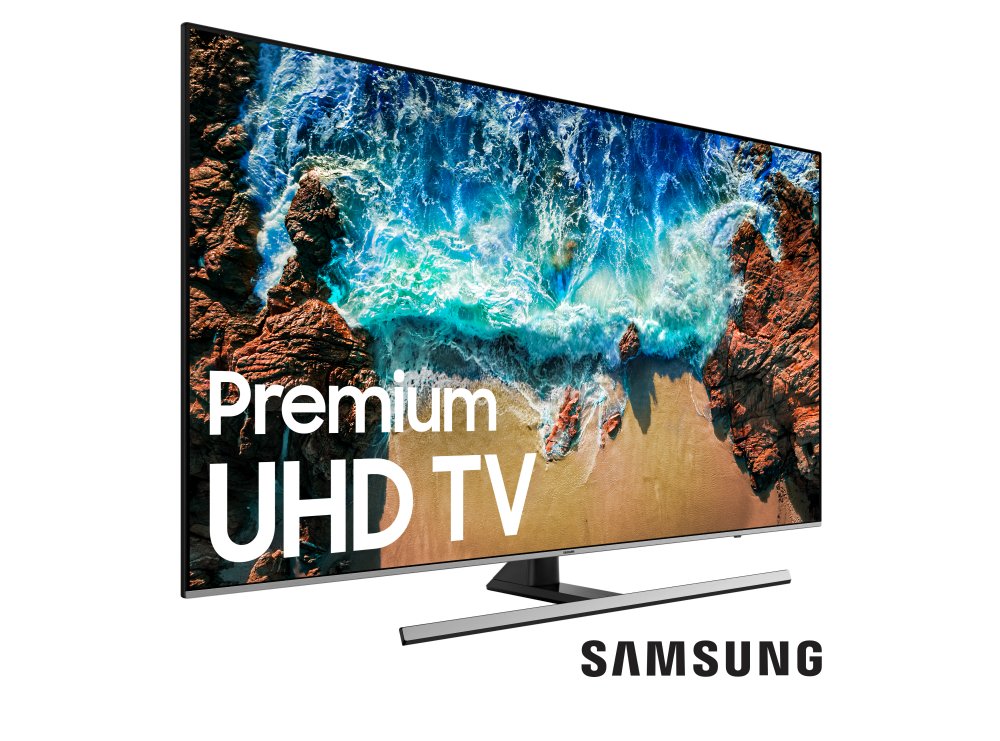
1. Samsung 55” 4K UHD TV

If you’ve got the space for it, this massive ultra-high definition 4K TV will transform movie night into a cinematic spectacle. With glorious color reproduction, deep blacks, and wide viewing angles so the whole family can see no matter where they sit, this is the ultimate TV for nights on the sofa. Even the remote is a thing of beauty. The TV is equipped with Samsung’s Smart Hub with apps, games, and streaming services at your fingertips. Get it before the next season of “Game of Thrones” comes out.

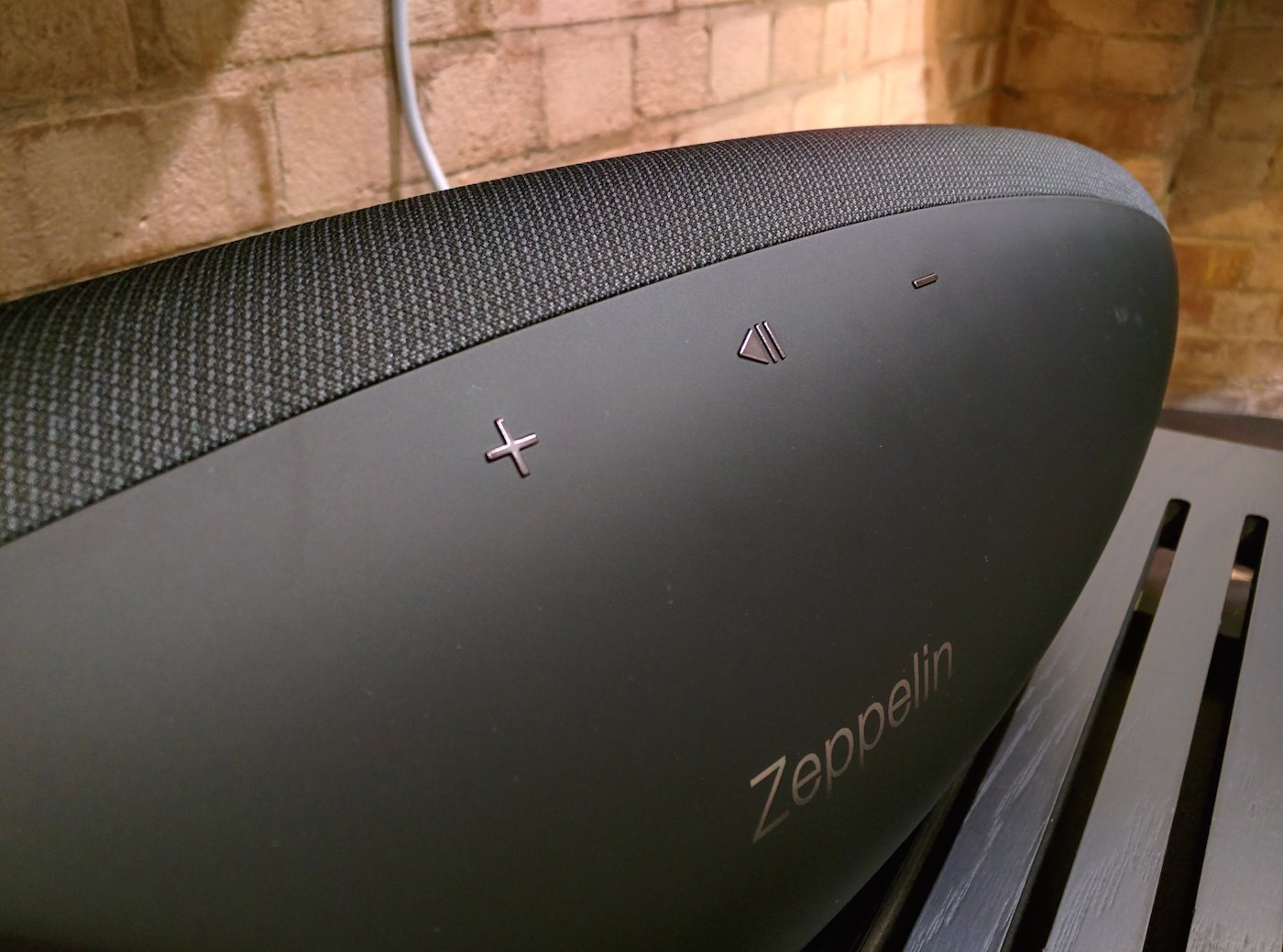
2. B & W Zeppelin Wireless

The Zeppelin sits in the sweet spot where design and performance meet. Expect lush vocals, floor-shaking bass, and crystal clear highs that’ll reflect every nuance of your favorite tracks – all from a beautifully-designed, curvaceous body. Delight friends over dinner with some smooth jazz, annoy the neighbors with a techno brunch, or just kick back and close your eyes as Nina Simone sings a very personal concert just for you. You get all this from the Zeppelin, and no wires – it supports Bluetooth, AirPlay, and Spotify Connect, so streaming is as easy as pie.

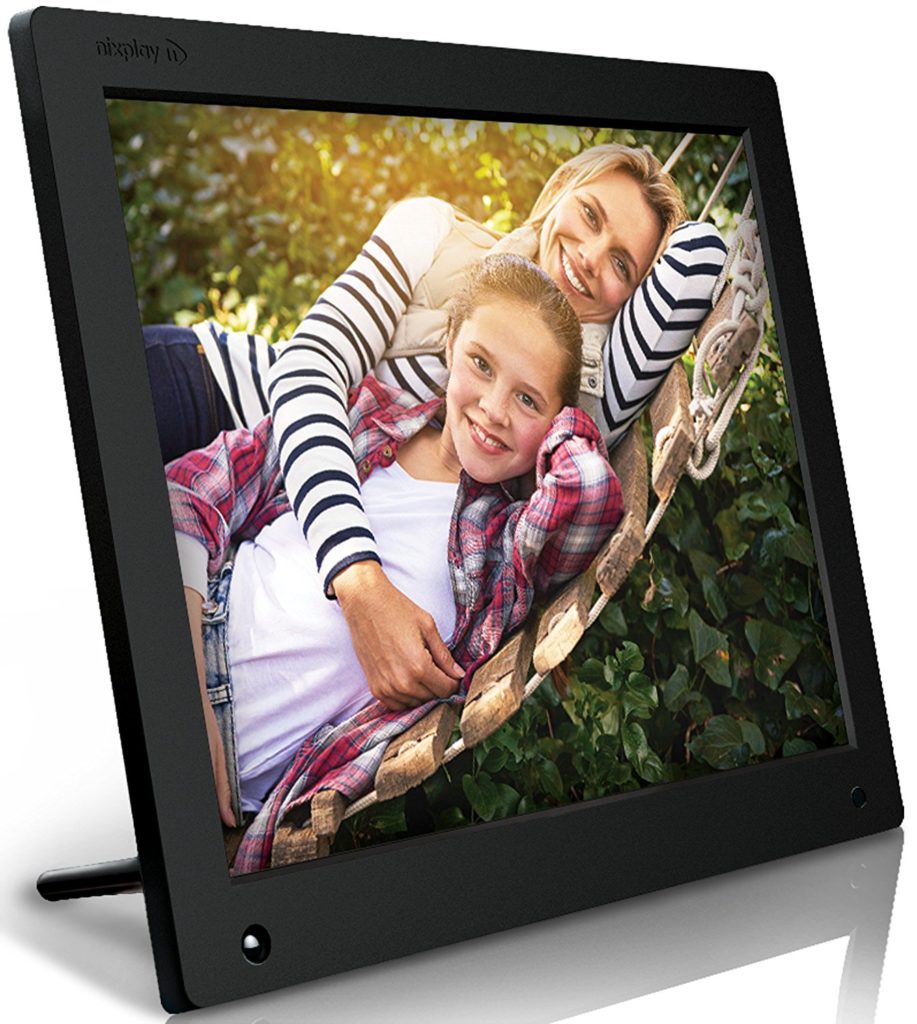
3. Nixplay 15” Digital Photo Frame

What’s the point in taking pics if no one sees them? With the Nixplay, you can load your favorite albums and memories either from a memory card or by downloading from your social media accounts and you’ll see them in gorgeous 15” glory. There’s a motion detector so you don’t waste energy, and it’ll even play HD videos. A perfect way to share your family photos without heaving around those dusty albums.

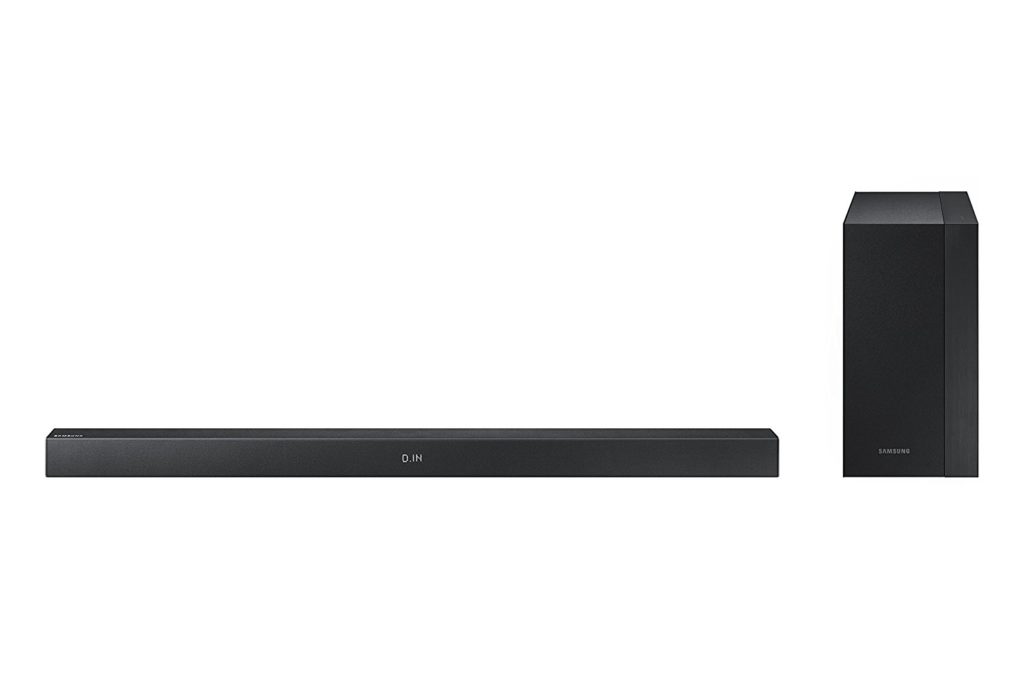
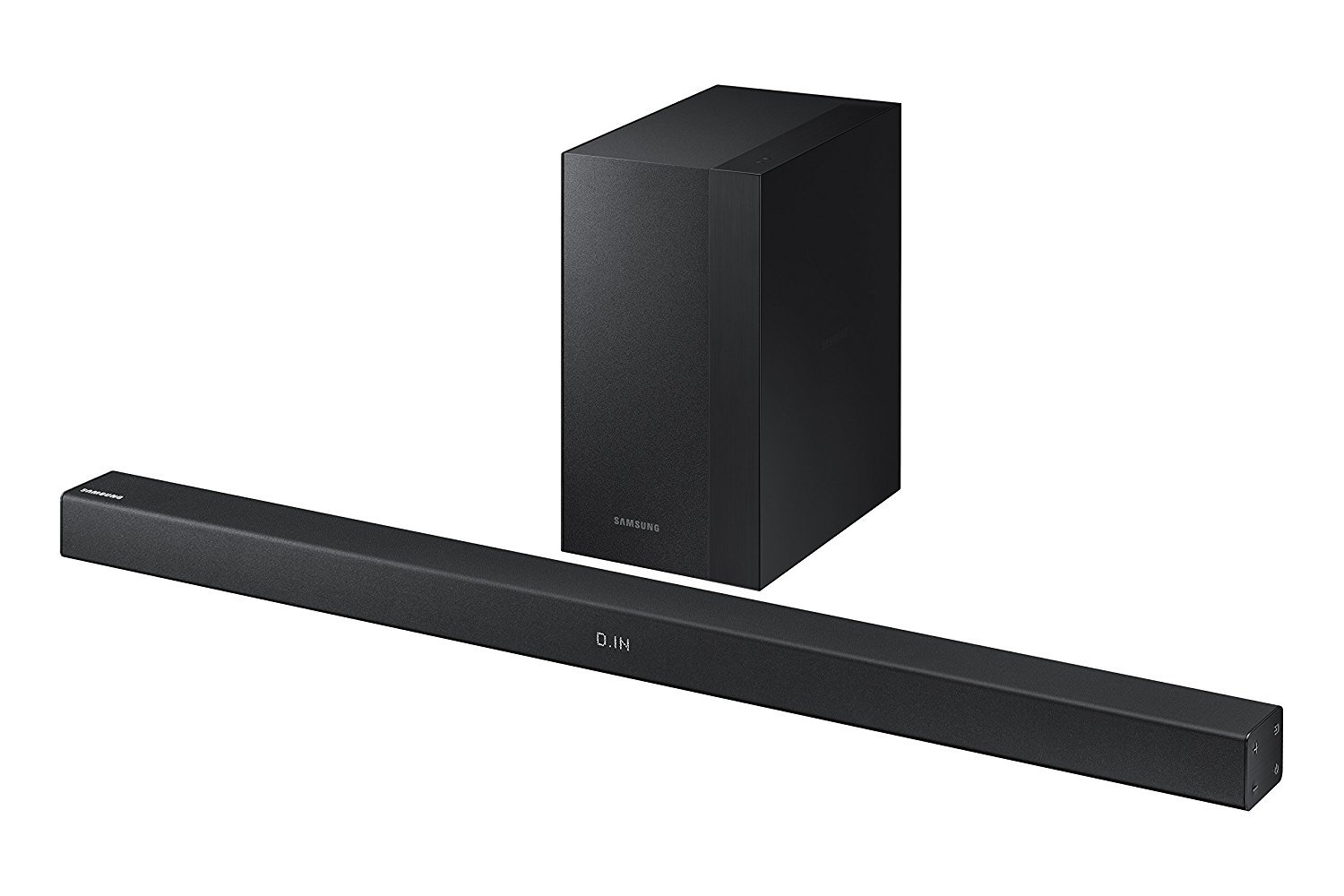
4. Samsung Sound Bar

No home entertainment system is complete without external sound for those big, blockbuster explosions. The Samsung Sound Bar might not be ear-splittingly loud, but its 200W capacity and 2.1 surround will make it seem like The Avengers are smashing baddies right there in your living room. There’s a wireless hub included so you won’t be tripping over wires, and a separate woofer for extra oomph.

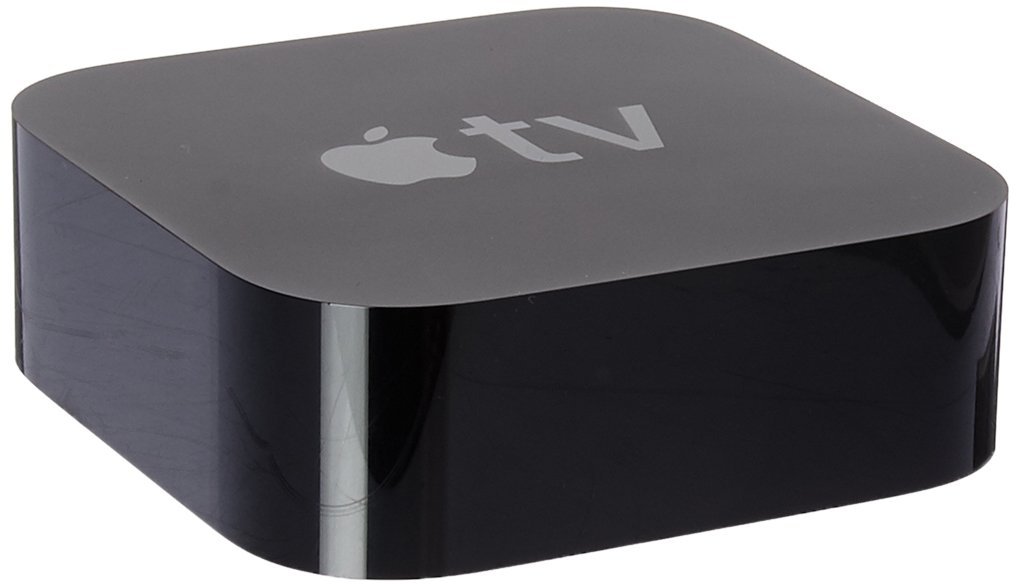
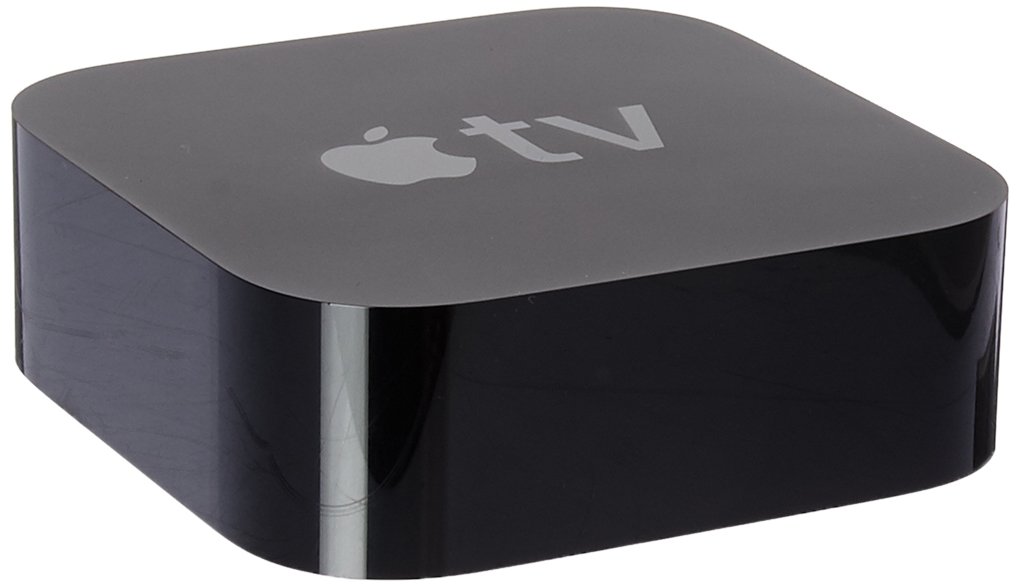
5. Apple TV 4K

Most smart TVs come with an app store of some kind, but the Apple TV takes those fundamentals and makes them sing. From games to streaming apps, you’ll find everything you need on your Apple TV, and it supports 4K Ultra High Dynamic Range to make shows appear so lifelike you could touch them. Even the remote is smart – just ask Siri what you’re looking for and she’ll do the rest. You can even stream direct from your iPhone or MacBook.

Gadgets can liven up any space – even one as lively as the living room. We hope this list has inspired you to bring a little more tech into your home.


Learn to be a better photographer with Luminar

What makes a great picture?

Is it the camera? The subject? The processing software?

Actually, it’s none of these things.

What makes a great picture is you.

I’ve made some big mistakes as a casual photographer. At the start, it was buying gear I couldn’t afford. Then, it was wasting hours on my computer trying to understand (and frequently failing) how to make my shots sparkle.

Like any creative art, photography is easy to learn but difficult to master. Anyone can point and shoot, but if you want the best images you need to learn how to take them.

Part of this is in composition, the art of capturing something interesting through the lens. This is perhaps the most important element of photography (and far more important than buying expensive gear). The other part is technical knowledge, and involves understanding terms like exposure, white balance, and contrast.

While composition is about seeing, a technical understanding helps capture what you see. Adjusting technical settings in-camera while on a shoot can be fiddly, so a lot of photographers (including myself) shoot in RAW and refine images afterwards using software.

But most photography software forgets what makes a great picture: you, the person behind the lens. It either overwhelms beginners with a flood of features, or frustrates professionals with a lack of them. What if there was a way to support the beginner while also offering professionals the full range of features they need?

Thankfully, there is one.

Skylum’s Luminar is the world’s first adaptive photography software. It’s the only editing suite to support your journey from beginner to professional, while still providing all the powerful tools an experienced photographer needs.

Loved by over 35 million customers, Skylum’s photography software has made professional editing affordable, easy, and fun. Does Luminar continue this trend? Absolutely. 

So how does it work?

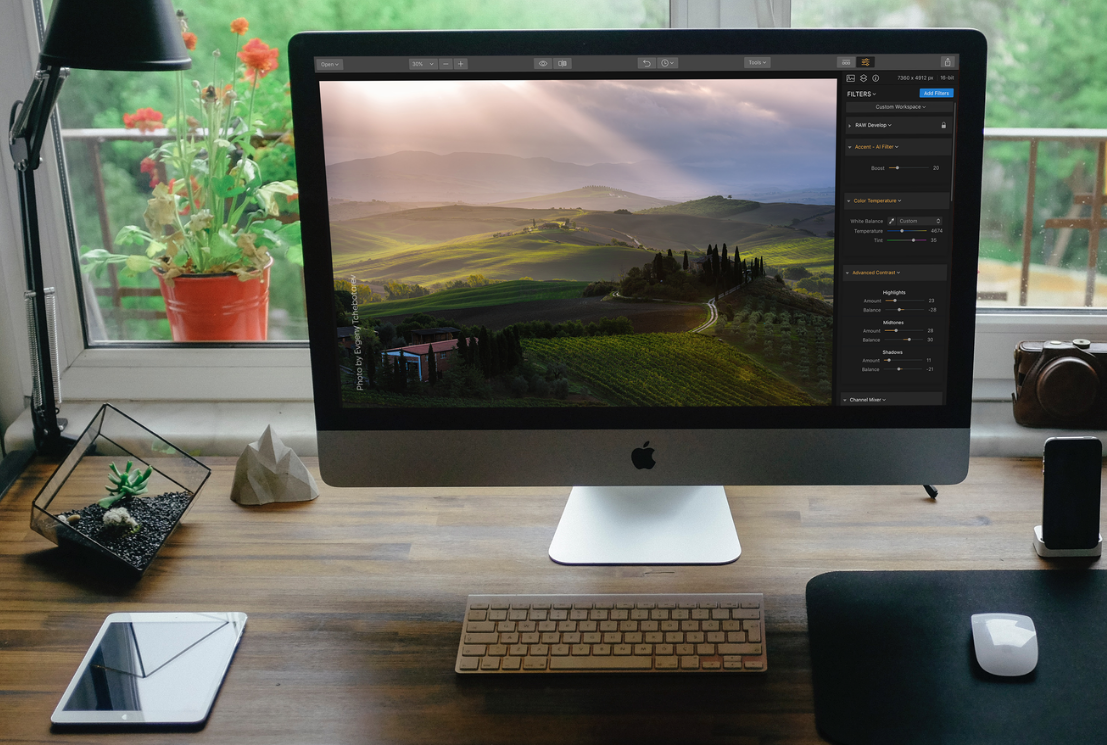
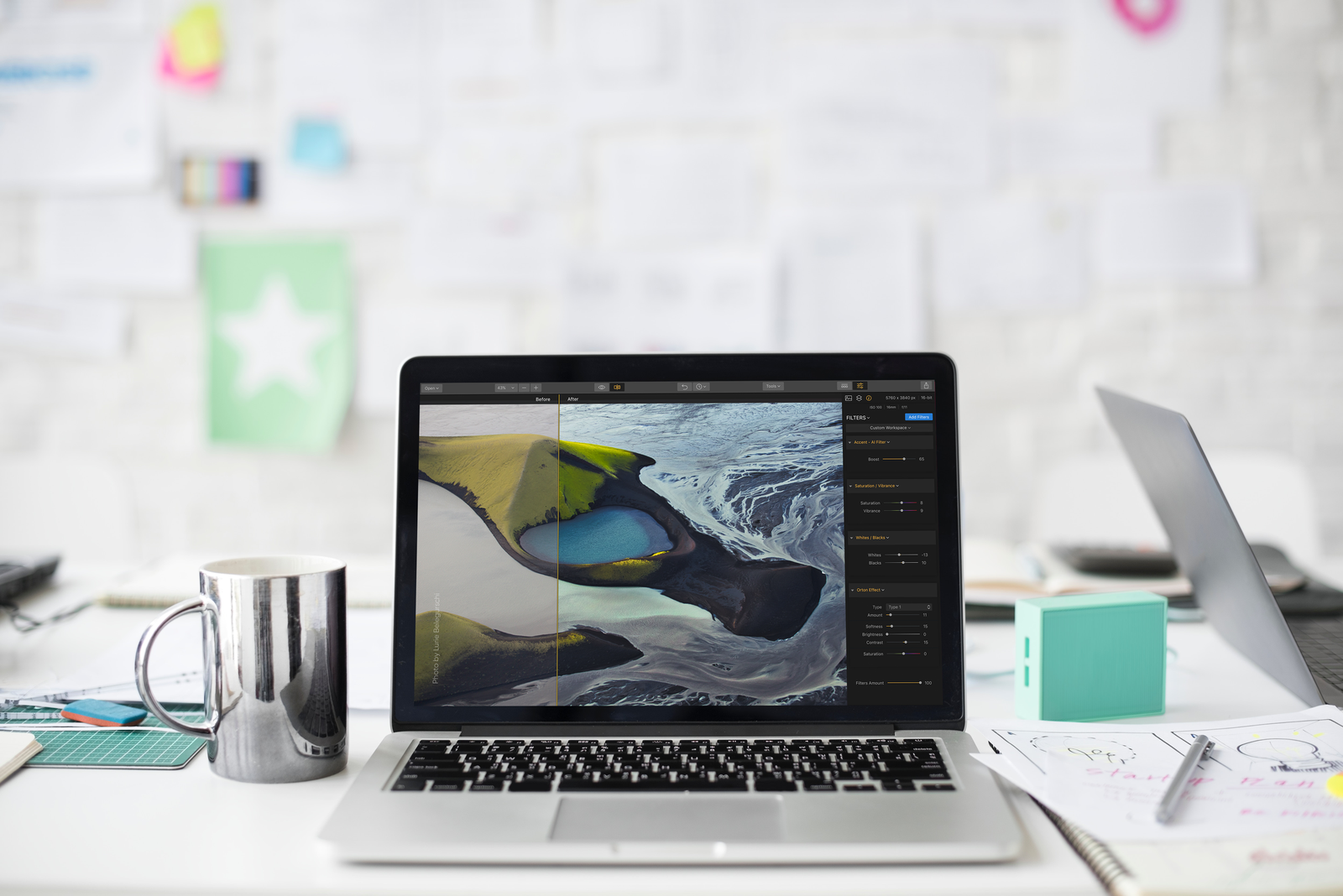
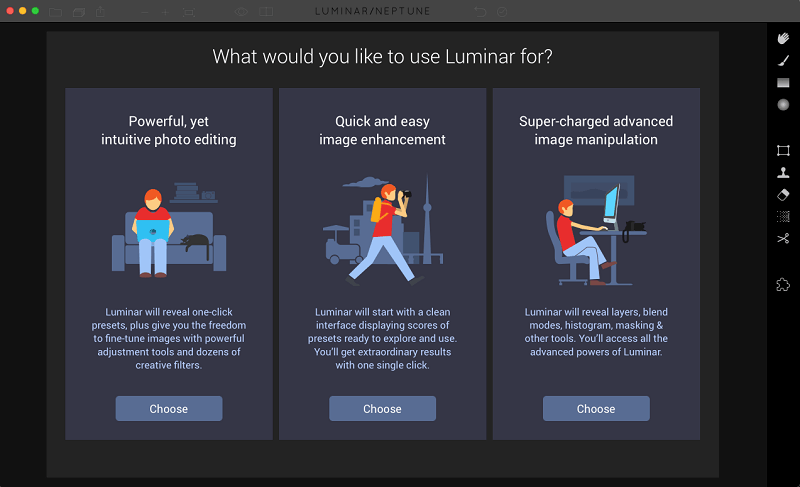
When you first boot up Luminar, it asks what level of control you want over your pictures. Depending on your experience, you can choose between presets and filters or a full suite of editing tools. As you learn each mode and try new things, you can progress to the more advanced modes, helping you master the technical aspects of photography much faster than competing packages.

If you’re a casual or mobile photographer and just want to add a bit more punch to your photos quickly and easily, start with the 67 presets, 45 filters, and various adjustable auto-enhancements.

Then, as your time and ability allow, play around with the advanced tools to get a more polished look. Finally, when you’re ready to delve into the detail, you can add all the profession tools you need for pure creative freedom.

BEFORE

AFTER

When it comes to helping users while still producing awesome results, I think Luminar is miles ahead of Adobe. In fact, those of you familiar with Lightroom will find it an easy switch, and Luminar also works as a Lightroom plug-in, so if you need beautiful pictures in a hurry you can apply Luminar’s sophisticated enhancements in just a few clicks.

Luminar has everything you need for better photos, and at just $69, you’re getting premium features for a budget price. Even better, we’ve managed to secure a 14% OFF for you ($10) – just type the promotional code SOFTONIC during checkout.  

BEFORE

AFTER

You are responsible for great photos, but that doesn’t mean you must spend a fortune or waste hours learning complicated software. Download Luminar today and learn just how easy it is to become a better photographer.