Bringing back couch play: 5 amazing indie co-op games

Online gaming is so widespread these days these days that it’s easy to forget that multiplayer gaming used to only be local. Even Halo, which used to be one of the most popular couch multiplayer games in the world, didn’t have split screen in its latest entry. While online gaming is fun and accessible, sometimes you just want to invite some friends over, order a pizza, and play Mario Party until 3 a.m. Here are some newer indie games that reinvigorate that couch co-op spirit.

1. Lovers In A Dangerous Spacetime
Lovers in a Dangerous Spacetime download now
8

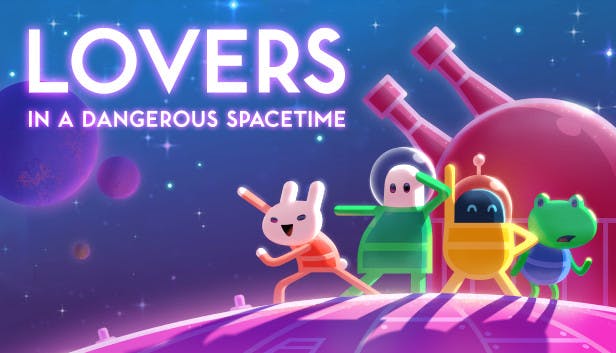
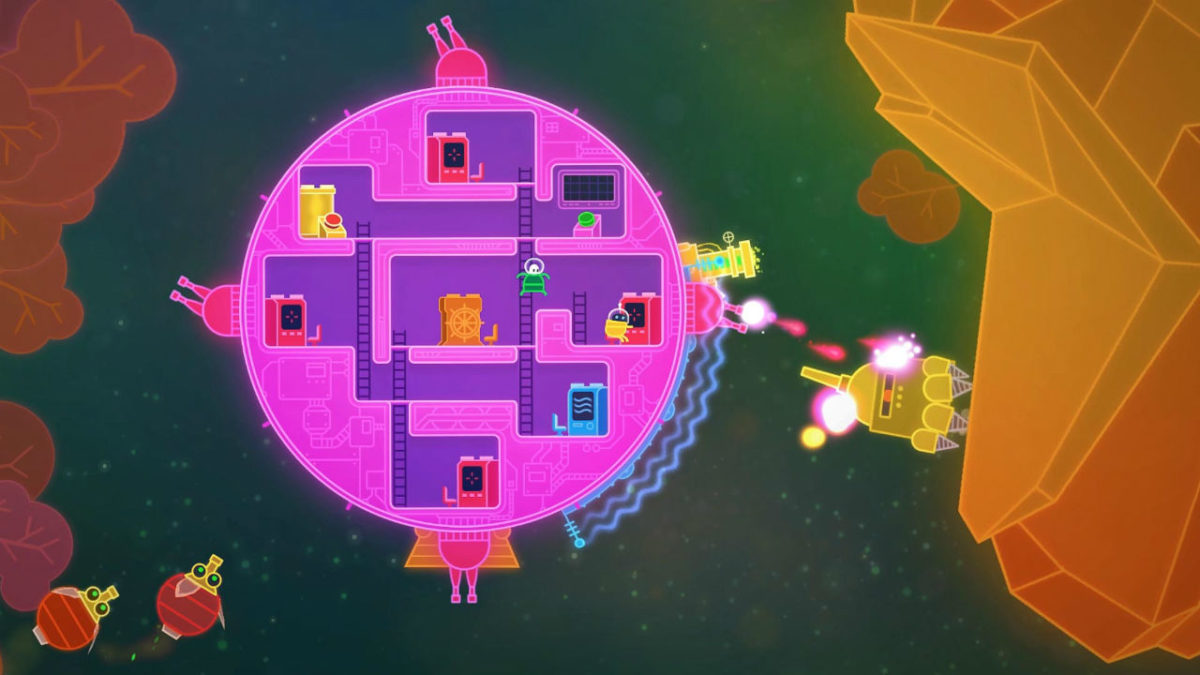
The name of this game is hilariously weird, and the game itself is even weirder. The game has you playing as one of many cute space pilots, scouring the universe, fighting hostile aliens, and rescuing helpless animals. Each player has their own character, and you can run around the giant circular ship to the different sections to control different parts. For example, one person could pilot the ship, while another controls the shields, with another on the turrets.

The game supports up to four players, inevitably, leading to a lot of shouting and mayhem. Despite the cutesy art style, the game is actually quite difficult, as every player needs to micromanage their specific role carefully. Amusingly, the end of every level presents a “love meter” that tells you how well you and your partner were in sync.

The game is available for Xbox One, PS4, Nintendo Switch, and PC/Mac. The trailer can be viewed here:

2. Overcooked
Overcooked download now
10

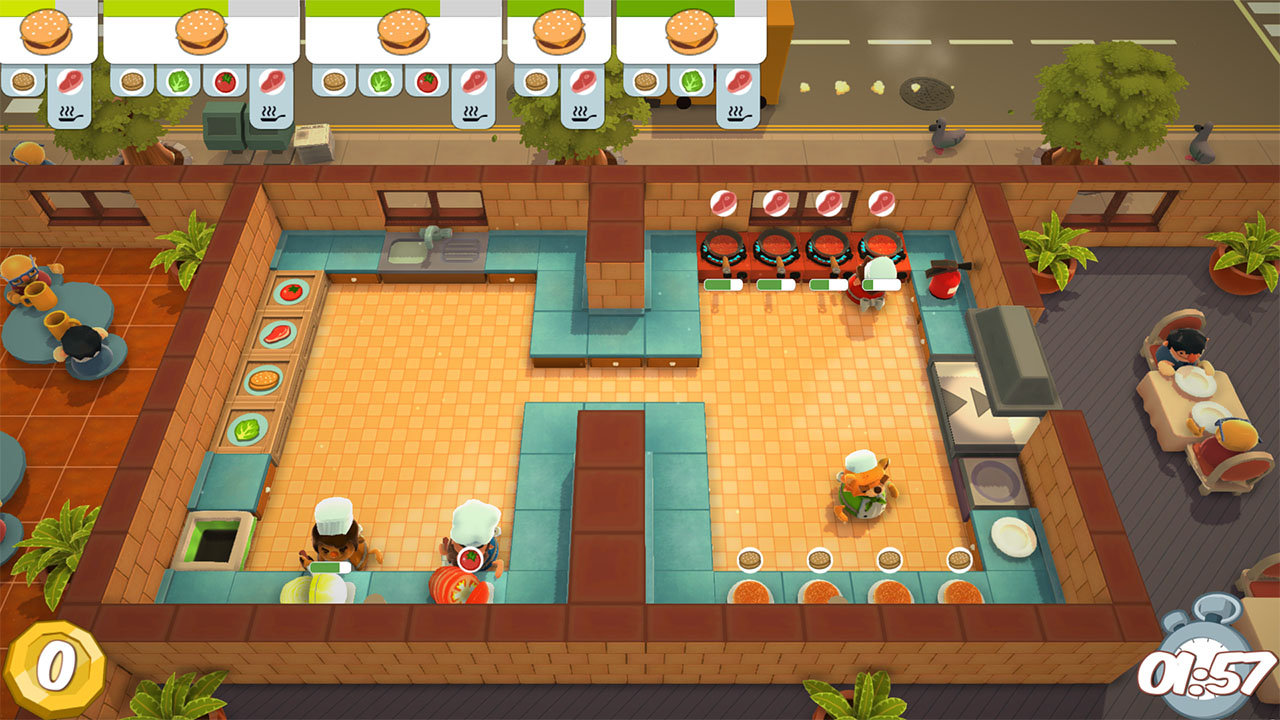
Overcooked is a frantic cooperative action game in which players try desperately to run a restaurant without everything going haywire. The game is basically Diner Dash cranked up to 11, as players must balance working quickly with getting the orders right to pass the level and get a high score. Each order that comes in must be made to specification, and your customers will tolerate no mistakes.

The game is both easier and harder when you get more people. It’s easier in the sense that you have more hands on deck to handle the various kitchen tasks, but it’s harder because you have so many people running around the kitchen, and then you get an order wrong, and the steak caught on fire, and there are no clean dishes left, and you’re only 10 points away from winning the level…etc. etc. Overcooked is hilariously stressful and we recommend this one to anybody who loves screaming at their friends. Overcooked 2 was recently announced, so keep a look out for that, too.

The game is out for Nintendo Switch, PS4, Xbox One, and PC. The trailer can be watched here.

3. Don’t Starve Together

Don't Starve Together download now
7

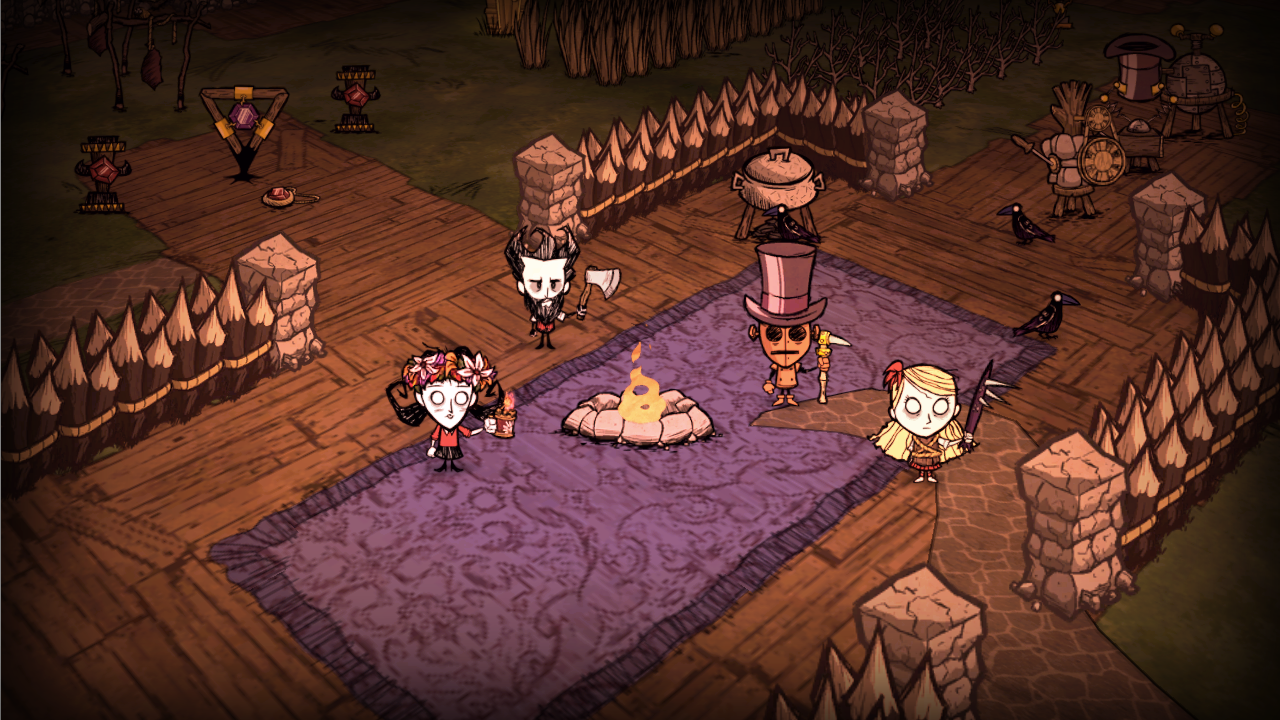
This charmingly creepy Burtonesque game tasks players with surviving a bleak and surreal world starting with nothing but the clothes on their backs. Like the title implies, players need to keep their characters fed, but they also need to worry about managing their characters’ sanity and fighting off an all-powerful but unseen Lovecraftian horror named Charlie. Don’t Starve Together combines the survival and roguelike genres to craft a bleak but endearing adventure. Each death is permanent (barring the use of certain items) so players must work together carefully to avoid the infinite number of things waiting to kill them.

The game is available on iOS, Android, Xbox One, PS4, PC, and Nintendo Switch. The trailer can be viewed here.

4. Cuphead

Cuphead Download Now
9

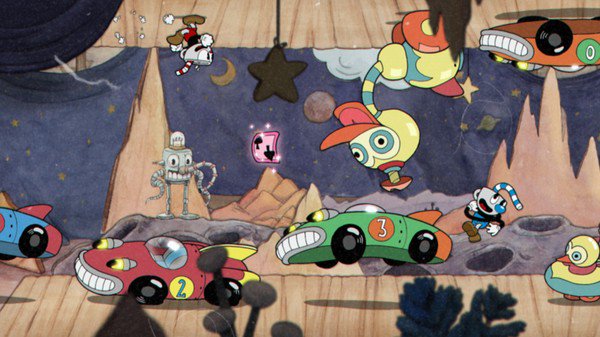
Cuphead is run-and-gunning at its best. The difficulty is hellishly brutal, with the game being only incrementally easier with a friend on your side. Resist the urge to snap your controller in half and you’ll be treated to a gorgeously animated adventure straight out of a 1940’s Max Fleischer cartoon. While the game is incredibly hard, it is never unfair. Enemies telegraph their attacks clearly, and are so unique and well animated that it’s hard to hate them. With that being said, you will likely let out a primal scream when you finally beat that boss that just killed you 500 times in a row.

The game is out for PC and Xbox One. The trailer can be viewed here.

5. Snipperclips

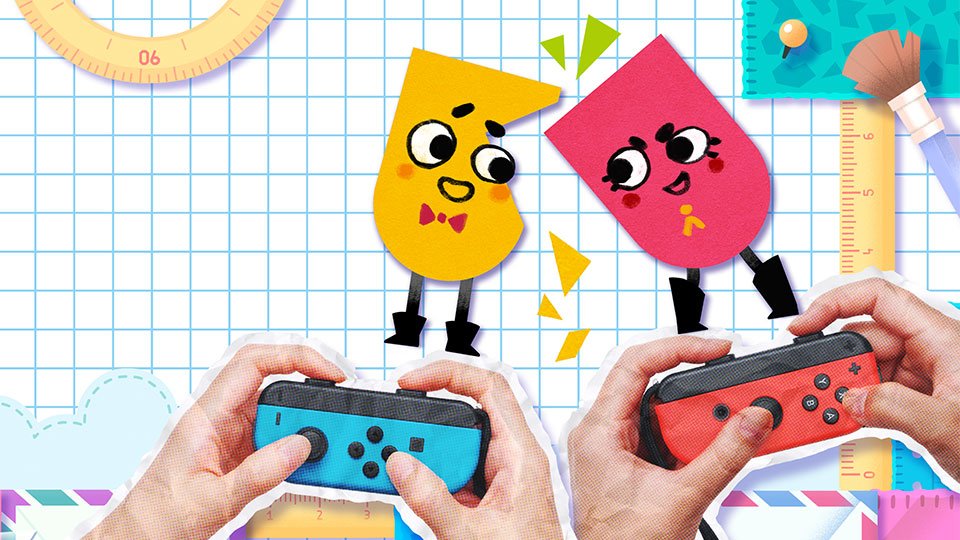
While the other games on this list may be frantic and stressful, Snipperclips is anything but. In this game, players cut each other up into various shapes in order to work together to complete a level. You need to get creative with your snipping, as each level presents a unique problem to solve, such as shooting a ball into a hoop or helping a hamster run across a bridge. The cutesy art style and laid back music make this game feel much more relaxed than other co-op games, and it’s a fine title to wind down and relax with your friends.

The game is available on the Nintendo Switch and the trailer can be viewed here.
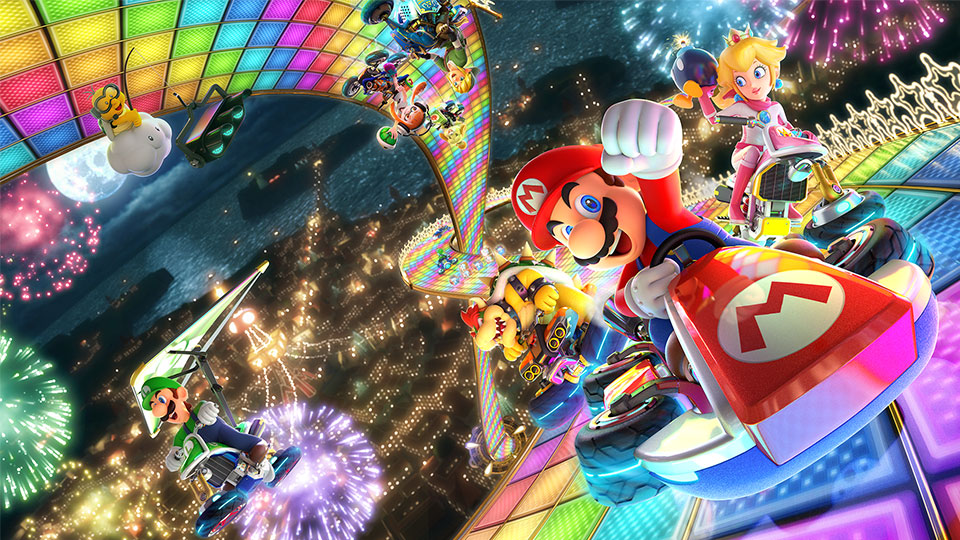
 

Mario Kart 8 Deluxe now compatible with Nintendo Labo

After launching Nintendo Labo a few weeks ago, the Japanese company has announced the arrival of the first compatible game.

With Nintendo Labo, the Big N has promised to revolutionize our way of playing console games. The only problem (until now) was that the game was slightly limited, as Toy-Cons were not compatible with the rest of Nintendo’s game library.

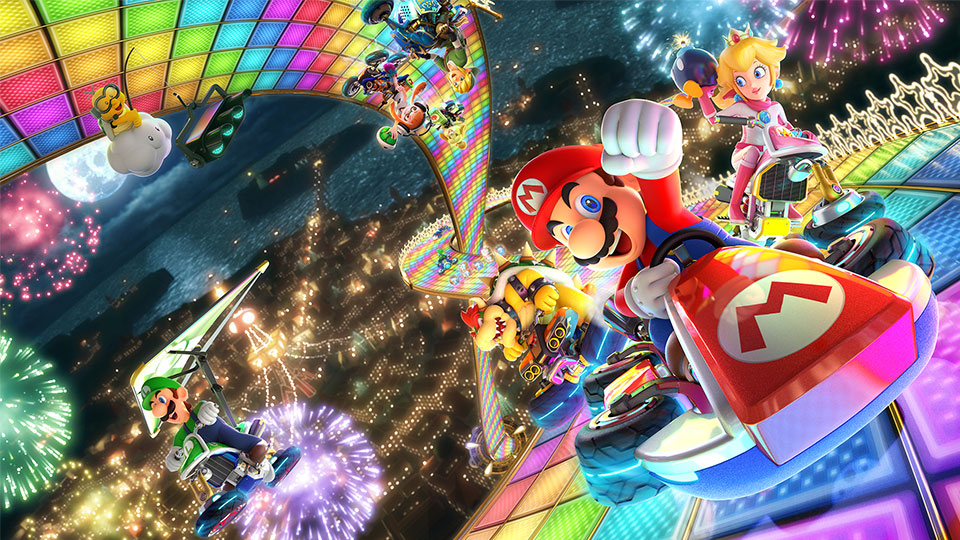
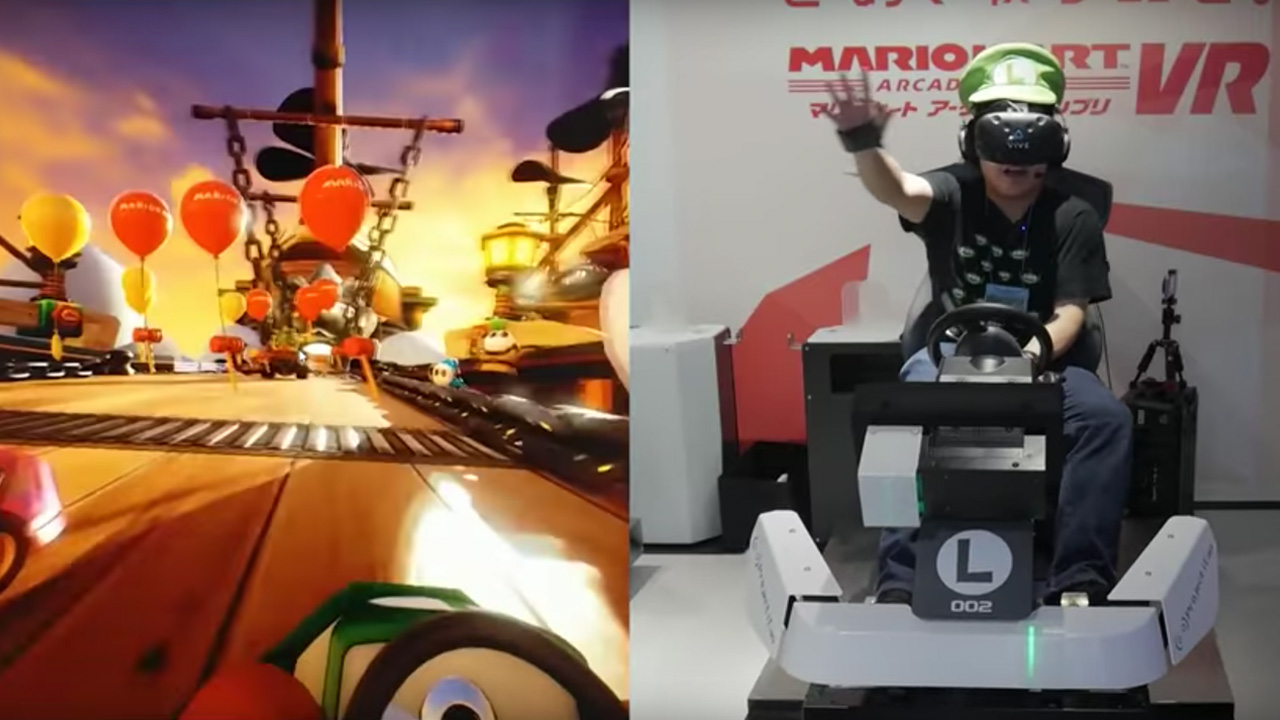
Fortunately, that situation was short-lived, as the Japanese giant recently gave Mario Kart 8 Deluxe a nice update, making it the first game capable of being played with Toy-Con motorbike handlebars. Just imagine: now you can pretend that you’re actually a race car driver on Rainbow Road. We’re not sure if you’re more of a Mario Kart 8 Deluxe, Splatoon 2 or Zelda person, but it’s worth a try, isn’t it?

To be able to play Mario Kart 8 Deluxe with Toy-Con handlebars, you’ll still have to get the Nintendo Labo variety kit. If you haven’t already fallen in love with the Big N’s IRL building game, it could indeed be worth it, because thanks to Toy-Con, you can turn the handlebars to take a turn and twist the right handlebar to accelerate.

In short, the sensations claim to be as close as possible to those of a real motorbike (except that this one’s made of cardboard). It’s something to improve your game experience after you discover this great accessory for playing vertical games on the Nintendo Switch.


How to play with friends in Fortnite

Playing Fortnite with friends takes the experience from great to fantastic. There’s something special about finding, communicating, and connecting with old friends in a challenging and fun environment, or discovering new allies on Fortnite’s ever-changing battlefield.

Fortnite FREE DOWNLOAD
9

Still, with Epic games’s cross-platform play, figuring out how to connect with other people can become difficult. Especially if you’re new to the system.

We have a few suggestions on how to connect with teammates and work through bugs, to make your experience as smooth as possible.

Connecting with Friends

Although consoles like the Xbox One allow players to meet friends through their own system, the best way to find other Fortnite enthusiasts comes from Epic Games itself.

Open Fortnite on your device (if you’ve just begun playing, you’ll need to create an Epic games account to log in). At the top right of the screen, there should be a small “person” icon:

(The number indicates how many friends are online. In this case, one.)

Click on the icon, which will open a new panel with three sections:

(The “world” on the left indicates you are online, and shows which friends are as well. The “settings” tab on the right allows you to change attributes specifically focused on co-op play. We’ll reference settings again in the troubleshooting section.)

Click the middle “Add Friends” icon. The following screen will appear:

Here, you can connect to other Epic Games accounts in four different ways:

  1. A username search.  Know your friend’s username? Enter it in this bar, search, and you’ll be able to send them a request in no time.
  2. Account connections. Are your friends on Facebook or Steam? This option allows you to log in and connect through those sites.
  3. Recent players. Find those you’ve already fought alongside and invite them to be your friend. This becomes especially helpful after playing a squad match with folks you’d like to meet again.
  4. Requests received. When others send you a request, it’ll end up here if you miss the initial notification.

Once your Epic accounts are linked, bringing everyone together becomes as simple as selecting their username in the friends list and clicking either “invite to party” or “join party”.

Keep in mind, you may do this from ANY DEVICE, with one notable exception: PS4 players cannot join up with any other console. Will PC and Mobile work with PS4? Yes. Will Xbox or Nintendo Switch’s connect? No. Your friends may appear online, but joining their party will not work.

Finding New Teammates

None of your friends play Fortnite? Looking to meet interesting people? There’s a secret: the best way to meet new players is by playing!

Join any game that’s no Solos: Duos, Squads, 50v50, whatever. The game will ask you to choose “Fill” or “No Fill”. Choose “Fill”: this populates your team with three random players.

Once you’re in the game, you can decide whether or not to play with those teammates again. What you want in a teammate is up to you, but consider asking these questions: do they land with the team? Do they share loot, heals, and building material? Did Han Solo shoot first? Do they have a headset? Are they fun to talk to? Finally, most important of all, do they dance?

If you decide to play with any members of your team again, go back to the “Add Friend” tab, and select “Recent Players”. If you ever want to remove a friend, it’s as easy as selecting their profile and clicking “Remove Friend”.

Troubleshooting

Connection issues can happen for a number of reasons. We’ll discuss two broad areas: joining other players in a party and engaging in voice chat.

If you or someone else is having trouble joining the party:

  1. What devices are in use? Remember, PS4 players are not allowed to join squads with other consoles and vice versa.
  2. Is cross-device play allowed? Go into your “settings” tab and check that this is allowed on both devices.
  3. Are they actually online? If not, no worries, it’s an easy mistake to make.

If someone is having problems joining the voice chat:

  1. Are they already talking to someone else? Xbox and other consoles have party systems in place for users of the same type of device. Being connected in this fashion could be blocking the Epic Games chat.
  2. What chat settings are in effect? Go to the party settings and the audio settings to make sure everything is in order.
  3. Are other people muted? Muting in Fortnite can easily happen by accident: hitting the menu button and selecting a player’s banner will mute them. Select their banner once more to unmute.

Have fun joining the community, we hope these suggestions improve your experience!


The 5 easiest ways to win your first Fortnite match

Whether it’s your first time playing Fortnite or you’re simply looking for a few pointers to finally get to the top of the leaderboard, this article will outline five easy tips to help you snag the elusive Victory Royale.

Even if you’ve never played a video game in your life, you’ve probably heard of Fortnite. The smash hit from Epic Games is known for its Battle Royale mode, a game that drops 100 players into a massive map to fight to the death. The last player standing wins, and there are no respawns and no second chances.

Fortnite: Battle Royale Download Fortnite: Battle Royale
10

These odds may seem impossible, especially for new gamers or those unfamiliar with Battle Royale games. Whether it’s your first time playing Fortnite or you’re simply looking for a few pointers to finally get to the top of the leaderboard, this article will outline five easy tips to help you snag the elusive Victory Royale.

1. Plan Your Drop

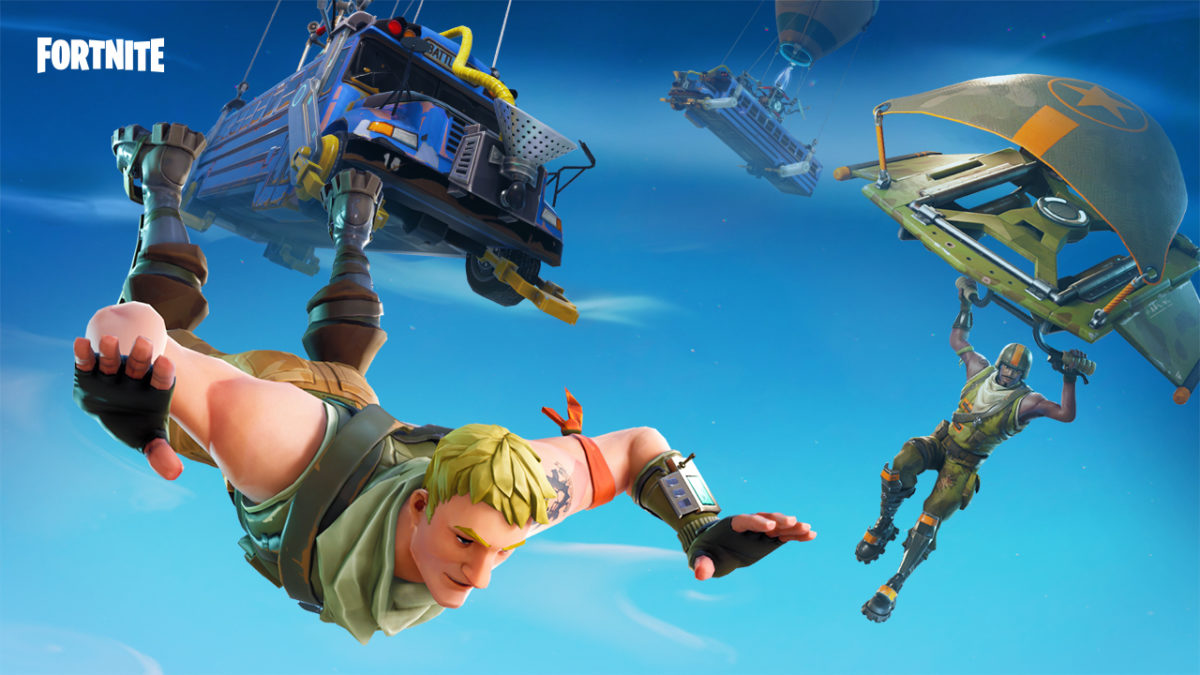
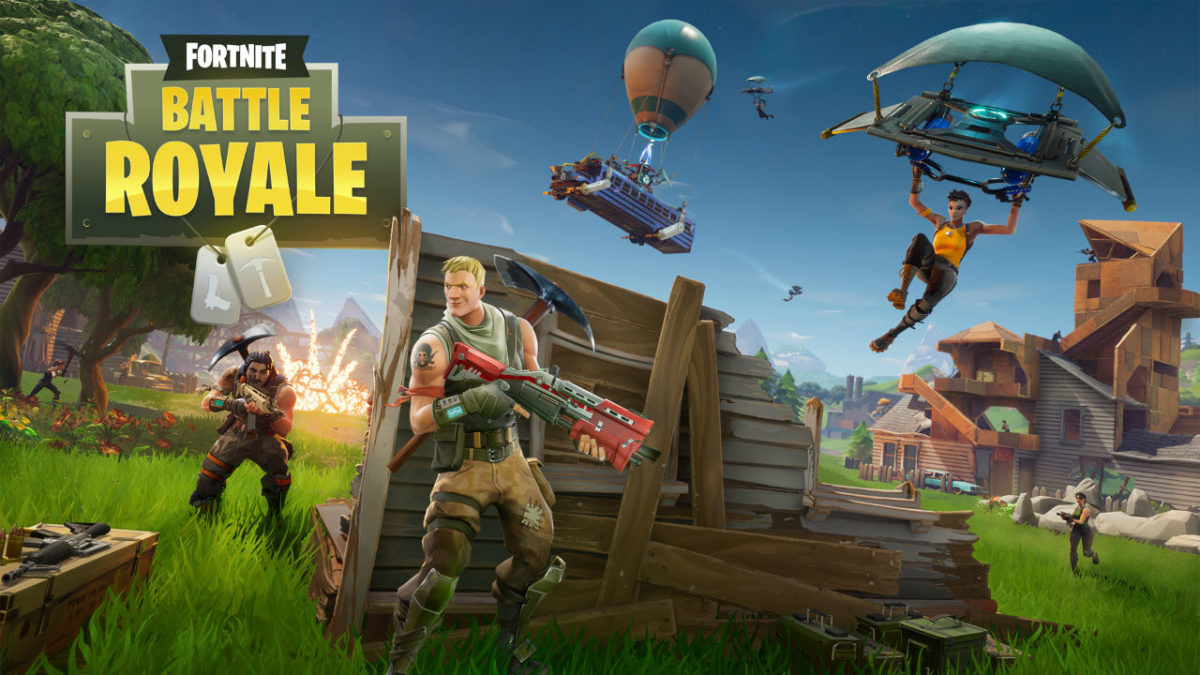
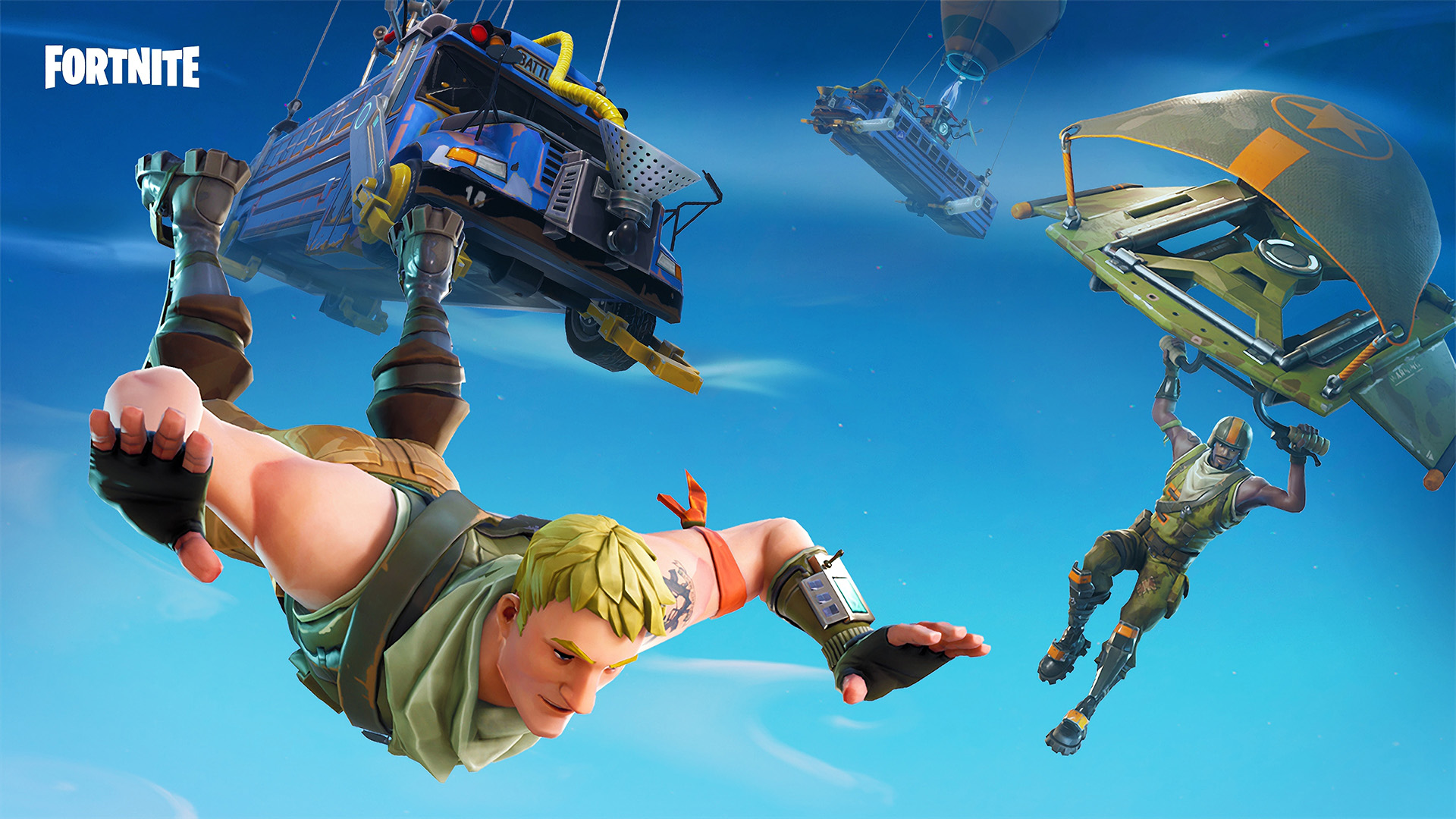
Every round of Battle Royale begins with all 100 players crammed into the Battle Bus. After a timer counts down, players can choose when and where to drop into the map, either skydiving or using a glider to control their descent. Though it may be tempting to drop into one of the many towns or settlements on Fortnite’s map, most other players will have the same idea. Though more developed areas contain more supplies, this means that they are a magnet for enemies, and should be avoided until you are properly equipped. Dropping into an isolated patch of wilderness and then searching for chests or exploring through areas after the first few chaotic minutes of a round is a smart way to stay alive.

2. Be a Better Builder

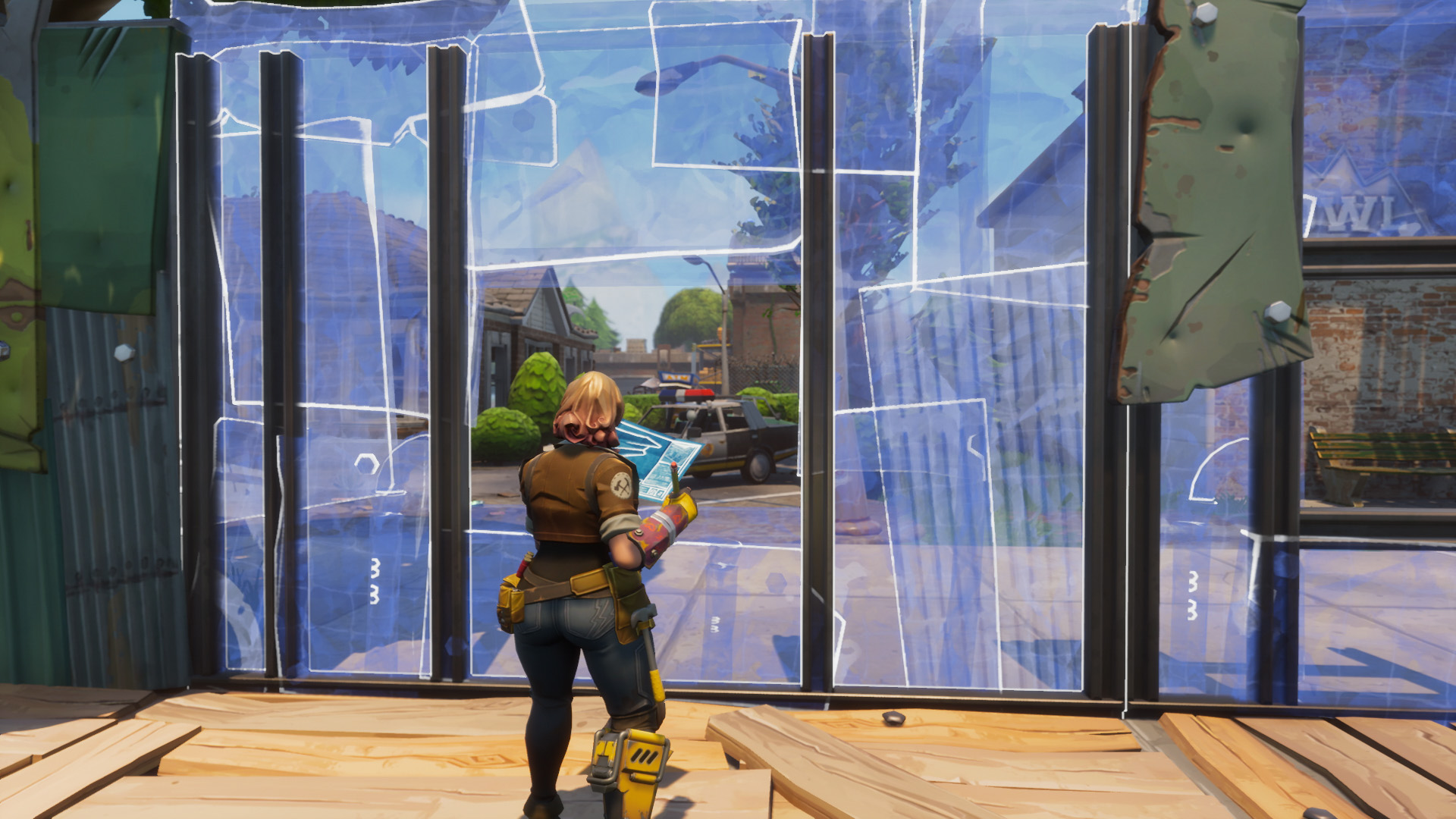
New players may be tempted to think of Fortnite as a shooter, but mastering the game’s building mechanic is an essential part of climbing to the top of the leaderboard. The general rule of thumb in Fortnite is to build first and shoot second. This means spending time stockpiling supplies, learning building controls, and being ready to throw up a quick defensive wall should the bullets start flying. You can check out this article for more in-depth and detailed strategies to help you become a master builder.

3. Use Your Inventory Wisely

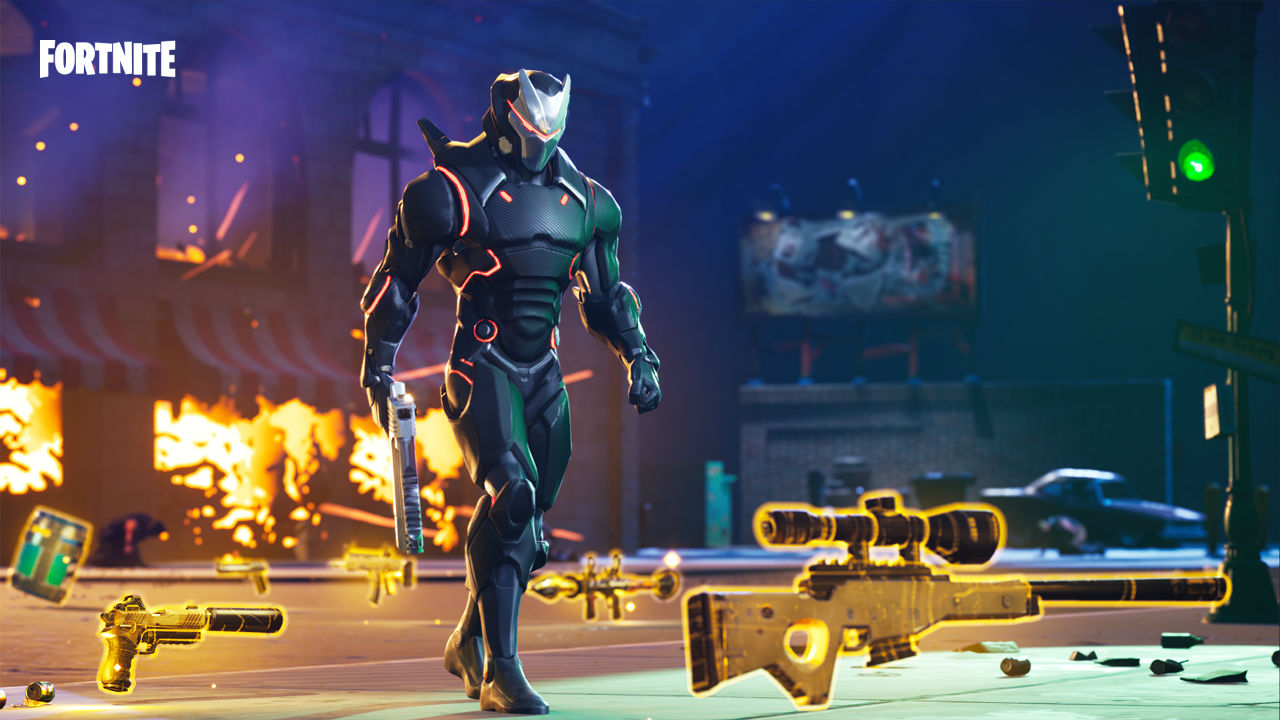
Inventory space in Fortnite is limited, and with so many different items it can be difficult to decide what to keep and what to discard. So, what should you have in your five inventory slots? The first three slots should be reserved for weapons. Usually, this means an assault rifle, a shotgun, and either an explosive weapon or sniper rifle, depending on your play style. Which weapons should you pick? Check out this article for the best three weapons that will give you the best bang for your buck (pardon the pun). The final two slots should be reserved for shields and healing items, should you find yourself in a sticky situation. It pays to keep your inventory well rounded, rather than hoarding more weapons or more healing items. Having a balance of both means you’ll be prepared for whatever a battle might throw at you.

4. Keep Moving

Staying alive means staying on the move. The quickest way to die is standing out in the open with no cover. From the second the game starts, the storm begins closing in. What is the storm, you might ask? It’s essentially a wall of death that shrinks the map, forcing players into combat. This means hunkering down and waiting for other players to kill each other isn’t a viable strategy. Sure, you can do it for a while, but eventually, you’ll have to move. When you do, make sure your shields are full, and make sure you keep an eye on the storm timers and mini map. These will keep you updated as to how long you have left until the storm closes in, and where the new safe area is.

5. Pick Your Battles

Though it may be tempting, you don’t have to fight every player you see. For example, if you see a player running along a hillside in the distance, taking potshots at them with a shotgun might not be the smartest idea. Sometimes avoiding a fight can be a better option than picking one. If you’ve got the drop on another player, think strategically.  Before starting a fight, ask yourself if what advantages you might have. Do you have the high ground? Better weapons? Better cover? If the answer to these questions is yes, then start shooting. If you aren’t feeling confident, then avoid the encounter if you can and live to fight another day.

Though all this information may seem a little overwhelming for first timers, fear not. Fortnite is incredibly fun once you get the hang of it, and with these tips, you’ll be well on your way to achieving your very first Victory Royale.


A beginner’s guide to Pokémon Quest

Now available on mobile devices, Pokémon Quest is a free-to-start RPG. The player takes control of cube-shaped versions of the original 151 Pokémon on their adventure to explore Tumblecube Island. Here are some tips on starting your journey

About a month ago, the Pokémon Company excitedly announced their upcoming Nintendo Switch title, Pokémon Let’s Go Pikachu & Eevee. Along with this, Pokémon announced (and soon after released) its first Nintendo Switch title: Pokémon Quest.

Pokémon Quest Download Free
8

Now available on mobile devices, Pokémon Quest is a free-to-start RPG. The player takes control of cube-shaped versions of the original 151 Pokémon on their adventure to explore Tumblecube Island. Here are some tips on starting your journey:

Choosing your starter

Every Pokémon journey begins with picking your starter Pokémon, and this game is no exception. You get to choose between some classics: Bulbasaur, Squirtle, Charmander, Pikachu, and Eevee. The most common suggestion is to go with Charmander. Pokémon Quest doesn’t have a typical type chart, instead giving you type bonuses for certain expedition sites. Charmander is usually recommended because fire is nice to have early in the game, and is a rare type compared to water, grass, and normal.

Another good option is Bulbasaur. Not only does it have the best defense of the starter Pokémon, but it also has the ability to heal itself. Pokémon will automatically revive after some time of being knocked out as long as you have at least one Pokémon left. Starting with Bulbasaur lets you survive longer, so your other Pokémon have more time to revive.

Recruiting Pokémon and Battling

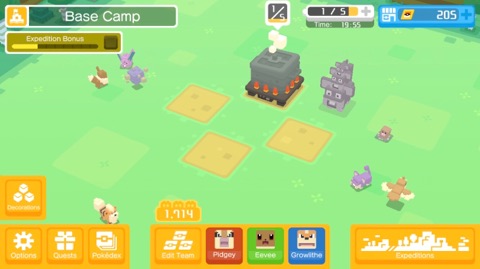
In most Pokémon games, you typically use Poké Balls to catch your Pokémon in. In this game, however, you attract Pokémon to your camp by making different recipes. Each recipe attracts different kinds of Pokémon. Some attract water types, while others attract red Pokémon. Once you’ve created a dish, the recipe will be saved in your cookbook, and you’ll be able to recreate it. So it’s best to mix and match for a bit until you’ve found some good recipes. It’s up to you to decide what kind of Pokémon you want to catch.

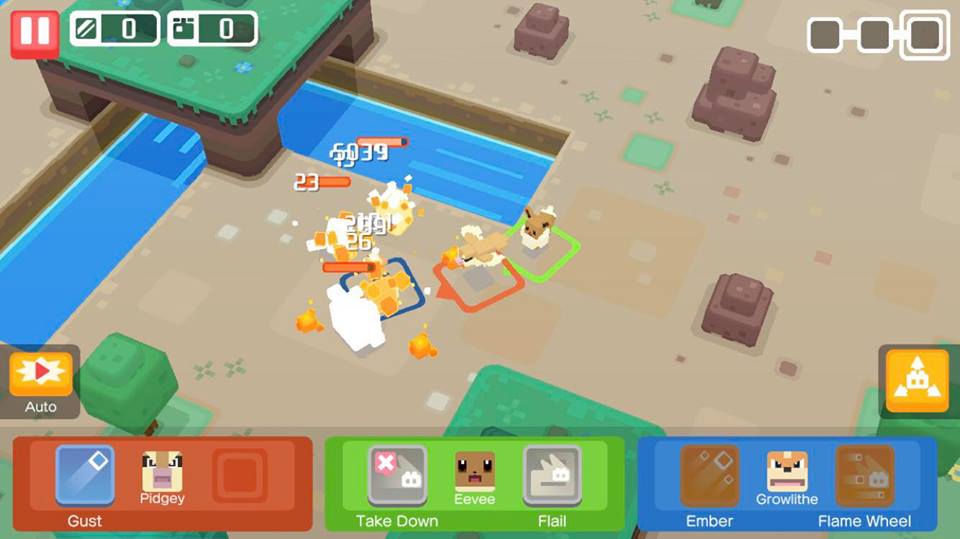
Just like the catching system, the battling in this game is unlike any other Pokémon game to date. Essentially, you send off three Pokémon into a dungeon, and have little control over them once they are in. You have the choice to set the Pokémon onto “auto” or not, but either way, they will control their own movements. If you take “auto” off, however, you are able to control their attacks and make them scatter if they are taking a lot of damage. You should focus on equipping your Pokémon and training them up before taking on difficult areas, since you won’t have much control once they are in.

Should you spend money on the game?

Being a free-to-start game, Pokémon Quest comes with its own form of microtransactions. Unlike most free-to-start games, Pokémon Quest only has a few in-app purchases. Instead of having a continuous way to spend money, Pokémon Quest has three packs to choose from. Along with these, you can purchase a $30 bundle that will give you all three packs, and extra bonuses as well. If you do plan on spending any money on this game, then this bundle is definitely worth the cost compared to the other options. Without purchasing this bundle, the game is definitely beatable, but will take a lot more grinding. The bonuses from the bundle will save you a lot of time, but ultimately it’s up to you whether you’d want to spend the money or not. We recommend trying the game for a bit, before you decide whether it’s worth it.


Everyone is here with Super Smash Bros. Ultimate

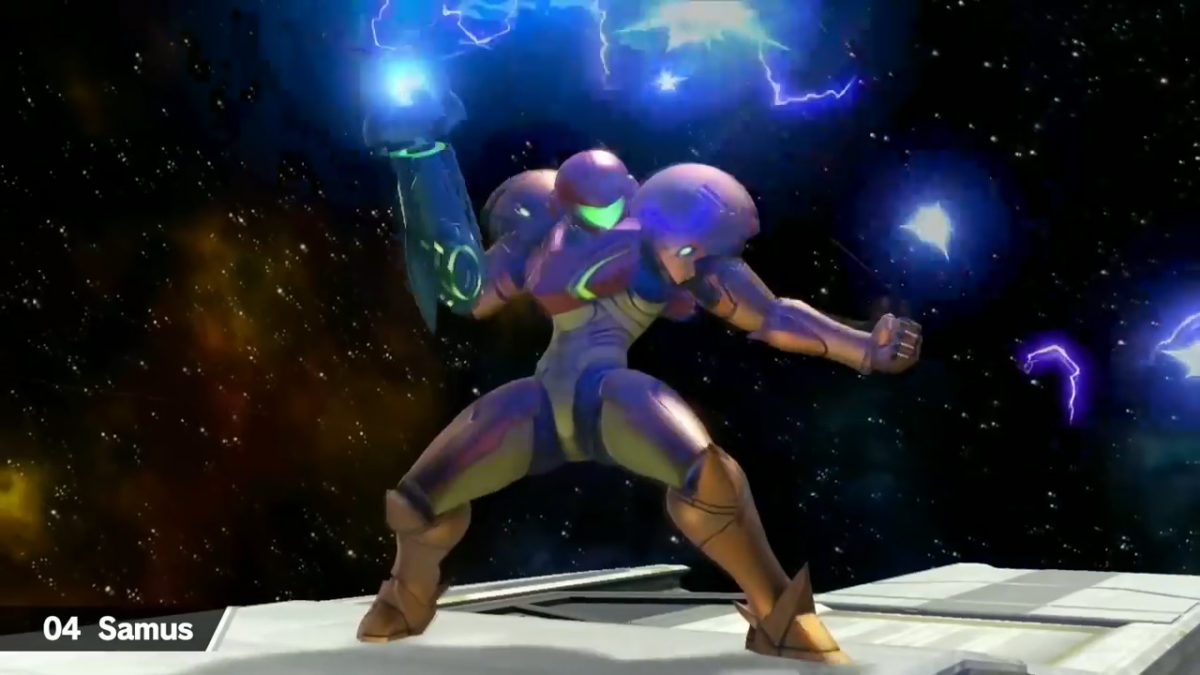
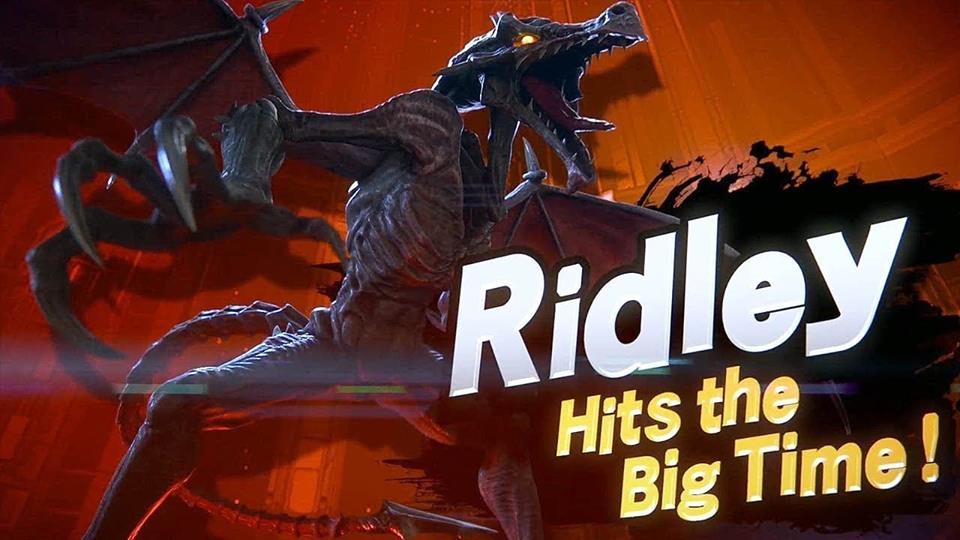
“Everyone is here” in Nintendo’s new edition to the Super Smash Bros. series, Super Smash Bros. Ultimate! With a massive roster of 68 characters, longtime fans of the series will be excited to see the return of every character ever included in a Super Smash Bros. title. Along with the returning characters, Ultimate will feature three newcomers, Inkling from Splatoon, Daisy from the Mario franchise, and the long-anticipated Ridley from the Metroid series.

While some thought this game was going to be a port of Super Smash Bros. for Nintendo 3DS and Wii U with an increased roster, they will be happy to hear that this is not the case. During an interview with USGamer, localization manager Nate Bihldorff confirmed that the game was built from an entirely new engine, and was not an enhanced port of the previous title. While there are similarities between the two games, no assets from the previous title were used in Super Smash Bros. Ultimate, which was built entirely from scratch. This can be seen in some of the character changes, as well as mechanical differences between the titles.

During a separate interview with Famitsu, Nate Bihldorff and Bill Trinen revealed that, unlike the characters, not all stages will be returning in the new Super Smash Bros. game. It’s still unconfirmed which stages will not be coming back, but it’s most likely this information will get revealed as the release date gets closer

New Super Mario Bros. Wii Wallpaper Free Download
8

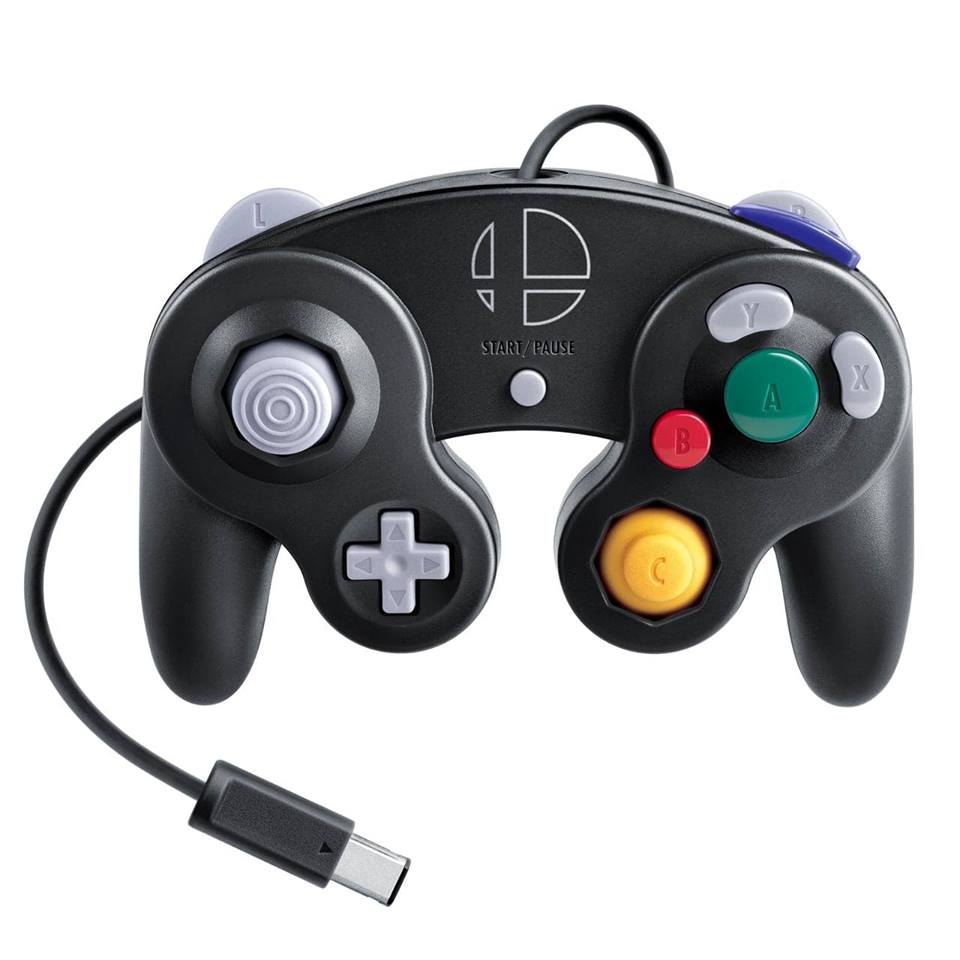
Nintendo is also releasing a new Super Smash Bros. Edition Gamecube controller. Along with this controller, Nintendo will be releasing an adapter for the Nintendo Switch. Unlike the adapter for Super Smash Bros. Wii U, the adapter will be compatible with more games than just Super Smash Bros. Thankfully, if you owned an adapter for the Wii U, it’s already compatible with the Switch.

Whether you’re a lifelong fan of the Super Smash Bros. series, or you’ve only just begun playing, Super Smash Bros. Ultimate will be an exciting new experience for everyone. Pre-orders are already available, with the release date set for December 7 of this year.


Is this cardboard arcade machine the best thing you can do with a Nintendo Switch?

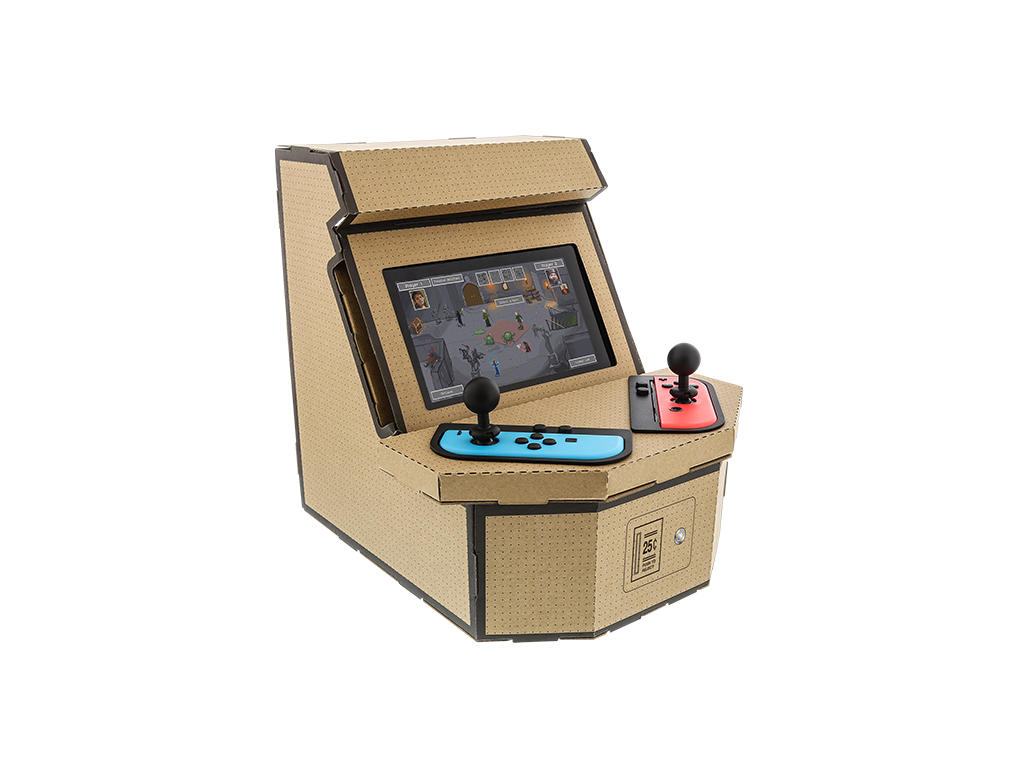
This cool take on the Nintendo Labo project for Switch is a good idea, and we can’t wait to get our hands on it. If you’re not familiar with Nintendo Labo, it is Nintendo’s latest innovative masterpiece. It combines cardboard kits and the plethora of sensors on the Nintendo Switch console to allow users to create all sorts of cool contraptions that they can use to play different games.

Available kits include musical instruments, fishing rods, motorcycles, and more. There have already been some incredible showcases of just how good Nintendo Labo can be. The idea is to get kits creating and eventually moving on to building their own kits and coding the games to go with them. It doesn’t all have to be about learning though, and this cool third-party cardboard kit, by Nyko, is all about fun.

Image via: Nyko – The coin slot can be used as a piggy bank!

The PixelQuest cardboard arcade kit gives Switch owners the chance to build their very own arcade cabinet. It creates a housing for the Joy-Cons and Switch screen and comes with two little bobble head joysticks to complete the experience. The PixelQuest comes complete with grid outlines on the cardboard so that players can use the provided sheet of stickers to adorn their arcade cabinets with unique pixel art creations. There is even a working coin slot that can be used to save your nickels and dimes.

We love the PixelQuest Arcade Kit by Nyko, and we can’t wait to get our hands on one for the office. For just $20 it looks like an absolute bargain that will provide a couple of fun hours’ worth of construction and then a lifetime’s worth of nostalgia to get into. You can expect to see it in stores this Fall.

What did E3 tell us about the future of Fortnite?

Everybody knew that Fortnite would be announced for the Nintendo Switch at E3, and nobody was disappointed when it was. Fortnite on the Switch is already available as free download from the Nintendo eShop and players have already started playing the world’s most popular game.

Something else that we’ve learned over the last few days is that Fortnite now has over 125 million players. That vast number is even more incredible considering the game has only been out for less than a year. Incredibly, the free-to-play Battle Royale version of Fortnite has only been available since September.

Fortnite’s huge numbers come from the fact that it is a true free-to-play experience. Paid extras, like skins to dress up your avatar and dance moves to emote with don’t give players an unfair advantage. Another factor will be the fact that Fortnite is available on most major platforms including iOS. Fortnite’s release on the Switch means that Android owners are the only people who can’t play Fortnite. Epic Games say they are looking at a summer release for an Android version of Fortnite so we can expect to see Fortnite player numbers swell even further as, according to Google, there are over 2 billion active Android phones in the world.

Fortnite: Battle Royale Play Now
10

Some bad news for Fortnite fans, however, is that Sony has decided to block cross-platform play between PS4 and Switch. This means players won’t be able to continue their Fortnite sessions on the fly, using their Switch, if they began on the PS4. More disturbingly, Fortnite accounts, with Epic Games, linked to the PlayStation Network (PSN) can’t be accessed from the Switch. Players on the Switch won’t have access to any of the skins or emotes they’ve accrued using their PSN-linked Epic accounts. It has been confirmed though that Fortnite cross-platform play will be possible between Xbox One, Nintendo Switch, PC, and Mobile. Quite rightly, Fortnite fans aren’t happy about Sony’s position here.
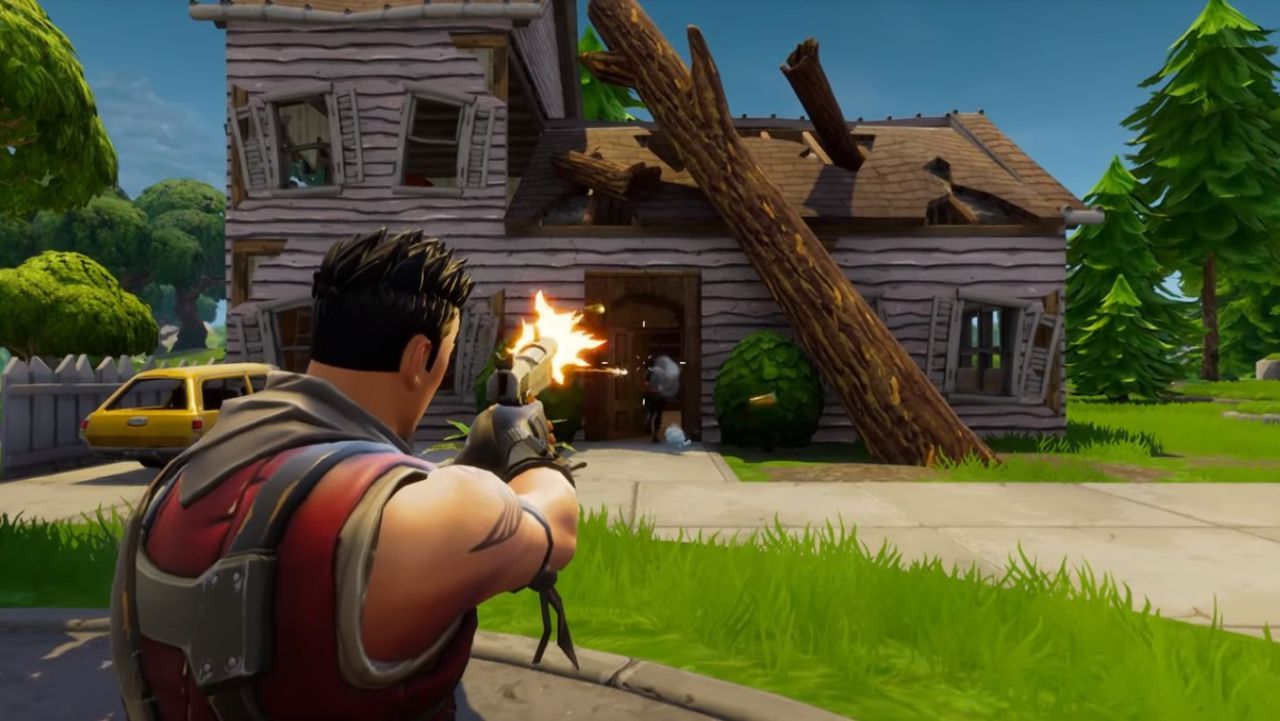
The last big bit of Fortnite news from the last couple of days comes in the form the first ever Fortnite World Cup. Qualifiers will begin in the Fall, with the big competition taking place towards the end of 2019. There will be no franchises or teams for sale with the action open to anyone, which means you can enter. With a prize pool of $100 million, it could be a good time to start practicing and honing your skills. Epic said:

“What about the specifics? The $100,000,000 will be split between many events at different levels of competition around the globe. Fortnite World Cup play will focus on Solos and Duos, but there’ll be plenty of opportunities to squad-up in competition, too… Rules, Player Code of Conduct, specifics about platforms and Fall 2018 schedule are on the way. If you’re interested in learning more about Fortnite competitive play sign up…”

To sign up for the world cup, go to Epic’s blog by clicking here.
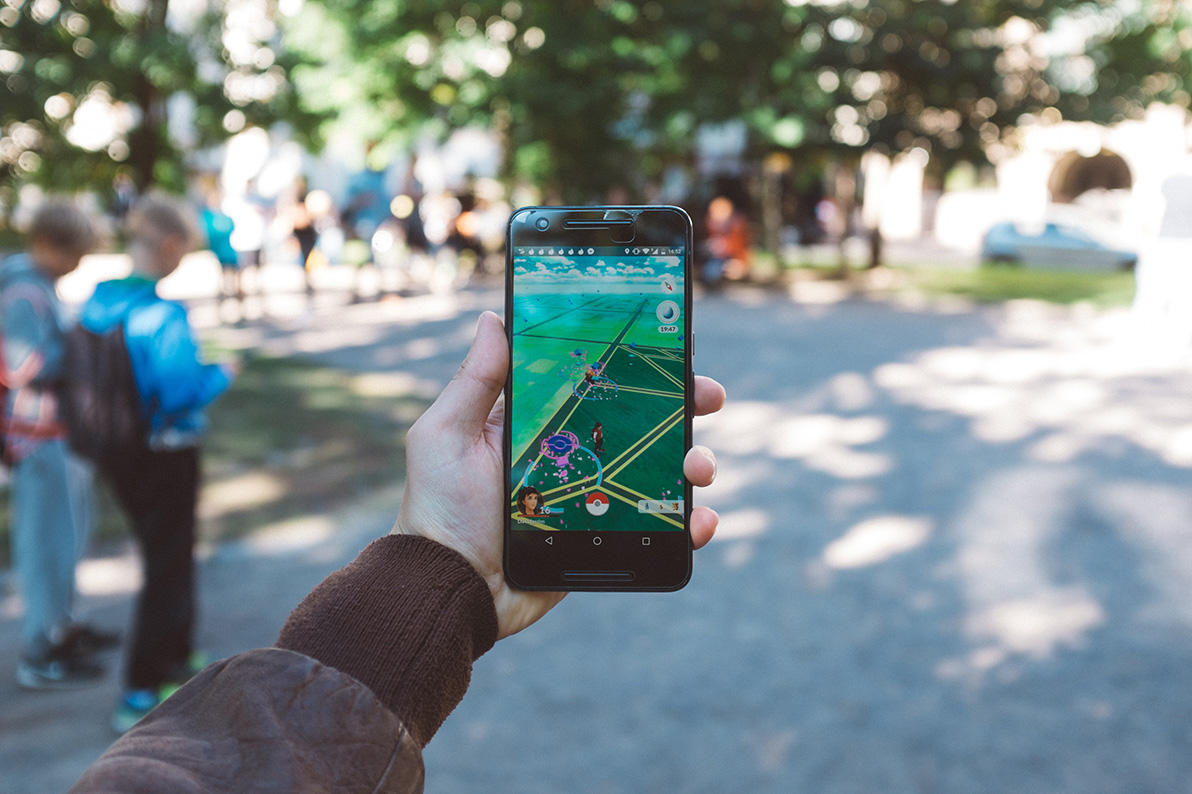
Lots of big Fortnite news then. Some good, some bad, but one thing is clear Fortnite is going to keep getting bigger and bigger for some time yet. Which story do you think is the most exciting? Let us know in the comments below.

Alexa, fatally harm mud crabs…

Boom! E3 has kicked off, and we’ve already been bombarded with big announcements about the biggest video game franchises. As always with E3, however, we’ve been getting some of the wall announcements straight out of left-field. The best announcement so-far has to have come from Bethesda who’ve poked fun at themselves in an ingenious way.

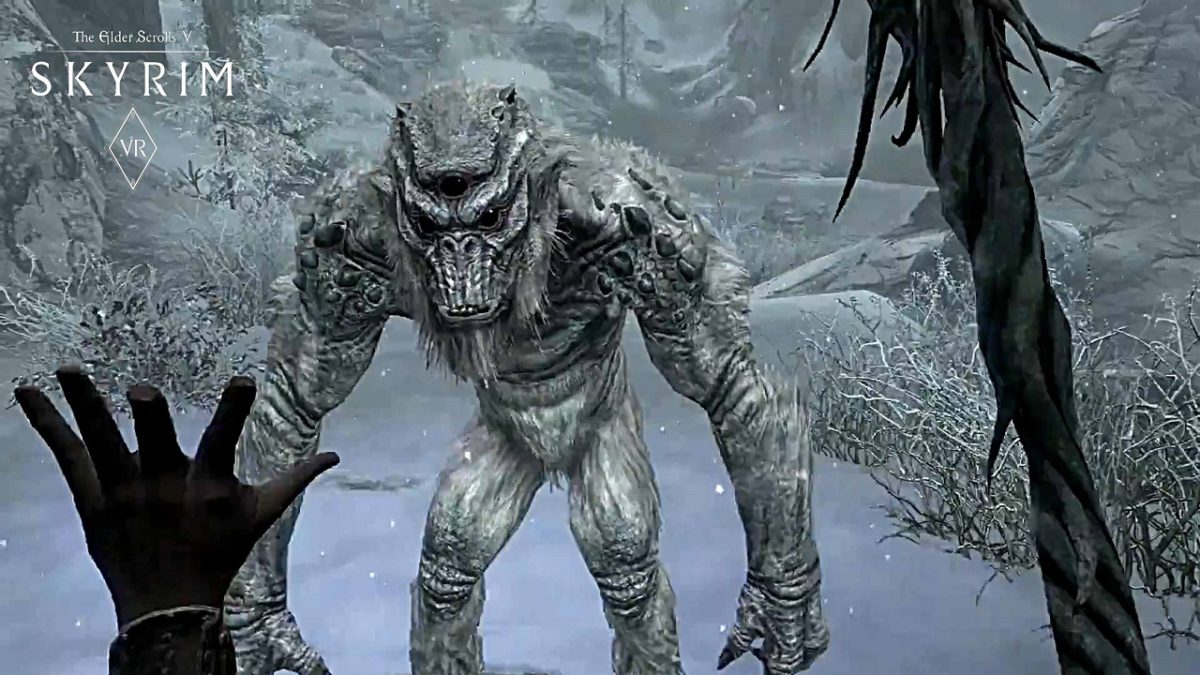
It has been a running joke for years now, that Bethesda has stopped making new games, instead concentrating on porting the hugely popular RPG Elder Scrolls V: Skyrim to different platforms. As well as PC, PS3, PS4, and Nintendo Switch versions gamers have been mocking up fake versions of Skyrim for everything from your smart kettle to a pipboy from Bethesda’s other popular RPG series, Fallout. With a host of new games announced including two new Elder Scrolls, Fallout, and a brand new franchise called Starfield; Bethesda was in a strong position to poke fun at their recent Skyrim porting history. That’s right, there is a brand new version of Skyrim available, and you can play it on Amazon Alexa.

With the trailer announcing other versions for your etch-a-sketch, Motorola pager, and a Samsung smart fridge it seemed to be a joke announcement. In fact, Skyrim on Alexa is very real, and you can play it right now. Repeat after me, “Alexa, open Skyrim.” Now go enjoy the adventure.

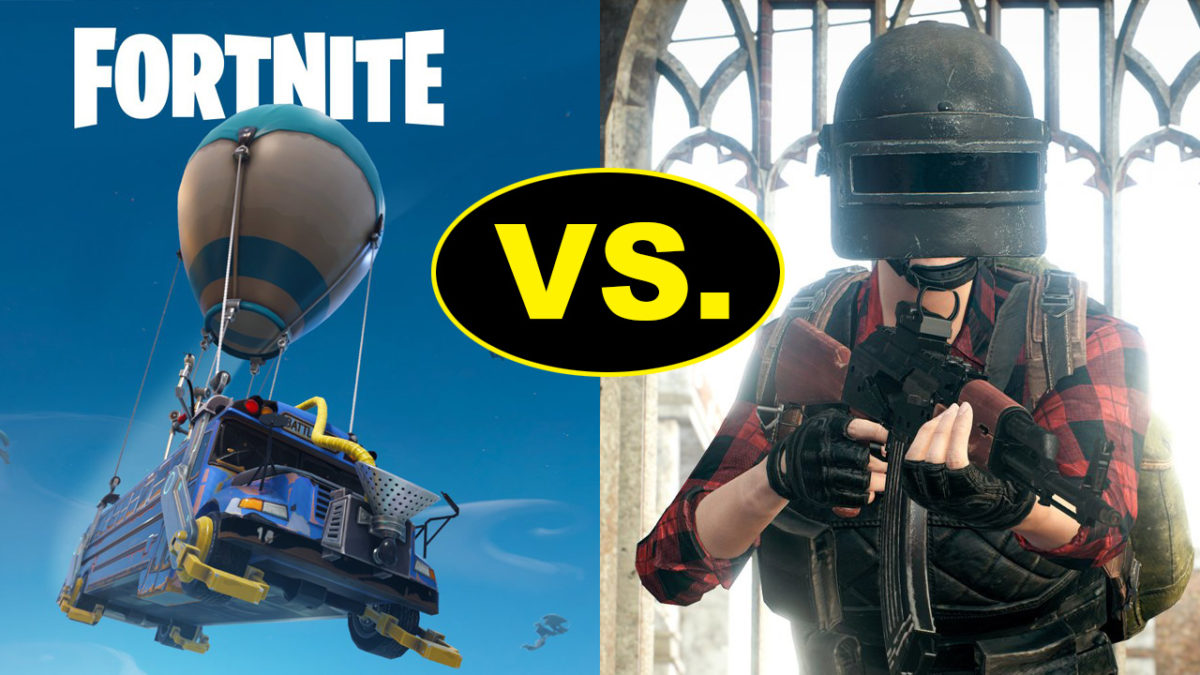
PuBG vs Fortnite: which is better?

If you’re a gamer, you’ll know Battle Royale games have taken the world by storm.

Player Unknown’s Battlegrounds (PUBG), a game based on battle royale mods and developed by South Korean studio Bluehole, has taken the gaming world by storm. It has racked up huge sales numbers, an Xbox One port, and now a well-received mobile version.

With such success, the game was never going to be alone for long. Enter Fortnite, a rival battle royale produced by American studio Epic Games.

Both games offer the high-stakes, white-knuckle survival fix gamers know and love, but each has a slightly different approach. So, which is better? We’ll compare the major features to help you decide which is the one for you.

Playerunknown's Battlegrounds Download Now
9
Fortnite: Battle Royale Download Fortnite: Battle Royale
10

Graphics

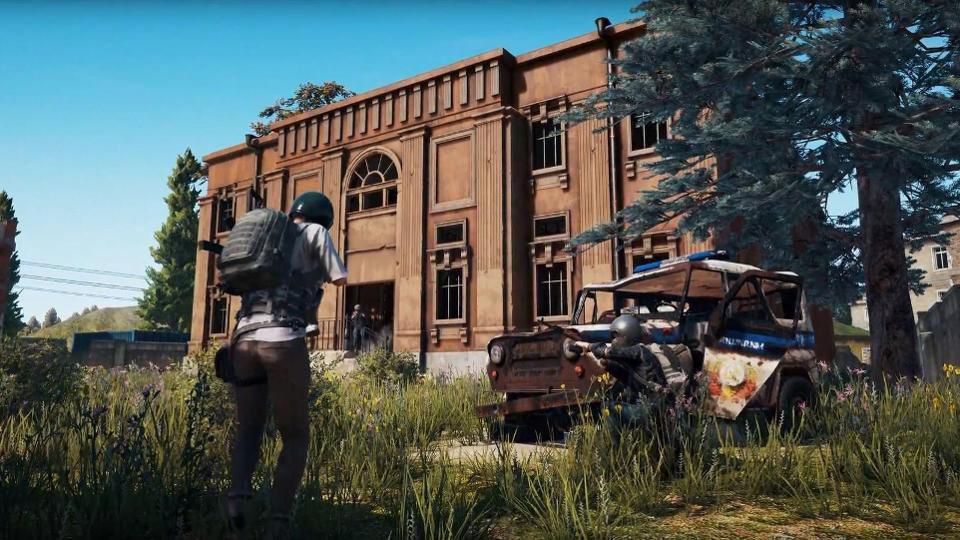
Both games offer a unique graphical style. PUBG is all about gritty, environmental realism, so the color palate is subdued and washed out. Fortnite is the complete opposite, embracing a bubblegum-bright, cartoonish style, with outlandish outfits and weapons.

PUBG environments look like they come straight out of The Walking Dead. 

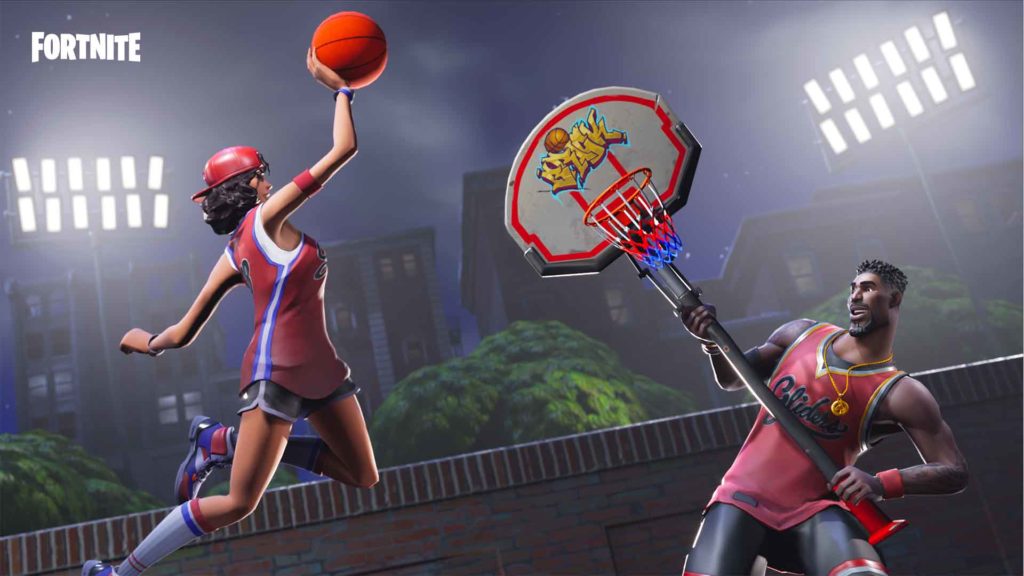
While Fortnite‘s visual style is more Disney than Day Z.

PUBG has gained notoriety among PC users for bad frame-rates and stuttering, even on high-end machines. There are plenty of guides to getting the most FPS from your rig, but until Bluehole fixes the bugs, you might need to play on lower settings. Not that that’s necessarily a bad thing, if you’re a pro player.

Fortnite seems better optimized graphically, and the minimum specs are much lower than PUBG’s, so a wider variety of rigs will be able to run the game.

Gameplay

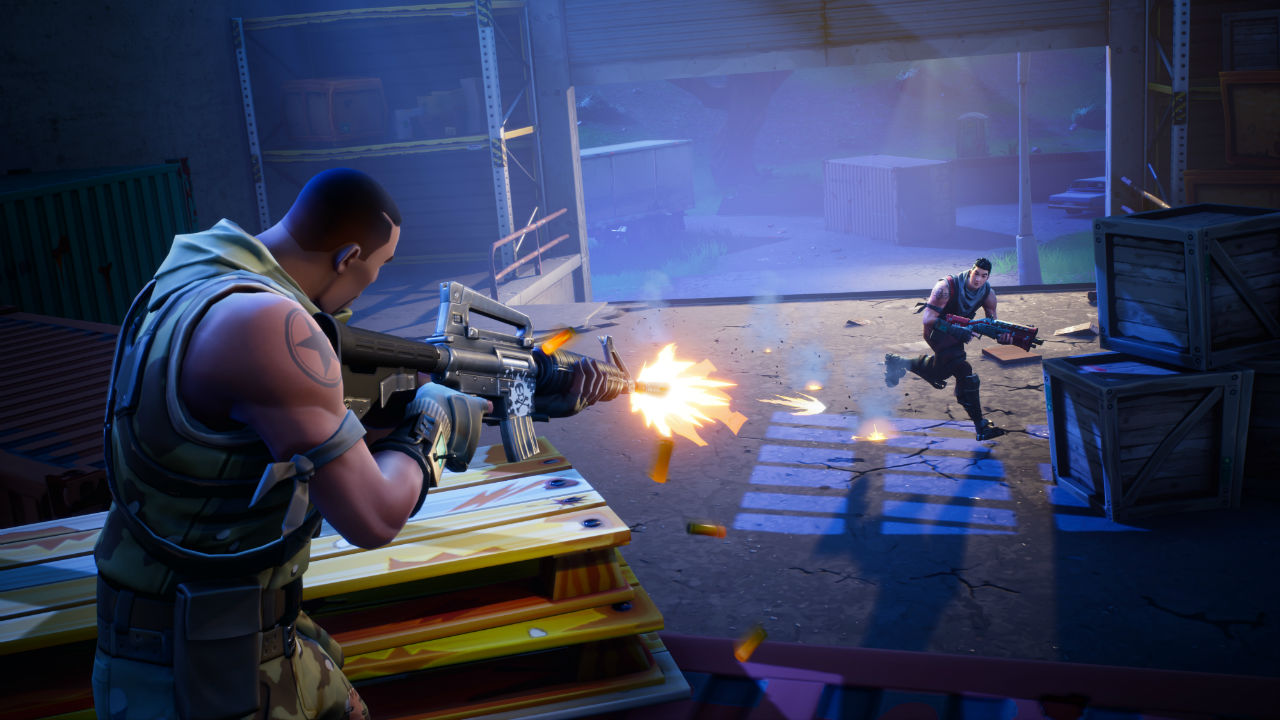
Generally speaking, the goals of each game are the same: drop in, loot, kill your enemies, and stay within boundaries that shrink as time passes. Gunplay, though, is significantly different.

PUBG boasts realistic gun handling, and you have to account for things like bullet drop. This makes fights difficult and combat tense, but also more rewarding when you win an engagement. You have to plan your moves carefully, and the game rewards patience.

In Fortnite, the style is much looser. Hit points will fly out of player’s heads as you pummel them with a mini-gun, for example. It’s a lot simpler, and easier to grasp. In general, the weapons are a lot more forgiving than those in PUBG, so Fortnite is kinder to beginners.

Tension

We play games to relax, right? Not in Battle Royale.

Clutching your mouse in a death grip while scanning for the bullet that could end it all… Both games have a very different approach to creating this atmosphere.
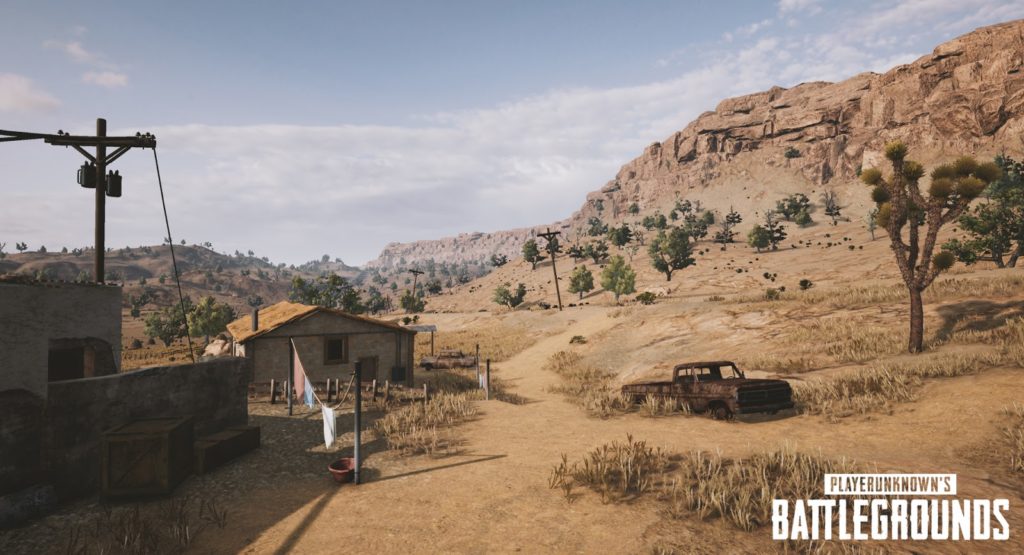
Broadly speaking, Fortnite is faster, tighter, and the action takes place in a smaller area. When you hear gunshots, it usually means it’s too late to defend yourself.

PUBG is the opposite. Games are about the silence between engagements, the tension drawing out until you finally have someone in your sights. Then all hell breaks loose.

Late game

The key part of any Battle Royale is the late game, and this is where PUBG and Fortnite differ the most.

Fortnite introduced a building system, so you can quickly scoot up difficult terrain using stairs and ramps. Late game encourages players to build towers that overlook rapidly shrinking maps. Then you simply pick off your opponents who didn’t plan ahead by collecting building materials as well as weapons.

PUBG’s late game can be a little frustrating. It usually ends with eight players slowly crawling through fields or holing themselves up in one location, waiting for someone else to slip up and reveal themselves. While it’s nail-biting, it can deflate some of the early game excitement.

Map

Not in Kansas anymore, Dorothy…

Another key part is the actual battleground. Currently, Fortnite has only one map, but the developers are continually adding and polishing up locations.

PUBG has two maps, selected randomly when you join a match. The original map has a bleak, Soviet bloc feel, while the second is a desert. The change of scenery definitely helps keeps things fresh.

Price

PUBG has moved out of early access, and costs $29.99 for a digital download key.

Epic chose to make Fortnite completely free. You can purchase outfits and weapon skins from their store, but there’s no pay-to-win advantages to buying an item.

Both PUBG and Fortnite are the leading lights in the newly revitalised Battle Royale genre. However, both will appeal to a slightly different kind of player. 

If you’re looking for something casual that’s easy to learn but hard to master, then Fortnite is for you. 

If you’re a fan of heart-pounding tension, steep learning curves, and big rewards, then PUBG is the way to go.