Edit people out of photos with Bye Bye Camera

Edit unwanted people and objects out of photos with Bye Bye Camera!

Photo editing

It has happened to all of us.

We take a picture and find an unwanted person in the shot. Wouldn’t it be nice to save us the headache of having to edit out people so we don’t get photos like this:
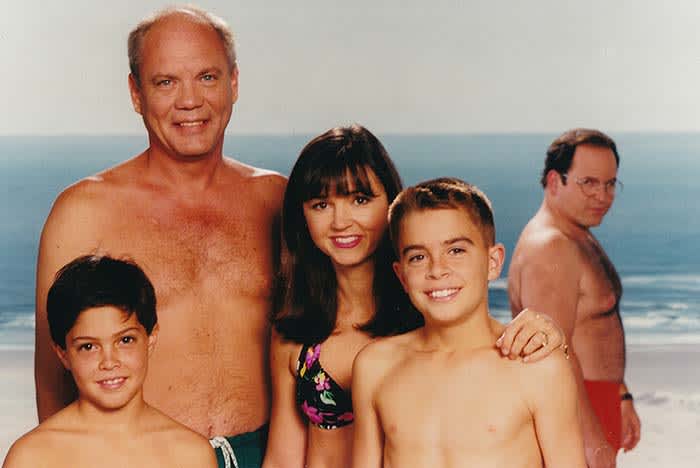
Seinfeld
I Costanz-err I mean, I can’t stand when people photobomb like this!

Luckily there is an app that can help us out!

Enter Bye Bye Camera: a brand-new app that can automatically edit unwanted people out of a photo.

Bye Bye Camera Download Now ►
9

The app costs $2.99 and is only available on iOS.

It uses AI technology to paint over people and objects in photos. However, the app is not flawless. Some users have reported that the app will sometimes leave behind a mess of pixels and hair after using it.

Another issue that users have had is that you cannot edit existing photos. You can only edit photos that you take via the app. However, developers have responded to user reviews saying that they will consider adding the ability to edit existing photos in the future.
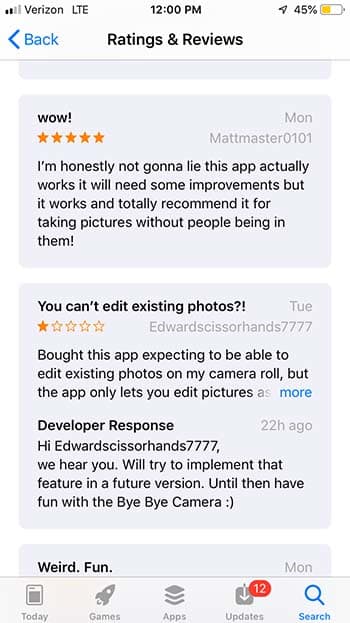
Bye Bye Camera

Those who have enjoyed the app have said that the app has flaws, but it works well for them. If the app sounds like it’s up your alley, it might be a good idea to consider downloading it. Otherwise, it might not be a bad idea to wait for an update.

Unleash your creativity with this new Adobe software sale

Get 20% off the Adobe Creative Cloud for a limited time.

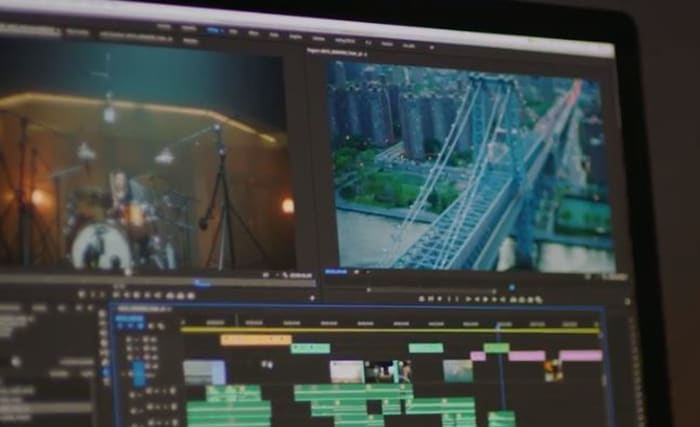
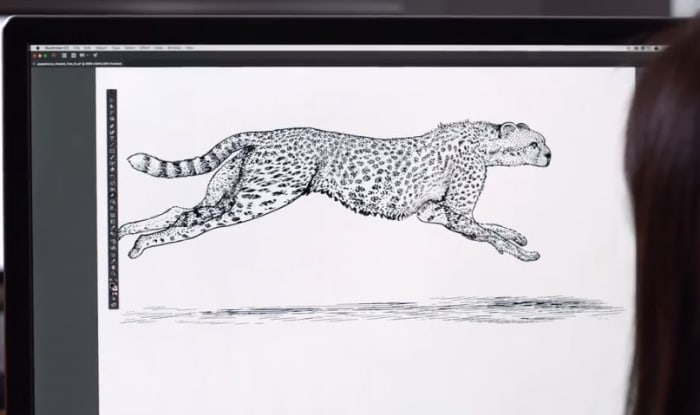
These days, it’s hard to think of a career that doesn’t benefit from access to good video and audio editing software: Photoshop, Illustrator, Lightroom, After Effects – these are the secrets to stepping up your presentation game, no matter your vision, no matter what medium. Whether you’re an Animator, YouTuber, Filmmaker, or a Graphic Designer, these are the tools you need.

Adobe video editing software
Edit your projects with the same tools as Hollywood professionals

These Adobe products will let you create and edit on the fly from either your desktop or mobile device, and breathe life into whatever you can dream up, adding any manner of graphics, effects, and pro-quality audio.

Creative Cloud

Got your eye on a few of these products? Save your money and check out the Creative Cloud. The Creative Cloud is a series of different price plans that group all the best video and audio editing software into a neat bundle. Now, for a limited time, you can grab all this great software for £39.95/month. That’s 20% off.

Creative Cloud contains all the renowned apps and services we mentioned above, giving you a huge leg up in any video editing, visual and audio design, and photography you want to tackle.

Adobe Creative Cloud
Watch your art and animations come to life

It’s also got built-in tutorials and templates if you’re just starting out, so you’ll get a feel for how each program functions as you take your first steps. If you’re already a seasoned artist, you’ll find the Creative Cloud has all the design tools to bring your ideas to life.

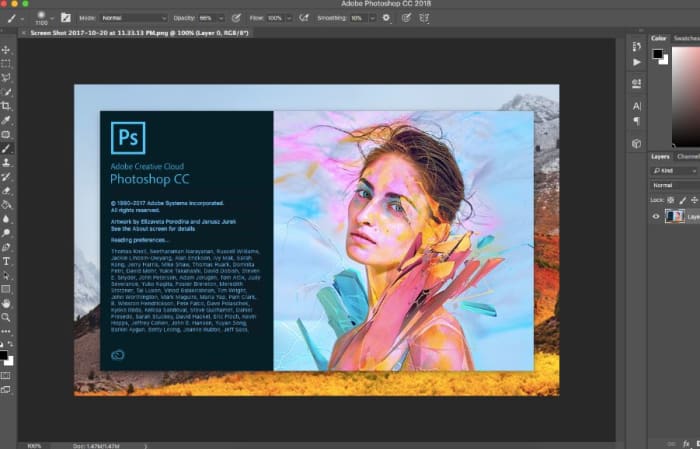
Adobe Photoshop
Your trial subscription will automatically roll over to the full version!

This is the perfect opportunity to sample some of Creative Cloud’s most powerful tools, and to do it conveniently and for a great discount.  If you’ve ever wanted to unleash your creativity, jump on the sale and see what you can dream up!

Adobe offer

4 free apps for editing photos on your smartphone

Ready to upload that photo to Instagram? Run it through these free apps to make your picture look its best!

camera phone photo

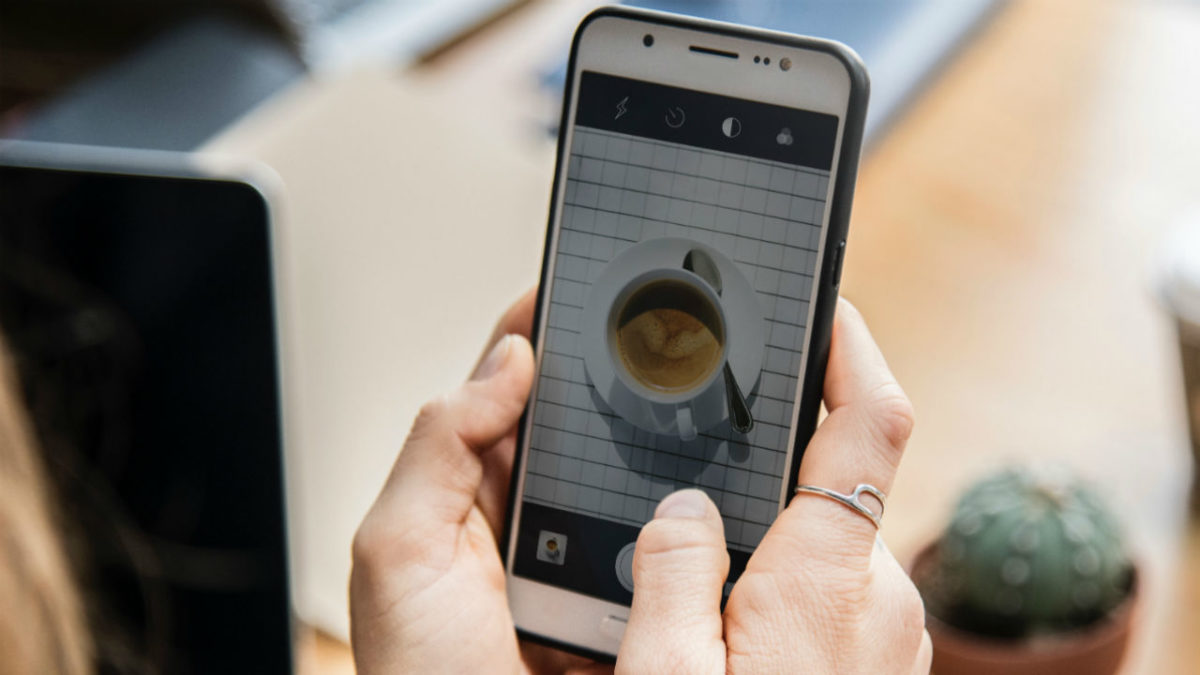
Photoshop is an expensive and complex photo editing software, but thanks to the advancing technology of mobile apps, there are far easier options. Here are four great photo editing apps available for free on most smartphones.

4 free apps for editing photos on your smartphone

Pixlr allows you to select images from your camera roll or take new pictures within the app and edit them in a hurry. One of the best features of Pixlr is that you can place two or more photographs on top of each other, adjusting for opacity and size. In addition to the usual editing tools, there are plenty of effects and borders to choose from, and you can add text to your images as well. These features make Pixlr the closest mobile app to Photoshop.
PicsArt - Photo Studio Download Free ►
8
PicsArt is an excellent photo-editing app, and has more than 500 million installs. It lets you zoom in on a particular part of the photo while using any of the tools within the app. The menu at the bottom allows you to choose different effects such as lens flare, drawing implements, and masks. You can also choose from millions of stickers created by PicsArt users and use their collage maker to really make your photos stand out.
9
Developed by Google, Snapseed is a very user-friendly app. Most of the features are accessible through swiping. Along with the typical editing features, unique filters are also available within the app that don't require any manual editing. You can compare the original photograph with the edited version by holding down the photo, just like in Instagram’s editing tool. This app is great to use if you want to quickly edit a photo and get results that look professional.
Photo Grid Download Free ►
7
With more than 100 million installs, Photo Grid is a must-have app for anyone who wants to edit photos and videos on their phone. But it does more than that: You can also collage photos and videos, create memes and GIFs, edit photos specifically for Instagram, and include AR filters, stickers, slideshows, and more. If you want a photo-editing app that can do it all, Photo Grid is your best option.