One of Windows 10’s biggest features as an operating system is its flexibility moving between devices. Whether you are on your home computer, tablet, or phone, Window 10 is designed to offer a cohesive experience. Here is our pick of apps that offer you a great experience where ever you are.
Adobe PhotoShop Express
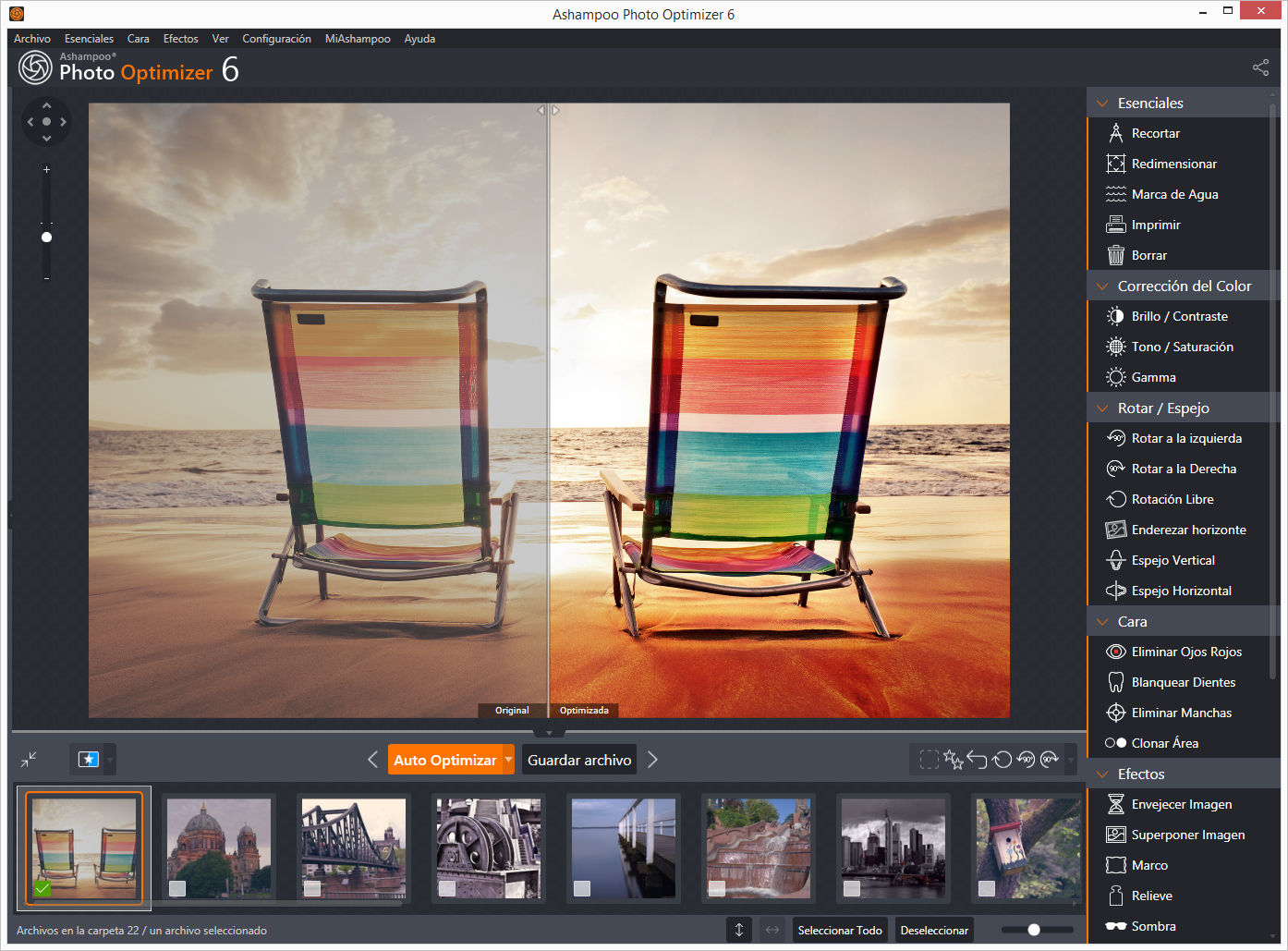
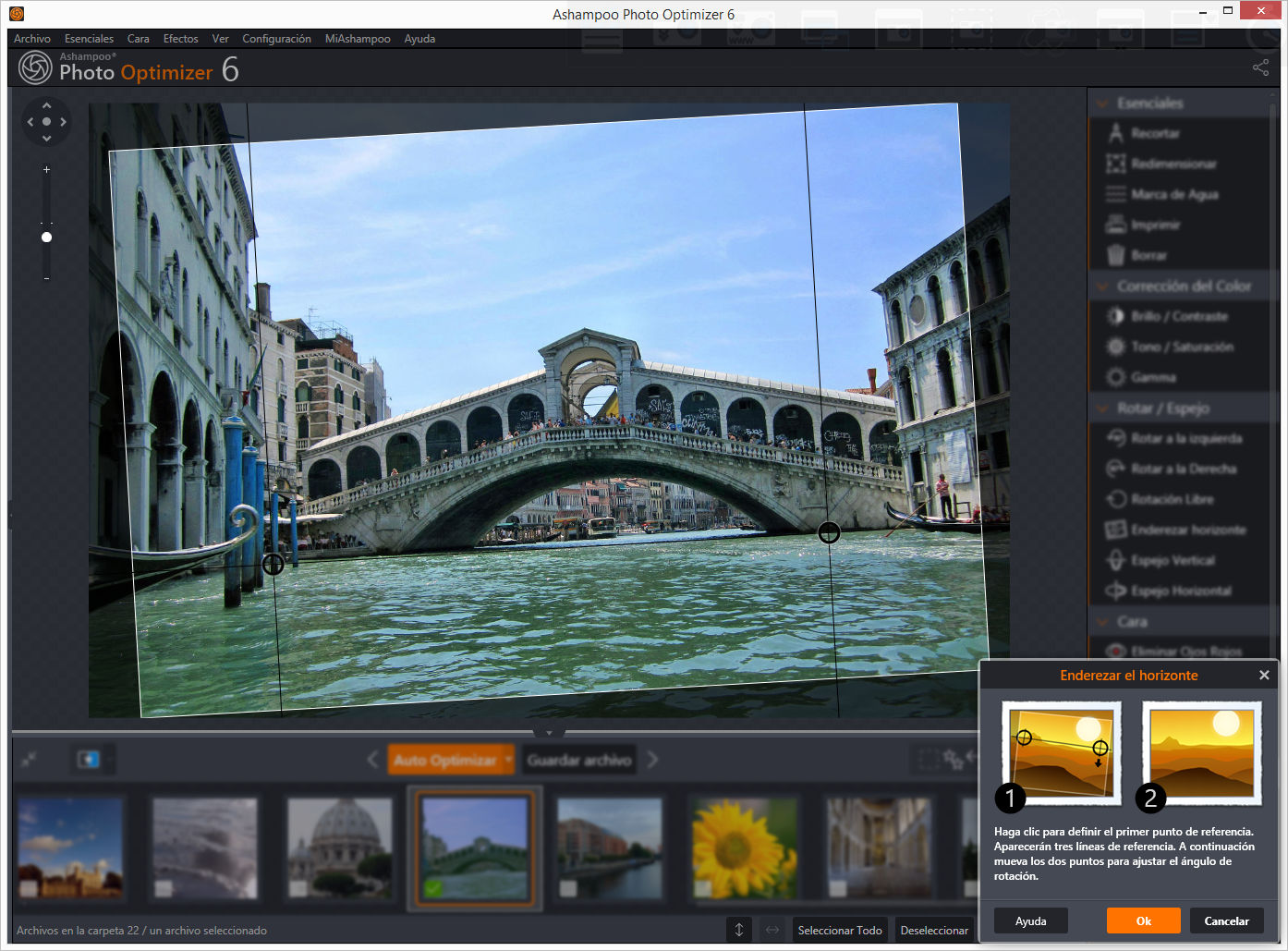
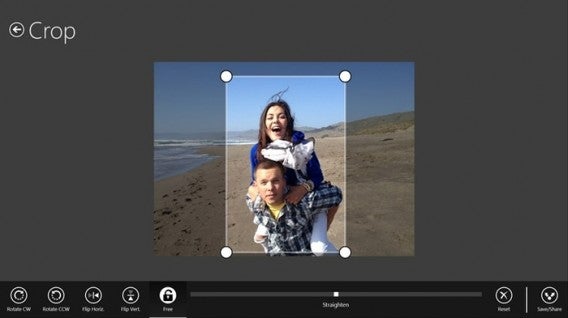
Adobe’s fantastic photo editing suite has long been the gold standard, and with PhotoShop Express they have managed to perfectly adapt the experience to touchscreen. The app allows you to quickly and easily tweak you pictures with options like red-eye removal, noise reduction, and a range of filters. The free version even lets you upload 50 photos a month to the cloud.
Download it here
AllRecipes
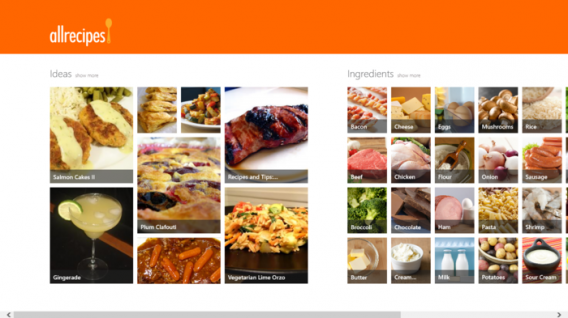
Cooking apps are a wonderful tool for any budding chef, and AllRecipies maybe the best of them all. With a fantastic clean layout, it’s easy to find, favorite, and read any recipe you want. Plus, I find the recipes on the app fantastic.
Download it here
Age of Empires: Castle Siege
Constructing your town and army to pit them against other player’s armies and towns is becoming one of the biggest social gaming genres. However, Microsoft have used the trend to relaunch their beloved Age of Empires franchise with Age of Empires: Castle Siege. It has worked brilliantly, as the game offers more direct unit control than the competition, making it feel significantly more involved.
Download it here
Angry Birds Space
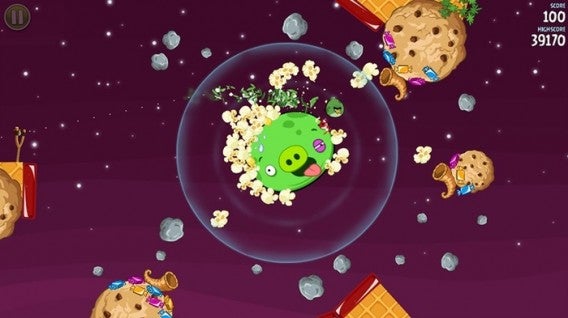
Ah yes, those mad birds have been to many wild and wacky places – but to our mind space is the greatest. Angry Birds Space doesn’t add any new or weird abilities, it simply places you in space and forces you to deal with the physics and gravitational forces that apply in the cold dark vacuum that is most of the universe.
Download it here
Asphalt 8: Airborne
Gameloft’s Asphalt series has long been mobile gaming’s go to arcade racing experience, and Asphalt 8: Airborne is just the latest, most over-the-top interpretation of this. Keeping the high-speed racing and crisp graphics the franchise is known for, the eighth installment adds high-flying ramps and aerial maneuvers to really take the action to the next level.
Download it here

Crossy Road
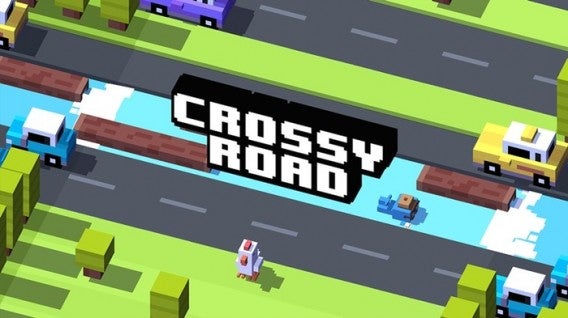
Why did the chicken cross the road? Well, we are not sure, but probably to download Crossy Road. This endless take on the Atari classic Frogger uses simple taps and swipes to give you precise control of a road-running chicken as it desperately tries to navigate highways, rivers, and railway tracks without being turned into nuggets.
Download it here
Cut the Rope 2
What makes physics intriguing as an element in puzzles? Is it that we feel we have an innate understanding of how it should work and the ways we fail fascinate us? Or is it simply that inside we all want to be part of some huge Rube Goldberg machine? Who knows, but it is what Cut the Rope 2 taps into as you slice your way through ropes to drop and swing candy into Om Nom’s gaping maw.
Download it here

Dropbox
You probably already have a Dropbox account, making the Dropbox app even easier to recommend. This cloud storage/sharing solution gives you 2GB of storage for free when you open an account. The app’s clean and simple design also allows you to easily find the files you want, with photos particularly well displayed in albums.
Download it here
Facebook
If you use Facebook, as I am prepared to guess most people reading this do, then it’s hard to ignore the usefulness of the official Facebook app. Providing a simple layout which allows you to easily access all of the social platform’s options whether you are using a touchscreen or a mouse, you probably need this installed.
Download it here

Firefox
Firefox is already many peoples go to browser of choice thanks to its high-level of customization and fast surfing experience. Well, add to that the fact that Firefox offers full Windows 10 integration, and Mozilla’s browser could easily become the number one choice for internet on the Microsoft platform.
Download it here

Flipboard
Flipboard is a magazine viewer that offers you a curated news-feed of your interests, all beautifully laid out to look like a magazine. It’s a far more compelling way of viewing the sites you regularly visit, particularly on mobile devices.
Download it here

Flow Free
So simple, so free, Flow Free is another of those puzzle games that can really take over your mind. You know you are in trouble when you start day dreaming about a game and solving puzzles you create for yourself while you’re meant to be work. If you have a job that demands your full attention, maybe don’t download this.
Download it here

Fresh Paint
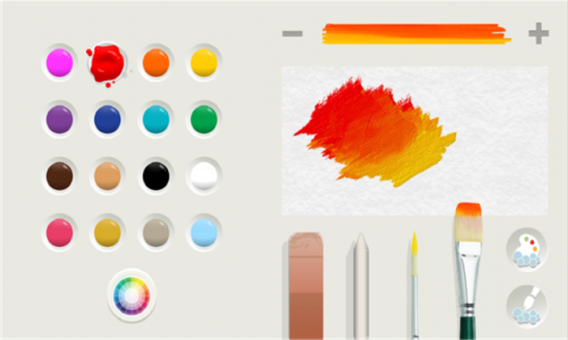
Providing you with a full featured painting app, Fresh Paint is a fantastic way to unleash your creativity. What is so wonderful about Fresh Paint is its tactile nature as, alongside a standard color wheel it also allows you to mix your own colors on a digital palette before applying them to your canvas.
Download it here
Frozen Free Fall
You can take your pick of match-three games, from Bejeweled to Candy Crush, they are all much of a muchness. However, I have struggled to let go of Frozen Free Fall. Well, I say that, what I really mean is that my friend’s daughter has struggled to let it go, so it remains installed on my phone.
Download it here

Jetpack Joyride
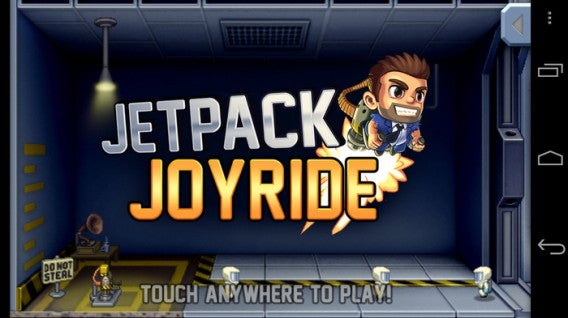
Escape mad scientists with a rocket pack. No, there isn’t much need to expand on Jetpack Joyride’s core concept to make it appealing. The only other thing you really need to know is that the simple controls and comical power-ups mean that it is, in fact, as fun as it sounds.
Download it here
Minecraft
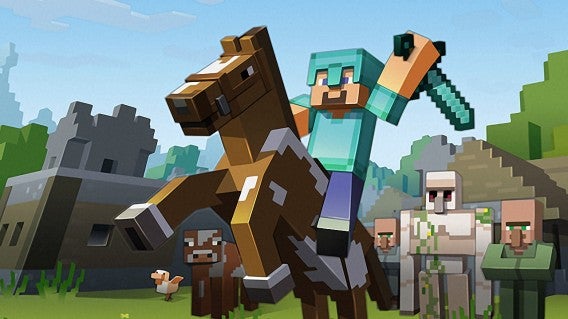
If you absolutely have to have a game to launch on the same day as your new operating system, then none could be better than Minecraft. Whether this was a driving force behind Microsoft’s purchase of Mojang we will never know, but it certainly is not going to hurt the company to have the Minecraft Windows 10 Beta on its store front.
Download it here
Minion Rush
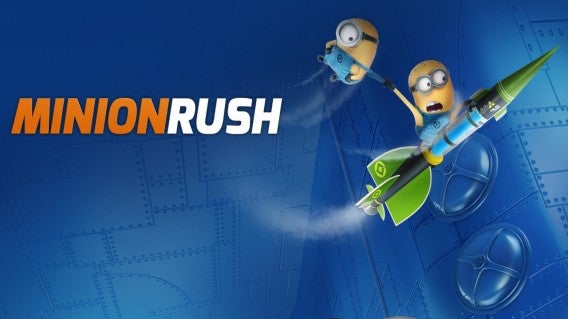
Endless runners are everywhere, and at this point you can get them in any flavor you fancy – from Spider-Man to Tomb Raider. Personally, however, I find it hard to resist the little yellow minions as they waddle their way through Minion Rush. The game itself is a fine example of the genre, and the minions make the perfect slapstick fodder to be on the end of every failed jump.
Download it here
Modern Combat 5: Blackout
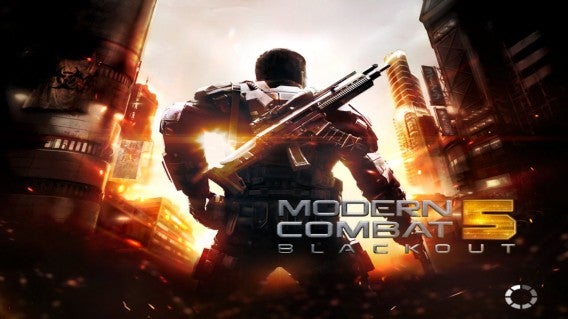
While Call of Duty’s mobile incarnations may all have been awful, that hasn’t stopped Modern Combat borrowing the idea of an extravagant modern military story. Modern Combat 5: Blackout offers everything CoD does, with a solid country hopping plot, loads of weapons, and a robust multiplayer mode that allows up to 12 players to compete together online.
Download it here
Nook
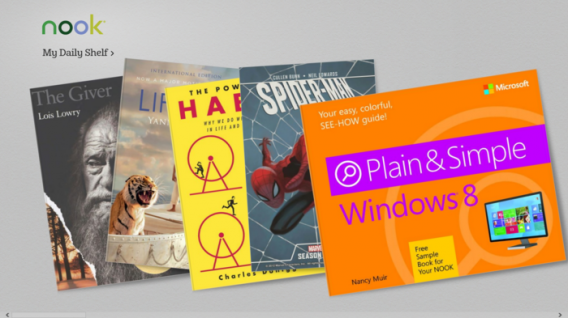
If you use your phone or tablet as a portable personal library, then Nook is the perfect app for you. With a huge library curated by Barns and Noble, and plenty of options to make your reading experience easy on the eyes, Nook is the app for bookworms.
Download it here
OneNote
In isolation, Microsoft’s note taking tool is just good. Add in a Microsoft 365 account, and all of the cross app and cloud storage options it opens up, and OneNote becomes a truly fantastic tool. Allowing you to edit across devices, great touchscreen support (such as the intuitive radial menu), and the ability to pull pictures from social media platforms like Facebook, OneNote is a must.
Download it here
Pako
If you enjoyed the bit in GTA where you are trying to outrun a seemingly endless sea of police officers, then you are in luck, because that is all Pako is. Viewed from an isometric perspective, you must speed around the urban arenas trying to stay ahead of the cops for as long as possible. With a nifty 70s gangster movie motif, Pako is brilliantly playful.
Download it here

Skype
Even with every other messaging service starting to offer calls and video, Skype is still up there as the best ways to connect with friends and family around the world for free. Since its acquisition by Microsoft the service has continued to improve, and its cross platform functionality on Windows 10 makes it an even more flexible communication tool.
Download it here

Threes!
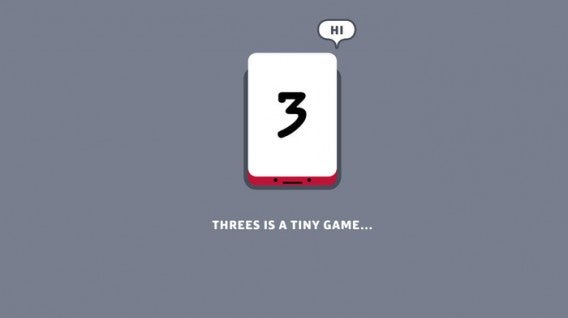
Threes! maybe one of the most perfectly conceived mobile games ever. Simple, fast, and skillful, trying to combine tiles of the same number together with simple swipes, while not boxing yourself into an impossible situation, is the kind of addictive challenge that can ruin whole afternoons.
Download it here
Twitter
“Twitter is many people’s social network of choice. If you are one of these people, like me, you need this app. That’s 140 characters, right?”
Download it here

Related Stories
Which Windows 10 version should I get?
What’s new in Office 2016 for Windows
Microsoft will fight Windows 10 piracy by giving it away this summer (update)
Technical Preview of Windows 10
Follow me on Twitter: @DoFuss