Is Bing a racist search engine?

Microsoft Bing has been serving up “horrifying” results, and racist tropes and memes when people search for certain words and phrases

bing

Big tech companies are always trying to outdo each other and make our lives easier. We’re not talking much of a difference, however. A few seconds saved here versus a smoother experience there makes all the difference. The tiny things count and have a big impact on where our loyalties end up. You might choose Google over Bing, for example, because it auto-completes your queries as you type them into the search box.

Always thinking about the fine edges can leave these tech companies exposed where it matters, though. It happened to Microsoft recently, with the roll-out of its Windows 10 October 2018 update. The update can only be seen as an evolution of the operating system rather than a revolution. It sprinkles on a few updated features across the whole OS instead of providing a big bang in just one place.

Despite the modest offering, the update has been an unmitigated disaster for Microsoft with some users reporting their files and folders going missing after they’d installed it. Microsoft didn’t take care of the basics and it led to problems. This has led to anti-maccers, like myself, secretly thinking that Apple would never have let anything like that happen. Unfortunately for Microsoft, the Windows 10 October update isn’t the only disaster it has faced recently.
Microsoft Bing has been serving up “horrifying” results, and racist tropes and memes when people search for certain words and phrases

A recent investigation by journalist Chris Hoffman discovered that Microsoft’s search engine Bing often suggests racist and disgusting content for innocent search terms.

Microsoft Bing Search Engine Racist
Microsoft Bing has been giving shocking, and often disgusting, results to innocent searches

“Search for ‘jews’ on Bing Images and Bing suggests you search for ‘Evil Jew.’ The top results also include a meme that appears to celebrate dead Jewish people… Clicking the suggested search unleashes a torrent of racist, antisemitic content, with more suggested searches like ‘Jewish People Are Evil,’ ‘The Evil Jewish Race,’ and ‘Why Are Jews so Evil.'”

What’s worse is that Hoffman discovered all of this while he had Bing’s SafeSearch option enabled. SafeSearch is supposed to keep adult-themed content out of your search results.

The racism continues across other ethnic groups, but the Bing scandal goes further. The search engine was also found to serve up commonly debunked conspiracy theories and even suggest searches for images of underage children based off an innocent search for a grill. Not a good look at all for a futuristic tech company.

All of this, however, does not mean that Bing is a racist (or worse) search engine or that Microsoft is a racist company. The company has been quick to respond to the findings of Hoffman’s investigation and it was Microsoft itself that described the Bing search results as “horrifying.” In response to Hoffman’s findings Jeff Jones, who is a senior director at Microsoft said, “We take matters of offensive content very seriously and continue to enhance our systems to identify and prevent such content from appearing as a suggested search.” Basically, Microsoft is appalled by the findings of Hoffman’s report and is working to put things right.

In fact, Google has had similar problems in the past, with its search engine auto-completing queries to ask racist questions and serving up sites denying the Holocaust ever took place.

The reason that problems like this can strike search engines is because their algorithms respond to user behavior. This makes it possible for groups to push their own agenda across search engines through a coordinated effort.

We’ve seen fake news spread across networks like Facebook and messaging services like WhatsApp. We’ve also seen culture wars break out across platforms like Twitter and we’re even seeing that seemingly harmless online tools like search engines can be bent to the will of politically minded people.

All of these online platforms are changing our lives for the better in ways that we could never have imagined just a few years ago. They’re also, however, opening up new means of population control and manipulation that the people building them seem completely unprepared to deal with. It is worrying to think how many people could be affected by a supposedly trustworthy source serving up lies and untruths designed to promote a certain political agenda. These are great yet dangerous times we’re living in.

Of course, Bing is not a racist search engine and Microsoft is not a racist organization. If, however, you’re trying to change the world by making it easier for everybody in it to connect with each other, not being racist isn’t enough. You need to actively be anti-racist and work to close off the pathways you’re creating for those who are looking to exploit any means they can to push their particular agenda. If you’re not trying to do that, or you’re not clever enough to do it efficiently enough then, in the end, you’ll be judged as a part of the problem. The likes of Microsoft, Facebook, Google need to know this. They need to try harder.
Microsoft to start charging monthly fees for Windows 7 users

If you have Windows 7, Microsoft just made a decision that could put your data at risk.

Microsoft famously called Windows 10 a “service” rather than an operating system, and now it seems they’re thinking about their older software in the same way. In a new blog post, Microsoft writes:

“As previously announced, Windows 7 extended support is ending January 14, 2020. While many of you are already well on your way in deploying Windows 10, we understand that everyone is at a different point in the upgrade process.

With that in mind, today we are announcing that we will offer paid Windows 7 Extended Security Updates (ESU) through January 2023. The Windows 7 ESU will be sold on a per-device basis and the price will increase each year. Windows 7 ESUs will be available to all Windows 7 Professional and Windows 7 Enterprise customers in Volume Licensing, with a discount to customers with Windows software assurance, Windows 10 Enterprise or Windows 10 Education subscriptions. In addition, Office 365 ProPlus will be supported on devices with active Windows 7 Extended Security Updates (ESU) through January 2023. This means that customers who purchase the Windows 7 ESU will be able to continue to run Office 365 ProPlus.”

What this means is that starting in January, Windows 7 users will no longer receive security updates or patches, effectively leaving their computers and data vulnerable to hackers and malware unless they pay the monthly fee.

Over 40% of all computers in the world run Windows 7. This potentially leaves huge amounts of data exposed and ripe for exploitation. The fact that Microsoft is willingly exposing their Win7 users to risk despite them making up such a huge portion of computer users worldwide is disappointing, but not entirely surprising.

It should also be noted that being able to pay for your security is an option offered only to Windows 7 Professional users who have Volume Licensing (a.k.a. big businesses that buy the software in bulk for their office). Small businesses and individual users don’t even have the option to buy their security.

For these users, their data is at risk unless they switch to a newer operating system, which Microsoft hopes is Windows 10. Windows 10 is no longer a free upgrade, being offered instead for $139 on Microsoft’s website. Windows 8 is also no longer for sale if for some reason you were thinking about getting that instead.

It will almost certainly be more affordable to just bite the bullet and buy Windows 10 instead of paying the monthly security fee. The exact pricing has so far not been announced, but Microsoft has announced that the price will increase every year. (Hooray.)

Thankfully, Windows 10 is itself a solid operating system. While Microsoft has received criticism for updating the OS automatically, prioritizing their updates over user control, it is a sleek and functional operating system. It is significantly more user-friendly than Windows 8, so longtime Windows 7 users shouldn’t have too hard of a time adjusting if they choose to upgrade.

Here’s why you should come back to Minecraft

It’s time to come back to Minecraft. Here’s a breakdown of all the recent changes that make the game more fun than ever.

There was a point in time where Minecraft was completely inescapable. The game’s iconic blocky graphics and freeform gameplay inspired millions of Let’s Plays, t-shirts, and countless blocky creations. Minecraft became the second best selling game of all time, only behind the Tetris. Nowadays, while the game is still very popular, its ubiquity and core demographic has seemingly been replaced by the massive success of Fortnite.

Minecraft Download Now ►
7

While you may have quit Minecraft long ago, it’s received constant updates throughout the years. These updates have provided new content that put a fresh spin on the core game without overwhelming new or returning players. Below is our guide for returning players and all of the new content to explore:

There are two main versions of the game: Bedrock Edition and Java Edition

While this may sound confusing, it isn’t. If you’re playing on PC and you’re repurchasing the game, we highly recommend buying the Java version, as it comes with the Bedrock version for free.

Anyway, the differences between the two versions are as follows. The Java version is the original version of Minecraft built for PC which has been continually updated. Most mods have been built for this version, so if you’re a PC player who loves modding the game, go for Java.

The Bedrock edition is the version of the game built for Windows 10, mobile devices, and all current gen consoles (minus the PS4). Crossplay is possible across the Bedrock edition, which means Windows 10, mobile, Xbox One, and Nintendo Switch players can all adventure together.

While the Bedrock and Java editions follow different update paths, the gameplay differences between the two versions are minuscule. If you value crossplay, play the Bedrock edition. If modding is the most important part of the game for you, play the Java edition.

Big content updates are here

Minecraft Update Aquatic

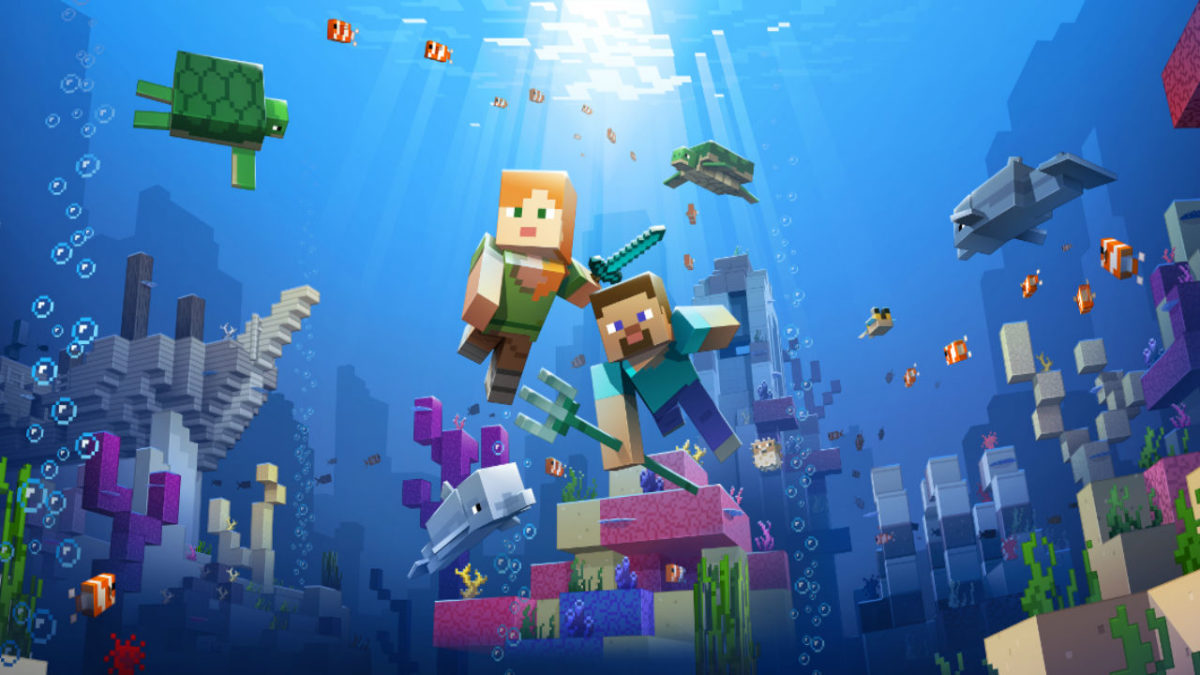
The most recent big content update is the Update Aquatic, which released this summer for both the Java and Bedrock editions. The Update Aquatic adds new ocean biomes, populated with plenty of sea life and sunken treasures. You can befriend dolphins and sea turtles, plunder shipwrecks, and fight aquatic zombies. The update is colorful and jam-packed with content, adding a whole new dimension to the already expansive game.

The Java edition also received the Combat Update. Released in 2016, the update heavily revamped the barebones combat featured in previous versions. Players can now dual-wield, equipping weapons, shields, or tools in their left hand (dominant hand can now be toggled for you left-handed folks).

The combat system has gained new attacks, such as a sweeping sword attack, as well as more depth, including an attribute and strength system. In this update, changes have also been made to the End. The Elder Dragon boss fight can now be restarted, and the End is now populated with outer islands with structures and ships to explore.

More things are coming

For those who want some more visual flair into their game, the Bedrock edition is getting an update called the Super Duper Graphics Pack. Though the pack has been delayed multiple times, Mojang has assured fans that the pack will come. The update will be optional, free, and playable on any device that can play the Bedrock version of the game. The enhancements of the pack can be viewed in the video below:


Preview: Team 17’s Planet Alpha is simple, tense and spell-binding

In the 90s, side-scrolling adventure games were the cream of the crop, and titles were built on a simple premise; overcome enemies and obstacles to make it all the way right to the end of the level. With the advent of 3D environments and isometric perspectives, interest in side-scrollers waned over time. It was only recently that the gaming community has seen a resurgence in the classic game formula, largely on the part of indie developers looking to bring new life to the genre.

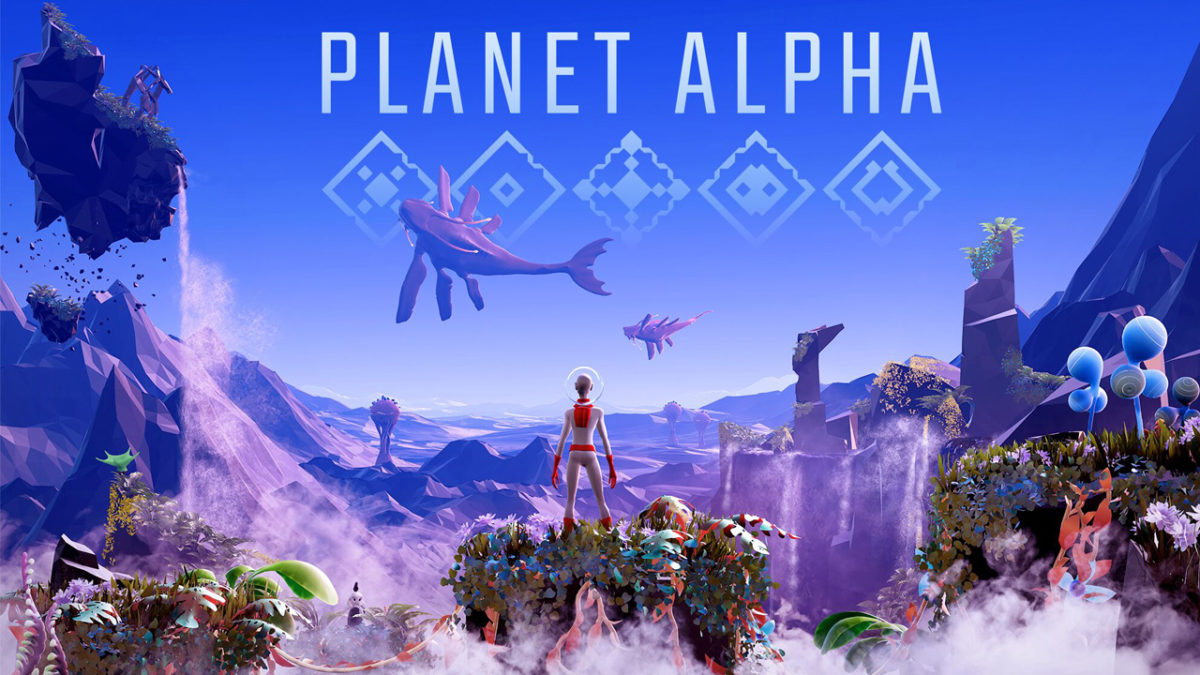
Though it fits this basic mechanic, Team 17’s Planet Alpha is more than just a side-scroller. Here’s why.

Planet Alpha DOWNLOAD now ►
9

Captivating Credits:

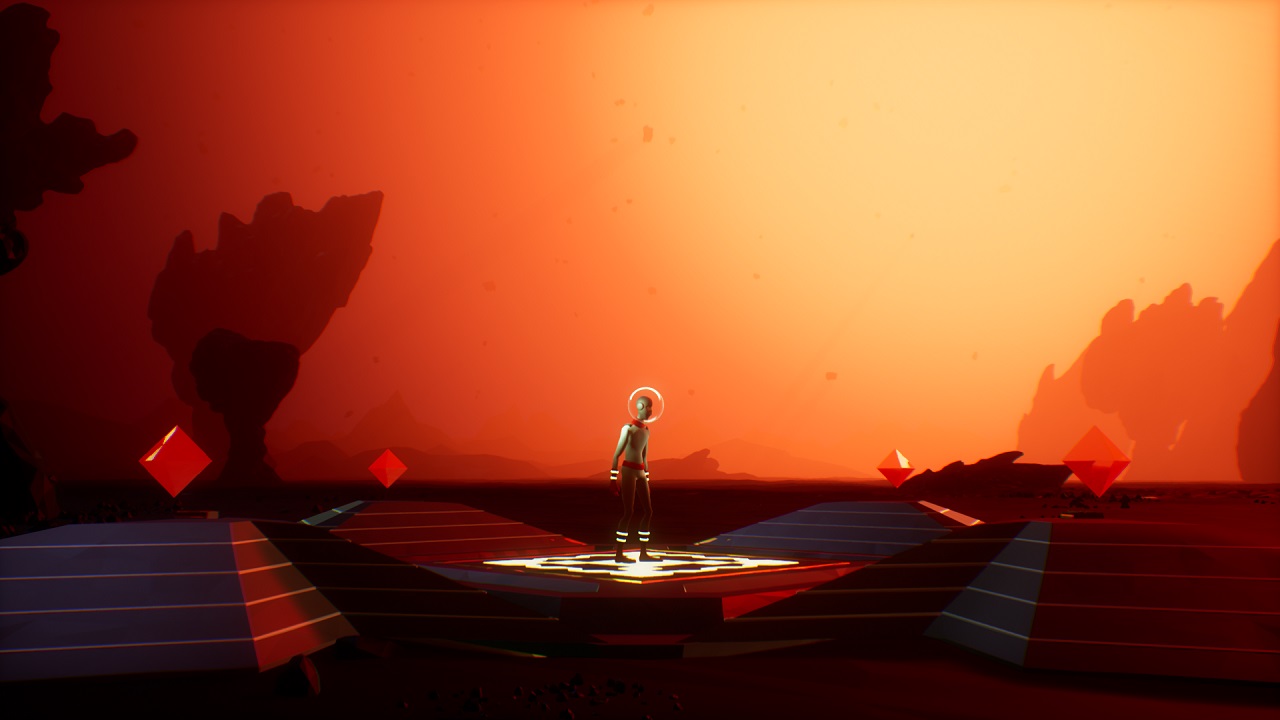
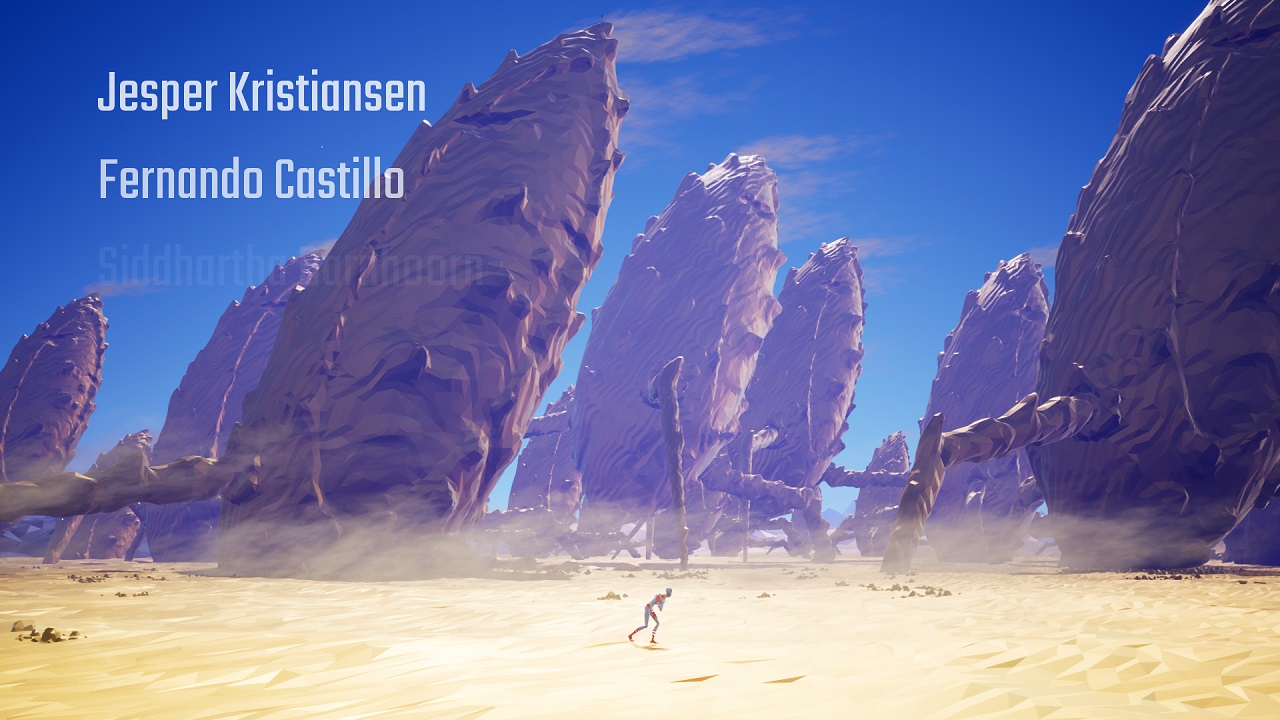
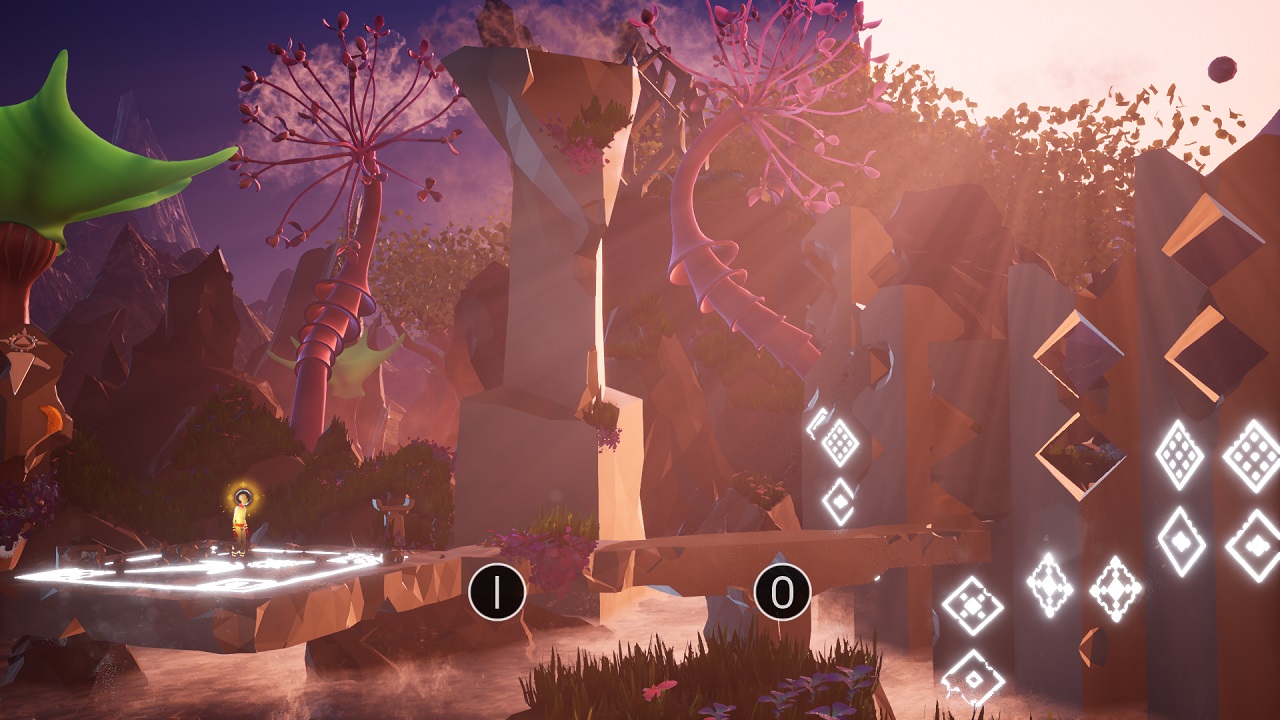
Right from the start of the game, Team 17 clearly sets its adventure apart from other titles of its type, establishing a tone of mystery, desperation, and dread; it’s a game with an artistic personality. Rather than opening to a menu screen, players load Planet Alpha to find themselves staring at a humanoid in a retro spacesuit, standing on some sort of ancient platform on an alien world.  There are no keys, no instructions, no interface, and no dialogue — just one sentient life staring forward, waiting for something to happen.

So, we just start moving to the right. And then we notice: our protagonist is limping. What happened to them? How did they get here? Where are they headed? Who is that other alien standing back there on that cliff? We aren’t told. We just keep on moving right, and the game soft cuts through a variety of barren environments, implying the passage of time as our hero (let’s call him/her the Explorer) makes the long trek forward through an alien desert. It’s ominous, artful, and engaging, all without uttering a single word of exposition.

The developer skillfully uses this introductory period to share its credits, hovering developer names softly over open areas of the screen as we watch the Explorer drag onward, finally collapsing before a cave mouth that looks suspiciously humanoid. This seems like the end of quite a long journey…

The Endless Pilgrimage:

And yet, it just goes on from there. We find our avatar lying down in a new place, jostle them awake, and then again move ever forward; the Explorer runs, walks, or jumps through beautiful, sometimes stunning settings, seamlessly blended together in a diverse and strange world. There are no load times, no more soft or hard cuts, and still never a word of dialogue an hour or more into the game. The only sounds to be heard are those around us or off in the distance, and an eerie, ethereal score that further immerses the player in the wonder and danger of this alien world.

With the exception of a few different button prompts for learning to crouch, push, and manipulate alien technology, the game relies heavily on us to figure out each puzzle, obstacle, and situation for ourselves. Softly highlighted, marked objects indicate something in the environment you can manipulate in order to progress forward. There are no verbal cues or text hints to help you, further adding to the feeling of isolation and the air of mystery the game successfully conveys at every turn.

One of the most interesting aspects of the gameplay is the importance of the day/night cycle; in particular, using nature’s day/night cycle as a means of traversing obstacles or evading enemies.

Can’t sneak past one of the game’s extremely deadly invading killer robots? You might just need it to be dark enough so the plant life to curls up its daytime blossom to form a large, person-size obstruction. Luckily, the game gives you access to powerful ancient platforms that let you manipulate the cycle itself. Over time, you use this power in new and interesting ways, each one feeling novel and unique, but never so complicated that the player is left completely in the dark (pun intended).

What a Wonderful World…

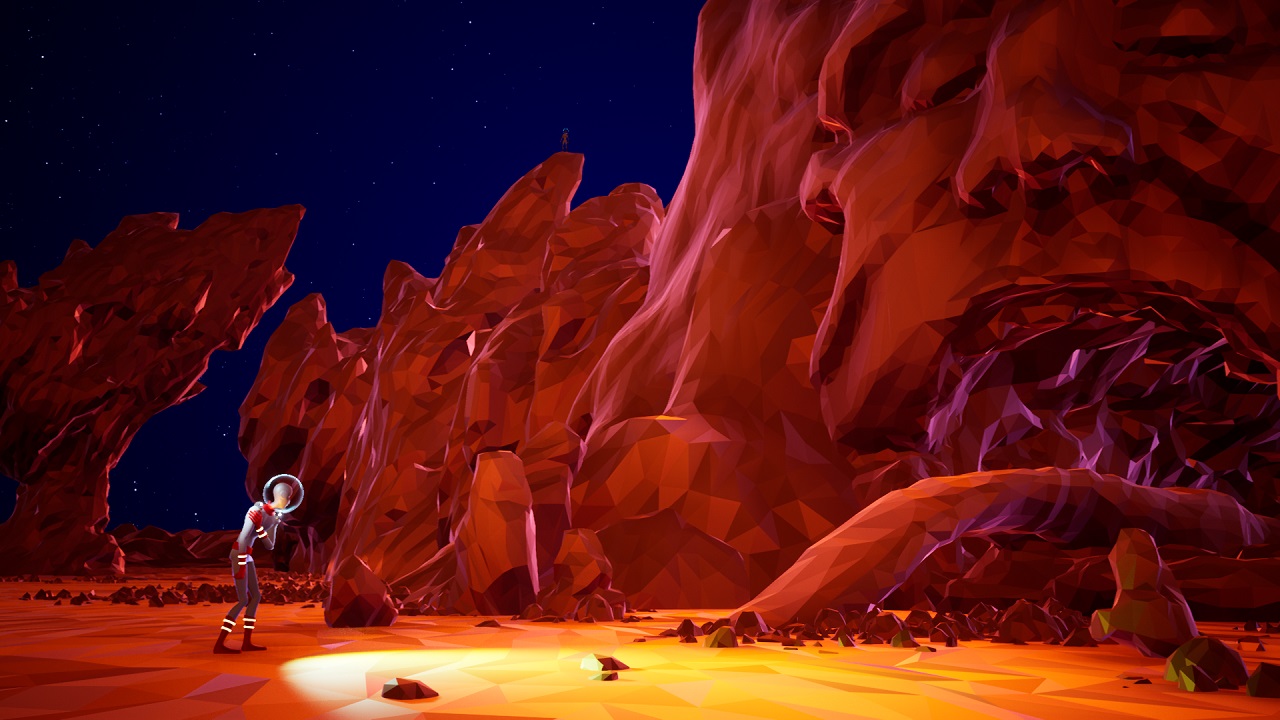
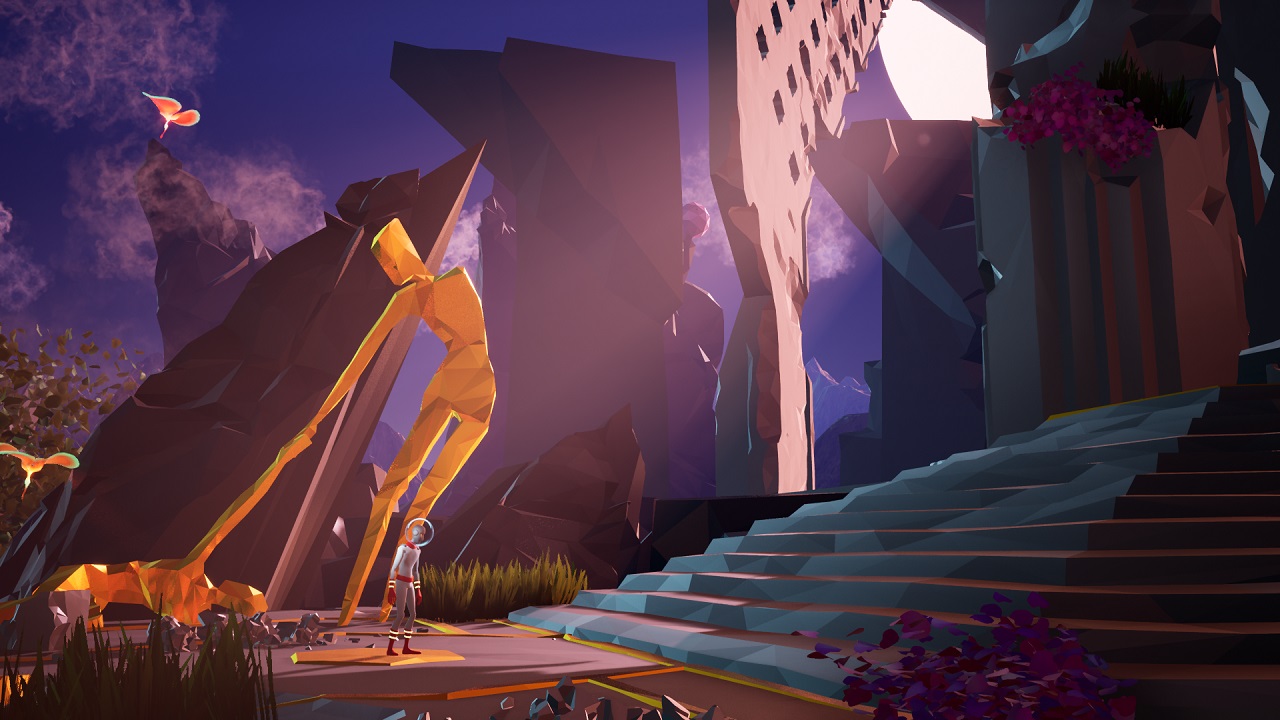
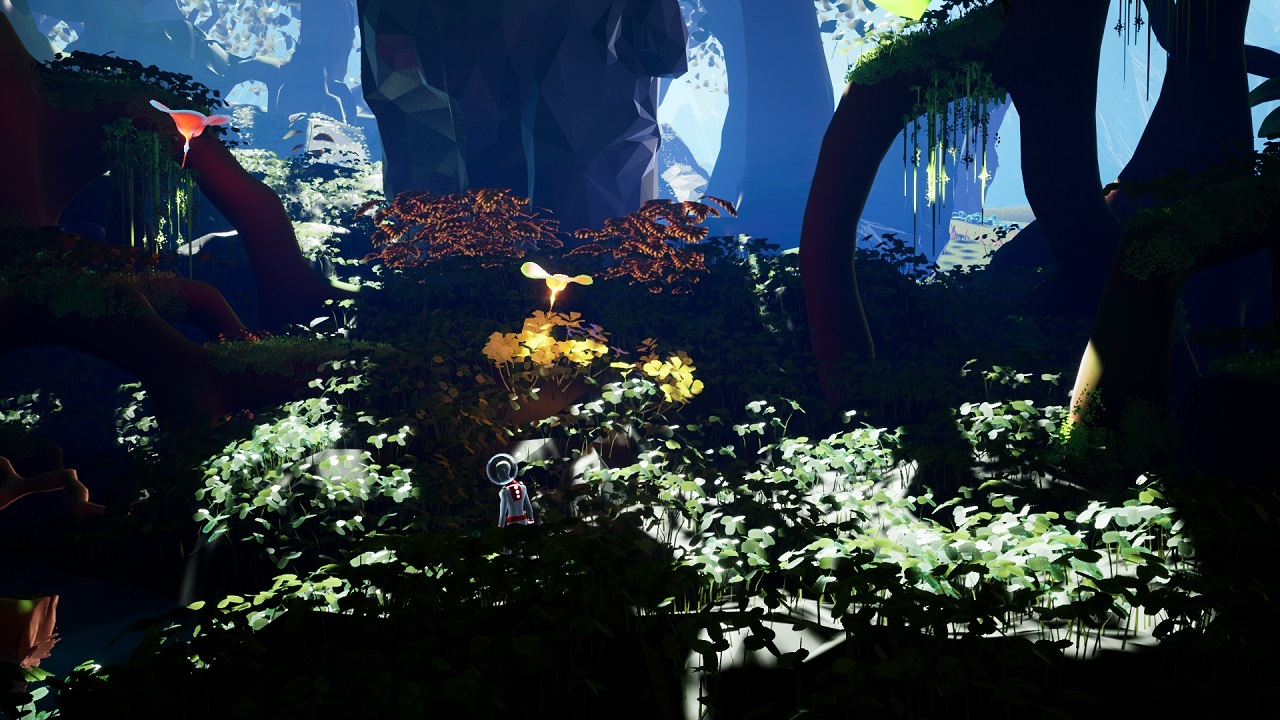
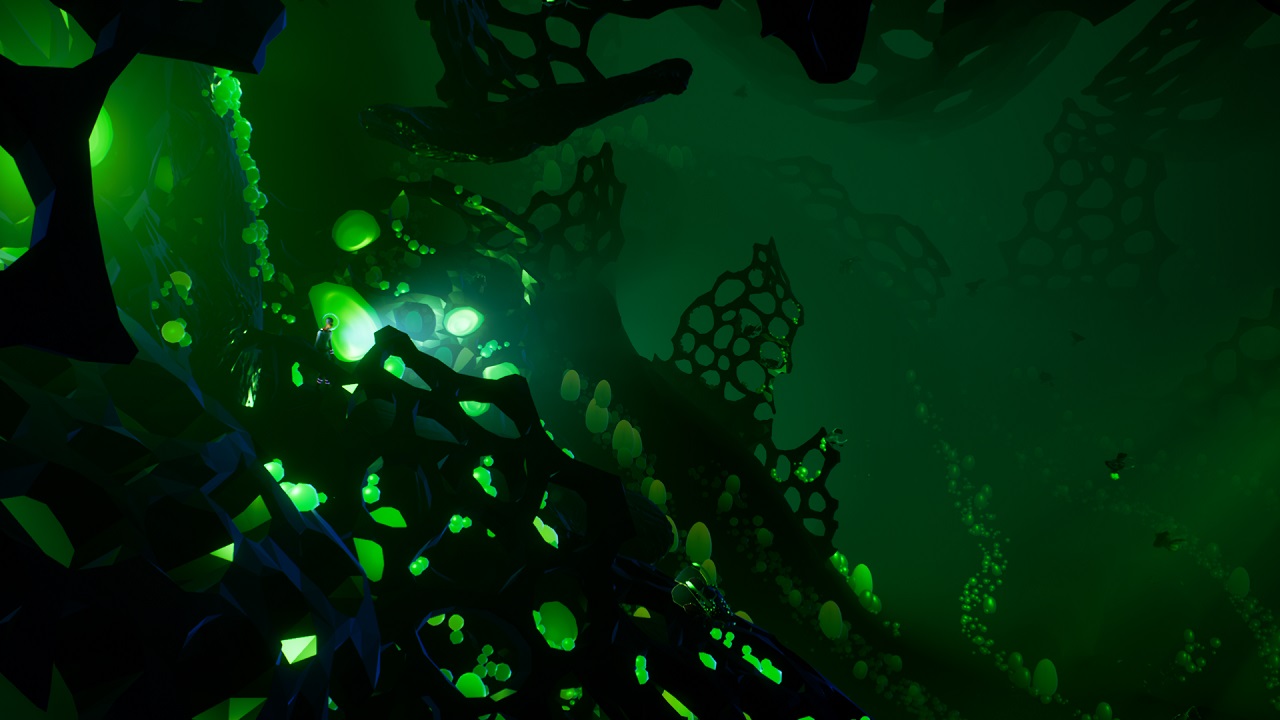
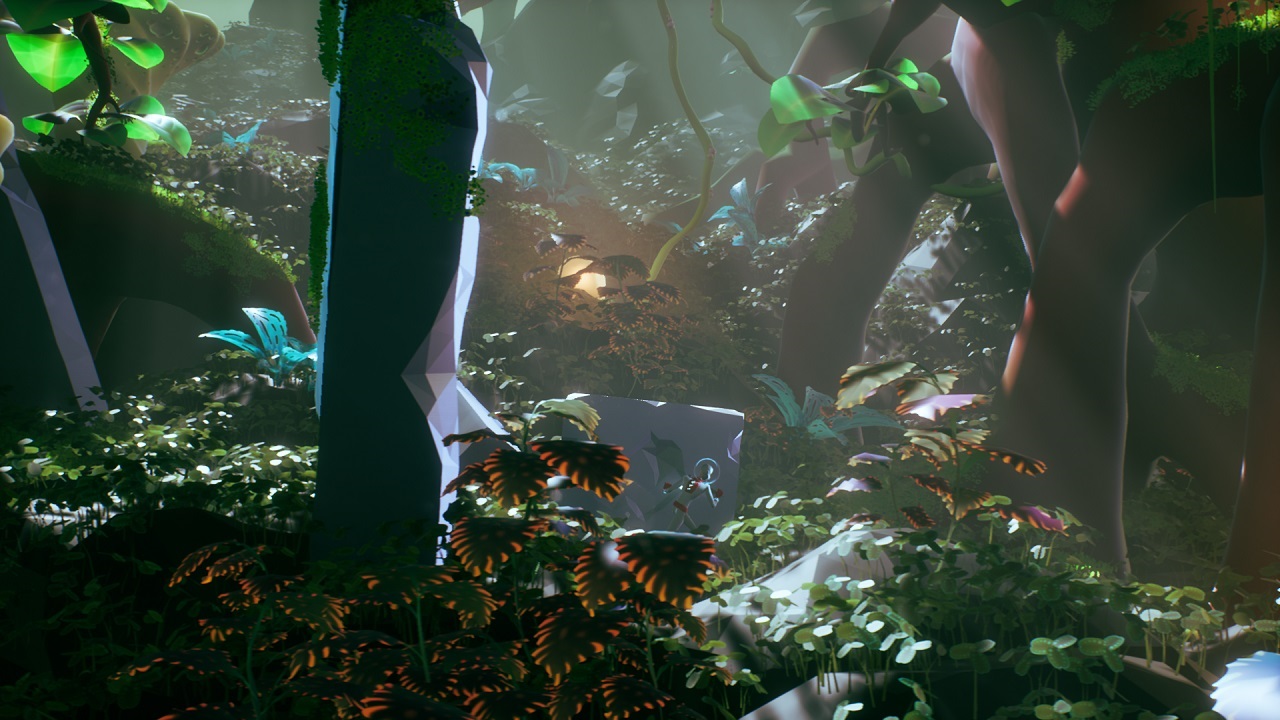
To call Planet Alpha a beautiful game is an understatement, and the art team for this title deserves high praise. Each and every environment has something interesting to look at, and while areas can appear similar, none are exactly the same.

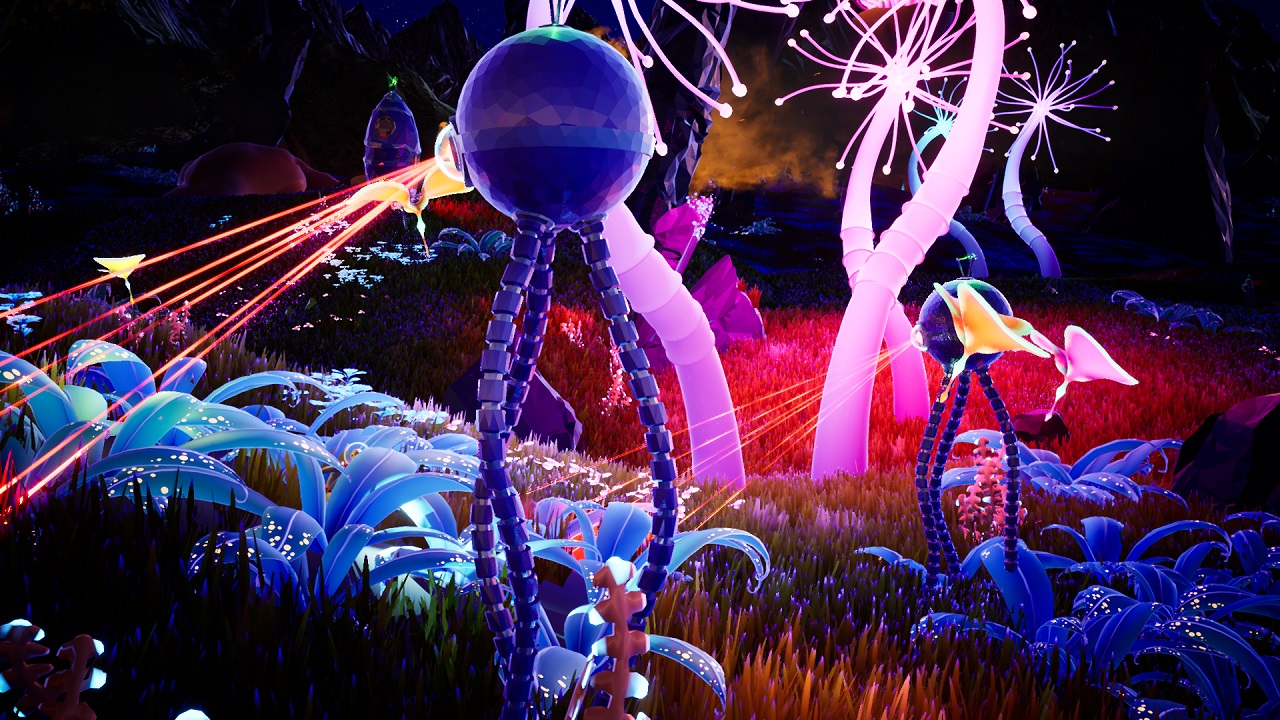
For a game that does not attempt to communicate photorealism, every location has a distinct feeling; the creatures here are truly alive, that strange monolith in the distance is really there, the stars are actually traveling across the sky above this field, the cavern the Explorer crawls through is as vast a network as it appears.

With a visual style somewhat similar to No Man’s Sky, every setting is immersive to the point that the player feels that if they chose to, they could turn right or left and continue on through the same living world without missing a beat.

No Man's Sky DOWNLOAD now
7

To that end, the pacing is a part of the game that most players will never notice simply because it’s so well-constructed. ‘Boss events’ — which involves puzzle solving, not fighting — don’t feel staged or abrupt. Little flavor elements of the game, such as passing through a field of huge, foraging beasts, are treated with the exact amount of grandeur, never requiring you to stop and look at the world around you unless you truly want to. And when the Explorer does finds itself unable to move forward, the player doesn’t have to travel far to find some kind of solution.

And Yet, Deadly…
Some of the game’s most valuable teaching moments are those in which the Explorer is completely and utterly obliterated by one of the game’s many and diverse hostile enemies. When the Explorer takes damage, the colorful palette of the game fades into the greyscale. Given enough time, the color will return, but often threats are so large, fast, or powerful that our avatar is quickly and hilariously snuffed out.

Thankfully, the living, breathing nature of Planet Alpha is such that you are not the only prey — indeed, some of the most satisfying moments of the game are when you have an opportunity to put your enemies in view of one another, and watch them fight while you skate past.

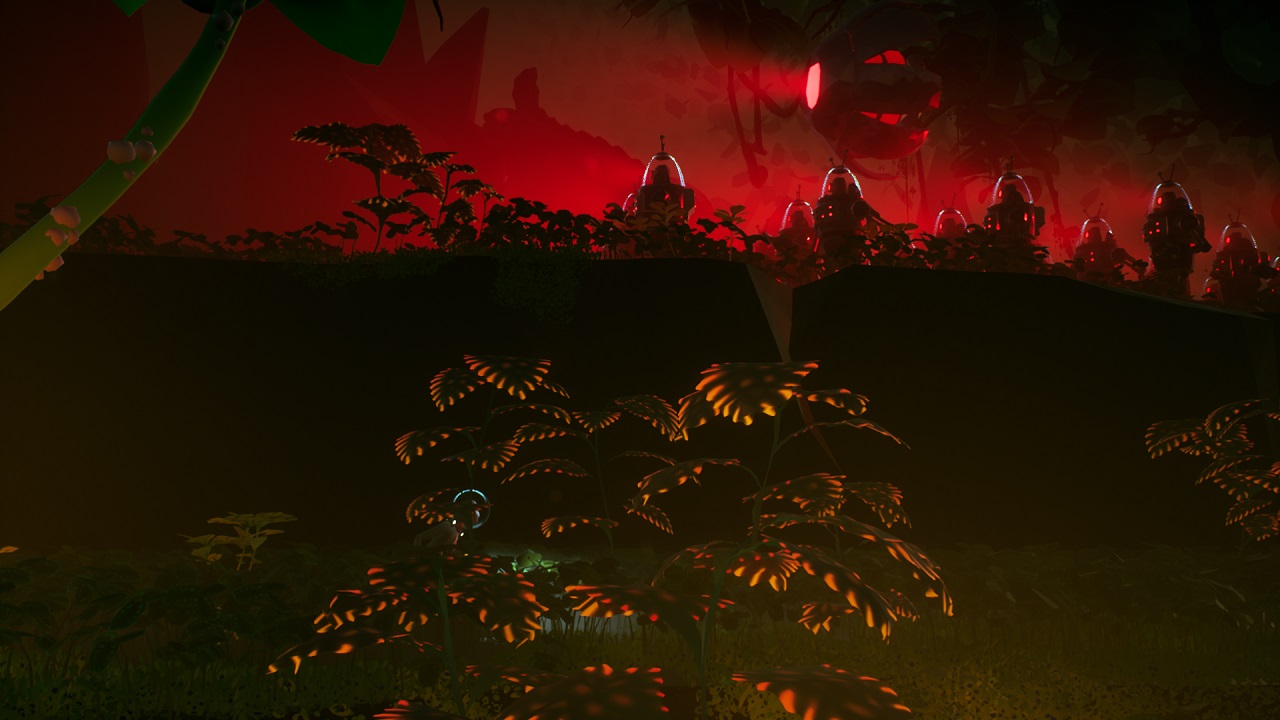
Sprinkling seemingly random bits of mortal danger in between vibrant, gorgeous views gives the player an experience that is somehow both leisurely and tense. When you turn the page to the next chapter, will there be a beautiful valley of floating petals, or a dark chasm of War of the World’s-inspired tripods with lasers? The game rarely gives you hints of what’s ahead, rightly realizing that that’s part of the fun. By putting the player constantly at the mercy of their own mix of uncertainty and curiosity, Team 17 keeps our interest in what’s to come, and grants us constant awareness of our own fragile insignificance.

Planet Alpha DOWNLOAD now ►
9

Made with Love, Played with Love:

While many contemporary sidescrollers are fun and worth your time, it’s rare to find one as wonderfully crafted and detailed as Team 17’s Planet Alpha. The game is special; a side-scroller that keeps you often impressed, sometimes afraid and always engaged. Players looking for a casual-yet-immersive, familiar-yet-different gaming experience will find a lot to love here, and on September 4, we hope to travel to the end of the road with our courageous little Explorer.


Complete Sea of Thieves weapons guide

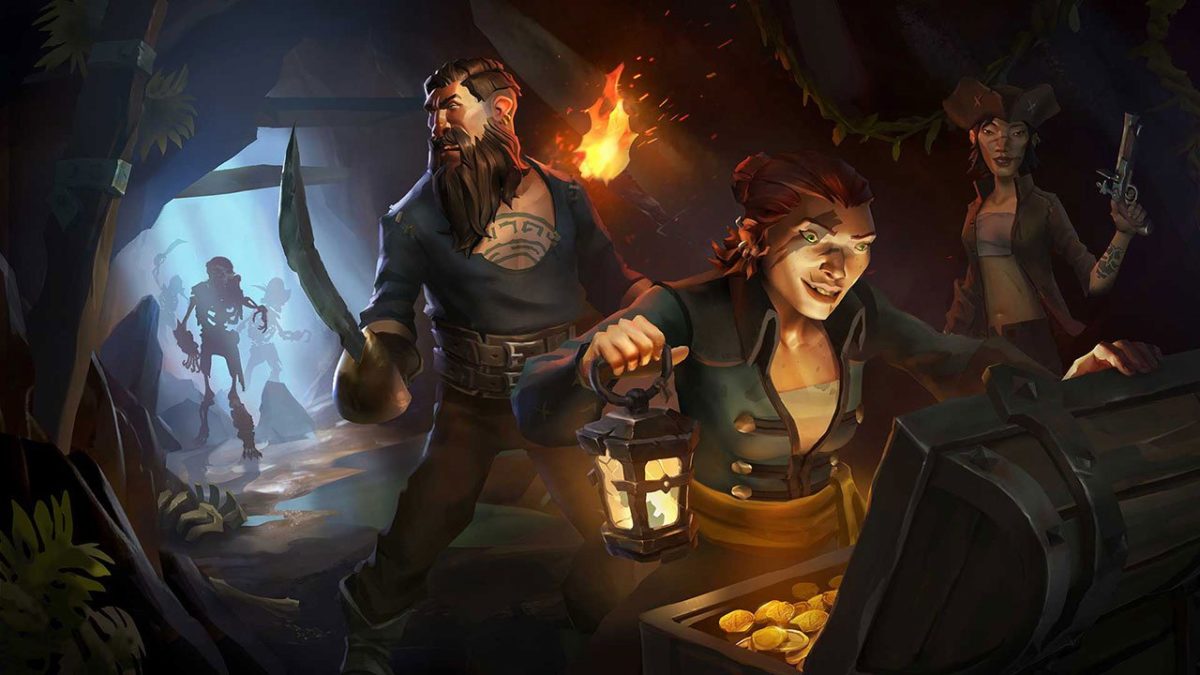
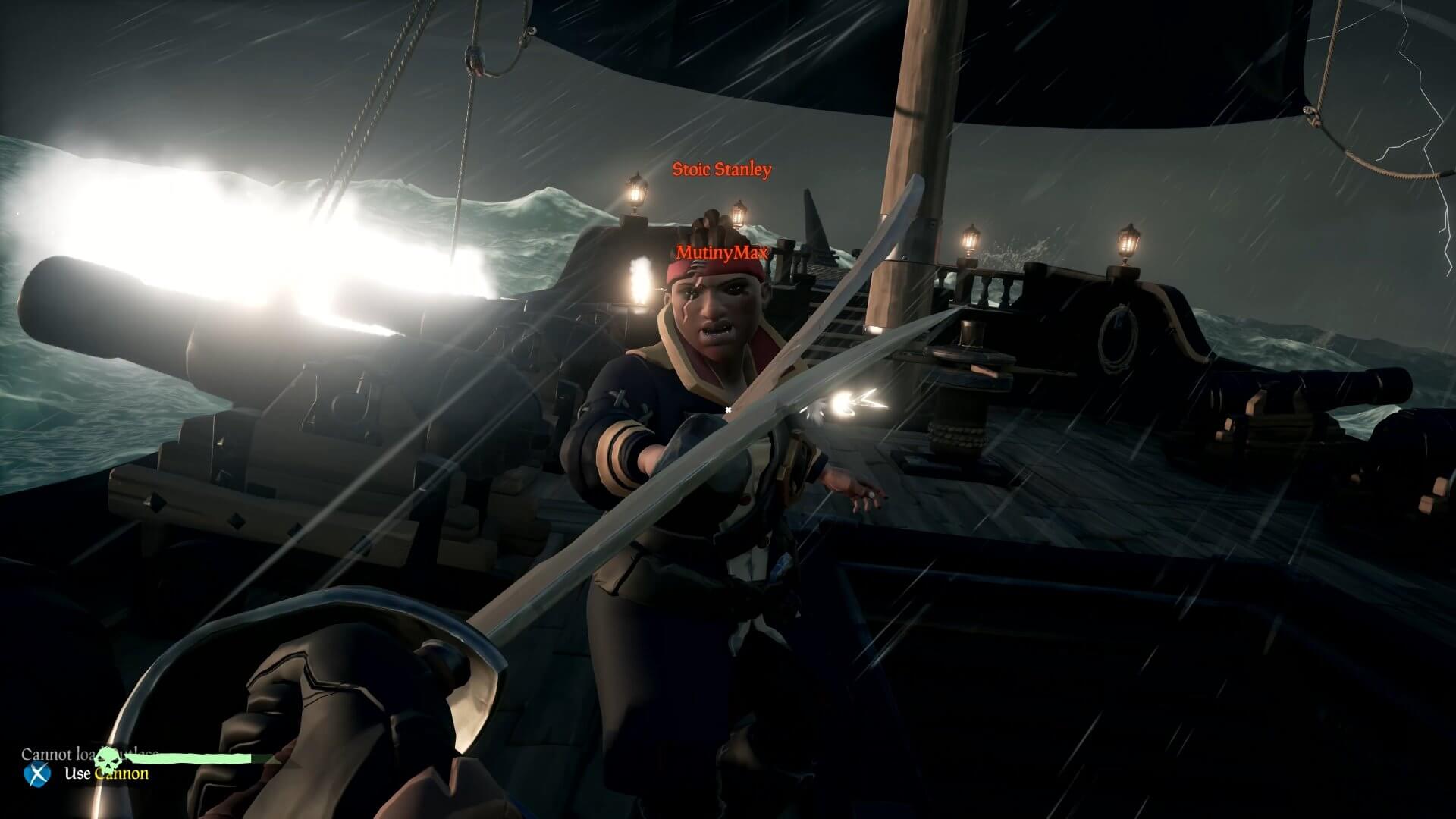
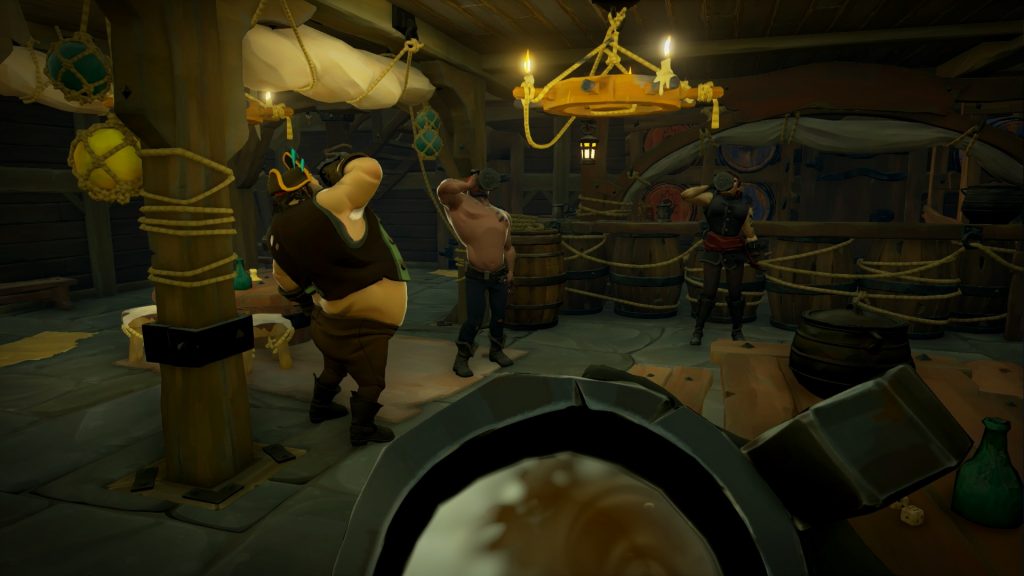
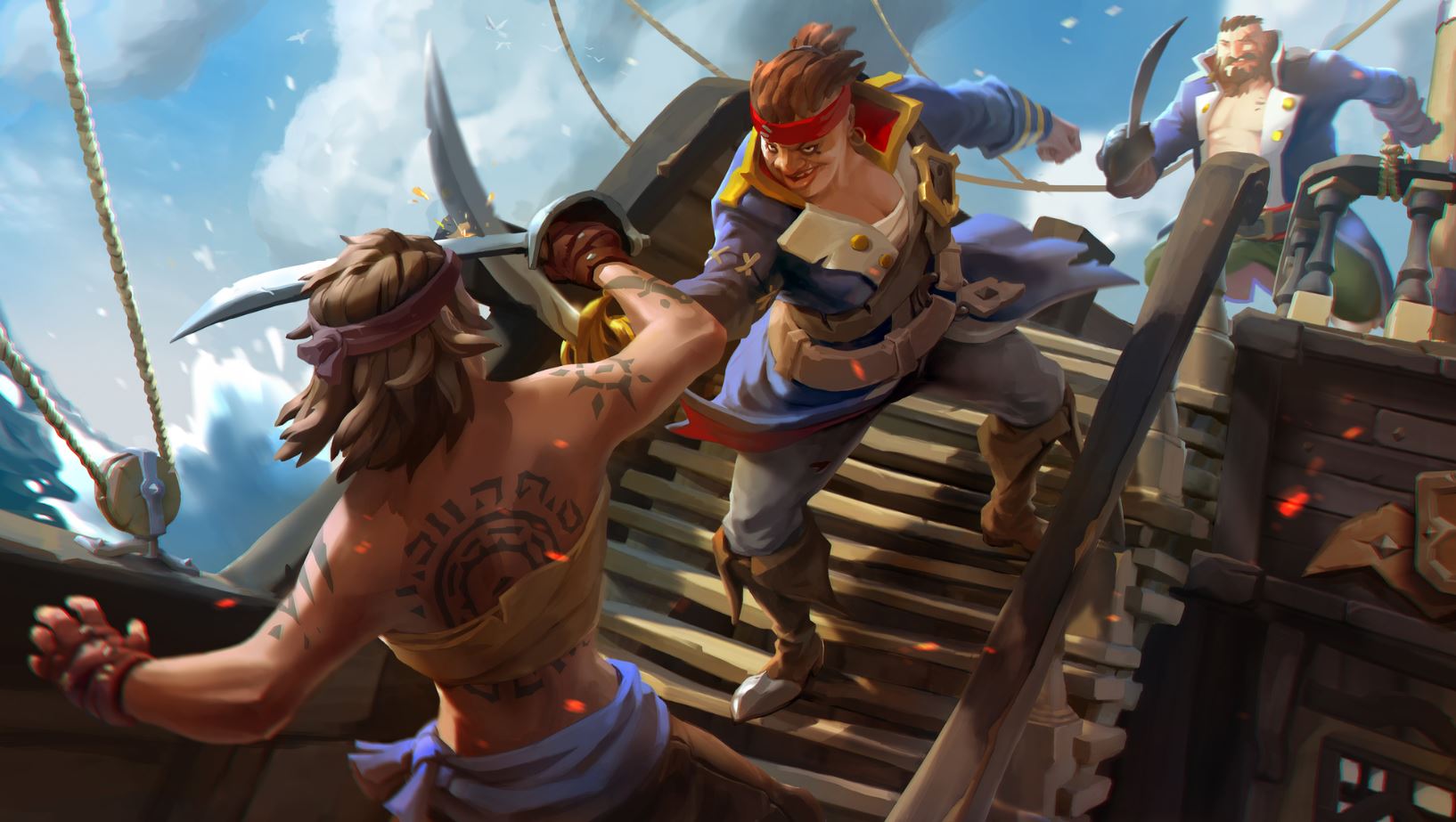
A wise pirate knows the devil’s dance of combat: The swerve and the thrust, the swipe and the parry. An even wiser pirate knows that “he who fights and runs away lives to fight another day.” The wisest pirate of all knows that combat is a job best suited to your lackeys. Your time, meanwhile, is better spent sweeping in with a blunderbuss to pick up the pieces once the dust settles, and hoisting sail to the nearest vendor. There you can sell the remains of your dear departed colleagues and use it for grog money.

Don’t give us that look. This is a game about pirates!!

Sea of Thieves Download
8

Truthfully though, combat is an unavoidable pillar of Sea of Thieves’ gameplay, and knowing the ins and outs of a fight is the difference between a plunder and a blunder (guess which one ends with you walking away with the loot). Every player can carry two weapons, so choose wisely. What you bring into the battle is going to play a huge difference in your role. To help you decide, we’ve put together a guide that will hopefully make that choice a little easier.

Pistol

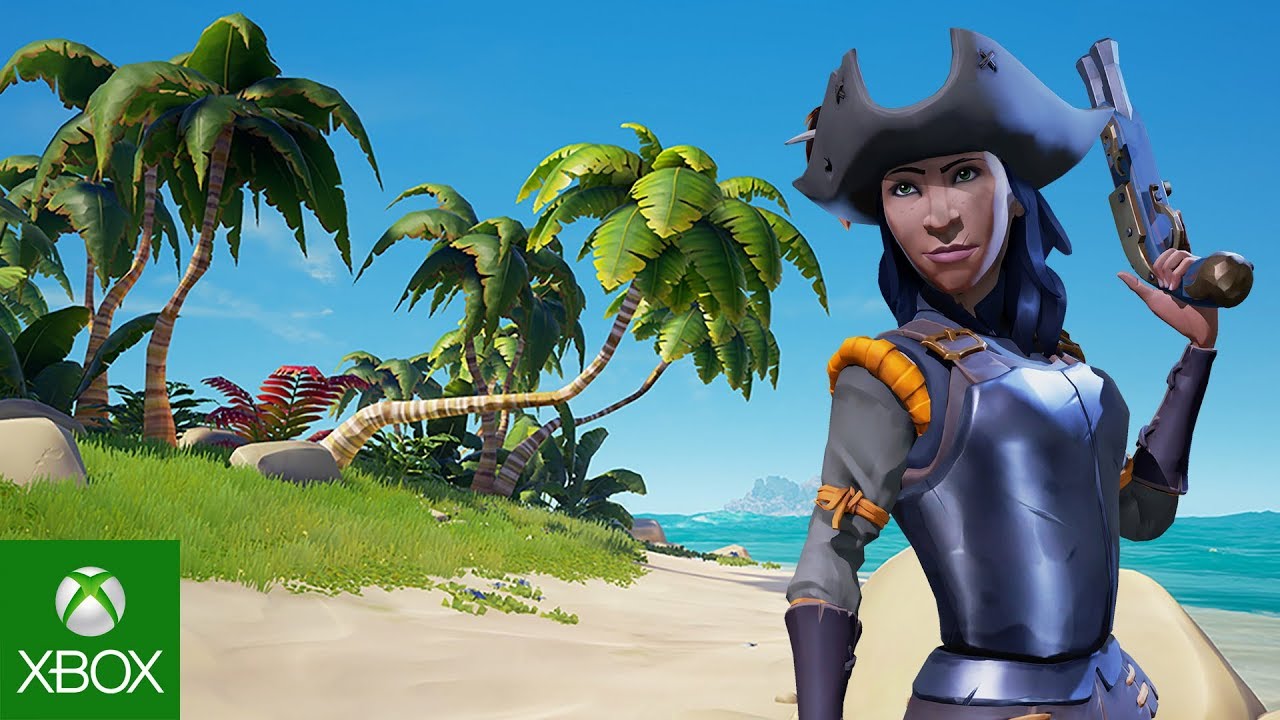
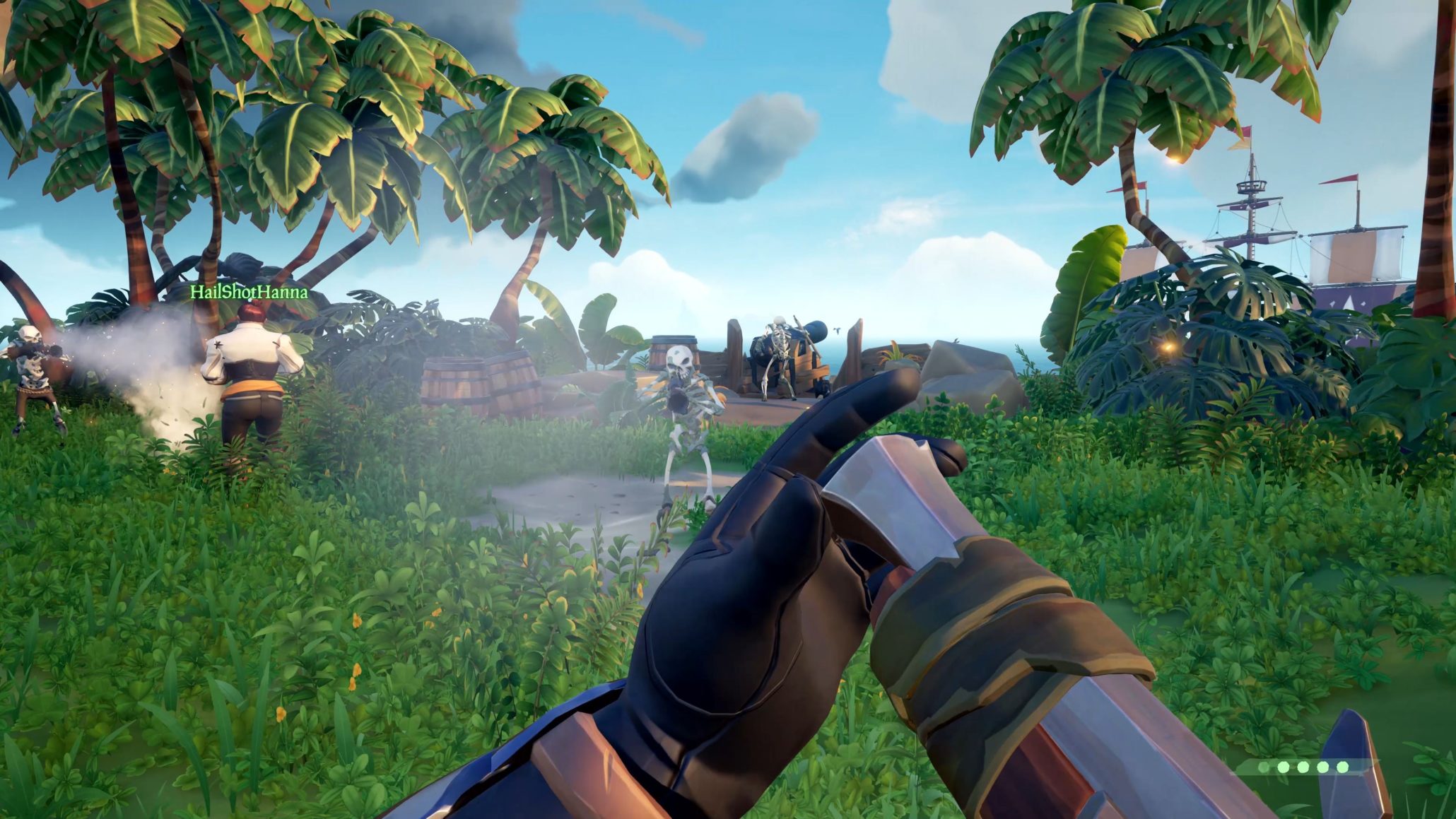
Powerful and versatile, each player begins a match with a pistol and cutlass by default. You’d think that any starting weapons are sub-par when compared to ones you’d pick up later, but in the case of Sea of Thieves, you’d be wrong. The weapons here are a balancing act in this title, and the deciding factor of any PvP is rarely the weapon a player is using, but the angle from which he is attacking. Every weapon has its place, and the pistol is no exception.

** Any upgrades or purchases you make at a vendor are aesthetic only and will not have any effect on a weapon’s damage or utility. You’ll just look cooler.

https://www.xbox.com/en-US/games/sea-of-thieves

The pistol outmatches the blunderbuss in terms of accuracy (as you might expect) and it also has a faster reload speed, meaning that you can fire off a second shot before the other guy does. This is important for one big reason:

A single shot from the pistol will deal 53% damage to a human target. That means if you can land two shots, they’re down. See where we’re going with this? You dominate mid-range combat with the pistol. It may not feel like it fires all that quickly, but the fact of the matter is that it’s still firing faster than the other two firearms. Combine that with the two-shot kill and you have a very powerful weapon indeed.

Cutlass

Your other default weapon, the cutlass is the mark of the true buccaneer. Yes, it has less range than any other weapon. Yes, it does the least damage. Yes, it takes three hits to kill even a basic skeleton. We still think it’s the best weapon you can get your hands on in this game.

Hear us out.

At the end of the day, the sword is only as good as the swordsman. Mastering the cutlass will take time, practice, and patience (at least two traits that pirates do not have in abundance). The primary attack is a sword slash that deals a small 20% damage. Logically, landing the three-hit combo will do 60% damage. Now we’re getting somewhere. In addition, hitting another player can slow them, hindering their ability to turn. Unable to adjust their view angle, you should be able to dispatch them far more easily.

http://crewofthieves.com/the-pirates-guide-to-personal-combat-in-sea-of-thieves/

The sword’s lunge ability does a mighty 49% damage, and is one of its defining features in Sea of Thieves. The lunge lends a unique balance to the rock-paper-scissors combat for this game. Charging the lunge (primary attack button) will slow your walk speed, BUT if you block you will negate the movement penalty. Jump at the start of your lunge and you can cover still more distance, closing the gap between you and the guy with the pistol or Eye of Reach.

The cutlass is also the only weapon in the game that can block, making it your best defensive option. On top of all that, and this is a no-brainer, the cutlass does not use ammo! We recommend having a cutlass as a backup weapon on most of your adventures. Its defense, mobility, infinite usage, and general classiness make it our top choice.

For more advice on the best ways to use a cutlass, definitely give this video a thorough look:

Eye of Reach

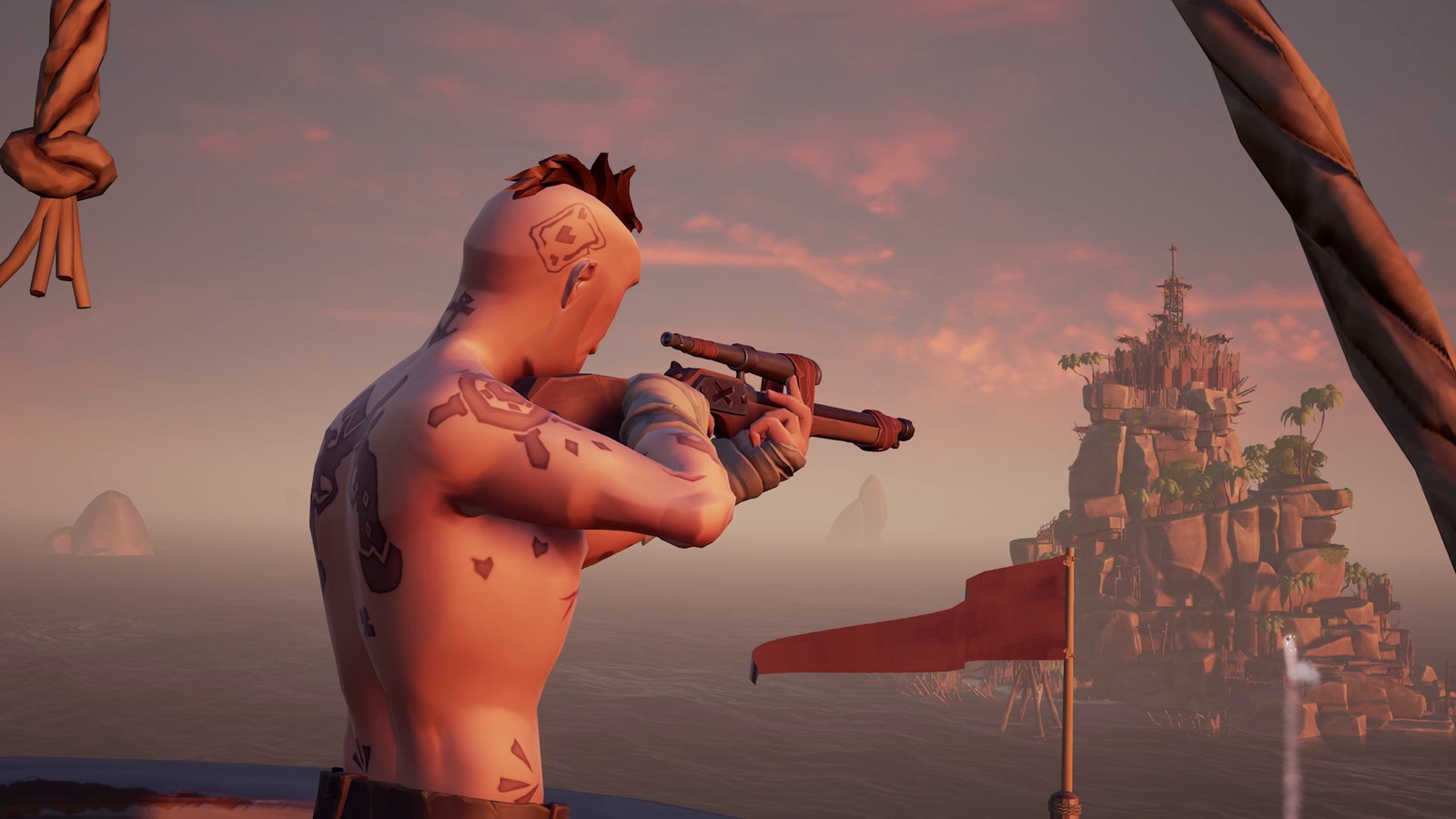
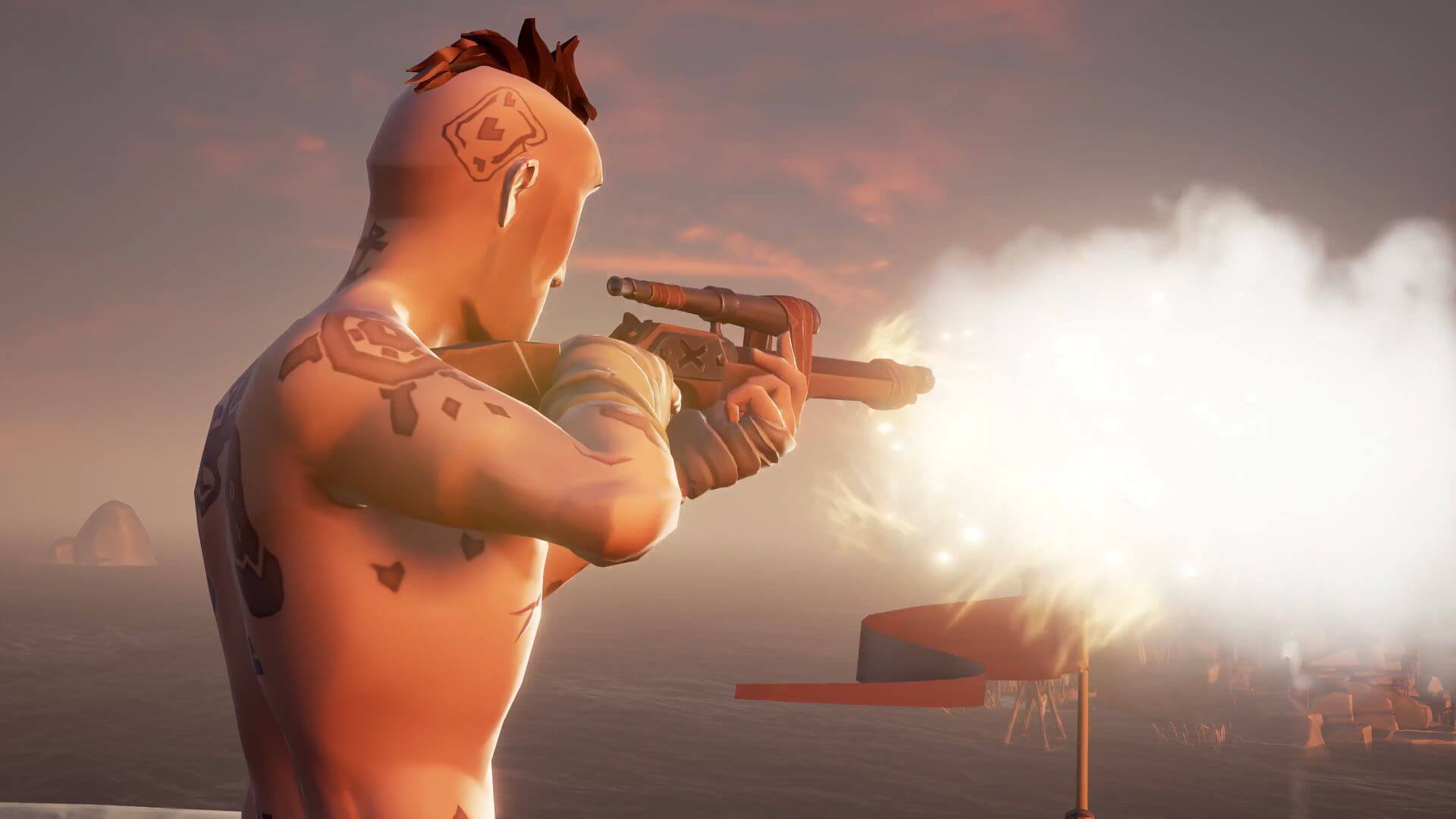
Found in an armory (scattered around the game world), the Eye of Reach is the game’s sniper rifle. With a slow rate of fire and reload time, this weapon favors a high risk/high reward style of gameplay, much like the blunderbuss.

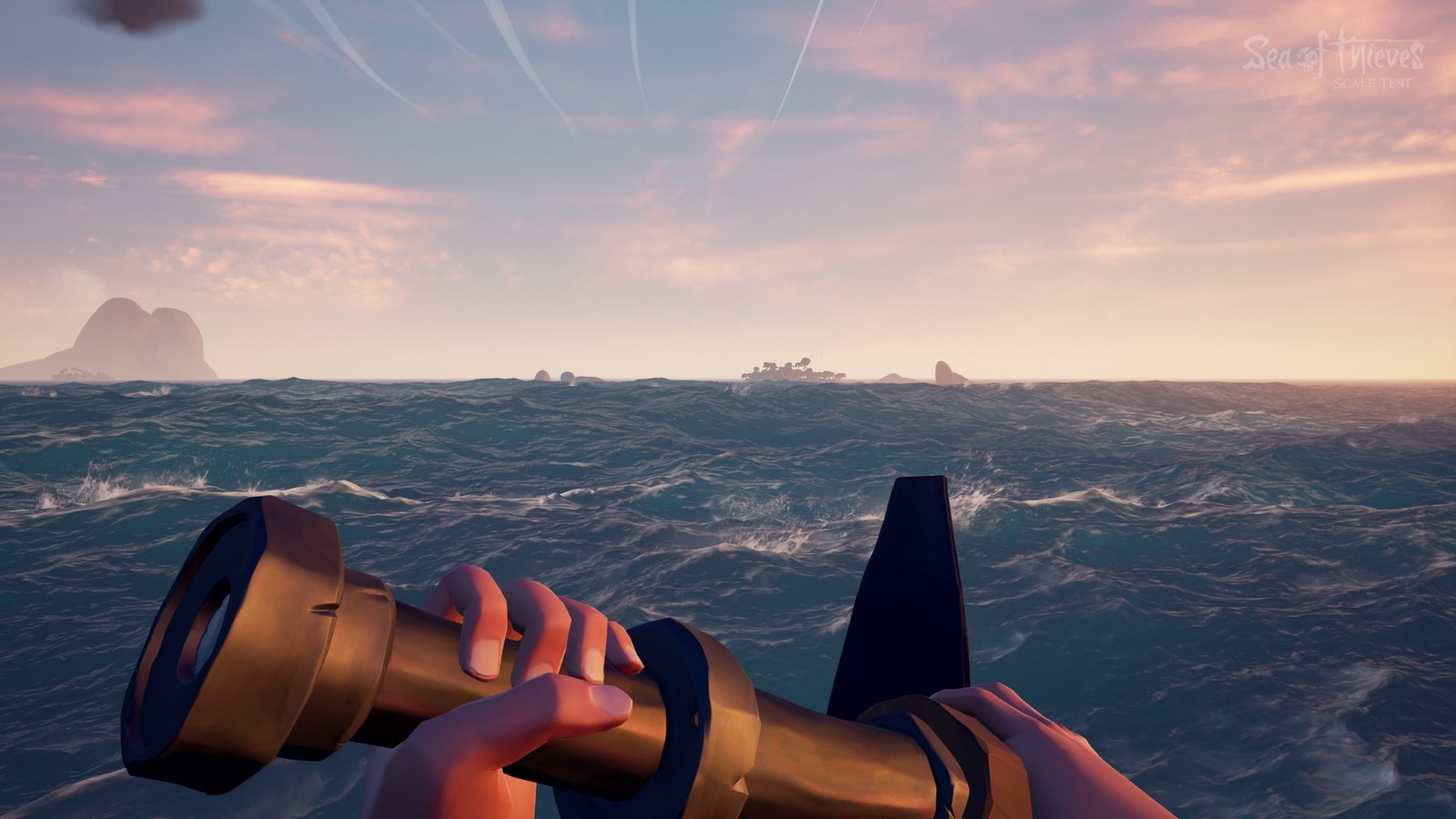
Accurate from extremely far, the Eye of Reach also doubles as a spyglass. We found it unexpectedly useful when scouting new areas or when doing recon on skeleton forts. It is generally advisable to have at least one of your crew hit the seas with this in his hands. It’s invaluable for scouting, backing up the players leading the charge, and for picking off enemies before your ship even reaches the island.

https://www.windowscentral.com/how-get-new-weapons-sea-thieves

With the Eye of Reach, it’s important to keep several universal factors of Sea of Thieves’ combat in mind:

  1. There is no friendly fire in Sea of Thieves. At least not directly. If you’re the team marksman and you’re watching your teammate’s back, don’t hesitate to pull the trigger, even if you’re you have the shot; you can’t hurt him.
  2. Headshots will not do extra damage. Again don’t hesitate to shoot. If you’re not firing from far away, we advise quickscoping over long careful aiming.
  3. Lastly, damage in or out of water is the same in Sea of Thieves. If the fight lands you in the water (which it often does), remember that that has no bearing on the damage of your gun. Considering the Eye of Reach does a whopping 79% damage in a single shot, you’re nearly unmatched in terms of raw damage, on land or underwater.

Blunderbuss

The blunderbuss is the go-to weapon for any pirate who’s had enough monkeying around. And no, that’s not a Monkey Island reference. This is a shotgun, tried and true, and should only be used at close quarters. The blunderbuss fires ten shots at once in an unpredictable formation. Each of those shots deals around 15% damage. The more shots that land, the more total damage you’ll do.

Pretty basic, right?

https://wccftech.com/sea-of-thieves-datamining-open-beta/

It takes a minimum of seven shots to instantly down an enemy, which means that the only chance you have to score that sweet one-hit KO is to fire as close to point-blank range as you can afford to get. Careful when you take your shot; the rate of fire is slow, and you’ll probably be in the thick of the fight if you’re using the blunderbuss like you’re supposed to.

Much like the Eye of Reach, however, we think it’s a good idea for at least one teammate to be using a blunderbuss at all times. It comes in extremely handy when ambushed by a horde of skeletons or when going toe to toe with a ship full of enemy players.

For a side by side comparison of weapon damages in Sea of Thieves, along with more awesome combat strategies, check out the video below.

Step carefully and we’ll see you on the high seas!


How to write sheet music for free with MuseScore 2

In a hurry to write down a melody playing in your head? Are you looking to transcribe a rock song for your band to cover? Or maybe you want to hammer out a melody on your MIDI keyboard and have it appear on-screen next to you?

If the answer to any of these is “yes,” then MuseScore was created for you. Not only that – it’s totally free. You can grab it here right now:

MuseScore 2 Download Free
7

So this is like Finale or Sibelius?

Short answer: Yes.

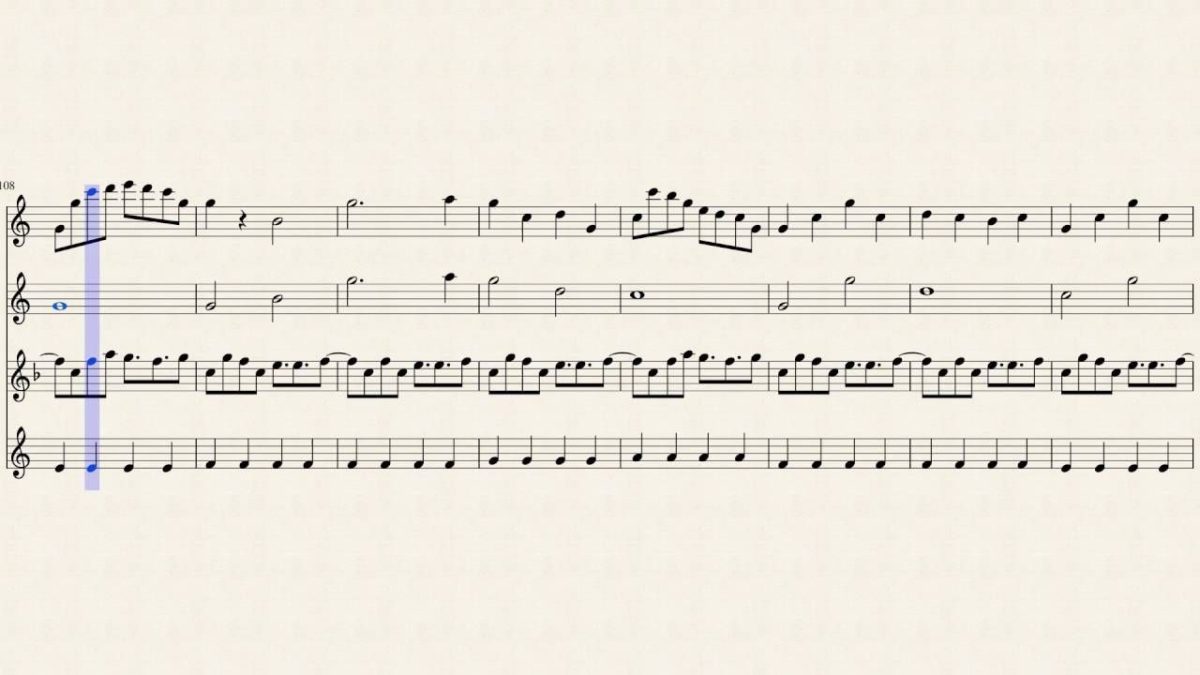
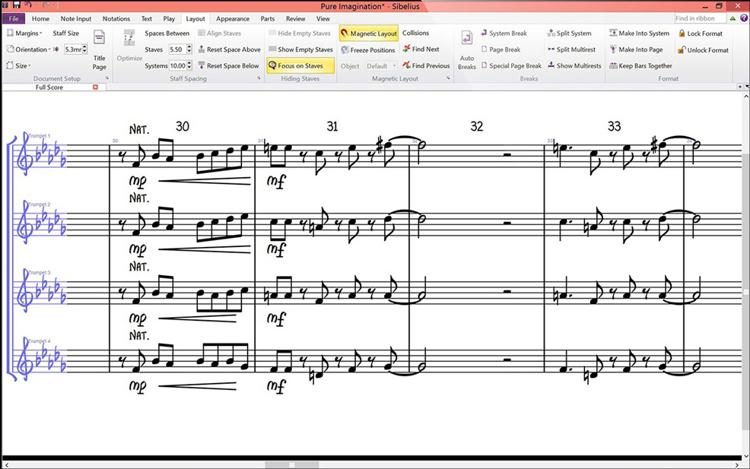
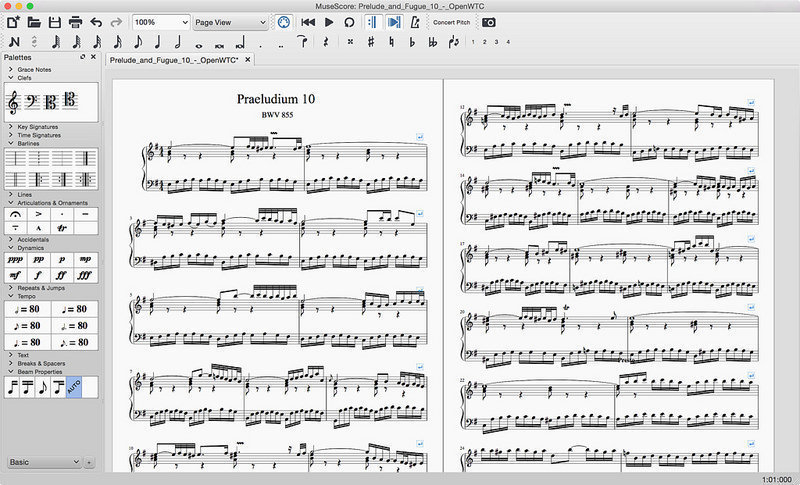
Long answer: MuseScore 2 is a score writer for Windows, Mac, and Linux – just like Finale or Sibelius – the latter of which can cost upwards of $600. Musescore 2 has practically all the bells and whistles of its more famous brothers: It transposes for you; notates for you; beams, splits, and orders measures; balances lines and complex rhythms; and even includes notation for articulations and accents. To the untrained eye, it’s tough to tell which of these two pictures is from the free program:

https://www.sweetwater.com/store/detail/Sib2018-e–avid-sibelius-with-1-year-of-updates-and-support-plan-perpetual-license-download
https://www.macupdate.com/app/mac/32164/musescore

So what’s the drawback?

The only limitation here is how quickly you’ll actually be able to perform these maneuvers. The learning curve for MuseScore is steep compared to learning Sibelius, and is certainly less elegant than Finale. After our first 45 minutes, though, we found the answers to most of our questions had been right in front of our face the whole time.

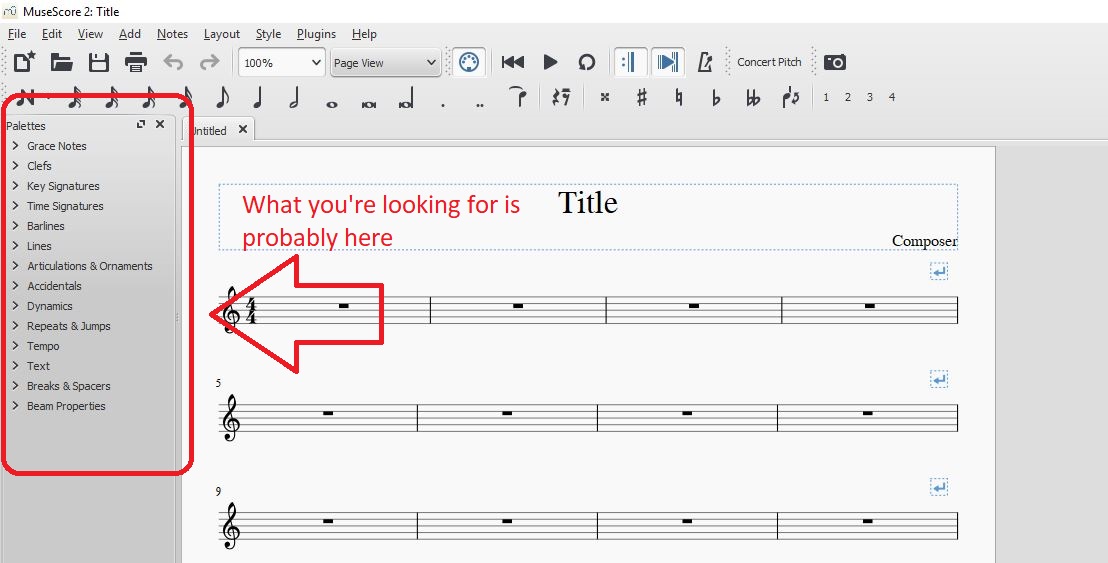
Anything that we didn’t find immediately in the main toolbar was buried under one of the tabs in the ‘palettes’ window on the left:

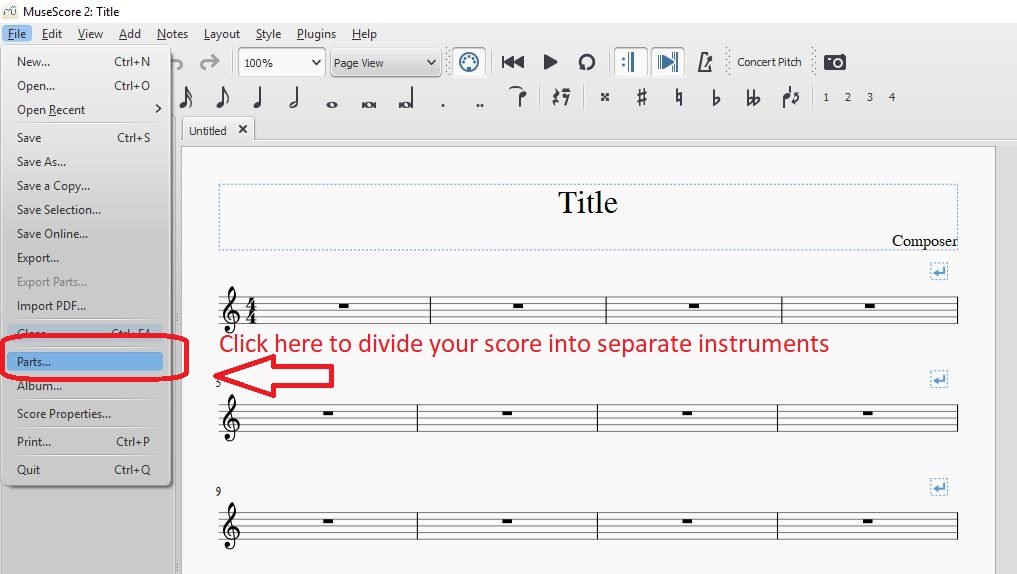
Playback options are as simple as hitting ‘play’ up top, and we were excited to find that upon completing our score, dividing it into separate instruments was as simple as clicking on ‘parts’ in the File drop-down on the top left:

What can I do with this program?

MuseScore 2 boasts a surprising variety of utilities, and really covers all the bases you can think when writing, arranging, or transcribing music. Its features include:

  • Add chords and lyrics to anything you write
  •  Play a MIDI keyboard in real time and see it dictated on screen in MuseScore 2
  •  Add, copy, repeat, or move large selections with the clipboard
  •  Upload your audio to MuseScore.com so others can listen to your work
  •  Reorder score tabs and add/remove brackets for accidentals
  •  Choose to add rhythms first, pitches later (useful if you’re transcribing in a hurry)

If you want to check out MuseScore 2 in action, it’s all here in this video:

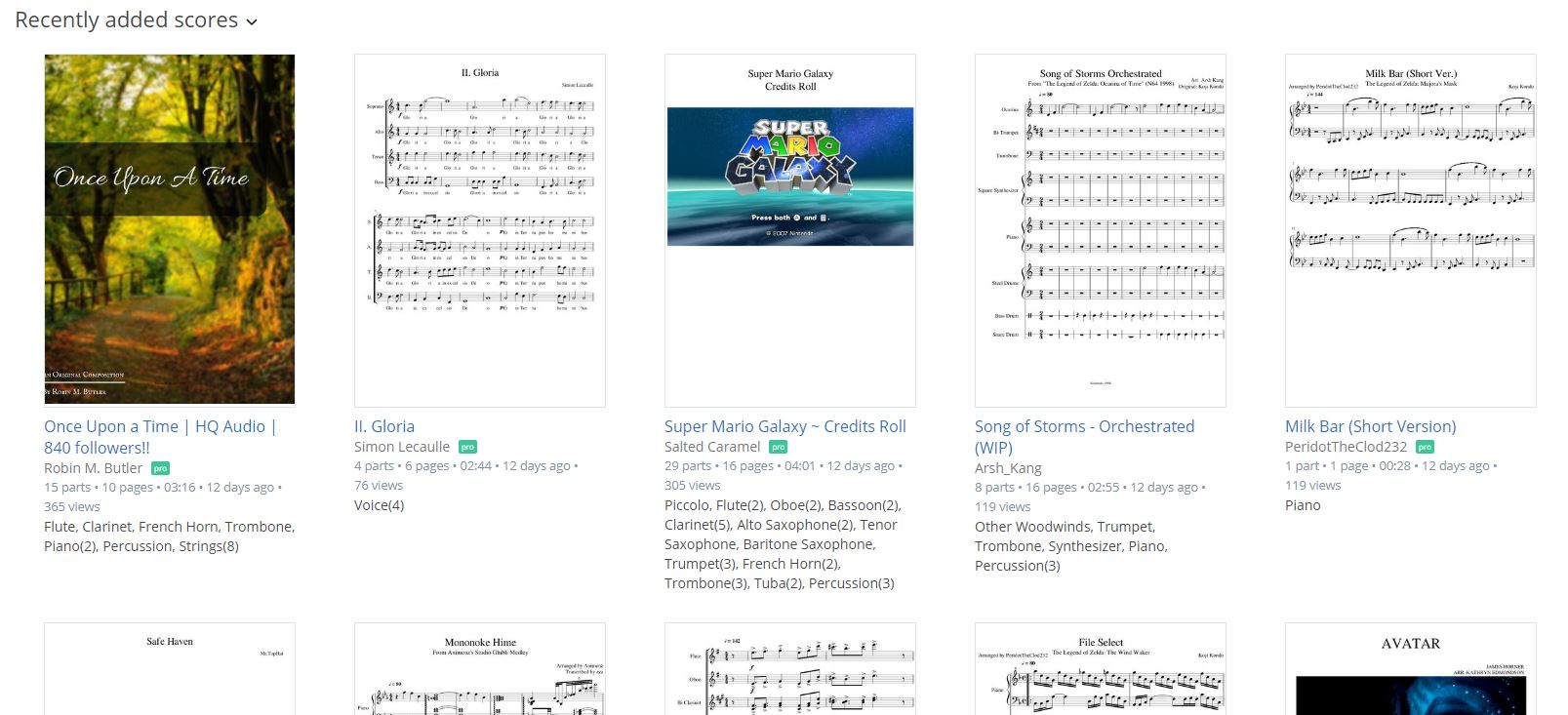
Lastly, since MuseScore 2 is free, it means that musicians around the globe are already using it to transcribe and transpose music. As such, there’s a hefty catalog of free sheet music that’s been uploaded by the MuseScore community.

Definitely check this out because someone else may have already finished what you’re about to start on. Anything from this catalog can be downloaded as a .pdf, too, so you don’t even need MuseScore to access them!

https://musescore.com/hub/video_games?page=7

Give it a whirl. We’re anxious to see what you can add to MuseScore 2‘s growing library!


Future Windows 10 updates will be much faster

Microsoft Windows 10 Updates will be much smaller and will run much faster from February 2019.

Microsoft Windows 10 Updates will be much smaller and will run much faster starting in February 2019

Microsoft announced this week that it will be discontinuing a rather heavy component from its regular updates. Removing Delta Updates will make the Windows 10 update cycle much smoother and faster, and we can expect to see this change from February 2019 onwards.

Windows 10 updates will soon be smaller and quicker

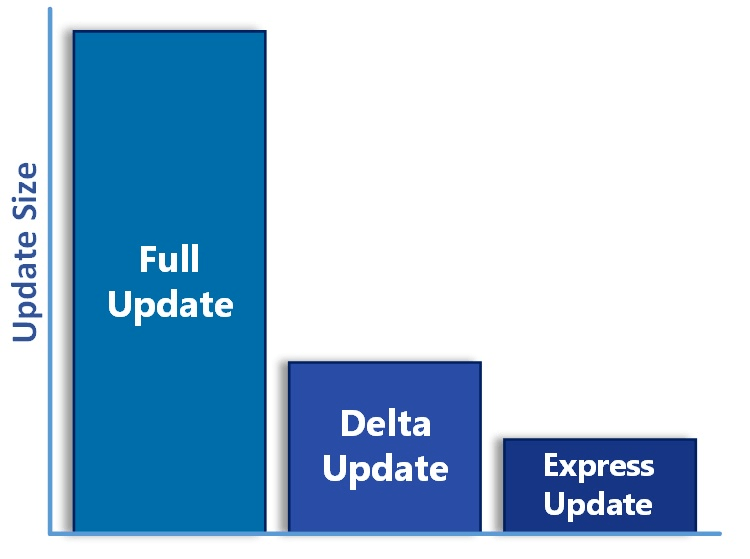
The new system called Express Updates allows Windows to update single files as needed. This is opposed to the Delta Update system, which cumulatively builds patches on top of one another. Every time something changes everything needs to be downloaded and updated again. The result is that updates get larger and larger as the months go by.

Microsoft is killing Delta Updates in February

We can see an example of this after the recent update we got in April 2018. Various patches were coming in at around 100 – 200 MB, but after a while, they ended up at approximately 1.2 GB. With the new Express system, these small patches will only ever be the sum of their individual parts, rather than including all the parts that came before them. Patches will stay at around 100 – 200 MB a month rather than growing each month until Windows 10 gets the next full update.

The result for us as Windows 10 users is that our operating system will receive smaller updates more regularly. The smaller update sizes will mean it won’t take our PCS as long to restart after an update.

Don’t expect Windows 10 full updates to end any time soon, however. We can still expect to get two of them a year. You can find out the details of the upcoming Windows 10 fall update here. This new system will only affect the smaller updates Windows 10 receives in between full updates.


A beginner’s guide to Sea of Thieves

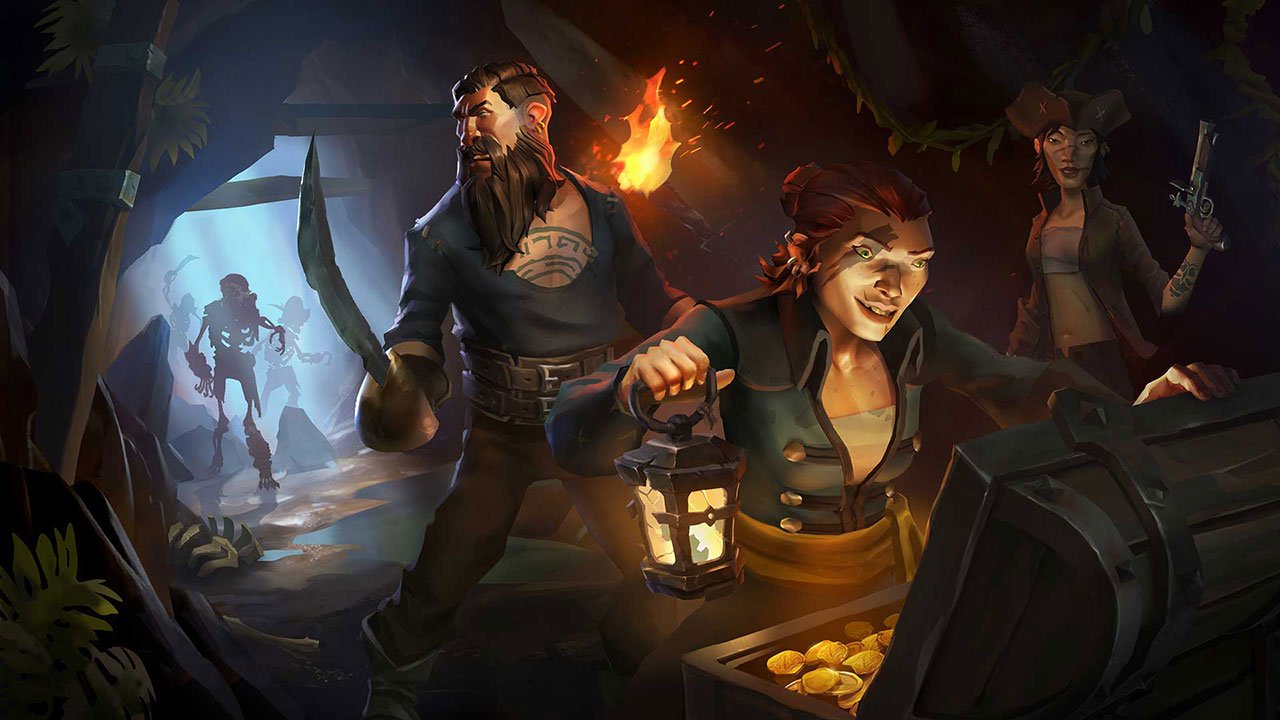
Sea of Thieves is a game about plundering the high seas in search of grog and booty. You’ll be commandeering the seas on your Sloop or Galleon, dodging all manner of angry skeletons, ferocious sharks, perilous rocky coves, the legendary Kraken, and – most terrifying of all – the other players in your match who might be just rowdy enough to try and cast you down to Davy Jones’ locker. Sound fun? Grab it here:

Sea of Thieves Download
8

Jumping into a living, breathing world like Rare created with this title can be unnerving, especially with the game’s lack of tutorial. We’re sharing five tips that will play the part of the parrot on your shoulder, giving you advice and encouraging you to let your conscience be your guide.

Maybe we’re mixing metaphors. Let’s get started.

1. Don’t go it alone

https://www.pedestrian.tv/gaming/you-can-play-sea-of-thieves-with-a-pirate-band-who-will-sing-you-a-shanty/

Kind of a given, but if you can play this game with friends, do so. Trust us, it’s the way the game is meant to be played. Besides just raising the camaraderie up to 11, pretty much all the game’s mechanics assume you’re with a hearty crew.

The element where this especially comes to mind is navigation. Sailing a ship is NOT like driving a car, and having another pair of eyes can be the difference between a shiny new galleon and a waterlogged shipwreck.

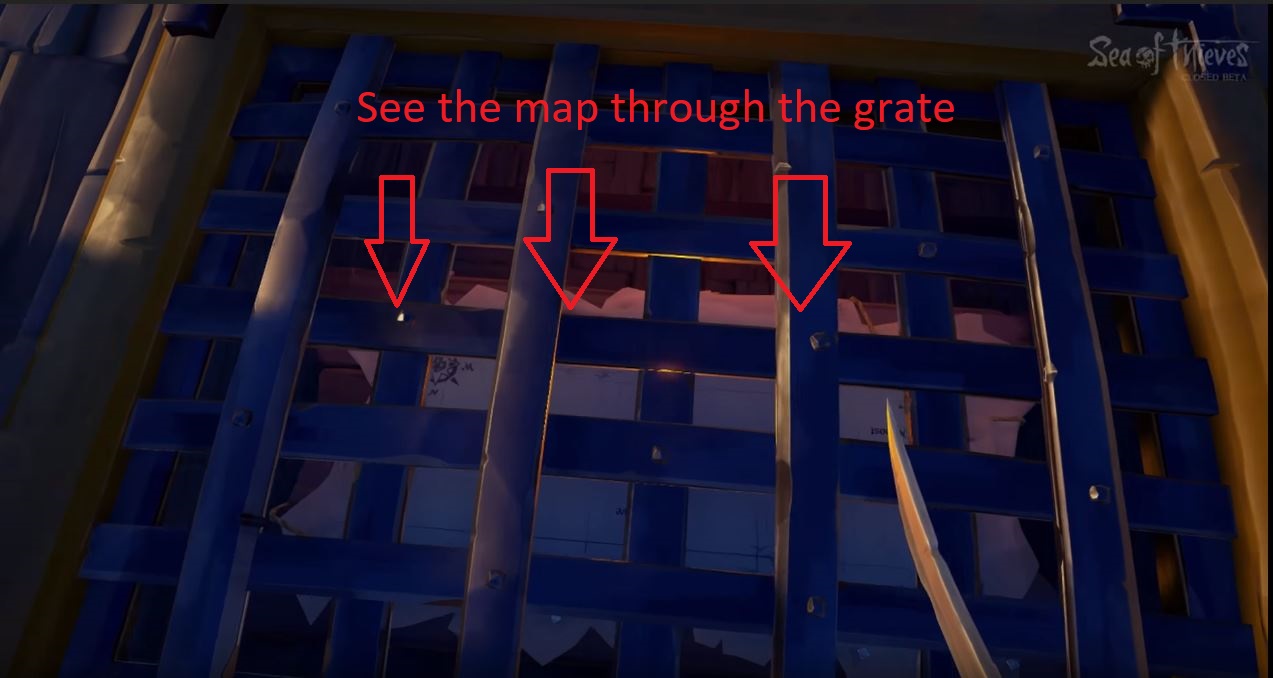
As if to reinforce this point, the map on the Galleon is in the hold, below the deck. The wheel for steering is two floors above that. The game doesn’t want you to do both. The most efficient way to plot your course is to have one player down below deck yelling directions to whoever is steering.

Trying to check the map and steer is deliberately clunky and inconvenient. Additionally, having another pair of eyes can be incredibly helpful when you’re scouting for clues during one of the game’s many treasure hunts.

2. Familiarize yourself with your vessel

Navigating and sailing in Sea of Thieves is a huge portion of the game. The more practice you get on the high seas, the more adept a sailor you become. The more adept a sailor, the better your survivability in ship-to-ship combat. Not to mention you’ll be able to pull some crazy maneuvers in and out of battle. There are two ships in Sea of Thieves: The Sloop and the Galleon.

https://holdtoreset.com/sea-of-thieves-review-a-week-and-a-half-on-the-high-seas/

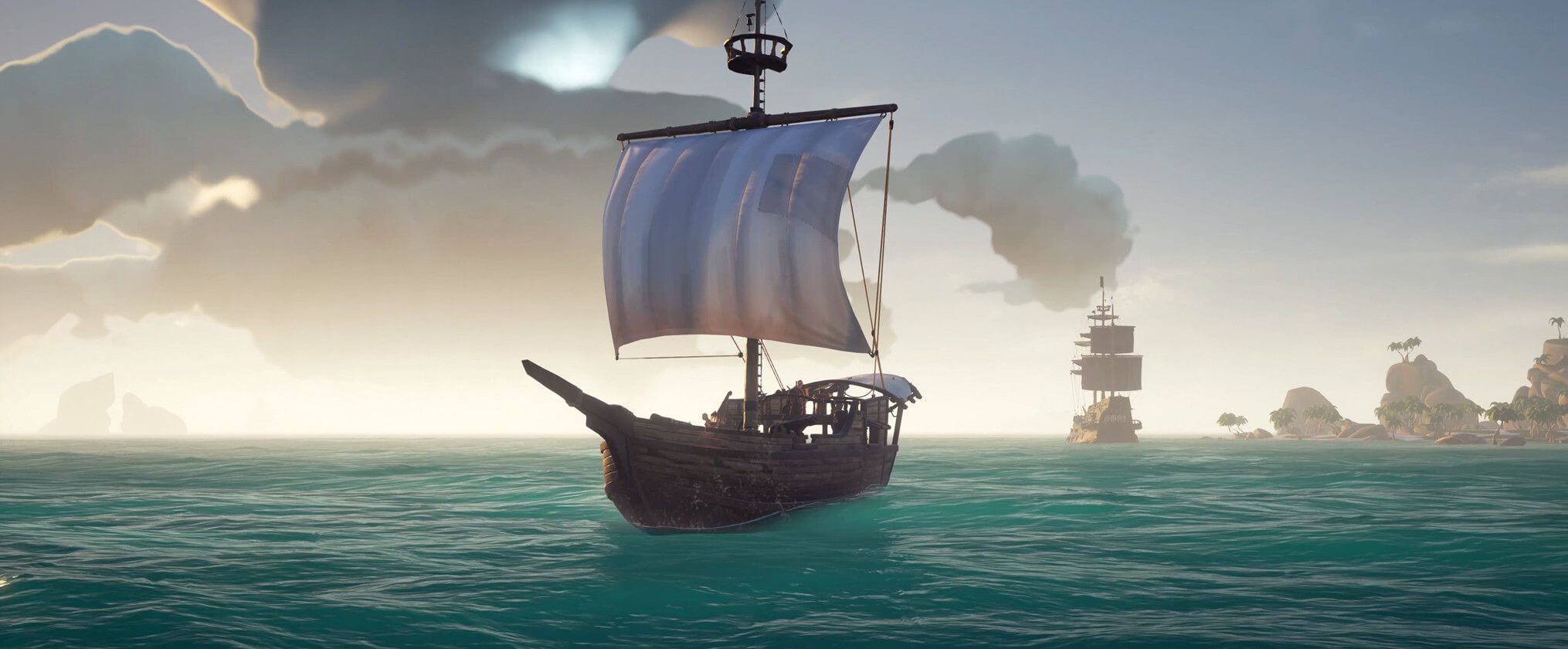
The Sloop is faster and smaller, but isn’t decked out for a fight like its big brother. They are easier to repair, however, and their size makes them immune to Kraken attacks. We’d recommend starting off with a Sloop in Sea of Thieves, and upgrading to a Galleon when you get the hang of the game’s steering mechanics.

http://seaofthieves.wikia.com/wiki/File:Sovereign_Sails_on_Galleon.png

The Galleon is the king of the seas, boasting twice the firepower and durability of the Sloop. Since it lacks the Sloop’s maneuverability, we’d recommend around four players work together to make for the most efficient navigating. Of course, a ship is only as good as its crew, so be sure that your teammates know their roles before the lot of you go head to head with other players.

For both ships, don’t forget to use your sails properly! Look up and try to gauge the direction of the wind. If you angle your sails to catch the wind just right, you’ll see them puff out. That means you’ll be moving as fast as possible.

3. Learn your tools

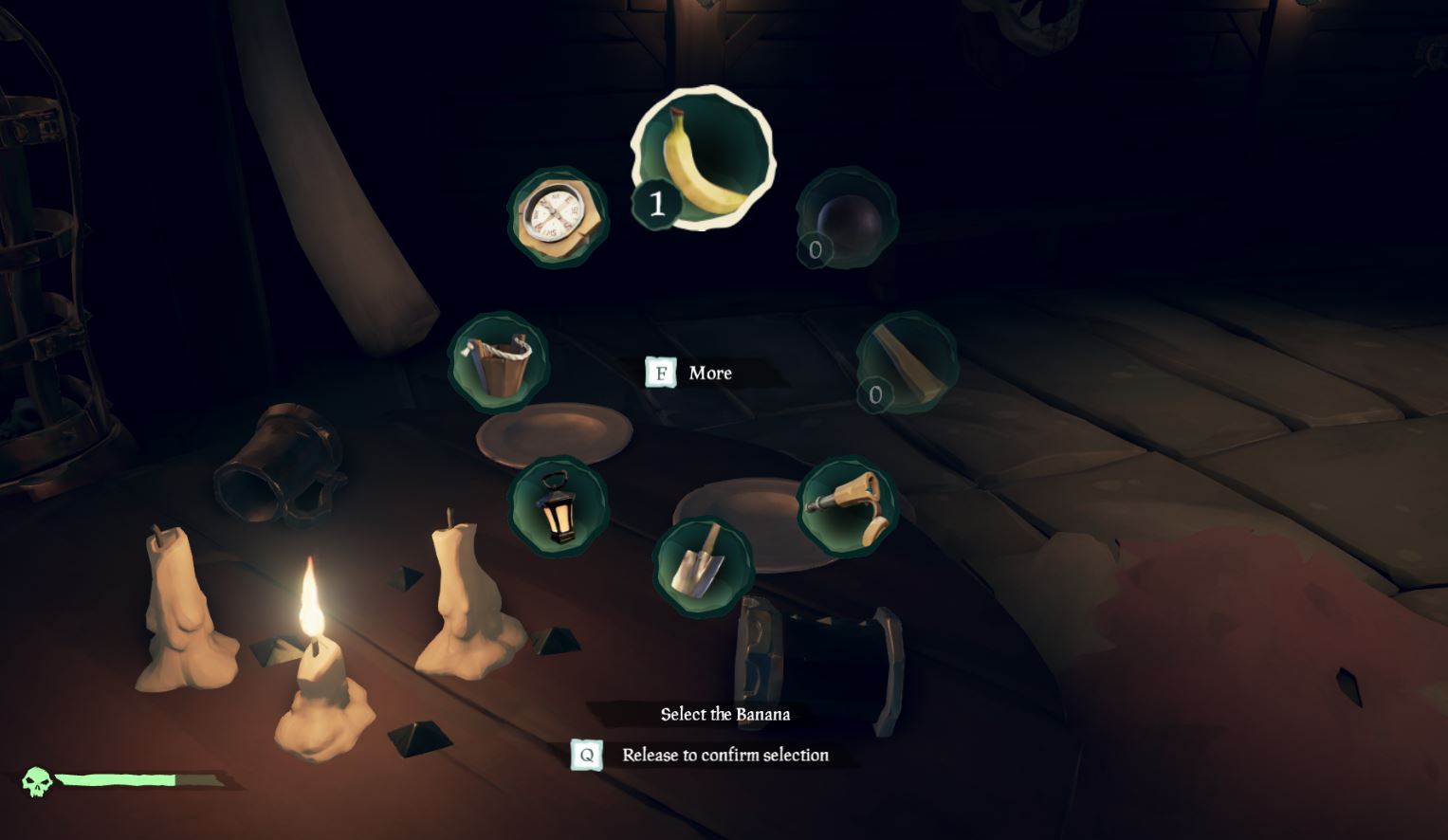
There are eight different tools in your inventory radial. You should become familiar with their purpose so you always have the right one for the right job:

https://www.eurogamer.net/articles/2018-04-03-sea-of-thieves-controls-xbox-pc-gamepad-keyboard-mouse-5001

Compass: The most important tool at your disposal, the compass is how you discern the right direction when away from your ship. Keep track of where you go after you drop anchor and go on land; your compass will help you get back.

The compass is also hugely valuable when you’re on land trying to hunt for treasure. Keep it handy. You can also look to the North Star if you’re wandering around at night.

Lantern: Handy when spelunking, the lantern is your default item for brightening caves or dark islands when exploring at nighttime. You can also right-click (left trigger on XB1) to lift the lantern higher, lighting up those dark corners.

Pocket Watch: Not terribly useful outside of Merchant Alliance voyages, this tool tells you the time and date. It can also help with determining how long you have before dark, but you’re a pirate – just look up at the sky!

https://www.windowscentral.com/sea-thieves-items

Spyglass: An unexpectedly valuable piece of equipment, this can help you spot islands, enemies, and passing ships. Passing ships should definitely be taken into account and shared with your crew. Know when to fight and when to flee, especially during timed quests or when low on supplies. Another tip is to put out your ship’s lanterns at night; other players will have a harder time spotting you in the dark if you’re not lit up like a Christmas tree.

Shovel: This digs up treasure. Listen for the clank sound; that means you’ve hit the chest.

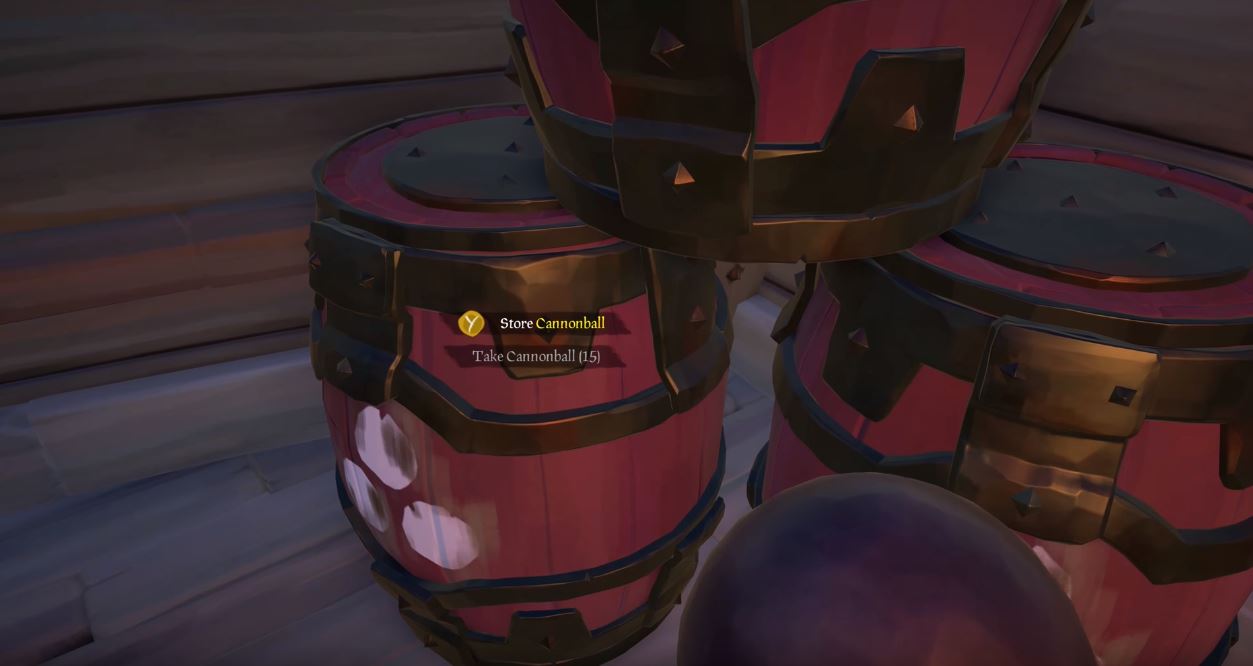
Bucket: All players begin with the bucket, and all unfortunate players will likely end up using it. A lot. The bucket is for when your ship is taking on water and threatens to sink. Use the bucket to pour out the water, ideally when another player is patching up the hole.

https://gameidealist.com/news/crude-humor-use-alcohol-violence-detailed-sea-thieves/

Tankard: Not useful unless you want to roleplay. The tankard will hold grog for player consumption; you can find one in your equipment chest. Fun if you want to pretend you’re Captain Jack Sparrow.

4. Choose your weapons wisely

You can only carry two weapons on your person in Sea of Thieves, but can choose from four: The cutlass; blunderbuss; pistol, and Eye of Reach. When you’re picking your weapons, be mindful of two factors: What your other teammates are carrying; and whether you’re well-rounded if any of you wind up alone.

http://shop.seaofthieves.com/proddetail.php?prod=MS_SeaT_1007

The cutlass requires the most finesse and practice. Able to swipe, parry, and lunge, it’s your most versatile (and classy) choice. The cutlass can also block, making it a viable defensive option, and is the only weapon in the game that does not require ammunition. We think it’s the best backup weapon you can pick.

The flintlock pistol is a good close-mid range gun, and accurate players will find it’s a good counter against careless sword wielders who can’t reliably close the distance. It also fires faster than the blunderbuss or Eye of Reach, so you’ve got more margin for error.

The Eye of Reach is Sea of Thieves’ sniper rifle, using a fixed scope to engage enemies from great distances while maintaining higher accuracy. It can be incredibly useful from a hilltop or the crow’s nest of a Galleon, but don’t get caught using it alone against a pack of skeletons.

http://crewofthieves.com/the-pirates-guide-to-personal-combat-in-sea-of-thieves/

The blunderbuss is the champion of close quarters fighting, and we recommend beginner players rely heavily on this. Our blatant tip is to “practice with the sword, but proceed with the shotgun.” It’s also the only weapon capable of dispatching multiple assailants at once, making it your best choice against the game’s many skeletons hordes.

5. Keep well stocked

https://www.youtube.com/watch?v=Hy9gaDgUjGE

Our last tip for beginner players is to loot, loot, loot. This goes for completing quests and pillaging enemy vessels, but also extends to exploring small islands for wood, chests, or life-giving bananas. All supplies you find that belongs on your ship should be put there quickly, as you’ll never know when an enemy ship might decide to challenge you.

As for the bananas, we recommend you keep as many on your person as you can. Each will restore 25% of your health, and can be consumed one at a time to give you a fighting chance should you get ambushed.

Sea of Thieves is a ruthless, cutthroat world, but if you keep these five tips in mind and stick close to your friends you might just stay alive long enough to face down that Kraken. Or to launch yourself from a cannon only to plummet down to your death, questioning your life decisions all the way.


How to play thousands of retro arcade games for free on your PC

Do you remember filling your pockets until they were heavy with quarters so you could spend an afternoon at the arcade? Probably not. Since the introduction of PC gaming, consoles, Steam, and mobile gaming there’s not much reason to go to an arcade and feed four more quarters into Frogger or Pinball. Getting schooled by Noob Saibot in the early Mortal Kombat or dying over and over again in Battletoads are rites of gaming’s ancient past…
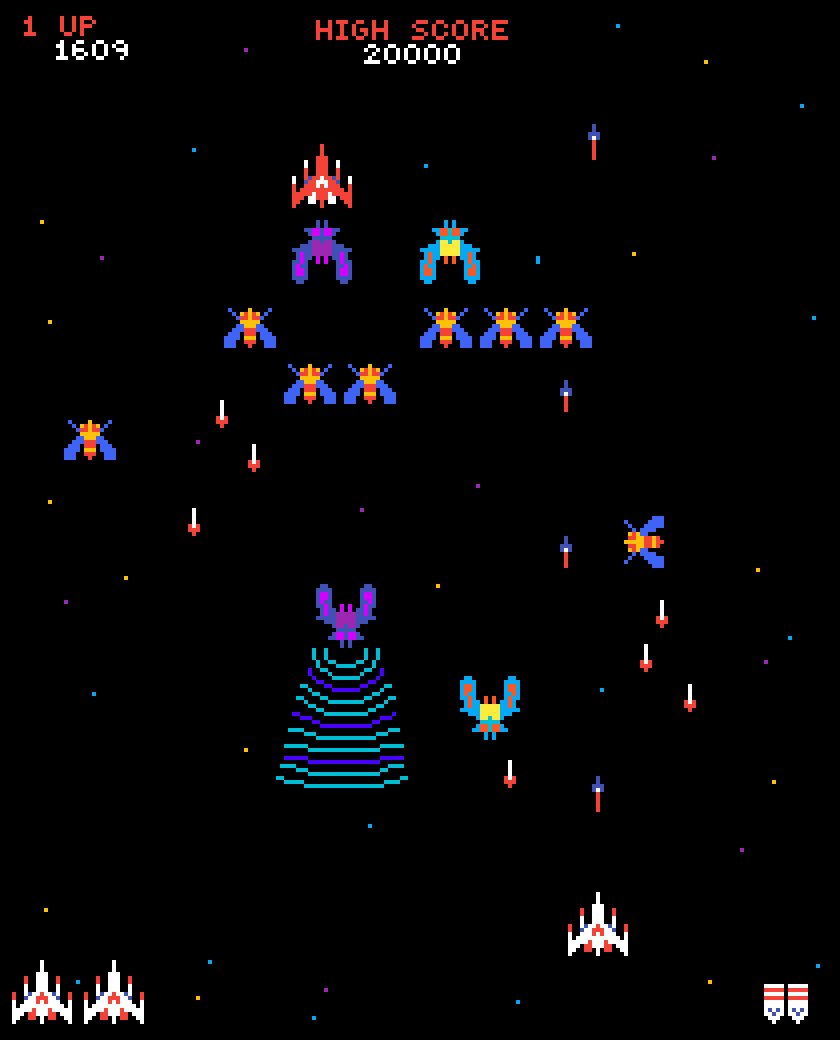
But what if those games were free?

7

M.A.M.E. stands for Multiple Arcade Machine Emulator, and it does exactly that. Free to download on PC and instantly available via command prompt, MAME is a massive compendium of over 7,000 arcade games from 1948 to 2017.

https://www.youtube.com/watch?v=luva0m9OKpQ

Are they all free??

Yes.

Are they all readily available??

Kind of.

While the emulator itself is free, the ROMs required for the majority of the games to run are sadly not. Disclaimer: We do not condone or encourage the purchasing of any ROMs that you do not own the rights to. Sharing them is also illegal. If you’d like to see the fine print on this, you can check out these articles on the subject.

So what does MAME offer that IS legal?

Well, you’ll have access to an awesome emulator and a handful of cool retro games like Super Tank, The Adventures of Robby Roto, Fire One and Hard Hat!

https://www.youtube.com/watch?v=9dL1R6VBGb0

How is it installed?

From MAME’s site. Here’s the process:

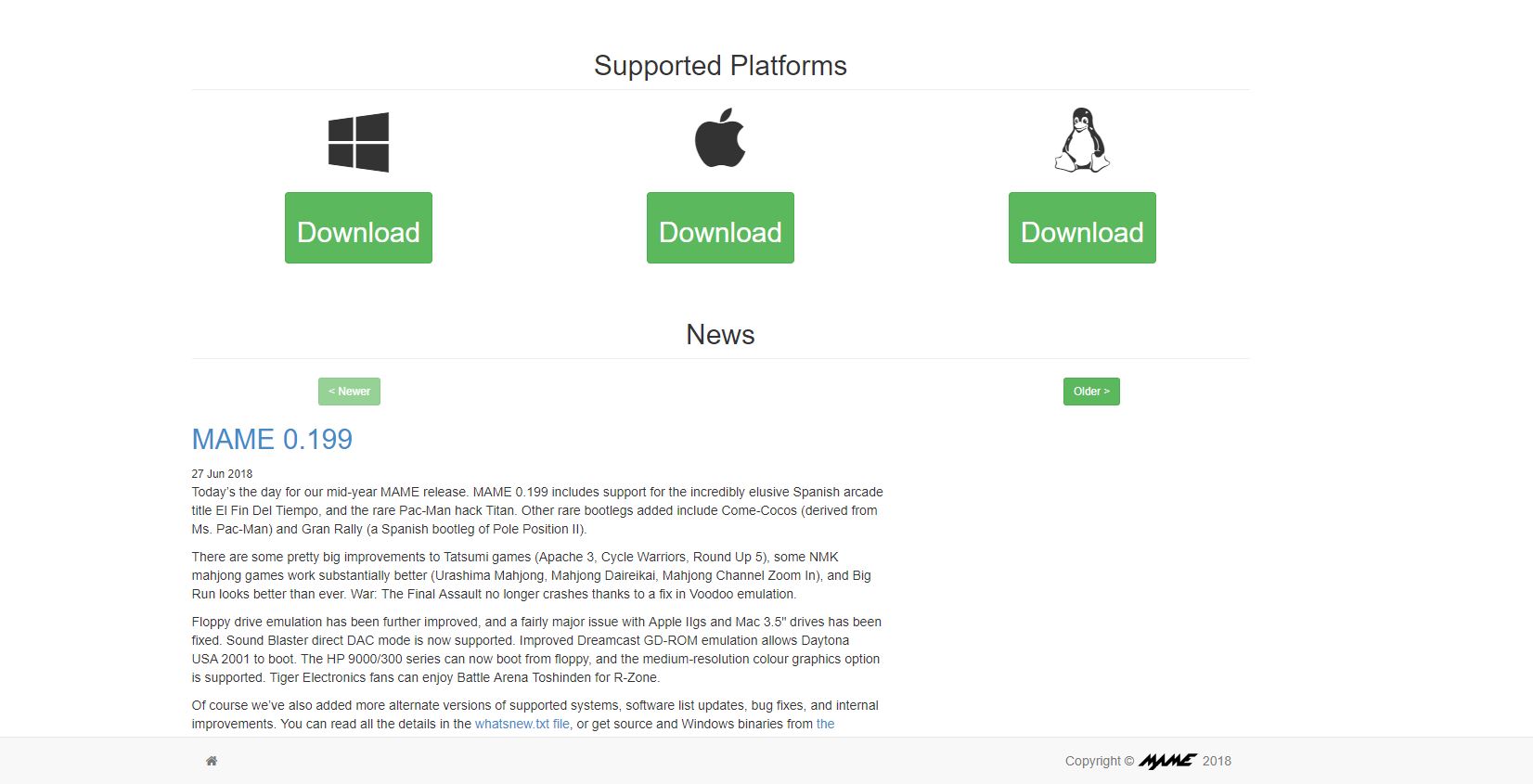
1. Pick your platform

Click the above link. Once you’re, click the system you’re using. MAME is supported on the platforms pictured:

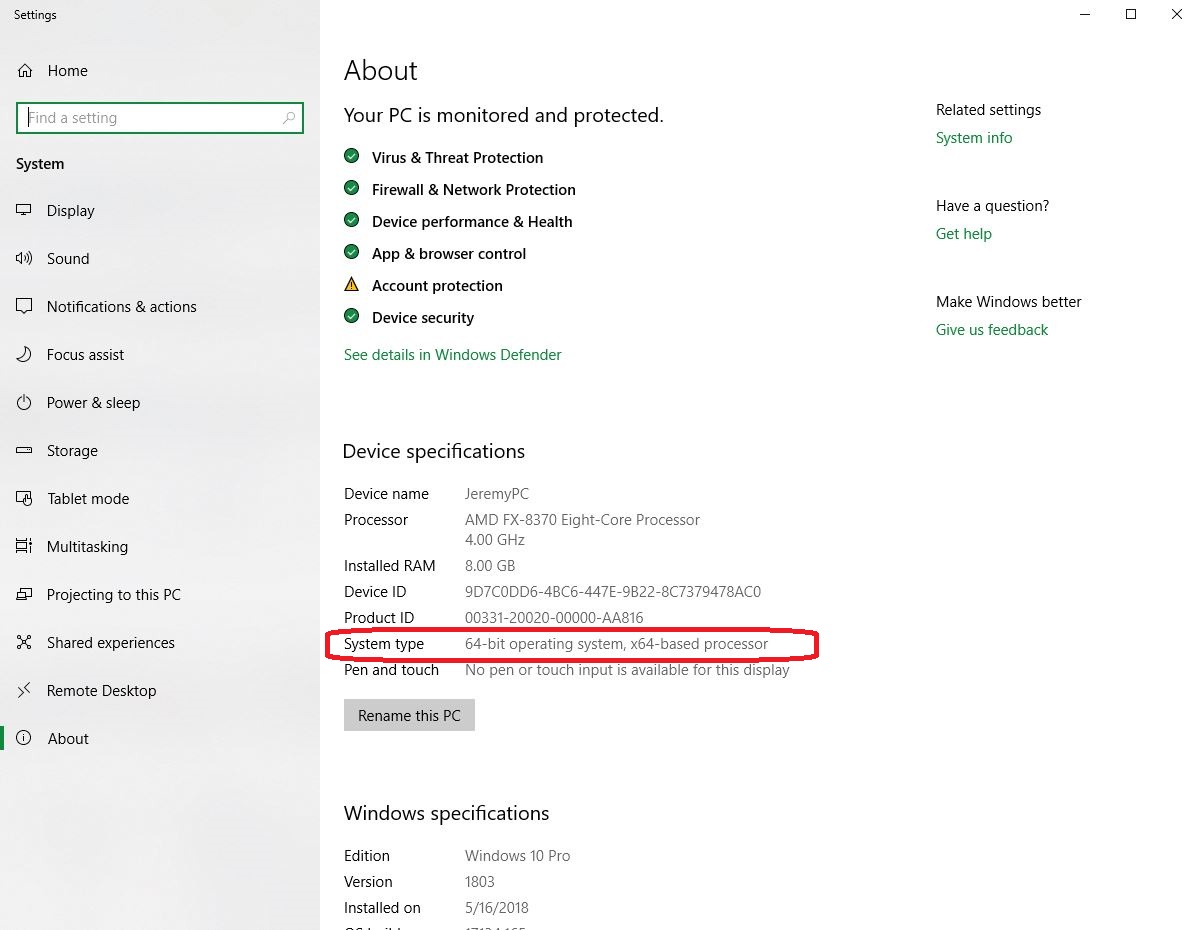
2. Choose 32-bit or 64-bit

Clicking your platform will bring you to the next page. Here you’ll need to click either the 32-bit or the 64-bit option for download.

If you’re unsure which your computer is using, on PC you can click the Windows button and type “about.” Click ‘About Your PC’ at the top of the list, and it’ll take you to this page. It will list your specs there.

3. Choose where you want your folder

By default MAME downloads to your ‘downloads’ folder, but we recommend putting it in your C: drive for ease of use.

4. Download the required ROMs

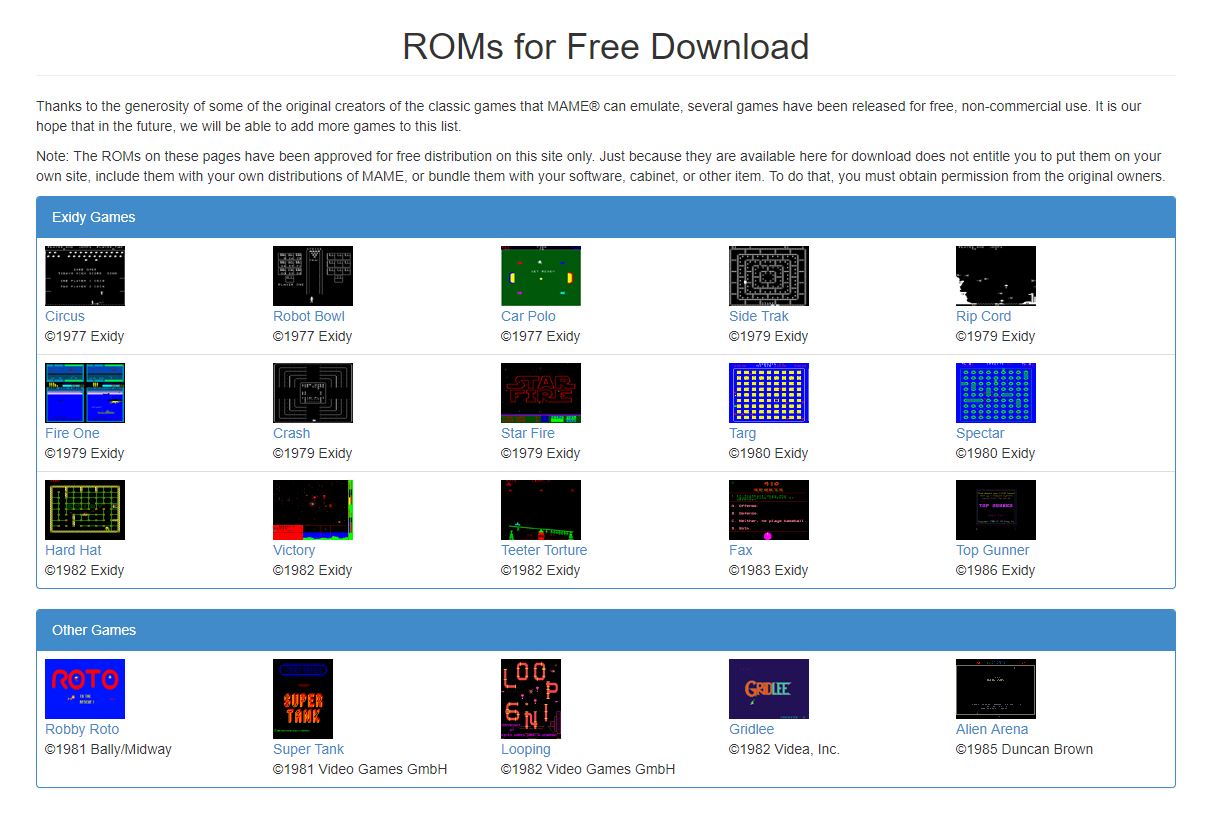
Now you’ll need some ROMs to ensure that the games work. At the top of the mamedev page click on the ‘downloads’ tab. On the dropdown click ‘ROMs.’ It’ll take you to this page:

http://mamedev.org/roms/

5. Transfer your downloaded ROMs

All the ROMs on this page are free, so if you want the easiest compatibility with the various games in MAME, we recommend you get all of them. Once you’ve downloaded them (they’re free), transfer them without unzipping them to your C:\mame\roms folder, or wherever you decided to put MAME. Now you have all the required ROMS to play the free games.

6. Open MAME

Now there are two ways to open MAME and start playing. In your MAME folder, you’ll see a mame64.exe or a mame32.exe. Double-clicking on this will open up the MAME library. Alternatively, you can bring up the command prompt (hit the windows key, then type ‘cmd’) and then type ‘cd\’ followed by ‘cd mame.’ Hit tab until you see the mame64.exe or mame32.exe, then hit enter.

7. Pick your game

https://mirsofta.ru/soft/MAME-Multiple-Arcade-Machine-Emulator.html

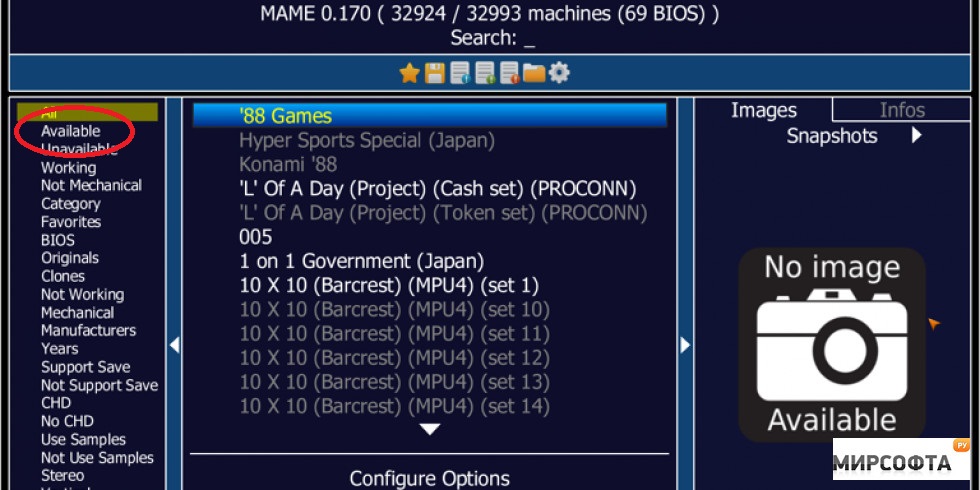
MAME’s catalog of games can be daunting at first (there are so many games)! The easiest way to find ones you can play immediately is to click the ‘available’ tab on the left of the library. From here, just scroll until you find one you like and double click to play it! You can also engage and toggle things like a gamepad if you right-click on the chosen game instead.

Playing the game

Once you’re in the game you’ll still need “quarters” to play. Press ‘5’ to “insert a quarter.”

Hooray! Infinite money!

When you’re ready, press either 1 or 2 (for two player) to start. From here, you can use the arrow keys or gamepad to move, and press ‘control’ as your primary action button. Any further controls are mapped to either alt or space bar. You can also press ‘p’ at any time to pause your game, or ‘t’ to tilt, though why you’d want to tilt the game is beyond us. Don’t ragequit, bruh.

https://www.pixilart.com/art/galaga-84089c71a2b0e34

Considering it’s massive library of playable games, downloading MAME for free is a no-brainer. Depending on your gaming background it’s a stroll down memory lane. Or maybe you’re trying to see if you’ve got what it takes to stack up to the real deal old school gamers. Download MAME now and find out!

7


Windows 10 update: What to expect this fall

Microsoft has released details about the new Windows 10 update, which we should see drop sometime this fall

Windows 10 update details

Love them or hate them, Windows 10 updates happen. It is all part and parcel of using Microsoft’s latest and greatest desktop operating system. Rather than giving us a finished OS like with Windows 7 or Windows XP, Microsoft decided to give us a constantly evolving operating system that updates every now and then.

Since it first launched, we’ve had a few Windows 10 updates already and many new features have been added to the Microsoft operating system. Now, however, we’re looking forward to the next Windows 10 update. Let’s have a look at what we can expect from the Windows 10 Fall Update.

It looks like the fall update will be called Windows 10 Redstone and that it will come with some neat new features and somewhat surprising updates.

Windows 10 Download Windows 10
8
The latest and greatest version of Microsoft's operating system.

Windows 10 Notepad update

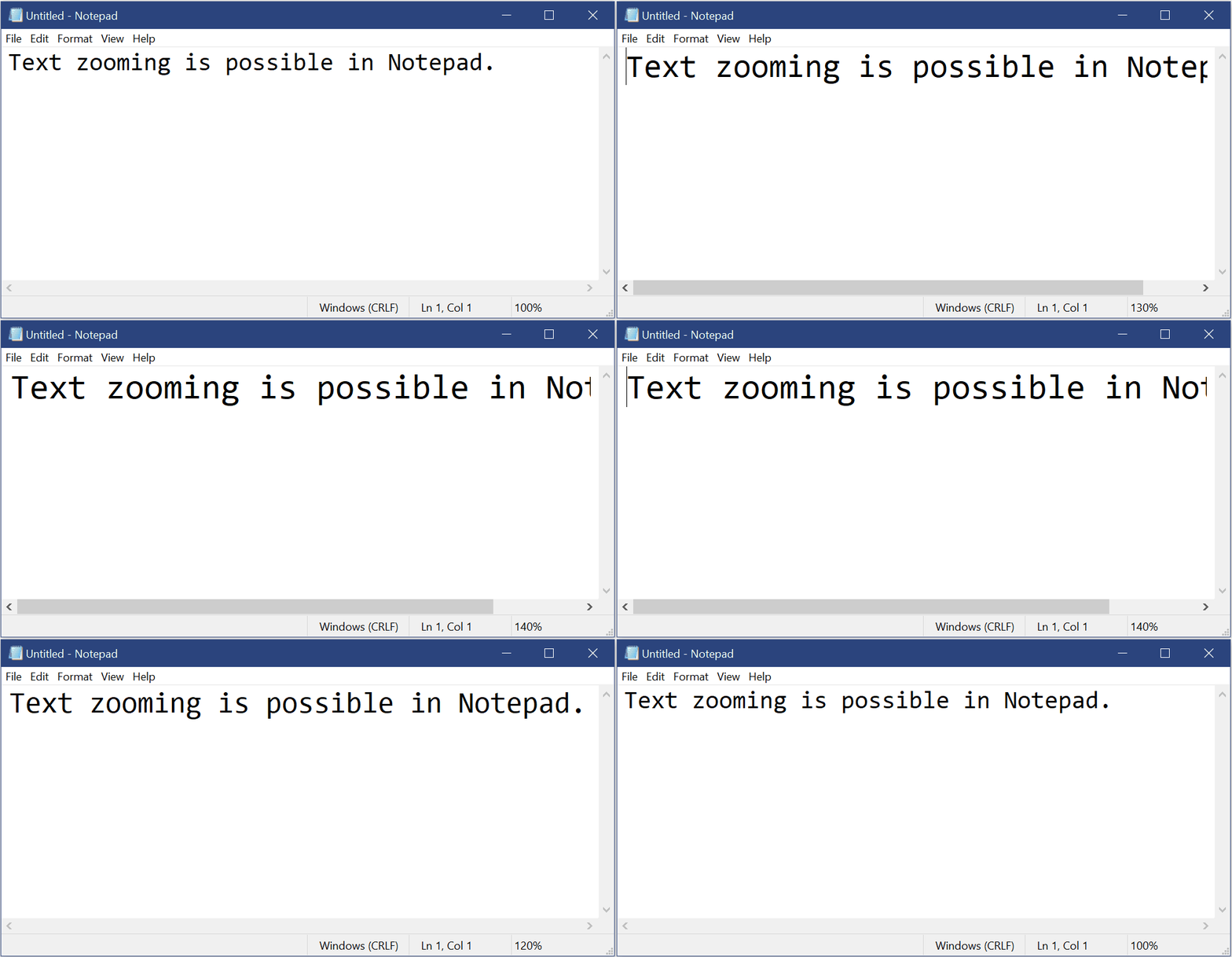
Windows Notepad offers a bundled, much stripped down, version of word processing to all Windows users. Notepad hasn’t received any update attention from Microsoft for years, but this fall it will get some useful new features.

Text zooming is now possible and there is also an update to find/replace so that it will remember old search terms and automatically fill out the search field if you open it up while you have highlighted text. Other Notepad updates include Ctrl + Backspace to delete the previous word, improved performance on larger files, and displaying line and column numbers if requested.

Big Windows 10 Edge update

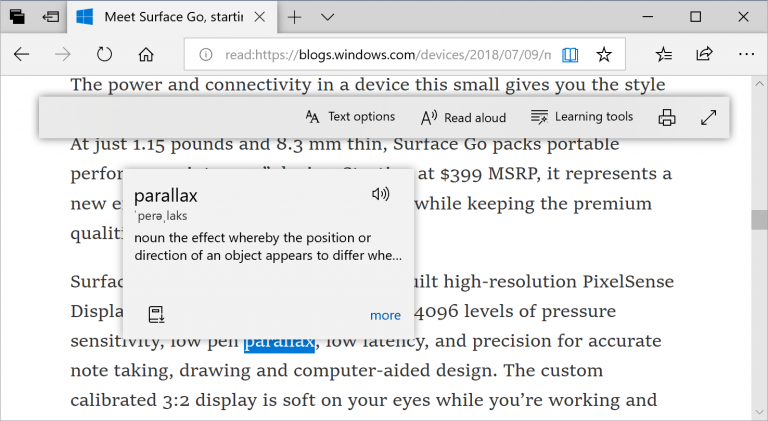
Microsoft’s new browser actually packs quite a punch. It is quick and reliable and offers a decent reading experience compared to other browsers. With the new Edge update, Microsoft is doubling down on this unique selling point. There will be a brand new built-in dictionary that includes a read-aloud feature so users can hear how words are correctly pronounced.

If you use Edge as your PDF viewer you’ll also see a host of updates when the Redstone update drops. There will be a considerable toolbar update to the toolbar making new options like Add notes much easier to access. You’ll also be able to pin/unpin the PDF toolbar and there will be far fewer rendering issues when scrolling through different pages.

Windows Biometrics update for business

In a cool update for Enterprise, The next Windows 10 update will bring with it the ability to log in remotely using biometrics. Windows Hello for business users will gain this handy new feature. A Fast Sign-in feature has also been added, which will help people using a shared or guest Windows 10 device.

Windows Defender updates and other “under the hood” updates

The Windows Defender Application Guard will get a user interface upgrade that will make it easier to use. There are also plenty of other little updates including improved handwriting functionality with Inking Update, and all sorts of little fixes to issues and bugs that have been raised by Windows 10 users.

All in all, the Redstone 5 update isn’t going to be one of the more exciting updates. Past updates have introduced programs like Paint 3D and improved Windows 10’s gaming functionality. The next Windows 10 update will, however, make some practical improvements across a wide range of Windows 10 apps and programs.