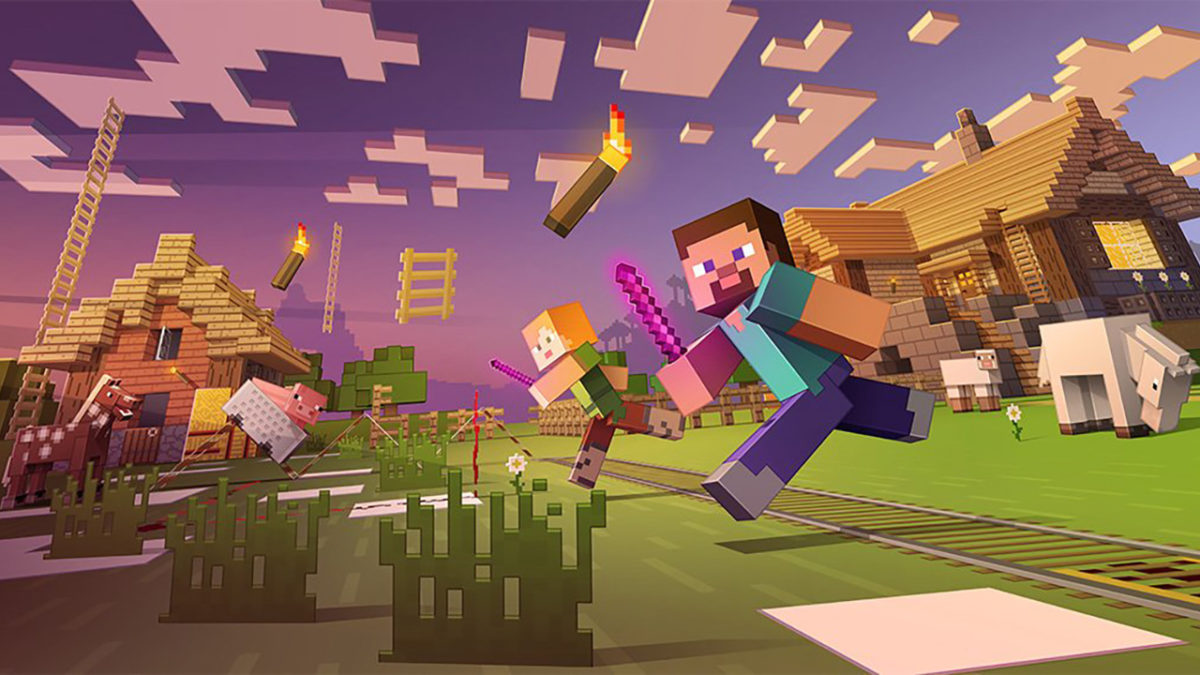
Minecraft has been on the market for some time now, but the community hasn’t thinned a bit. If anything, they’ve become more resourceful and even more creative. Nothing is off limits in Minecraft. Building cities to scale and replicas of fictional locations, Minecraft modders have been busy making your experience more immersive and pushing the limits of what you can actually do in Minecraft. If you are looking to delve into the belly of the beast, you can find an in-depth description here.
As a fan of the mini-map, this mod is crucial to gameplay. It renders a real-time map of your generated world either in a web browser or in-game. You can download the JourneyMap mod here.
The mod for the master builders of Minecraft. Chisel allows you to download extra texture packs for blocks. As you hit them with your chisel, the blocks will change their look to match your imagination. To create the Chisel, all you need is to diagonally arrange an Iron Ingot and a stick. Simple, right? Download Chisel to start crafting!
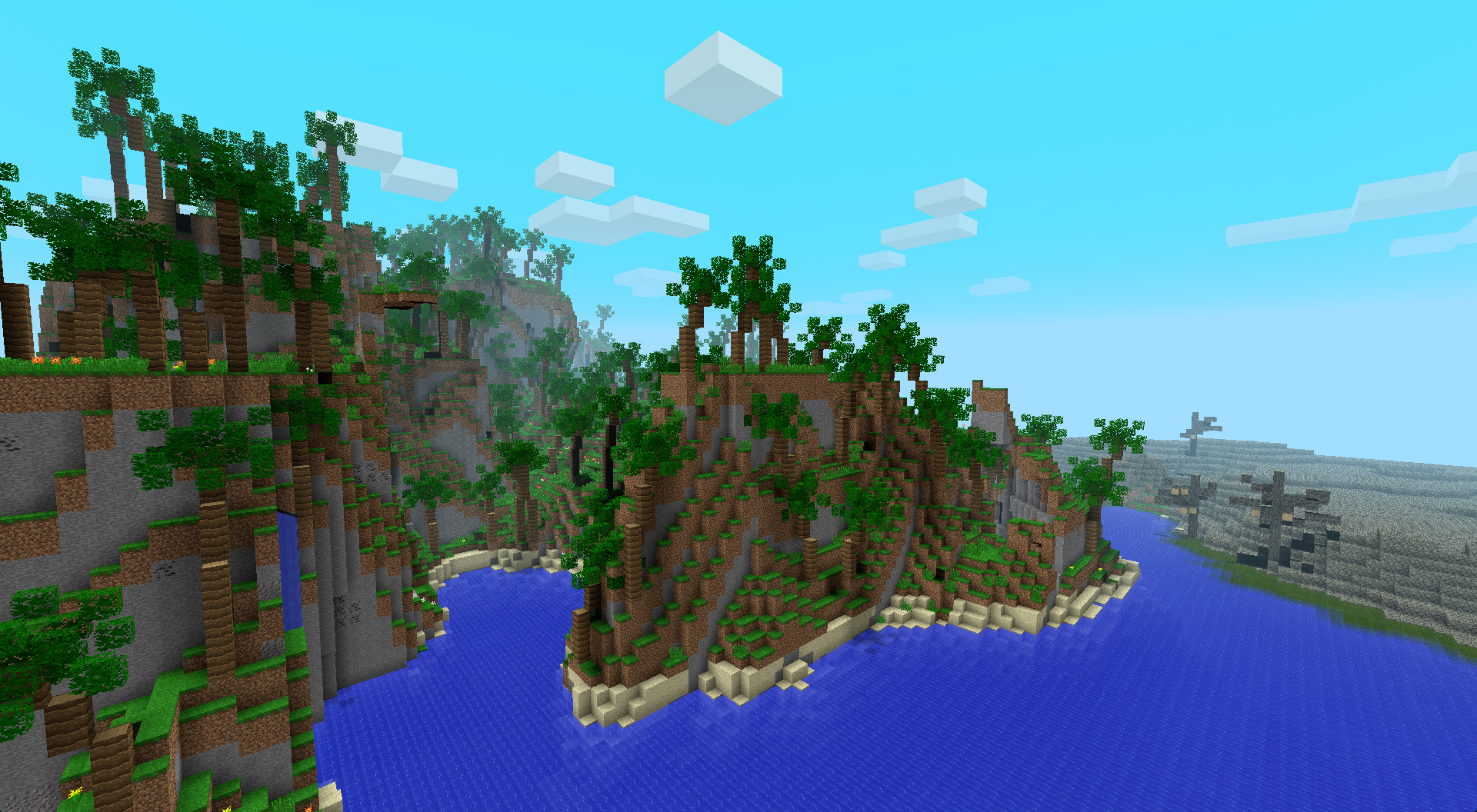
For most Minecraft players, aesthetic modifications are a great way to spice up your Minecraft experience. With Biomes O’Plenty, you are adding new geographical locations to your world with varying environments. Including a Tropical Island, Wastelands, and Pastures, your environments will never get stale. Download Biomes O’Plenty now!
Minecraft isn’t known as a graphical powerhouse, but it still has a bit of charm with its block-based landscapes and creatures. Soartex is texture pack for Minecraft that shoots right down the middle between photorealism and a cartoon art-style. This is a great download if you want to improve the lighting and immersion of Minecraft.
Of course, there’s a Battle Royale mod! Battle Royale is all the rage right now and Minecraft is no exception. You’re given a starting weapon and must survive while gathering as much powerful loot as possible to stay alive and become the victor.
This mod is straight and to the point. Once you reach end-game, there isn’t much to do with all your diamond weapons and illustrious housing. The Combat Pack gives you access to advanced weaponry and vehicles, including a helicopter! Travel faster across the landscape and eliminate your enemies with explosive enthusiasm.
By far the best lighting and texture mod on the digital marketplace for high-end PCs, adding HD textures to everything imaginable. There is a second texture overhaul called Fastcraft, which beefs up the graphics for lower-end PCs in need of some assistance.
The second half of 2018 is gearing up to be a powerhouse. We’ve got AAA releases coming left and right, so let’s not miss a beat and get right into the 10 best games coming in the second half of 2018.
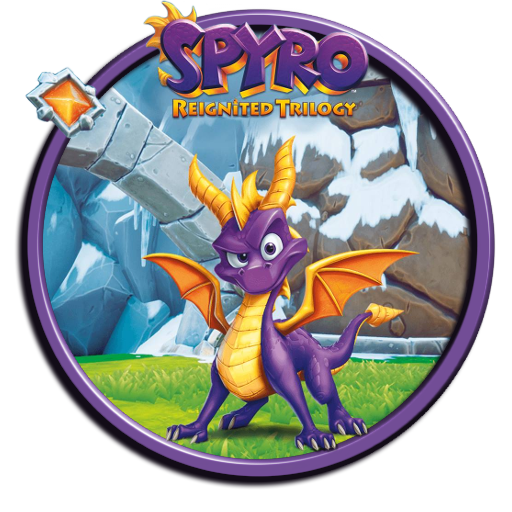
Spyro Reignited Trilogy (September 21) (PS4, Xbox One)
The Insomniac Games creation is emerging after a long hiatus. The Developers at Toys for Bob have worked from the ground-up to bring Spyro in all its HD glory to the current generation of consoles. If you’re a fan of the original or nostalgia or both, look out for this game this fall.
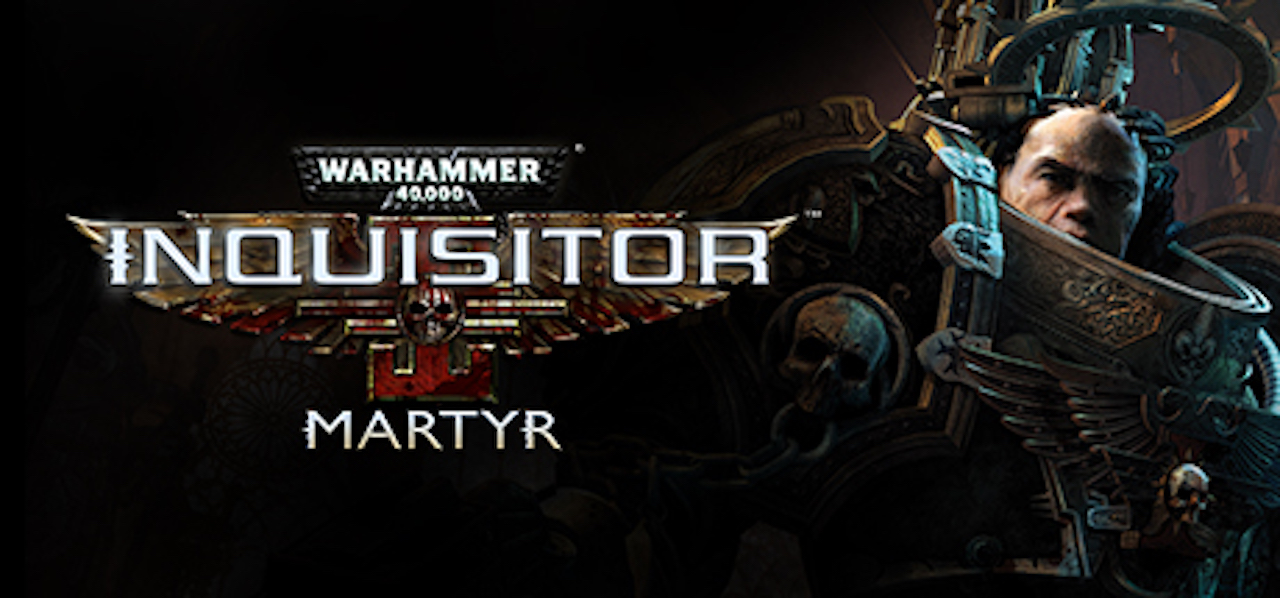
Warhammer 40k: Inquisitor-Martyr (July 5) (PS4, Xbox One)
Even though we are a few days past its release, Warhammer games are always a treat. Inquisitor-Martyr places you into the role of a Space Marine aboard the Martyr, a massive ship floating in space. With near top-down gameplay, it is very reminiscent of Diablo and early Warcraft titles.
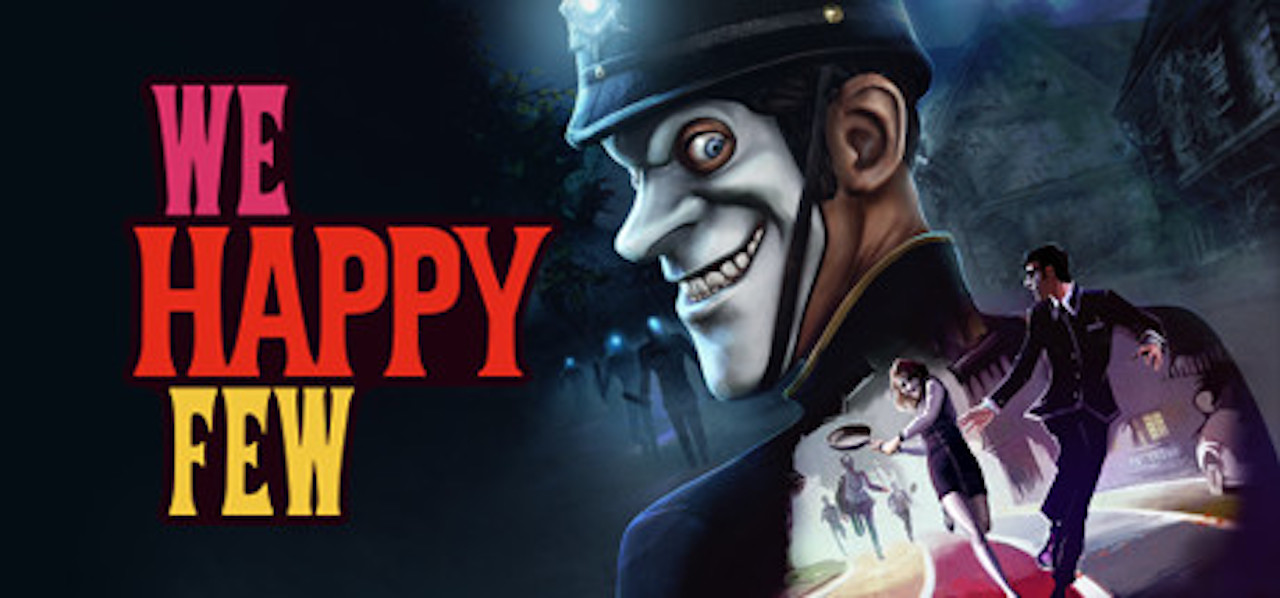
We Happy Few is a very intriguing concept for a year dominated by Battle Royale. It’s a single-player survival experience set in a dystopian town where the populous is sedated by the upper-class. Flying under the radar as an early-access game on Steam, We Happy Few will be released in less than a month, so make sure to pre-order your copy.
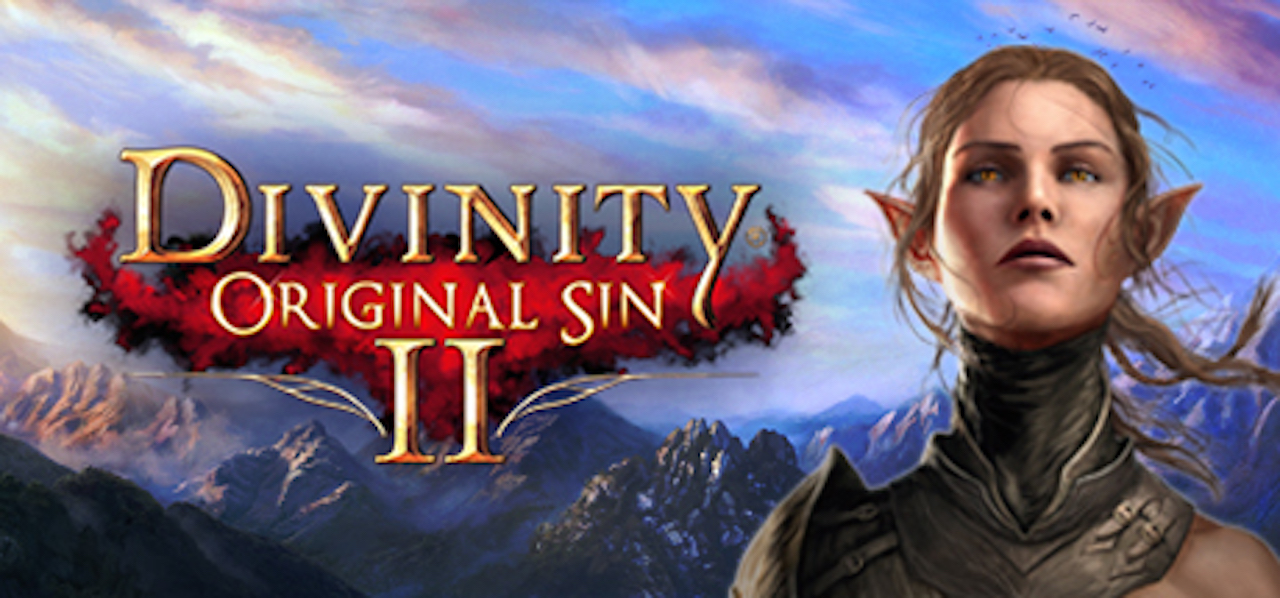
Divinity: Original Sin 2 (August 31) (PS4, Xbox One)
Divinity: Original Sin II is not your typical action-adventure game. The concept errs towards high fantasy and plays much similar to Inquisitor-Martyr and Diablo. The graphics are stellar and, even though the learning curve can be steep, it’s worth giving this sleeper a chance.
A lot of hype has been surrounding Insomniac Games’ Spider-Man reboot. Most recently, a gameplay trailer was released which revealed the villains set to challenge Spider-Man at every corner. Spider-Man will boast a slew of new abilities and be able to interact with his environment in surprisingly unique ways. This is definitely a game to purchase if you’re a fan of the MCU.
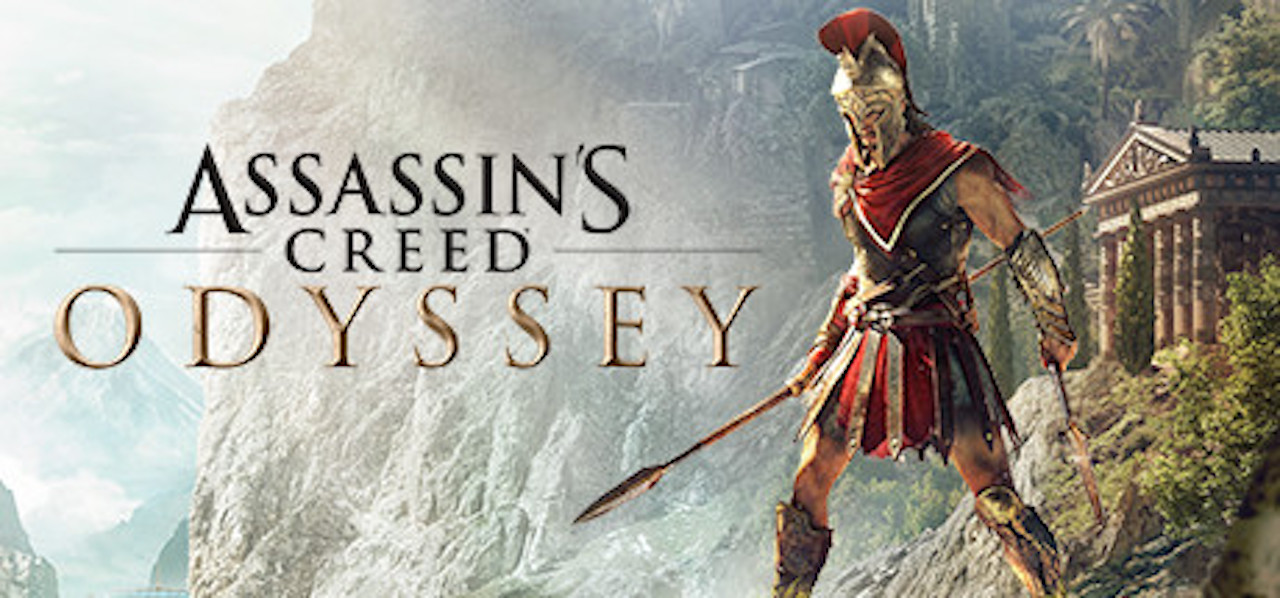
Assassins Creed: Odyssey (October 5) (PS4, Xbox One, PC)
Riding the success of Assassins Creed: Origins, Ubisoft Quebec has been hard at work on yet another chapter in the series, this time taking their stories to the land of Ancient Greece. In Sparta, you have the option to take control of either a Male or Female character during the Peloponnesian war and fight to become the most notorious mercenary in all of Greece.
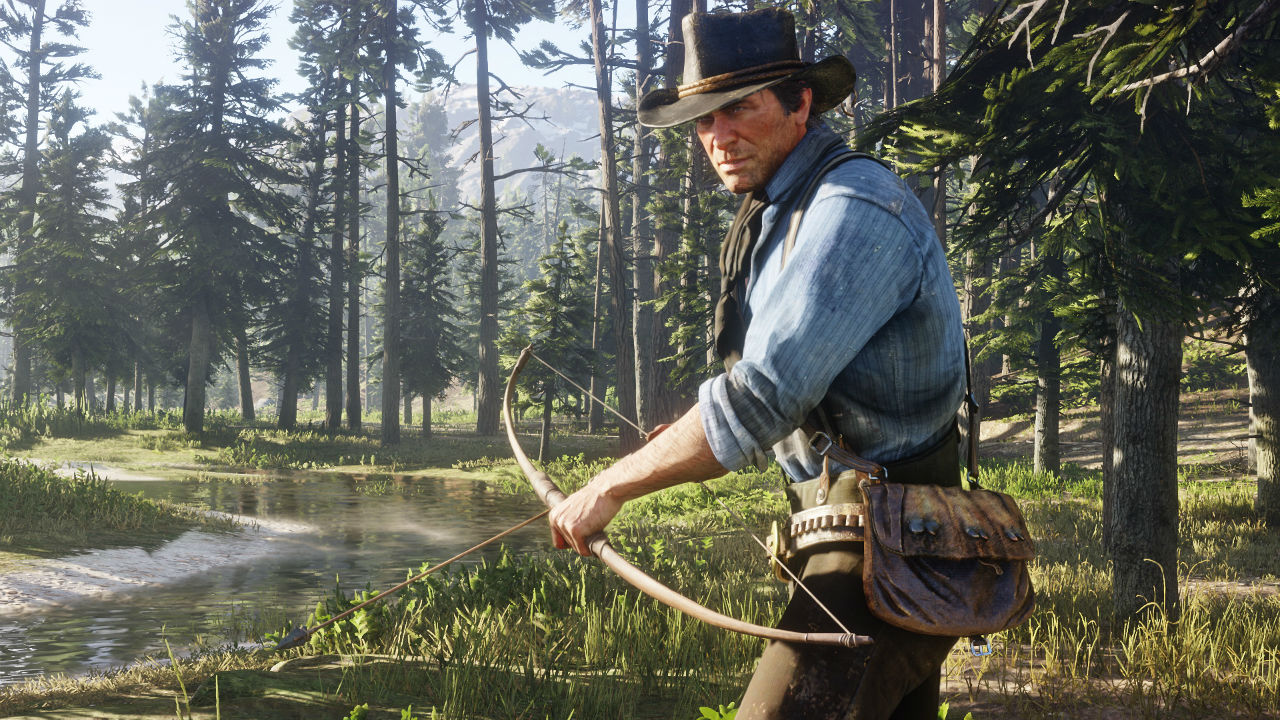
Red Dead Redemption 2 (October 26) (PS4, Xbox One)
One of, if not, the most anticipated game of the year. Rockstar consistently releases quality titles and Red Dead Redemption is no exception. Set as a prequel to the first game, you take control of Arthur Morgan, an outlaw involved with the Van der Linde gang, and fight for survival against whatever the Wild West throws at you.
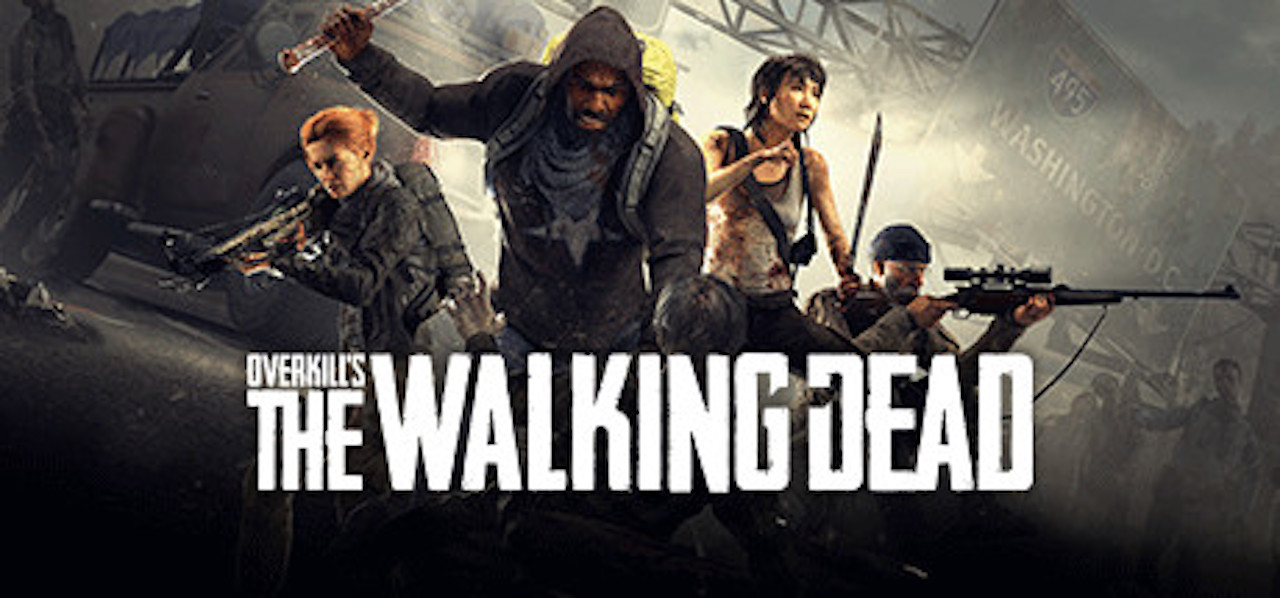
Overkill’s The Walking Dead (November 6) (PS4, Xbox One, PC)
Overkill’s new product is a Left for Dead-style game set in the comic book universe created Robert Kirman. The most recent title about the Comic was created by Telltale Games, so Overkill has some large shoes to fill. The game itself looks to be more survival oriented than run and gun, so be on the lookout for heart-racing gameplay and terrific graphics.
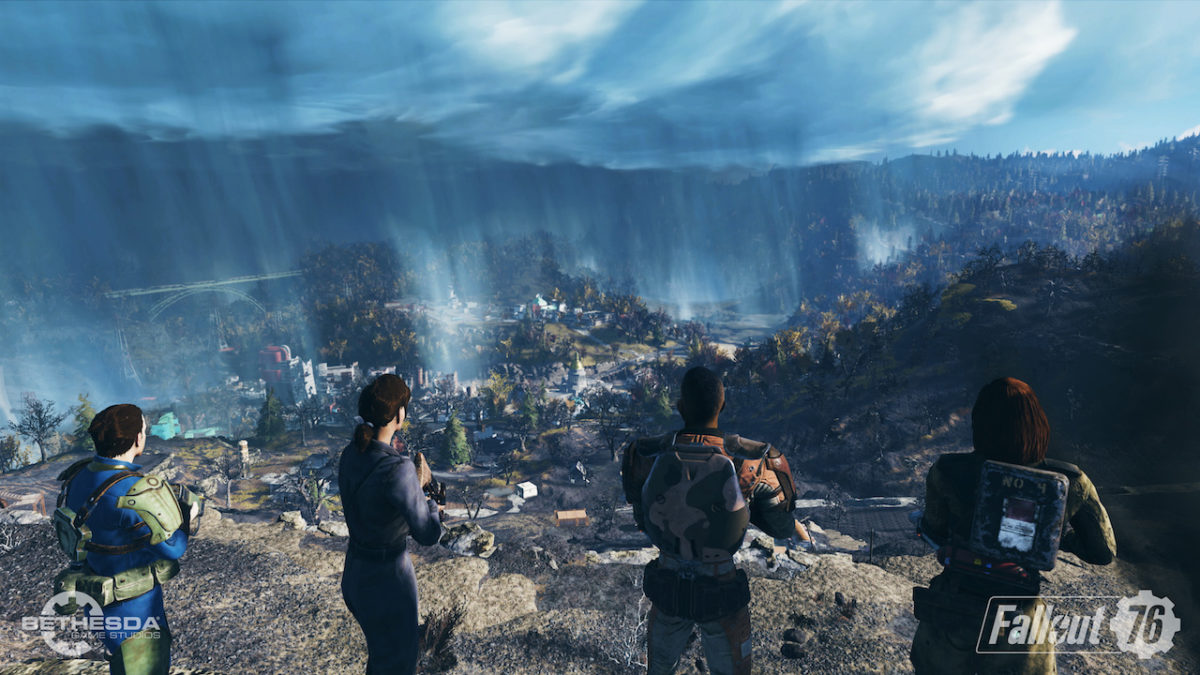
As we approach the end of the year, Bethesda is blessing the gaming community with another addition to the Fallout series. Fallout 4 was a triumph in more ways than one, but it also lacked in a few departments, mainly quest diversity. Fallout 76 looks to fix those issues and bring the community closer together by creating servers for players to enter with up to 24 to 32 other players. Bethesda claims the map is four times the size of Fallout 4, so you might be hard-pressed to find another player.
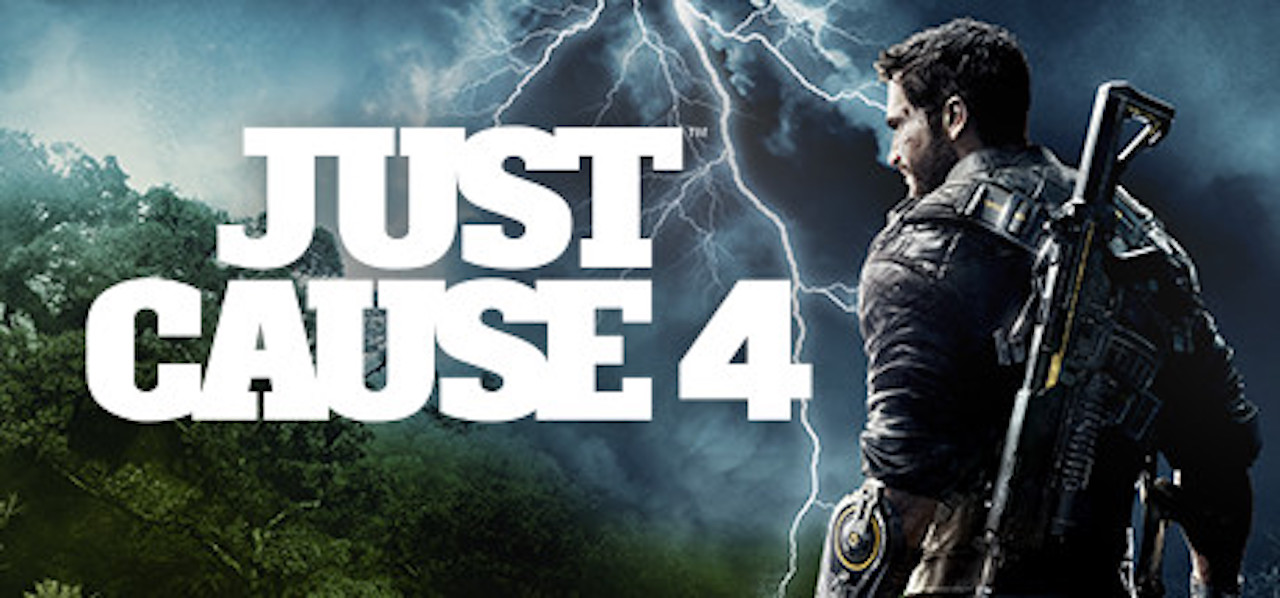
More destruction. Better physics. Extreme weather conditions. A release date near Christmas. What more can you ask for from a Just Cause entry? Avalanche and Square Enix are in South American once again, following Rico Rodriquez on his quest to rid the world of oppressive regimes. The physics engine has been taken to the limit with tornados uprooting bridges and sandstorms pushing helicopters off the tarmac. Just Cause games are designed to be adrenaline-filled fun and a new entry into the series is very welcome.
With over 140 champions, it can be a bit daunting to decide who to play in League of Legends. Whether you’re new to the game, or have been playing on and off for years, you may be struggling with this decision. Below are champions for each position in league that are not only easy, but will help you learn a lot about the game. If you’re looking to play in ranked, these champions are always good, so don’t be afraid to pick them up.
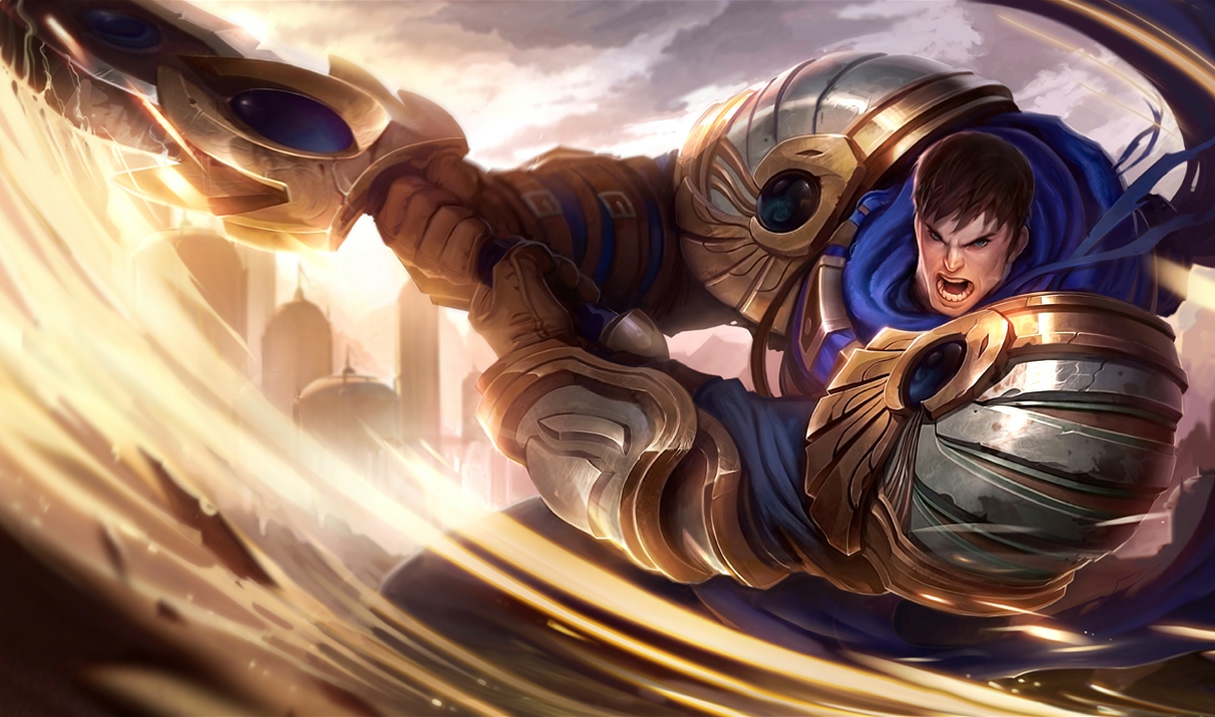
Garen is the perfect champion for new players who want to try out the top lane. He’s in a group of champions called “juggernauts”, who are able to deal large amounts of damage while being able to tank as well. The big drawback to these champions is that they struggle against ranged champions, since they don’t have much range themselves. Thankfully, the top lane is usually filled with melee champions, so juggernauts typically an easy class to start learning with. And Garen is one of the best there is. He has a large amount of AoE damage with his E, but can also stay safe thanks to his W and his passive. His passive is a large amount of health regen, while his W is a spike of damage reduction. His abilities are simple, but strong. This makes him a perfect champion for those who are looking for an easy and effective beginning top laner.
Dr. Mundo: 450 BE
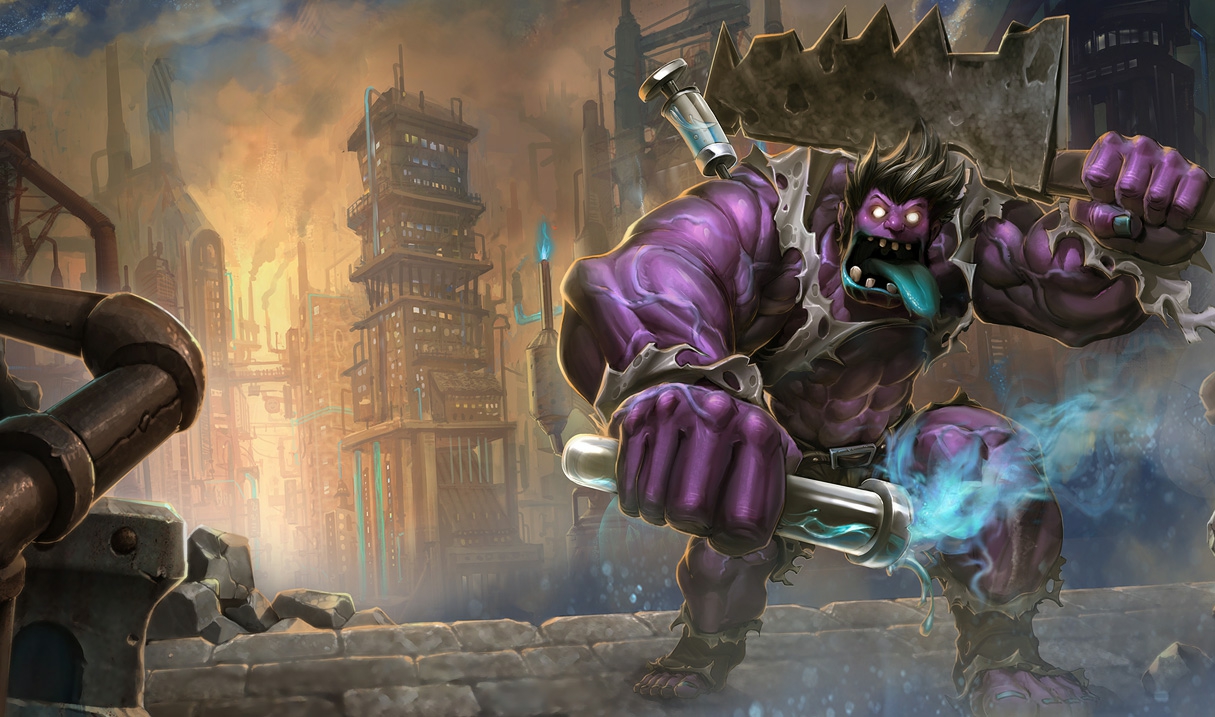
Some other options for top lane are Dr. Mundo and Nasus. Both are juggernauts as well, with their own unique benefits. Mundo is particularly similar to Garen. He has a similar passive (increased health regeneration), and an ability that causes a field of damage around him over time. He also doesn’t have mana, his abilities cost health instead. But don’t worry, his passive and ultimate (a burst of health regeneration) will keep you healthy.
Nasus: 450 BE
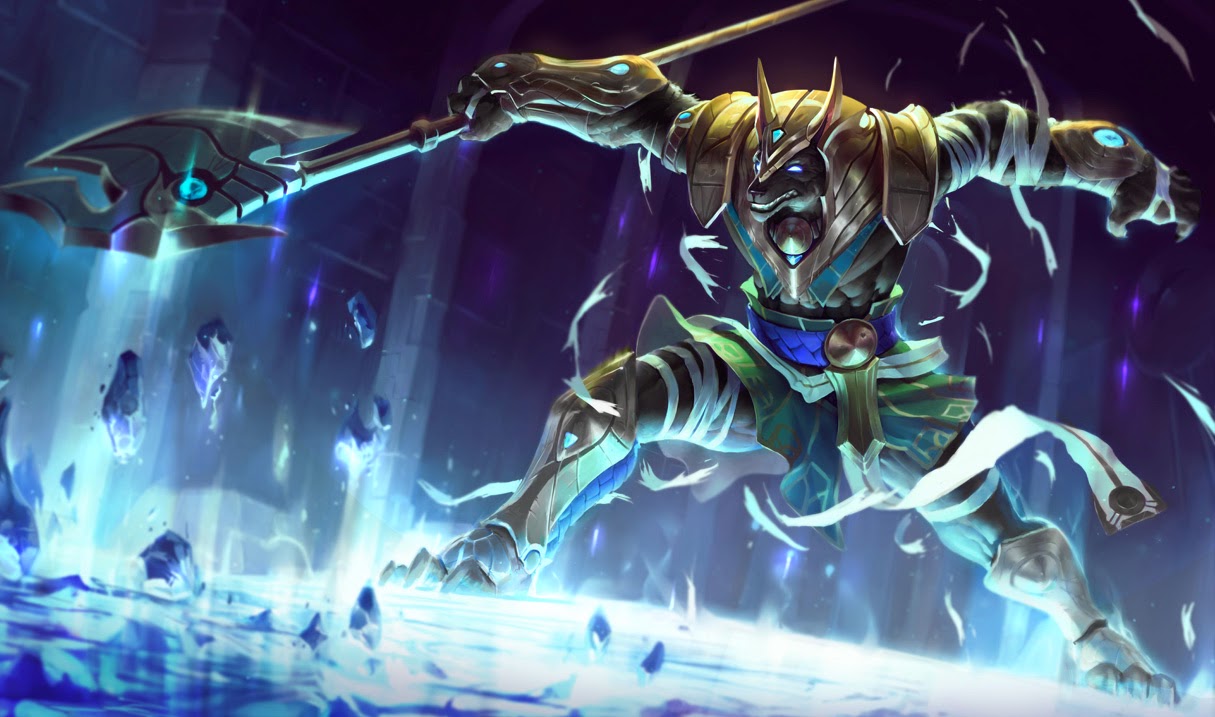
Nasus, on the other hand, is all about one ability. Every time you kill a minion with his Q, it gains additional permanent damage. These stacks of damage scale infinitely, so you can get a crazy amount of damage in the late game. It’ll take some practice to master killing minions, but that practice will help with learning to kill minions on other champions. By gaining damage this way, you can build yourself as a tank, and become unkillable while still being able to do a lot of damage.
Jungle
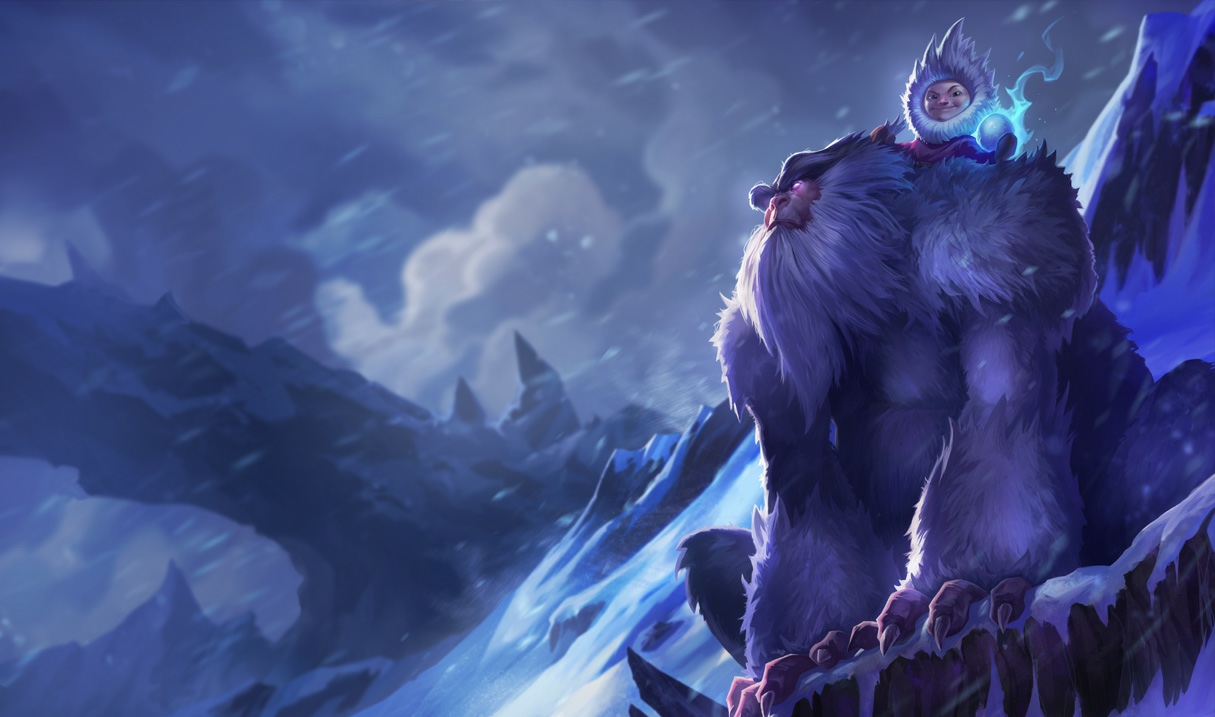
Nunu: 450 BE
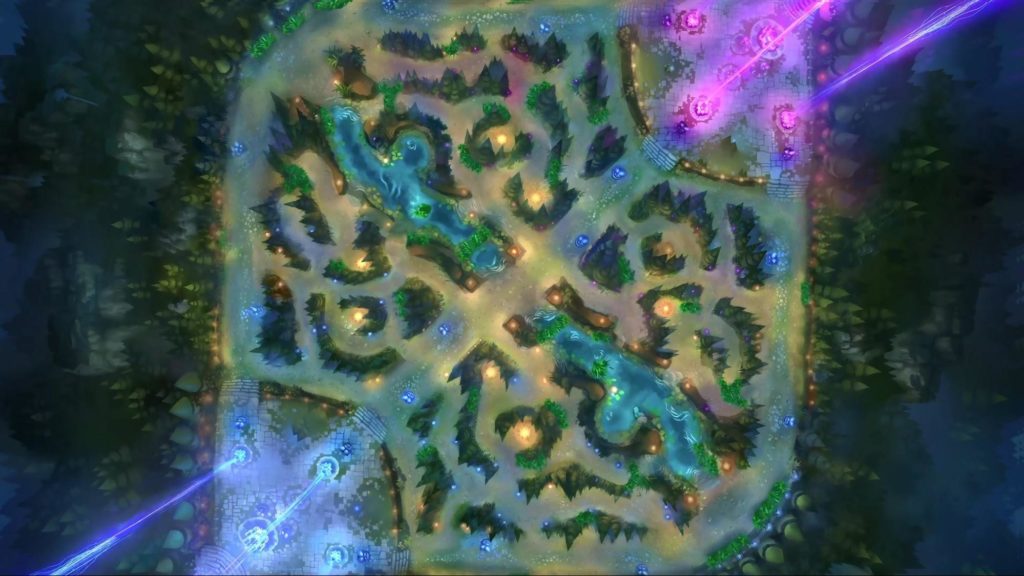
If you are unfamiliar with the MOBA genre, then the jungle is probably the most confusing position to think about. The other positions are pretty straight-forward. Top, mid, and bot go down their lane to kill minions and take towers, while supports provide utility for the team. Junglers, on the other hand, are less straightforward. Thankfully, there are champions that make it easier to learn this role. And none are better at doing that than Nunu.
The three things that junglers need to do are: kill jungle monsters, take objectives like Dragon and Baron Nashor, and killing enemy laners (aka ganking). Nunu is particularly skilled at the first two. He is able to kill monsters faster than most champions with his Q (which also heals and buffs him). He also has buffs and slows to help him attack enemy junglers who are trying to take the objectives he wants. And despite being a tank, he has the highest damaging ultimate in the game. If you don’t understand how the jungle works, Nunu is the best champion to teach yourself.
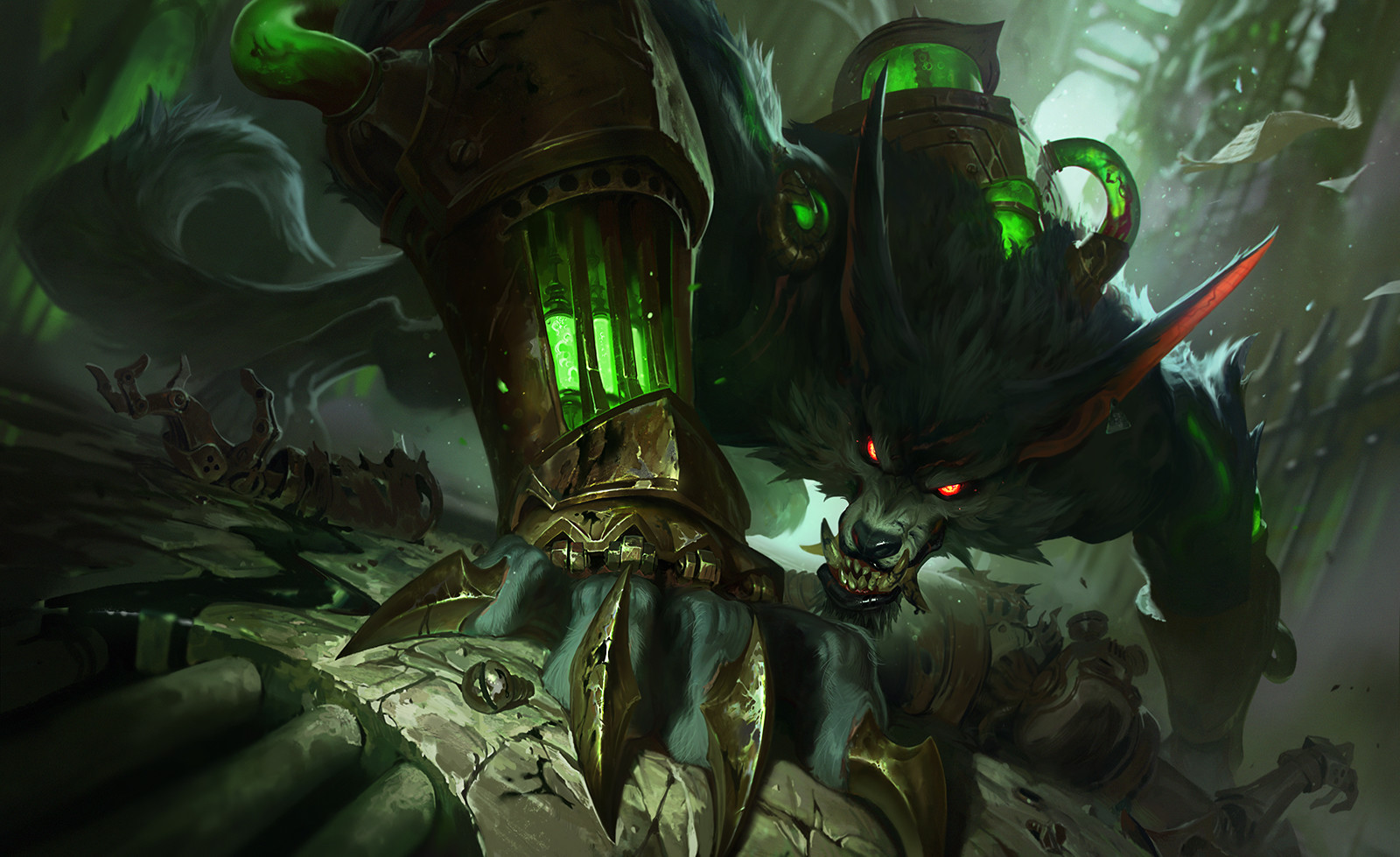
Warwick: 450 BE
While Nunu is more focused on fighting in the jungle itself, Warwick tends to focus on ganking the lanes. Once he’s killed a few jungle monsters, he’ll be strong enough to jump into a lane and try to kill the enemy laners. His W gives him increased movement speed towards low health enemies, while his Q lets him jump to them and do a large chunk of damage. He also has one of the best crowd control abilities in the game called a suppress. His ultimate lets him leap in a direction, and if he lands on a champion, he steals life from them for a short time, while they are unable to do anything. He’s also much tankier than other damage dealing junglers, so it’s not as harsh if you mess up a bit with him.
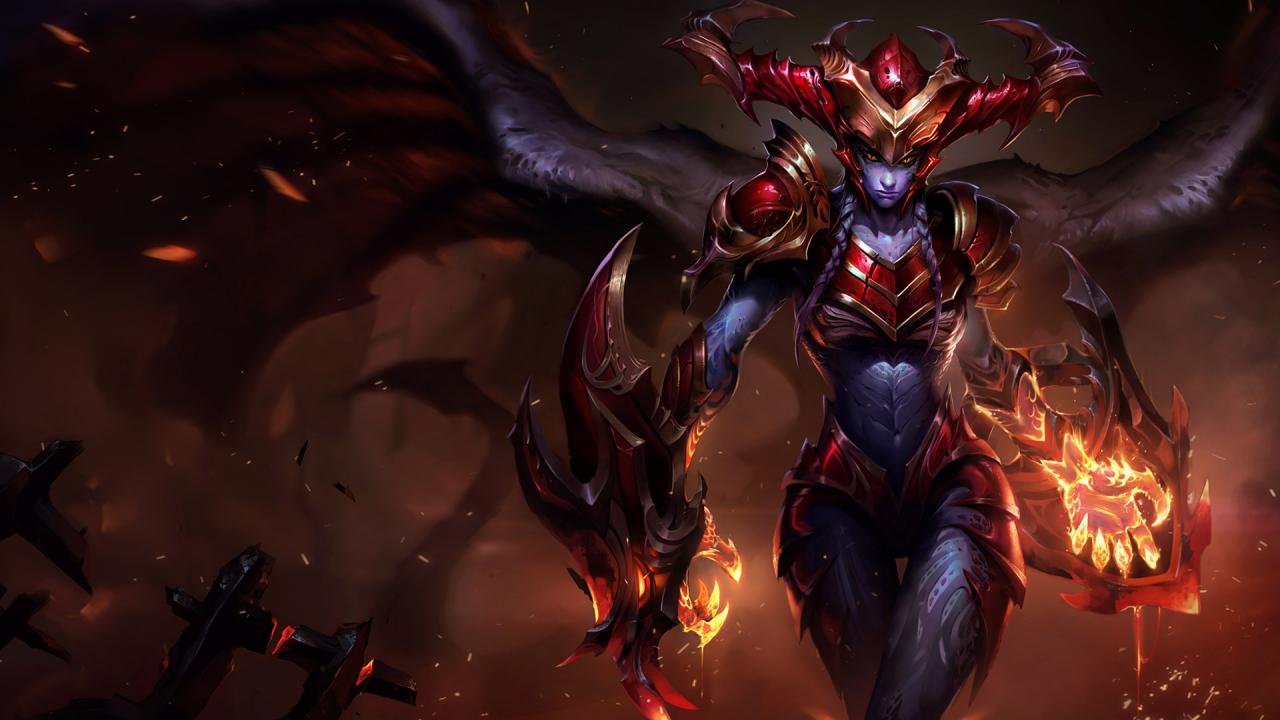
Shyvana: 3150 BE
Shyvana is somewhere in between Nunu and Warwick when it comes to the jungler’s role. Like Nunu, she is able to take objectives quickly (specifically the dragon, which she does increased damage to), and like Warwick she is able to gank effectively. Her ultimate turns her into a dragon and increased the damage and utility of all of her other abilities. She’s incredibly strong in this form, and can easily take on enemy junglers like this. She can also use this form and her W to escape if things get a bit too tough for her.
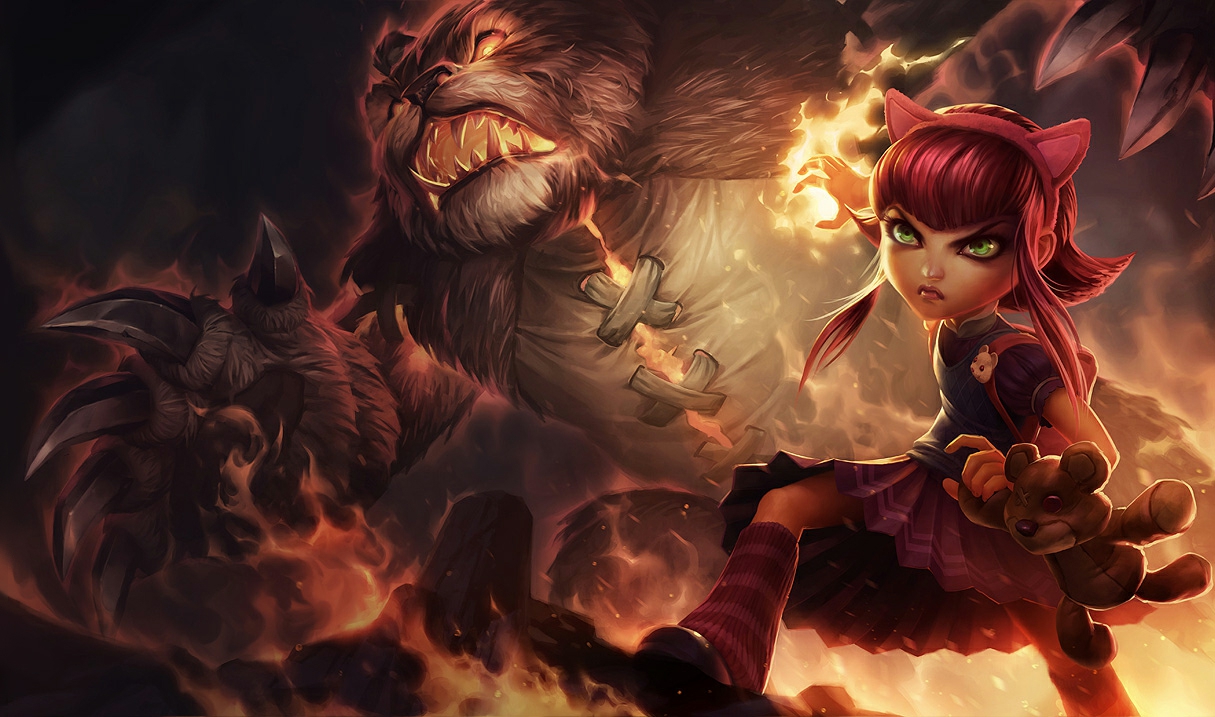
Annie is often considered best champion for beginners, regardless of lane. And there’s a good reason for that! She has a lot of damage, an easy combo to learn, point-and-click abilities, a very long stun, and a giant bear. She gets a charge of her passive every time she uses an ability. Once she has four charges, her next ability will stun whatever enemies it hits. Her Q is a fireball that deals a lot of damage. If you kill a minion with it, then it refunds the mana spent on it. This is part of what makes her so easy. Mages sometimes have a hard time killing minions early in the game. But with Annie’s Q, she’s able to do it as well as any other champion. It also stacks her passive, so it’ll end up giving you a free stun after you’ve killed four. If you’re looking for an easy champion to help you learn the game, Annie is by far the best choice.
Morgana: 1350 BE
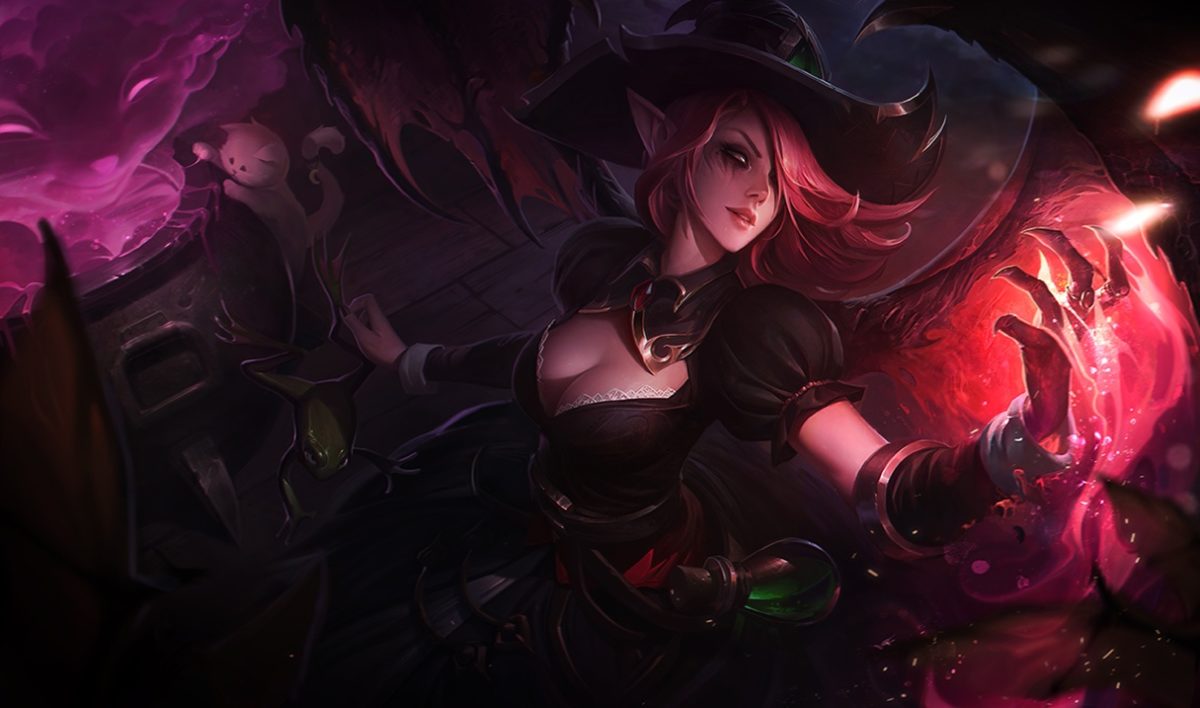
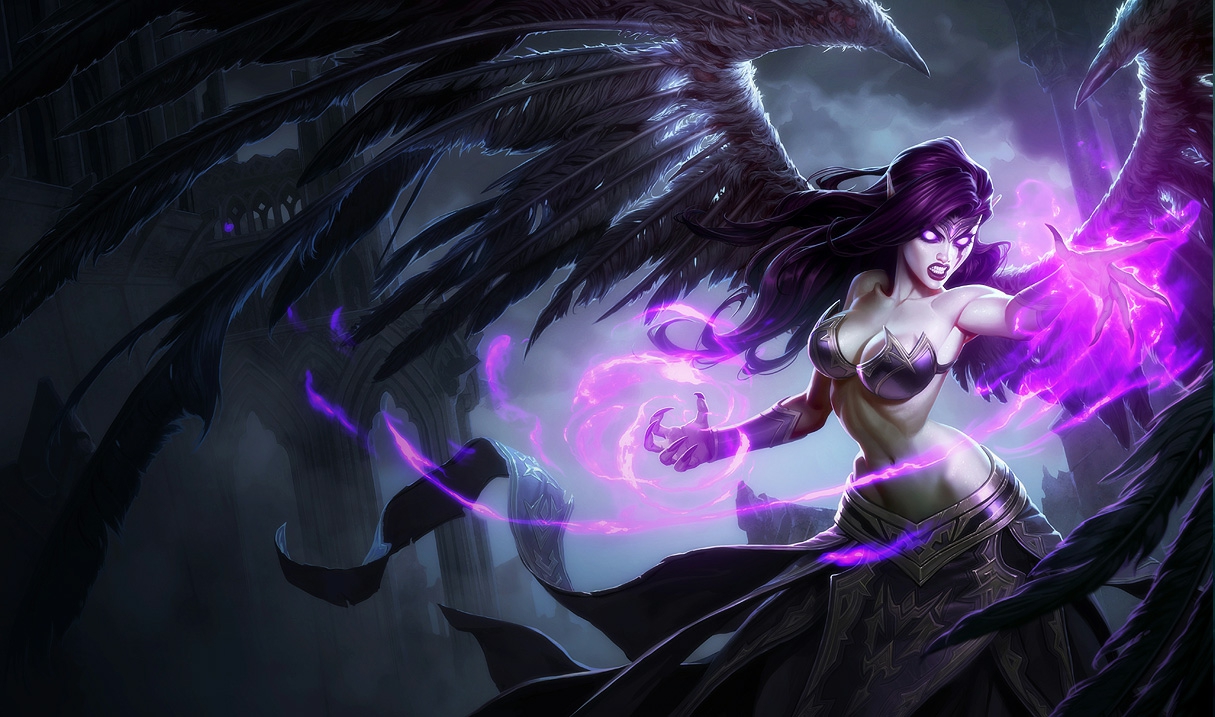
You may have noticed from the previous champions, but some of the things that make a champion good for beginners is being: ability to kill minions easily, ability to crowd control other champions (stun, snare, suppress, etc) and being safe/hard to kill. These are also what makes Morgana such a great champion. While some choose to play her as a support, because she has a long snare, and a shield from enemy crowd control, she is just as effective in the mid lane. Her shield keeps her safe, while she is able to quickly and easily kill minions with her W (an area of damage over time). If you want to learn to play safely, or just enjoy not dying, then Morgana is probably the best champion to play.
Zilean: 1350 BE
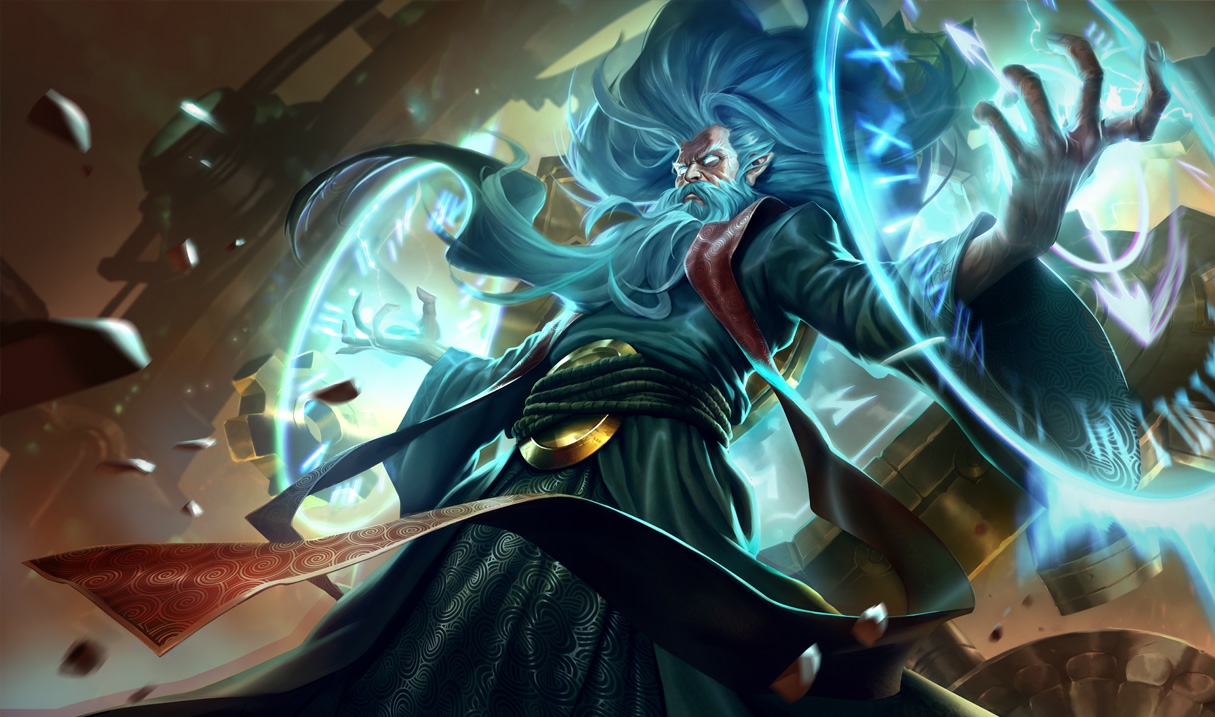
While Zilean is probably the most complicated champion on this list, he is also the most forgiving. He places bombs with his Q that detonate after a short time, or by placing a second bomb on the first one, that also causes enemies in the bomb radius to be stunned for a short time. He can place the second bomb by using his W, Rewind, that reduces the cooldown of his Q and E. His E is a movement speed boost which is great for escaping and chasing enemies down. The best part of his kit, however, is definitely his ultimate. It lets him place a buff on himself or an ally. If that champion dies while the buff is on them, they are revived after a few seconds. With this, Zilean is able to keep himself and his allies alive and safe while doing a good amount of damage. As stated, he’s a bit complicated, but if you mess up his abilities, you can always escape with your E and your ultimate.
Bot Lane
Ashe: 450 BE
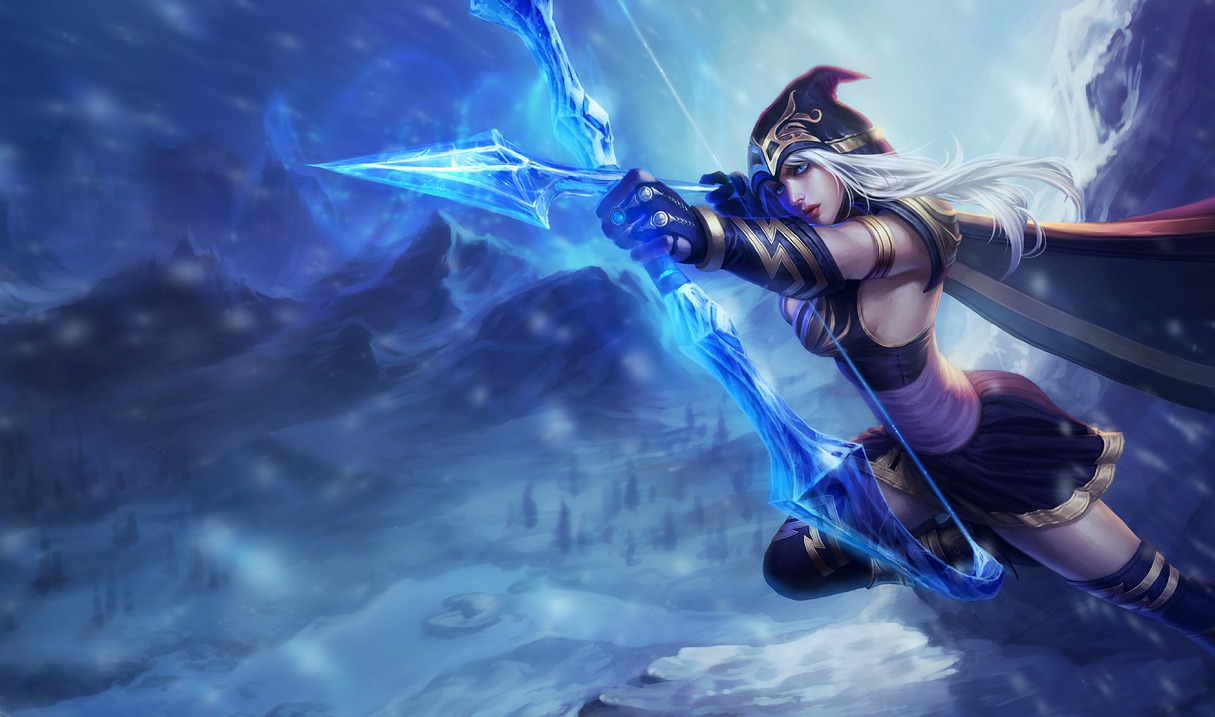
Whether you’re new to League or a veteran player, you probably played as Ashe when you first downloaded the game. She is the tutorial champion, and that probably explains why she is on this list. Similar to Garen in simplicity, Ashe is always easy and effective. Her abilities aren’t complicated, and that’s a big benefit to the people who play her. She is also one of the only bot laners who is useful even if you fall behind. Her ultimate is one of the best utility moves in the game. It’s a stunning arrow that can travel the entire map until it hits someone. She’s also able to slow enemies with her auto attacks and abilities, which is great for learning how to attack while running away from someone (kiting). She’s not always the best bot laner, but she is always a useful one, and definitely worth learning.
Sivir: 450 BE
Sivir fall into a similar category as Ashe. They are referred to as “utility marksmen”. This is because most marksmen (also referred to as ADCs or bot laners), don’t have utility abilities. This means that if they die a lot in the early game, they are unable to do much of anything later in the game. While there are some other utility marksmen (such as Kalista and Varus), they are much harder to learn than Sivir and Ashe. Sivir is able to kill minions quickly and easily with her W and Q. She also has a spell shield to keep her safe, something no other bot laner has. Along with this, her ultimate is a burst of speed for your entire team, which can help you escape or engage your enemy. Like Ashe, she’s always useful, and really easy to learn.
Ezreal: 4800 BE
While most marksmen do their damage with their auto attacks, there are a few who do damage using their abilities. The easiest and safest of these champions is by far, Ezreal. Unlike the other champions on this list, his damage is mostly based on skillshots. But don’t let this scare you, his are fairly easy to land, and he’s a great champion to learn to use them on. This is because his E is a blink that lets him jump over walls and other terrain, while doing some damage to nearby enemies. He can use this to escape, so he can continue to use his skillshots from a safe distance. He’s a little bit expensive compared to the other marksmen on this list, but he’s definitely the safest one League has to offer.
Support
Soraka: 450 BE
Support characters in video games are often associated with healers, and none are better healers in League than Soraka. She has the best healing abilities in the game, while also bringing a lot of unique utility. Her ultimate is particularly useful, as it heals every ally champion regardless of where they are. Unlike most supports, she’s able to use this to support from anywhere on the map, making her really effective and easy as far as the healers go.
Sona: 3150 BE
While Soraka has some damaging abilities, she’s mostly valued for her healing. Sona is the opposite of this. She can heal and buff her allies, but her main strength is in her damage. If you’re looking for a support that deals damage, Sona is one of the easiest and most effective champions at doing this.
Braum: 6300 BE
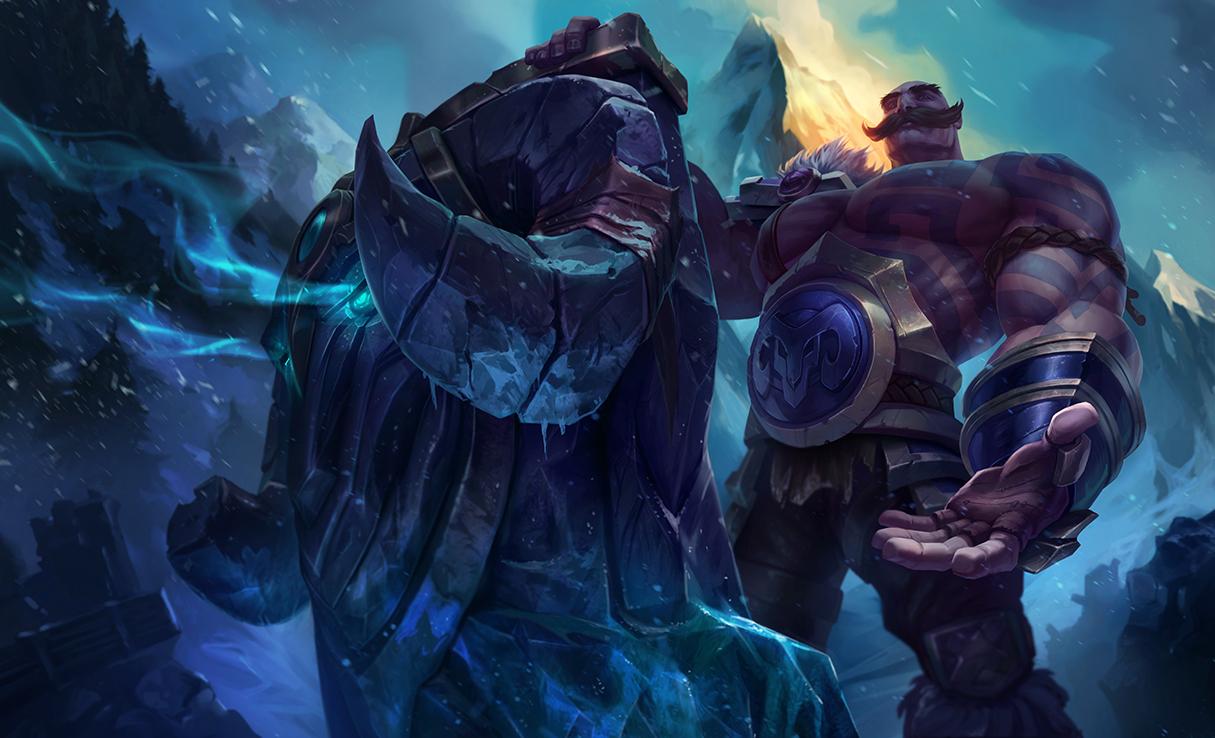
Not all supports are healers, and Braum is a great example of this. He is a defensive tank that can use his shields and crowd control to keep enemies away from his allies. His abilities are centered around saving his allies, and stunning the enemy to turn fights around. If you want to play support, but are not a fan of healers, Braum is an excellent choice. He is, however, the most expensive champion on this list; so it may take you some time to get him if you want to try him out.
Thinking of simplifying with an inexpensive Chromebook? Here’s what you’ll experience when shifting from a Mac or PC.
Chromebooks have risen to prominence in recent years as a practical and relatively cheap alternative to a PC or MacBook. Those looking for a workhorse to serve the essential functions of a computer will find most, if not all, of their needs met by one of these machines, though cost-reducing trade-offs mean they set themselves apart from their more expensive brethren in a number of ways.
Chromebooks, generally speaking, are minimalist in the design of both their hardware and software. They tend to be small — most have screens measuring 13 inches or less — and light. This makes them even more portable than most traditional laptops; even the biggest Chromebooks, such as the 15.6-inch Acer Chromebook 15, weigh less than 4 pounds. Most newer Chromebooks are also built with aluminum, making them surprisingly durable, and their lack of a fan means they run quietly while still remaining cool to the touch.
Many newer models also boast tablet functionality, complete with a touchscreen and 360-degree hinge. This makes the switch from laptop to tablet easy and — since most Android apps are created with touchscreen-based devices in mind— useful for playing games, streaming video or reading.
However, Chromebook hardware can sometimes be of notably lower quality. Although more than functional, touchpads can be overly sensitive, touchscreens can be glitchy and running multiple programs or open Chrome tabs can slow the computer due to the limited RAM available.
Like Apple and Microsoft, Google has its own proprietary operating system: Chrome OS, a lightweight, cloud-based system that uses the internet to limit reliance on hardware and streamline the user experience. It’s based around the Chrome web browser, a familiar tool for many, and it’s extremely fast; the system takes only a moment to boot up, and applications open instantly. This makes Chromebooks ideal for those looking to shed the bulkier operating systems offered on PCs and Macs, and the lack of bloatware means the laptop is virtually pristine on first use.
However, the system’s slim profile comes with a few major drawbacks. For starters, most major software developers offer their products for Mac or PC, but few cater to Chromebook users (at least, so far). This means Chromebooks have nothing to offer users looking to install powerful programs. An architect couldn’t install 3D modeling software, for instance, and gamers will need to look elsewhere for a computer to run StarCraft or Fortnite.
There’s plenty of utility to be found in these slim machines. Because Google’s web browser serves as the nexus for most of the system’s functions, Google Drive and its suite of office apps are easy to access, and the ability to save files for offline use means the Chromebook is much less reliant on an Internet connection than it once was. Naturally, documents are also backed up to the cloud for easy retrieval on other devices.
Access to the Google Play store brings millions of apps and games to the Chromebook, including popular programs like Gmail, Hearthstone, Minecraft, and Microsoft Word. Anything that can be accessed by an Android device can be used on a Chromebook, although few of those programs have been optimized for that purpose, causing fuzzy, unfocused graphics for a number of apps. Netflix, for example, can stream high-definition video but features a decidedly low-definition menu screen. Until more developers optimize their content for use on Chrome OS, only a small number of programs will look as though they belong on a Chromebook screen.
While there are still plenty of real-life party games to enjoy (e.g. Cards Against Humanity), video games have opened up a whole new realm of possibilities. If you’re ever with a group of friends looking for something to do, these games are an excellent choice. Some are cooperative, some are competitive, but all of them are goofy and fun.
1. Speedrunners
Imagine a platform version of Mario Kart, and you’ll begin to get an understanding of Speedrunners. The goal is to survive by outracing your opponents and knocking them off-screen. Use grappling hooks, mines, and other weapons to get rid of the competition. This game is perfect for competitive game nights, and is a refreshing spin on racing games.
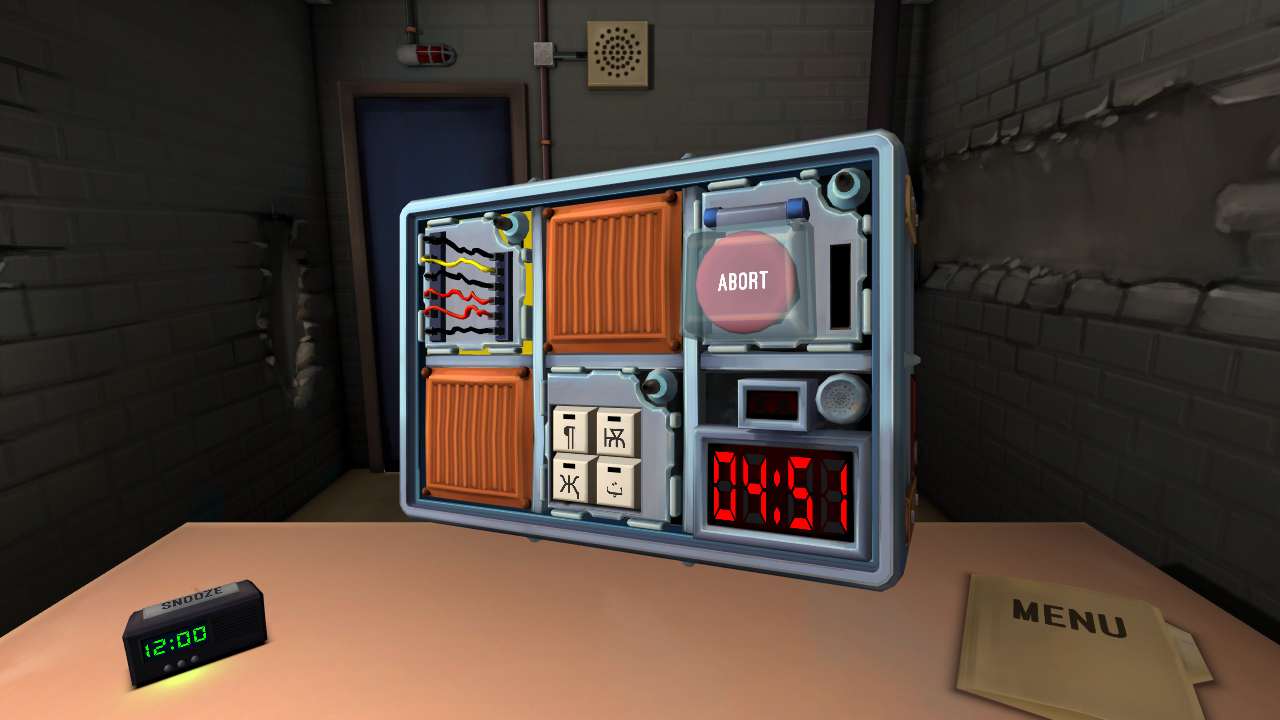
Despite only needing two players, Keep Talking and Nobody Explodes can liven up any game night with friends. One player has to defuse a bomb, while the other player(s) instruct tell them how to. It’s a cooperative game that still has the heightened excitement of competition, as you race against the clock. The game is also VR compatible, which creates a more immersive gameplay.
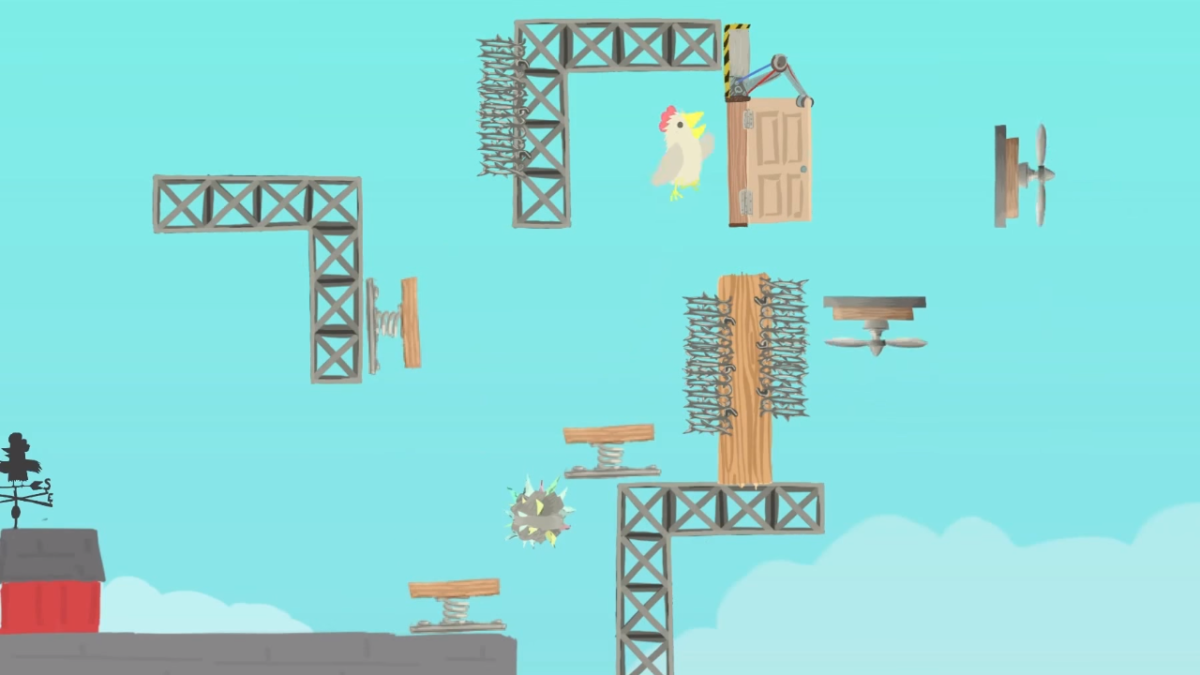
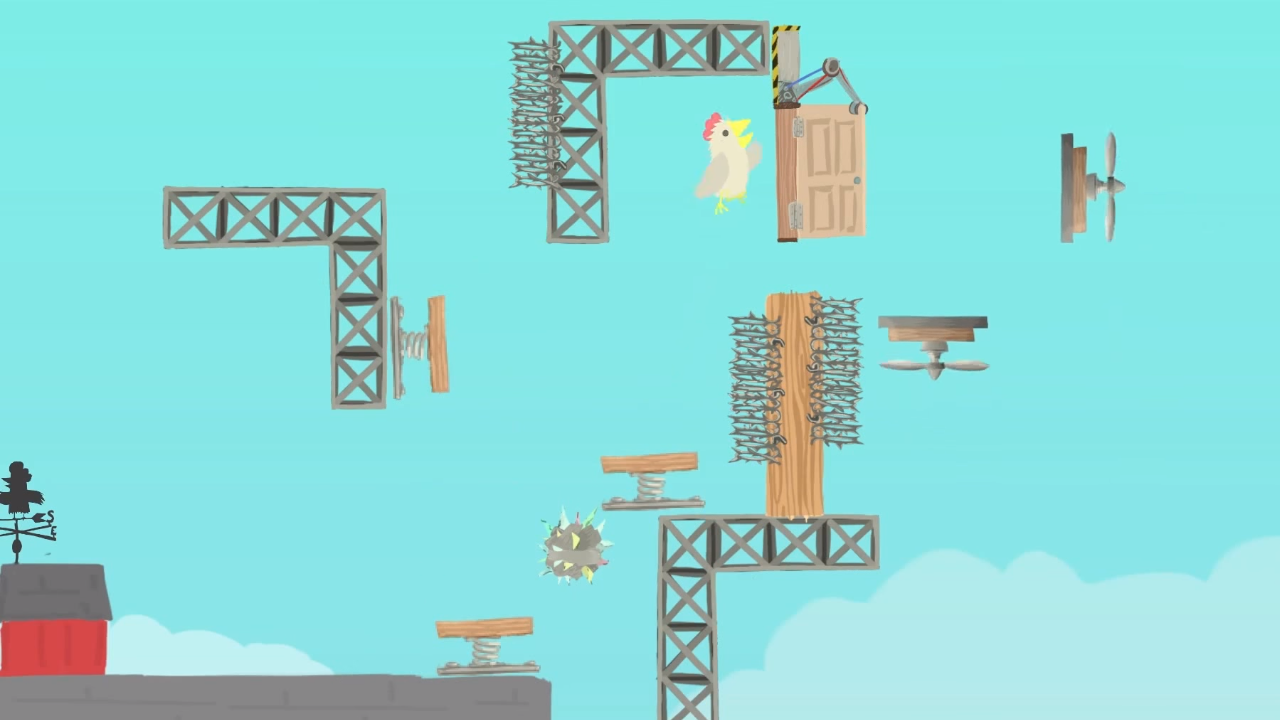
With a name like “Ultimate Chicken Horse,” you know this game is going to be a wild ride. The goal is to get to the flag before any other player does. This makes it seem like a simple obstacle/racing game. The real challenge, however, is in stopping your opponents without stopping yourself. Like a multiplayer Mario Maker, each player has the opportunity to create their own obstacles before the race starts, to try and stop the other players from reaching the goal. Then, the player has to figure out a way to traverse their own platform maze before the other players do.
While the previous games only feature one type of gameplay, Tabletop Simulator features a huge variety. With thousands of games to choose from, Tabletop Simulator has practically every board game imaginable. The base game only has a few basic modes, like chess and checkers. However, you can download any number of game mods, including games like Betrayal at House on the Hill, Exploding Kittens, and Boss Monster. You can even create your own games to simulate with your friends.
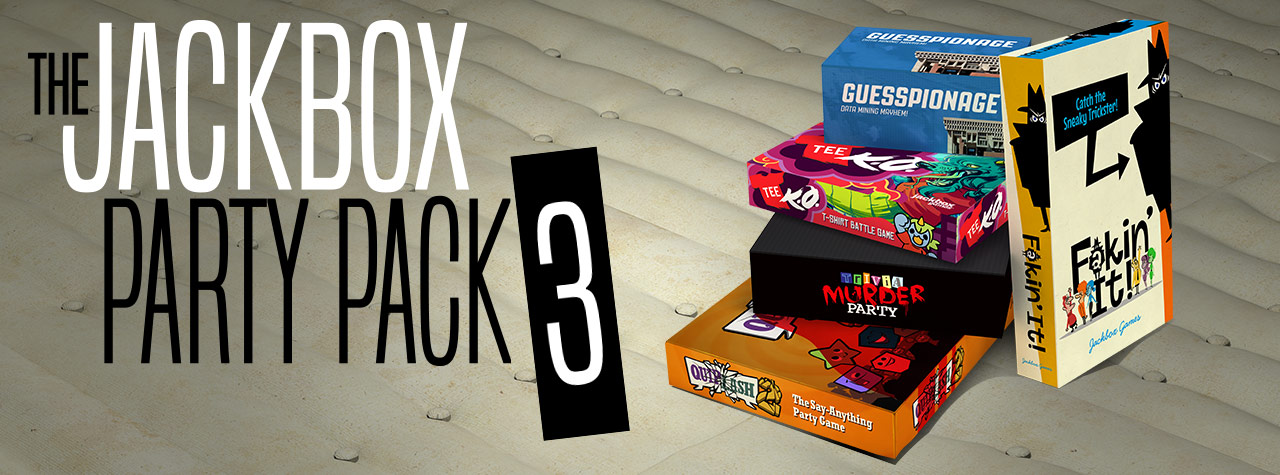
Like Tabletop Simulator, the Jackbox Party Packs are a variety of games to play with your friends. Each pack features around four or five different game modes, each with its own objectives. All of them are hilarious and allow for amazing amounts of replayability. One popular mode, Quiplash, features similar gameplay to Cards Against Humanity. The main difference is that players create their own answers to the prompts! Another mode, Monster Seeking Monster, lets you text other players to try and woo them. There are dozens of game modes between the series, so you’ll never get bored. If you ever need a game to bring to a party, or just want to do something fun with your friends, Jackbox is the best answer.
Honestly? There are no announcements that a Fortnite 2 is even in development or that it will ever be created at all…
That being said, we like to imagine what a Fortnite 2 could look like! Years down the road, what if Epic Games made the decision to create a sequel or a prequel to Fortnite? What type of game would it be? What would it focus on?
Game series tend to follow a few paths: continuation of the story and game mechanics crossover. We’ll go through each of these and see what a Fortnite 2 might have to offer.
Believe it or not, Fortnite contains a hidden story. This has became more and more obvious over Season 4, which began with meteors crashing into the map, after which the “hop rocks” left at the craters were transported to Snobby Shores and the Villain’s Lair, and recently has continued with the lair firing a rocket towards Tilted Towers and accidentally opening an ever-growing portal over the map.
What does this story mean? Our best theory is the events are a tie-in between Fortnite’s Battle Royale mode and Save the World modes. Basically, the Battle Royale events are leading up to the zombie apocalypse.
In regards to a sequel, this could mean a Fortnite 2 in the vein of Mad Max, which takes places in a desert environment and possibly features a few wandering zombies amongst the Battle Royale landscape. Better yet, there may be a new story mode following a group of humans surviving the apocalypse: something with the run-n-gun excitement of Left 4 Dead with the Fortnite’s signature building shenanigans.
Mechanics Crossover
Sometimes, a sequel carries on the tradition in name and mechanics only.
In this case, we’d naturally expect to see the same Battle Royale style that we’ve come to know and love, along with the build-n-shoot combat from the original. However, this Fortnite 2 could also bring out an entirely new location, a few additional ways to fight, and, most likely, a new apocalypse to overcome.
We love the idea of new locations for Fortnite. Currently, the game features a somewhat hilly and homogenous environment, perfect for the game’s current iteration. However, in a Fortnite 2 there would be great possibility for expansion. Imagine running and building through a desert or a crowded jungle. Or fighting for Victory Royale in a gigantic cave underground or on top of a large, snowy mountain…
Also, there are a number of ways that Fortnite 2 could expand upon the combat. The current game includes a number of interesting items like the hop rocks, but the closest they’ve come to a vehicle was the short-lived jetpacks. The second installation of this game might see the introduction of vehicles and other clever items… space suits, perhaps? Portal guns? Thanks to the tongue-in-cheek way Fortnite currently introduces its updates, anything could be on the table.
Finally, what new apocalypse would Fallout 2 feature? With the rockets and meteors currently heralding the changes between seasons, we’re in the mood for an alien invasion. However, there are other alternatives: a world war? Nuclear fallout? A huge volcanic explosion? A second Ice Age? Time shenanigans? Whatever the case, you can be sure to expect epic battles against a new, interesting backdrop.
But really, a volcanic jungle island would be epic. Cue “Battle of Heroes”, by John Williams, right? (Seriously. Cue it. We’ll wait.)
A Vision
Since Fortnite 2 probably won’t happen, here’s our daydream, combining the best parts of what we’ve already considered:
Fortnite 2 takes place on an island chain being surrounded by encroaching deep-sea lava. This creates the game’s circle, although there are rivulets and streams of lava that must be avoided in other places as well.
By the way, this island is Jurassic World. There are dinosaurs.
Cars are now included, but there are no boats. The only way to get from island to island is by building rafts, which consist of at least one floor panel and a “wall” panel that becomes a sail whenever built on a boat. Falling into the boiling lava water slowly takes away health , so be prepared for epic boat battles, where constructing a strong warship may be the secret to success… especially if the final circle happens to land over a segment of ocean!
Whatever the case, we love Fortnite and are excited to see what new heights the game reaches in the future, whether or not that includes a sequel.
The highly anticipated Season 5 has finally arrived in Fortnite: Battle Royale. Epic Games had their work cut out for them, as the story-soaked Season 4 was a fan favorite for its live rocket launch, superhero storyline, and Infinity War crossover. The portals opening in the sky following the rocket launch led many players to speculate that Season 5 would involve time travel and dimensional warping. They were right. Below, we’ll break down the map changes, new Battle Pass content, and gameplay additions.
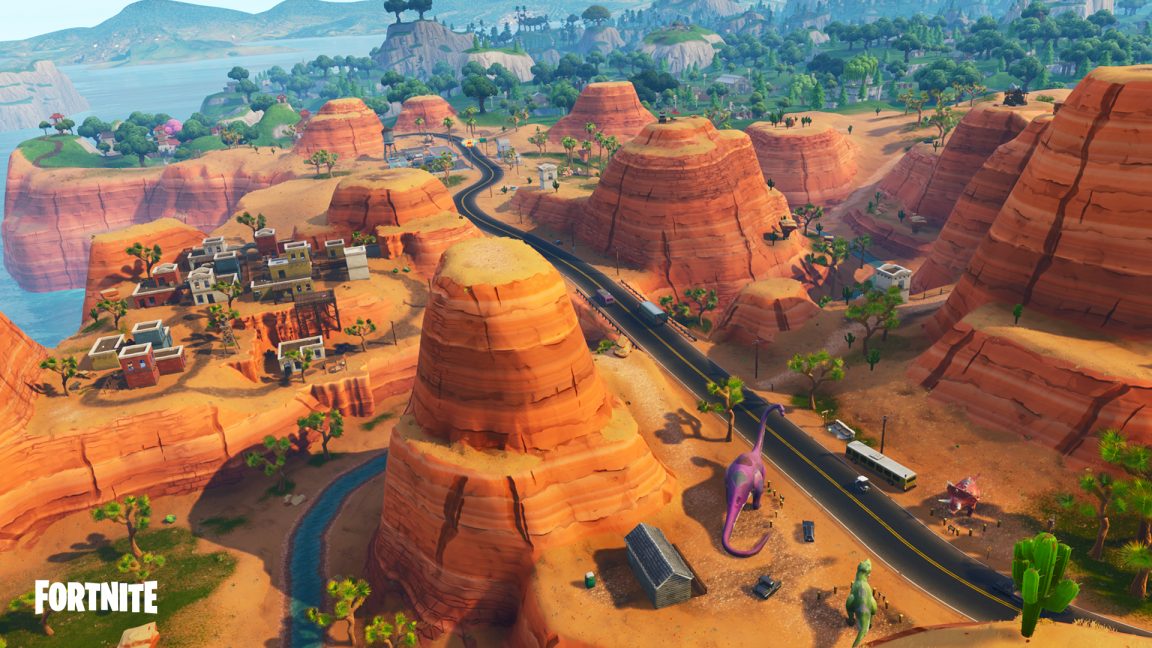
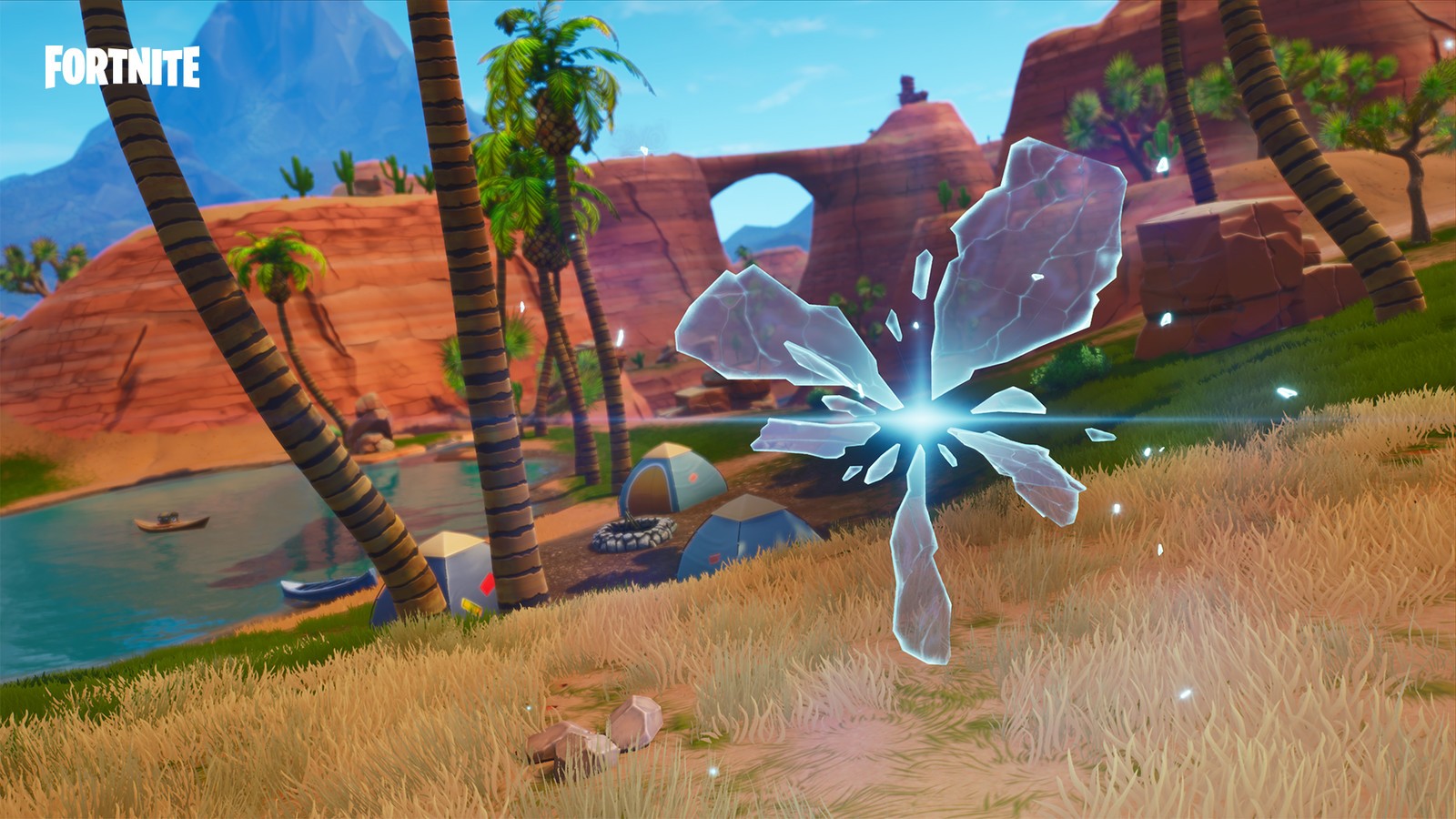
Sorry Moisty Mire fans (both of you), the whole bottom right section of the map has dried up and desertified. In its place is a bustling desert area featuring several of new named and unnamed locations. The entire area has a southwestern United States, Route 66 theme to it. The main attraction is Paradise Palms, a resort town that features a tall hotel complete with pool. There are plenty of nearby pitstops too, including a giant go-kart track for the new All Terrain Kart (more on that later), a truck stop, and a bunch of dinosaur statues modeled after the real-life Cabazon Dinosaurs tourist attraction in California.
What better way to wind down from the horrors of war than to hit the links?
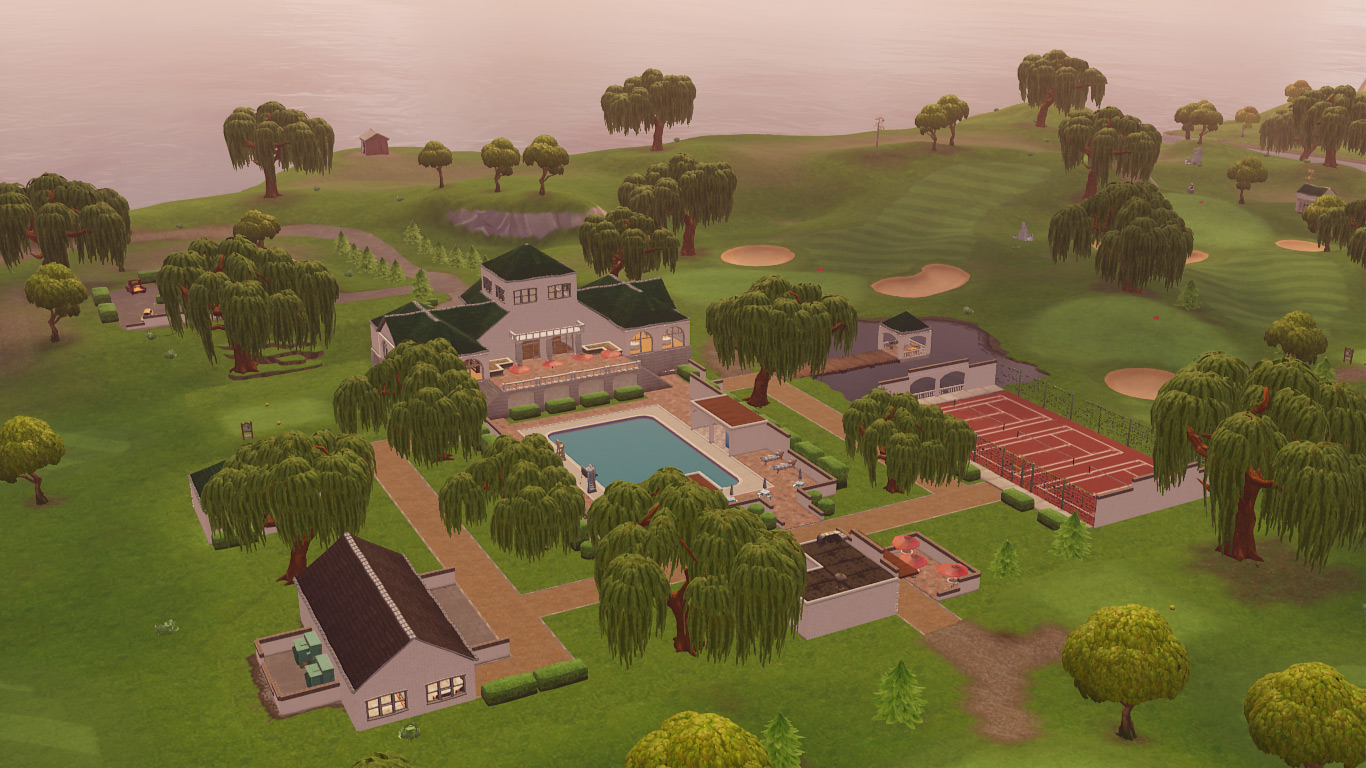
Additionally, the farmers at Anarchy Acres apparently decided to take up golf instead, transforming the area into Lazy Links. This high society attraction features a golf course complete with luxurious buildings, tennis courts, and a fleet of All-Terrain Karts.
Fortnite is for the Nords!
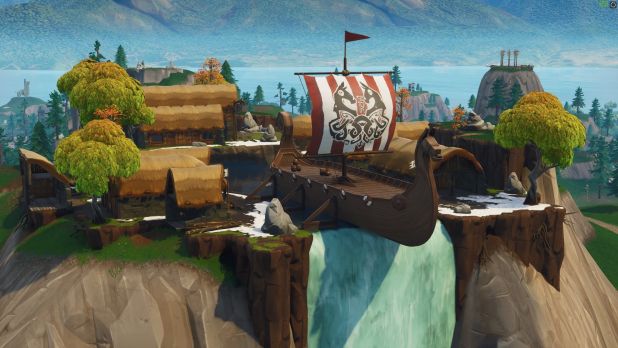
Time travel shenanigans have led to an entire Viking settlement popping up on a mountain south of Snobby Shores. This location is mysteriously unnamed, with fans so far dubbing it Viking Village, Norse Nook, or simply Whiterun. It remains to be seen if other anachronistic locations will spring up in the future.
The New Crew
A Viking, a lifeguard, and a time traveler walk into a bar…
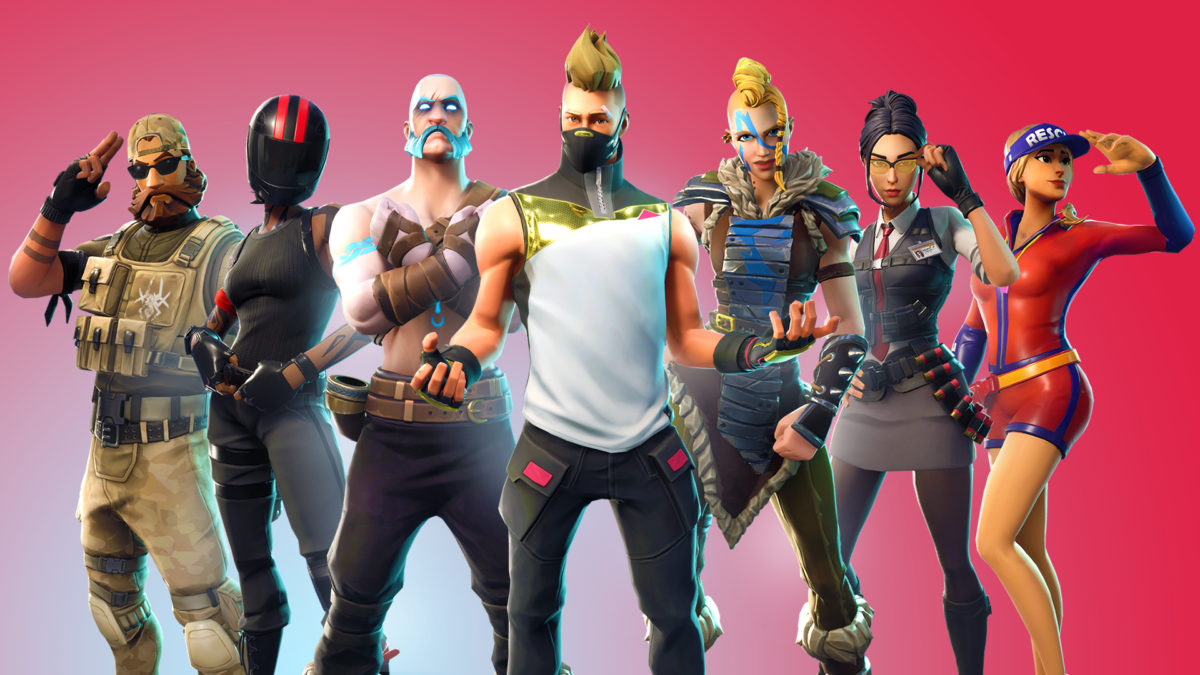
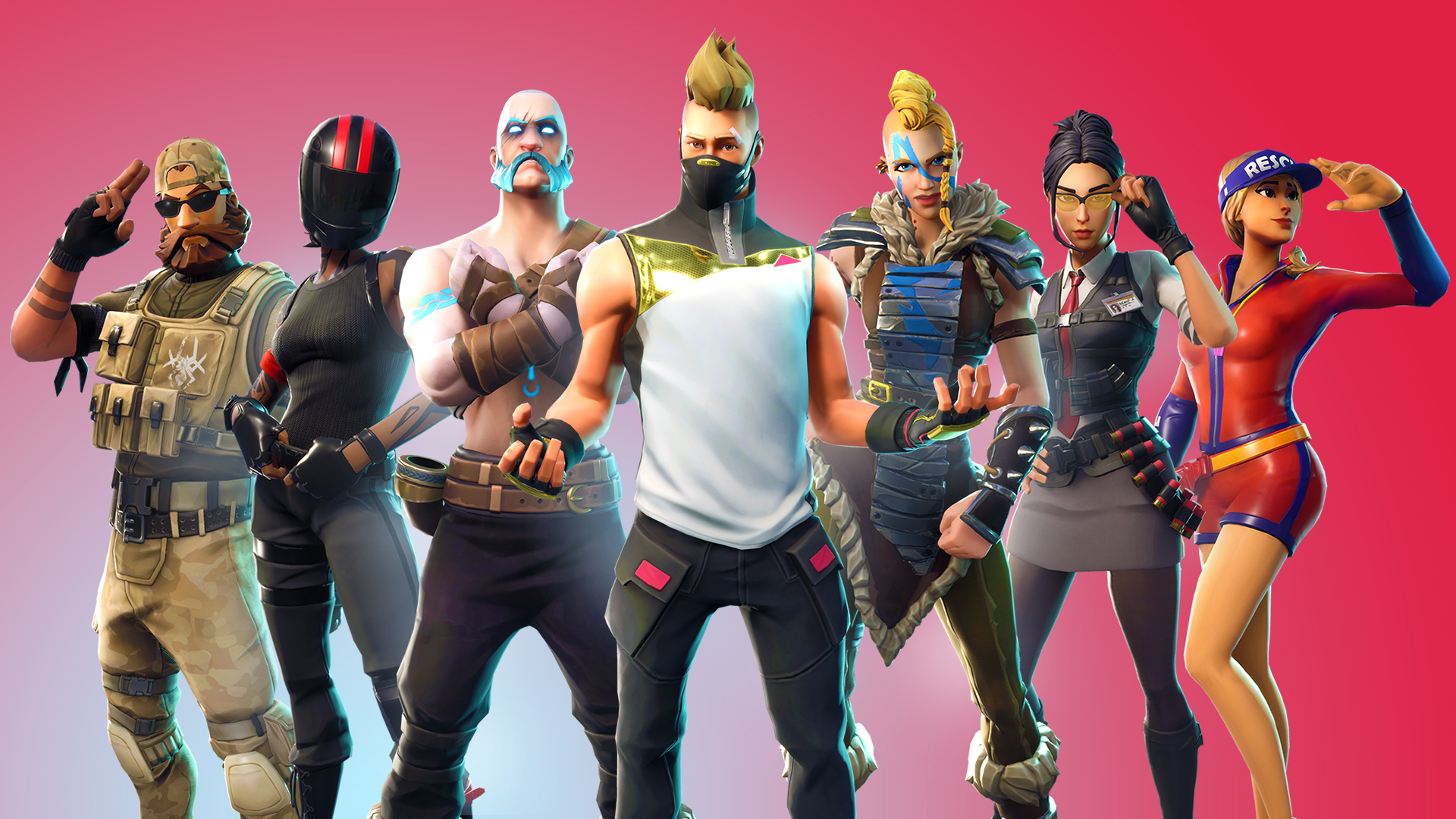
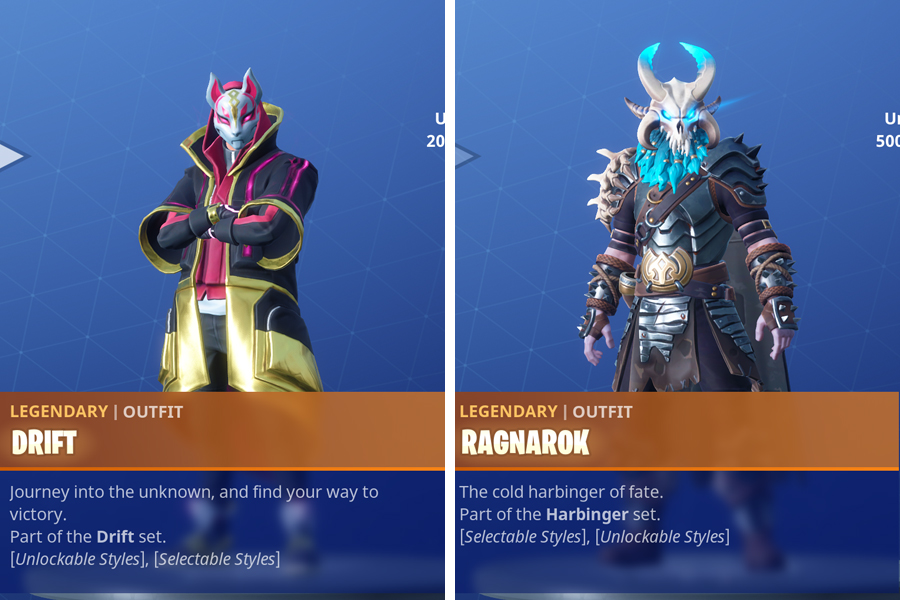
Season 5’s new batch of skins certainly fits the time travel theme. Featuring a colorful and diverse new cast of characters, players have gone right to work completing challenges and leveling up their Battle Pass to add them to their collection of skins. Much like Carbide and Omega from Season 4, two of the new skins are customizable with unlockable upgrades. The two new skins that are customizable are Drift (the blonde guy in the center of the picture above) and Ragnarok (the terrifying white-eyed Viking to the left of Drift). Their completed costumes can be viewed below:
Can’t wait to see these badass new skins dabbing
A Whole New Gameplan
The void is calling
Tying into the dimensional theme of Season 5, Epic has added small fractal-like portals called rifts to various locations on the map. When players enter these rifts they are warped to the giant crack in the sky, allowing them to dive and glide to avoid the storm and outrun opponents.
While Tomato Man and Durr Burger will be sorely missed, their legacies live on as golf cart accessories
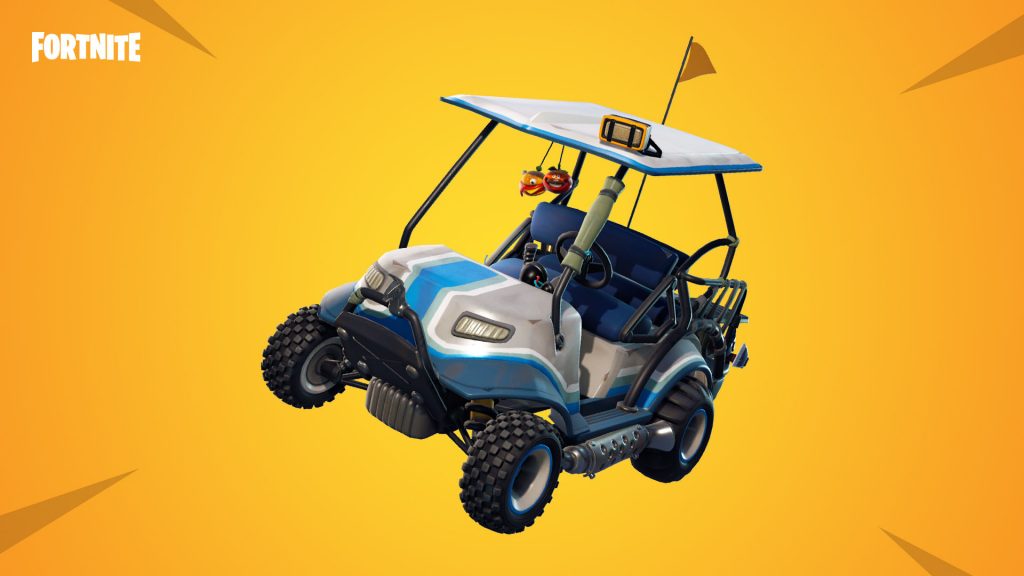
The brand new All-Terrain Kart allows up to four players to powerslide their way to victory. Players can drift to gain speed boosts a la Mario Kart, and the roof of the kart serves as a jump pad. The karts can be found and taken on test drives at the new go-kart track and at Lazy Links. It was hilarious seeing the stunts that players could pull off with the shopping cart, so we can’t wait to see the Jackass stunts that people come up with for the ATK.
Shoot threes, not other players
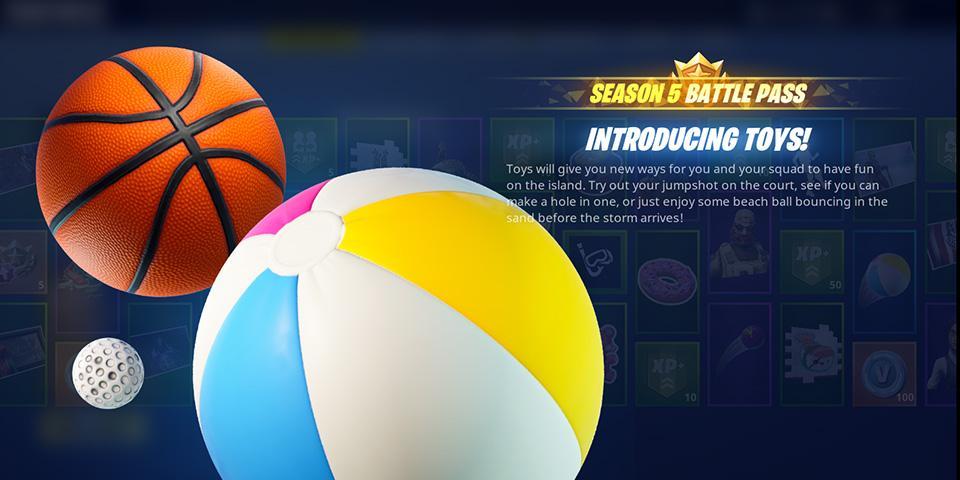
An unexpected but welcome addition to the Season 5 Battle Pass, toys allow players to shoot baskets, hit golf balls, and volley a beach ball. If you can avoid being gunned down, try hitting a few baskets at Tilted Towers or shooting a hole in one at Lazy Links!
New printers these days generally connect to the internet, at which point they wait for a user to connect. If you have a Mac, these steps can help you whip out copies of your documents in no time.
1. First, when setting up your printer, make sure that it’s connected to the internet and secured in whatever fashion suits you best. It may remain unprotected for anyone nearby, or you can set Wi-Fi/passcode restrictions. Make sure to check the manual for your specific printer.
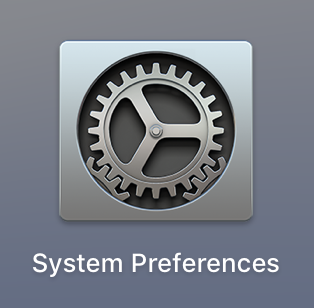
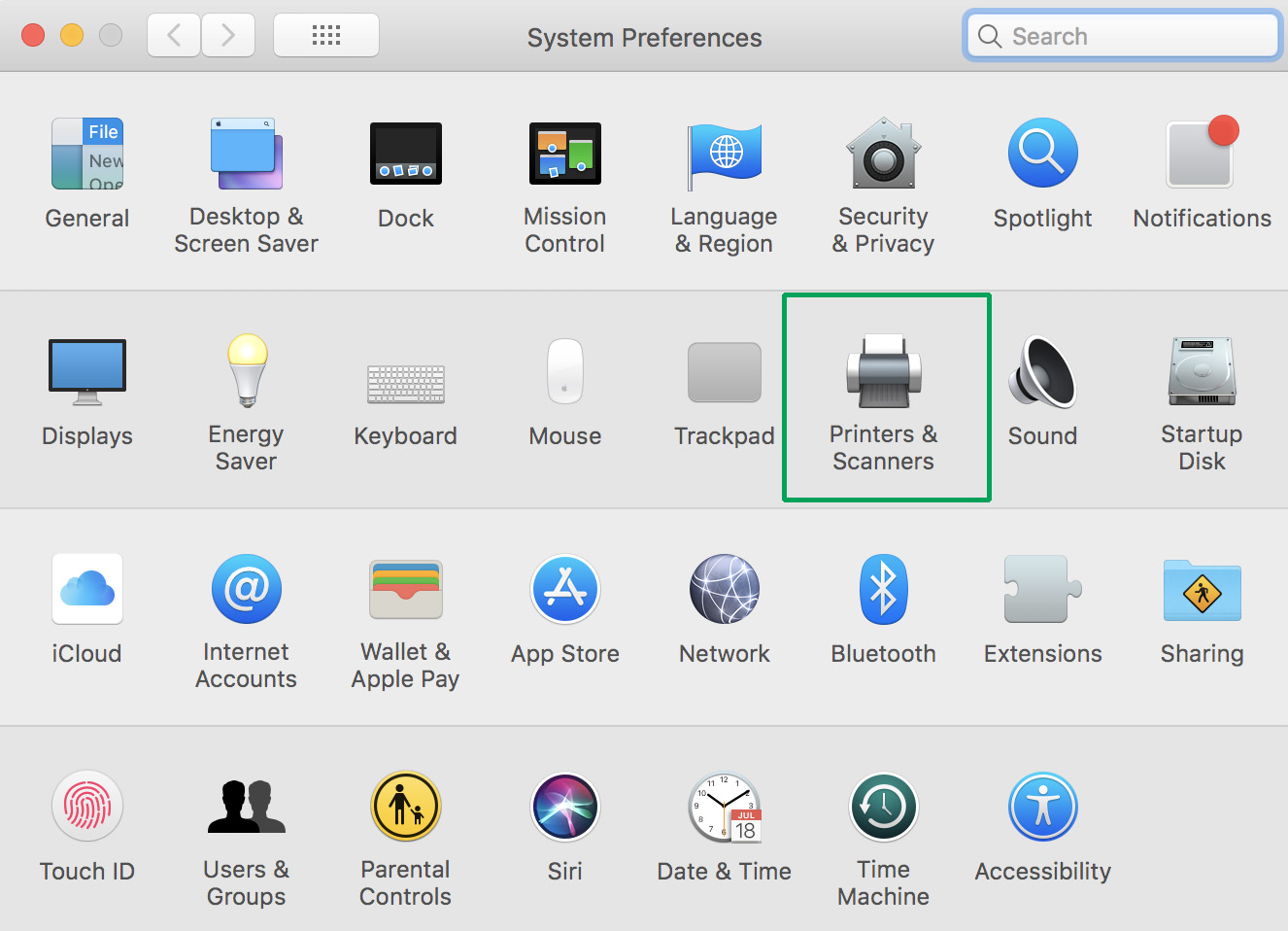
2. Open “System Preferences” on your Mac. This can generally be found on your taskbar and looks more or less like a gear (shown below). If you’re having trouble, type “System Preferences” in the Finder window, searching through the whole Mac.
3. Within System Preferences, search for the “Printers and Scanners” section, which is generally alongside “Trackpad” and “Sound”. The locations may vary between computers.
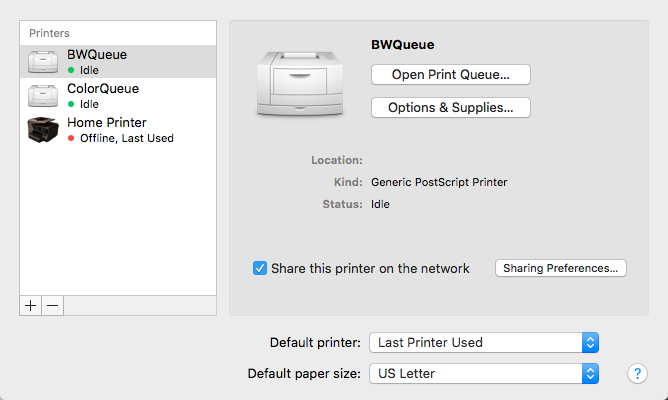
4. Within Printers and Scanners, you’ll see the printers your computer has connected to in the past, as long as they haven’t been purposefully removed. If you see yours here, click to select.
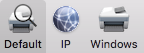
5. Not seeing yours? Select the “+” button at the bottom left of the printer window. This opens a new window, allowing you to select a default printer (in this case, the nearest usable printer), enter an IP address, or search for a new printer by name. As long as you know your printer’s description and have ensured it is connected to the internet, this process should go smoothly.
6. Select your printer. If it is your home printer, you may wish to designate it as your default. To do this, go back to the “Printers and Scanners” menu, which has “Default printer” bar at the bottom, which will allow you to select either one of your queued printers or revert to the last printer used.
A Few More Settings
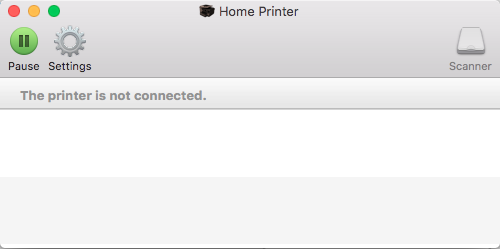
Within the main Printers and Scanners screen, you may also see the “Print Queue”. This window, shown below, lets you know what print jobs your current printer is waiting to do. This is where to cancel those print jobs as well.
The “Options and Supplies” tab allows you to do two important things: name the printer and check the supply levels.
“Share this printer on the network” gives you the choice to let other computers use your printer, and gives a number of settings to delineate how and in what way that works.
Finally, below the default printer section, you can select “Default paper size”. Generally, this will be set to US Letter (8.5 x 11 inches), but some printers are capable of doing more. If you’re mainly printing shipping labels on envelopes, this tab may make your life easier.
Troubleshooting
So, you’ve tried restarting both your computer and the printer, but nothing’s working. Here are a few possible problems, along with techniques to fix them:
The printer lost internet connection. Sometimes, one device will lose connection with the internet before others. If that device is your printer, it may stop working and need to regain Wi-Fi before resuming the print job.
Ink levels are too low. When this happens, the computer will generally let you know, but alert noises may be turned off. Make sure to check the printer to see your options, which are usually: A) Continue printing in grayscale. If your print job doesn’t require colors, the printer may offer to continue using black ink. However, this option may only appear on the printer’s screen and not the computer as well. B) Buy more ink. Once, we saw a home printer demand Magenta ink for a black-and-white document. If this happens, you may need to bite the bullet and grab more ink. Make sure to bring your old ink cartridge to the store to ensure you purchase the correct product.
The print needs to be resumed. Once, a glitch happened on our Mac and we needed to restart the print, simply because our Print Queue (see above, under “A Few More Settings”) didn’t open when we started a new print, even after the computer was rebooted. After opening System Preferences, Printers and Scanners, and finally the Print Queue, the whole problem was solved by hitting the “Play/Restart” button.
We hope this guide helps. However, if your problem still isn’t fixed, you may need to try another source. More in-depth manuals are available online, for a start. If that doesn’t suit your need, consider calling or visiting an Apple store: their employees are known for knowledgeable and effective service.
Viruses and malware offer us ever-evolving threats in an increasingly digital world. Fortunately, Softonic is here to offer sage advice about how to protect yourself from the worst happening and what to do should a malicious piece of code ever find its way onto your hard drive. Sometimes, however, we’re stumped. There is no software solution to some problems that befall us in this very modern world. U.S. TSA (Transportation Security and Administration) agent Neville Flynn came up against such a problem when he was inspecting a hard drive recently at Miami International Airport.
A traveler was trying to board a plane to Barbados when Flynn decided he should she was carrying. Inside, he found a nylon stocking that had been used to hide a baby python. Yep, a woman was trying to use an external hard drive to smuggle a snake onto a plane. A motherfu@*in snake onto a motherfu!@in plane.
Honestly, no matter what type of problem you have with your PC, Mac, smartphone, or tablet, come to us and we will be able to help you solve it. We draw the line at snakes, however. Snakes are where Softonic taps out.
Oh yeah, in case you were wondering. Both the lady who was carrying the hard drive and the snake that was hiding inside it missed their flight to Barbados!
Is your phone making money for somebody else? The rise of the mobile crypto-miners
Wish you could change your Minecraft name? It’s incredibly easy! Here’s how to do it.
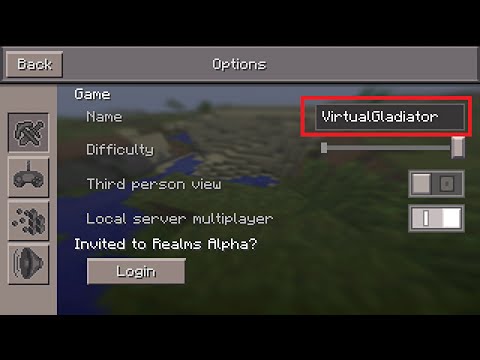
Sometimes you make a username, and realize that it’s not the one you want. For most sites, this is an easy fix, and Minecraft is no exception. Unfortunately, you can’t do it in the Minecraft program. This can cause a bit of confusion for those who are trying to change it quickly. But no need to fret. Below we’ve detailed the steps you have to take to change your name with speed and ease.
Minecraft doesn’t allow you to change your name again within 30 days of you doing it. So keep that in mind when you are thinking of what you want your name to be. This 30-day rule also applies to new accounts, so you won’t be able to change a new account name for 30 days either.
Changing your name
We just verified that this works: The first thing you’ll have to do is go to the Mojang website here. Click “Log in” in the top right corner, and log in using the email attached to your Minecraft account. Once you’ve logged in, you should see your Minecraft account, and your username. Next to your username is the word “Change” in parenthesis. Click this, pick whatever name you want, and then verify the prompt they give you. After that, you should be all set!