Starfield, the highly anticipated space RPG from Bethesda, has generated intense debate within the gaming community since its release. While many players have enjoyed its vast exploration and storytelling, others have pointed out frustrating aspects that impact the overall experience. Among the most prominent criticisms is the opinion of Kurt Kuhlmann, former co-designer of Skyrim, who argues that Starfield never fully came together as a game. Too much bureaucracy and a team that is too large brings nothing good Kuhlmann, who was part of the team during the development of the title, suggested in a recent interview that the game should have […]
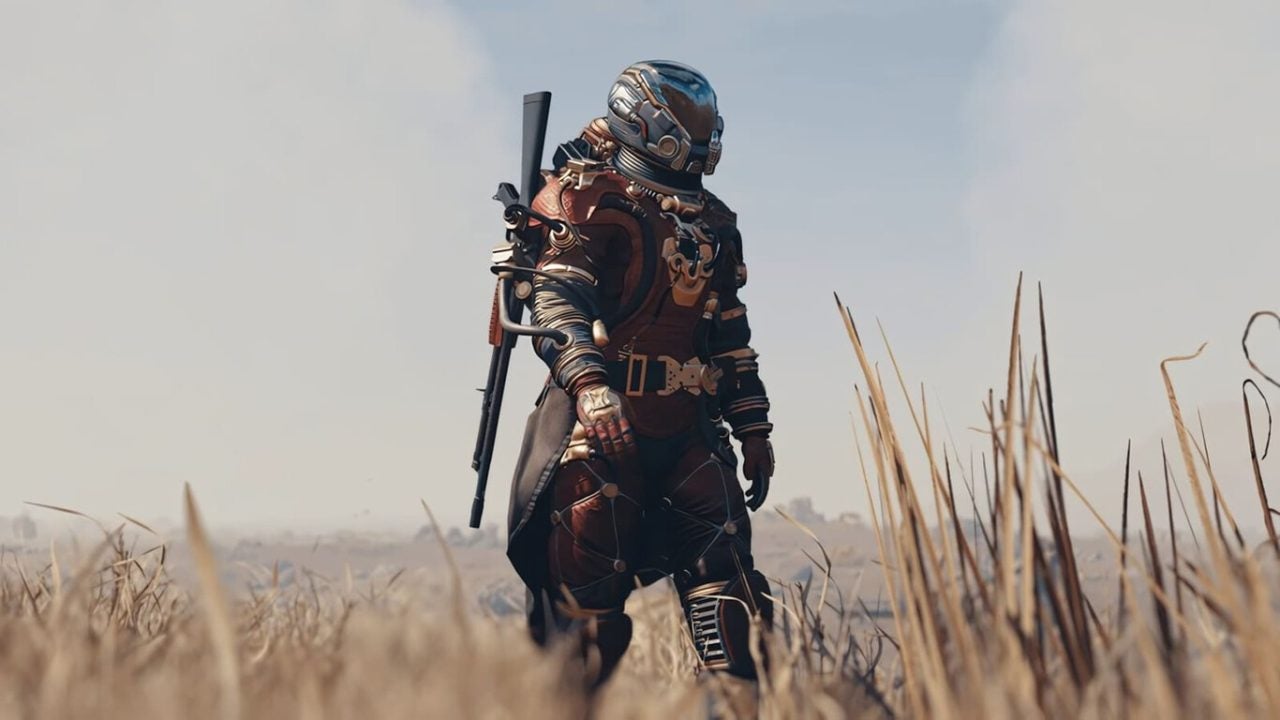
Starfield, the highly anticipated space RPG from Bethesda, has sparked intense debate within the gaming community since its release. While many players have enjoyed its vast exploration and storytelling, others have pointed out frustrating aspects that impact the overall experience. Among the most prominent criticisms is the opinion of Kurt Kuhlmann, former co-designer of Skyrim, who argues that Starfield never fully came together as a game.
Too much bureaucracy and a team that is too large brings nothing good
Kuhlmann, who was part of the team during the development of the title, suggested in a recent interview that the game should have been delayed to improve its quality. According to him, many of the problems faced by the team were due to increasing bureaucracy and a complexity in decision-making, which complicated communication between the various departments involved in the project. This more complicated work environment contrasted with the more direct dynamic that existed during the development of Skyrim.
Apparently, the echoes of the problematic launch of Fallout 76 also influenced the decision to extend the development time of Starfield, in order to avoid repeating the same mistakes. Kuhlmann emphasized that creating a new intellectual property (IP) like Starfield brought significant challenges, turning up to 50% of the development into a completely new process.
Rumors suggest that Bethesda is working on Starfield 2.0 and a future expansion that could redeem some of the questionable aspects of the game. The hope is that these improvements will help restore player confidence and elevate the title to the heights of the expectations that have accompanied the company’s veterans, such as Skyrim and Fallout 4. However, it remains to be seen how these concerns will be addressed in the future.
During recent statements at the World Economic Forum, Microsoft CEO Satya Nadella warned that artificial intelligence (AI) could lose public support if it is not used to improve outcomes in key areas such as health, education, and competitiveness. Nadella emphasized that both companies and job seekers must adopt AI skills to foster productivity and adapt to a constantly evolving labor market. So far, AI has not lived up to its promises. The executive also highlighted the importance of establishing a “ubiquitous energy network and […]
During recent statements at the World Economic Forum, Microsoft CEO Satya Nadella warned that artificial intelligence (AI) could lose public support if it is not used to improve outcomes in key areas such as health, education, and competitiveness. Nadella emphasized that both companies and job seekers must adopt AI skills to foster productivity and adapt to a constantly evolving labor market.
So far, AI has not lived up to the promises
The executive also highlighted the importance of establishing a “ubiquitous network of energy and tokens” for the optimal functioning of AI companies. This challenge is affecting the availability of hardware, such as RAM, which has become scarce and expensive. Based on this, Nadella explained that organizations must actively engage in the adoption of AI technologies to avoid falling behind.
A notable example he provided was that of doctors who, by using AI for administrative tasks such as transcribing notes and managing records, can spend more time with their patients. This, according to Nadella, results in benefits for both healthcare providers and patients, improving the efficiency of the sector. Despite this, concerns about the effectiveness of AI persist; a recent report indicated that 95% of organizations have not achieved a significant return on investment after implementing these technologies.
Nadella closed his speech defending AI as a potential driver of global economic growth, insisting that its impact should not be limited to a technology bubble environment. This growth, according to him, should be reflected in a real increase in productivity worldwide, beyond mere investment in infrastructure and business partnerships. However, many remain skeptical about its effectiveness and the ability of AI to deliver on its promises.
The recent acquisition of Activision Blizzard by Microsoft for $69 billion has generated a significant change in the dynamics of Xbox. However, the financial situation of Activision Blizzard is concerning, with Bobby Kotick, the former CEO of the company, admitting that sales of its flagship franchise Call of Duty are more than 60% below last year’s figures, specifically regarding the game Black Ops 6. The misfortune of others satisfies him This drop in sales occurs in a context where the console market faces its levels […]
Editor’s Note (Update):
Following the publication of this article, Softonic was contacted by representatives of Bobby Kotick regarding certain interpretations included in the original text.As a result, the article has been reviewed and updated to adjust its framing and ensure that all statements reflect verified facts and clearly attributed remarks.
In recent statements reported by several international outlets, Kotick has argued that the decision to sell Activision Blizzard was justified, pointing to broader market conditions, the performance of major franchises, and the overall state of the console business.
Kotick’s remarks come at a time when the commercial performance of major video game franchises and the health of the console market are under close scrutiny by analysts and investors. According to his assessment, the industry is undergoing a period of structural change driven by rising development costs, increasing competition, and shifting consumer behavior.
When addressing Call of Duty, Kotick referred to the franchise’s recent performance as part of a wider industry context rather than as an isolated case. His comments focused on the challenges faced by long-running franchises in a market that has become more fragmented and increasingly demanding.
Kotick also pointed to the current state of the console market, suggesting that it has slowed compared to previous cycles. In his view, this environment places additional pressure on traditional publishers and reinforces the need for scale, technological infrastructure, and diversified distribution strategies.
From this perspective, Kotick has maintained that integrating Activision Blizzard into a company such as Microsoft provided a more stable foundation to address these challenges. He has described the transaction as a way to secure long-term resources and adaptability in a rapidly evolving industry.
These statements have coincided with an ongoing lawsuit related to the Activision Blizzard acquisition, filed by a Swedish pension fund. Kotick has publicly questioned the motivations behind the legal challenge, suggesting that it is linked to broader market interests, a position that has been reported by multiple industry publications.
It is important to note that these views represent Kotick’s personal interpretation of recent developments and do not constitute official financial data or regulatory conclusions. The performance of Call of Duty, the state of the console market, and the broader implications of the Microsoft acquisition continue to be analyzed from a range of perspectives within the industry.
Despite the controversy surrounding the deal, the acquisition of Activision Blizzard remains one of the most significant transactions in the history of the video game sector. Kotick’s recent comments offer additional context on how he views the decision, set against a period of substantial change for the industry as a whole.
Microsoft has identified a critical vulnerability in the Windows secure boot certificates, labeled as CVE-2026-21265, which poses serious risks to the integrity of the device’s boot process. This situation arises from the expiration of certificates issued in 2011, which are essential for the secure operation of the secure boot trust chain
Microsoft has identified a critical vulnerability in Windows Secure Boot certificates, labeled as CVE-2026-21265, which poses serious risks to the integrity of device booting. This situation arises from the expiration of certificates issued in 2011, which are essential for the secure operation of the Secure Boot trust chain.
Update the devices
With a base CVSS v3.1 score of 6.4, the vulnerability requires local access, high privileges, and a high attack complexity, which partially reduces the likelihood of immediate exploitation. However, its existence raises an important alert, especially because the affected certificates are scheduled to expire in mid-2026. If the corresponding patches are not applied, devices could be vulnerable to attacks during the boot process.
In order to mitigate these risks, Microsoft released patches in its January 2026 Patch Tuesday update, aimed at replacing the at-risk certificates. Organizations should prioritize the implementation of these updates and check firmware compatibility to avoid boot issues after installing the patches. In its November 2025 notice, Microsoft emphasized the need to renew three key certificates to maintain boot security.
The company calls on organizations that manage IT updates, as well as those that use Microsoft-managed solutions, to take immediate action. The lack of updates can result in a vulnerability that compromises the security of devices at their most critical moment: during boot-up. In light of this situation, it is crucial for system administrators to act swiftly to protect their technological infrastructures.
There are games that have bizarre and incredible stories. Stories of insane developments, impossible launches, or unexpected massive sales. Few are those that are all of that and also can say they survived being, literally, canceled. But that is what has happened with a game that has just been released in early access and promises to be talked about not only during 2026 but for years to come. Its name is Hytale, Riot Games wanted to kill it and its developers have shown that it was a mistake to try. The game that Riot Games canceled and has been a success Hytale […]
There are games that have bizarre and incredible stories. Stories of insane developments, impossible launches, or unexpected massive sales. Few can claim to be all of that and also say they survived being, literally, canceled. But that is what has happened with a game that has just been released in early access and promises to be talked about not only during 2026 but for years to come. Its name is Hytale, Riot Games wanted to kill it, and its developers have shown that it was a mistake to try.
The game that Riot Games canceled and has been a success
Hytale is a game that was born with the premise of becoming a new Minecraft. Literally. Starting its development in early 2015, the game is created by Aaron “Noxy” Donaghey from Hypixel Studios, a studio with more than forty employees, whose origin is the Hypixel server of Minecraft.
Although perhaps not known outside the Minecraft community, Hypixel Network, or Hypixel, is one of the most important servers of the game. Launching its beta on April 13, 2013, by Simon Collins-Laflamme and Philippe Touchett, its premise was simple: to offer adventure maps they created together. But that is not what made the server popular. To ensure that the waits between player connections were not tedious, they created minigames for already connected players to entertain themselves in the meantime. And they became so popular that Hypixel became a server specialized in minigames.
With four Guinness World Records, two of them for being the Minecraft or any independent game server with the most concurrent players (64,533 as of July 7, 2017), having the most games on a Minecraft server (43 as of August 11, 2017), and having the most registered users on a Minecraft server (11,982,298 players as of August 24, 2017), it is one of the largest, if not the largest Minecraft server in the world. And for this reason, it is logical that Hypixel wanted to create their own game.
Especially because they had a more than evident reason to want to have control over their servers. A change in the terms of use of Minecraft by the developing company, Mojang, meant that, in 2014, there could be no microtransactions that affected gameplay on the game’s servers. This caused an 85% drop in Hypixel’s revenue, leading the server to lose the vast majority of its profits. This made them decide to respond by creating their own version of the game less than a year later.
The development began with the funding of the Hypixel server, but in December 2018 they not only announced the existence of the game and revealed its name, Hytale, but also received significant support from one of the largest companies in the world: Riot Games. Investing several million dollars, they maintained a close relationship that led to Riot acquiring Hypixel Studios in April 2020 for an amount that has still not been disclosed.
By then, Hytale already had two and a half million pre-registered users. With over 30 million views of its trailer during its first month, this led to the game growing in scale. Although it was scheduled for a release in 2021, it was delayed several times, leading players to think that the game would never be released. This seemed to be confirmed when Donaghey announced the cancellation of Hytale and the closure of Hypixel Studios on June 23, 2025, after more than ten years of development, because he believed that the game was too ambitious to succeed.
A story of rebirth
Collins-Laflamme, the original founder of the studio, did not share the same opinion. After the project’s cancellation, he negotiated with Riot Games to take over the project and, on November 17, 2025, officially confirmed that he had acquired the intellectual property of Hytale. This way, he re-hired more than 30 developers from the original project, abandoned the engine they were developing for the game, and reverted to the previous engine.
Hytale has finally been released on January 13, 2026, although with some caveats. It is in early access and according to Collins-Laflamme himself, “it’s still not very good.” If you want to buy it, it’s not available in stores, only on its official page. And you have three possible editions: the standard, the supporter, and the cursebreaker, costing respectively €20.72, €36.27, and €72.55.
Although the official figures are expected to take a few more days to be released, we already know that the game has been a success. Not only because it has taken social media and streaming services by storm as a true Minecraft killer, offering an adventure game that iterates and improves everything that made Mojang’s game great, but also because Collins-Laflame has confirmed this. Stating that, just with what they have sold so far, they can already cover the development of at least the next two years of the game.
That’s why, although we still need to see how it will evolve over time, it seems that we will have Hytale for a long time. And it seems that, for the first time in history since its launch, Minecraft has found a competitor of its caliber.
Hytale is an open-world RPG that emerged under the umbrella of the Minecraft community. It provides the player with a great level of freedom to explore, create, and unleash all their creativity.
In an unexpected twist in the history of video games, it was revealed that Microsoft rejected in 2001 the opportunity to have Grand Theft Auto III (GTA III) as an exclusive title for Xbox. This decision, mentioned in the documentary Power On: The Story of Xbox, is considered one of the most regretted in the company’s history. Rockstar, the creator of the series, approached Microsoft with the project, but the executives, not foreseeing the impact the game would have, chose not to take the risk. At Microsoft, they have been lacking a vision for the future for years According to Kevin Bachus, who in […]
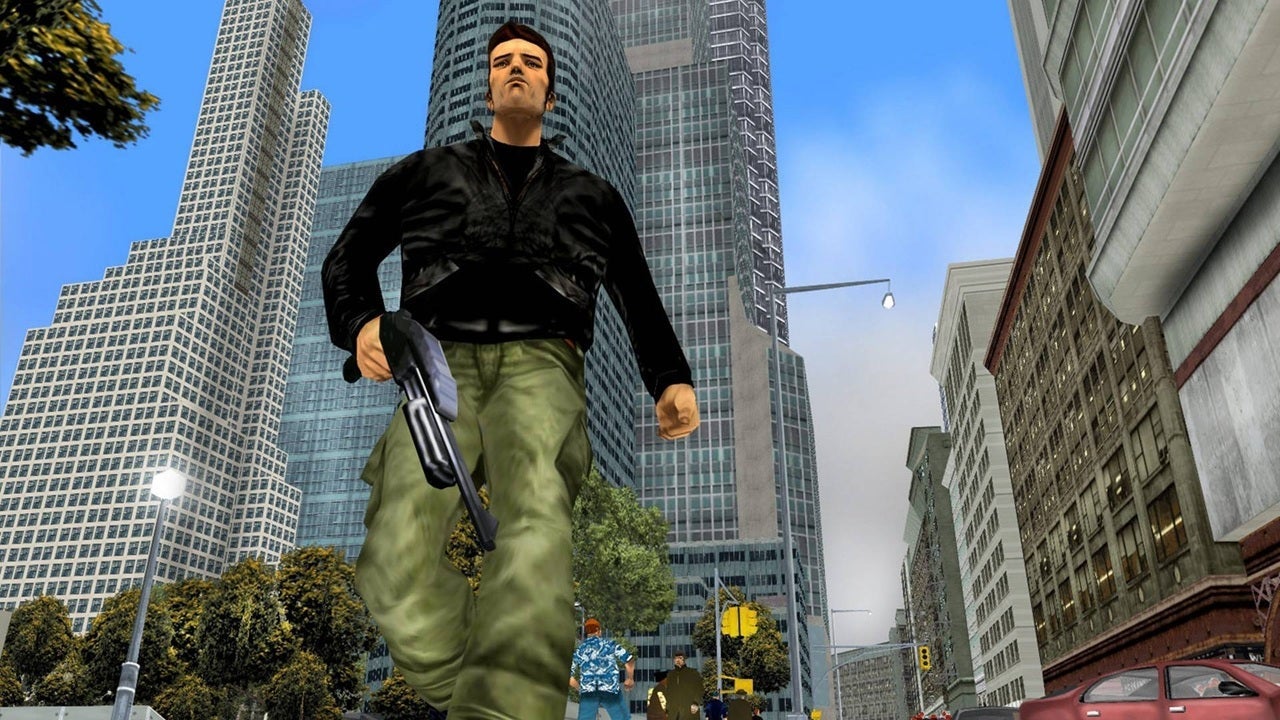
In an unexpected twist in the history of video games, it was revealed that Microsoft rejected the opportunity in 2001 to have Grand Theft Auto III (GTA III) as an exclusive title for Xbox. This decision, mentioned in the documentary Power On: The Story of Xbox, is considered one of the most regretted in the company’s history. Rockstar, the creator of the series, approached Microsoft with the project, but the executives, not foreseeing the impact the game would have, chose not to take the risk.
Microsoft has lacked a vision for the future for years
According to Kevin Bachus, who at the time was in charge of Xbox’s relationships with external developers, the transition from 2D to 3D seemed complex. This lack of vision allowed GTA III to become the best-selling game of 2001, accumulating 14.5 million units sold and, surprisingly, surpassing some releases that had been less successful. This was a crucial point that helped Sony seal a deal for the game to be temporarily exclusive to PlayStation 2.
Years later, at E3 2006, Microsoft amended its strategy by announcing that Grand Theft Auto IV would be a timed exclusive release for Xbox 360, a move that reflected a shift in the company’s philosophy regarding high-profile titles. This evolution in Microsoft’s strategy demonstrates how key decisions in the video game industry can radically alter the course of the market, recalling similar situations such as Nintendo’s rejection of Sony in its attempt to create a joint console.
The Grand Theft Auto saga has come a long way, evolving from 2D releases to becoming a resounding success in 3D. However, the future of the console, marked by strategic decisions and shifts in focus, presents an interesting exercise in speculation.What would have happened if GTA VI, which is set to arrive in November, had been exclusive to Xbox? The video game industry is full of alternatives that could have changed the course of history.
Microsoft has announced a significant simplification in the process of adding hyperlinks in Word documents, aiming to make this task as easy as working with text. This update allows Word users on macOS and Windows to create links more efficiently, reducing the process from two steps to one. Until now, to convert a word or a piece of text into a hyperlink, it was necessary to select it, right-click, and choose the corresponding option from the context menu. Now using Microsoft Word is easier However, with this new functionality, the […]
Microsoft has announced a significant simplification in the process of adding hyperlinks in Word documents, aiming to make this task as easy as working with text.
This update allows Word users on macOS and Windows to create links more efficiently, reducing the process from two steps to one.
Until now, to convert a word or a piece of text into a hyperlink, it was necessary to select it, right-click, and choose the corresponding option from the context menu.
However, with this new functionality, users only need to highlight the desired word or phrase and paste the link directly over it, and Word will automatically convert it into a hyperlink. This approach aims to simplify daily tasks, allowing users to focus more on the content rather than on formatting.
This update is now available for Word users on macOS and Windows who have the software installed in its latest versions: version 16.104 (Build 25120915) or later for macOS, and version 2511 (Build 19530.20006) or later for Windows.
BREAKING: Microsoft just renamed Office to "Microsoft 365 Copilot app"
In addition,the new feature is already active in Word for the web, allowing the enhanced experience to be available to all users immediately.
Microsoft emphasizes that its goal is to make everyday tasks in Word as seamless as possible. According to the company, “we believe that the tasks you perform daily in Word, such as hyperlinking text, should feel effortless, so we have streamlined the entire process.” This means a reduction in the number of clicks required, which helps users maintain their workflow without interruptions.
Microsoft has carried out a significant cut in its workforce, laying off around 9,000 employees and closing several studios and development projects. One of the most notable was the reboot of the game Perfect Dark, which was being co-developed by The Initiative and Crystal Dynamics. This closure has generated great discontent among those involved, as many developers tried to save the project unsuccessfully, and an agreement with the publisher Take-Two sank due to differences over intellectual property rights. A game in its final stages Alix Wilton Regan, who voices the main character Joanna […]
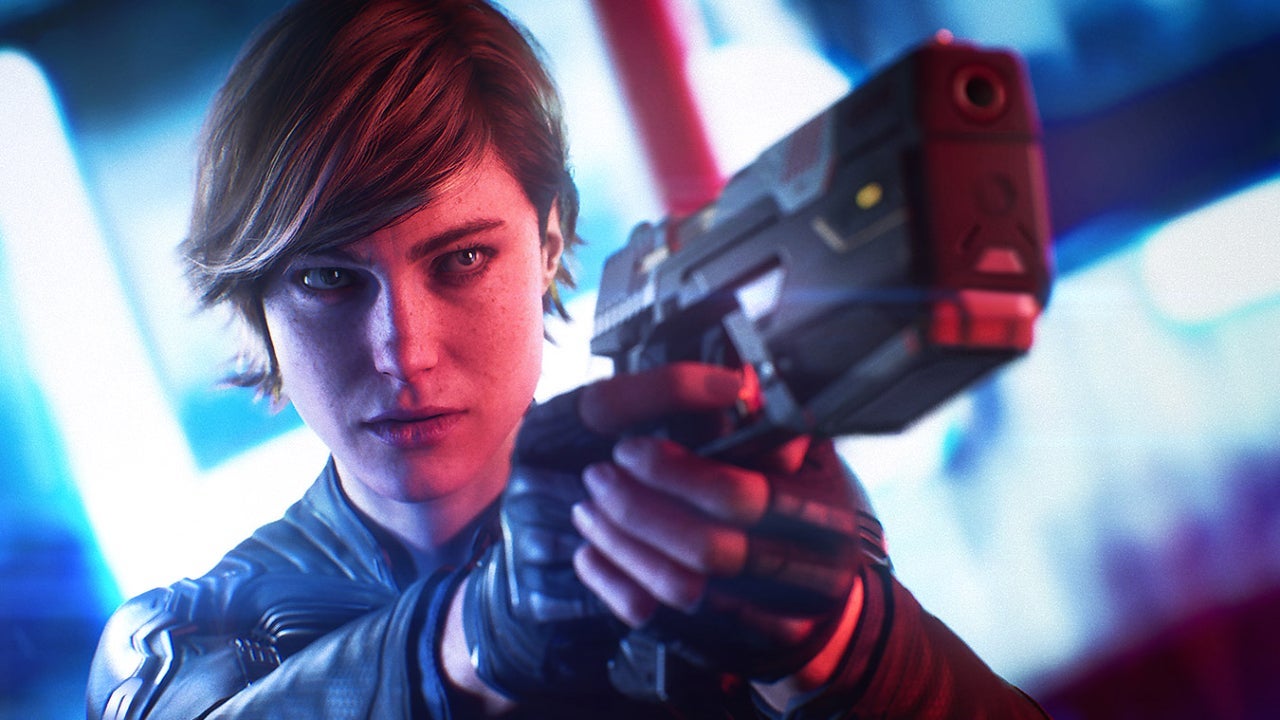
Microsoft has carried out a significant cut in its workforce, laying off around 9,000 employees and closing several studios and development projects. One of the most notable was the reboot of the game Perfect Dark, which was being co-developed by The Initiative and Crystal Dynamics. This closure has generated great discontent among those involved, as many developers tried to save the project unsuccessfully, and an agreement with the publisher Take-Two sank due to differences over intellectual property rights.
A game in its final stages
Alix Wilton Regan, who voices the main character Joanna Dark, expressed her surprise and devastation after the project’s cancellation. “I didn’t see this coming. I felt completely blindsided when the funding was pulled,” she commented in a recent interview. The actress had been working on the video game for years and was informed of the closure at the same time as the rest of the team. “We were recording and doing motion capture during 2023 and 2024, and we had already made considerable progress in production,” Regan added.
The closure of The Initiative has had a devastating impact not only on the project but also on the developer community, which has lost the collaboration and creativity that existed in the studio. “We lost a creative ecosystem overnight, which was really hard for everyone,” said Regan, who noted that many coworkers were also left unemployed.
Despite the cancellation of Perfect Dark, the actress has continued her career by being part of two new Tomb Raider games, where she plays Lara Croft. “The fact that Perfect Dark fell apart was difficult, but I had already been recording for Lara for a year,” she concluded, emphasizing that she is still concerned about the possibility of losing her role as Lara Croft.
In 1984, Alexey Pajitnov, a young Soviet developer, never imagined that his simple puzzle, inspired by one of his favorite games, would change the landscape of video games forever. Tetris, as he named it, would not only become a global phenomenon but would also catapult him to fame and wealth. Over the years, Pajitnov has continued to create new gaming experiences, highlighting recent titles like Tetris 99 and Tetris Effect, which reimagine the classic gameplay of his original creation. A most singular man After emigrating to the United States in the 90s, […]
In 1984, Alexey Pajitnov, a young Soviet developer, never imagined that his simple puzzle, inspired by one of his favorite games, would change the landscape of video games forever. Tetris, as he named it, would not only become a global phenomenon but also catapult him to fame and wealth. Over the years, Pajitnov has continued to create new gaming experiences, highlighting recent titles like Tetris 99 and Tetris Effect, which reimagine the classic gameplay of his original creation.
A Most Unique Man
After emigrating to the United States in the 90s, Pajitnov founded The Tetris Company, taking charge of managing the rights to the iconic brand. Although his masterpiece has always been Tetris, Pajitnov has shown his passion for video game design with several projects, although none reached the same level of success. Among them are Welltris, which introduced three-dimensional elements to the classic Tetris, and Hatris, a game where players must match hats falling from the sky.
At Microsoft, where he worked for several years, his game Hexic stands out, released alongside the Xbox 360 in 2005, which is considered one of his greatest achievements at the company. Despite his semi-official retirement in 2010, Pajitnov has left an indelible mark on the video game industry, although his personal life has been marked by tragedies, such as the death of his son in 2017.
Recently, Pajitnov was in Spain to receive an award at the OXO Video Game Museum, reaffirming his impact on the industry. As the world of video games continues to adapt, fans hope that Pajitnov’s legacy and creativity will continue to inspire future generations of developers and players.
Valve has removed the Project Misriah mod for Counter-Strike 2 after receiving a DMCA notice from Microsoft, which alleges copyright infringement. This mod aimed to recreate the multiplayer of Halo 3 within the sequel of Valve’s popular shooter, adjusting mechanics, weaponry, and sounds to emulate the classic experience of Bungie’s game. Copying Halo doesn’t sound like the best idea The creator of Project Misriah, Froddoyo, made the news public through a message on Twitter, where he included an image of the DMCA notice. According to the claim, the […]
Valve has removed the Project Misriah mod for Counter-Strike 2 after receiving a DMCA notice from Microsoft, which claims copyright infringement. This mod aimed to recreate the multiplayer of Halo 3 within the sequel to Valve’s popular shooter, adjusting mechanics, weaponry, and sounds to emulate the classic experience of Bungie’s game.
Copying to Halo doesn’t sound like the best idea
The creator of Project Misriah, Froddoyo, made the news public through a message on Twitter, where he included an image of the DMCA notification. According to the claim, the unauthorized use of content from the Halo game in an unassociated workshop infringed Microsoft’s rights. Therefore, Valve proceeded with the temporary removal of the mod posts on Steam.
The controversy has raised concerns in the modding community, which fears that this precedent could affect other Steam packages, such as those for Left 4 Dead 2 and Garry’s Mod. A fellow modder, Valkyries733, warned that this case could set a precedent that might lead to more removals of similar content on the platform. Although the Project Misriah team could, in theory, file a counterclaim if they believe their work does not infringe copyright, it seems that this option is not in their plans.
Despite the removal of the mod, several players have expressed their appreciation for the work done. Morgan Park, who tried Project Misriah, stated that it was an impressive recreation of Halo’s multiplayer, highlighting the quality of the map design and the fun it provided. “It’s a delight, evocative of the source material and genuinely fun,” commented Park.
The community of players and modders continues to closely monitor the situation, wondering how this action by Microsoft could impact the future of fan-created content on various platforms.