Ubisoft has revealed its latest title, Might & Magic: Fates, a free collectible card game that incorporates elements of blockchain and non-fungible tokens. Despite the resistance it has encountered in certain sectors of the gaming community due to its focus on Web3 technology, the company persists in exploring ways to integrate these new mechanisms into its releases. An announcement with a more than doubtful audience Might & Magic: Fates, developed in collaboration with Immutable, will allow players to collect cards, build decks, and participate in strategic duels where adaptation and tactics will be key […]
Ubisoft has revealed its latest title, Might & Magic: Fates, a free collectible card game that incorporates elements of blockchain and non-fungible tokens. Despite the resistance it has encountered in certain sectors of the gaming community due to its focus on Web3 technology, the company continues to explore ways to integrate these new mechanisms into its releases.
An announcement with a more than questionable audience
Might & Magic: Fates, developed in collaboration with Immutable, will allow players to collect cards, build decks, and engage in strategic duels where adaptation and tactics will be key to victory. The game promises a rich experience in the Might & Magic universe, combining mythical creatures, epic heroes, and spells, which could attract fans of the franchise.
Although the title will feature an optional Web3 layer that will enable card trading through the blockchain, Ubisoft assures that this will not be a requirement to fully enjoy the title. According to their Frequently Asked Questions section, players will still be able to expand their collection and enjoy all the game mechanics without the need to make transactions on the blockchain, emphasizing that this integration is completely optional and does not provide any competitive advantage.
The company has announced that Might & Magic: Fates will be available “soon” for Android and iOS mobile devices, and later for PC, which will allow access to a larger audience. In addition, Ubisoft is in the process of developing another title within the saga, Might & Magic: Olden Era, which will be released in early access during the summer, increasing expectations among fans.
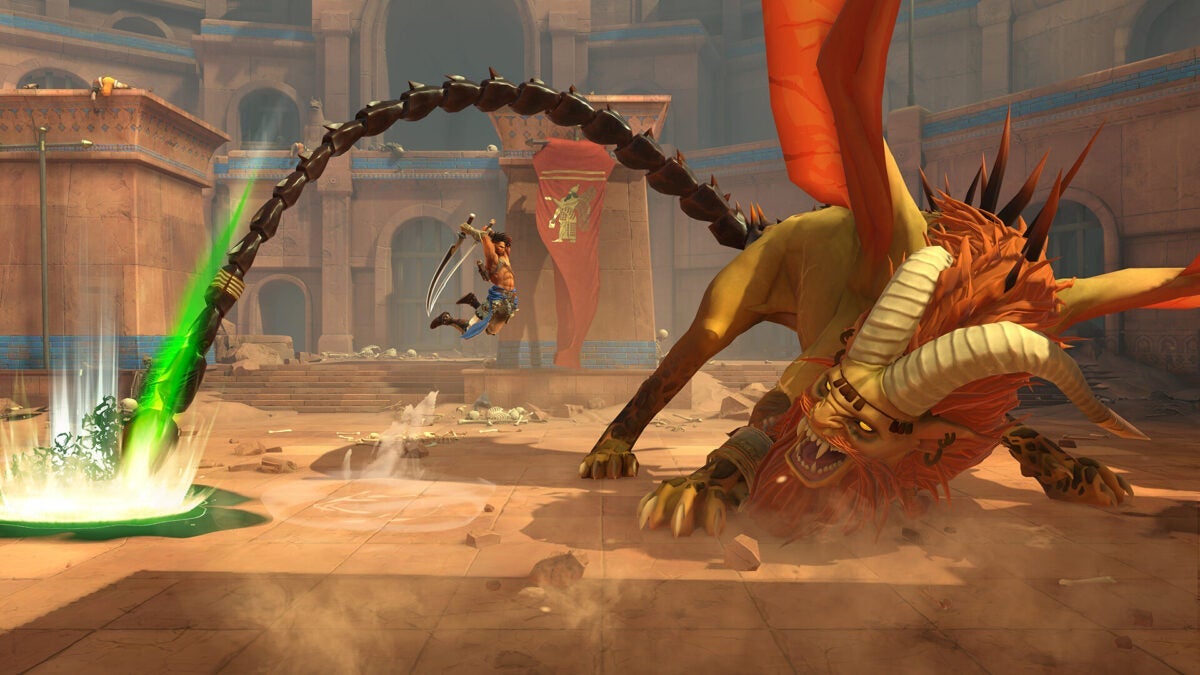
Prince of Persia: The Lost Crown, the latest title in Ubisoft’s iconic saga, has made its debut on mobile devices, specifically for Android, just a year and three months after its release on next-gen consoles. This 2.5D metroidvania-style game combines action and exploration in an environment that recalls the franchise’s roots, offering players the chance to enjoy a complete experience on small screens. An excellent game for which you need a controller In The Lost Crown, players take control of Sargón, a hero tasked with rescuing […]
Prince of Persia: The Lost Crown, the latest title in Ubisoft’s iconic saga, has made its debut on mobile devices, specifically for Android, just a year and three months after its release on next-gen consoles. This 2.5D metroidvania-style game combines action and exploration in an environment that recalls the franchise’s roots, offering players the chance to enjoy a complete experience on small screens.
An excellent game for which you need a controller
In The Lost Crown, players take control of Sargon, a hero tasked with rescuing a prince in a cursed city filled with monsters. The game’s mechanics focus on challenging combat that demands dodging skills, precise counterattacks, and time manipulation, keeping players in constant tension during each encounter.
Ubisoft has perfectly adapted the entire experience of the original game for its mobile version, allowing users to enjoy a campaign that is estimated to last around 18 hours. In addition, the game’s map is extensive and full of secrets to discover, ensuring that fans of the metroidvania genre will find plenty of content to explore.
For those who prefer to play with touch controls, Ubisoft has implemented customization options that enhance the experience, although using a controller is recommended for smoother gameplay. Among these settings are automatic locking, the use of potions, and automatic attacks, which are especially useful in the more difficult battles.
Prince of Persia: The Lost Crown has received a positive reception from critics and fans, highlighting its potential on mobile platforms. The title is now available on Google Play Store, including a free trial, inviting new players to dive into this nostalgic return of the saga.
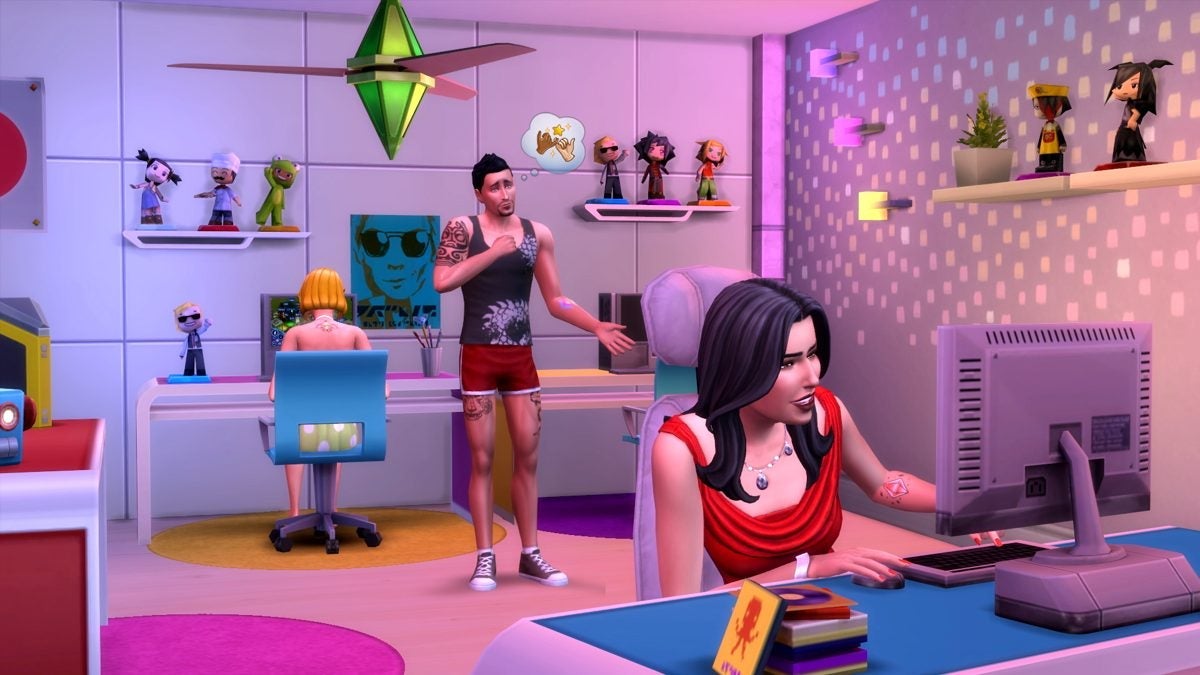
Recently, screenshots and a nearly six-minute video have leaked of what is alleged to be a developing mobile Sims game. This content shows basic gameplay along with an interface considered generic by many fans. The video was uploaded by a user who claims that the material corresponds to this year and was played on an Android device, aligning with a listing in the German Google Play Store that mentions a “City Life Game with Friends.” EA is not managing The Sims well The scarce information communicated by Electronic Arts […]
Recently, screenshots and a nearly six-minute video have leaked of what is alleged to be a developing Sims mobile game. This content shows basic gameplay along with an interface considered generic by many fans. The video was uploaded by a user who claims that the material corresponds to this year and was played on an Android device, aligning with a listing in the German Google Play Store that mentions a “City Life Game with Friends”.
EA is not managing The Sims well
The scarce information communicated by Electronic Arts regarding Project Rene and other Sims projects has generated frustration among the franchise’s followers. Although EA has confirmed that Project Rene will not be The Sims 5 and will be a cross-platform game, the lack of concrete details leaves players in uncertainty. Most of what is known about this title comes from old behind-the-scenes videos and investor presentations that have not been adequately communicated to the gaming community.
The features revealed in the leaks have received criticism, with many players complaining about the visual design and preliminary gameplay. Elements such as the use of a virtual joystick for navigation, the accumulation of simoleons, and interaction with other sims have not impressed fans. This lack of appeal is exacerbated by the general confusion over whether these leaks actually belong to Project Rene or if they are from a completely different project.
Meanwhile, a new competitor in the life simulation genre, Inzoi, has launched its early access and is managing communication more effectively than EA. The situation raises questions about the future direction of The Sims series, as fans continue to await official and clear information about the development of their favorite games.
Since its launch on December 21, 2024, the shooter Delta Force has captured the attention of PC players, surpassing 130,000 concurrent users, according to data from SteamDB. This remarkable interest suggests strong support for the game’s proposal, which combines frantic action with impressive visual design. And seeing this success, the natural step was what it was. More reasons to keep the mobile in hand all day long. In a strategic move, Timi Studios has announced that Delta Force will be available on Android and iOS devices on April 21, 2025. […]
Since its launch on December 21, 2024, the shooter Delta Force has captured the attention of PC gamers, surpassing 130,000 concurrent users, according to data from SteamDB. This remarkable interest suggests strong support for the game’s proposal, which combines frantic action with impressive visual design. And seeing this success, the natural step was what it was.
More reasons to keep your phone in hand all day
In a strategic move, Timi Studios has announced that Delta Force will be available on Android and iOS devices on April 21, 2025. This mobile launch promises next-gen graphics and superior performance, surpassing the competition by 30-50%. With features that include the ability to perform on a portable device, the company hopes to attract a new legion of players.
Those interested in playing from day one can pre-register on Google Play or the App Store, which will allow them to receive exclusive rewards whose value will depend on the total number of registrations made. The developers have emphasized that as milestones in the number of pre-registrations are reached, players will receive more items to use within the game, a tactic that reinforces community engagement and participation.
In addition, the Timi Studios team has confirmed that the versions for PS5 and Xbox Series are in development, moving towards the polishing phase, focused on improving aspects such as performance optimization and user interface. A limited beta for these consoles is anticipated during the summer of 2025, which could further increase the excitement among console shooter fans.
With these developments, Delta Force positions itself as a serious competitor in the genre, offering players multiple platforms and gaming experiences that promise to break boundaries in interactive entertainment.
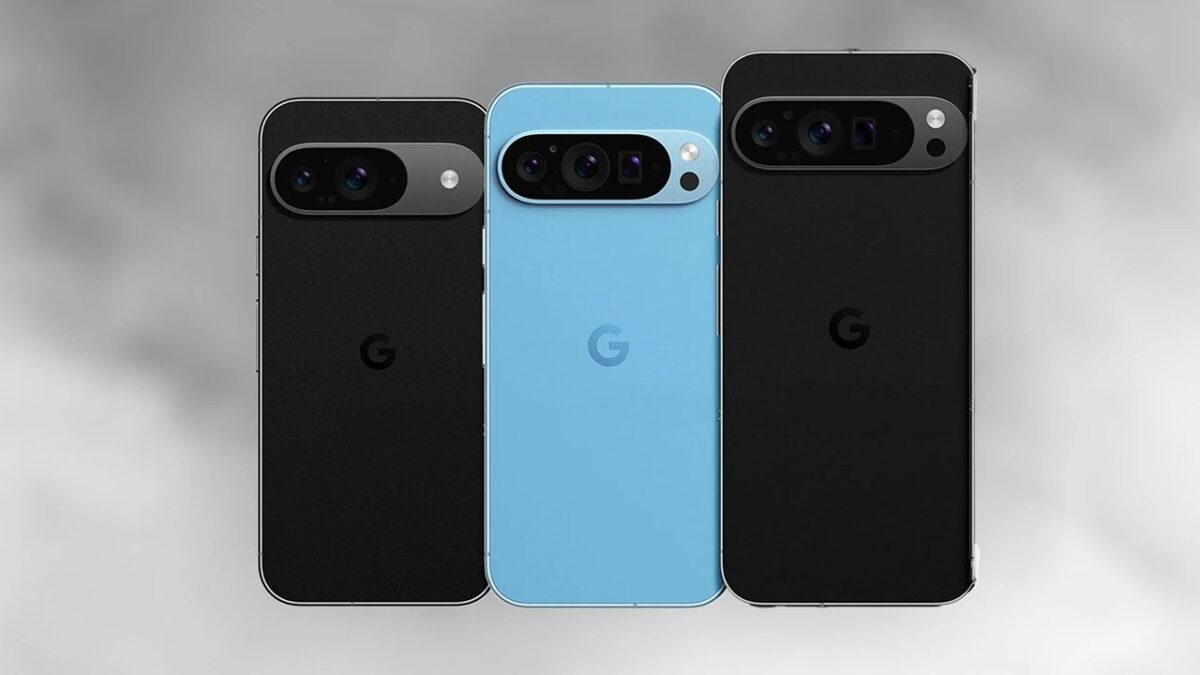
Google and Qualcomm have announced a strategic alliance aimed at extending software and security support on Android phones for up to eight years, a significant advancement that promises to improve the sustainability of mobile devices. Let’s remember that Google already offers 7 years of support for Android on its Pixel 8 and Pixel 9. This new program includes updates for both the Android operating system and the SoC, allowing original equipment manufacturers (OEMs) to keep their devices updated without incurring substantial additional costs. The implementation of this extended support is subject to the decision of the manufacturers, with some […]
This new program includes updates for both the Android operating system and the SoC, allowing original equipment manufacturers (OEMs) to keep their devices updated without incurring substantial additional costs.
The implementation of this extended support is subject to the manufacturers’ decision, with some like OnePlus already expressing their intention to offer only four years of support.
Qualcomm just announced that its Snapdragon 8 Elite platform will be supported for "up to eight consecutive years of Android software and security updates."
"What this means is that support for platform software included in this program will be made available to OEMs for eight… pic.twitter.com/UdfaspMzkg
Is it possible to provide 8 years of updates realistically?
The first phase of the program will be applied to phones equipped with Snapdragon Elite 8 chipsets, and it is expected to cover the next five generations of Qualcomm processors. This means that companies using these chips will have access to reliable software for a considerable period.
Despite these promises, there are challenges. Not only is the support period affected by manufacturers’ decisions, but there is also the issue of the durability of lithium-ion batteries, which could deplete within a span of eight years, limiting the actual lifespan of the devices.
Google, Qualcomm will support 8 years of Android updates with latest chips https://t.co/cxAImh6Mmq
In addition, the new software features, especially those that incorporate artificial intelligence, require more advanced chips, which could make the user experience less than optimal throughout the support duration.
At a time when concern about planned obsolescence and electronic waste is greater than ever, this collaboration represents a positive step towards sustainability.
Many users could benefit from being able to use their phones for a longer time, perhaps mitigating the alarmingly growing volume of electronic waste. However, the feasibility of extending the lifespan of a smartphone to eight years remains to be seen in practice.
It’s a very risky bet, but it’s clear that the Apple company wants to fully engage in the fight to dominate streaming platforms. The Apple TV app has finally landed in the Android ecosystem after more than eight years since its initial launch. On February 12, the Cupertino company released the long-awaited application on the Google Play Store, a significant step in its expansion strategy in the streaming market. Fully in the front line of the streaming platform battle, the launch of the app for Android devices is […]
It is a very risky bet, but it is clear that the apple company wants to fully engage in the fight to dominate streaming platforms. The Apple TV app has finally landed in the Android ecosystem after more than eight years since its initial launch. On February 12, the Cupertino company released the long-awaited application on the Google Play Store, a significant step in its expansion strategy in the streaming market.
Fully in the front line of the streaming platforms battle
The launch of the app for Android devices is a strategic move for Apple, as it expands its availability to a much broader audience, allowing users of smartphones and tablets running Android 10 or higher to enjoy its exclusive content. This not only represents an opportunity to capture a new customer base but also demonstrates a shift in the company’s strategy, which has historically been more reluctant to open its services to competing operating systems.
The Apple TV app offers access to a vast library of series and movies, including original productions from Apple, which have been well received by critics and audiences. Now, millions of Android users have the opportunity to explore this content, which could bring them closer to Apple’s subscription services, such as Apple TV+.
This launch may also reflect a growing competition in the streaming ecosystem, where platforms like Netflix, Amazon Prime Video, and Disney+ have already established a strong presence. Analysts suggest that by opening its app to Android, Apple is better positioned to compete in a continuously evolving and expanding market.
Apple’s strategy seems aligned with recent trends in the industry, where interoperability and accessibility are key to attracting and retaining subscribers. As more Android users join the Apple ecosystem, the impact on sales and the growth of its subscriber base will be an aspect to watch closely in the coming months.
Google has officially launched version 13.7 of Android Auto, surprisingly and without a prior beta to anticipate its arrival, which is unusual in the Android ecosystem. This new update is already available for all users through Google Play, although its distribution is staggered, meaning it may not appear immediately for everyone. For those who do not have access to the update through the store, there is the option to install a safe APK file, which is signed by Google itself on its website. What does this new version bring […]
Google has officially released version 13.7 of Android Auto, surprisingly and without a prior beta to anticipate its arrival, which is unusual in the Android ecosystem.
This new update is now available for all users through Google Play, although its distribution is staggered, which means it may not appear immediately for everyone.
For those who do not have access to the update through the store, there is the option to install a safe APK file, which is signed by Google itself on its website.
Regarding the news brought by the update, users will find that the centered view of Google Maps has been corrected, providing an improved navigation experience. However, it is important to highlight that there are no significant visible changes or new features that replace the existing ones.
As is customary in the development of Android Auto, the update has focused on improving stability and compatibility with a greater number of vehicles.
Despite expectations, voice interactivity is still managed by Google Assistant, without progress towards the promising assistant known as Gemini in this update.
The Android Auto interface, for its part, effectively adapts to different screen sizes and aspect ratios, which will benefit users who have a different screen layout. Currently, each brand opts for a different type of screen and position on the dashboard.
User reports from those who have already tried the new version indicate that no significant issues have been found so far, suggesting a successful rollout. As more devices receive the update, it will be possible to observe how the community responds to these improvements under Google’s staggered release policy.
Tomb Raider fans have been eagerly waiting for a new game since Shadow of the Tomb Raider was released in 2018. While there is speculation about when Lara Croft’s next adventure will arrive, players will have the opportunity to enjoy the return of one of her spin-off games. Feral Interactive has announced that Lara Croft and the Guardian of Light will be available on iOS and Android on February 27. This game, originally released in 2010 for Xbox Live and PSN, deviates from the traditional Tomb Raider gameplay model by offering a camera view […]
Tomb Raider fans have been eagerly awaiting a new game since Shadow of the Tomb Raider was released in 2018. While there is speculation about when Lara Croft’s next adventure will arrive, players will have the opportunity to enjoy the return of one of its spin-off games. Feral Interactive has announced that Lara Croft and the Guardian of Light will be available on iOS and Android on February 27. This game, originally released in 2010 for Xbox Live and PSN, deviates from the traditional Tomb Raider gameplay model by offering a fixed camera view and a focus on cooperative play.
A game we can already enjoy on Nintendo Switch
In Guardian of Light, Lara teams up with Totec, a Mayan warrior, to face the evil spirit Xolotl. This installment marked an evolution in the series, emphasizing character collaboration and radically changing the way players interact. Feral Interactive also brought this title and its sequel, Lara Croft and the Temple of Osiris, to Nintendo Switch as part of The Lara Croft Collection in 2023.
Beyond the world of video games, there is a live-action Tomb Raider series project in development for Prime Video, where it is rumored that Sophie Turner, known for her role in Game of Thrones, will play Lara Croft. Although Amazon will also publish the upcoming Tomb Raider game, it has been noted that it will not be connected to the live-action series.
On the other hand, console fans can keep themselves entertained between releases with Tomb Raider IV-VI Remastered, a collection that includes Tomb Raider: The Last Revelation, Tomb Raider: Chronicles, and Tomb Raider: The Angel of Darkness. This set will be available on multiple platforms on February 14. Additionally, Netflix has renewed the animated series Tomb Raider: The Legend of Lara Croft for a second season.
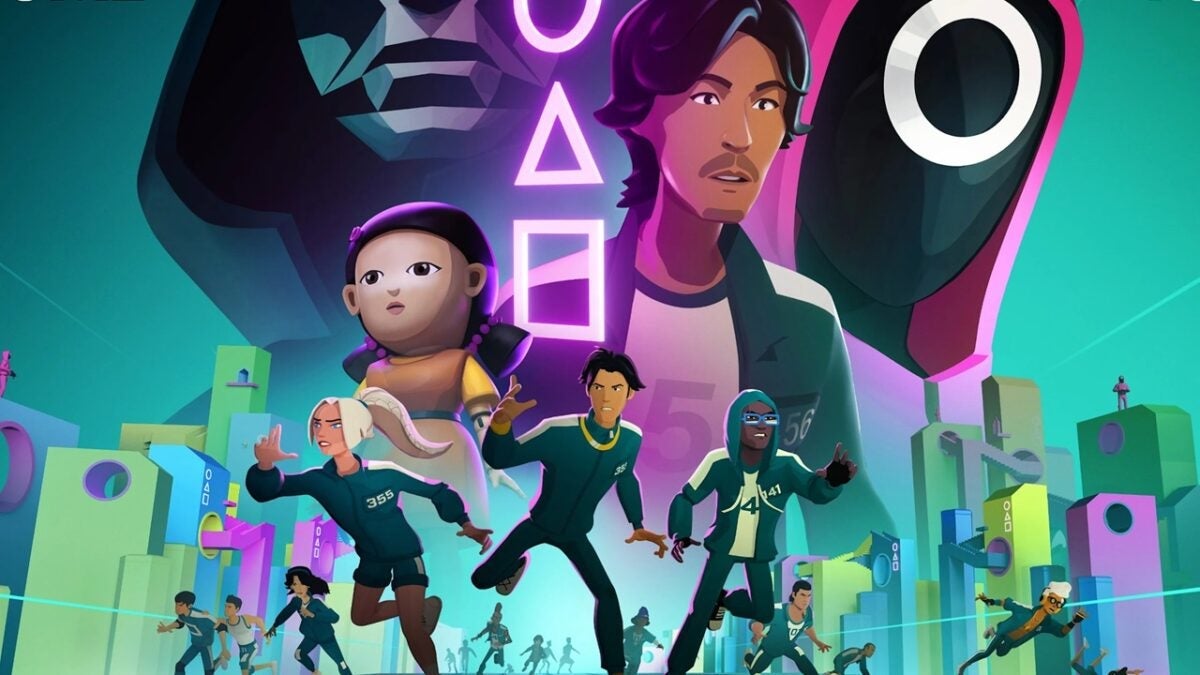
Netflix has always had a problem with its video game section: how to get people to play them. Making them hard to access and not having an interesting own catalog might have something to do with it, but it doesn’t seem like it’s something that has crossed their minds. Quite the opposite. That’s why they have opted to do something that has an easier solution. More immediate. Rewarding you in their games for the fact of watching the series. Squid Game, better if it’s on your phone and your TV at the same time Squid Game: Unleashed […]
Netflix has always had a problem with its video game section: how to get people to play them. Making them difficult to access and not having an interesting own catalog might have something to do with it, but it doesn’t seem like it’s something that has crossed their minds. Quite the opposite, in fact. That’s why they have opted to do something that has an easier solution. More immediate. Reward you in their games for the fact of watching the series.
Squid Game, Better if It’s Both on Your Mobile and Your TV
How? The more episodes you watch of the second season of Squid Game, the more rewards you’ll earn in the game. Since everything is on the same platform, you don’t even have to do anything special to achieve it. Just by playing the game and watching the series, for each episode you watch, you’ll receive a new reward in the game. This creates a synergy that Netflix hopes will boost the numbers for both the series and, especially, the game.
Additionally, the rewards are quite generous. Without watching the series, you will already earn 15,000 Cash. But as you progress in the second season of the series, you will earn more money, and even some exclusive outfits for those who are watching the series. In addition to tokens that are used to play in the roulette, which can unlock more objects and random rewards. Making it practically essential to watch the series if you want to play the game.
Now then, if you play Squid Game: Unleashed, how can you not watch the series? So if you ask us, this is a situation where you can only come out winning. Therefore, if the game catches your attention, you can download it on Android through Google Play and on iOS via the App Store. And see if you are capable of winning the grand prize without dying in the attempt.
Squid Game: Unleashed is a free multiplayer action game for iPhone that immerses players in a competitive battle royale inspired by the popular series. It features iconic challenges from the show, such as Red Light, Green Light, and Glass Bridge, alongside new games based on classic childhood activities. Players must navigate these deadly competitions while utilizing skill and strategy to outlast opponents, all while customizing their characters with various outfits and emotes.
For those who don’t know, Google gives you quite a bit of authority over how and when it accesses your information associated with Android. And we say this because Apple has been boasting for years that they are the user-friendly company when it comes to privacy, but Google has improved a lot in this regard over the last 4 years. Ultimately, it all comes down to being informed about the possibilities and then determining what balance between privacy and functionality makes the most sense for you. And the responsibility falls directly on you, which means you have to make an effort […]
Ultimately, it all comes down to being informed about the possibilities and then determining what balance between privacy and functionality makes the most sense for you.
And the responsibility falls directly on you, which means you have to make an effort to understand your operating system and how you can get the most out of it without giving up all your privacy along the way.
By default, most of Google’s privacy options are turned off, as Google thrives on ads and the better it knows you, the better experience it can offer you as an individual user.
This is not necessarily bad, but it may not be what you want or are looking for. And navigating through the layers of settings, not only with Google itself but also with the various third-party services that interact with the phone, is often easier said than done. So let’s go with the best options when it comes to securing your phone and your Google account:
1. Uninstall all the apps you don’t use
This first step of privacy on Android is a no-brainer and something everyone should do periodically: review all the apps installed on your phone and delete the ones you haven’t used in the last two months.
Applications that you do not use not only consume resources on your device, but they can also leave doors open to confidential information that would be better closed.
So open the app drawer and examine all the icons you see. If you haven’t used an app in a while, press and hold its icon and select “Uninstall” or, if you don’t see that option, select “App info” and look for the “Uninstall” button.
2. Check the applications with access to your Google account
In addition to specific phone permissions, applications and services may request access to certain types of data from your Google account, such as your contacts, your Gmail messages, or even your Google Drive storage.
Once again, this access may be completely justified and not a cause for concern (and would only be present if you explicitly authorize it at some point), but once you are no longer actively using the associated application, you won’t want to leave that avenue open.
Luckily, it is especially easy to close, and another painless privacy measure that is worth doing periodically. You just have to open the Google account connections pageand review everything that appears on the list. For items you no longer use or do not recognize, click on their title and then on the “Remove all connections” option on the screen that appears next.
3. Ensure your lock screen does not display sensitive information
By default, Android is usually set to display all the content of your notifications on the lock screen, which means that if someone else picks up your phone, they could see sensitive information without even having to enter a PIN, pattern, or passcode.
To change this situation, open the Display section of your phone’s settings, select “Lock screen” and then “Privacy” and change the setting to “Show sensitive content only when unlocked” or “Do not show notifications at all,” whichever is more convenient for you.
4. Reset or delete the Android advertising ID
Many people don’t know it, but you can reset or delete something known as your “advertising ID” on Android.
That ID is a unique string of specific numbers from your phone that apps can use to identify you. They may not know your name or anything personal about you – unless you choose to share that information – but that advertising ID allows them to understand your interests and behaviors, and then use that data to show you ads that are supposedly more likely to appeal to you.
When you reset or delete that ID, all that data is lost, and the apps have no way to relate your behavior to any consistent identifier associated with you. Once again, that doesn’t mean you won’t see ads within apps or on the web. It just means that those ads won’t be programmatically selected based on your ongoing activities and what they suggest about your interests.
5. Review the permissions of your applications on Android
Let’s think about those apps that you actively use, because even those may have permissions that you once granted, but no longer need.
So open the Security and Privacy section of the system settings and tap “Permission Manager”. Depending on the software and device you are using, you may need to first tap a line that says “Privacy” or “Privacy Controls” before you see it.
Next, go through each type of permission on the list one by one, review the applications that have access to it, and consider whether the access of each application still seems necessary to you.
If you see something that seems questionable, tap the app’s name and change its setting to “Deny”. There is a possibility that the app may no longer be able to perform some of its functions as a result, but in the worst case, it will ask you to re-enable the permission at some future point and then you can reconsider it.
Starting from Android 12 in 2021 onwards, you can specify whether you want an app to have access to your exact location or just the approximate one, in case you’re very concerned about them knowing where you are at all times.