Jeremy is an avid gamer, writer, musician, and instructor. He has been teaching for over 15 years, with his primary focus on music, and has written all manner of gaming articles, reviews, FAQs, walkthroughs, strategy guides, and even the odd screenplay or two.
He has run the gamut of tech reviews, game guides, lifestyle content, and more. His focus as a writer is to give fair feedback of products, highlighting their strengths and weaknesses in a clear, concise, and entertaining manner.
You’re at the grocery store. You’ve got your cart full and are at the checkout lane when suddenly you hear a voice behind you. You turn. To your surprise, you see your friend rushing towards you, waving his arms with a fistful of coupons gripped in his hand.
Honey is a free extension for Google Chrome, Safari, Firefox, Opera, and Edge, and its sole job is to find any relevant or applicable coupons for what you’re purchasing. It then tacks them onto your order and saves you the money. Honey looks up those coupons quietly and automatically, and you’ll honestly forget it’s even there until you’re right at checkout.
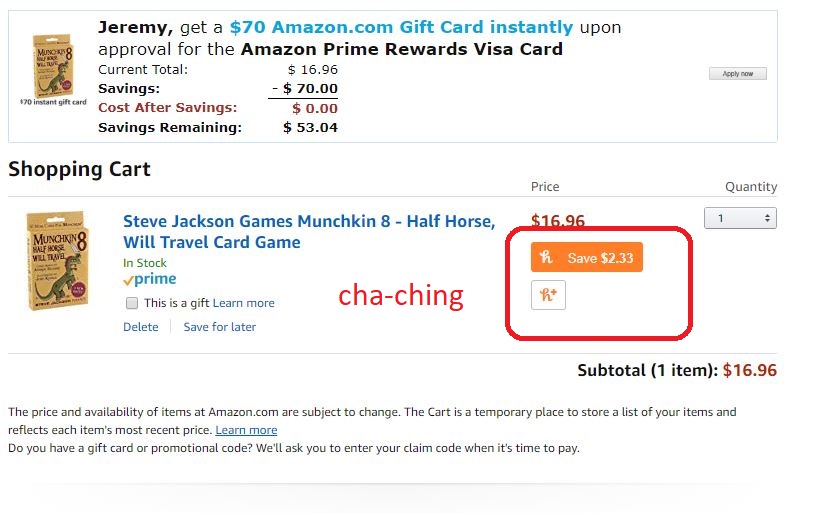
So what’s this like in action? Let’s say, for example, that you’re on Amazon about to order a new deck of cards. Browse until you find it, then add it to your cart as usual.
Amazon.com
Once you’re in the cart ready to buy them, a little Honey blurb (like the one pictured above) will appear directly below the item’s cost. Honey scans through any potential coupons pertaining to your order, and automatically shaves off the most money it can. Why spend extra money, right?
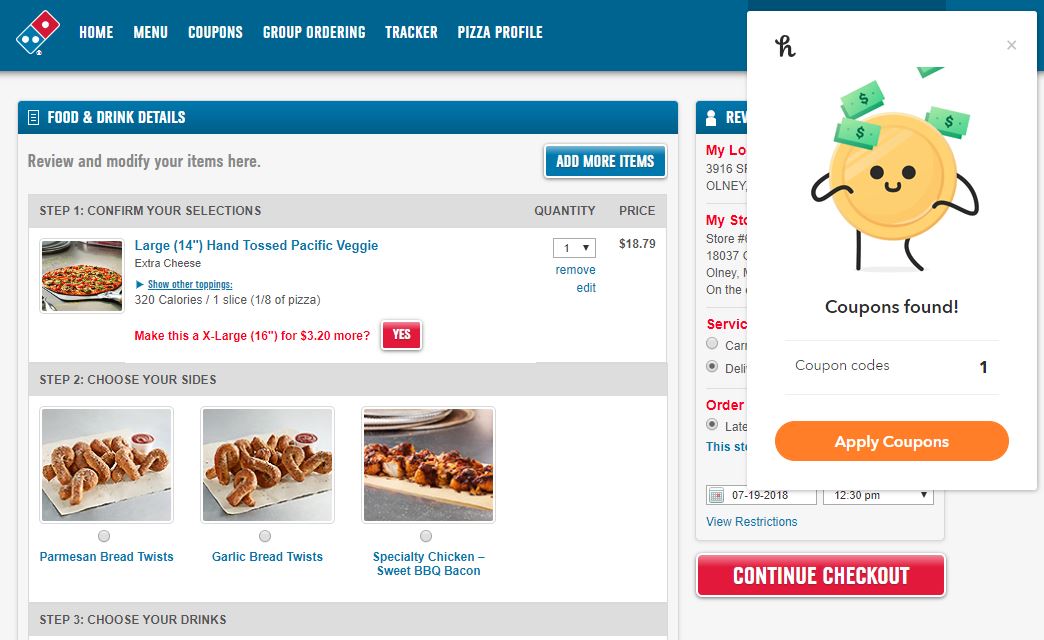
This isn’t just for Amazon.com either. Honey’s got you covered for discounts with over 100 online stores. That includes things like Gamestop, Safeway, Timex, Motorola, Vonage, even Dominos. If there’s a coupon for it, Honey will find it and instantly apply it.
How can you install it?
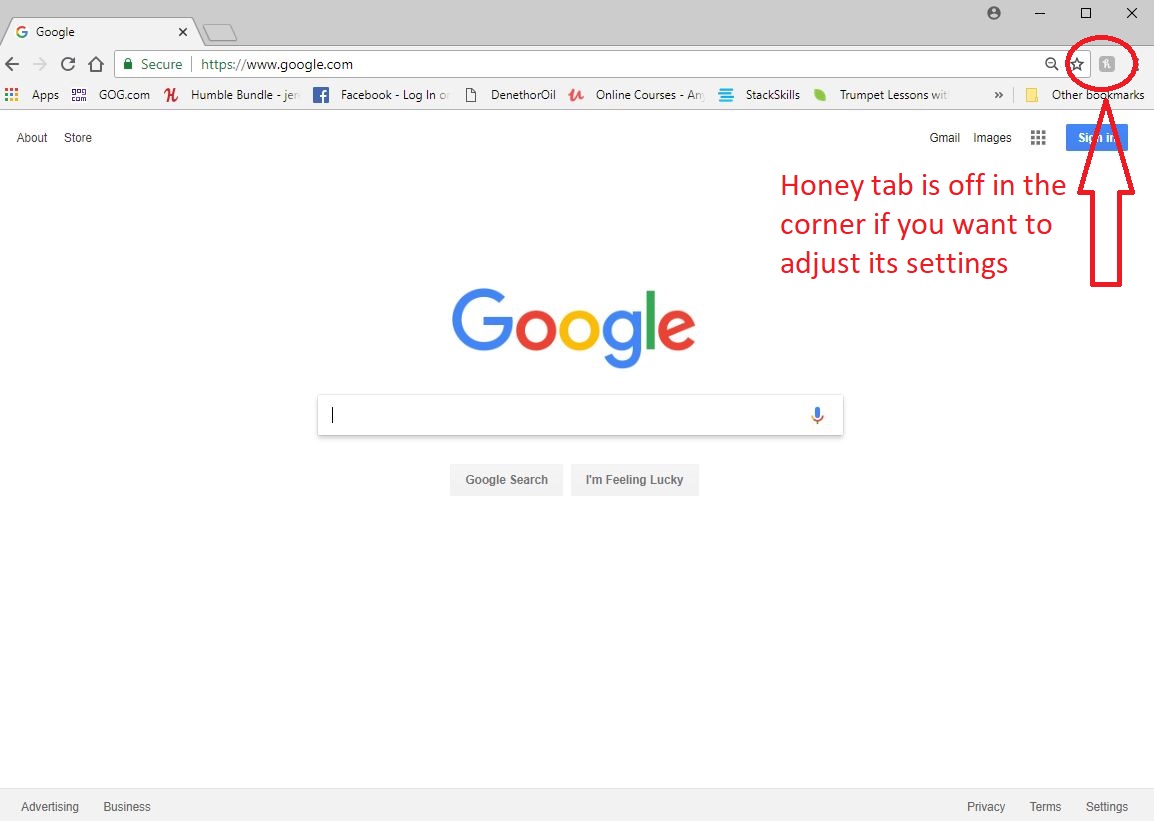
Right here. Go through the quick process and Honey will appear above your bookmarks bar in your Chrome browser. Once you see it, you’re done. If you so choose, you can click on the Honey icon at the corner of your browser if you want to see what stores are trending, or if you want to share codes that you find with the Honey community. Here’s a step by step on how to install the extension:
Once it’s set up, Honey does the work for you from here on out. No need to click anything extra or subscribe or anything.
This sounds too good to be true
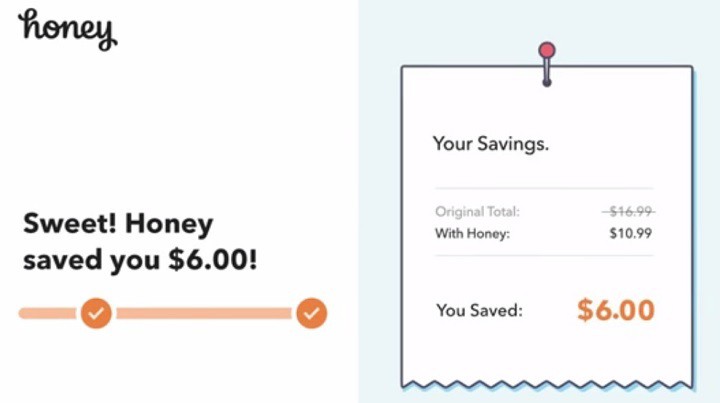
If you’re wondering how Honey makes any profit, here’s the short answer: In some cases, when you use a coupon code or earn Honey Gold, the extension earns a small commission from the store you’re buying from. Some of those earnings go to members.
Looking for a new card game to play? Look no further than Munchkin. In the fast-paced original, players go toe to toe with zany, punny fantasy monsters while backstabbing each other in a mad scramble to the final room of the game’s dungeon.
It’s like speed-running Dungeons and Dragons, with all the traps, betrayals, alliances, character classes and races.
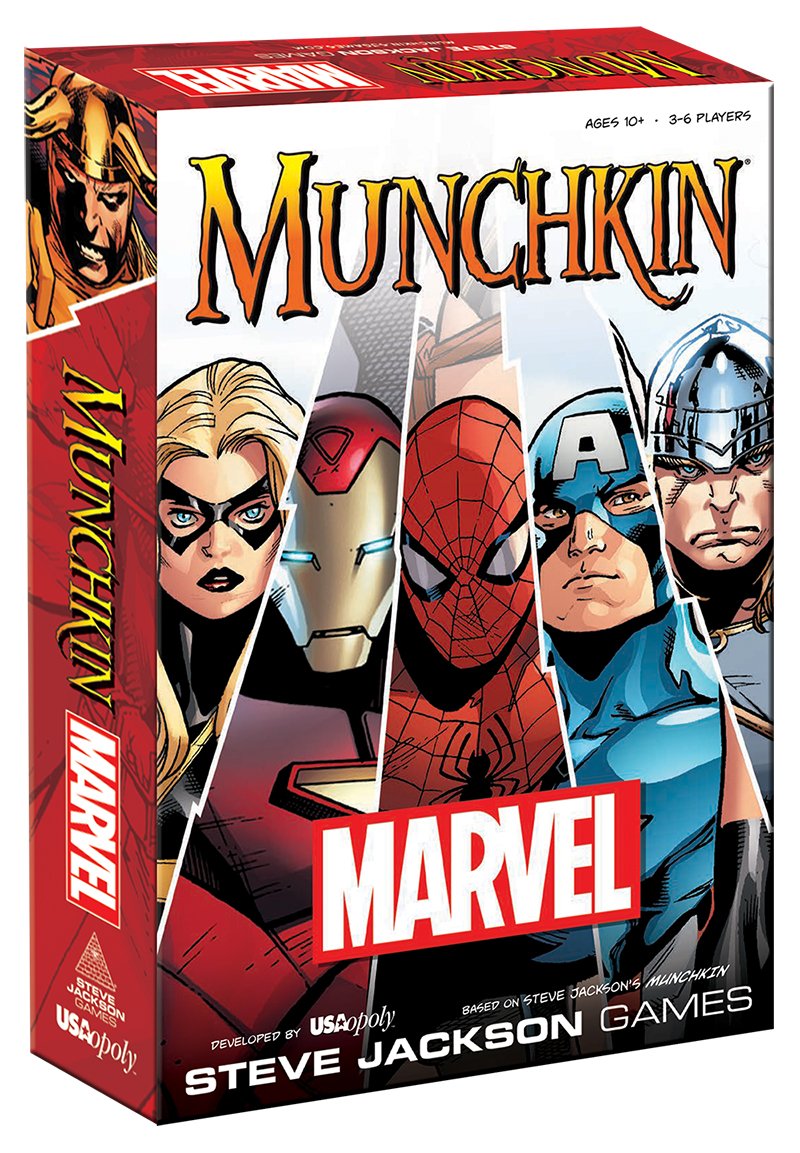
Munchkin: Marvel Edition is a variant of the original formula, but is set in the beloved Marvel Universe. If you’re anything like us, this year’s progress for the MCU has left a thirst for more content and interactivity, especially with the shortage of video games coming from the studio.
If you’re already familiar with Munchkin, a lot of the content here will sound familiar. If you’re totally new to the game and are looking for a fun way to sate your Marvel cravings with some friends, then this crash course is for you:
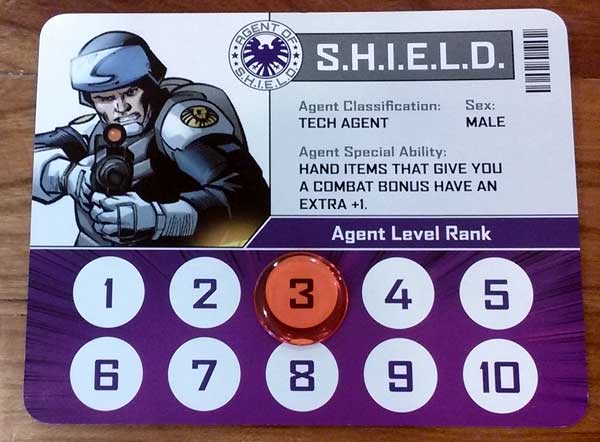
First things first, every player begins with an ID card like the one pictured above. All players begin at rank one, with the goal of the game being to reach level ten and become the new director of SHIELD.
These levels are (almost always) earned by defeating monsters, most of which will bring you one level closer to your goal. Of course, the other players are trying to accomplish the same thing. That means that the closer you get to reaching level 10, the more they’ll start gunning for you as well as the monsters.
Things can get pretty intense.
Setup
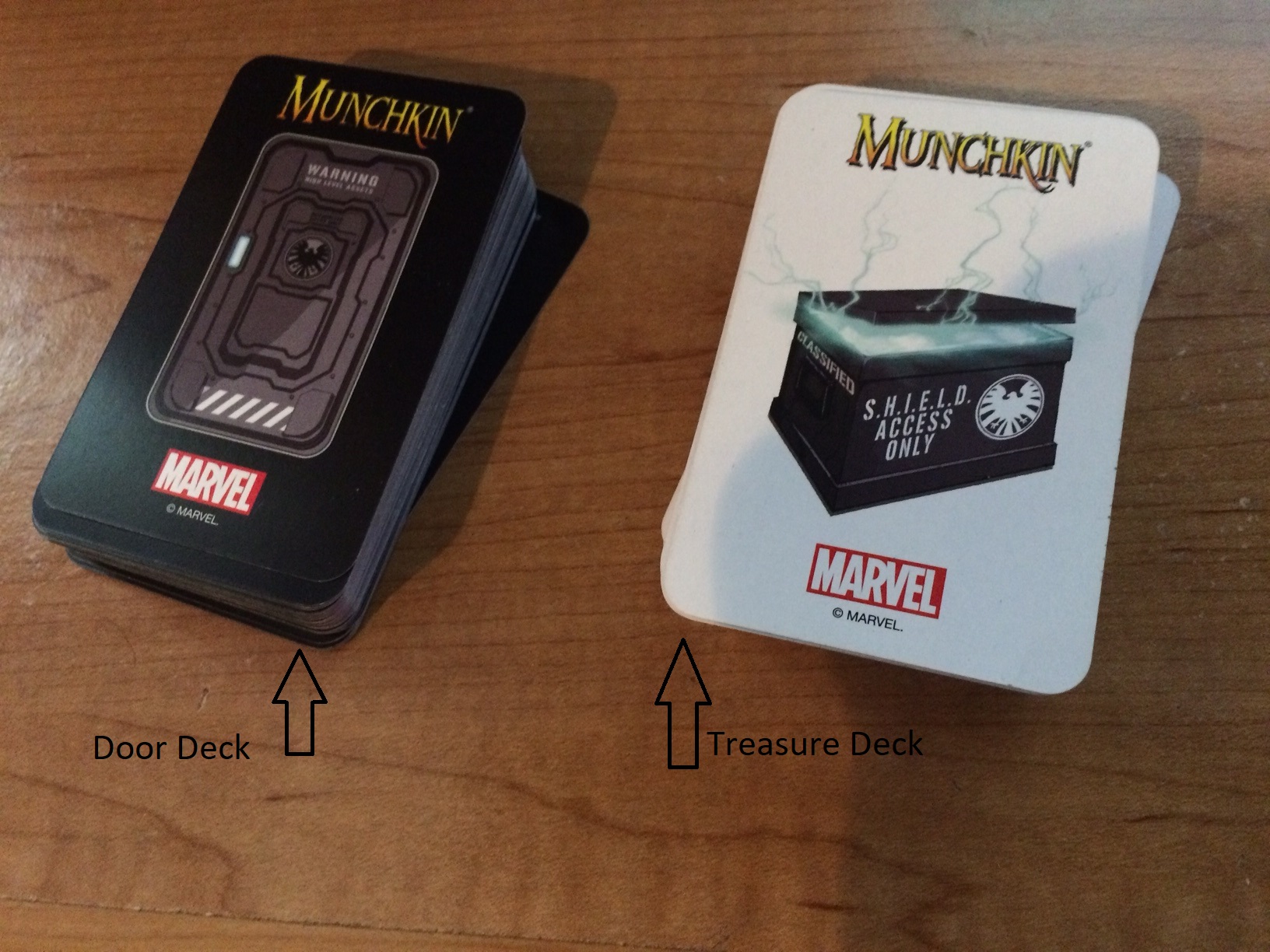
Aside from the ID cards, Munchkin: Marvel Edition has two decks: The Door Deck (black); and the Treasure Deck (white). Shuffle them and keep them separate from each other. Start the game off by giving each player four cards from both decks, totaling eight cards per player.
How the game works
At the start of your turn, draw a Door Card face up. No matter what you draw, you are immediately affected by it, be it a monster or a trap. (If it’s anything else, like a Wandering Monster or Illusion, then simply add it to your hand.)
If it’s a Monster:
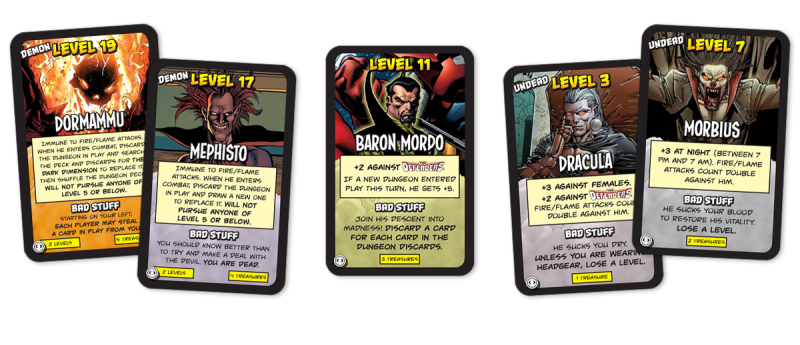
If you draw a monster then you are immediately “in combat.” Combat in Munchkin: Marvel Edition is quick and dirty. It’s done by comparing your overall point total with that of the monster(s) you’re currently fighting.
Your score is as follows:
Your rank(the current number you’re at on your ID card) + gear(any hand, foot, helmet, or armor you have equipped) + Allies(you can have one ally of your choice unless specifically stated otherwise) + any powersyou have (the purple cards like ‘telekinesis’ or ‘super strength’).
You only win the fight if your total number is higherthan the monster’s level. In the case of a tie, you still lose. If you win, you get to go up one rank and pick however many treasures the monster awards you with (it will say on the bottom of the monster card). And that’s the end of your turn!
If it’s not a monster
If the first card you pick is not a monster, then after adding it to your hand (or suffering the trap) you now have two choices:
1. Loot the room: Draw another door card to add to your hand
-OR-
2. Look for trouble: You can instead choose to fight a monster that you already have in your hand. If you choose this, combat plays out exactly as it would have had you drawn a monster for your first card.
Charity
But wait; there’s a catch. At the end of your turn, you MUST have only five cards in your hand (unless a specific card or ability says otherwise, like the Utility Belt).
That means you must either sell the excess cards or give them to “charity.” Charity, in this case, refers to the lowest-ranking player in the game. Pick what you give away wisely; you’re probably not getting it back!
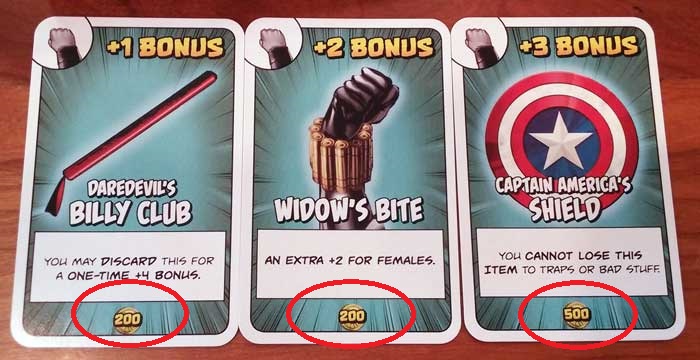
Some cards in the Munchkin: Marvel Edition treasure deck have a value at the bottom. Players can sell increments of 1,ooo gold in exchange for a level. You only go up one level at a time, and anything more or less than 1,000 will not do you any good.
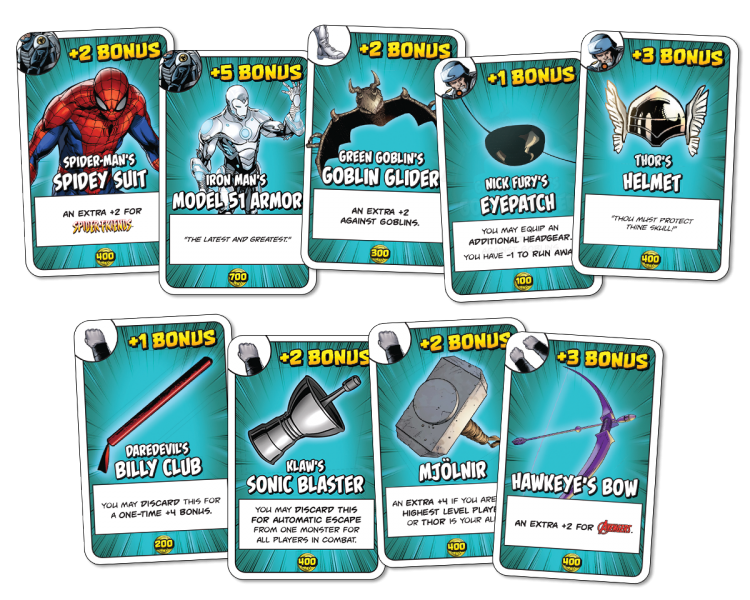
Marvel Munchkin’s gear system differs a little from the original game. Here we have five different options: One-handed; two-handed; helmet; armor; and boots. You can have only one of each type, but are allowed two one-handed items (you’ve got two hands).
Two-handed items have a bigger bonus, but will take up both of your hand slots.
Carried items
Since you can only hold five cards, you can also “carry” any amount of gear that you’re not currently wearing. This is effectively a face-up pile where anything you’re not currently using is piling up to be eventually discarded for a level up, or traded with another player. You can only carry gear, though, so this pile won’t allow allies, powers, or anything like that.
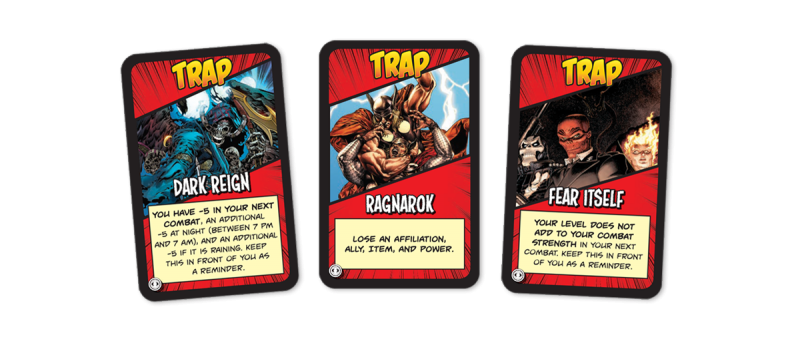
Traps in Marvel Munchkin are nasty. If you’re so unlucky as to draw one face-up at the start of your turn, then you are the one affected.
Otherwise, you can hold onto traps to throw at other players. You can do this any time, but so can they. Be careful who you pick on! Traps have a wide array of effects, ranging from combat penalties to skipped turns, to losing levels or gear.
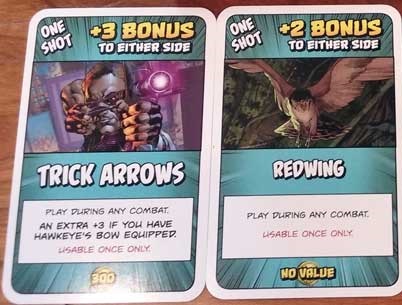
Many treasure cards are “one-shots.” These are one-use items like Super Soldier Serum or Vibranium that can be played on either your side or the monster’s. Play them against a monster you’re fighting to get that last edge you need to win the fight, or tack them on to a monster that another player is fighting to make their fight tougher.
When the monster is too tough
If it looks like you’re not going to be able to beat a monster, don’t fret. The first thing you should do is ask other players if they’d be willing to help you. They may agree, but likely won’t do it for free.
Remember that even if you accept their help and have to give them some treasure, they’re not going to level up just for helping. You, on the other hand, will.
If no one wants to help you, then you can try to Run Away. That means rolling the die and leaving your fate up to chance. If it lands on a 5 or 6, then you successfully evade the monster. You don’t get treasure or levels, but you live to fight another day. Roll a 1-4 and the monster catches you. Then you’ve got to suffer Bad Stuff.
Bad Stuff
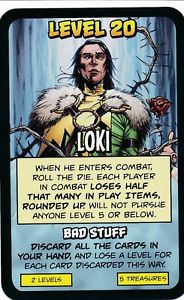
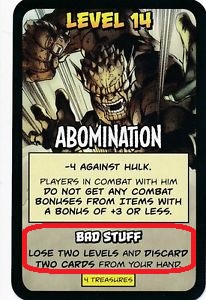
Every monster has its own Bad Stuff, and it’s never pleasant. A monster’s unique Bad Stuff is written at the bottom of their card.
Should the monster win the fight and you fail to run away, then you’ve got to suffer it. Sometimes it’s just losing a turn or getting a combat penalty, but other times you’ll lose cards, affiliations, or even die.
Death
Death in Marvel Munchkin is rather rare, but it can happen if other players are out to get you or if you have inordinately bad luck. Dying means that all other players get to take their pick of one item from your collection, even if it was in your hand. The rest is discarded except for any affiliation or power cards you have. Your rank will also remain the same.
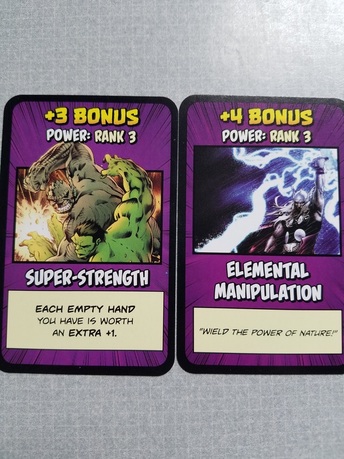
When you draw from the Door Deck, you might get a Power. These useful cards serve as bonus points to your overall score. The catch here, though, is that each power card has a rank. That rank can never exceed your current rank on the ID card. So if your total rank on the card is four, you could only have one of the above cards equipped.
You might have to hold on to that Super Strength until later when you’re strong enough to use it.
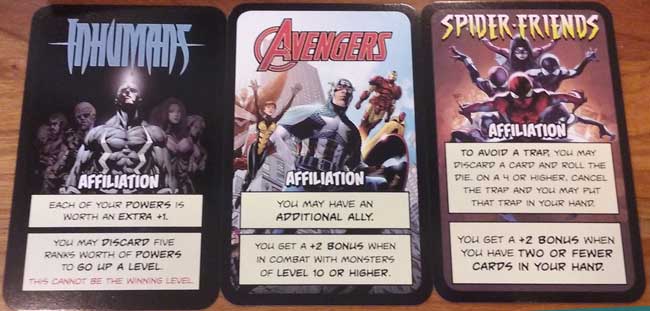
Lastly, you might get an Affiliation card, which means you can choose to be a proud member of a team like the Avengers or the Inhumans. It’s a category of its own and does not count as powers, gear, or allies. Each affiliation provides two unique abilities that will remain with you as long as you stay with them.
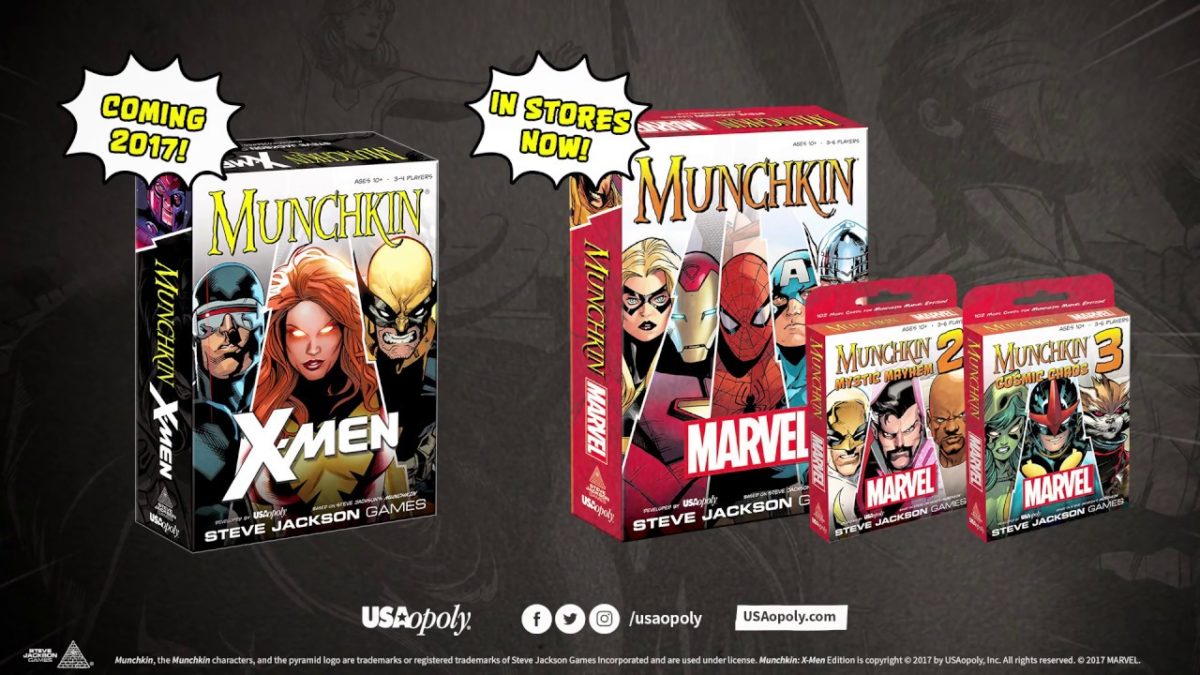
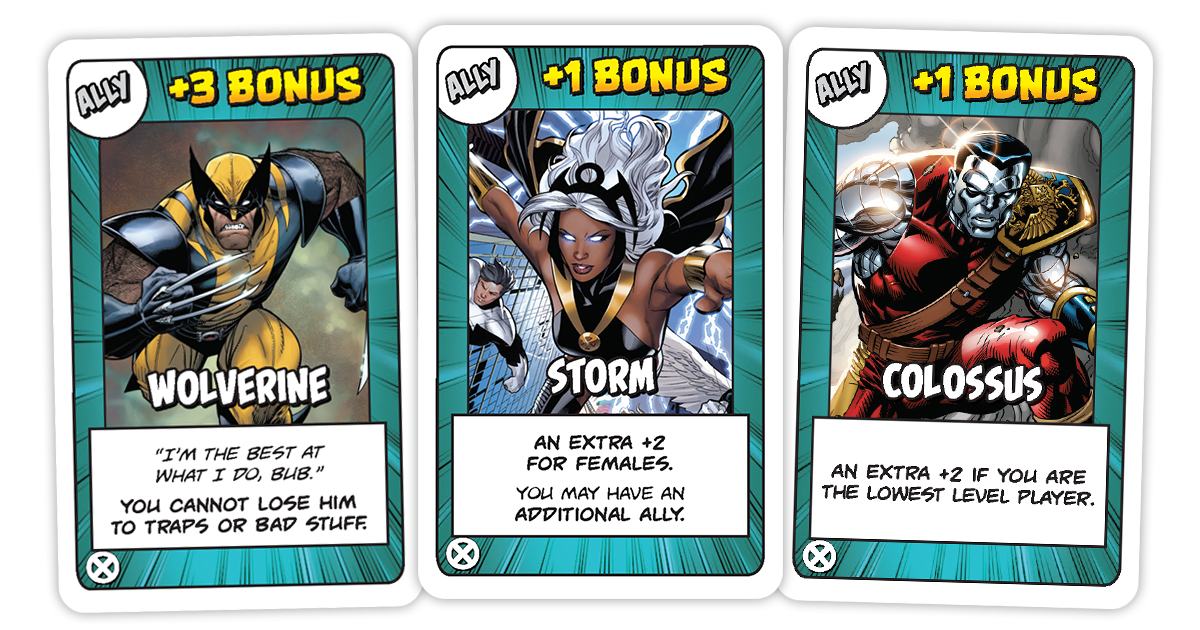
If you enjoy the game, there’s also a handful of expansion decks (Mystic Mayhem, Deadpool, X-Men, and Cosmic Chaos) which will add tons of crazy mischief like extra infinity stones, dungeons, and magic, as well as more gear, powers, and allies.
http://usaopoly.com/games/munchkin-xmen-edition
That wraps up the basics! Kick down a door, fight an infamous Marvel villain, and try to keep ahead of the competition. Succeed and you just might be the next Director Nick Fury. So get out there, True Believers, and start climbing the ranks.
Excelsior!
Avengers 4: If this plot theory is correct, it’s totally insane!
When we upgraded to Spotify Premium, it was pretty much because we wanted ad-free playlists with unlimited skips. We had no idea of the many other features that Spotify boasted until we gave it a thorough look. We already knew it had every artist under the sun, but that’s surprisingly just the tip of the iceberg.
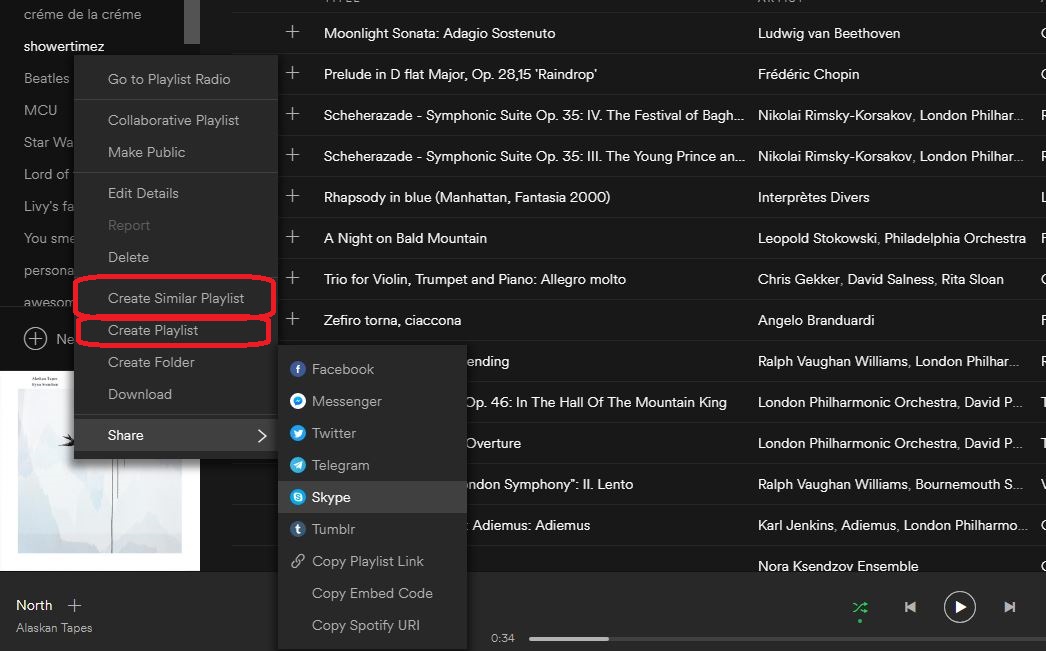
One of the more charming features is Spotify’s knack for arranging and suggesting tracks to add to our playlists. Making a playlist with Spotify Premium is easy: Just right-clicking on the playlists menu brings up a drop-down with that option along with half a dozen others.
Create a Similar Playlist
‘Create a similar playlist’ immediately makes a list about 75 percent the size of the original. The new playlist will have songs from the copied list shuffled in with a ton of other songs similar to the genre and artists from the first. This is a great way to introduce some new flavor to a playlist while still keeping true to the tone of the initial one.
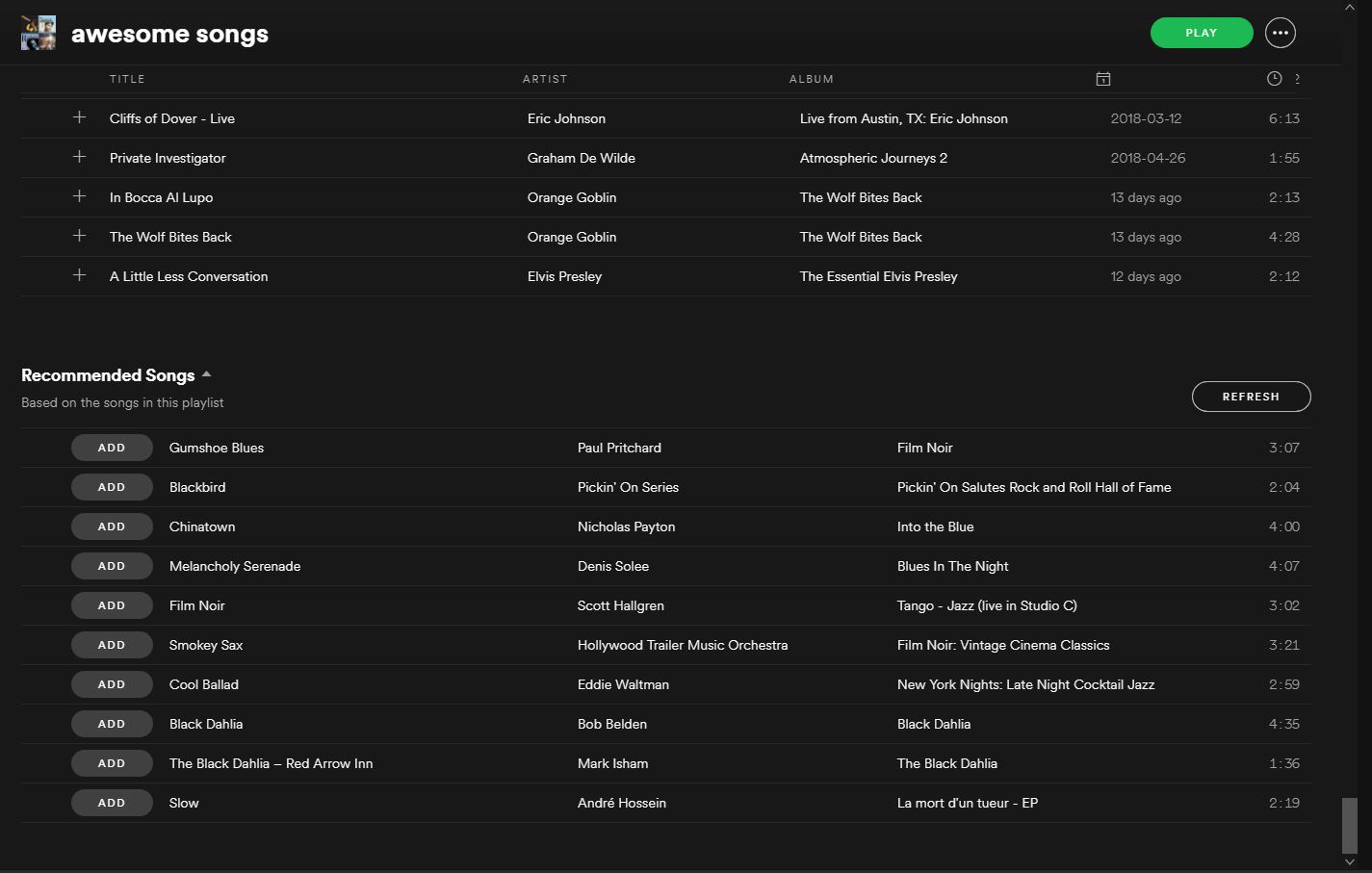
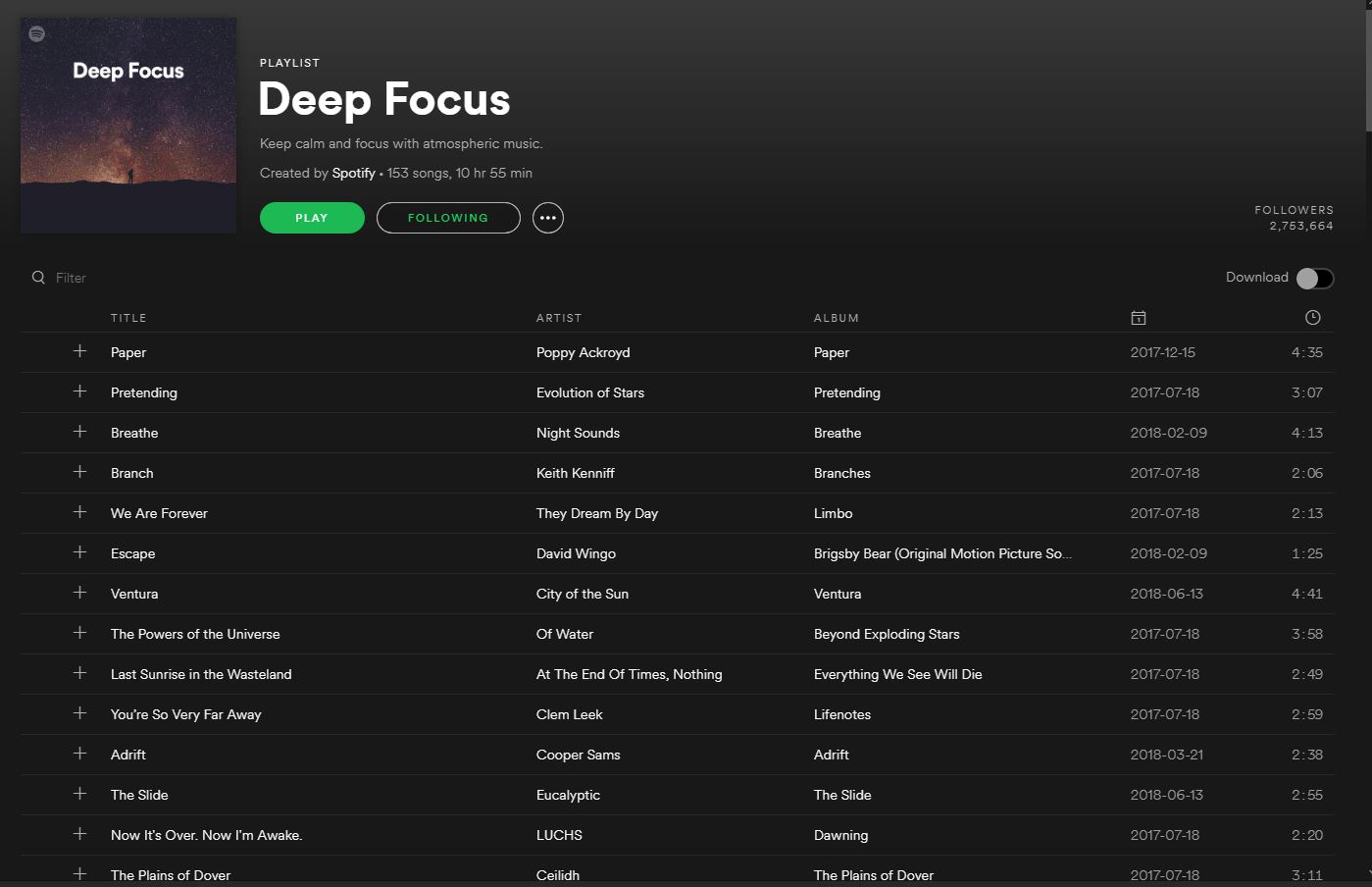
Not happy with the new songs Spotify added? Scroll to the bottom of any one of your playlists and you’ll see a refreshable list of 10 different songs that fit the style and vibe of whatever list you made. Just click ‘add’ and any recommended song can immediately join the playlist. Refresh again for more, rinse, repeat.
Discover Weekly
Probably our favorite feature, Discover Weekly does just what the name implies: Every Monday Spotify pulls together 30 new tracks based on the music in your other playlists. That means every week you get a new list and it will have music as consistent (or as varied) as your own collection.
This will introduce you to deep cuts, remasters, and covers of songs you know and love, and also similar artists and tracks that you may have forgotten about. In all likelihood, you will find some that you never even knew you liked.
Your Daily Mix
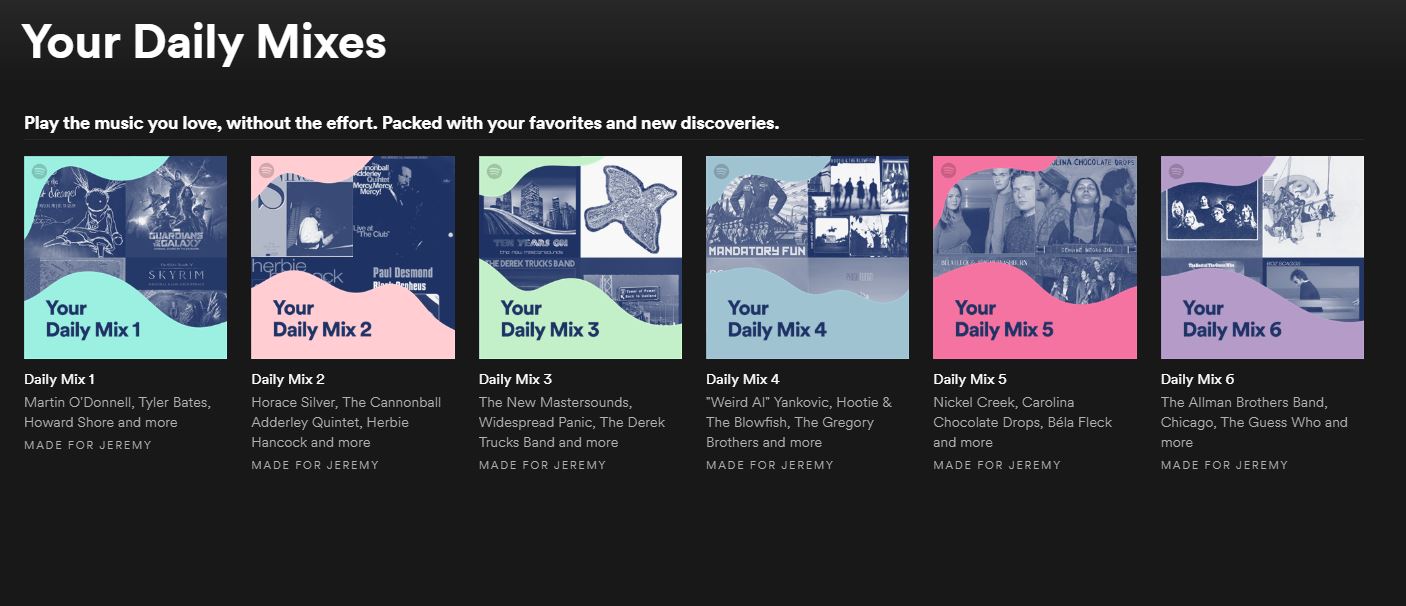
This feature is another awesome example of how Spotify Premium can make playlists of music similar to other tracks you’ve chosen. Besides updating every day as opposed to every week, the way this differs from ‘Discover Weekly’ is that ‘Your Daily Mix’ divides into six different categories, each one an “endless mix.”
What this means is that as you go down the list it will pull tracks of a similar genre, some of which you’ll know, and some of which will be new discoveries. If your taste in music is especially eclectic, these mixes might be your favorite element of Spotify Premium since these mixes can be drastically different from each other.
Genres and Moods
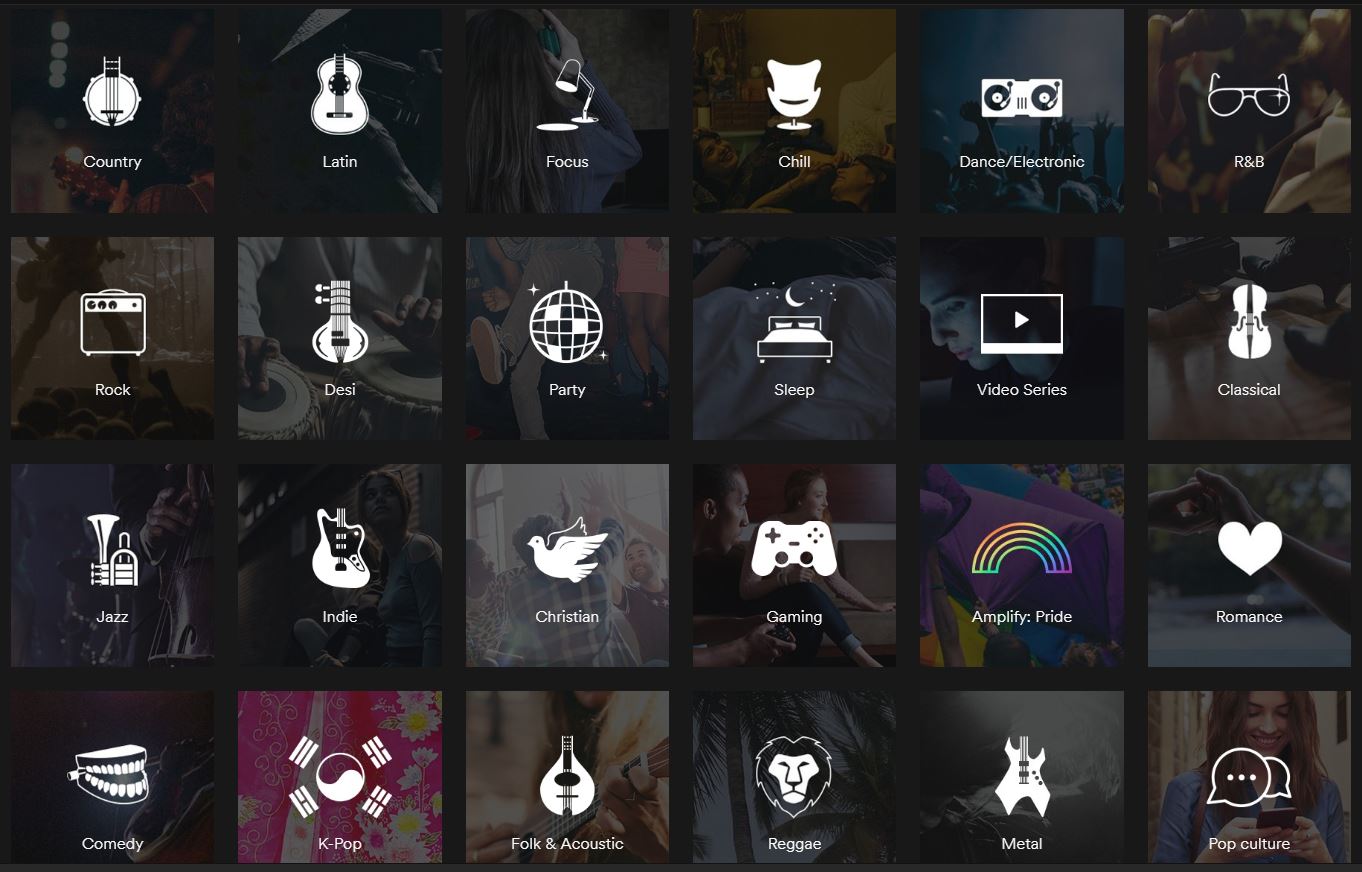
Lastly, clicking ‘Browse’ on the left and scrolling down will take you to a bunch of various ‘genres and moods’, each opening up to a half a dozen subcategories, all of which are playlists comprised of over a hundred songs.
Regardless of what you’re doing or how you’re feeling, Spotify has you covered. With fast, intuitive software to build your own playlists and clever algorithms to constantly find you new tracks, there’s finally a place for all your music, present and future.
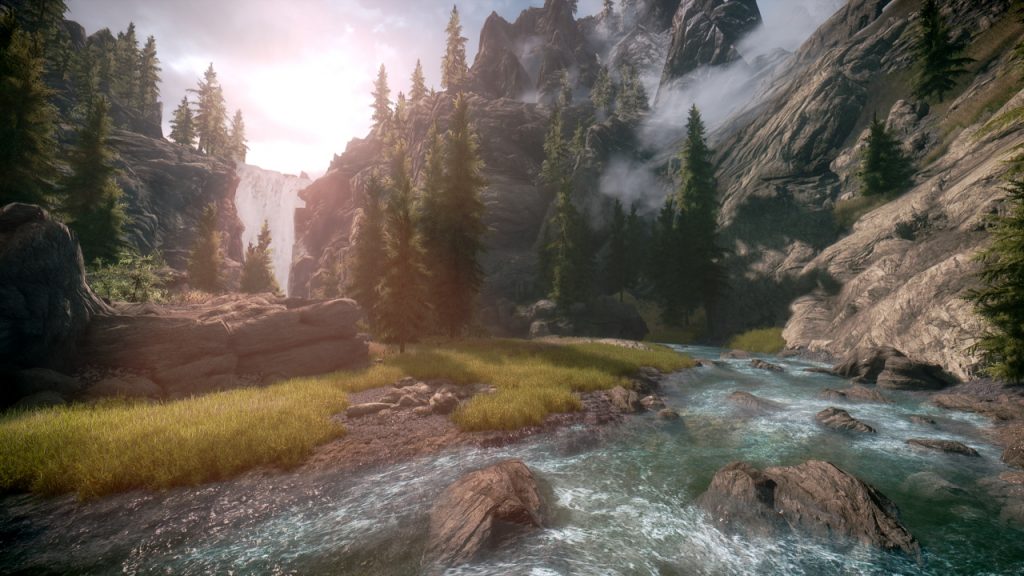
If you’re hankering to sate your hunger for Elder Scrolls 6, here are 15 free mods that transform this game’s graphics, gameplay, and content into what we affectionately call ‘Elder Scrolls 5.5.’
At this year’s E3, Bethesda finally announced the production of the title Elder Scrolls fans have been waiting for since their first starry-eyed playthrough of Skyrim. Since the still-untitled Elder Scrolls 6 is likely years away from our anxious hands, it looks like fans of the series will still be spending a lot of time questing through the previous titles in the franchise. If you don’t already own Skyrim: Special Edition, you can grab it here:
In the meantime, we’ve looked through the bustling community of fans, reviewers, and modders who are still playing Elder Scrolls V: Skyrim today. We were pleasantly surprised to see that by adding these totally free mods the game can actually look pretty close to something you’d see on the market today.
So if you’re hankering to sate your hunger for Elder Scrolls 6, here are 15 free mods that transform this game’s graphics, gameplay, and content into what we affectionately call ‘Elder Scrolls 5.5.’
For the sake of the remaster’s improved visuals and gameplay tweaks, all of the following mods will be for Skyrim: Special Edition, released just this past year by Bethesda Softworks.
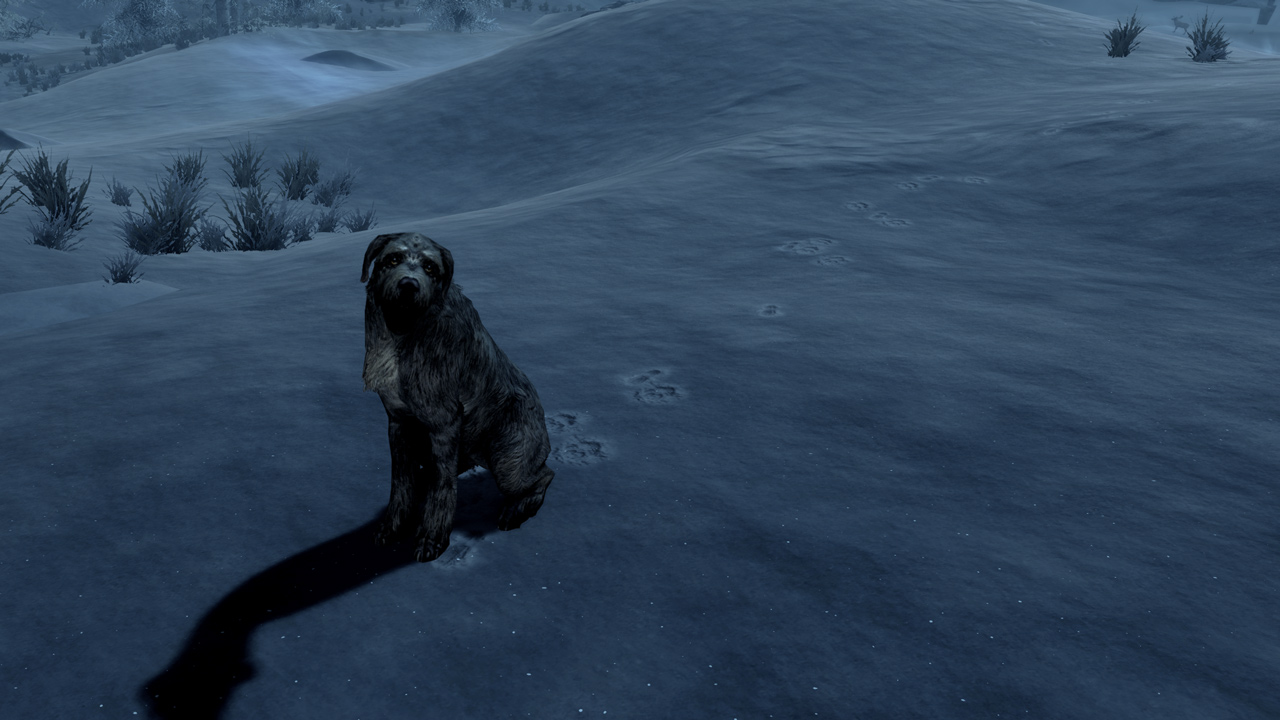
How to create and add your own unique follower to Skyrim
These mods were made by the community and the fans. For simplicity’s sake, can all be found for free on nexusmods.com. We also recommend Nexus Mod Manager since it’s both the easiest tool with which to download mods, and also the most user-friendly for uninstalling or editing, both of which can be done at the player’s discretion.
If you are unfamiliar with how to download mods for Skyrim, you can check out our guide here.
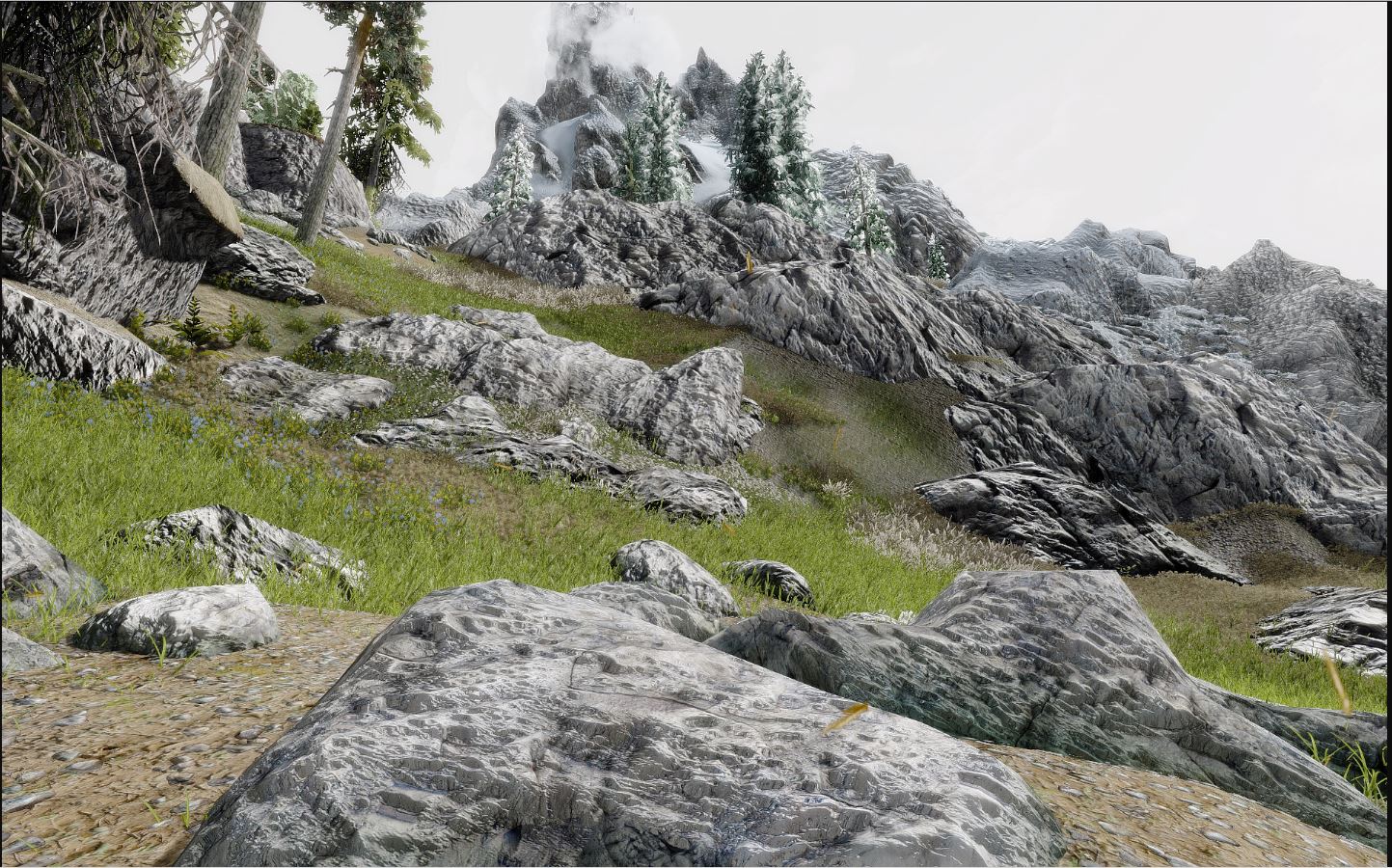
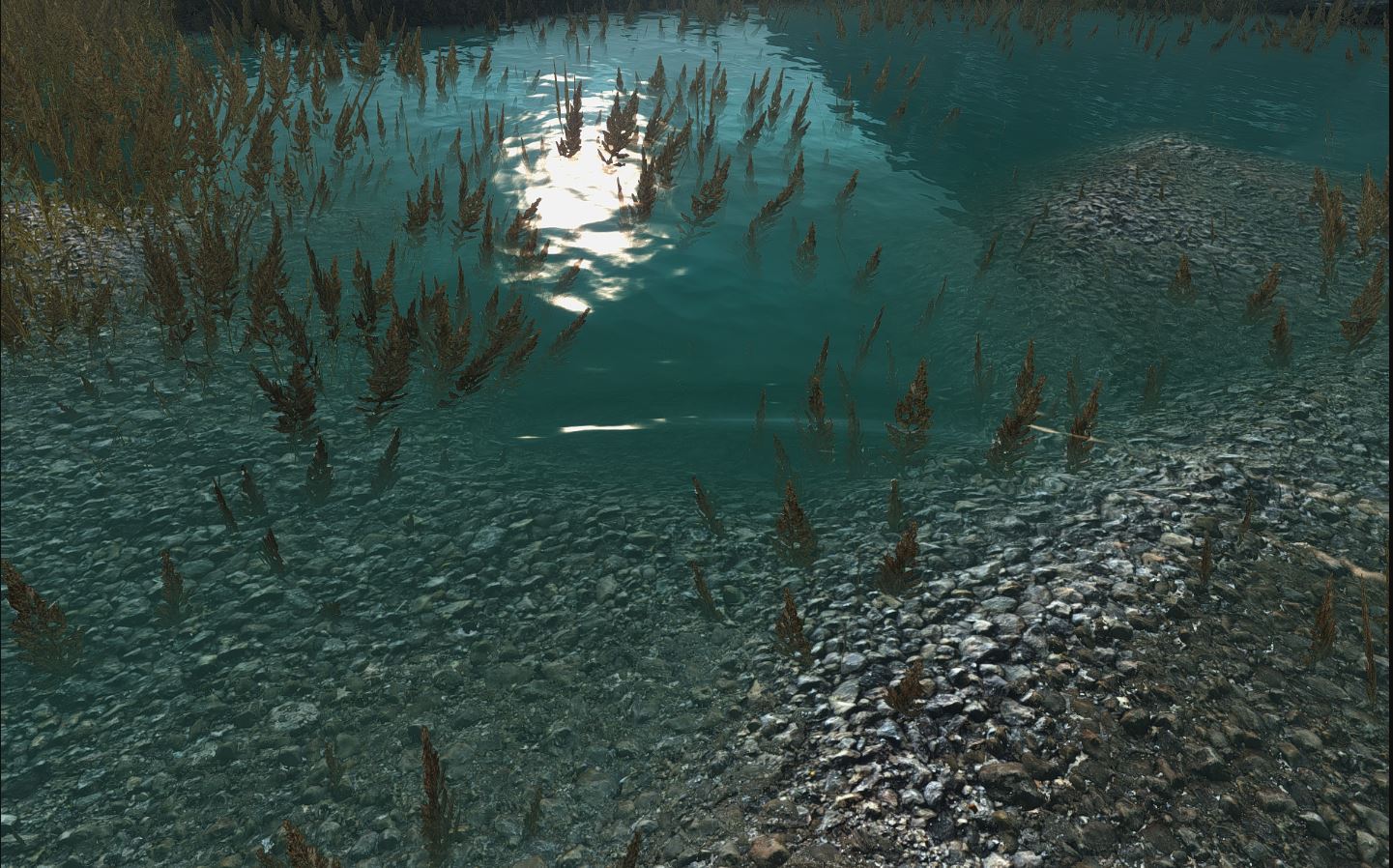
Skyrim: Special Edition made some huge improvements to the 2011 game’s visuals, particularly when it came to trees, lighting, water, and weapon meshes. This mod takes the ball and runs with it, bumping the game up to an optional 4k. Obviously, this will only be in your load order if you’ve got a rig that can handle it (and if you find that you don’t, this mod lowers to 2k, 1k, or 512) without big FPS drops or lag.
We think this mod does a terrific job of helping to immerse the player into Bethesda’s gorgeous world, and additionally brings out lots of little features that add up to making the whole experience all the richer.
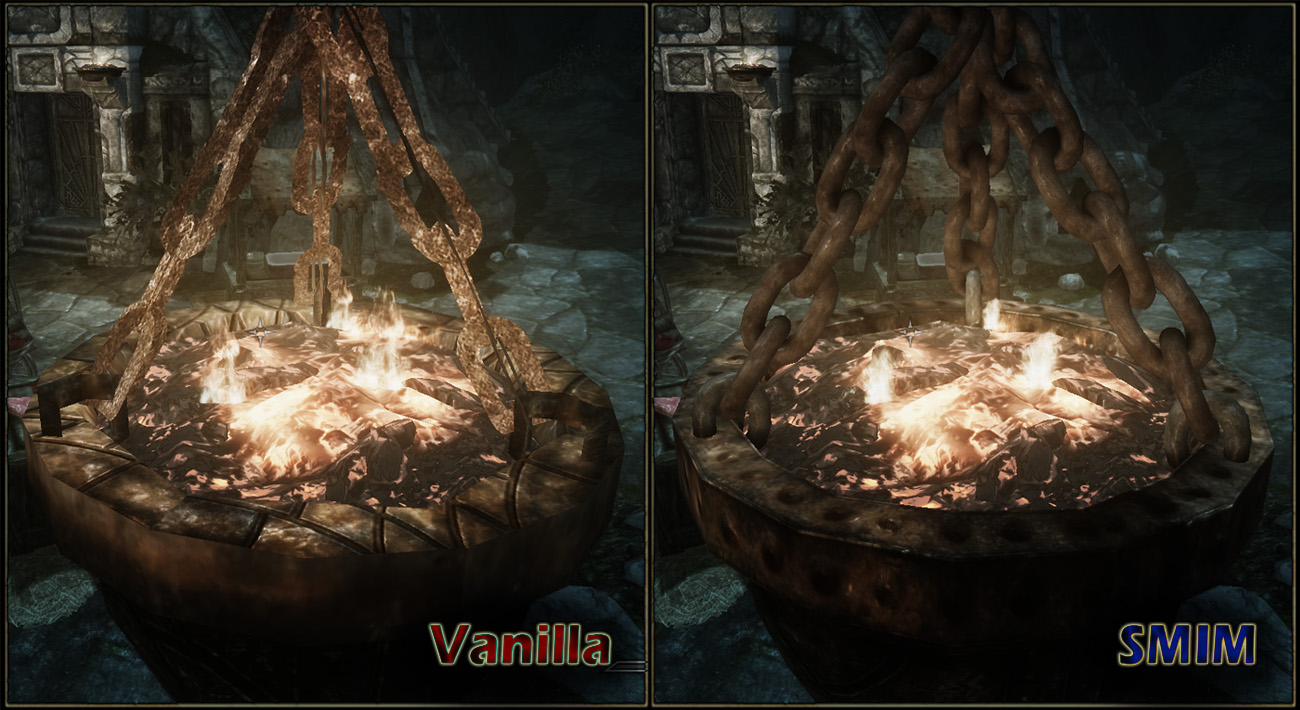
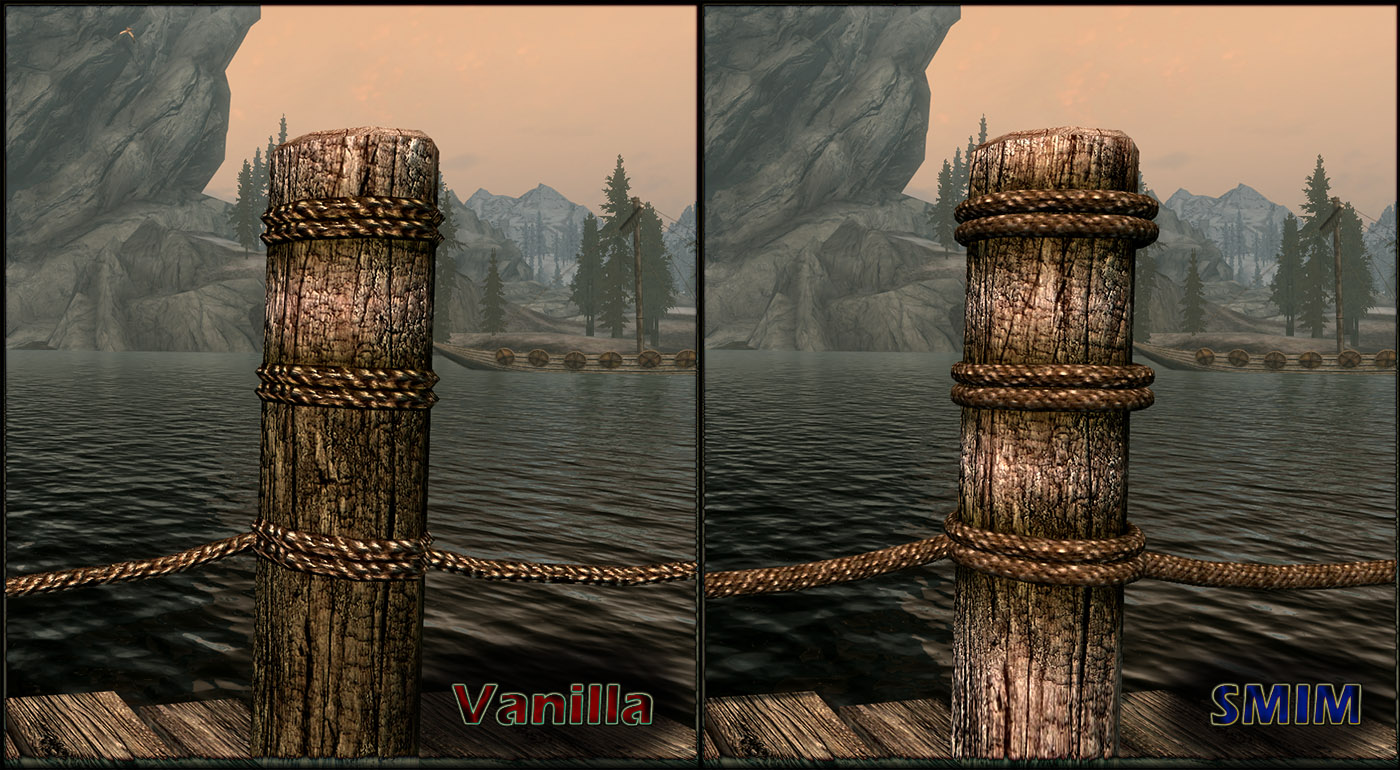
In the same vein as the above mod by Pfusher, Static Mesh Improvement does a lot of work to make Skyrim look more convincing. A lot of the touches come out in models that were changed to 3-D, textures that have exceptional detail even when viewed extremely close up, and rounding out some of the more jagged edges to objects like ore and other miscellaneous items.
Combine this mod with the 2017 texture overhaul and even the most unobservant of players will be geeking out at how fresh the game’s visuals just became.
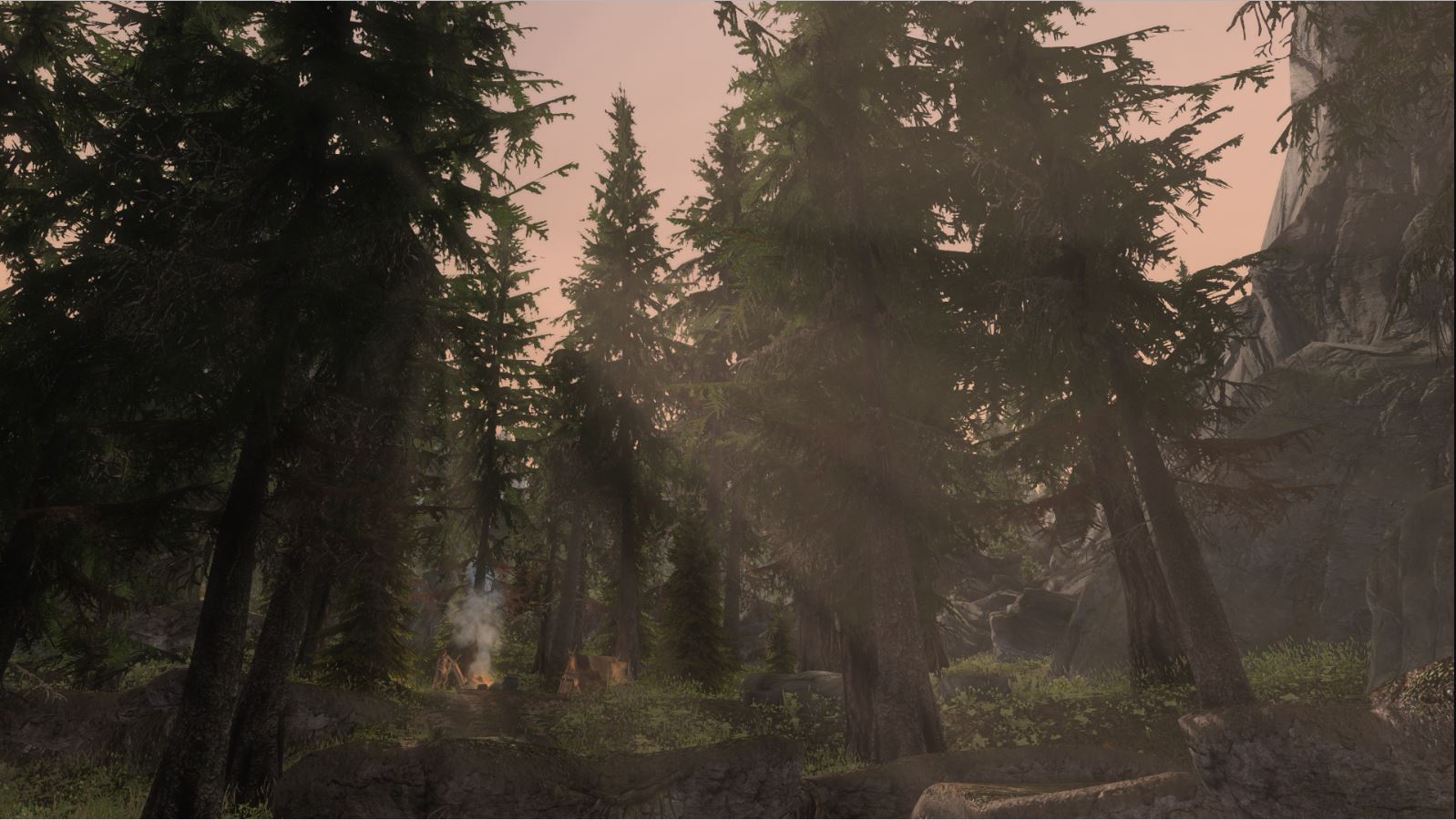
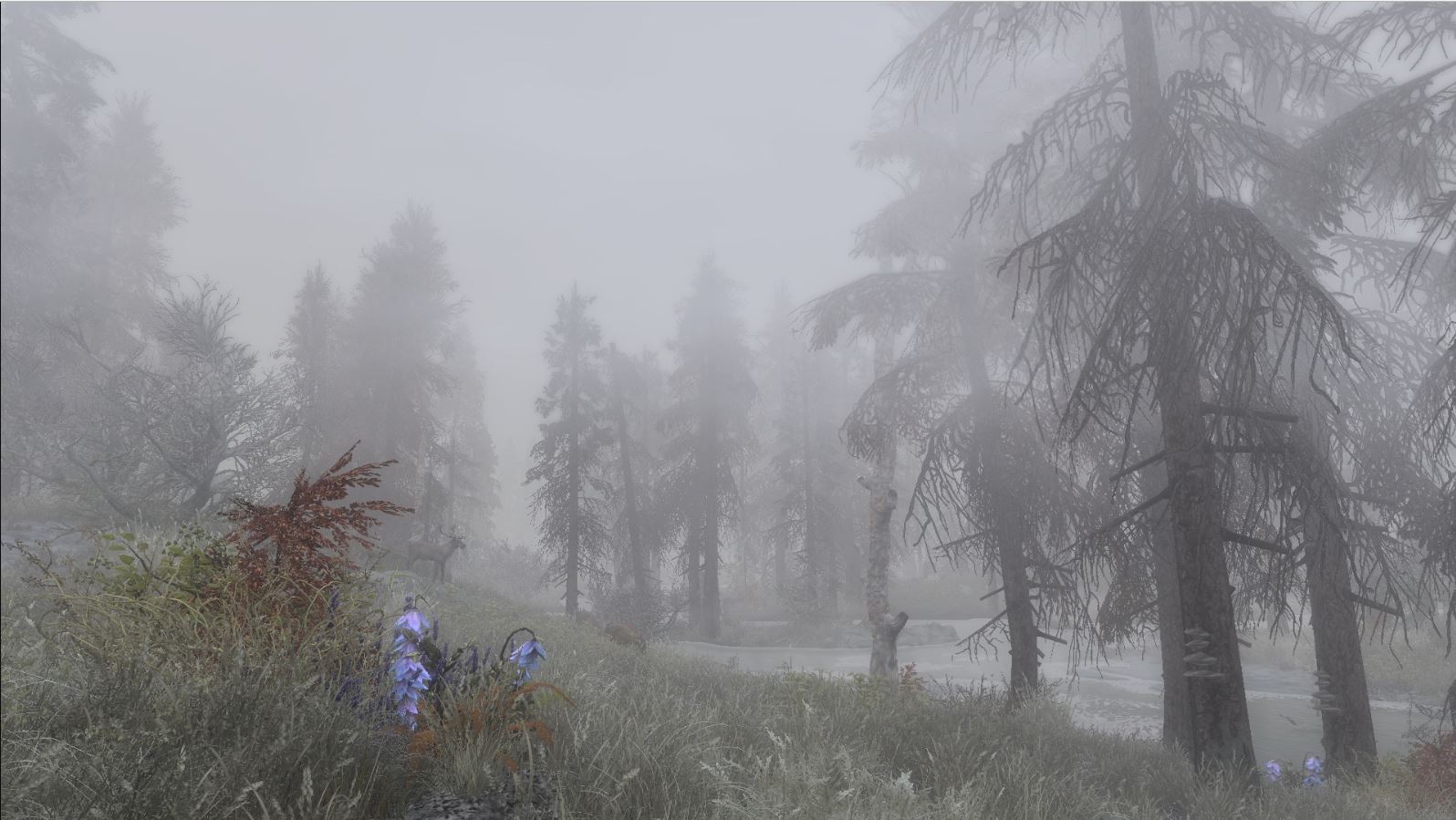
The last mod on our list that’s strictly visual might be our favorite. The snow, clouds, and fog are raised to eleven with this gorgeous mod that focuses on adding just that extra punch to Skyrim’s environment. In a game that so encourages wanderlust and exploration, Vivid Weathers breathes life into the land of Skyrim itself, making adventuring much more dynamic and exciting.
Colors and environment effects will have much more ‘pop’ with this mod installed, and honestly, it becomes a real treat for the eyes just going into first-person mode and looking everywhere you can.
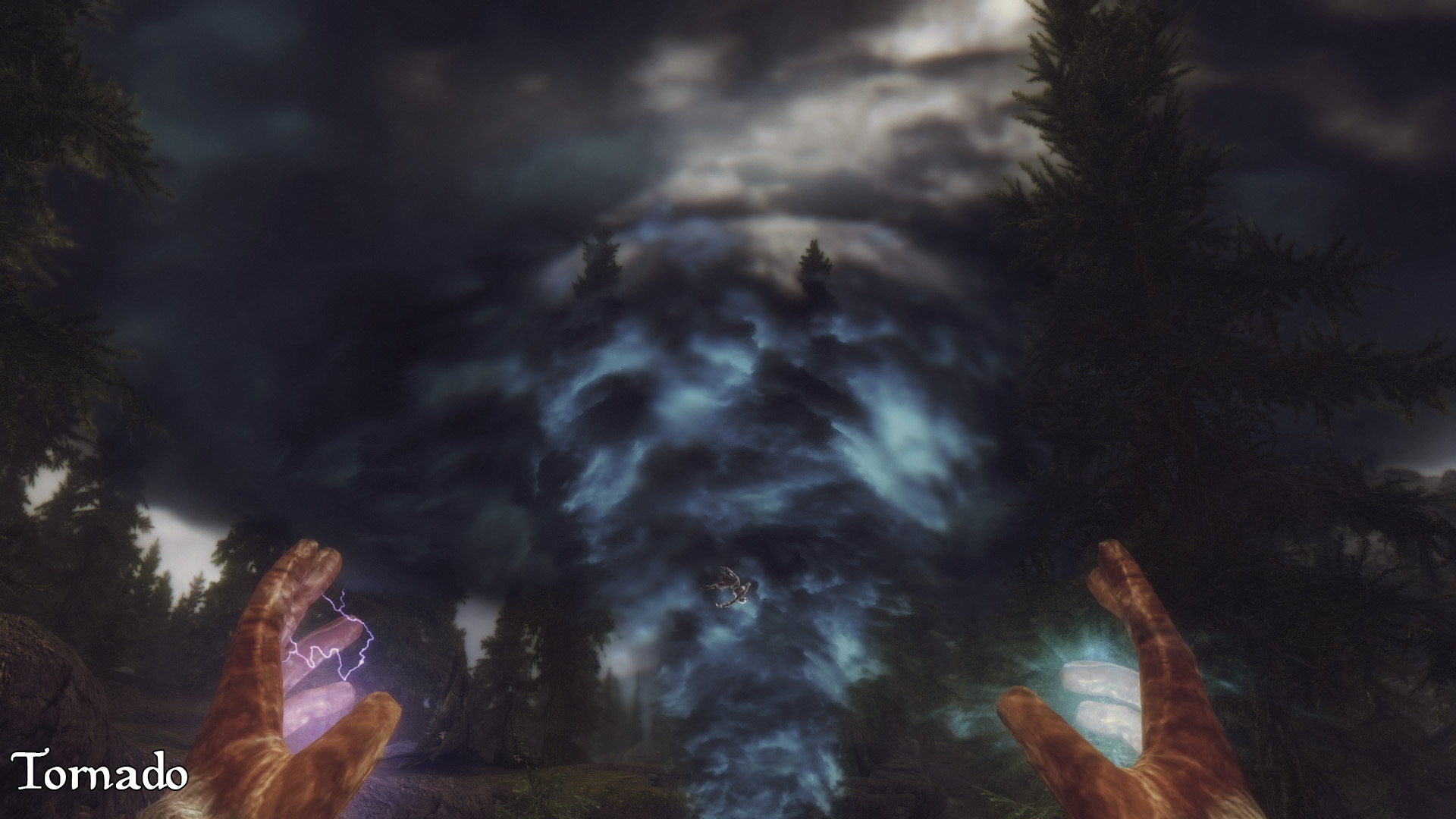
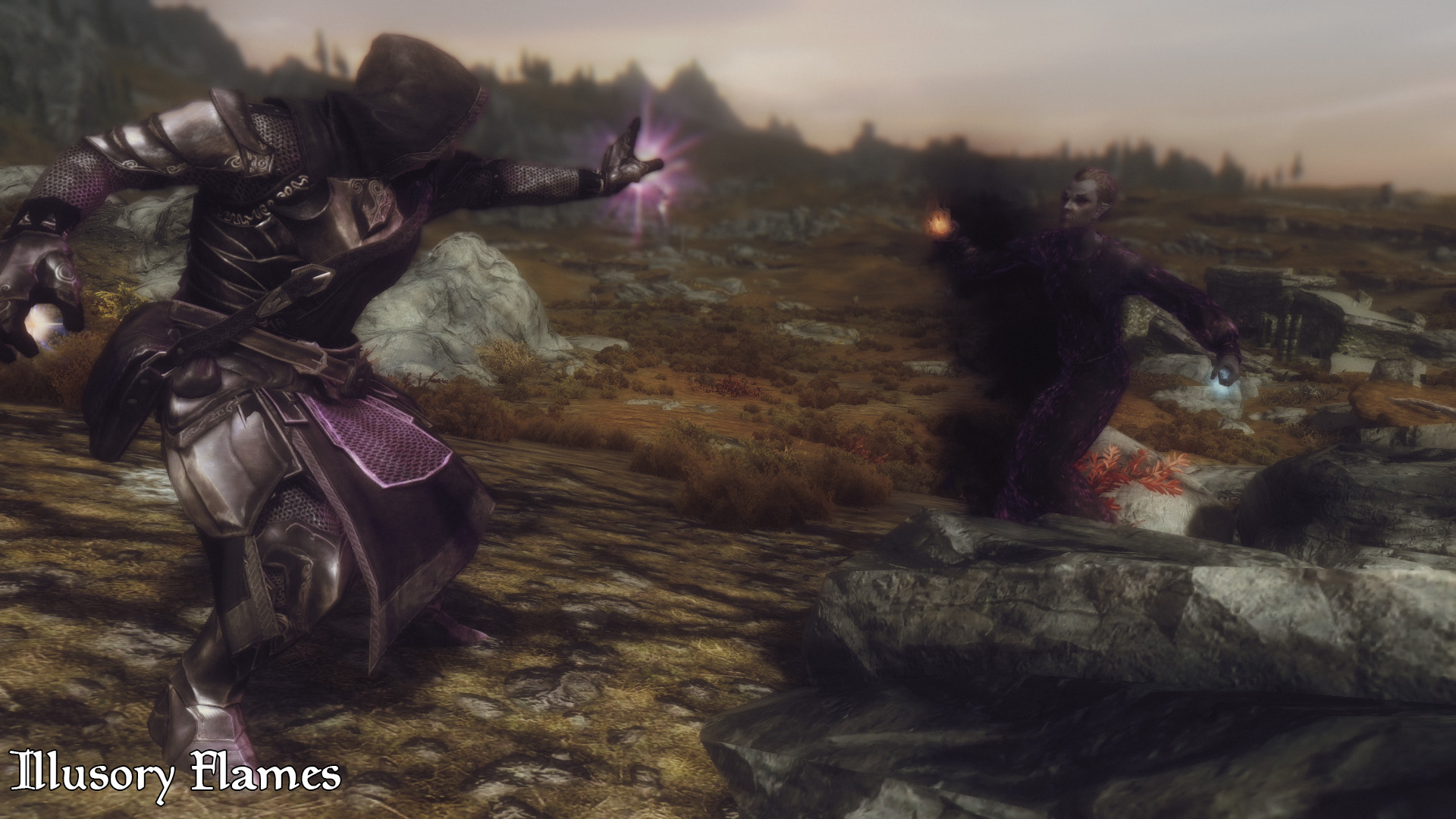
Compared to earlier games in the Elder Scrolls series, Skyrim’s magic system was much more streamlined with a higher focus on combat utility. The result was a system that was effective but left much to be desired for players who wanted more variety of spells. Apocalypse magic adds 155 new spells to the game, all of which can be found in loot drops and vendors throughout Tamriel.
The spells here range from volcanoes to mind control, teleportation to extra inventory space, and even a spell that conjures a pot where you can cook your salmon steak. There’s something for everyone and it all scales so elegantly that we often forgot we were even using a modded spell.
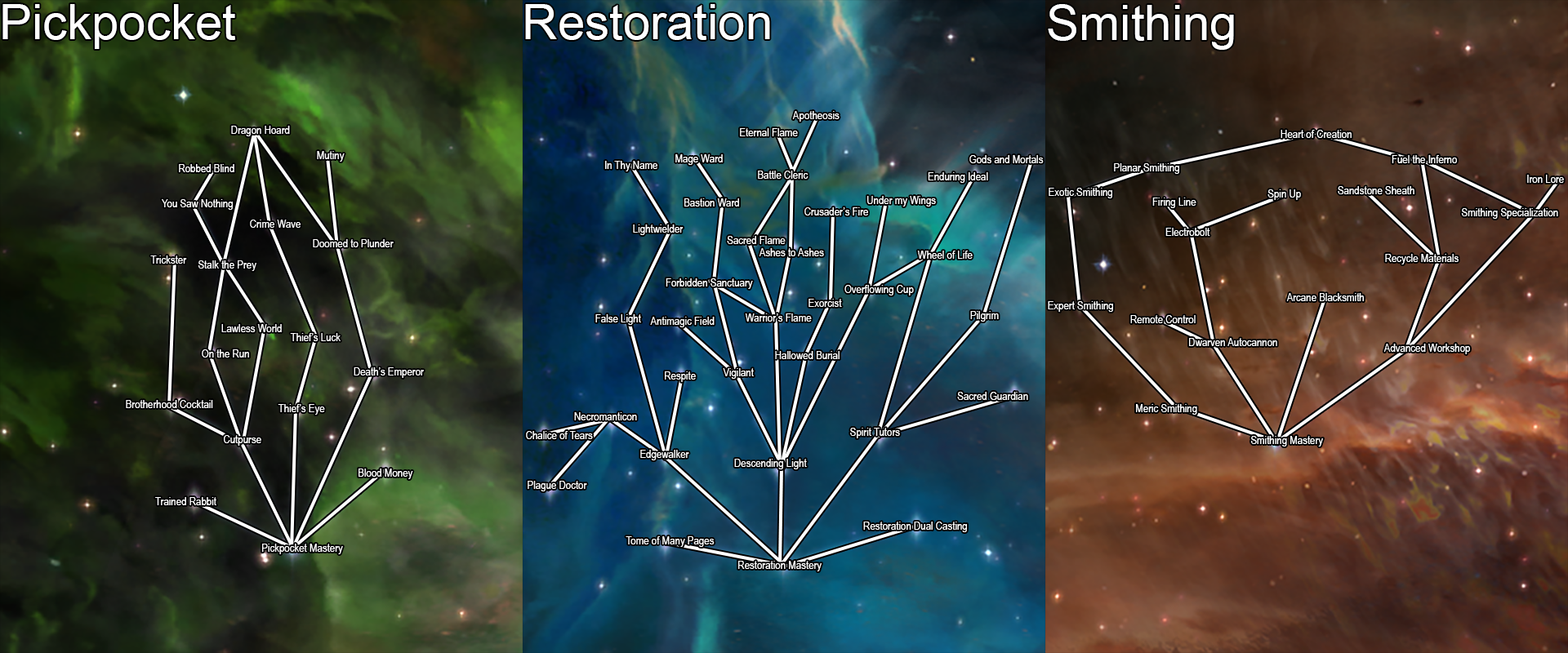
Another hugely expansive mod spearheaded by the talented Enaisiaion, Ordinator is a complete overhaul of Skyrim’s perks. Not only does this mean more branching options for each skill tree, but also opens dozens – maybe hundreds – of new detailed ways to build a new character.
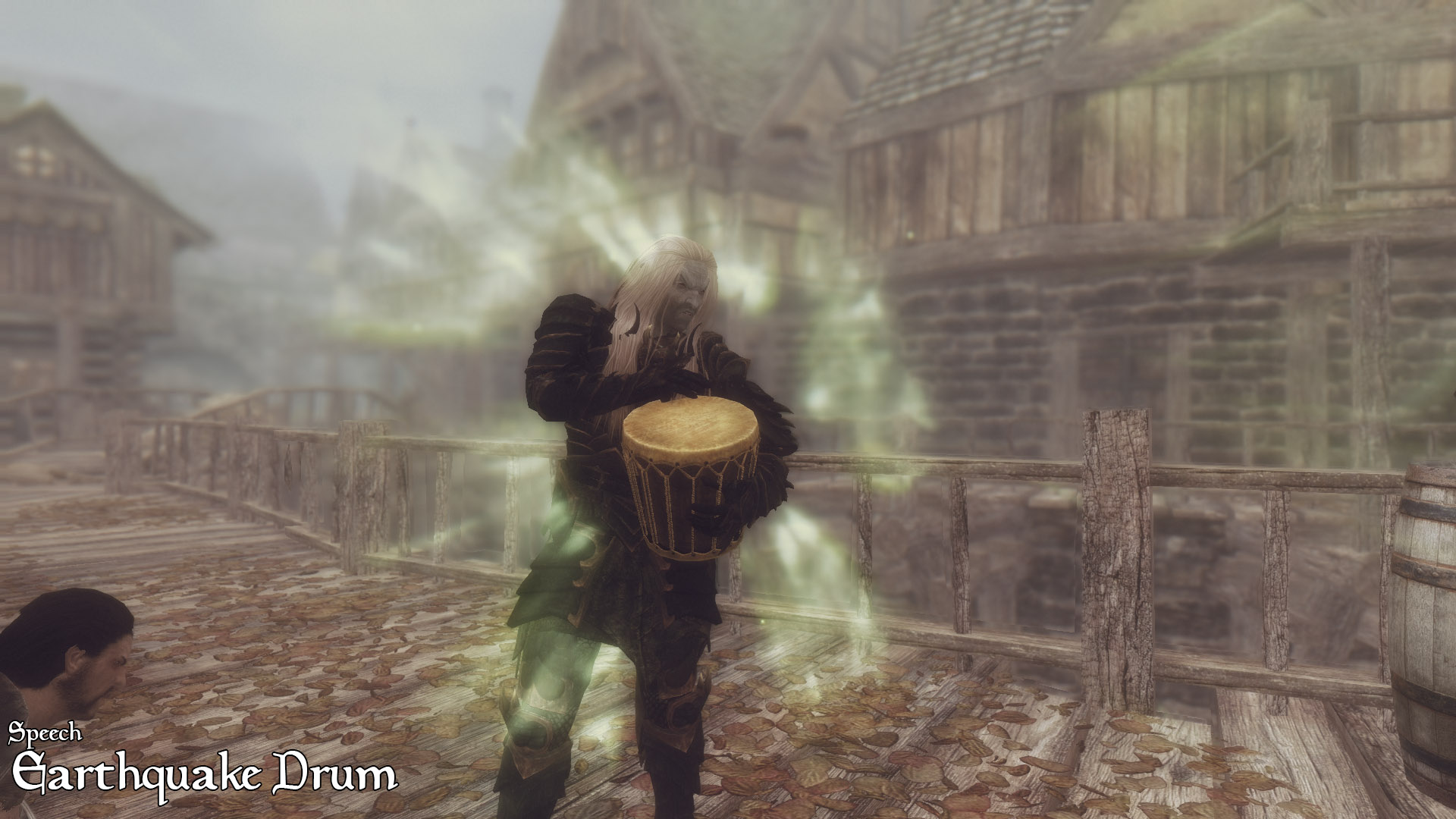
This allows for some huge changes to some of the typically less useful skill trees: Smithing allows for the creation of Dwemer automatons; Speechcraft now seamlessly integrates and upgrades the player’s shouts, and even allows for the player to roleplay as a bard! We found ourselves anxiously trying to level up our skills in every which way, with every tree more enticing than the last. A must-have for anyone looking to completely change the way they approach the game’s RPG element. To see just how many changes have been made, check out this in-depth walkthrough:
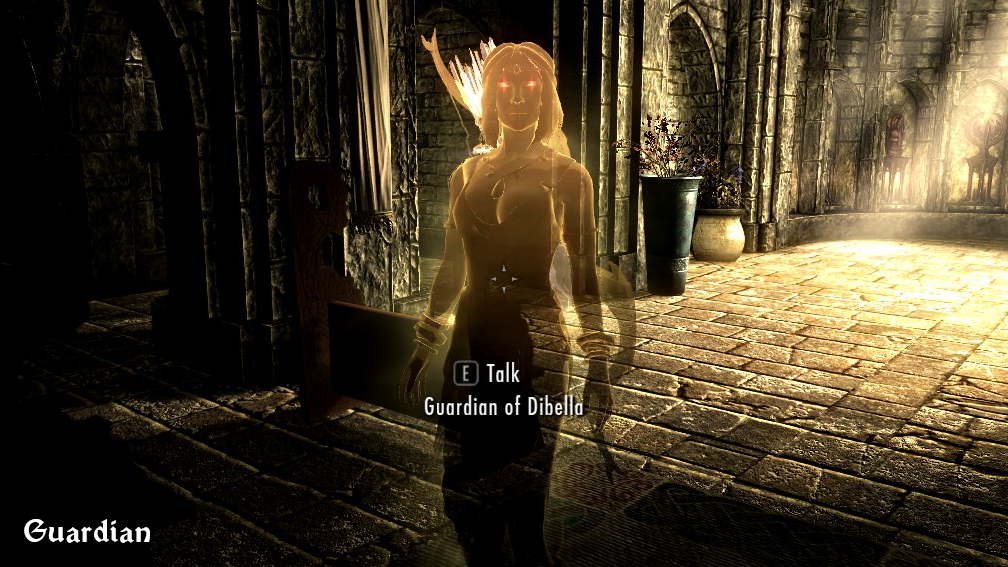
Our last mod to overhaul Skyrim’s gameplay is another perk mod, this one focusing especially on the mage. Path of Sorcery adds still more perk changes to the mix, as well as a complete restructure of the mage perk trees as a whole. Highly creative and respectfully subtle, these changes do not add any overpowered spells or damage enhancers, but instead focus on rounding out the implications of particular trees, as well as adding logical branches to them.
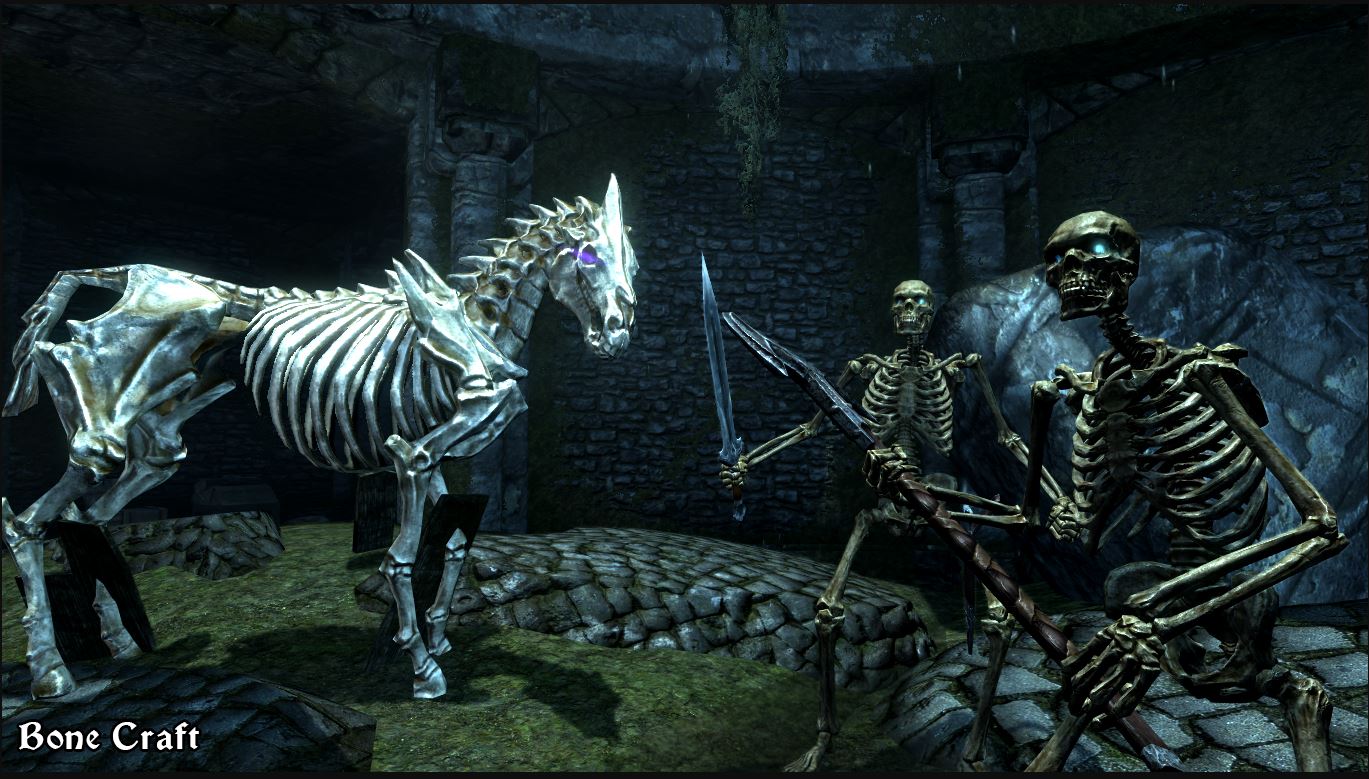
Conjuration lets players assemble collected bones to make a skeleton army, Restoration lets you choose a divine or Daedric patron. Enchanting lets you to pour a dragon soul into your weapons or armor for added power and abilities. There are some truly dazzling builds you can make with this.
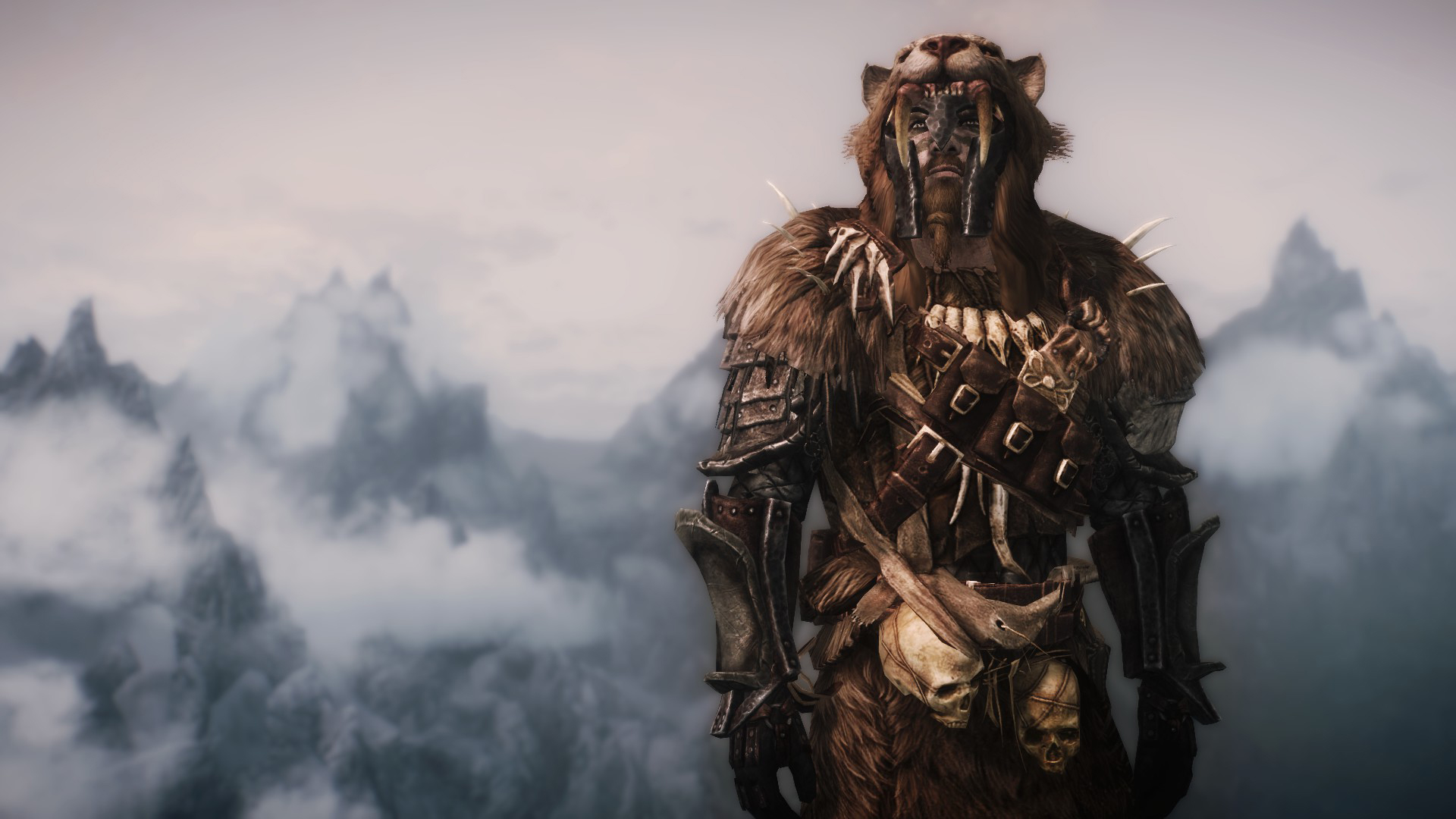
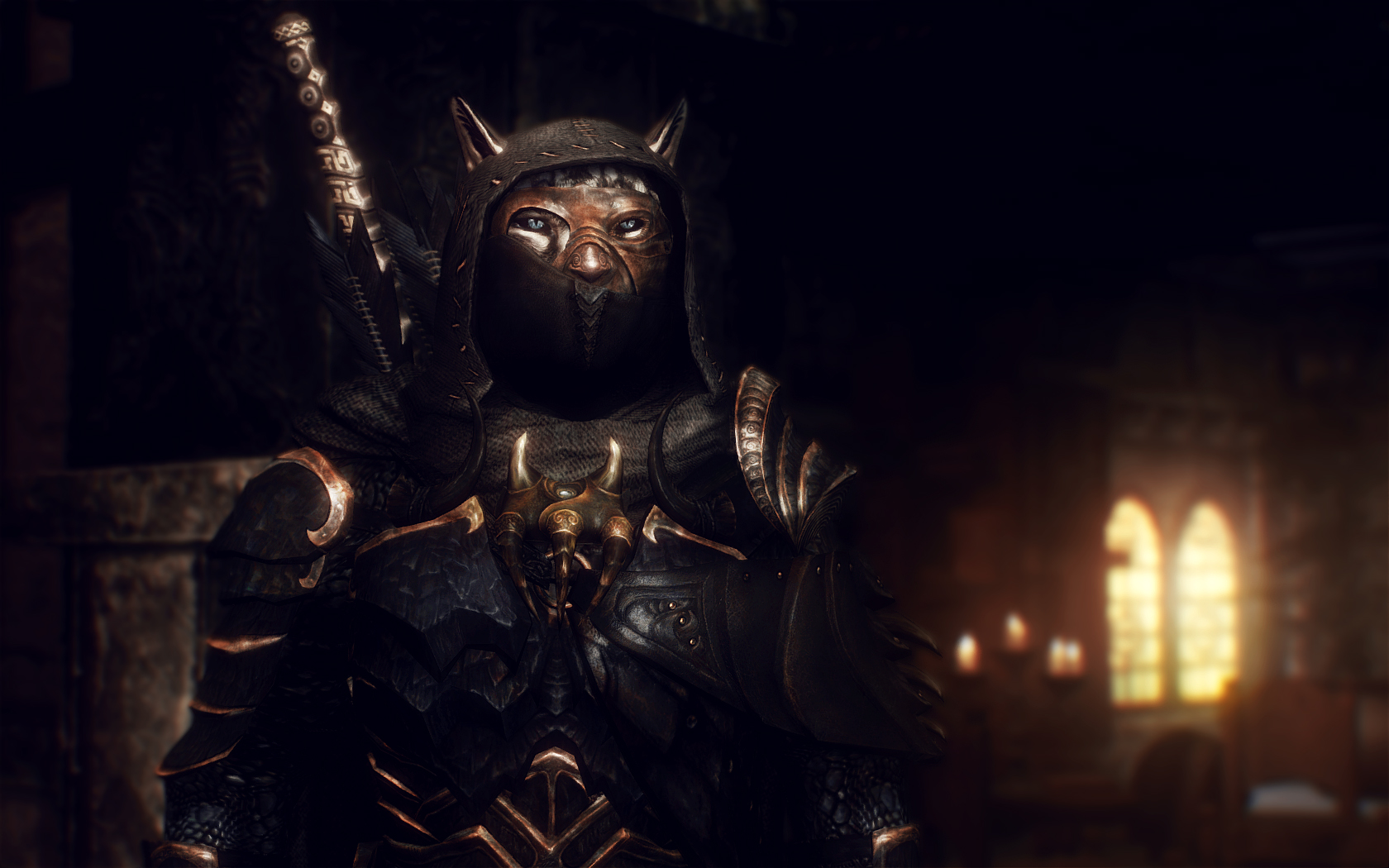
This award-winning mod adds around 60 new sets of armor to Skyrim and hundreds of new equippable items. These items are wearable both by the player and by random enemies throughout the world. None of these are overpowered, and line up alongside the varying durability of other crafting materials in the original game.
All the items from this mod that you find can also be crafted, provided you have the perks and components to do so, and will level up your smithing skill accordingly. This mod also extends to items like earrings, scarves, eye patches, and more, so if there’s an aesthetic you’re going for with your character odds are you can achieve it here. Besides, this stuff looks awesome and breaks up the monotony of fighting a camp of bandits, all of whom are wearing the same gear as the guys from the previous camp.
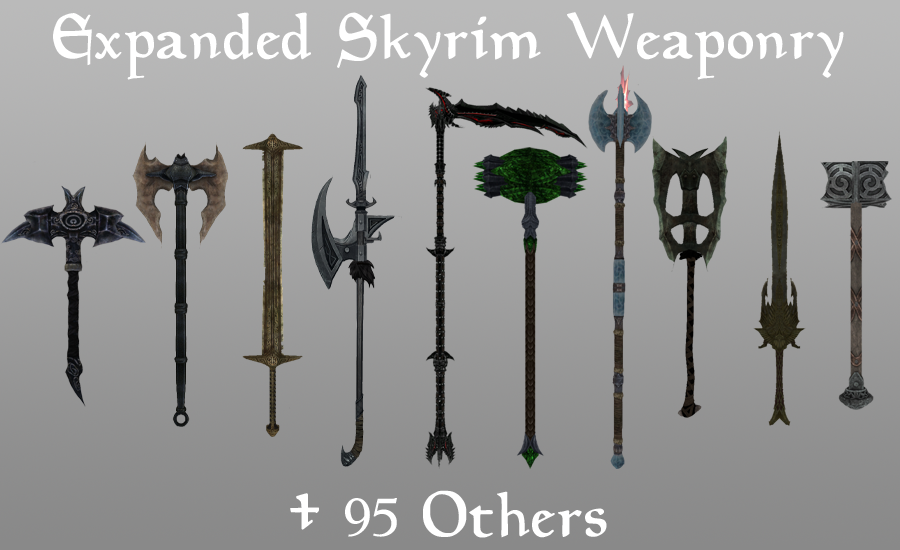
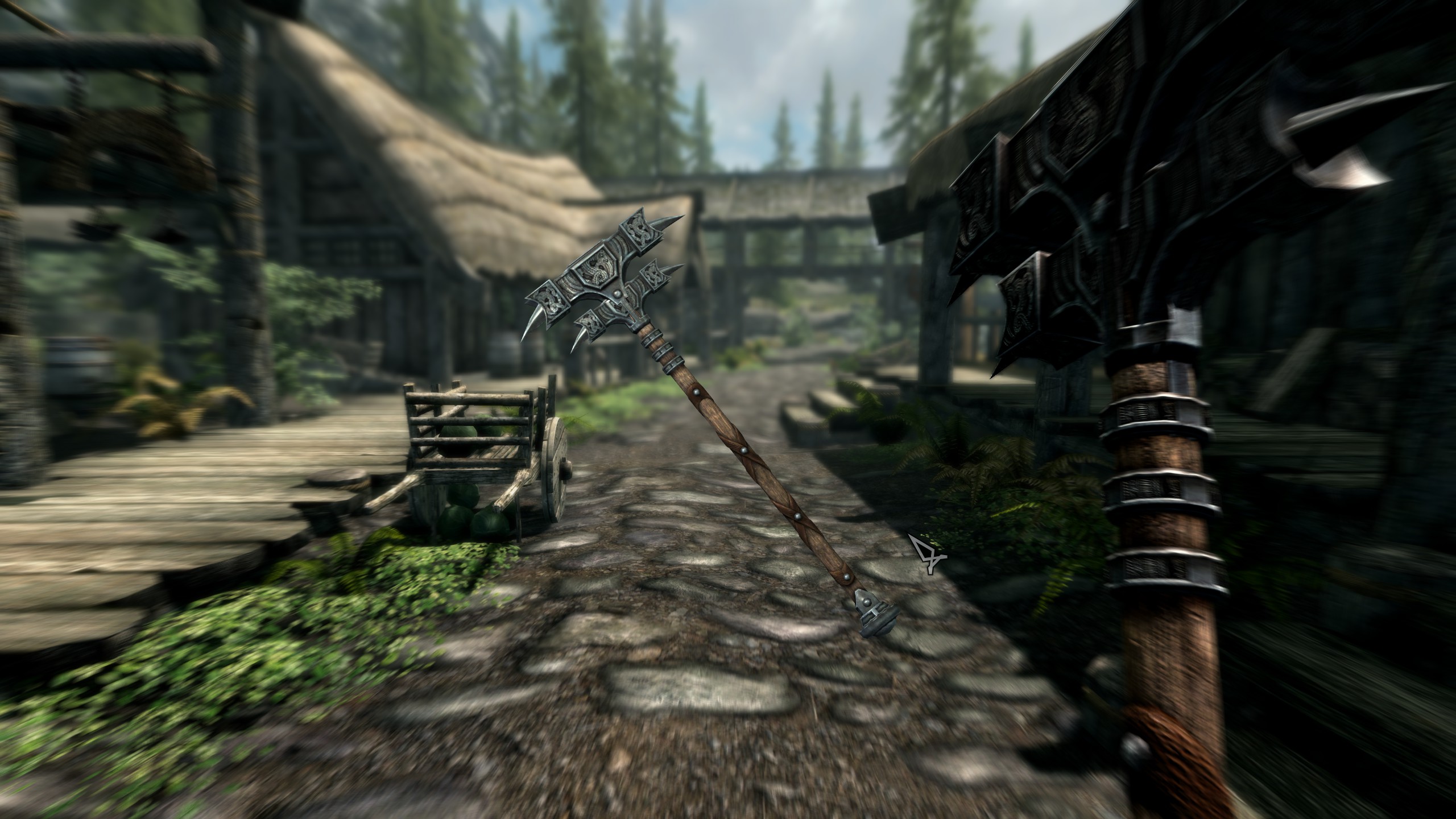
Much like the above mod, this expansion adds over one hundred new standalone weapons and staves. Like Immersive Armors, Expanded Weaponry makes any of these items craftable at a forge or staff enchanter, and can also be found wielded by enemies or carried in a vendor’s inventory. The weapons are also balanced to match those found in the original Skyrim, which means nothing here is going to be game-breaking.
If you’re looking to revamp your character’s aesthetic, and want a larger element of randomness both from the chests you open and from the enemies you fight, this is the mod for you.
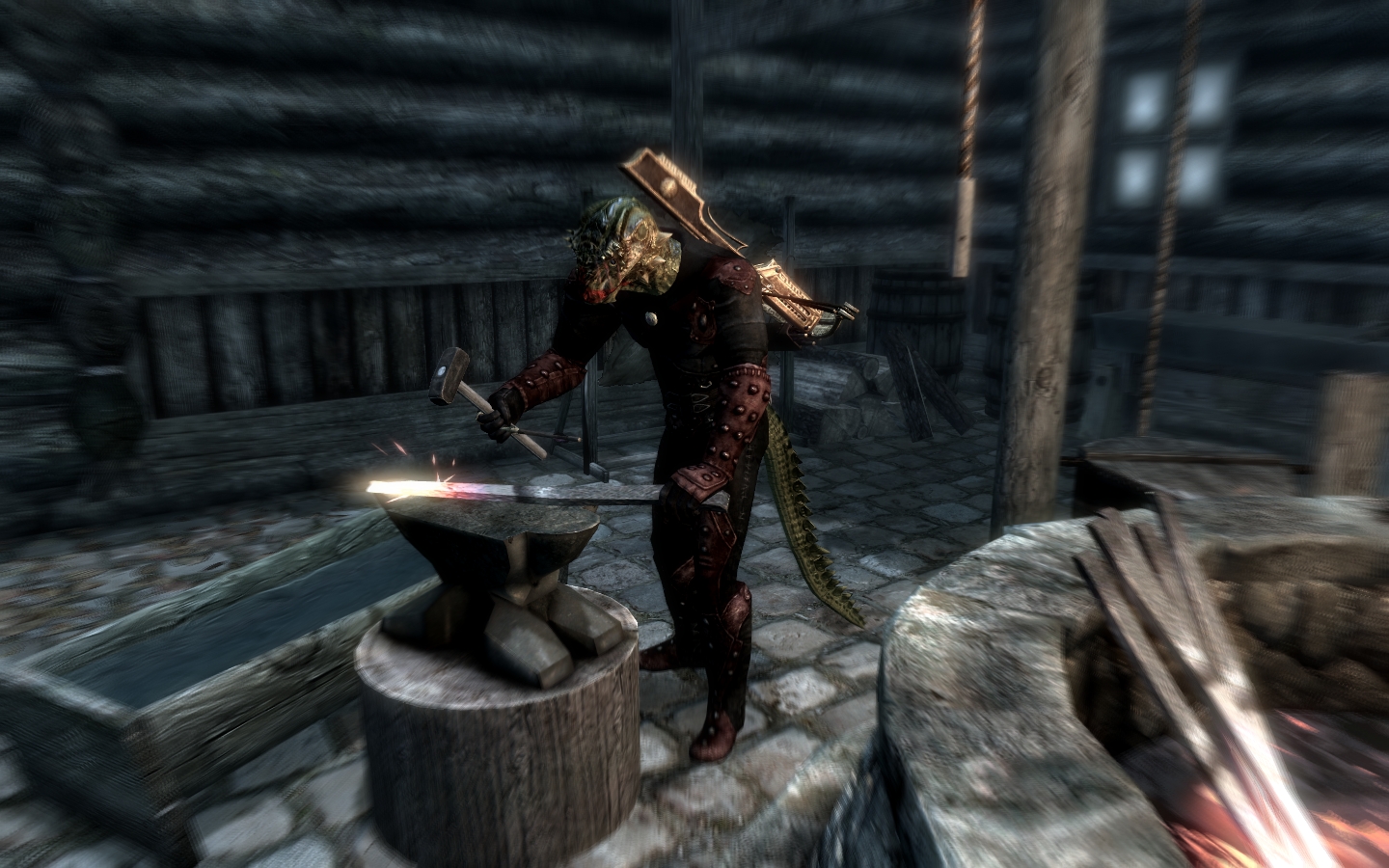
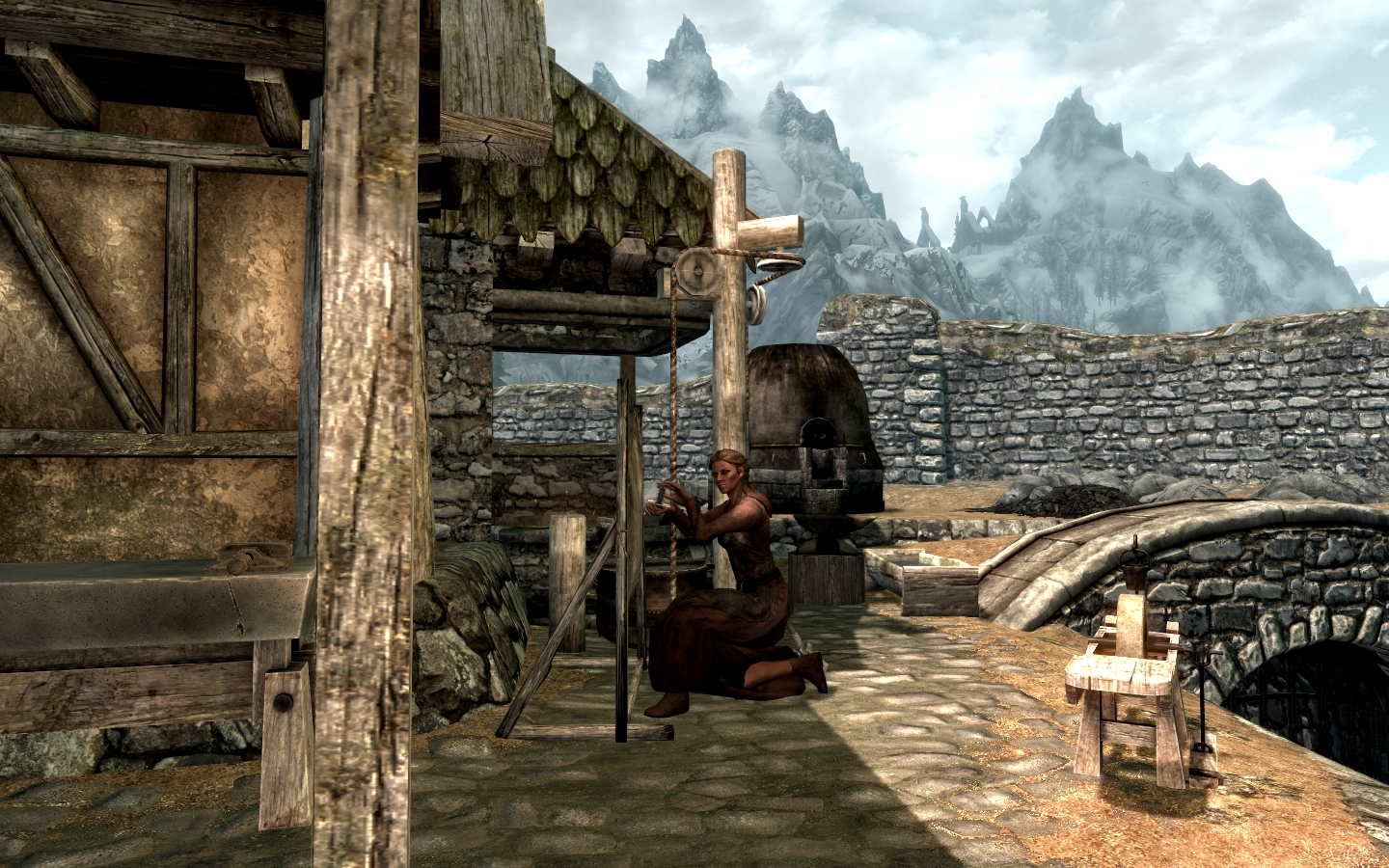
Ars Metallica aims to improve the smithing in Skyrim, and does so by adding several logical features. An incredibly lightweight mod (46 KB) for what it does, Arthmoor has added the ability to forge arrows and the player can now gain skill for both smelting and mining. Armor and weapons can also be melted down at a smelter, now, which means that ore can be re-purposed when your character is ready to upgrade.
We especially like this mod for being highly lore-friendly, and frankly can’t imagine playing Skyrim now without having this intuitive system implemented.
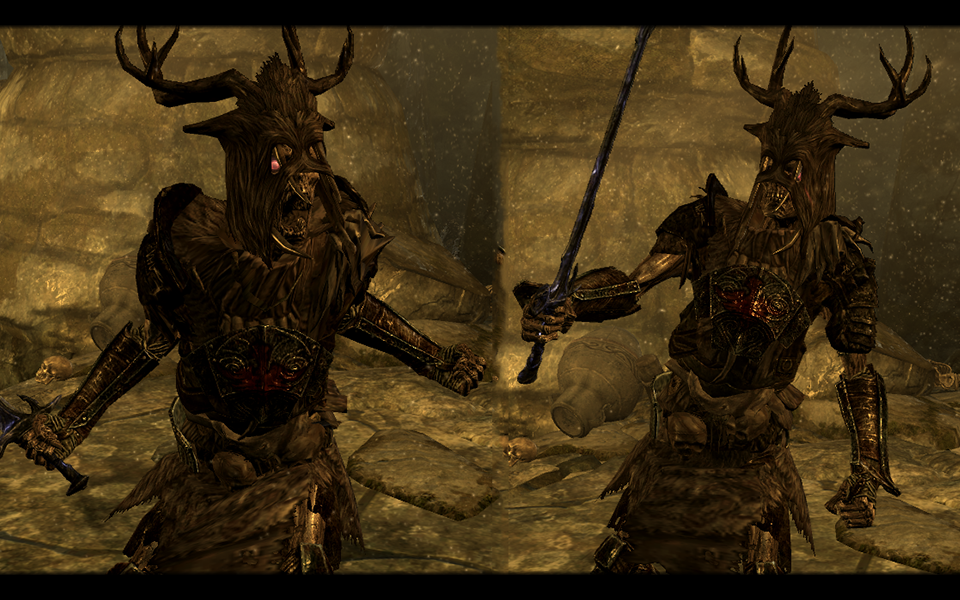
Immersive creatures adds dozens of new monsters roaming around Skyrim’s dungeons and landscape. By your second, third, or twenty-seventh playthrough of Skyrim, you’ve probably memorized not only all of Skyrim’s creatures and enemies, but their spawn locations too. This mod changes all of that.
Lifestorock’s monsters renew the lost feelings of fear and excitement that made our first run of this game so captivating. The creatures level up along with the player as well, meaning that you won’t wind up getting repeatedly defeated by some frustratingly over-powered enemy.
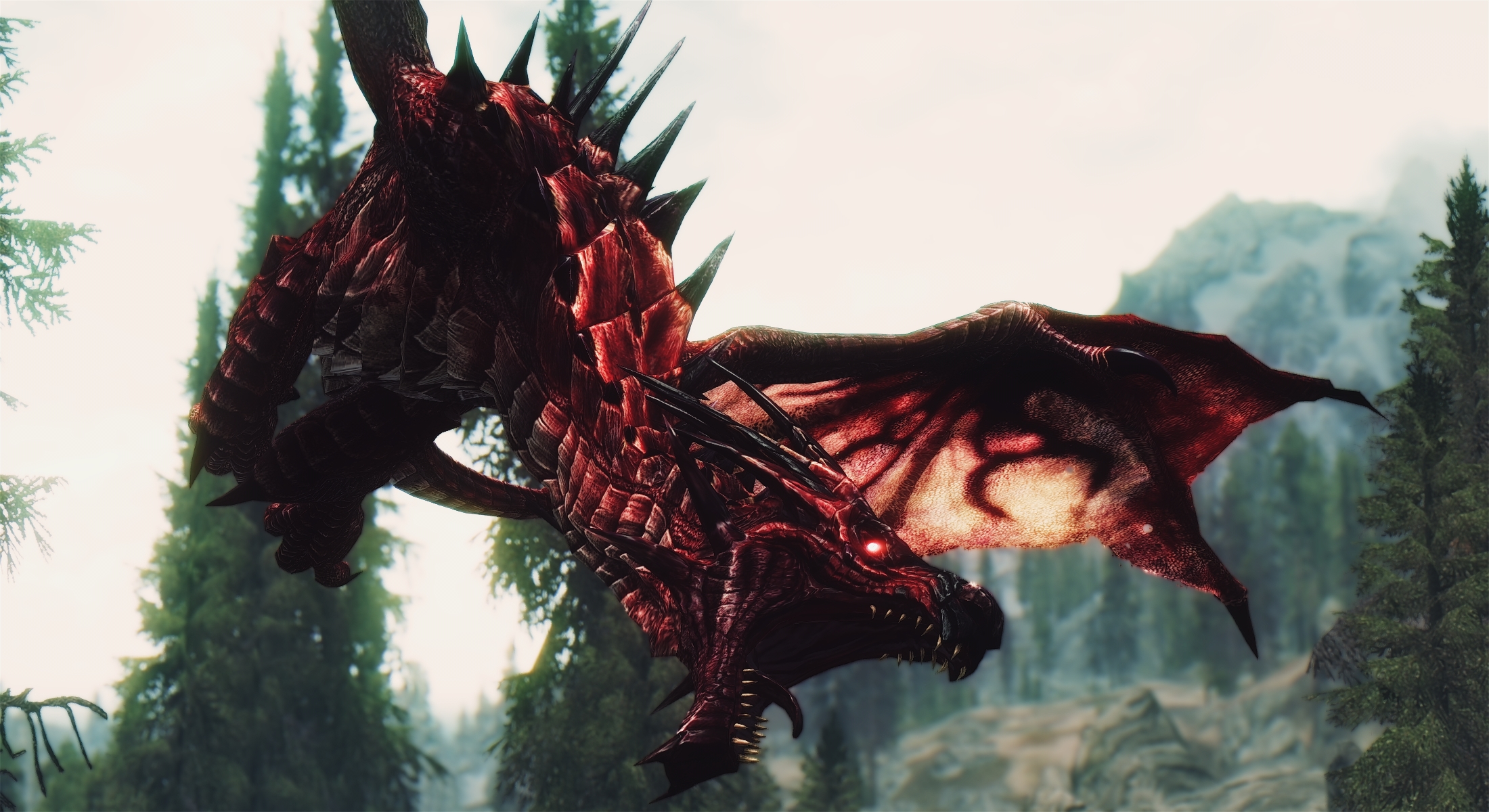
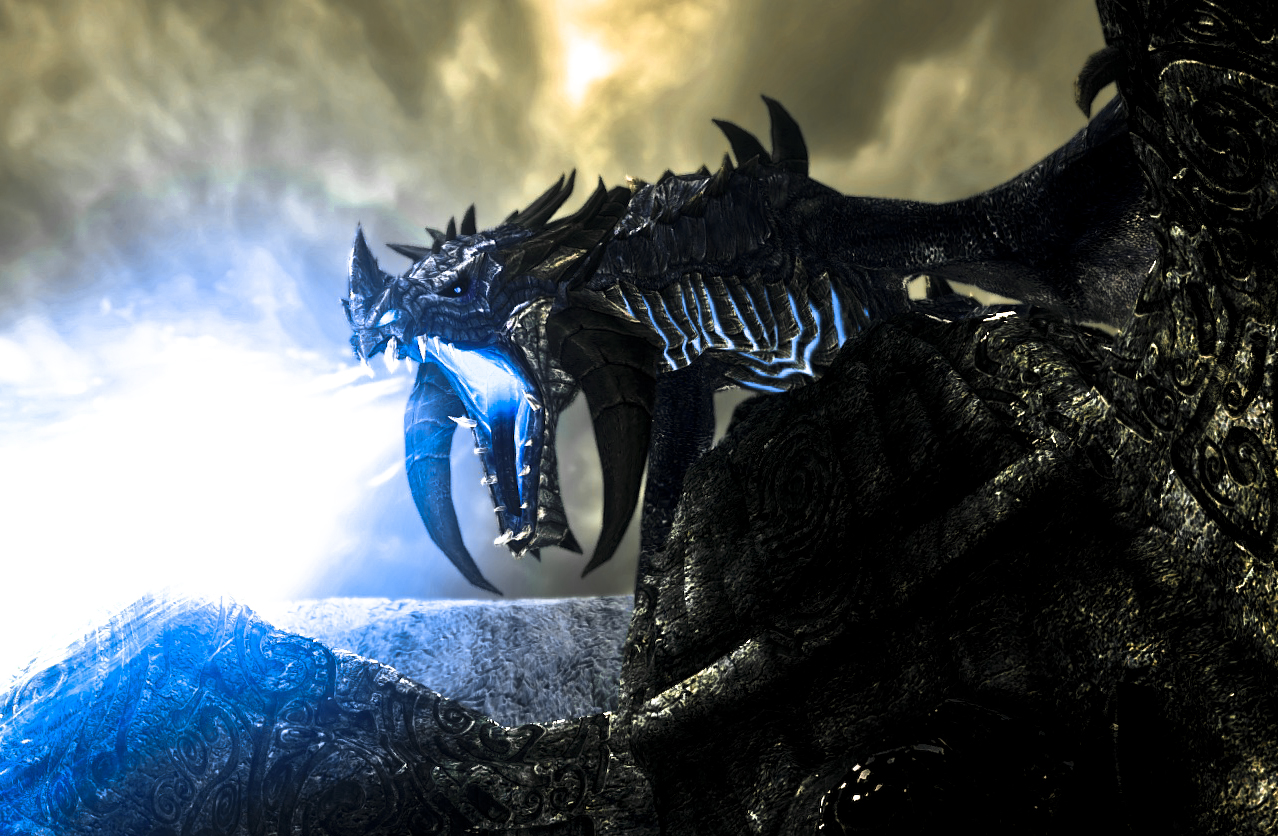
Diverse Dragons adds 28 leveled dragons to Skyrim, putting them in the rotation with the randomly generated dragons on top of mountains or roaming the skies.
Dragons may breathe shadow magic, lightning, energy beams, or even whirlwinds that can knock you off your feet. These do not replace or overshadow the dragons already the game, and named dragons unique to the game will remain that way. Anything that adds some color and strategy to Skyrim at this point is much appreciated, particularly when it’s done so artistically.
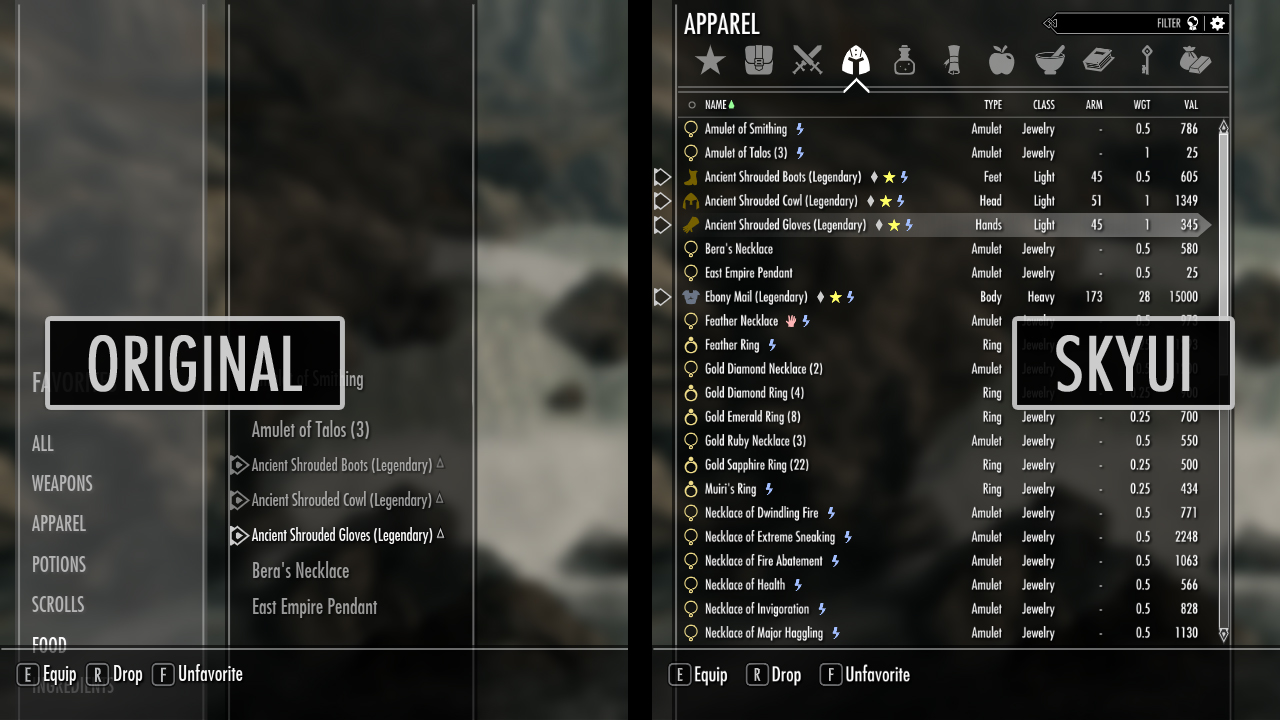
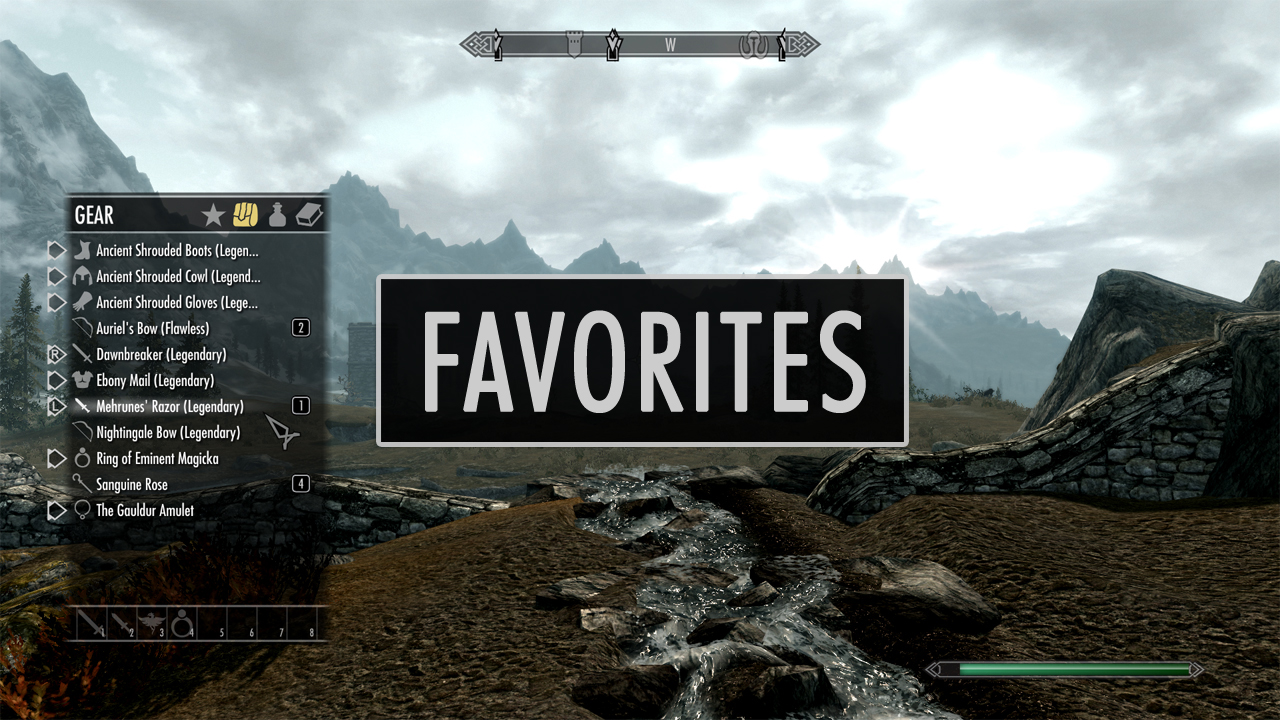
Downloaded over a million times and the recipient of over 25,000 endorsements, SkyUI is the elegant menu replacement you didn’t know you needed. This mod cleans streamlines and organizes pretty much every in-game menu allowing for faster access to your numerous abilities and items.
The most appreciated change in our opinion is the new favorites menu, which allows for compartmentalizing and filtering at the player’s own discretion. This is particularly helpful when you’re playing as a mage and want quick access to a wide variety of spells. It also eliminates a lot of the time otherwise spent navigating menus to switch armor, weapons, or shouts. Try it once. You won’t go back.
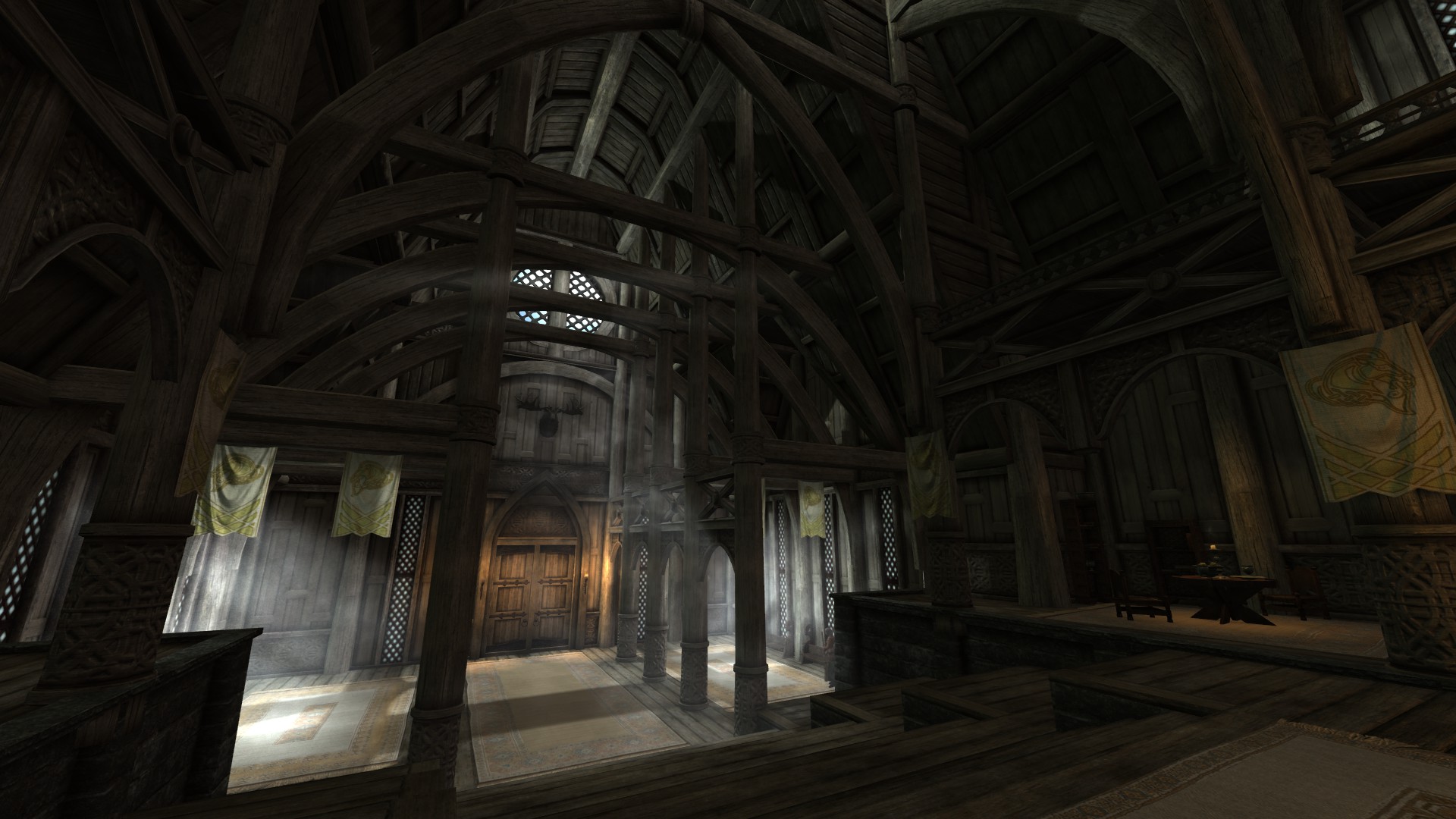
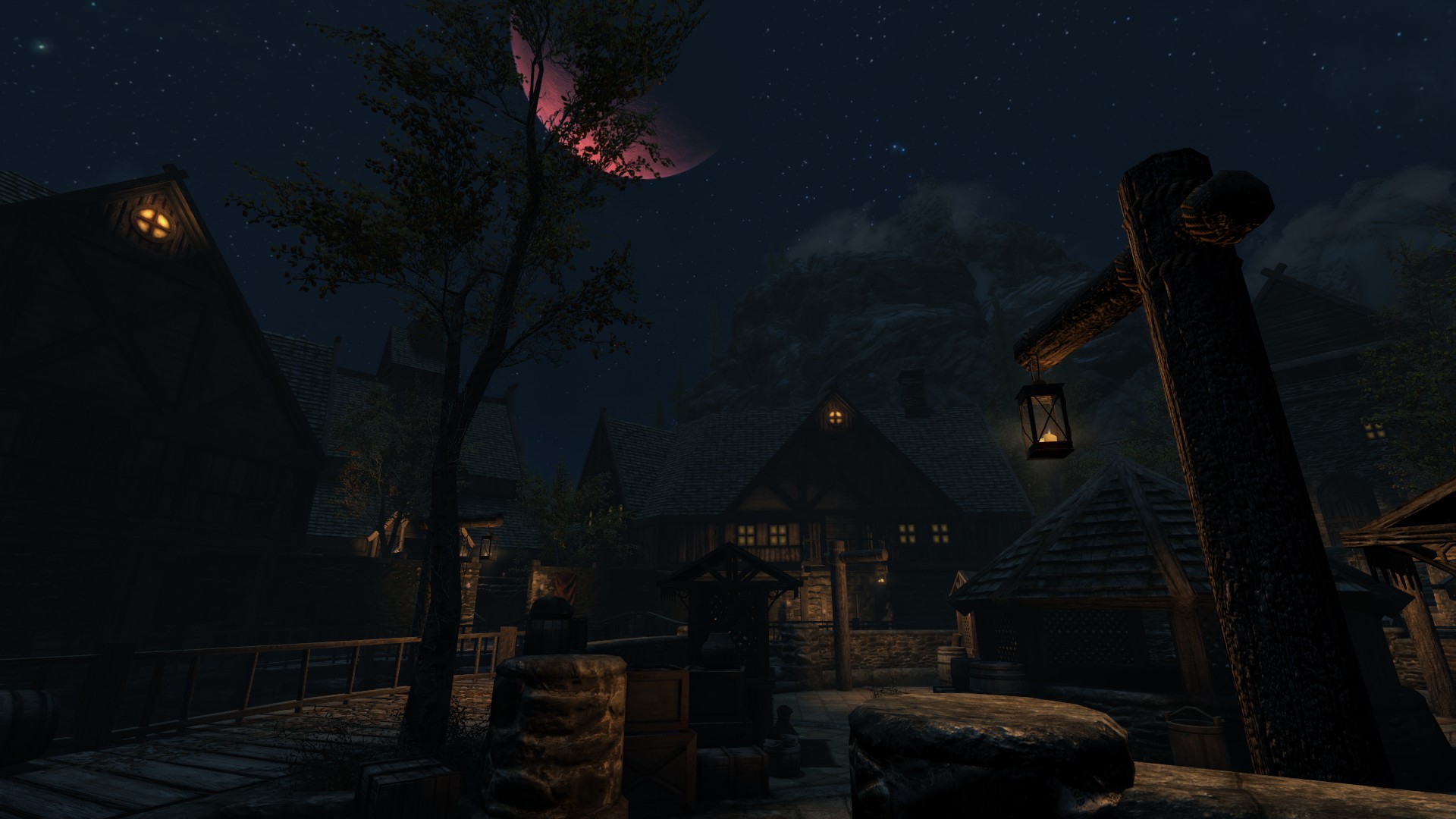
Skyrim: Special Edition made some masterful changes and enhancements to the original game’s lighting, adding god rays, depth of field, and a variety of new snow shaders. RLO continues in the same direction, highlighting new dynamic light and shadow that makes the game look much more dramatic.
This is especially noticeable in various interiors or at nighttime, and we think it really completes the gritty vibe of the harsh winter in Tamriel’s northernmost peninsula.
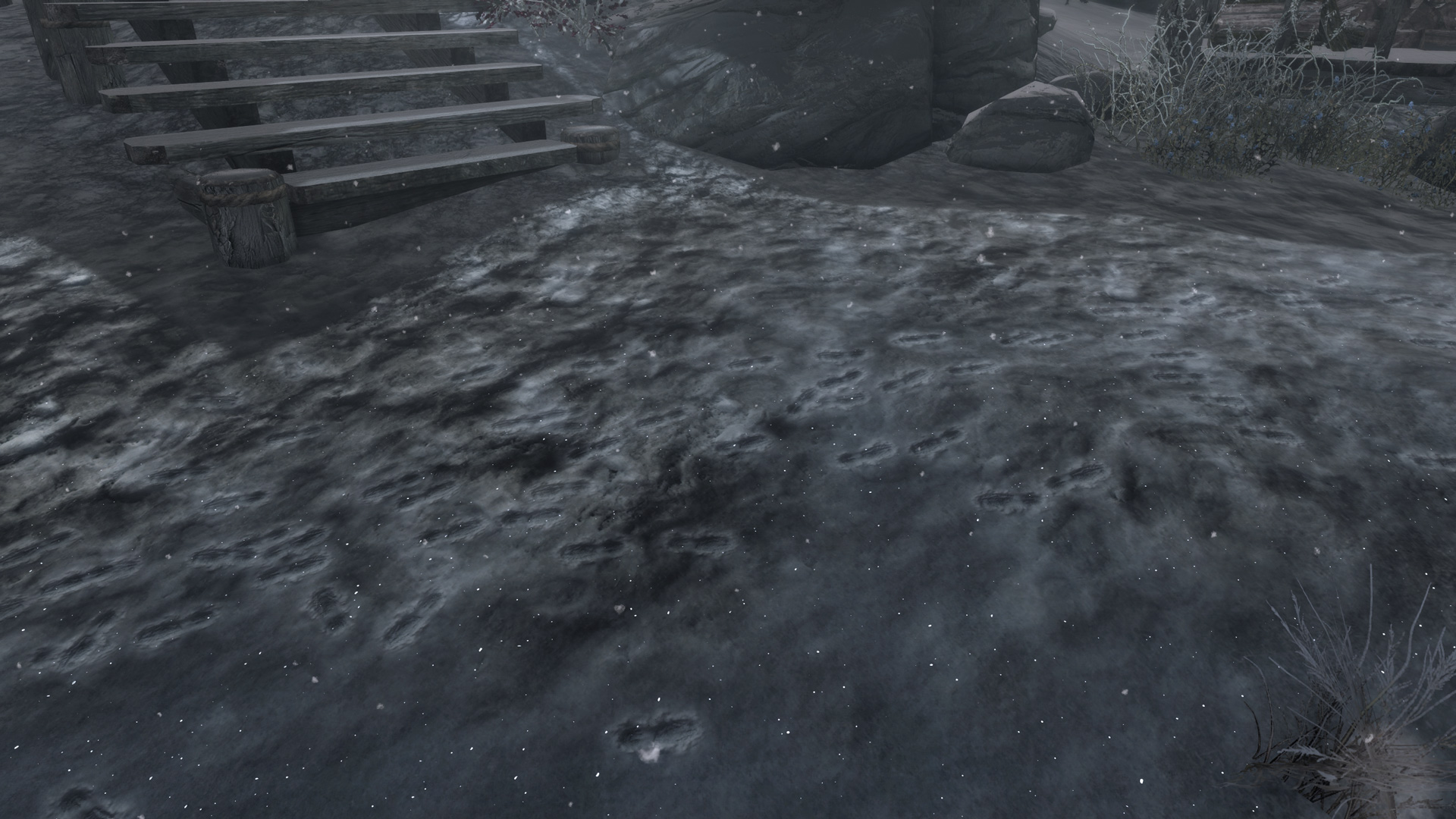
In a land predominately covered in tundras and drifts, it seems an oversight not to allow for footprints to come out in the snow. Jonwd7 fixes this oddity by adding footprints that appear whenever the player (or patrols or wildlife) steps in the snow.
Probably the smallest change on this list, we were surprised by how much it bothered us to play the game without this installed. Making the game feel fresh is actually a lot more a culmination of small mods than any one big one, and Footprints is the perfect example.
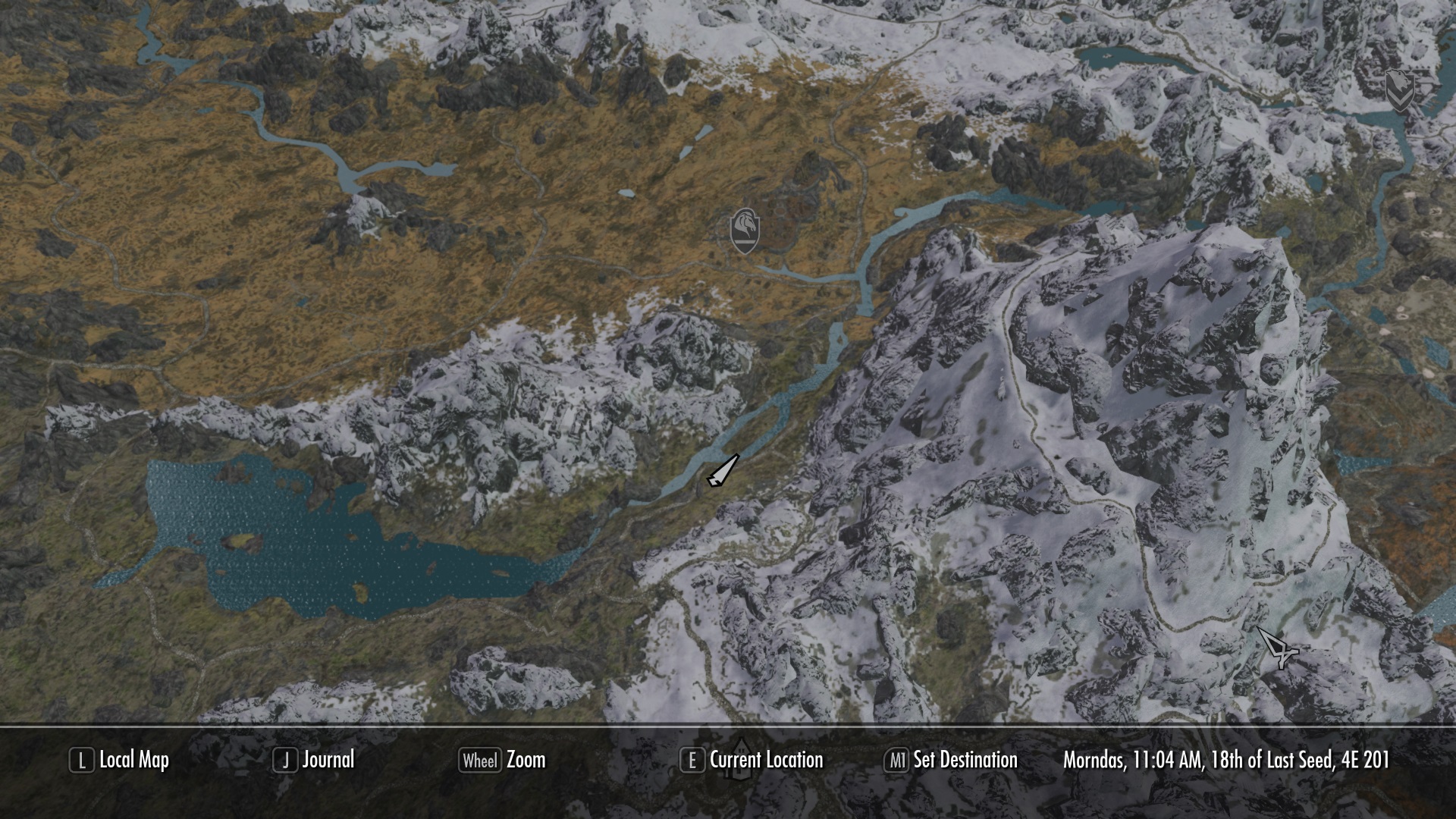
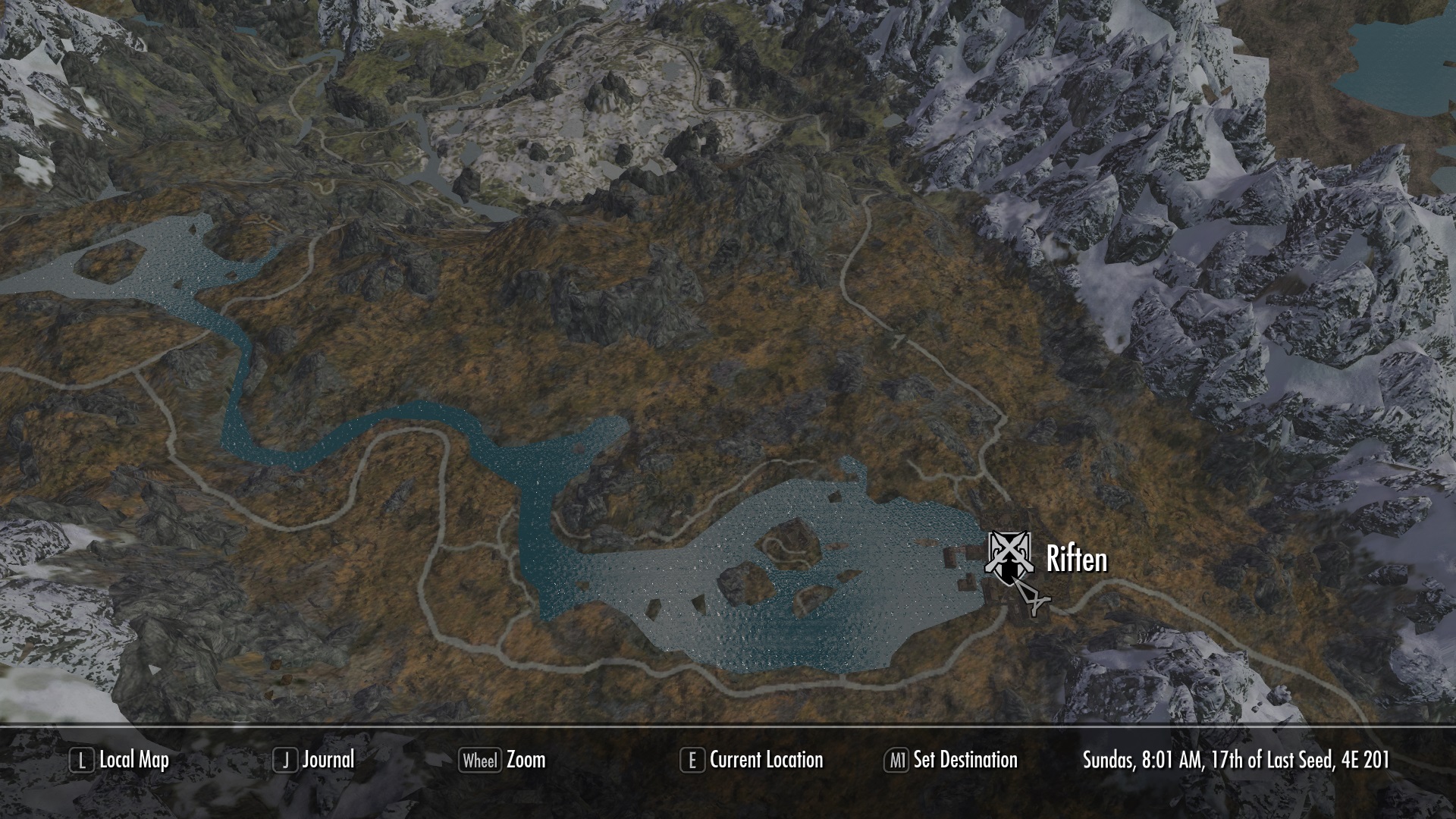
Again, it’s the small things. Play Skyrim and you’ll probably be using the map. A lot. For a screen the player sees so often, having it re-textured and highly detailed is quite refreshing. Not to mention, you’ll find your way around easier.
So there you have it! From small content additions to massive re-imaginings of the game’s core systems, hopefully this list will breathe some life back into Skyrim for a few more playthroughs. At least until Elder Scrolls 6 comes out!
iTunes is certainly the go-to method for adding music to your iOS device, but for the users who are looking for an alternative, CopyTrans is the easiest solution.
Completely free,CopyTrans can be quickly and safely installed, and immediately allows the transfer of any .mp3 file from your PC or Mac directly to your iPhone music app. Magic? More or less.
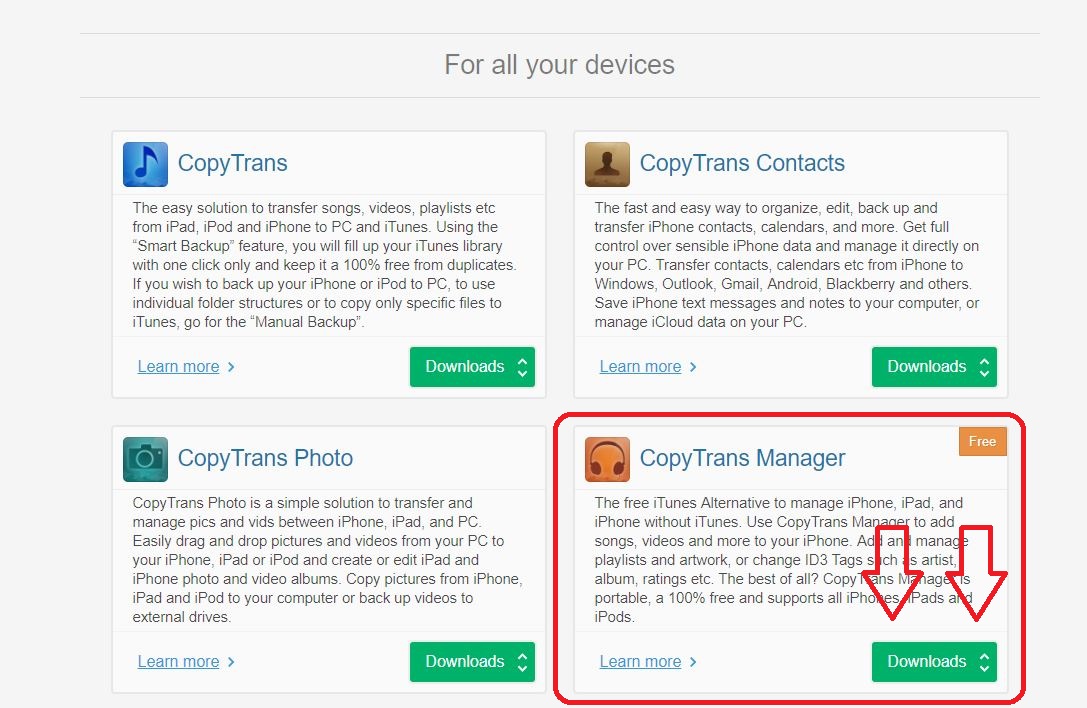
Clicking the button above will eventually take you to the software’s download page. Once here, don’t click the first green button you see. Scroll down a little to where it shows ‘CopyTrans Manager.’ This is the free option.
Next:
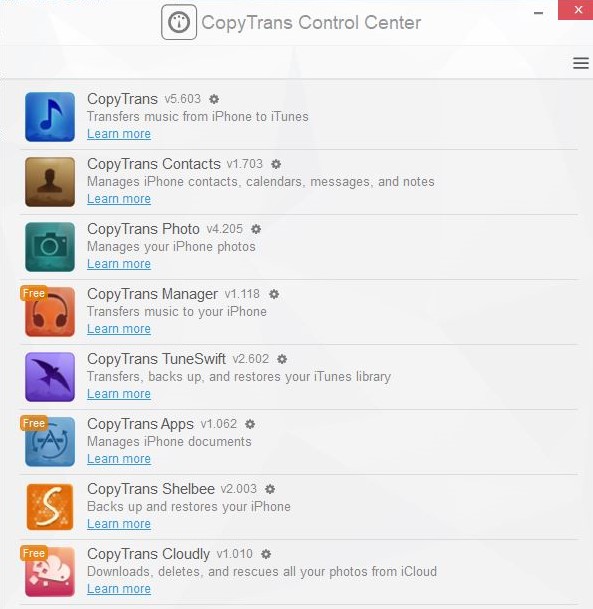
Once it’s downloaded, run the program and it should show the CopyTrans control list (above). CopyTrans Manager should be up top since that’s the one you’ve installed. Hover your mouse over it and click ‘start.’ This will open the transfer software you’ll be using.
CopyTrans will now ask you to connect you iOS device if you haven’t already. Go ahead and do so, and you should be ready to start adding tracks. If you receive an error message, here’s a simple and free workaround:
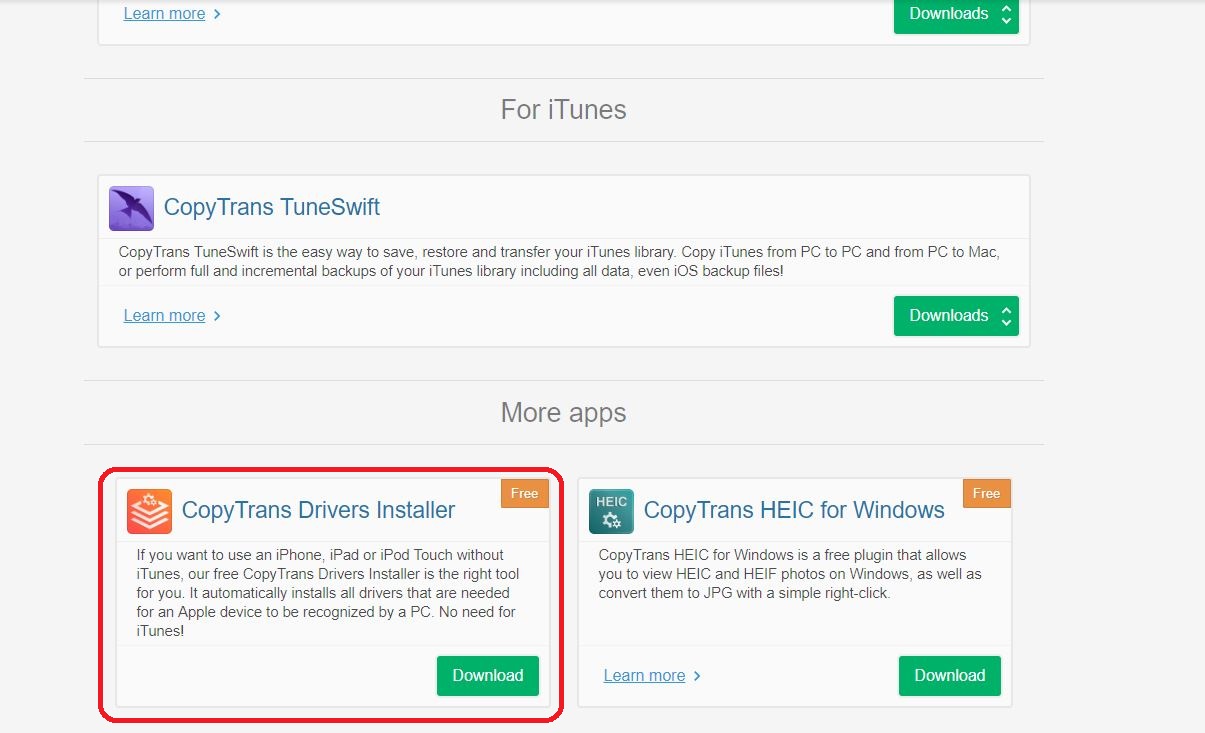
Go back to the CopyTrans website and scroll to the very bottom. There’s another free app called ‘CopyTrans Drivers Installer’ (pictured above). Run the automatic install and this should target and remove any dastardly fragments of iTunes on your iOS device that are preventing your PC from accessing your phone. Once this automatic driver editing process is complete, we can pick up where we left off.
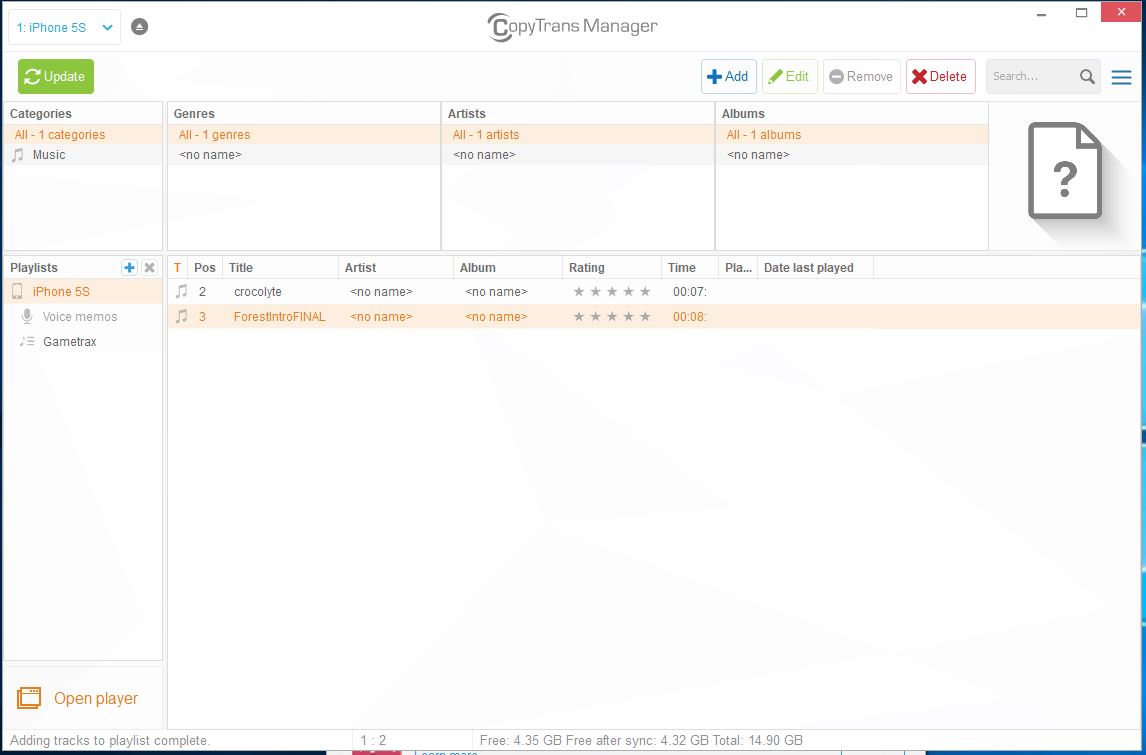
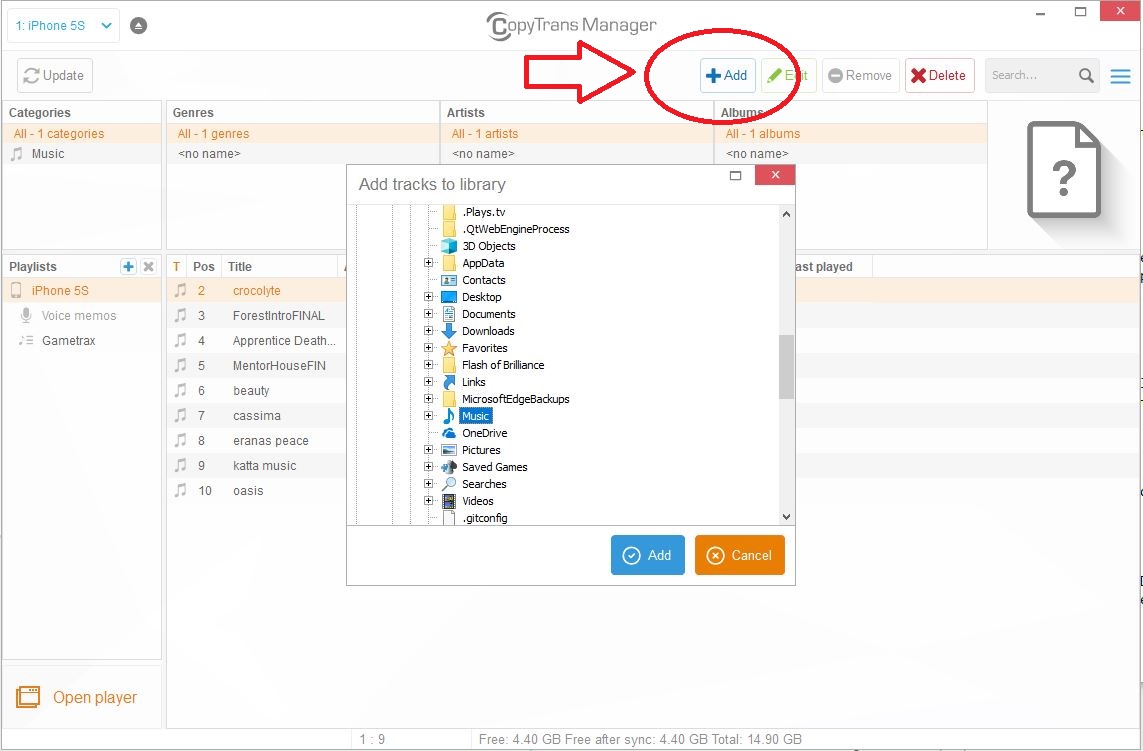
Adding tracks is as simple as clicking the ‘Add’ button on the top of Manager window. From here, simply navigate to where your music is stored (we recommend putting any tracks you want to add in an one easy-to-find folder so you can just navigate to it and select all your files at once) and click ‘Add.’ You should see the track(s) show up in the main window.
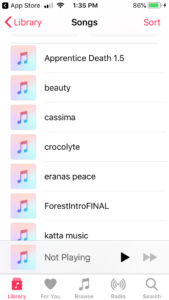
Once you have all the tracks you want to add in that window, click ‘Update’ in the top left corner. Let CopyTrans work its magic and bam! Next time you open your iPhone music app all the new tracks should be right there.
Struggling to unlock your favorite heroes in Star Wars: Battlefront II? Follow these steps to get there faster!
One of the best things about Star Wars is the beloved roster of characters. Watching Luke Skywalker swing across the Death Star chasm or seeing Han Solo fry poor Greedo in the Mos Eisley cantina can make any fan giddy to step into the boots of their favorite heroes. It was an aspect of EA: Star Wars Battlefront II that we were especially excited to experience.
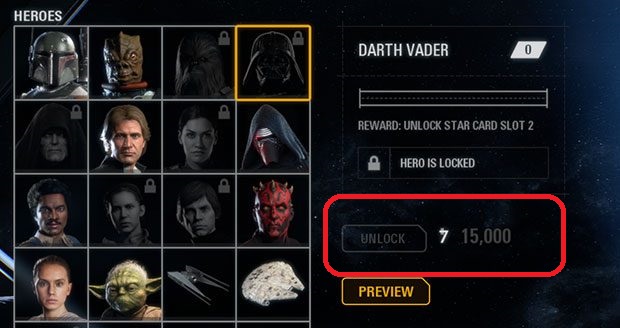
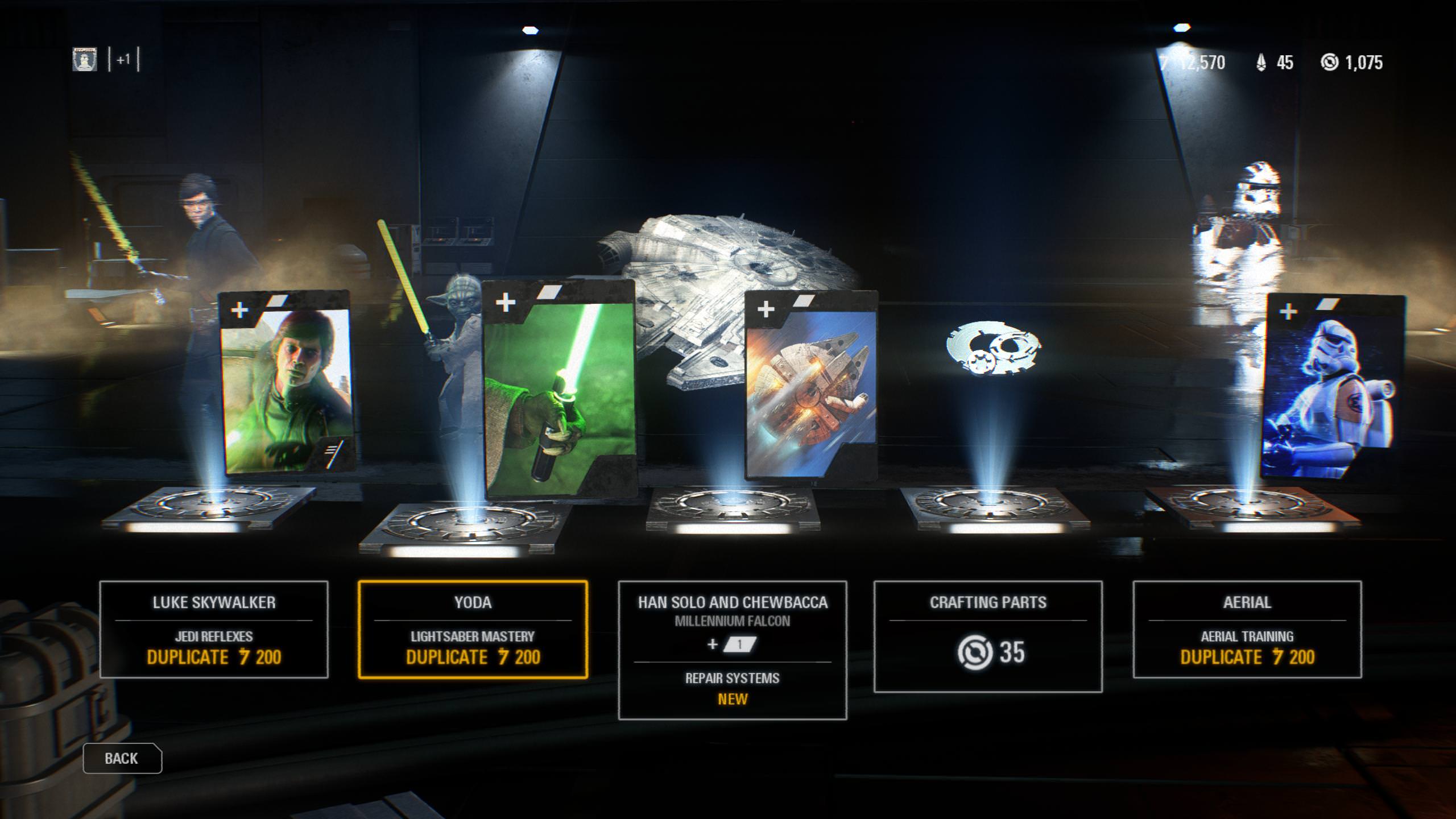
For being such an integral part of every fan’s love for the franchise, it was very frustrating to see just how difficult it was to unlock and play as a hero in this game. That difficulty was one of the biggest gripes that fans had with the whole loot crate fiasco that heralded the game’s release. Heroes are unlocked via in-game currency, which is accumulated by playing matches online. And some of them (namely Luke Skywalker and Darth Vader) are quite expensive.
We’ve found a way to help you purchase your favorite heroes as quickly as possible, and more importantly introduce you to battle strategies that you can employ in a match to maximize your chances of getting to play as one.
This review does a good job of driving home our next tip, but beware that he is ever angry (NSFW for language, guys):
Unlocking your hero
As this angry YouTuber pointed out at, the amount of credits you receive per match has little to nothing to do with how well you play. The players at the top of the game are hardly getting more points than you, maybe no more at all. Instead, here are the factors that will matter more:
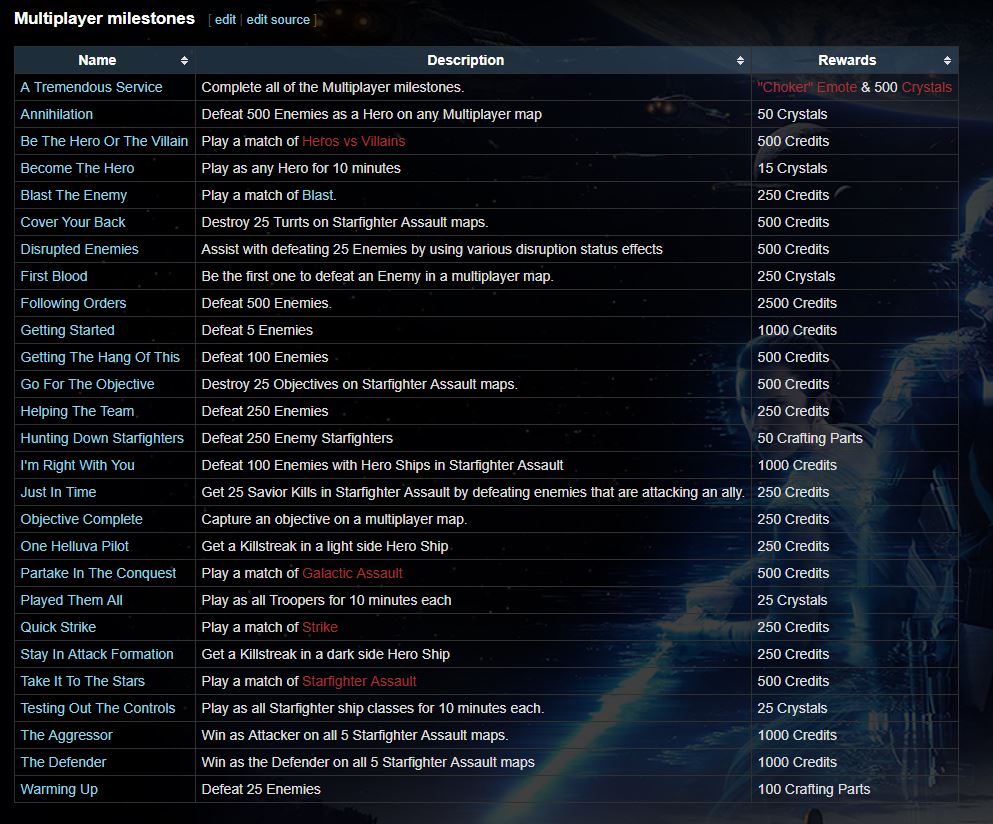
If you’re looking to accumulate those credits, definitely know that the game rewards you with them for reaching certain milestones. Examples are things like “winning as the defender in Starfighter Assualt mode,” or “getting 25 disruption assists.” Note that the latter is only even possible if you purchase and effectively use the Officer’s Disruption star card, which means (duh) you’ll have to actually but it. This brings us to an important question: “Where should I spend my in-game money?”
https://battlefront.gamepedia.com/Milestones
Given the choice, we say go ahead and get that Disruption card. The more of these milestones you start to accrue, the thicker your in-game wallet’s going to get. An easy place to start snagging them is in the game’s often overlooked Arcade Mode, so if you haven’t checked that out, be sure to give it a look. You can earn 500 credits per match, and since many of these missions are under a strict timer, you’ll likely be earning credits here faster than you would in, say, a long Galactic Assault match.
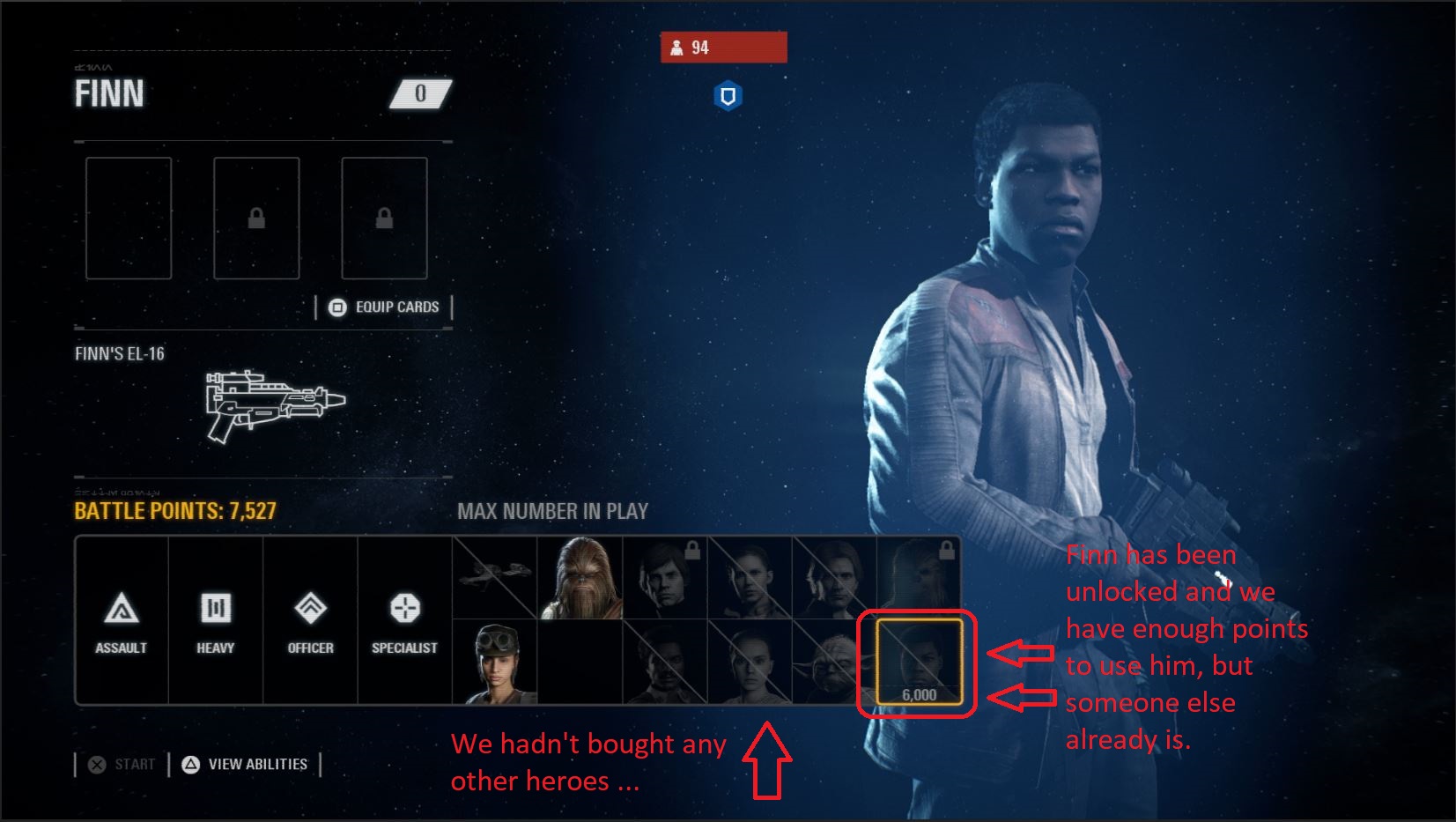
Be sure to spend your credits equally on both your favorite heroes and your favorite villains. You can’t predict which faction you’ll be assigned to at the start of a match, so try and spread the wealth 50-50. Otherwise, you might finally have enough battle points to play as a hero, but find that unfortunately someone’s already using the only one you’ve unlocked.
It also practically goes without saying that you should be opening your daily crate every day once you boot up the game. It’s only 75 credits, sure, but we swear, every little bit helps. They’ll start to add up if you open it every day.
How to earn battle points to play as a hero once you’re in a match
And now for the part you’ve been waiting for – you’ve bought your hero, now how do you unlock him in a match as quickly as possible?
These eight tricks should generally increase your chances:
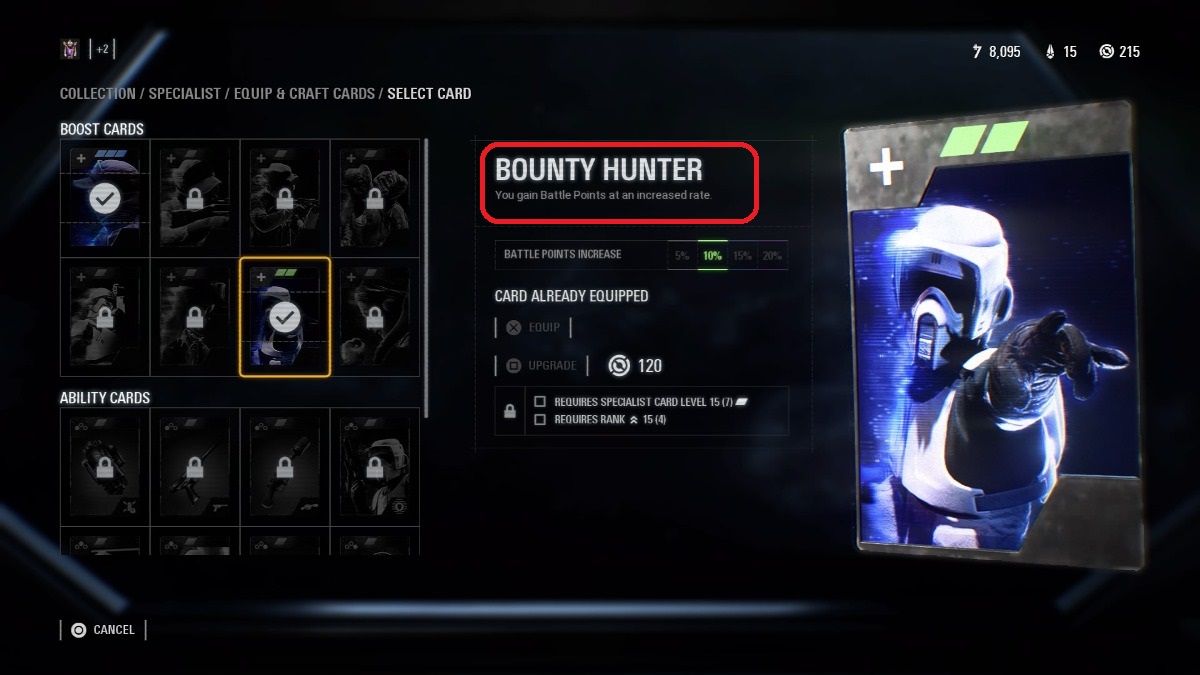
1. Rank up your Bounty Hunter boost card and always have it equipped
Every class can equip the Bounty Hunter boost card, and every class should. This will guarantee that any time you’re earning battle points to unlock a hero, you’re getting more bang for your buck.
Definitely prioritize ranking this up for the class(es) you tend to favor, too. We’d also recommend splurging your crafting parts on leveling these boost cards up as soon as you can, just to give you that extra edge.
Remember, DICE gave us an objective-based shooter with Battlefront II. To reward you for actually doing what you’re supposed to be doing, they made completing match objectives the most lucrative way to earn battle points.
It might seem counter-intuitive or like you’re putting yourself right in the enemy team’s crosshairs, but some player has to be the guy to hack that computer or capture that territory and you can bet they’ll be richly rewarded for doing it. It might as well be you, right?
3. Stay alive
https://www.youtube.com/watch?v=5rAy860WbJE
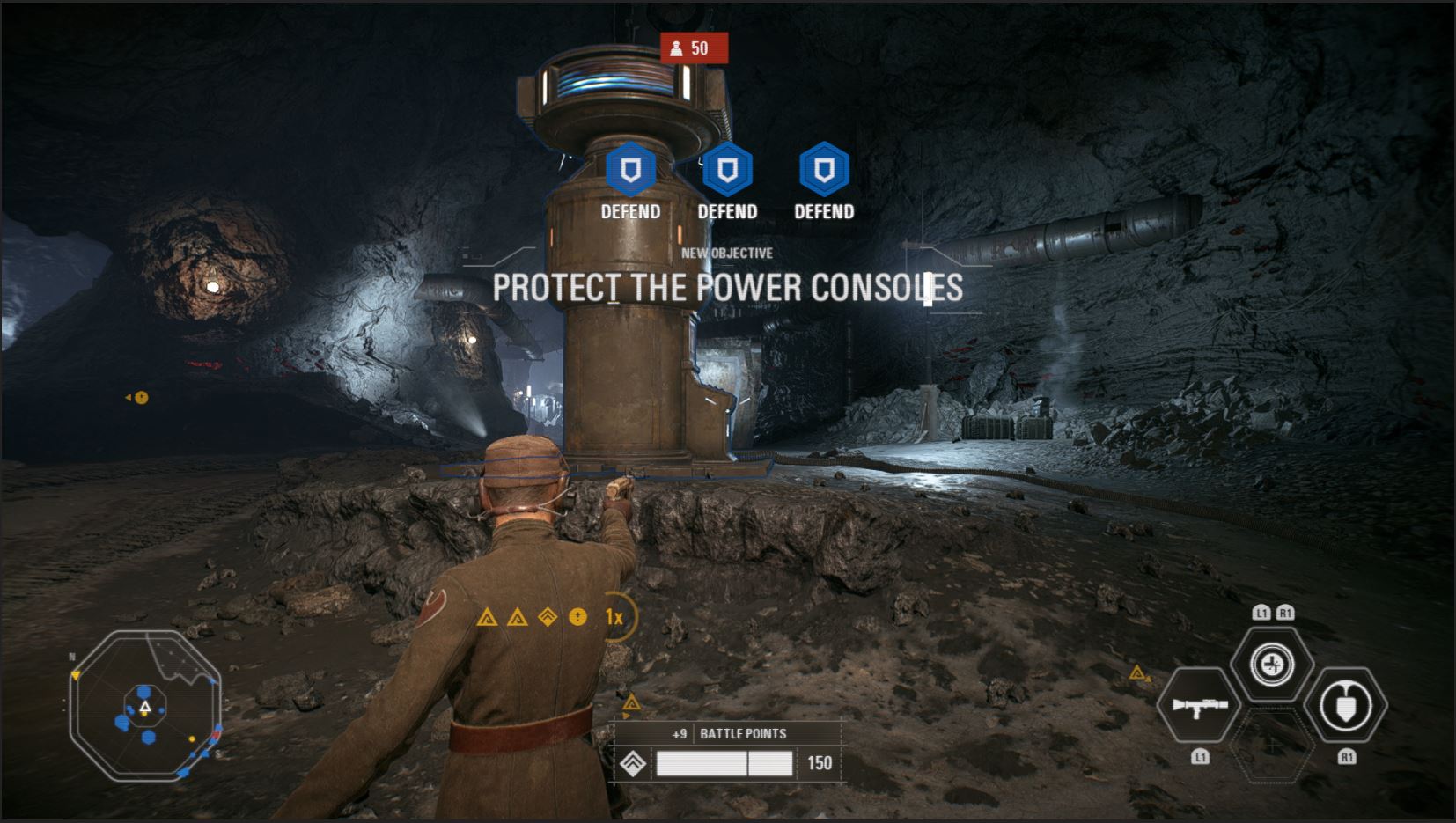
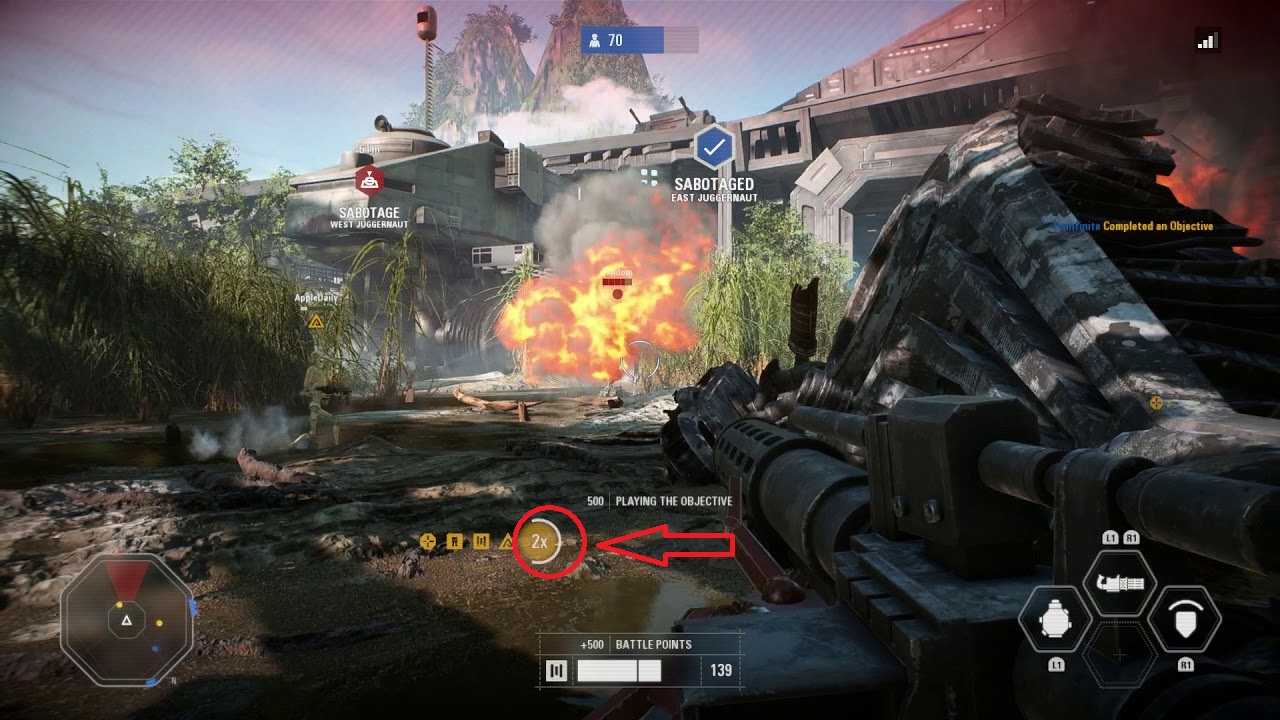
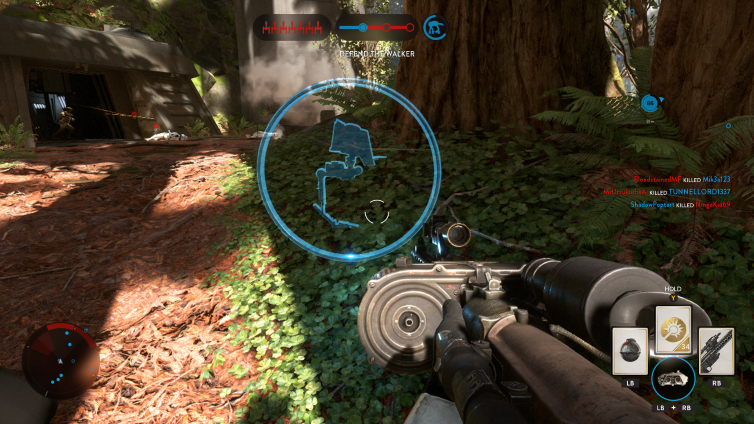
See that gold ‘2x’ on the HUD? That used to say ‘1x.’ Survive long enough while doing objectives and it becomes ‘2x.’ Once it does, it means you’re earning double the battle points for everything you do! This resets if you die, so play a little more defensively if you want to keep this buff as long as possible.
4. Stick with the squad you spawn with
Like the load screen says, you’ll earn battle points faster if you stick near your teammates. More specifically, that ‘1x’ we just talked about will gain momentum faster if you’re working with your assigned squad. Ah, it all makes sense now, right? That’s why it’s good to play support classes and use team buffs.
We see you, DICE, we see you.
5. Play as the cheaper power-up units as you can
https://www.youtube.com/watch?v=C6wiGD5V4y8
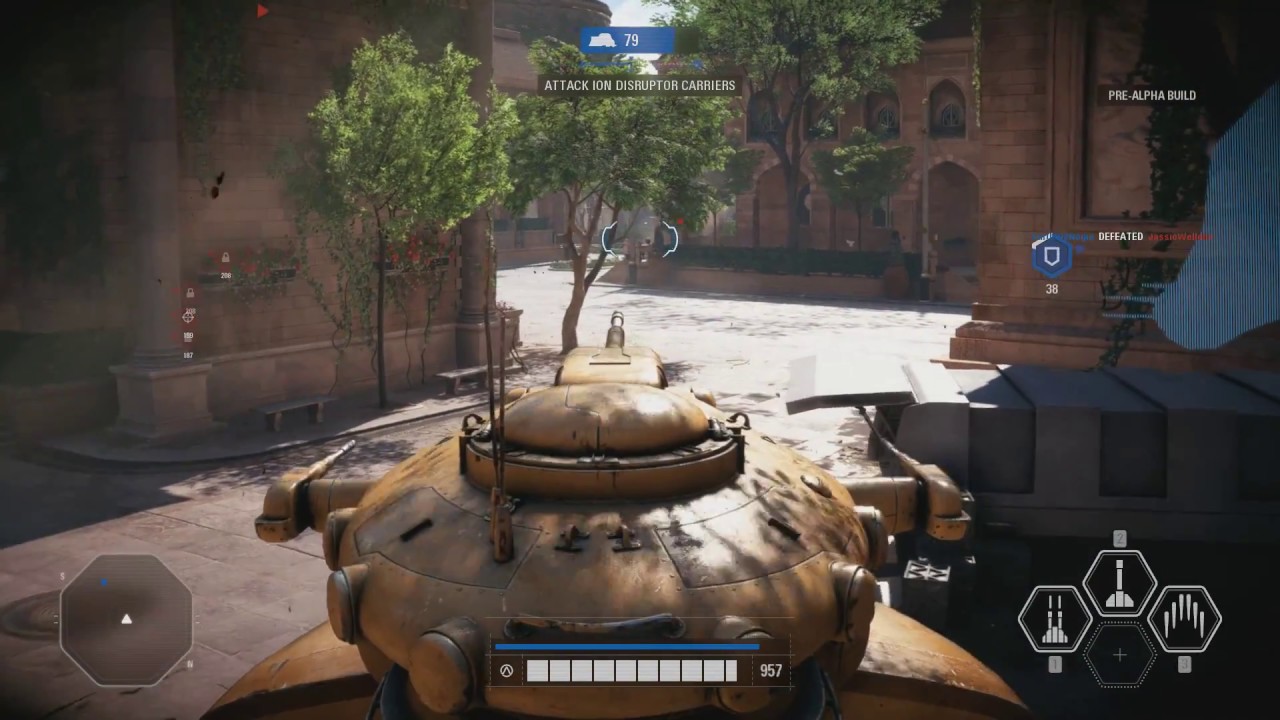
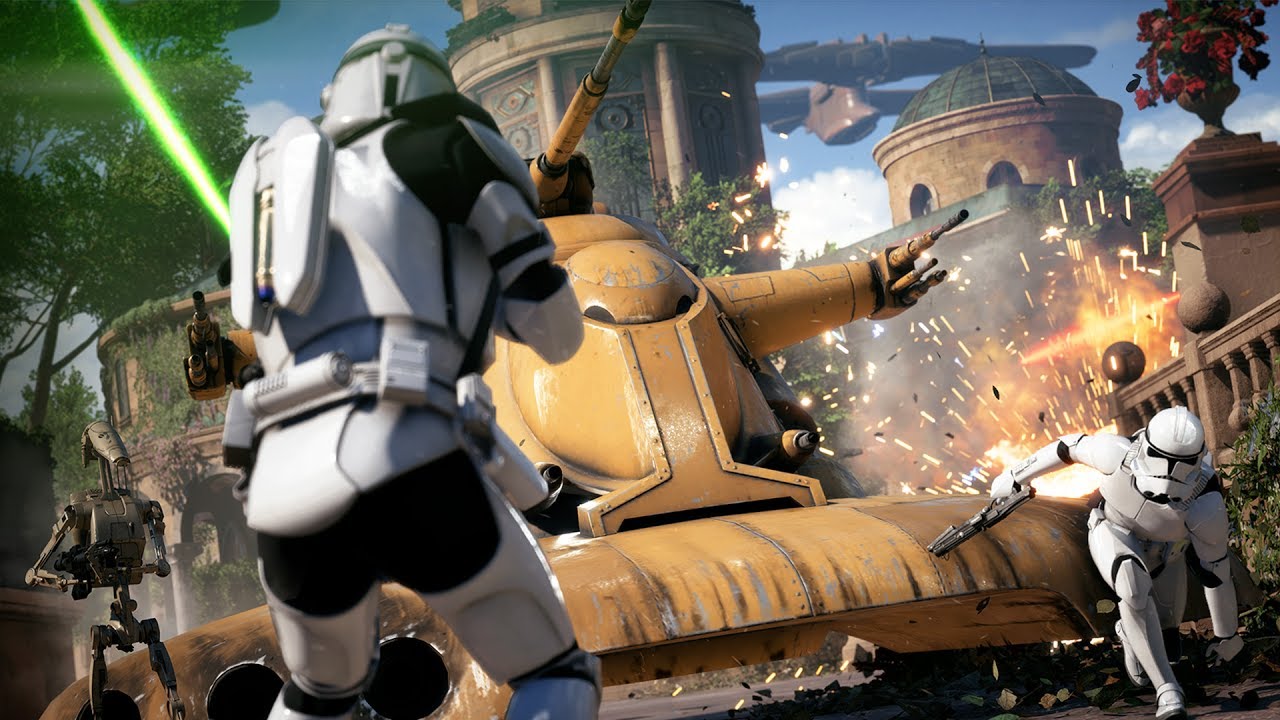
The MTT, AAT, AT-AT, clone gunship, and the vulture droid are all very low-cost upgrades available on certain maps. Using these correctly can actually help you rack up points very quickly, particularly the AAT (pictured above) and vulture droid.
It may again seem counter-intuitive to be spending those same battle points that you need to use to play as the heroes, but compare the amount of points you’re getting to what you’d be earning on foot. We found more often than not that it was well worth the 400 or 600 points needed to play as them.
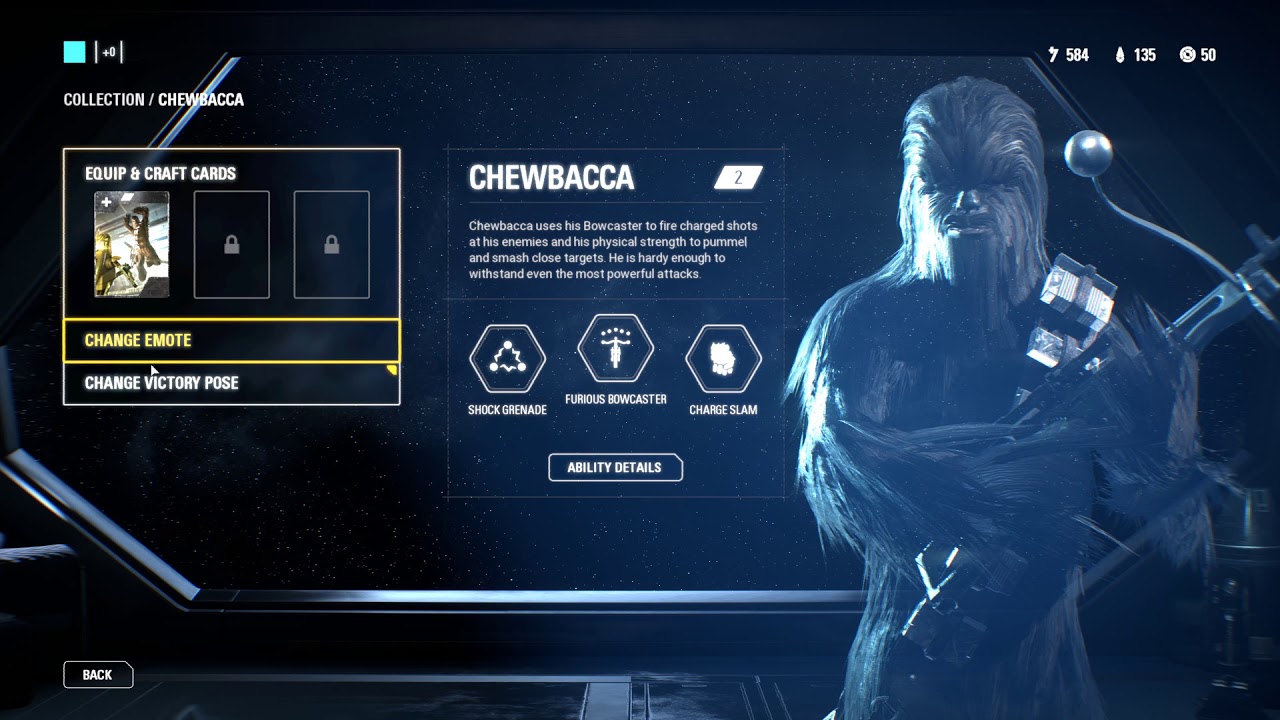
6. Buy Chewbacca first
https://www.youtube.com/watch?v=3RZlxfGLIAo
Regardless of whether he’s your favorite hero, we’d recommend getting Chewie first. Hear us out:
In-era heroes in this game cost 6,000 battle points to unlock. Out-of-era heroes are instead 8,000. Since Chewbacca is alive in all three eras (prequel, original, and sequel) he is always counted as ‘in-era,’ and therefore always costs the fewest battle points.
7. Start the match as the officer
Many matches begin with a mass charge forward from your entire side. Kashyyyk, Kamino, and Mos Eisley are good examples. Starting as an officer means you can buff upwards of 15 or 20 players at once. While that buff likely won’t actually help them, it should give you a healthy jump start in battle points right from the start.
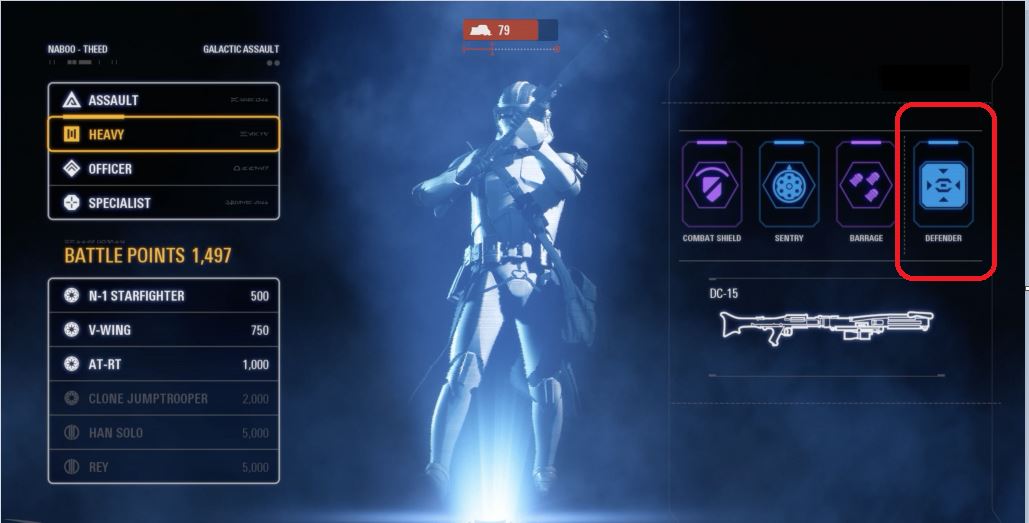
If you favor the Heavy class, be sure to equip and invest crafting parts to improve the ‘Defender’ boost card. This means that you’ll be earning battle points every time you’re hit, which (if you’re playing your role correctly) should be pretty frequently. The amount of points you get from this is minimal, sure, but everything adds up. That goes double if you reach the ‘2x’ for battle points you’re earning.
Does this mean you’re going to unlock Boba Fett and place with him every match? Maybe not. But follow these eight tips and you should at least have an edge and a battle strategy.
Best of luck out there, and may the Force be with you!
We added 60+ hours of replayability to Star Wars: Jedi Academy (with these five cheats and one free mod)
The relese of EA’s Star Wars: Battlefront II received about as much flack as Jar Jar Binks. Reviewers pulled no punches in speaking out against the overly corporate taste it left in their mouths. The game got so much bad press that Oskar Gabrielson, the General Manager at DICE, tweeted a formal apology about its design revolving so much around in-game purchases.
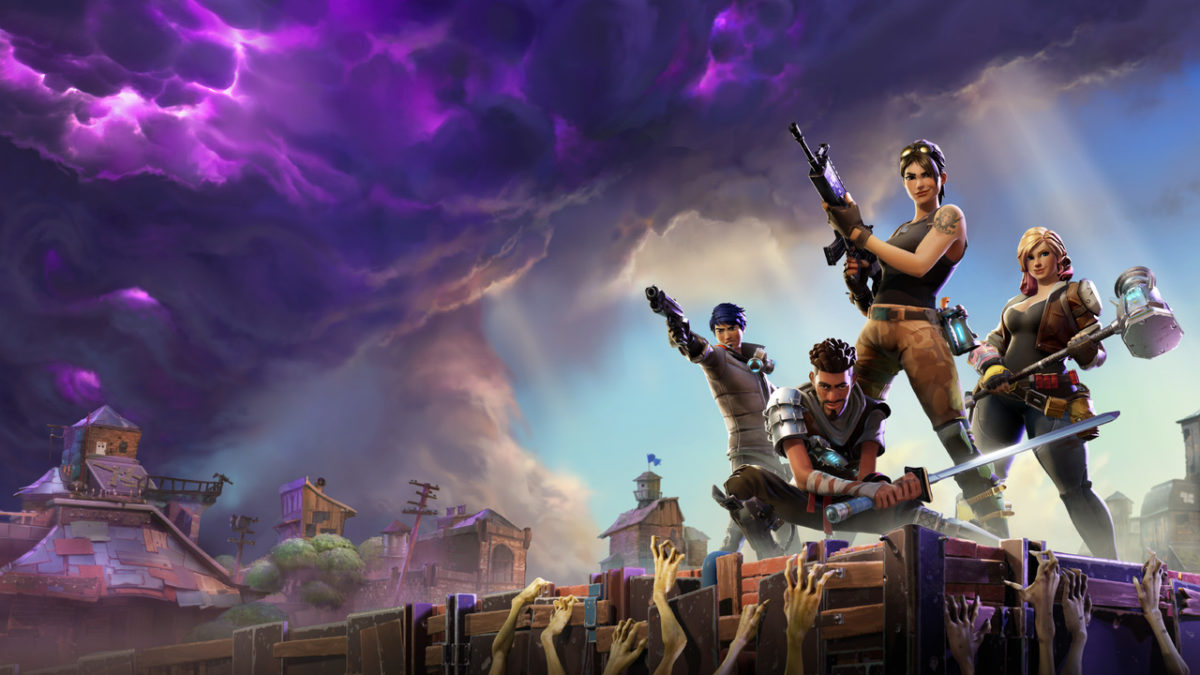
The result was a surprisingly immediate removal of all micro-transactions, followed by a re-balancing overhaul shortly after. Fortnite, for the scant few that have not heard of the title, dropped on July 25, 2017 – less than four months before Battlefront II’s November release. Critically acclaimed and still boasting a lobby of an estimated 125million people, Fortnite is the clear victor between the two. But what was it that made such a glaring difference between the two games? Where did Battlefront II go wrong?
Both are shooters, both have extensive focus on multiplayer, both are professionally polished in their own way. On paper, Battlefront’s addition of a single player campaign should have made it a shoe-in. Plus the (officially canon) campaign set in the beloved Star Wars universe should have had fans falling in love with from the first few minutes in.
Not as much as EA and DICE had hoped.
There’s obviously any number of huge differences between these two titles, but we’ve singled out five crucial choices that led to Fortnite’s resounding success compared to their competition of EA’s Battlefront II.
1. Fortnite: Battle Royale is 100% free
Getting the big one out of the way first, the major gripe the gaming community had with EA’s Battlefront II was the prevalent and glaringly tacky focus on micro-transactions. The outcry was so loud that ‘loot boxes,’ an integral part of Battlefront II’s reward and level-up system, were being compared to gambling. Yep. U.S. Senator Maggie Hassan went so far as to say such methods were especially dangerous for kids, stating that “in many cases, these are being marketed to and used by children, who are obviously particularly susceptible to being addicted to them.”
It does seem like an ill-disguised slot machine. Hassan might have a point. So is Fortnite exempt from this egregious offense?
Well … Yes and no.
While Battlefront II sold for a minimum of $60 on release, Fortnite was and still remains completely free to download. The game doesn’t have any ads either, so how exactly does it make money? Without going off on too much of a tangent, the simple answer is micro-transactions. That’s right, the same flaw everyone was up in arms about with Battlefront II. It’s present here in Fortnite as well. There’s more information on how this process generates income here.
So what hypocrisy is it that we’re okay with this transpiring in one game, yet furious about it with the other?
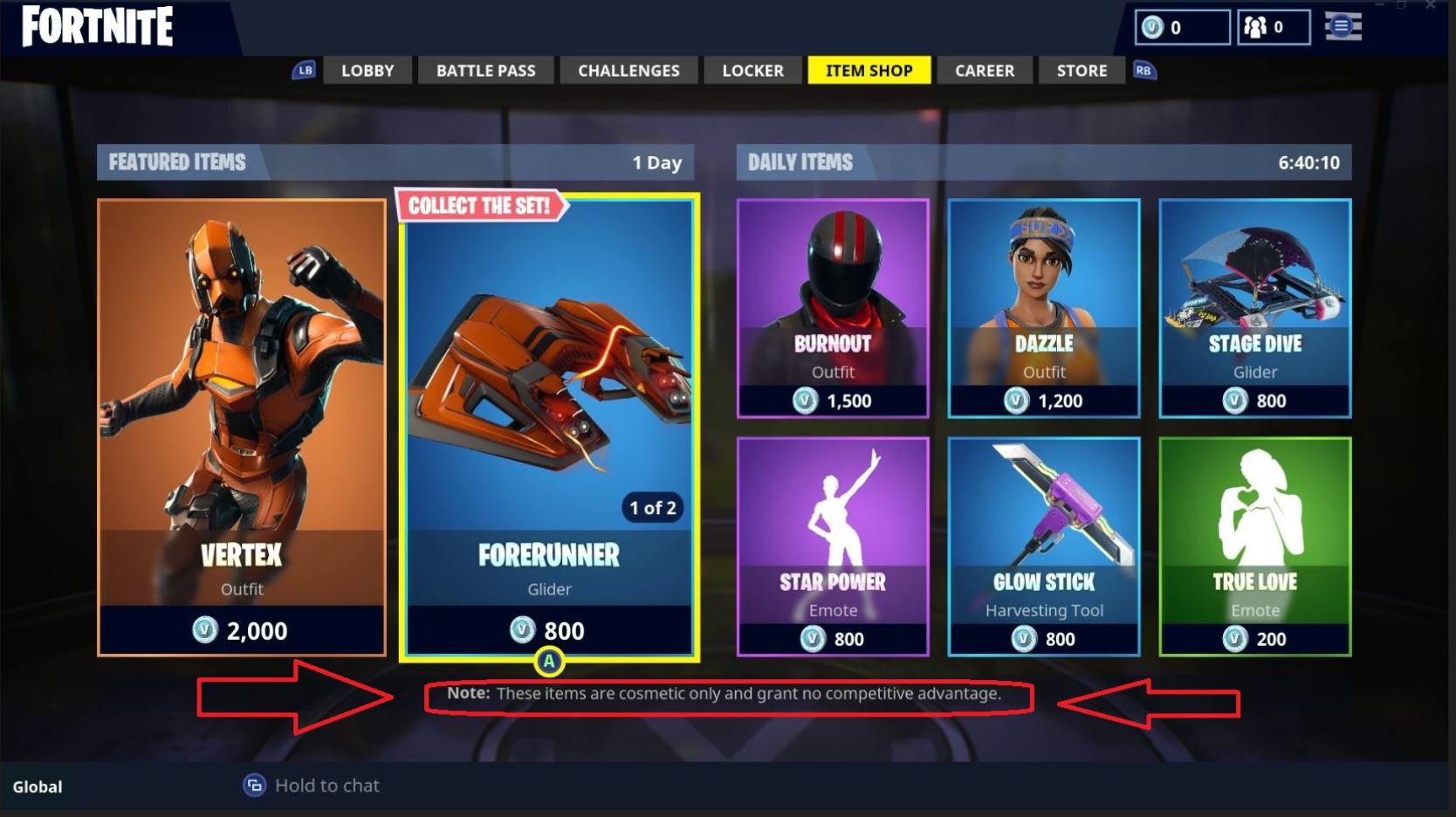
The reason is actually quite simple. In Fortnite there are really only two things that’ll cost you money: Buying cosmetic items and the Battle Pass. Neither of these have any impact on your gameplay, and are just there for aesthetic or to freshen up various aspects of your game.
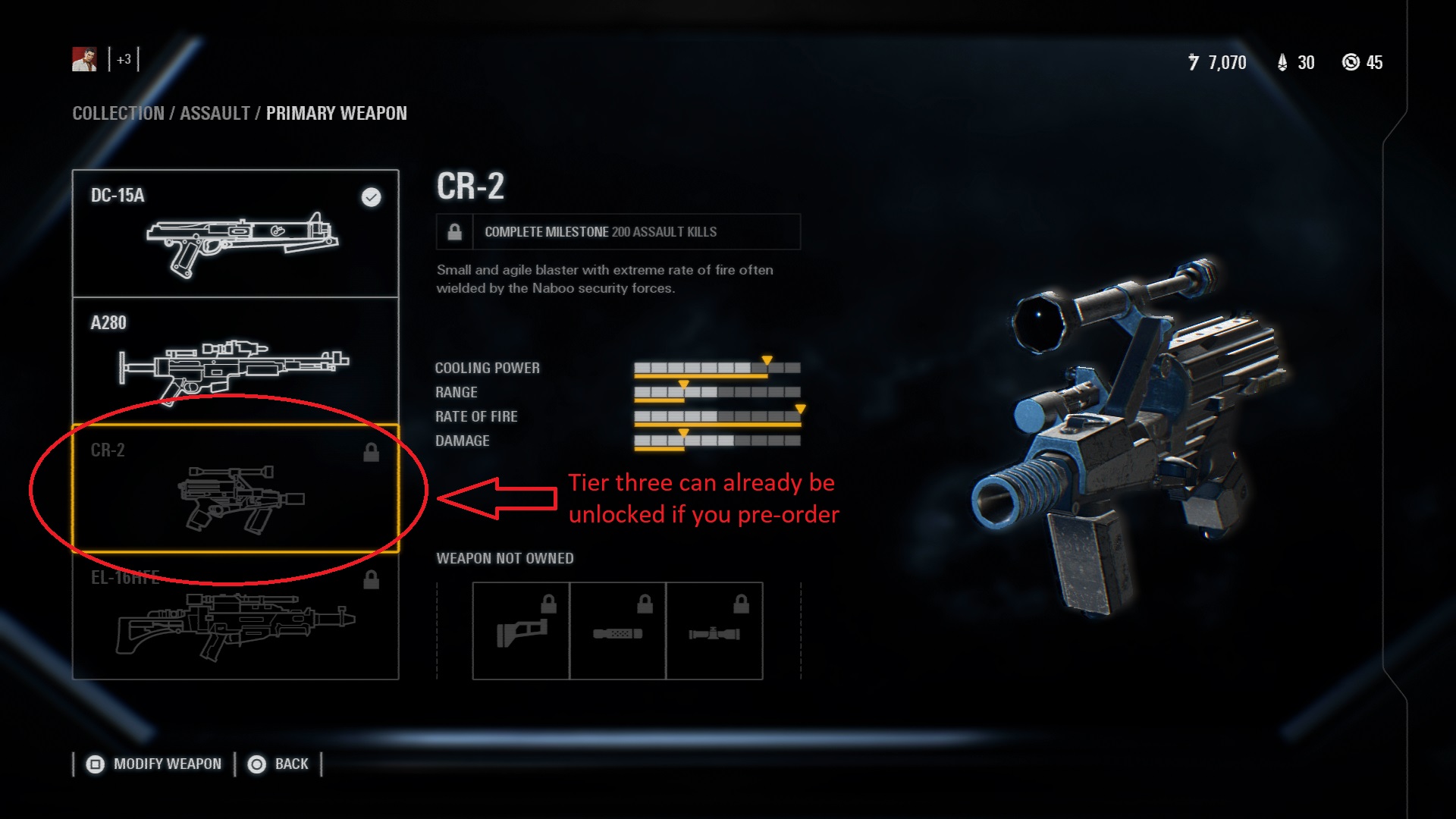
Meanwhile, we put 65 hours into Battlefront II’s multiplayer, and this was after the removal of any in-game micro-purchases. However, players who pre-ordered the game still had a huge leg up over the competition, with higher-tier weapons and epic level star cards. We shudder to think what things were like before the update, and just how much content was originally supposed to be available to players willing to cough up the extra money.
While Fortnite is not the first game to reach this monumental landmark (that title goes to Sony and Square Enix’s Final Fantasy XI), this is a genre that sorely needs this element. With 100 players per match, having access to players from Xbox, PlayStation 4, Windows, Mac, Nintendo Switch, and even mobile devices widens the net so much that the longest waiting time we had before a match was about 30 seconds. Battlefront II, confined to one platform per lobby, took longer – upwards of a couple minutes loading a match.
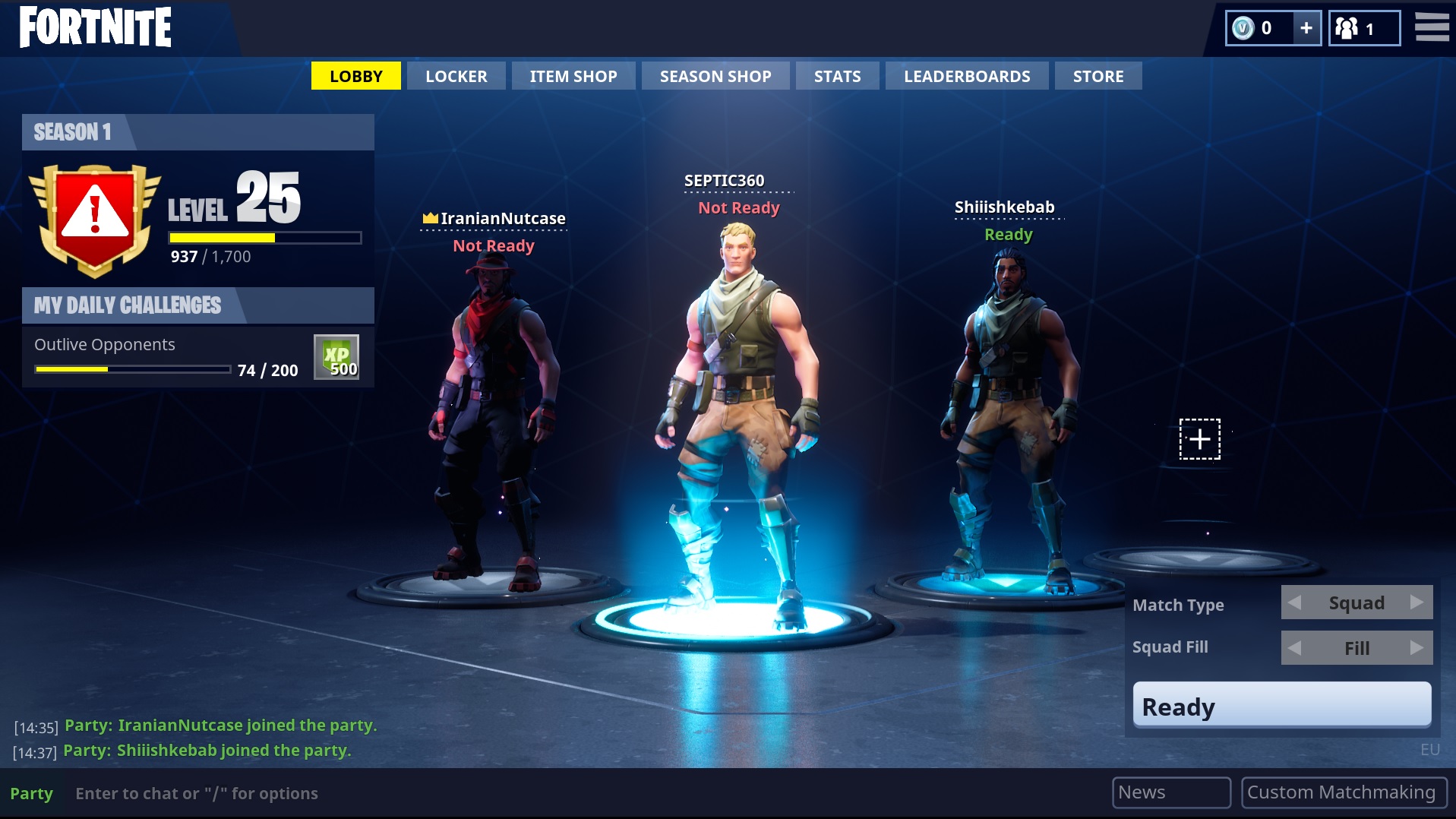
Besides enjoying faster load times, Fortnite, like any game, is made better simply by virtue of playing with friends. Having a team helps your survivability (and your sanity), and we were excited for this first opportunity to play a game like this with our mobile gaming friends. With such a focus on multiplayer, Fortnite’s inclusion of cross-platform gameplay is a huge sigh of relief.
3. Aesthetic
Going up against the iconic lore and look of Star Wars, we couldn’t believe that Fortnite’s presentation left a better impression. We’re not talking strictly about visuals here. If we were, Battlefront II has it in spades, being one of the prettiest games we’ve ever seen.
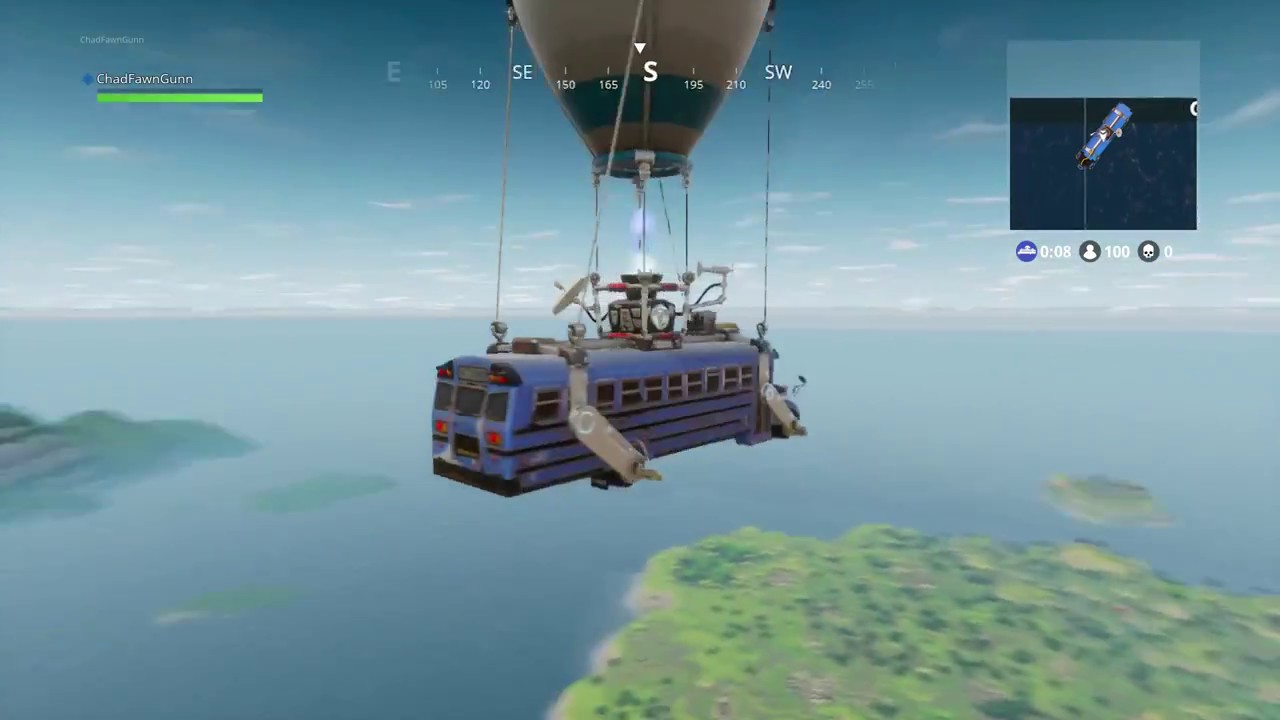
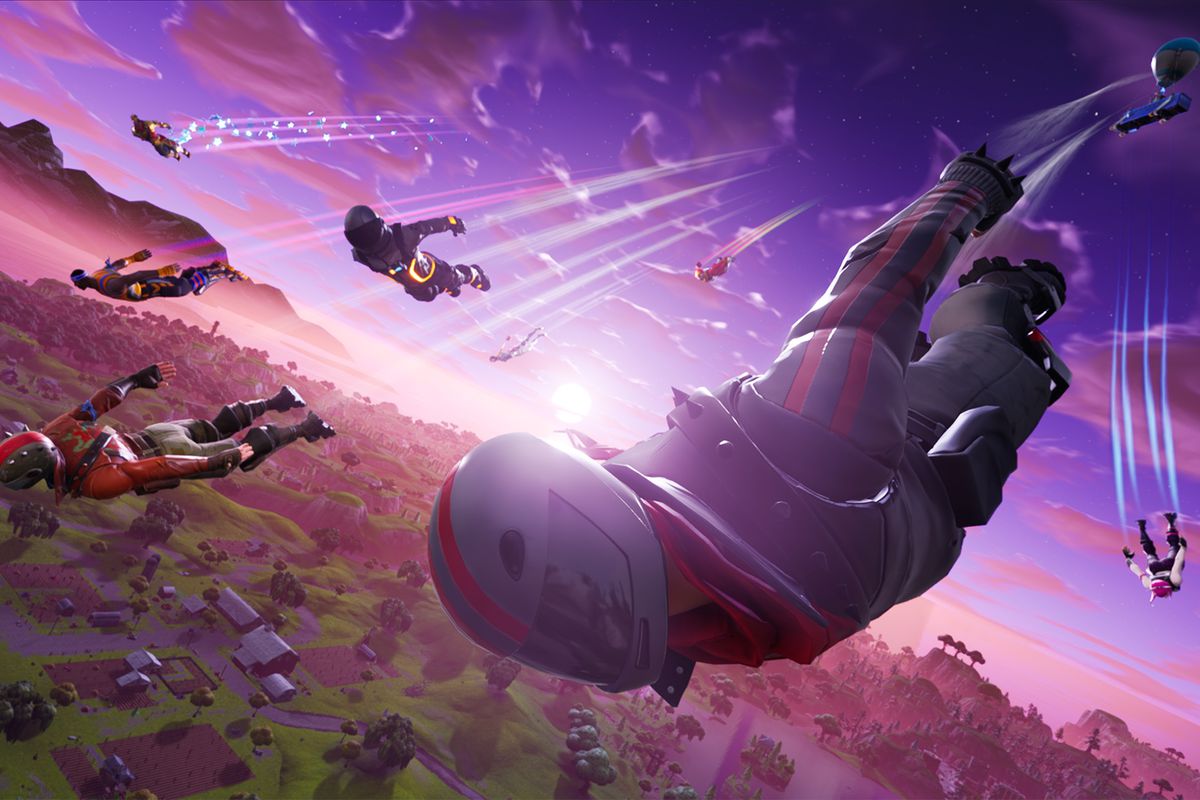
What we’re trying to highlight here is more that Fortnite’s vibe is consistent. With zany character and weapon models, dancing players, an intro cutscene that made us chuckle, and even just the general feel of the map, we never questioned starting each match skydiving off a party bus.
https://www.youtube.com/watch?v=ONN7pk9oY9E
Did Battlefront II fail at its aesthetic?
No. But there were some odd inconsistencies. The silly animations and dances of Fortnite’s emotes were just one more element that added to the game’s playful personality. From the get-go players get a taste of what they’re getting into. Battlefront II had <emotes> as well, and they just feel … dumb.
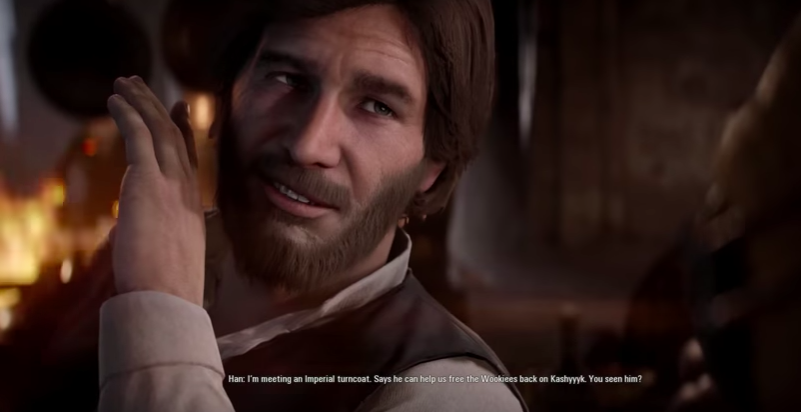
It’s out of place. And so is the bearded Han Solo, and the utterly bizarre choice to feature Bossk so heavily before ever introducing fan favorites like General Grievous, Count Dooku, or Jango Fett.
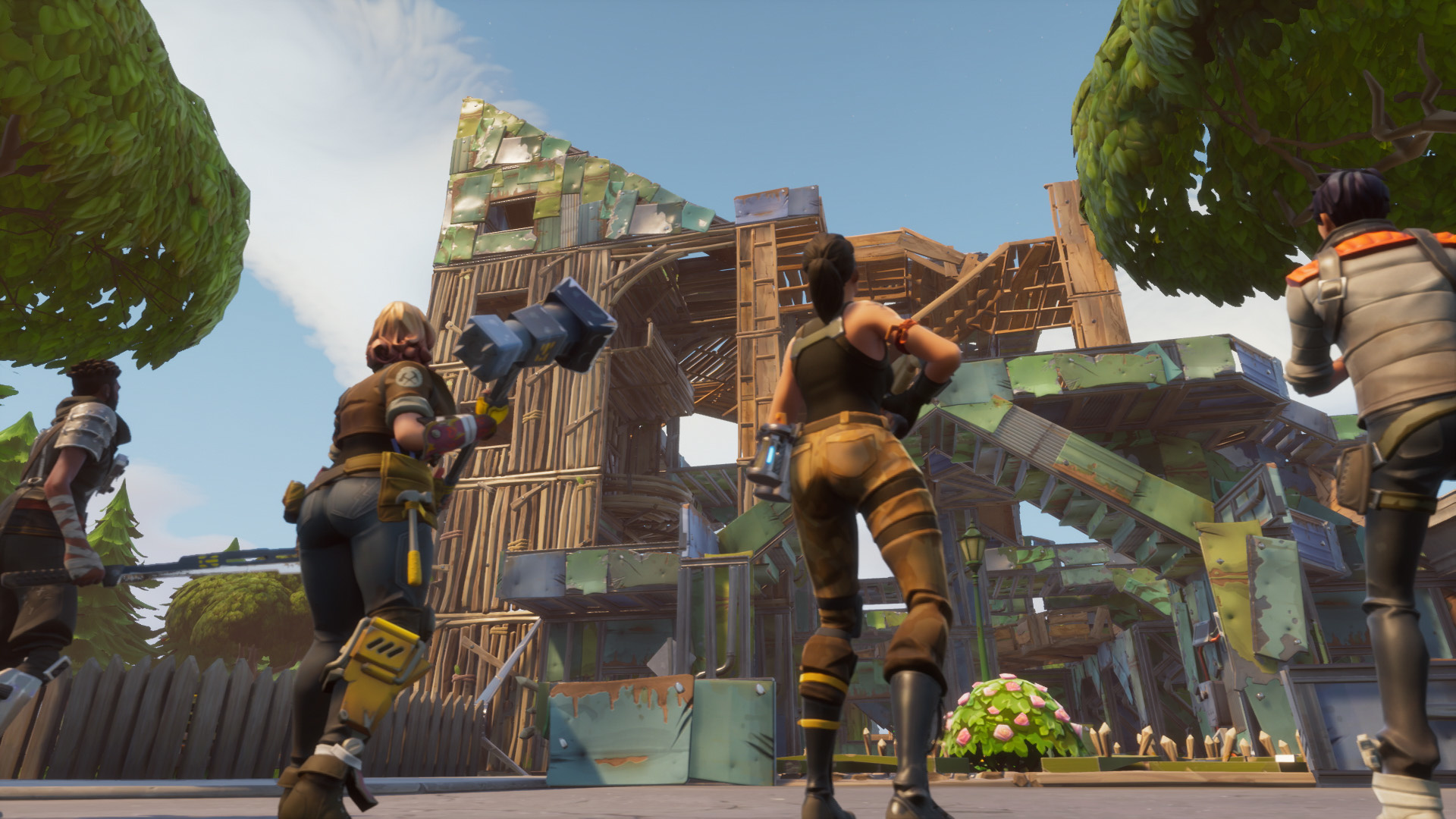
What set Fortnite apart from other massive online shooter games like PUBG or H1Z1 was the clever implementation of a build system. Players can build forts using varying degrees of build materials that are harvested around the map. Comparing a mechanic like this to Star Wars seems like apples and oranges, but hear us out.
Building in Fortnite can be much more than a game mechanic. It’s a personality, maybe even an art form. For such a simple idea, a player’s expression can really come through in a visually striking way, which promotes some sorely-needed sense of individuality in a map you’re sharing with 99 other players. Skilled players can find clever ways to out-build and outmaneuver their opponents, and 1v1 scenarios quickly become a contest of not only a player’s aim, but of their ingenuity and foresight.
Battlefront II features a maximum of four playable classes at the start of each Galactic Assault match, each class having their strengths and weaknesses. For further depth, each class can be outfitted with different star cards and weapons so they can better specialize at their chosen niche. While this is a generally good start, it’s crazy to think that the build system adds so much unique choice to a game with one hundred players, all of whom are starting the match on equal footing without a class.
We’re not saying we want a build system in Battlefront II. Far from it. But we are missing the greater sense of player freedom and creativity that really shone in Fortnite. If Battlefront II gives players a paint-by-number book, Fortnite hands them a blank easel, a handful of colors, and says “go crazy.”
5. Elements of randomness
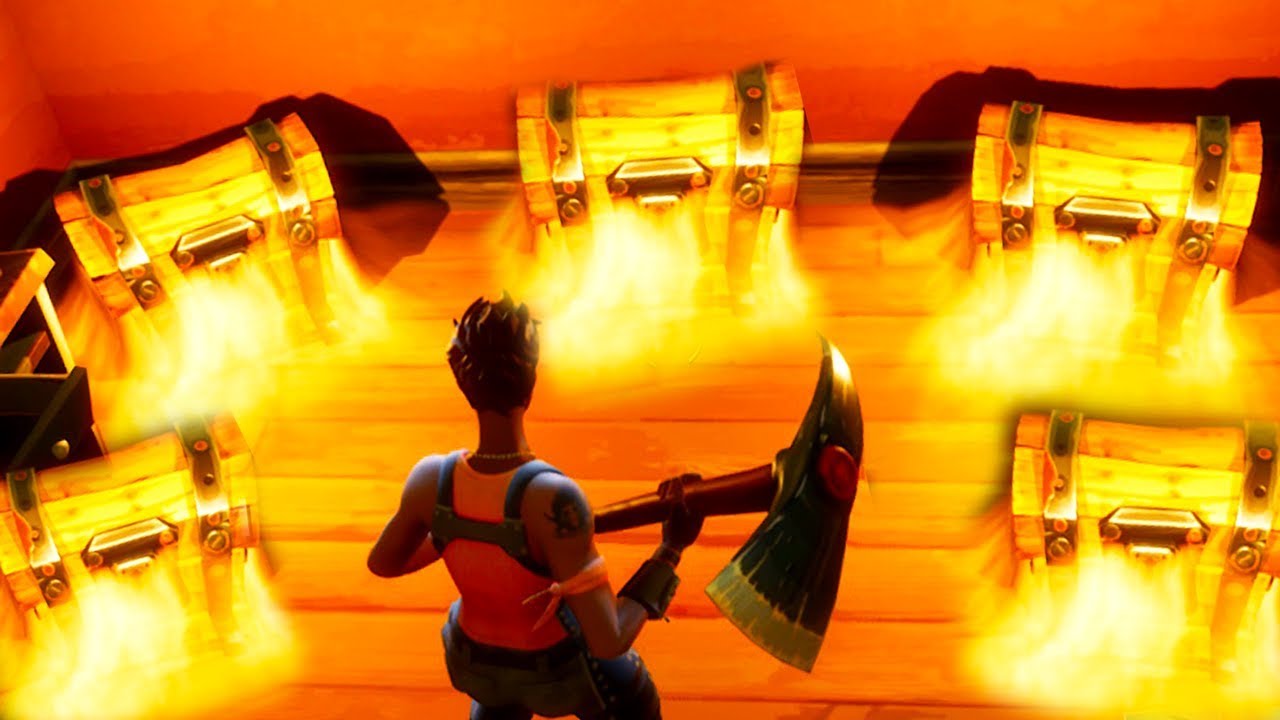
From the first seconds of a Fortnite match, the player begins by skydiving in with access to virtually any corner of the giant map. Immediately upon landing, they’re either engaging in a firefight or furiously scavening for resources and weapons. What makes the mad dash exciting match after match is the element of randomness that comes with opening a chest, predicting the ever-growing storm, or looting the body of another player. The items found in the chests sprinkled throughout the map are randomized, meaning that even if you choose to land in Junk Junction every time, you’re not guaranteed the same outcome.
https://www.youtube.com/watch?v=z0E8vsttaqw
The implication of a die roll keeps Fortnite fresh and adds a subtle underlying excitement – a ‘what if’ scenario that plays in the head, speculating what could have been had the loot been different. What you chance upon can radically affect your game, with good equipment sometimes carrying you all the way to the white-knuckle endgame.
The only random elements Battlefront II features are the map chosen and the skill and choices of other players, but that’s really a given with a multiplayer game. Matches in Battlefront II progess through stages. Naboo is a ground assault in the city of Theed, then a push inside the palace, culminating in a King of the Hill for the throne room. We landed on this planet numerous times and the only instance where this was not the formula was if the Separatist faction gets skunked before the next stage can occur.
https://www.youtube.com/watch?v=QdrDvUc8Sls
A decision from EA’s first Battlefront title that got a mixed response was the spinning blue tokens hovering on the map. Picking these up granted a one-shot item, vehicle, or hero that the player could use. While maybe not the best way to implement such core features in a Star Wars game, there was at least a feeling of anticipation every time you picked up one of these tokens.
While we think removing these was a step in the right direction, we do love the feeling Fortnite gives us every time a chest spews out a handful of randomly-generated loot. It’s this idea that you could at any time bump into a game-changer that can instill hope in a less skilled player, and it’s the same idea that encourages caution in players resting on their laurels. You can’t sit pretty in Fortnite until you’re the last player standing; there’s always someone who could stumble on a sniper rifle or a shield in a chest that might knock you off your mighty tower.
Despite its flaws, we still enjoyed a lot of things that EA Star Wars: Battlefront II offered, and this is not meant to be a scathing condemnation. Rather, like the Dalai Lama teaches, “When you talk, you are only repeating what you already know. But if you listen, you may learn something new.” We think that EA has to keep aware of design decisions other games are doing that ARE widely successful. There’s a lot to be gained from seeing what fans like, from Fortnite and even from Pandemic’s original 2005 Battlefront II. We’re hopeful that they might!
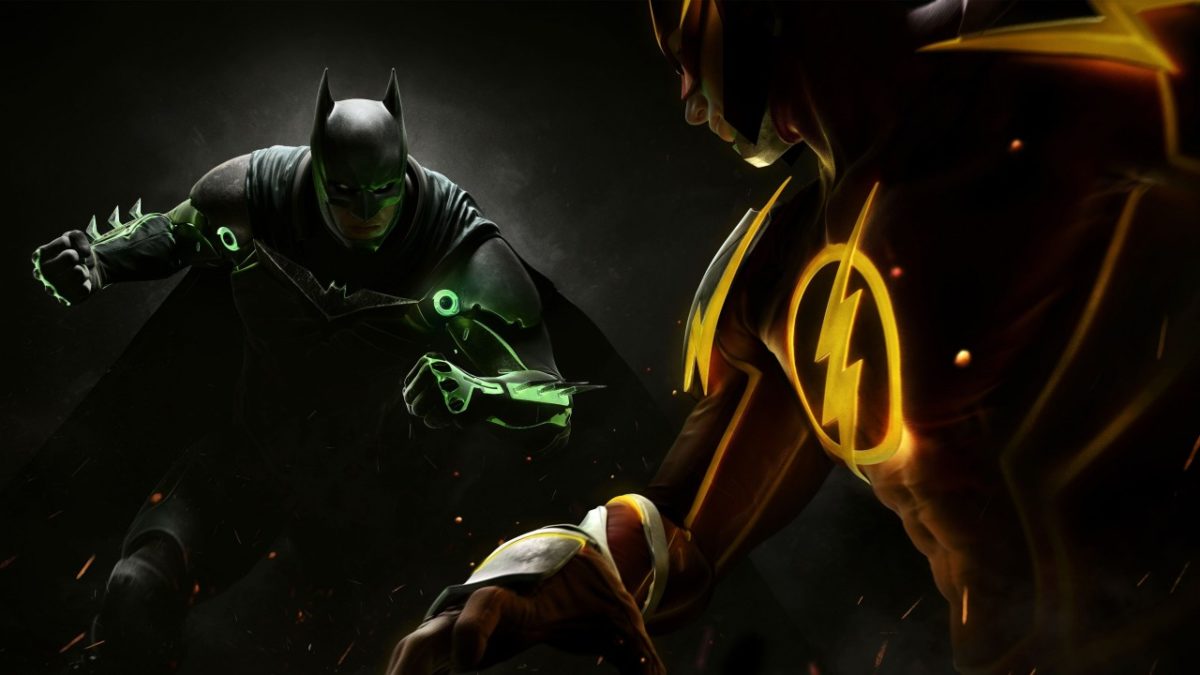
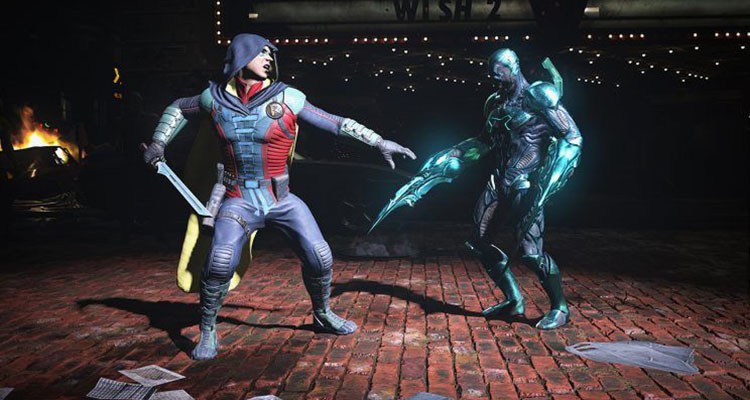
Looking to cruise through the Injustice 2 story campaign and then head online to crush the competition? In the famous words of Ra’s al Ghul, “if you devote yourself to an ideal, and if they can’t stop you, then you become something else entirely.” Let’s hope that “something else” is the top of the leaderboards, right?
While there are no quick and dirty techniques that can substitute for solid practice, these are some general tips and tactics to make sure you don’t end up like poor Shazam near the end of the first Injustice. (Spoiler alert: It didn’t end well.)
While there’s no ‘one size fits all’ with Injustice 2, there are a handful of attacks that every character has. With a roster of around 30 characters, it can be extremely daunting trying to learn how to play as each one of them.
Lucky for us, there are some moves that are shared by everyone:
Block:
While this game has no true universal block button, moving backward allows your character to block attacks. This doesn’t make you immune to everything, though; your feet are still exposed, and opponents may try to hit you from above, so know when to block and when to go on the offensive. You can also block an enemy’s super move, so when you see the quick cutaway of them preparing to execute it, start blocking immediately!
Don’t underestimate the value of dashing, either to escape an enemy’s impending hit or (more likely) to close the distance between the two of you so you can wail on ’em. Try following up a dash with a jump and you’ll see how many different angles you can create where an opponent may not expect your next attack to come from.
Bounce Cancel:
Dashing at certain points during a combo can throw in a bounce cancel at the cost of two bars of meter. This can lead to some very long and extremely damaging juggle combos or transitions. Again, every character can do this, which means learning how to do it should take priority over combos or special moves specific to any one character.
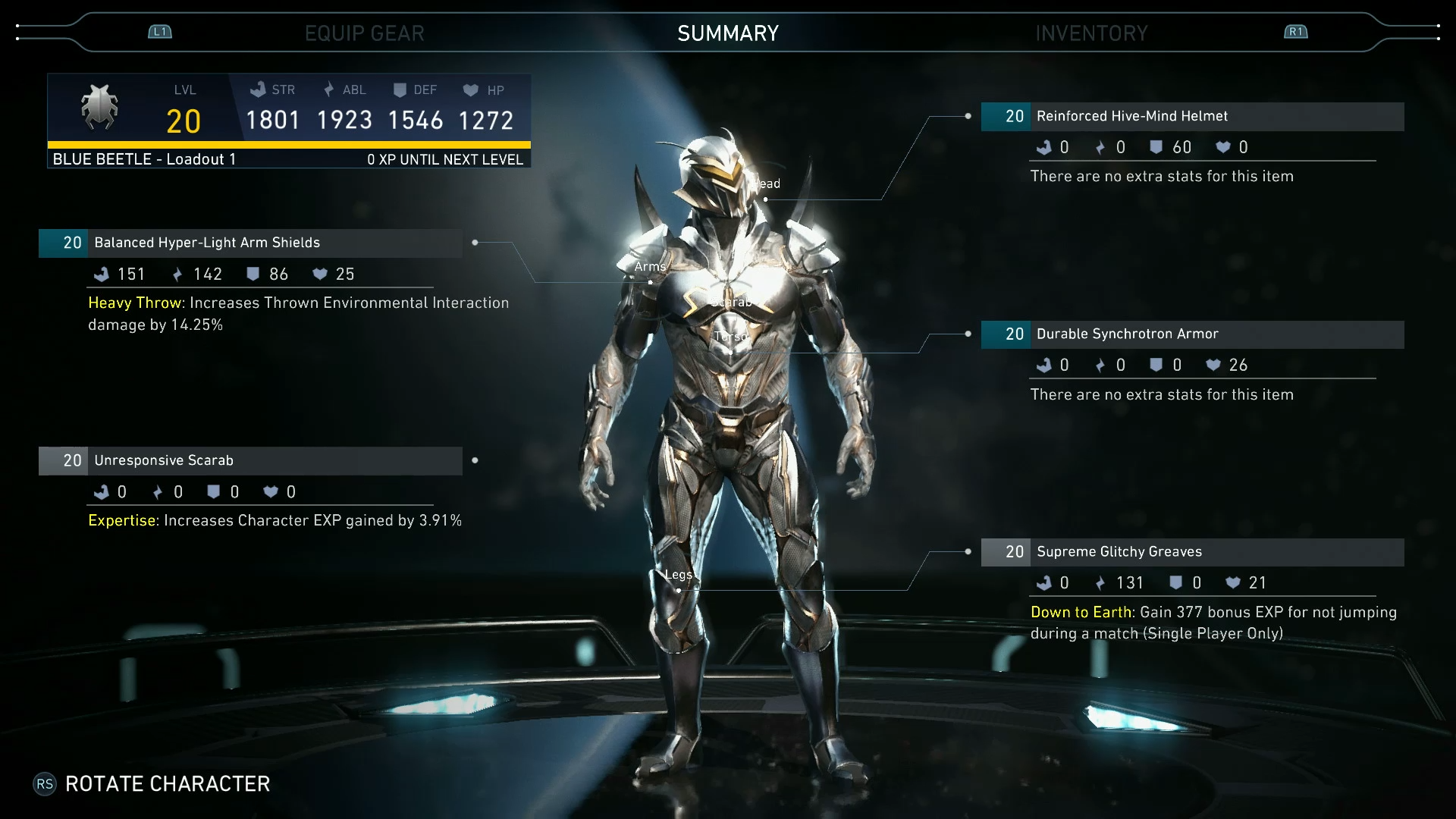
Unlike its prequel, Injustice 2 has a full-on upgrading system that allows for your characters to unlock and equip new gear and substitute in powerful alternate abilities.
https://www.youtube.com/watch?v=Ek83HFwjefw
Don’t be discouraged if you get beaten again and again by those ‘level 20 recommended’ missions in Multiverse. If you’re tackling them with a level eight character, the odds are not in your favor. Try and play through some of the easier missions, preferably ones that give you epic gear, or gold or platinum crates. The more of these you unlock and slap on, the closer you’ll get to that tough enemy’s stats. Then it’s just a matter of winning the match now that you’re on a level playing field.
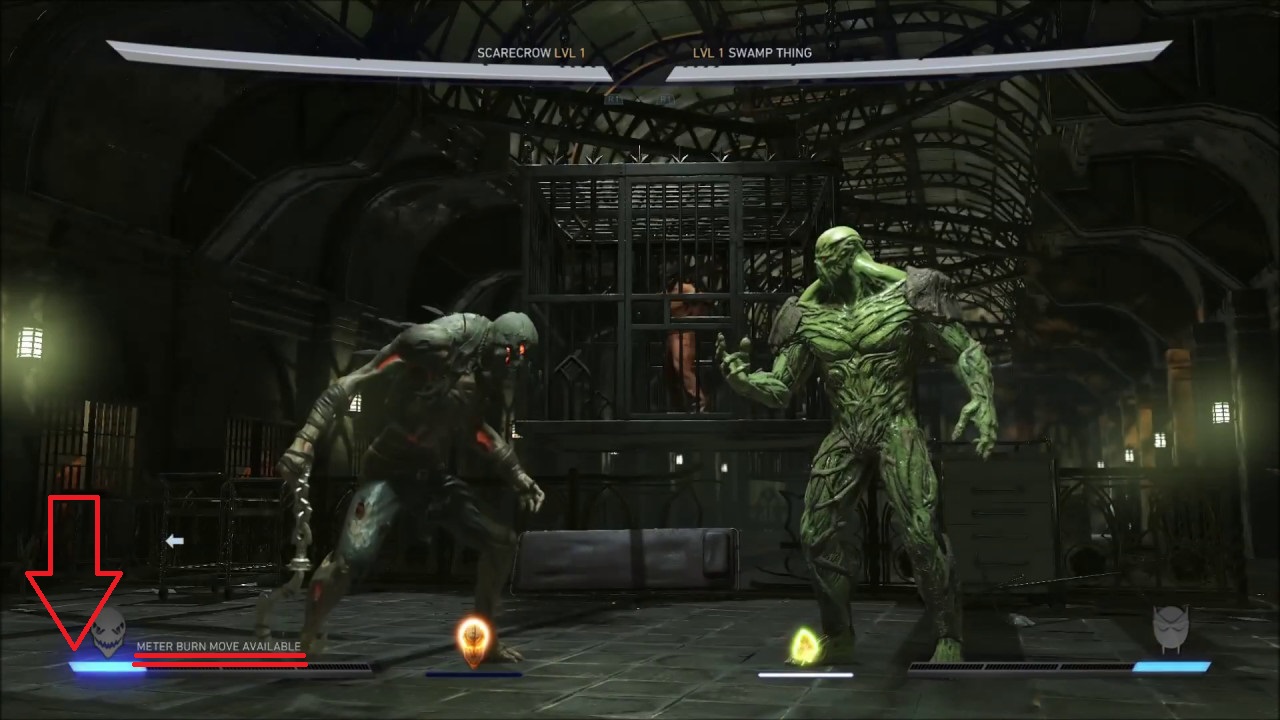
3. Don’t be afraid to burn meter
Your meter on the lower left of the screen can be spent in a number of different ways. While your go-to may be to save it all up for a wager or a super move, don’t underestimate what a well-placed block escape or roll escape can do.
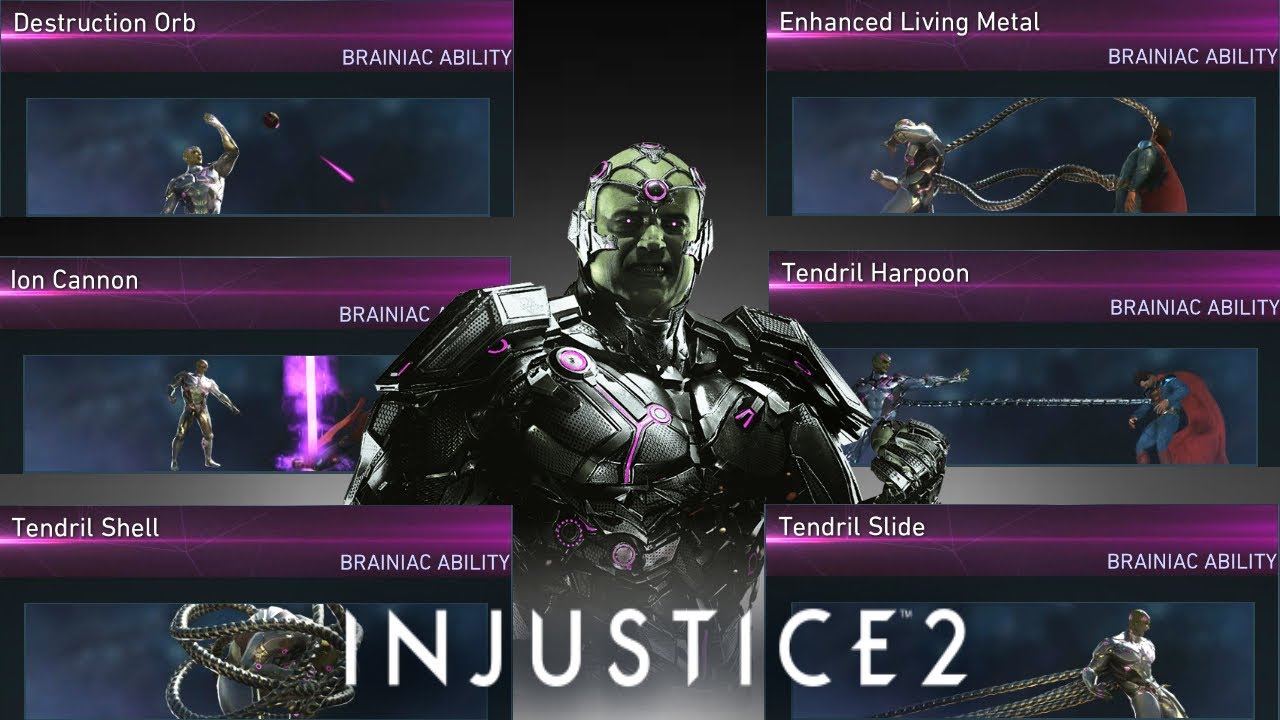
Most useful of all might be meter-burning special moves, which can totally change where the opponent lands after, or how much damage or what effect it has on them. Starfire’s ‘burning desire’ can be meter burned to knock opponents down, while The Atom’s beakers meter burn for a huge variety of possible combinations.
Don’t shortchange yourself of what’s in a character’s arsenal just because you want to save up for a wager or end with a flashy super move. Once you know a character well, you’ll quickly discover that you can do far more damage with a long combo that includes meter burn attacks and transitions than you could with a single super move:
4. Know who you’re fighting
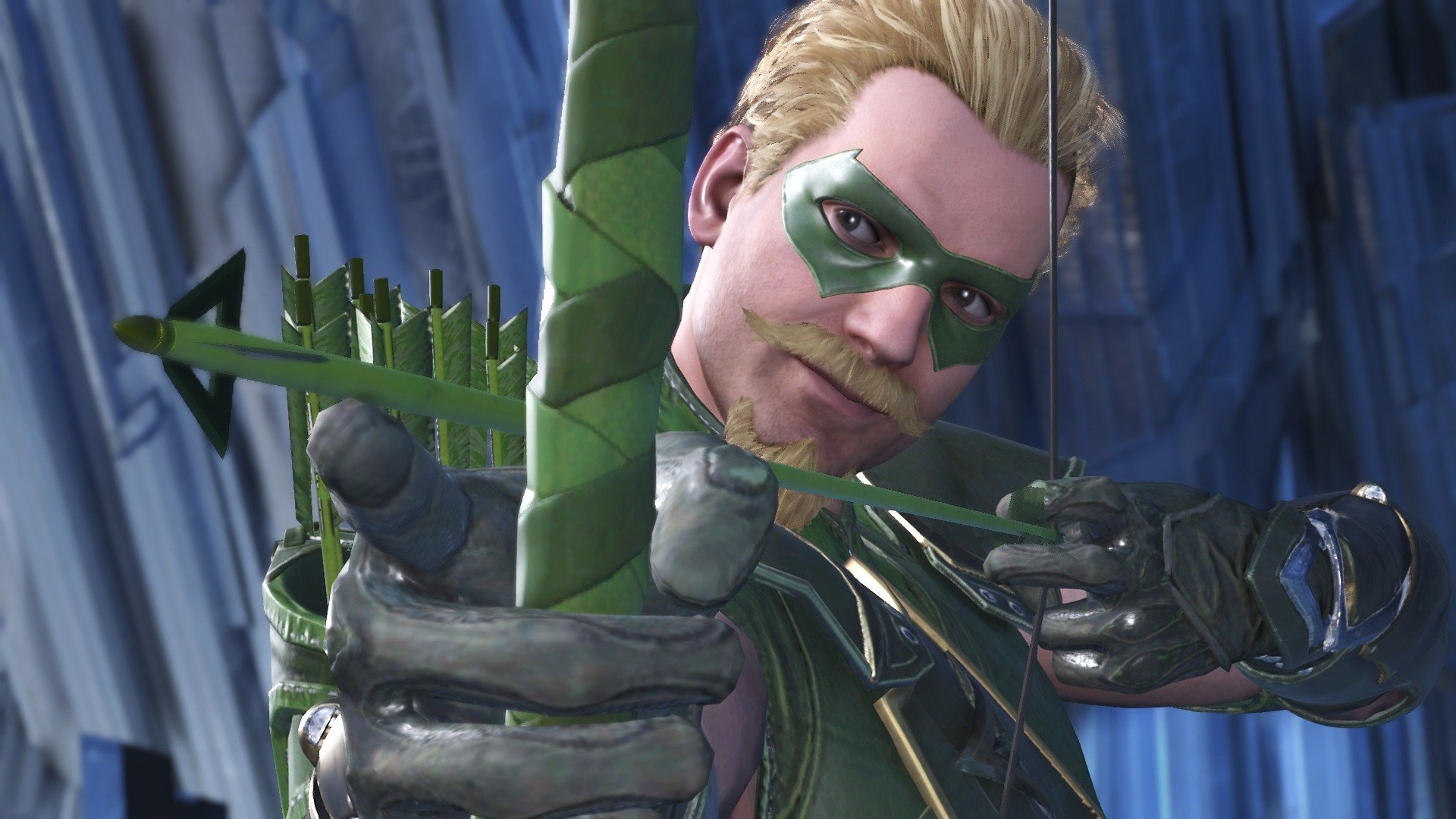
It’s important to know what makes your character tick, but it’s equally important to know who you’re up against. Say you’re playing as Supergirl. She has a variety of ranged attacks, teleport hits, stuns, and dash attacks. Put her against a ranged powerhouse like Dr. Fate or Green Arrow and her best bet is to close the distance with her teleports and dash attacks. Stay too far away and you may be quickly overwhelmed by their powerful reach and zoning. Pit Supergirl against a close quarters brawler, like Bane or Gorilla Grodd, and you’ve got a very different scenario.
Always try to angle a fight so you prioritize your character’s advantage against the opponent you’re fighting, be it range, zoning, long combo chains, strength, or speed. Likewise, try to avoid putting yourself in a situation that favors your opponent’s wheelhouse.
5. Keep them in the corner
One consistent rule of thumb for any fighting game is to try and keep the enemy cornered. Injustice 2 features heavy use of juggle combos, and these become 10 times easier if the only direction the victim can go is up, not backward. This works both ways, so don’t linger with your back to the wall unless you’re trying to goad them.
https://www.youtube.com/watch?v=OFKU–DUJu0
You may be tempted to try and force a transition on your opponent, and this can be wise. But weigh your options carefully – could you do perhaps more damage while you’ve got the enemy cornered here? If the answer is yes, instead add your transition as a tag-on to your combo by squeezing in a bounce cancel instead of just going for the usual heavy attack to initiate one.
Additionally, all characters can grab the enemy. If you aren’t moving forward while doing so, that grab attack will end with you throwing the character behind you. This is a great way to turn the tables on an enemy that has you cornered, and opens you up to dish out your own juggle combos and transitions. The same strategy applies to characters who can teleport behind enemies.
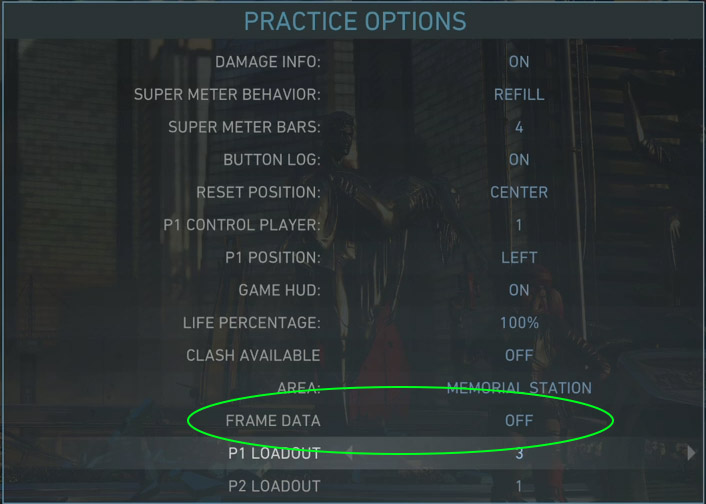
Taking a character into practice mode (accessed via the single player menu) is the safest way to explore their unique move set, combos, and special abilities. Many of the combos in this game require a specific rhythm and timing to execute correctly in addition to just pushing the buttons in order. For example, Bane’s combos ‘raw deal’ and ‘hard time’ might take some repetition on your end before you can perform them consistently.
In addition to giving the player unlimited time to get the feel for a character’s move set, playing in Practice also allows you to customize how the AI acts and reacts within this mode. Some moves only work against opponents in the air. Go ahead and set the AI to jump repeatedly. Or some attacks like Batman’s ‘cape parry’ or Joker’s ‘joybuzzer’ only work as a counterattack. Set the AI to attack you so you can try them out properly.
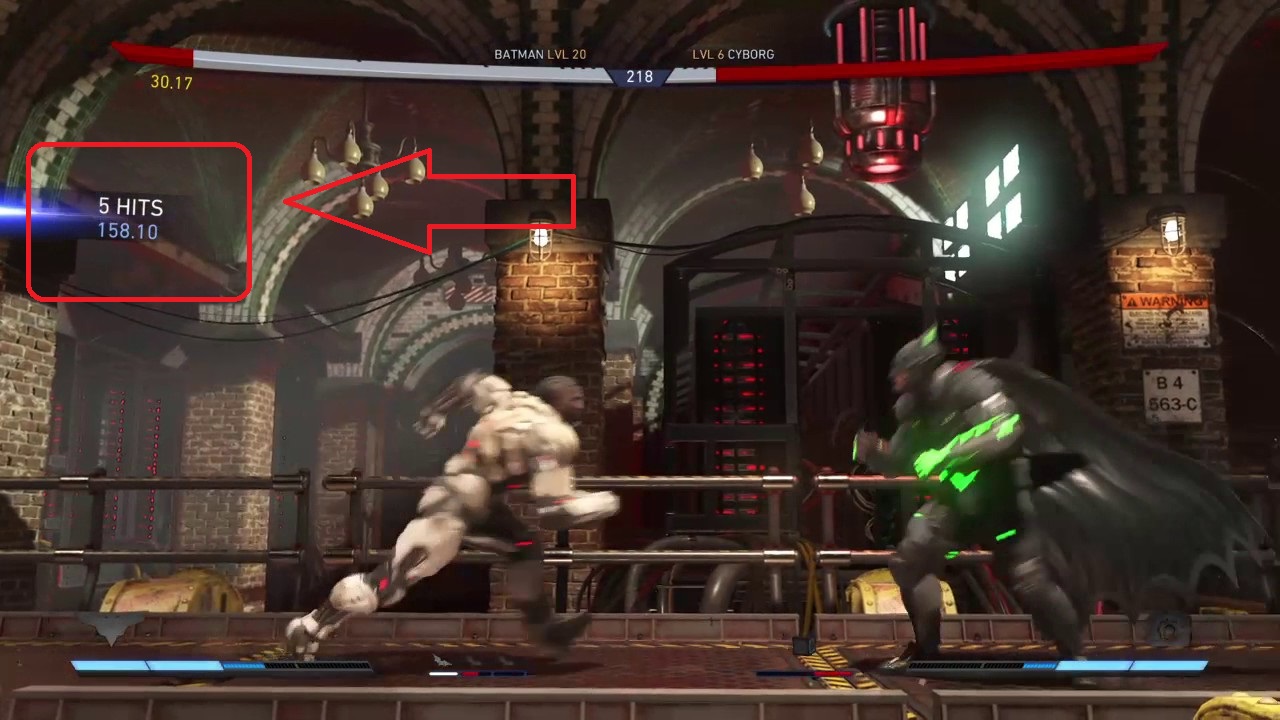
Finally, you can always see how much damage you are doing per hit. When you’re practicing or reviewing a fight through theater mode, keep an eye on this as you string combos together. The higher the number, the more damage you are doing. For starters, try and learn at least two different combos per character that land in the 300-400 range. Get comfortable slipping these into your routine while peppering the enemy with your special attacks and you’ll quickly grow accustomed to seeing openings where you can hit them with your best stuff.
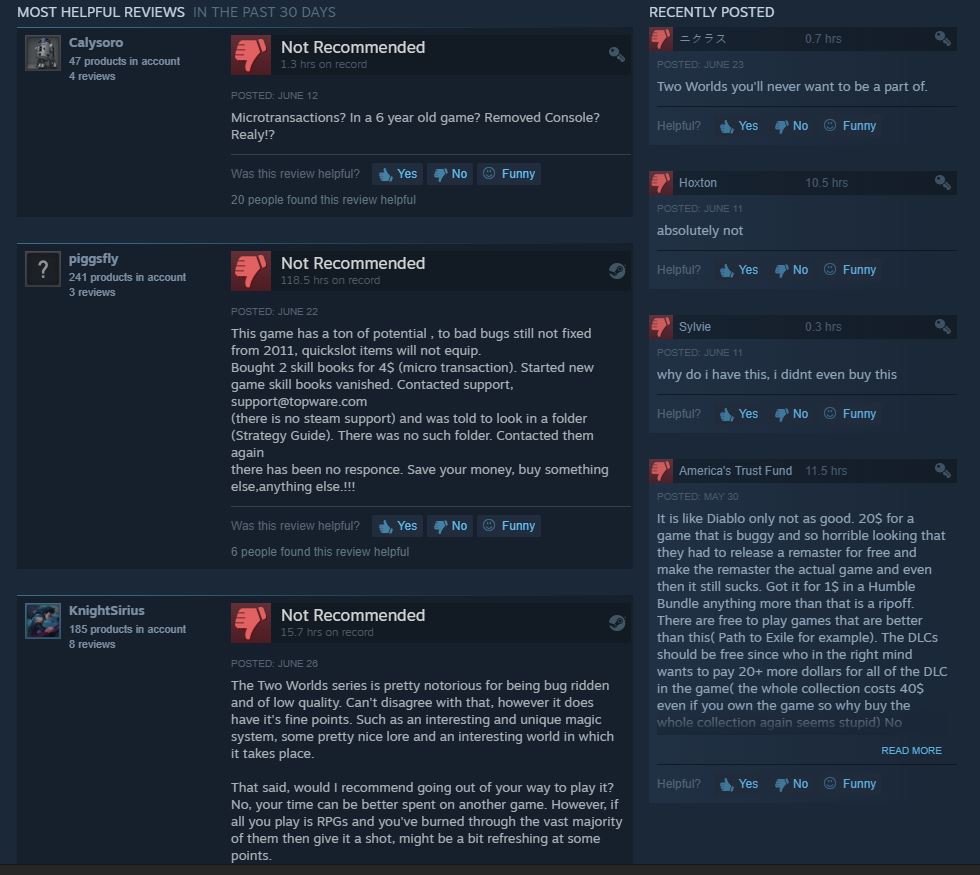
When a game suffers fumble after fumble, it’s easy to overlook any good qualities that may have graced it. Two Worlds II is one such game, and it’s a real shame. While its prequel is the butt of many a joke (namely for its game-breaking bugs, lackluster plot, shoddy voicework, and uninspired quests), Two Worlds II, while leaps and bounds more sophisticated a title, sadly did not fare much better under the public’s scrutiny.
This is such an unfortunate outcome because, while there are certainly flaws to this game, there’s also kernels of something really special if you sift through it with a wide enough net.
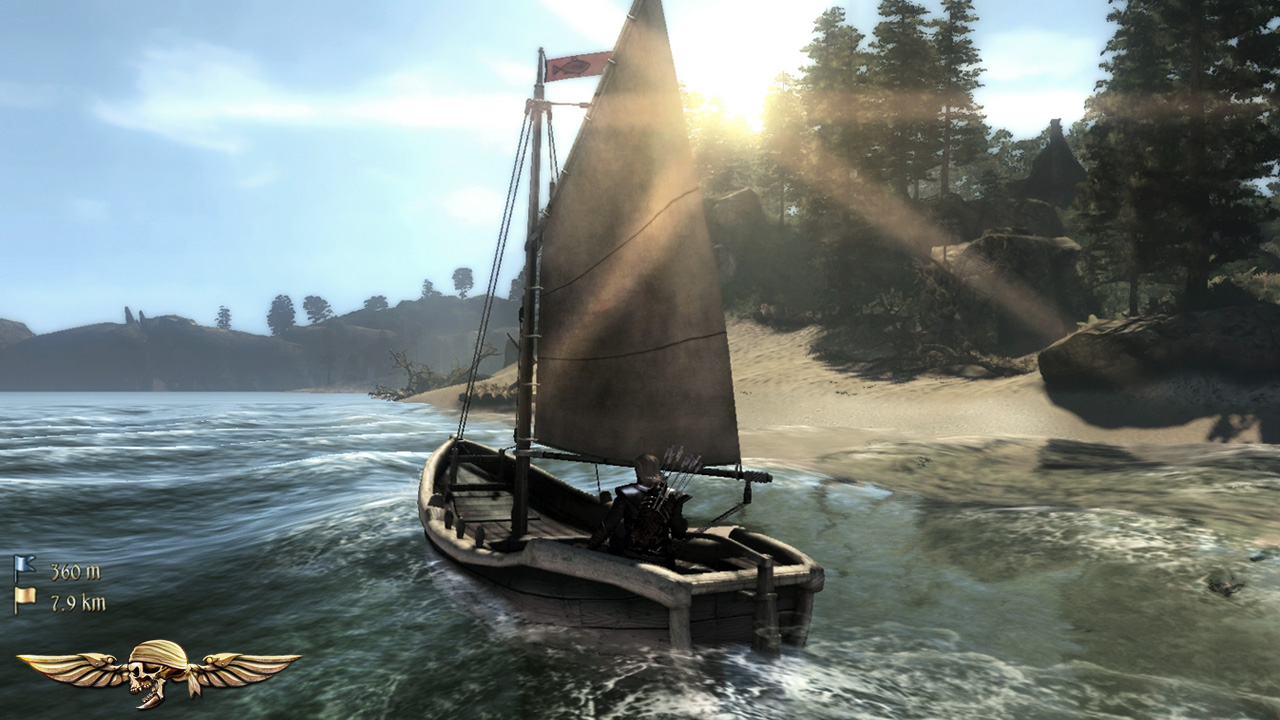
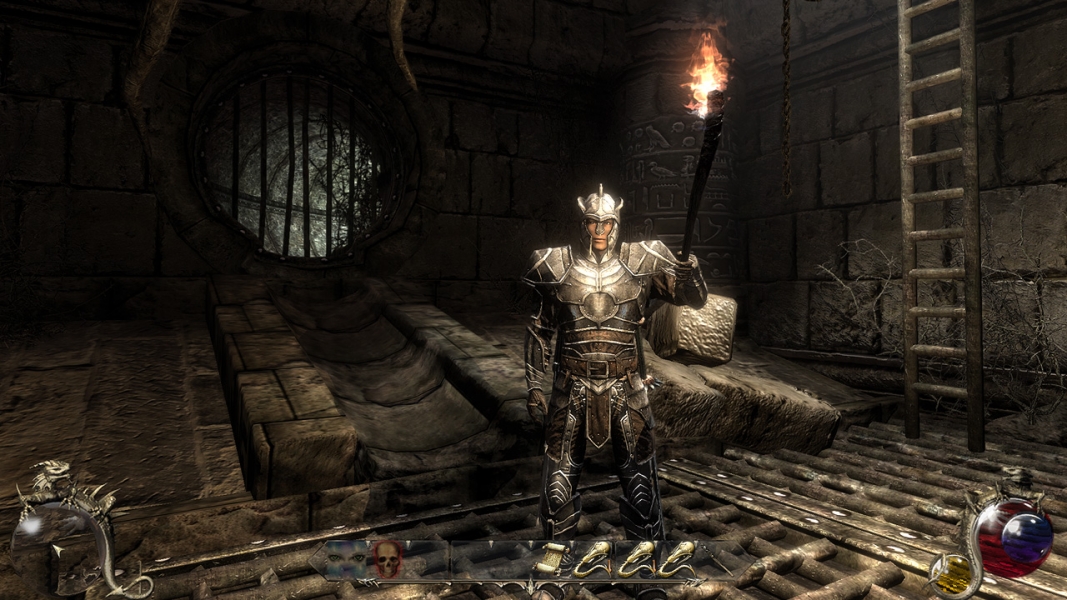
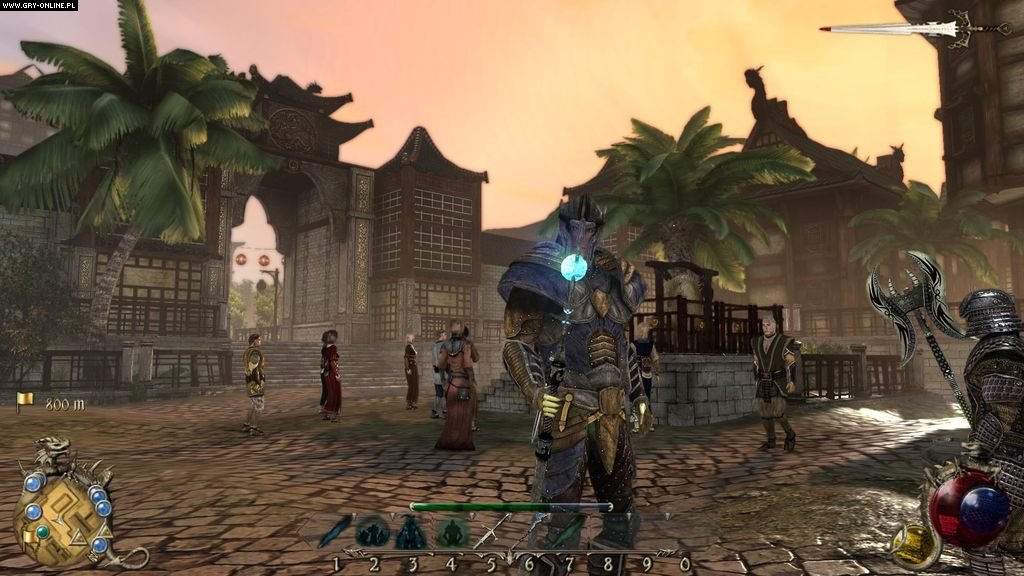
For every success, there’s a failure immediately following. The most obvious example of this is the game’s overall aesthetic. Character models are surprisingly polished for a game that came out in 2011 (the same year as Bethesda’s similarly-themed Elder Scrolls V: Skyrim), and in some ways perhaps are even better looking. Environment art and lighting are gorgeous, ranging from the wilds of the Savannah to islands, to bustling cities, to the nightmarish Swallows of act two. It all looks great until you start trying to make your way through it.
https://www.youtube.com/watch?v=0pSJoriX6ZU
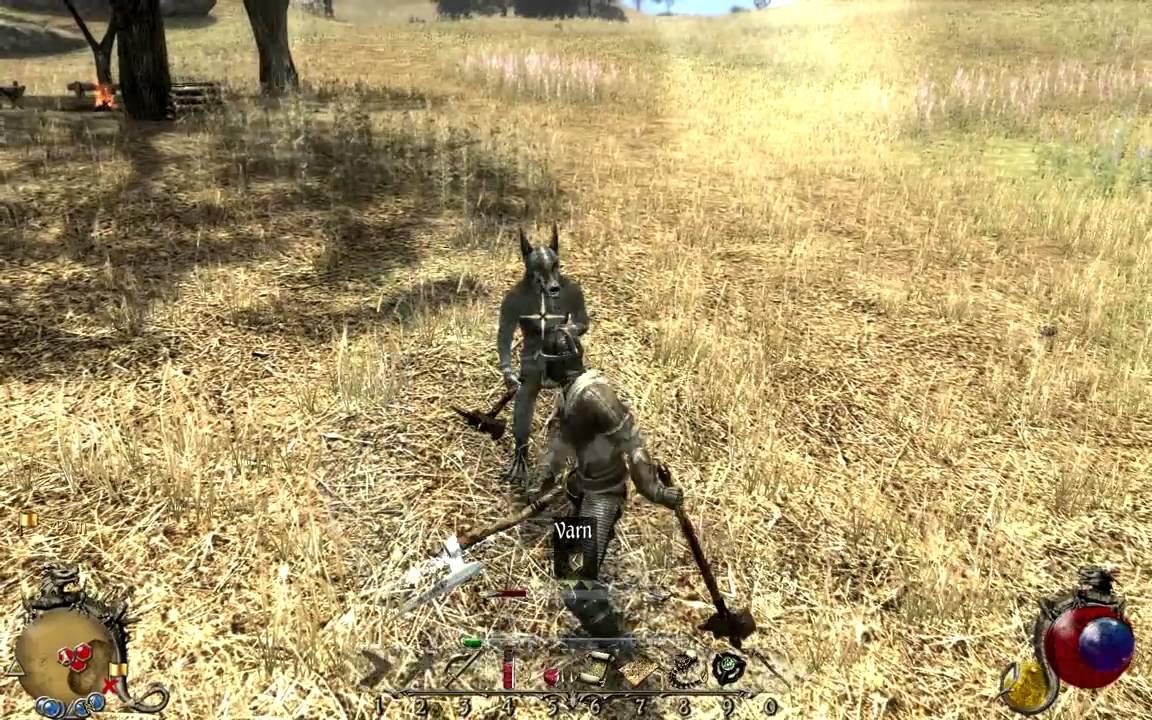
To call the animations ‘clunky’ would be charitable. Sprinting is difficult to control and looks awkward, melee swings are jittery and unwieldy, and archery seems to lack any real punch on impact. On top of all that, the rendering of it all is slow, especially with a character’s hair and armor. For all the immersion that comes with a game that looks this good, poor rendering will pull the player right back out again.
The few people who did like the original Two Worlds are quick to point out the game’s outstanding sense of wanderlust. While there was a (loosely) story-driven narrative, the distance spanning from plot point to plot point was immense and rife with powerful enemies. Players relied on the sparse and expensive teleport platforms to travel distances quickly, or maybe stumble upon the rare horse if they were lucky. The result was that going from point A to point B really wasn’t an option, and it all created a very special sense of long trekking and exploring every bend and gully.
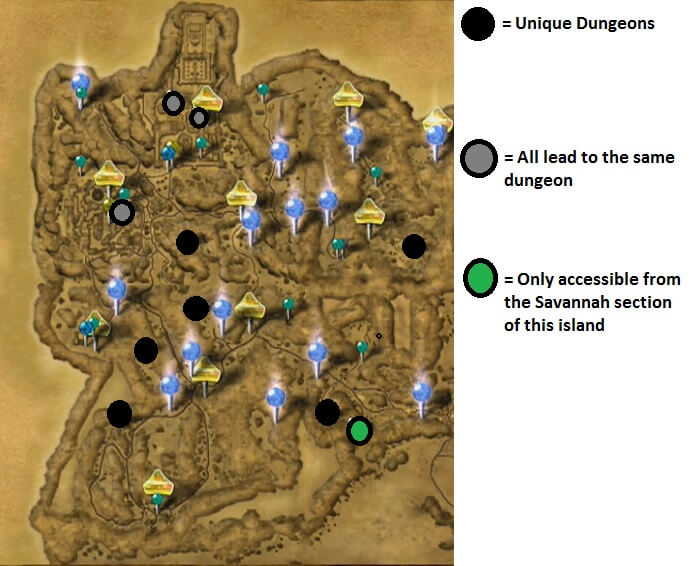
Needless to say, these fans who did move to Two Worlds II were sorely disappointed to find that the wanderlust element was far reduced. Not to say that the game is a corridor – far from it – but there are definitely distinct areas that you won’t be able to reach until certain plot points are fulfilled. The map doesn’t make that very intuitive, either, crammed with markers and quests that are difficult to navigate or distinguish between.
Plot
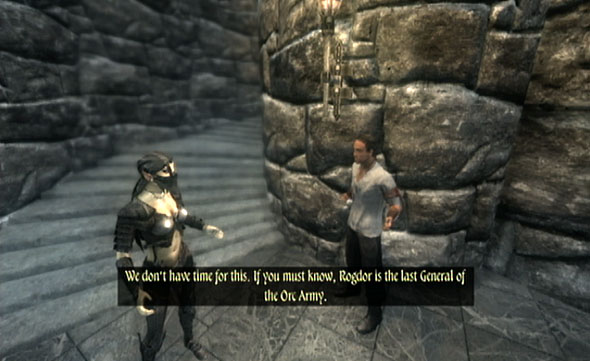
The plot of Two Worlds II starts off strong, with a good old-fashioned prison break. The player character is rescued with little explanation by a team of orcs. The abundance of dialogue in the prologue is deceptive, misleading us into believing we are in for a game with rich recurring characters or perhaps even NPC followers. The prologue alone introduces a rogue, a mage, a ranger, a blacksmith, a fighter, and a prophet – all of whom feel like they’d be tied pretty tightly to the story. This is not the case.
After the prologue is complete, there’s hardly any reason to speak with these characters again, which is sad since they were well-written and well voice-acted. It’s almost like the lead writer finished the first act and then wiped his hands of it and handed it off to someone with a vastly different idea. On top of all that, the story is based around you saving your sister, Kyra, even though the entirety of the first game revolved around the same thing. But maybe that isn’t fair to complain about, judging by popularity of rescue-the-princess titles like Legend of Zelda or Mario …
So for all of these complaints, what are this game’s uniquely good qualities?
Why play solo when you can be a fellowship?
https://www.youtube.com/watch?v=5JQWT6OWHzc
While not the only game of this niche to attempt multiplayer, this one does a surprisingly good job of it. There’s a PvP mode, a village building simulator, a Crystal Capture game, and best of all a team-oriented dungeon crawl called Adventure Mode. Here up to eight players can work together fighting through seven different (albeit linear) maps. When you have a handful of low-level players all spelunking through the same cave, you’re in for a good time. Because the game features such a variety of builds, it can actually be quite conducive to strong teamwork and strategy. Mages can buff other players, turning the party invisible with an AoE spell, or even resurrecting players that die nearby. Rogues can use distraction arrows or ice arrows to thin the herd. Warriors can use powerful flurries and counterattacks to make short work of even the mightiest of monsters. If you let yourself get immersed in the team roleplay, the game will make it worth your while.
Spells are only limited by your imagination … and your character’s wallet.
https://www.youtube.com/watch?v=ibn5-tnw0Vs
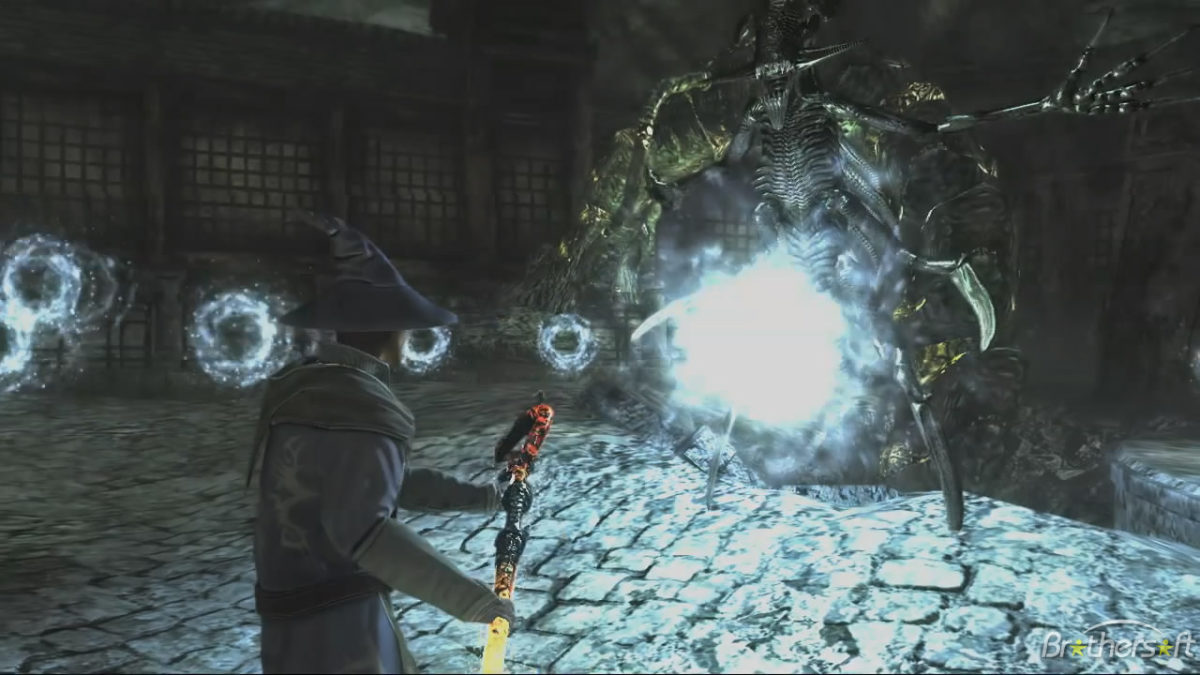
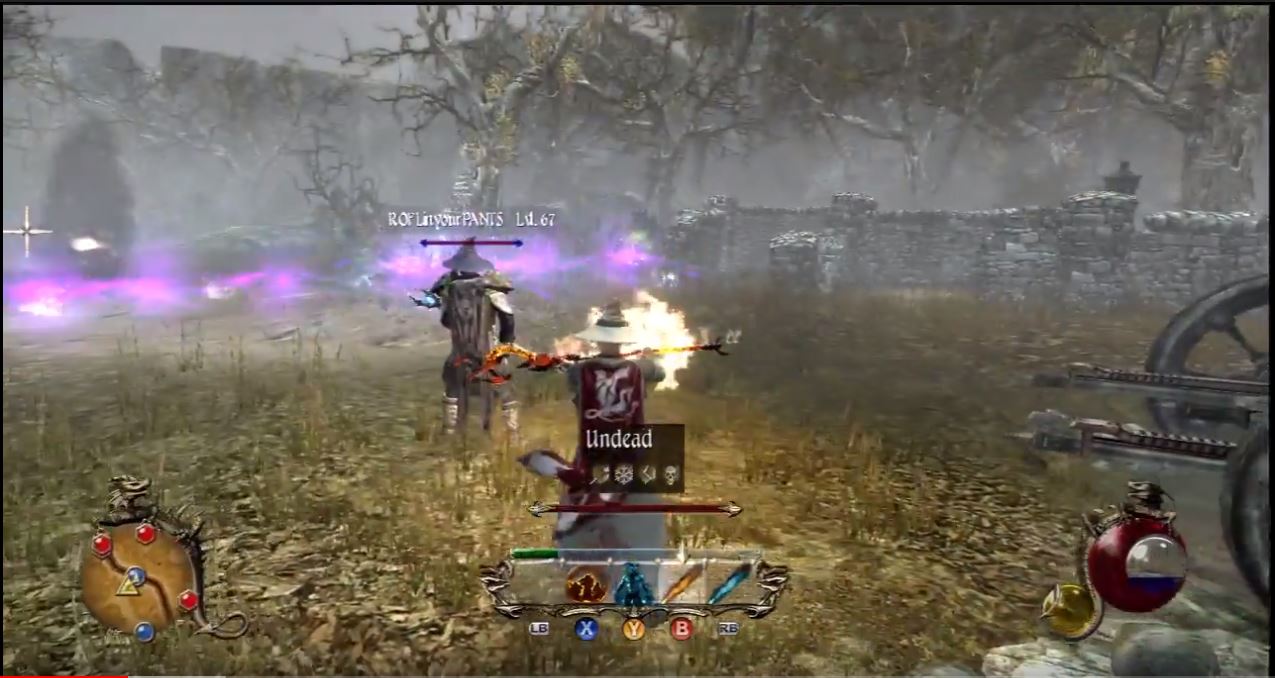
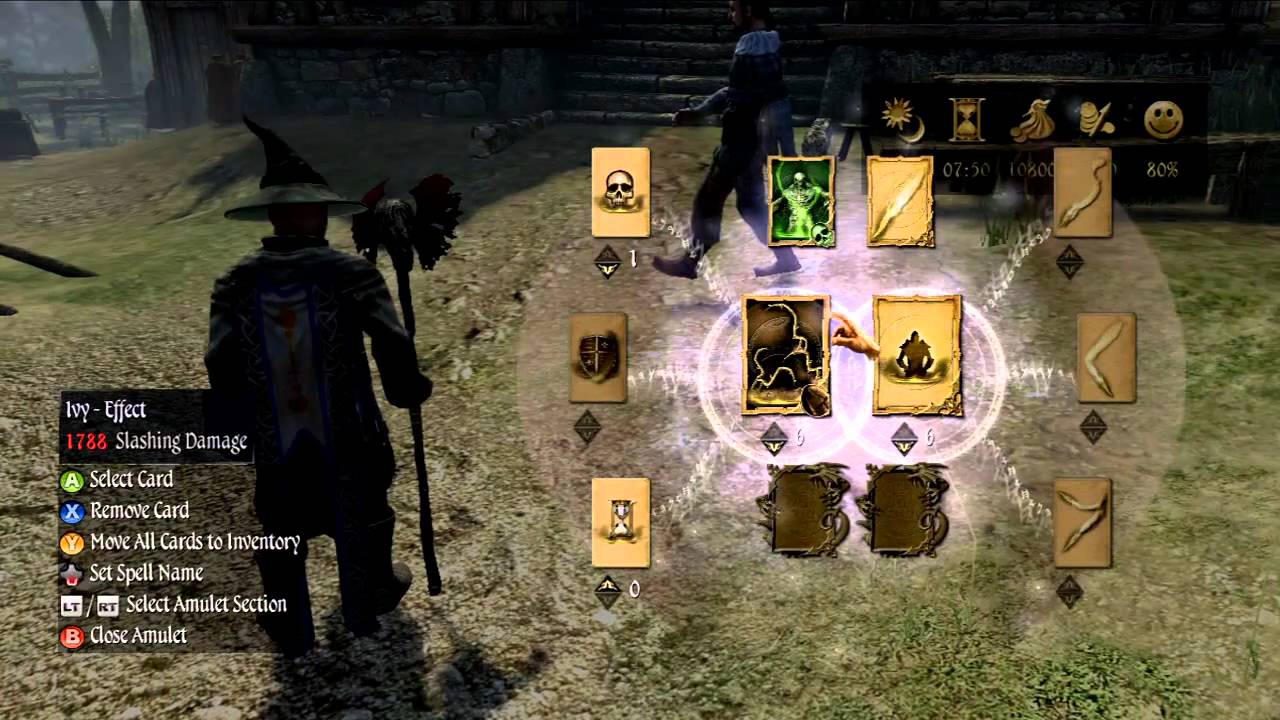
Perhaps the greatest feature of this game, the magic system is where Two Worlds II really shines. While most games will let you spend perks to unlock new spells and powers, this game takes a different approach. Rather than give players the recipe for each spell, Two Worlds II instead merely gives the players the ingredients. Spells are divided into water, air, fire, earth, and necromancy, then further subdivided (ie fire yields fire, power, and force). A carrier is then added to your spell to determine how it manifests, be it a missile, a summon, monolith or trap. Lastly, you can tag on a modifier to include things like homing, ricochet, spray, damage over time, or protection. In this game, if you can think it, you can probably craft a spell to do it. Magic serves as your back door to solving really every puzzle, provided you’re talented and creative enough to make the spell, and that’s a really cool feeling. Magic that is used to wipe out hordes of zombies and rain meteors can just as easily be used to open locks, walk on water, or levitate. If you want to see just how crazy this can get, check out these videos:
Invest in any skills you want
https://www.youtube.com/watch?v=0oqdeEwPxIQ
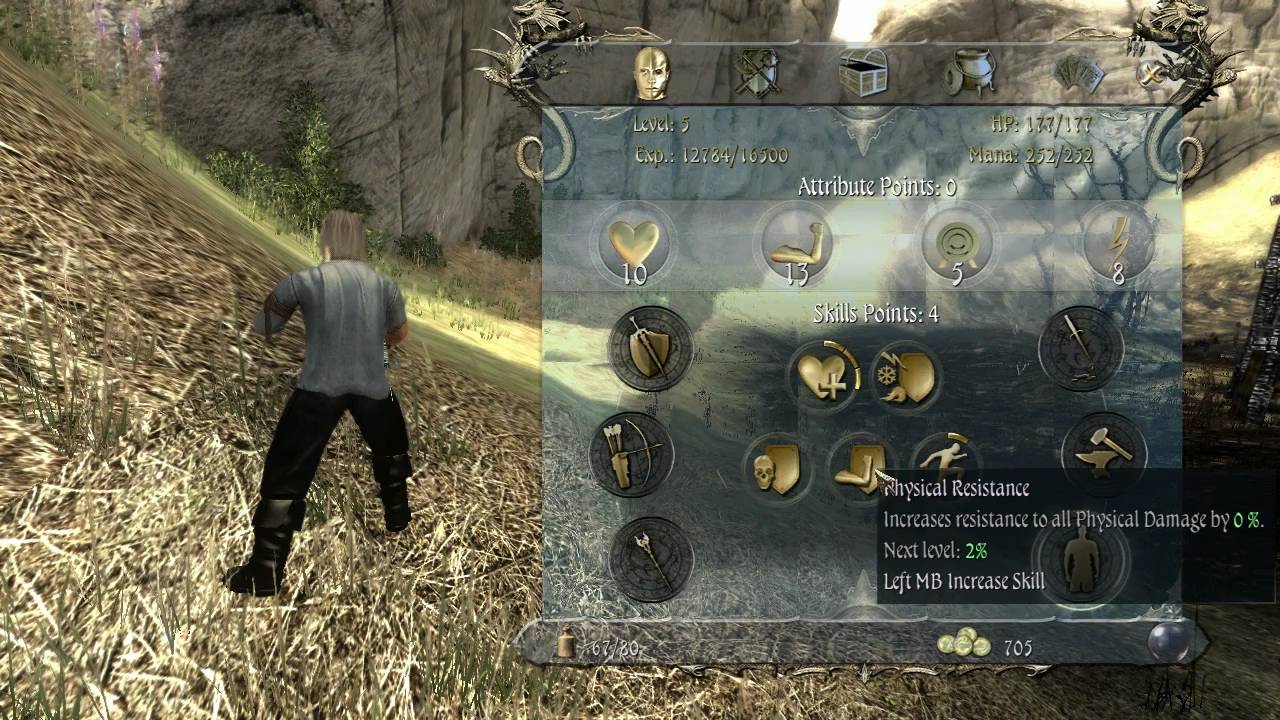
When you level up in Two Worlds II, you are never constrained to any one avenue of gameplay. Players who’ve been allocating perks for warrior can just as easily start spending those points on magic or ranger abilities if they want to branch out. While this isn’t a wholly unique concept (you can just as easily find this is a game like Skyrim or Path of Exile, or even the first Two Worlds), we were grateful that it was included here as well. For a hefty price, Soulpatchers can also allow you to redistribute your skills if you decide you made a mistake. The end result is that there’s plenty of room for error, or on the flip side you may intentionally put those points into mage skills once you’ve collected enough cards to make it worth the shift. It’s up to player choice, and that’s always a good thing.
You can be a bard.
https://www.youtube.com/watch?v=LGvuOBo5rQU
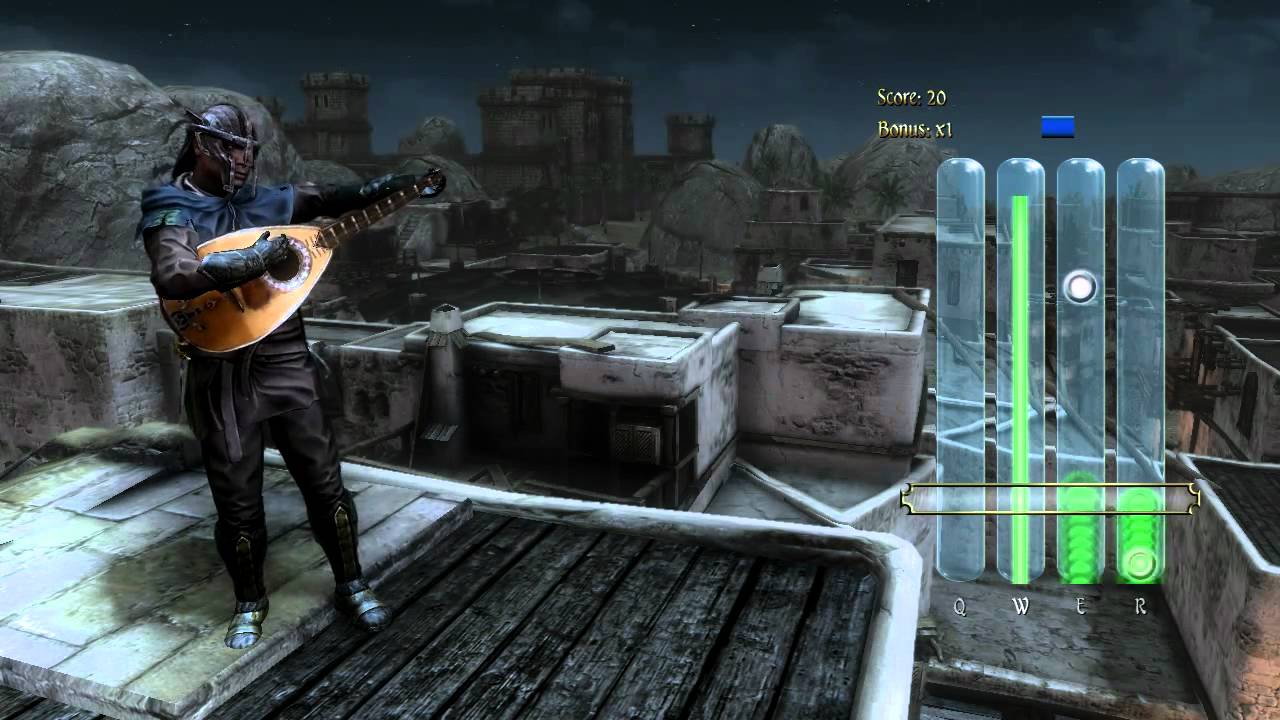
Anybody who has played Witcher 3 can tell you how addicting a good mini-game can be. There’s a reason Gwent became a standalone game! Two Worlds II has a dice high-low simulator, a dice-based poker game, a clever pickpocketing mechanic, and – best of all – a full-fledged busking system. Players who find a flute or a harp can take advantage of a mini-game reminiscent of Guitar Hero. Get good enough at it, find yourself a busy throng of people in a marketplace, and suddenly you’re earning auras (the game’s currency) enough to purchase that heavy plate mail you had your eye on. You can collect or purchase new music for different instruments, and – surprise of all surprises – if you and another player in multiplayer time it just right you can actually play the full song!
In the end, Two Worlds II is undeniably a flawed game. It pushed the envelope in many avenues where the first game laughably failed, but still doesn’t really compare with the wildly successful Elder Scrolls, Dragon Age, or Witcher. But that’s the beauty here – it isn’t those games. Two Worlds II succeeds in other areas, and frankly, we wonder what a game like Skyrim would be like if it did try to emulate the magic system of Two Worlds II, or what Witcher would be like if it incorporated a pickpocketing mechanic. If you’re willing to look past the game’s faults, you might be surprised to find you wish more fantasy RPGs did share these elements from Two Worlds II.
https://guides.gamepressure.com/twoworldsii/
We’re looking forward to Two Worlds III, and hope that they can get the core mechanics ironed out enough that all the uniquely special aspects that this franchise possesses can really shine through next round.
Wish you could play the classic Star Wars: Jedi Academy with all-new options? Dust off that old copy and jump back into the game!
To anyone unfamiliar with Star Wars: Jedi Academy, this 2003 game developed by Raven, Vicarious Visions, and Lucasarts was the final installment of their Dark Forces franchise. Most famous for mixing shooter elements with lightsaber mechanics that were both intuitive and elegant, it was this happy unity of hack n’ slash and FPS that made the game so successful.
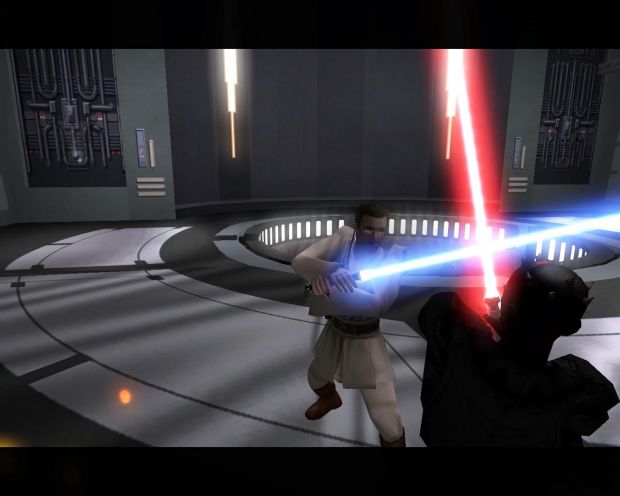
For those of you who are familiar with the game, you probably know that the campaign is three acts of non-linear missions separated and punctuated by story-driven multi-part missions that were a little more plot heavy. Upgradable force powers served as the RPG element while the player character (Jaden) also gradually progresses to learn different lightsaber styles, including the option to dual-wield or use the famous doublesaber like Darth Maul.
The first playthrough of this game is a dream: It’s got the exciting combat, the logical level design, the tried and true Star Wars mythos, and even multiple endings for light side and dark side. Despite all that, there’s one modern aspect where this game falls short, and it’s an important one:
Replayability.
We’re not saying the game is short, with the average run through the main story typically taking around nine hours on average. We’re saying that once you’ve completed that story, there’s not much to do other than play the same missions over again. This game came out before the time of ‘Campaign Plus’ or other such modes that increase the difficulty but allow for a second playthrough with your endgame character and stats (something we think would have been a great addition to this game).
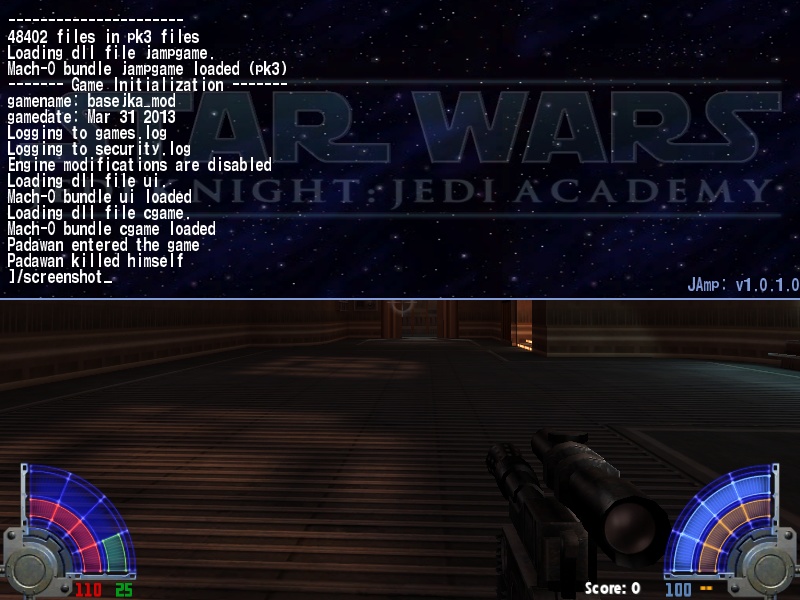
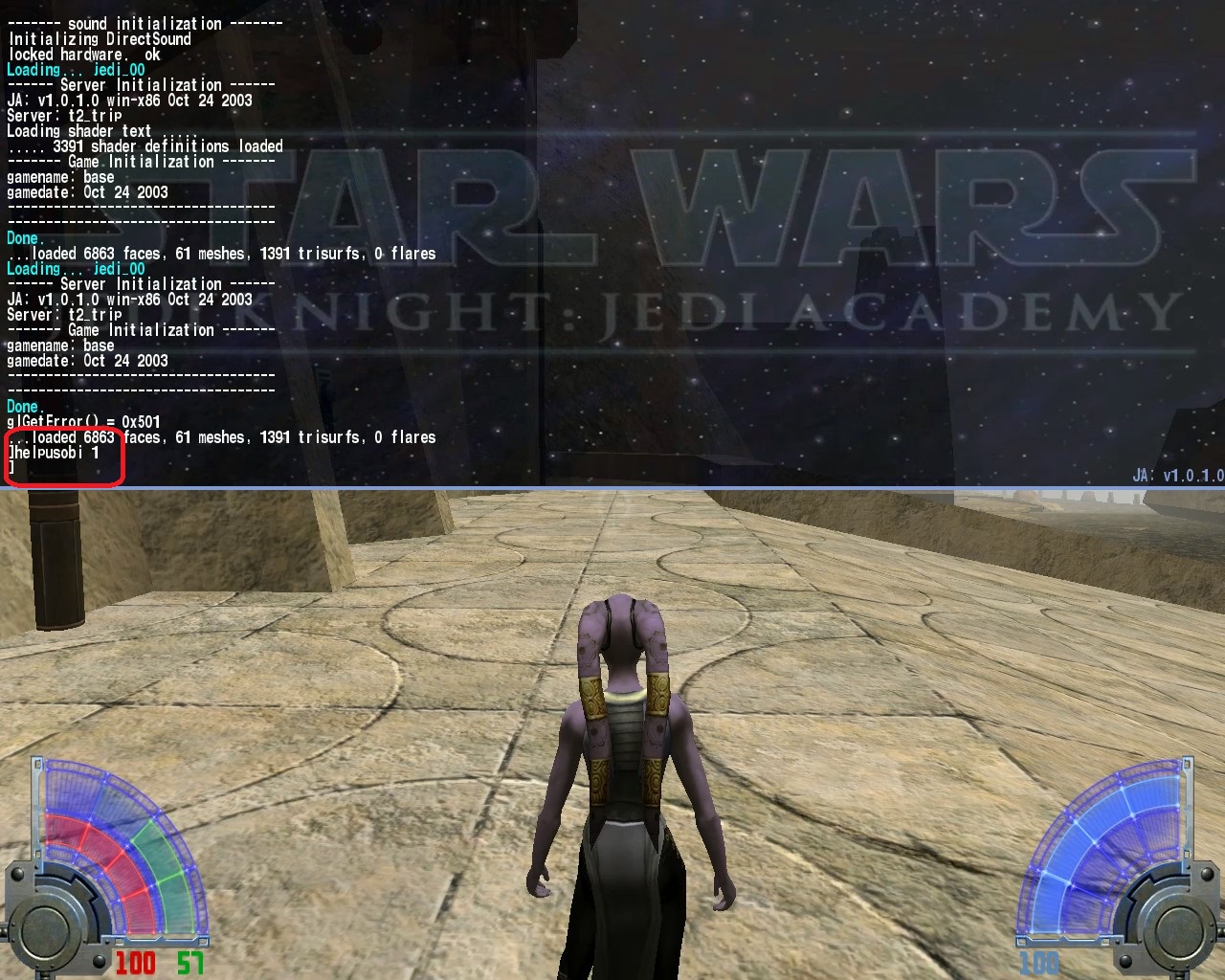
The PC version of this game has a drop-down for console commands if you press ‘Shift + ~‘ during the game. Here’s where the fun stuff begins. Now for those of you pointing fingers and accusing us of cheating, remember that we played this game numerous times before using any of the upcoming commands, and we’d strongly encourage you to do the same. Remember, this is a way to add more hours of replayability to the game, not to cheapen your experience with what we think is a fantastic experience!
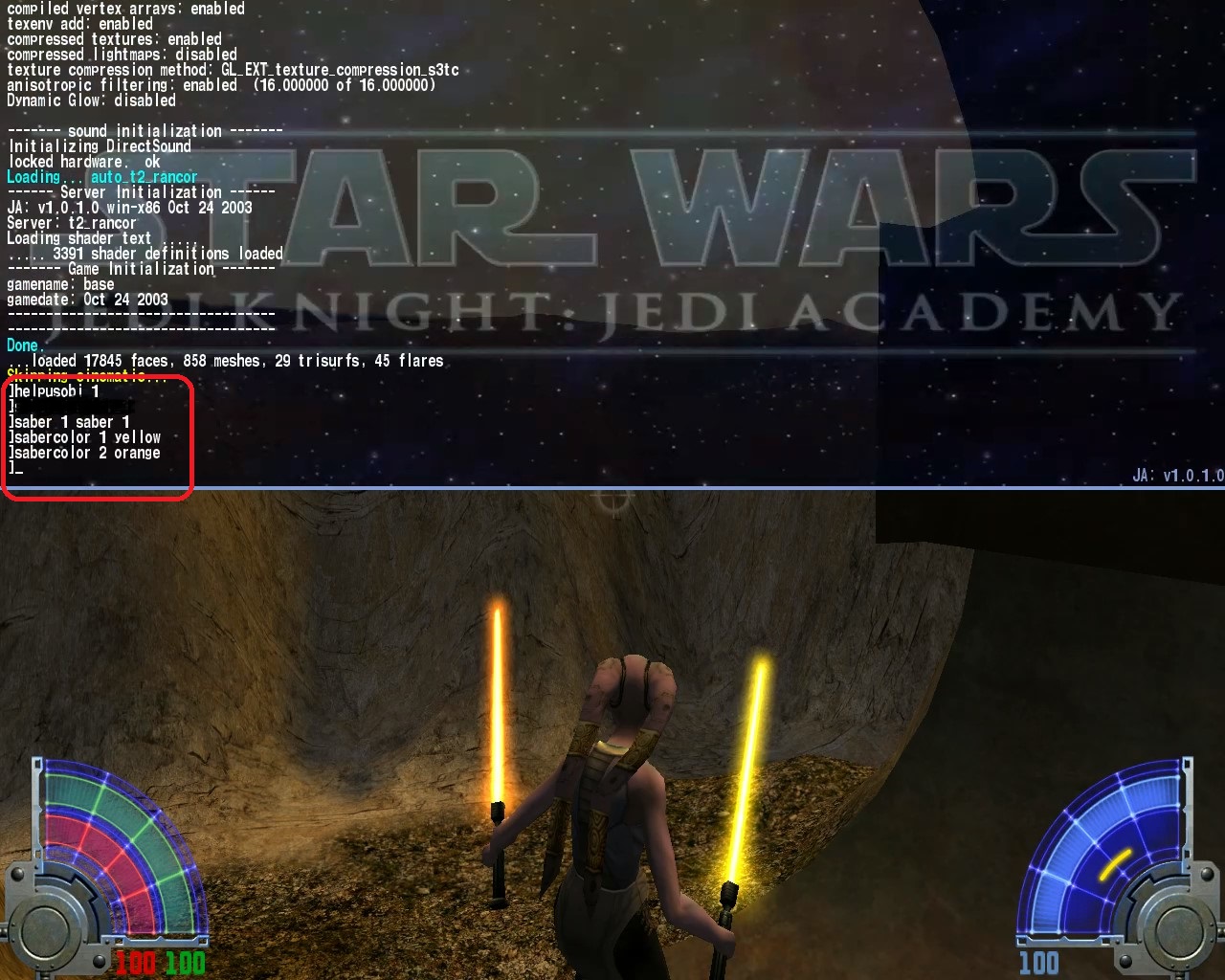
Once you’ve opened the drop-down for console commands, the first thing you’ll need to do is type ‘helpusobi 1’ (haha) to enable the game to register codes. From that point you can enter any of the following to achieve these results:
Jedi Knight®: Jedi Academy
1. addsaberstyle fast OR addsaberstyle strong –
This will allow for you to add the additional lightsaber forms that are only unlocked later in the game. Being able to switch between the given styles from square one makes the experience far more tactical without really altering the difficulty of the game.
2. sabercolor 1 ‘color’ –
While this is merely an aesthetic difference, it means you can change lightsaber colors whenever you feel like a change of pace. This includes the otherwise forbidden red lightsaber, which makes your evil playthrough exponentially more immersive. It may seem like a small change, but when you’re desperate to freshen up your eighth or eighteenth run through the campaign, size matters not.
3. setforceall 3 –
This code will give you all the Force powers at their highest level. By the time you’ve beaten this game as many times as we have, it’s sometimes more frustrating than fun to have to play the early levels without your full arsenal of force powers. While having to pick and choose carefully adds a deeper level of strategic choice, the gameplay from level to level is much more fun when you can Force choke or heal without having to spend level after level building up to it. Plus, you get to do all the neat little acrobatics and flourishes, and that stuff is cinematic no matter what level you’re on!
Jedi Knight®: Jedi Academy
4. saber 1 saber 1 –
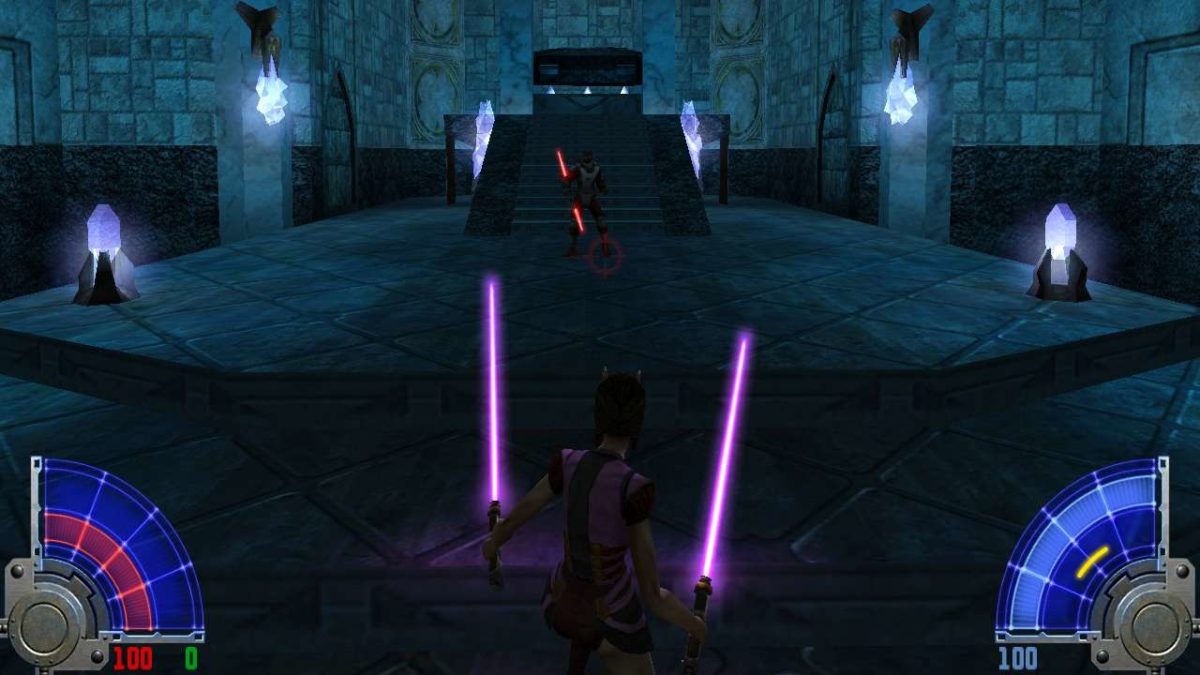
Allows you to use dual lightsabers like the player character can do late game. Usually, this is only restricted to the third act, but we think that’s a shame given the rock-paper-scissors style of combat that depends so strongly on what kind of saber style you pick. Also once you’ve made that choice you are locked in, which means that while a single saber might be better in one level, you might wish you’d chosen dual sabers later on. You can also change the colors of the blades by using the ‘sabercolor’ code above.
5. saber dual_1 –
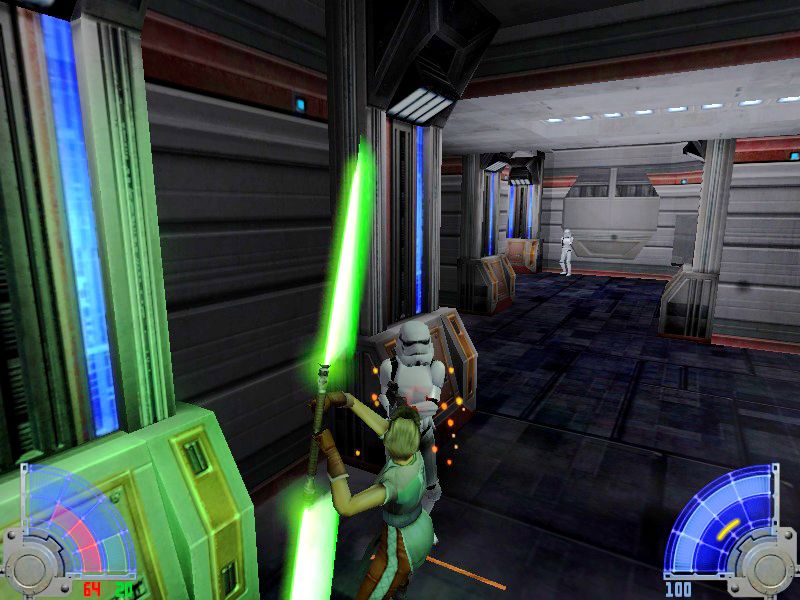
Similar to the above code, this allows for the player to use a doule-ended lightsaber immediately (and you can change its colors, too). All the same justifications for dual sabers apply here, with the added bonus that you also unlock the option to kick with this. Considering how many pitfalls and catwalks there are early in the game, having a double-ended lightsaber early on may radically change the way you approach each encounter.
And you can find many more codes here if you’re looking to add still more.
If all these codes still aren’t enough for you, we’ve got one more ace up the sleeve: Star Wars: Move Duels 2.
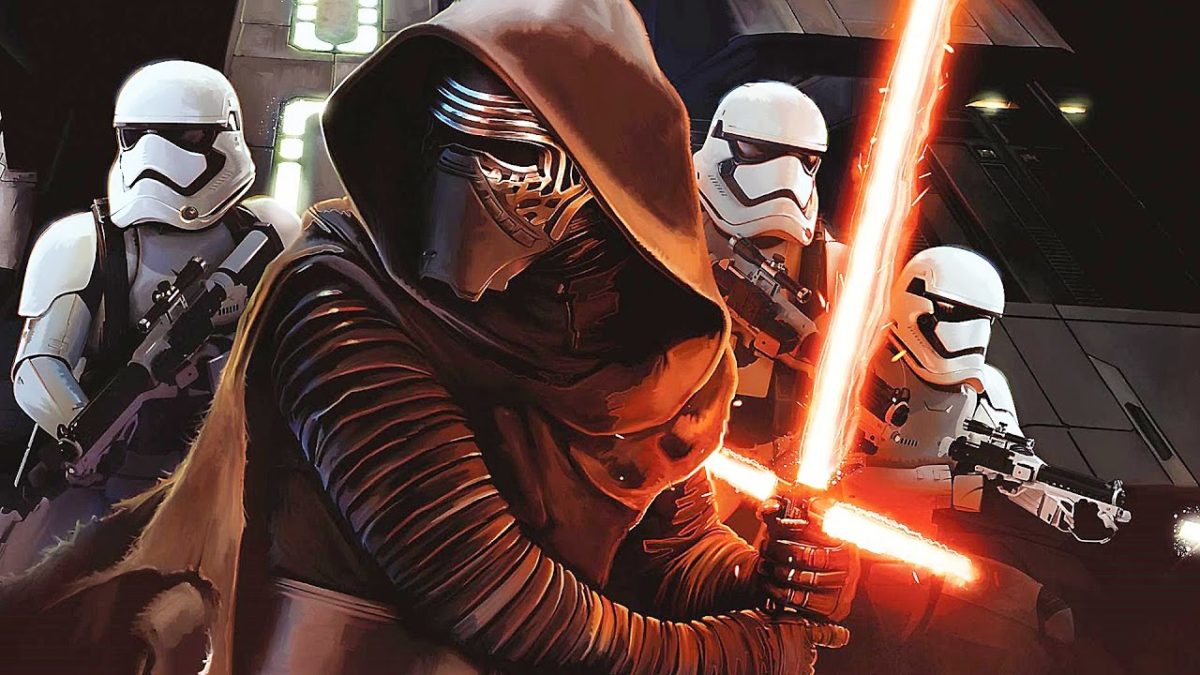
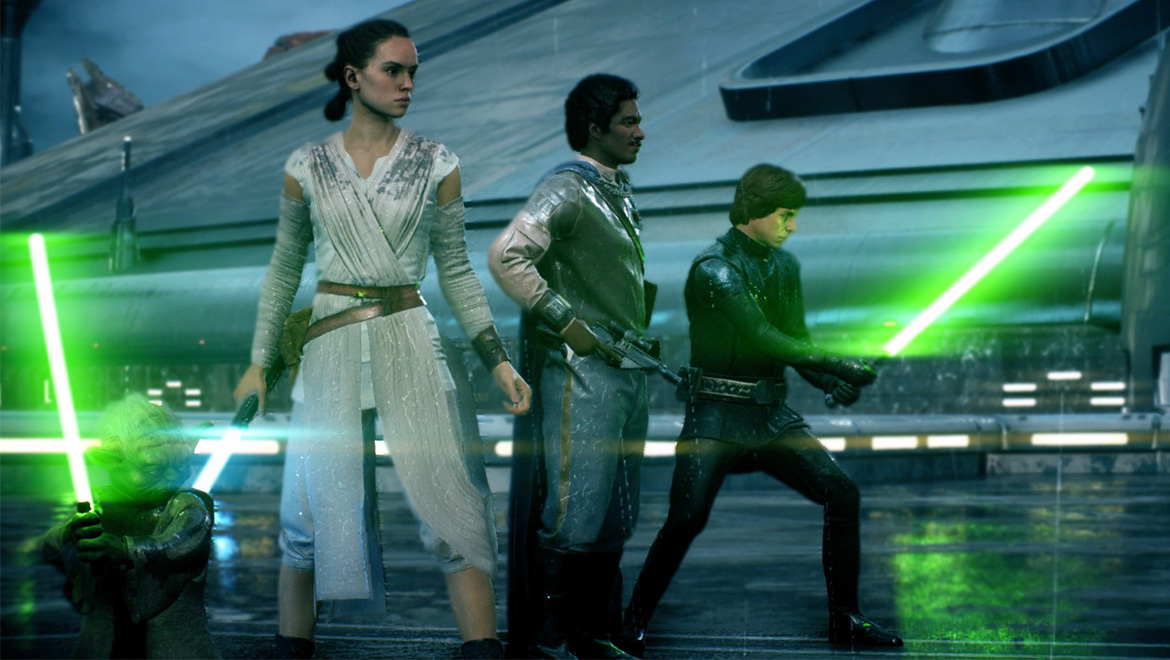
This mod takes you through the climactic fights of the prequel trilogy as well as several battles from the Force Unleashed series (including Starkiller as a playable character). So if you’ve ever wanted to play as Darth Maul against Qui-Gon on Tatooine or test your skill against Count Dooku or General Grievous, this mod makes it all happen and it uses lines directly from the films. Did we mention it’s also 100% free to download? Regardless of whether you like the story campaign of Jedi Academy, the lightsaber combat of this game makes playing these famous scenes extremely fun for any Star Wars fan.