Converting files to the standard PDF format can be difficult. This is how to create PDF files.
Converting files to the standard PDF format can be difficult. This is how to create PDF files.
PDFs allow us to send documents exactly as they are with confidence. When we send a PDF we know that the file can’t be altered, will arrive complete, the data it contains is secure, and the recipient will be able to read all of the information easily. PDFs are great for CVs, cover letters, reports, spreadsheets, and if you need anything printing, converting the file to PDF will make the printing process much simpler and remove any chance of the print coming out badly.
PDFs then are like digital photocopies of whatever it is we are doing. You can’t create documents as PDFs. You first have to create your document in another program and then convert the file to PDF. In this way, you’re able to continue working on your project and convert your work to PDF at various stages of development, right up until the work is complete. This begs the question, however, how do you convert files into PDF?
The complete PDF solution
If you open a PDF on almost any PC or Mac chances are it will open in Adobe Acrobat. It is not an exaggeration to call Adobe Acrobat the king of PDF programs. You would find it much more difficult to open and view PDF files if it wasn’t for the free version of Adobe Acrobat you likely have. Adobe Acrobat can do so much more, however, than just open PDF files. Adobe Acrobat is the best tool for converting files to PDF as well as a whole host of other features for creating, editing, and managing PDF files.
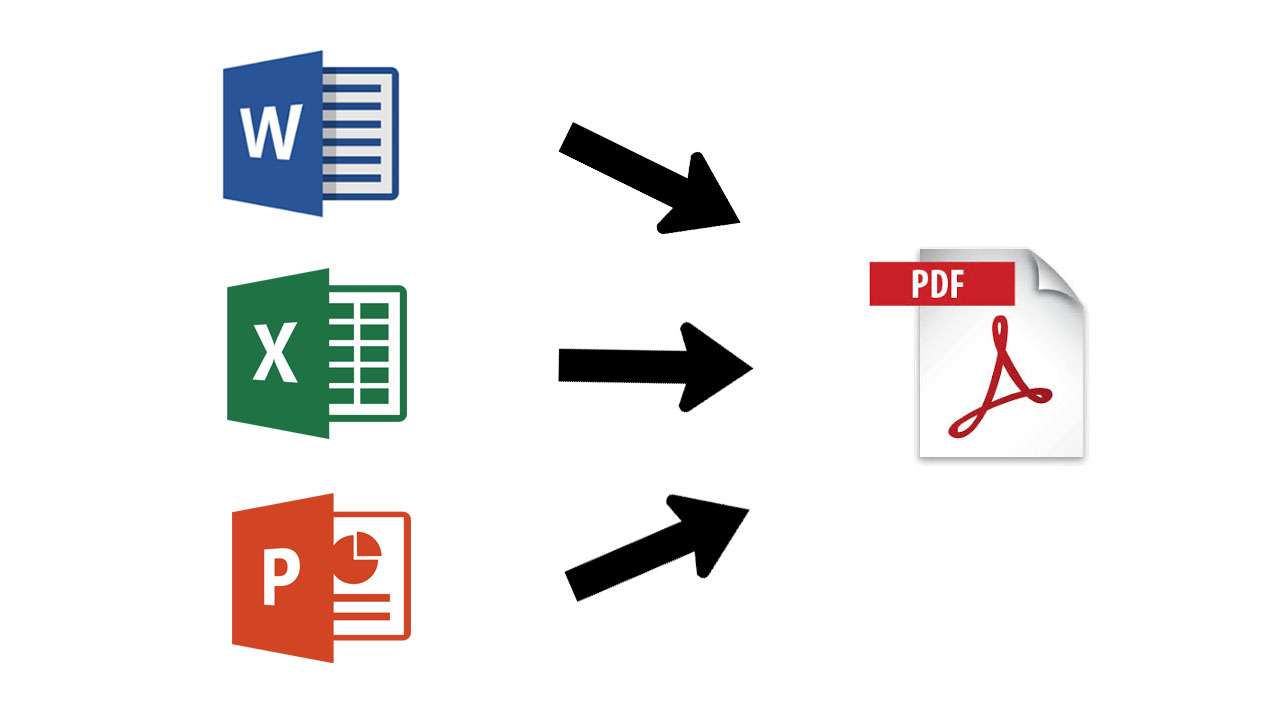
To convert a file to PDF using Adobe Acrobat is quick and simple. All you need to do to convert a Word, Excel, or Powerpoint file to PDF is:
Open the Office file you wish to convert
In the Adobe ribbon, click Create PDF.
Select Protect PDF in the resulting dialog box.
You can then decide whether add a password to encrypt your PDF file.
When complete all you have to do is Click OK, give your PDF file a name and save it in the desired folder.
Acrobat Pro can do much more than easily convert Microsoft Office files from your browser or mobile device, into PDFs. It can also send a PDF version of photographs, merge multiple files into a single PDF file, and protect your PDF files with passwords and permissions. Acrobat Pro even gives you the option to edit paper documents as PDFs and media like audio and video to your PDF files. You can see a complete list of the extensive PDF related features offered by Acrobat Pro below.
Without a doubt, Adobe Acrobat offers the most reliable and secure way of converting files to PDFs. A subscription to Acrobat Pro offers the best way to convert files into PDF and back again. It also offers a rich feature set, centered on all the different problems that may need a PDF solution. Acrobat Pro offers an easy solution for slipping between creating, editing, and viewing PDF files. If you’re looking for the best way to convert a file to PDF, you should check out Adobe Acrobat Pro
If you have a PDF that needs converting now, why not try Adobe Pro DC today.
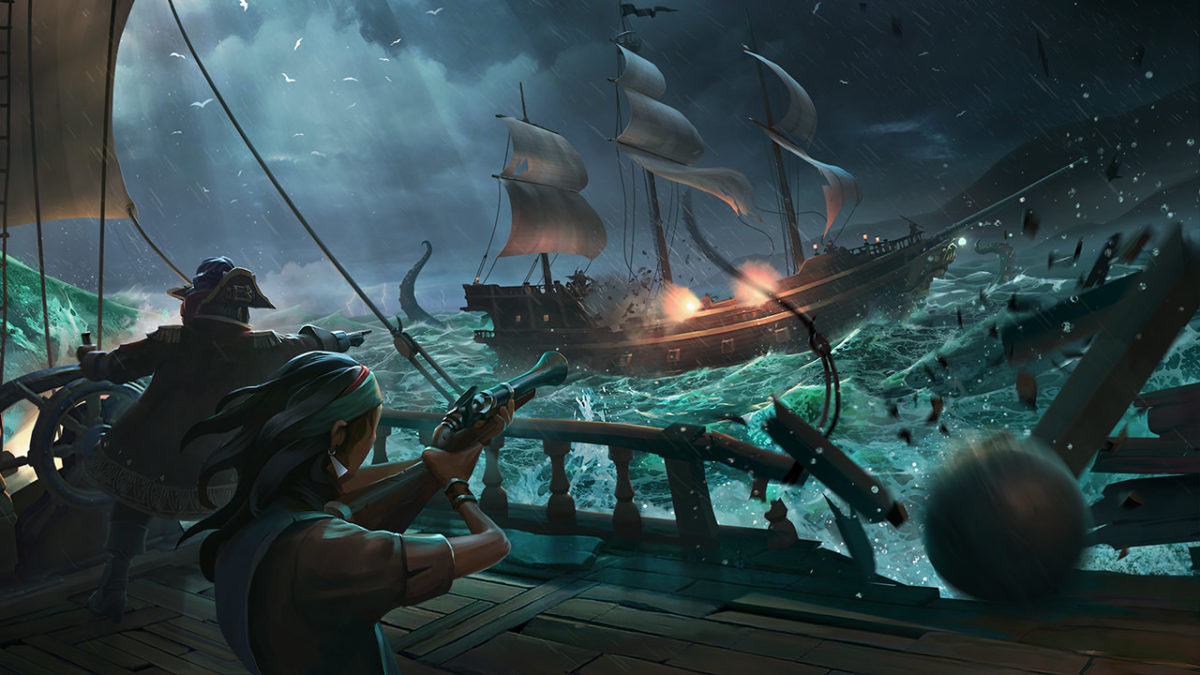
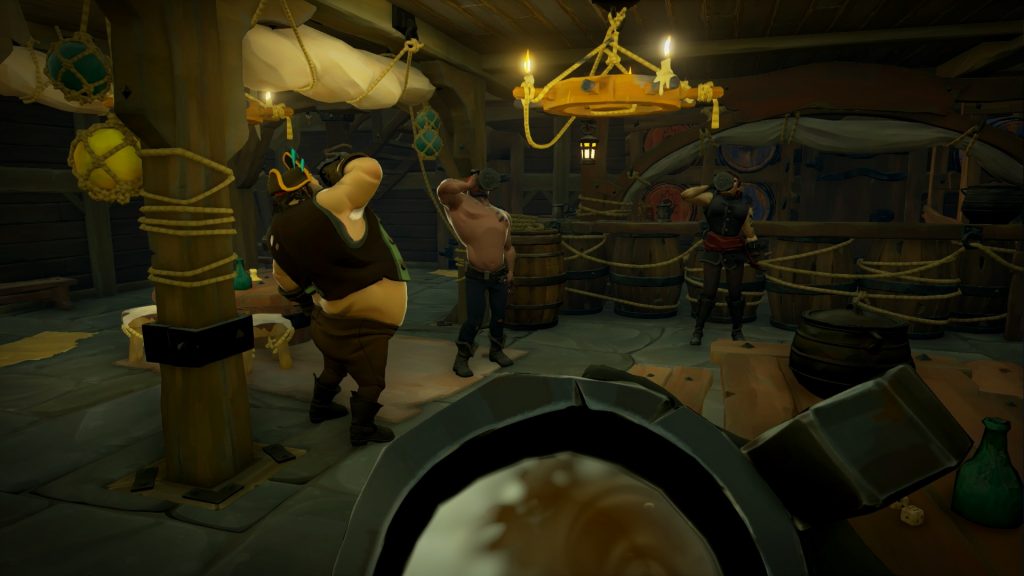
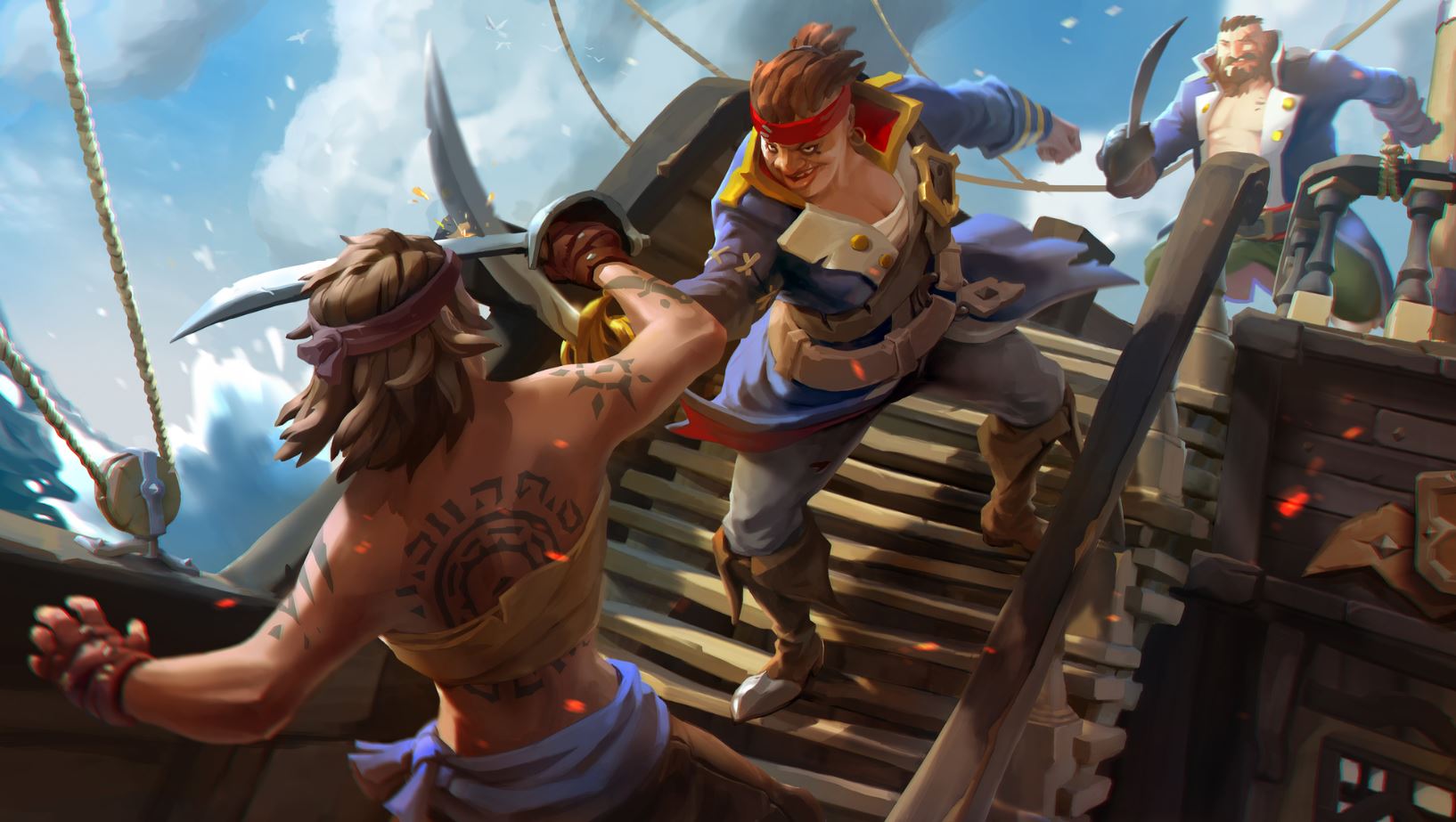
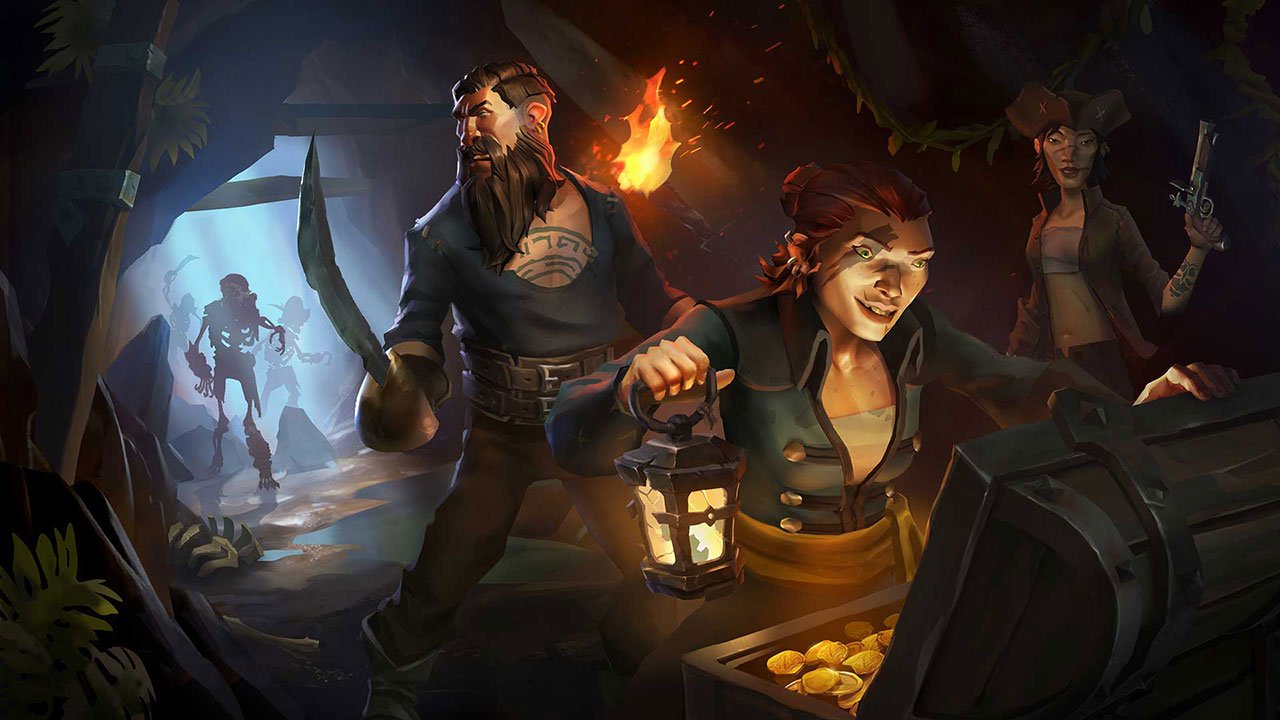
Sea of Thieves is a game about plundering the high seas in search of grog and booty. You’ll be commandeering the seas on your Sloop or Galleon, dodging all manner of angry skeletons, ferocious sharks, perilous rocky coves, the legendary Kraken, and – most terrifying of all – the other players in your match who might be just rowdy enough to try and cast you down to Davy Jones’ locker. Sound fun? Grab it here:
Jumping into a living, breathing world like Rare created with this title can be unnerving, especially with the game’s lack of tutorial. We’re sharing five tips that will play the part of the parrot on your shoulder, giving you advice and encouraging you to let your conscience be your guide.
Kind of a given, but if you can play this game with friends, do so. Trust us, it’s the way the game is meant to be played. Besides just raising the camaraderie up to 11, pretty much all the game’s mechanics assume you’re with a hearty crew.
The element where this especially comes to mind is navigation. Sailing a ship is NOT like driving a car, and having another pair of eyes can be the difference between a shiny new galleon and a waterlogged shipwreck.
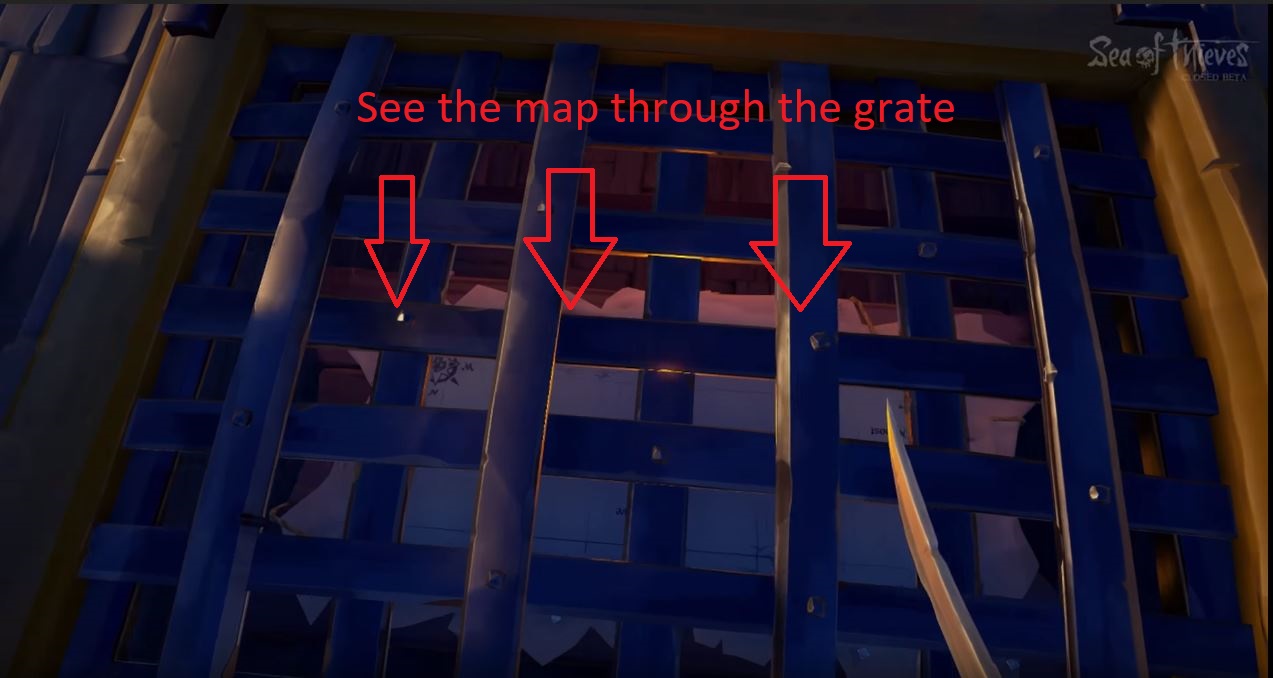
As if to reinforce this point, the map on the Galleon is in the hold, below the deck. The wheel for steering is two floors above that. The game doesn’t want you to do both. The most efficient way to plot your course is to have one player down below deck yelling directions to whoever is steering.
Trying to check the map and steer is deliberately clunky and inconvenient. Additionally, having another pair of eyes can be incredibly helpful when you’re scouting for clues during one of the game’s many treasure hunts.
2. Familiarize yourself with your vessel
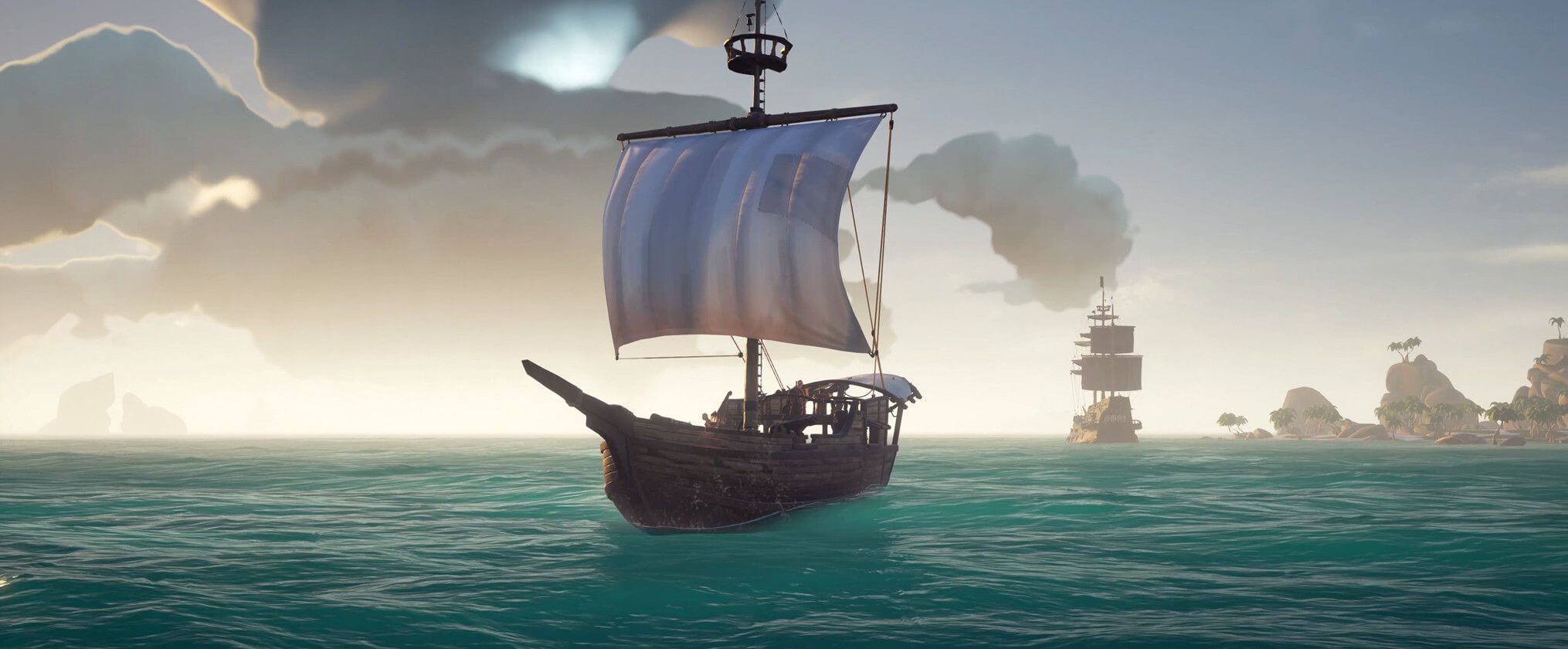
Navigating and sailing in Sea of Thieves is a huge portion of the game. The more practice you get on the high seas, the more adept a sailor you become. The more adept a sailor, the better your survivability in ship-to-ship combat. Not to mention you’ll be able to pull some crazy maneuvers in and out of battle. There are two ships in Sea of Thieves: The Sloop and the Galleon.
The Sloop is faster and smaller, but isn’t decked out for a fight like its big brother. They are easier to repair, however, and their size makes them immune to Kraken attacks. We’d recommend starting off with a Sloop in Sea of Thieves, and upgrading to a Galleon when you get the hang of the game’s steering mechanics.
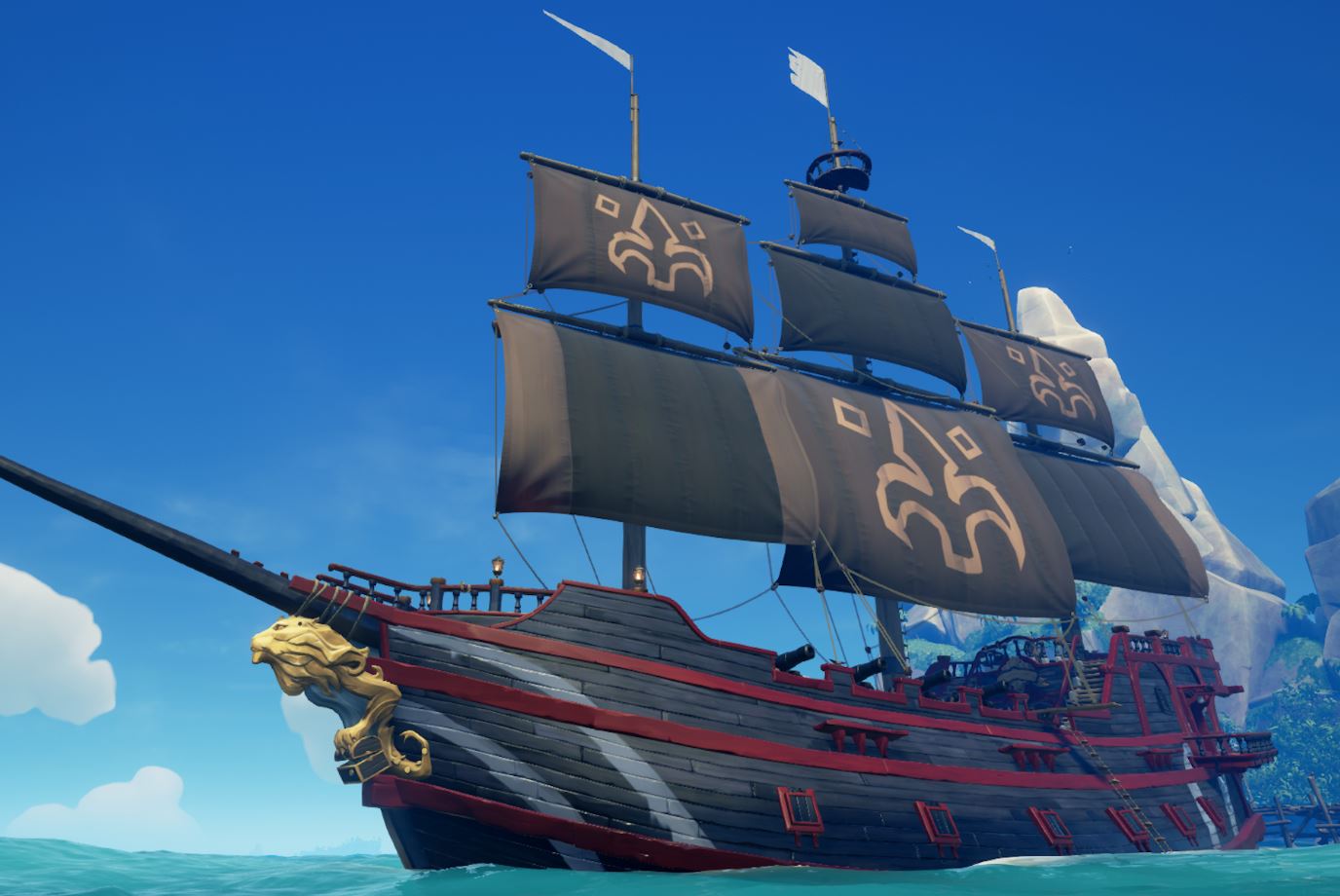
The Galleon is the king of the seas, boasting twice the firepower and durability of the Sloop. Since it lacks the Sloop’s maneuverability, we’d recommend around four players work together to make for the most efficient navigating. Of course, a ship is only as good as its crew, so be sure that your teammates know their roles before the lot of you go head to head with other players.
For both ships, don’t forget to use your sails properly! Look up and try to gauge the direction of the wind. If you angle your sails to catch the wind just right, you’ll see them puff out. That means you’ll be moving as fast as possible.
3. Learn your tools
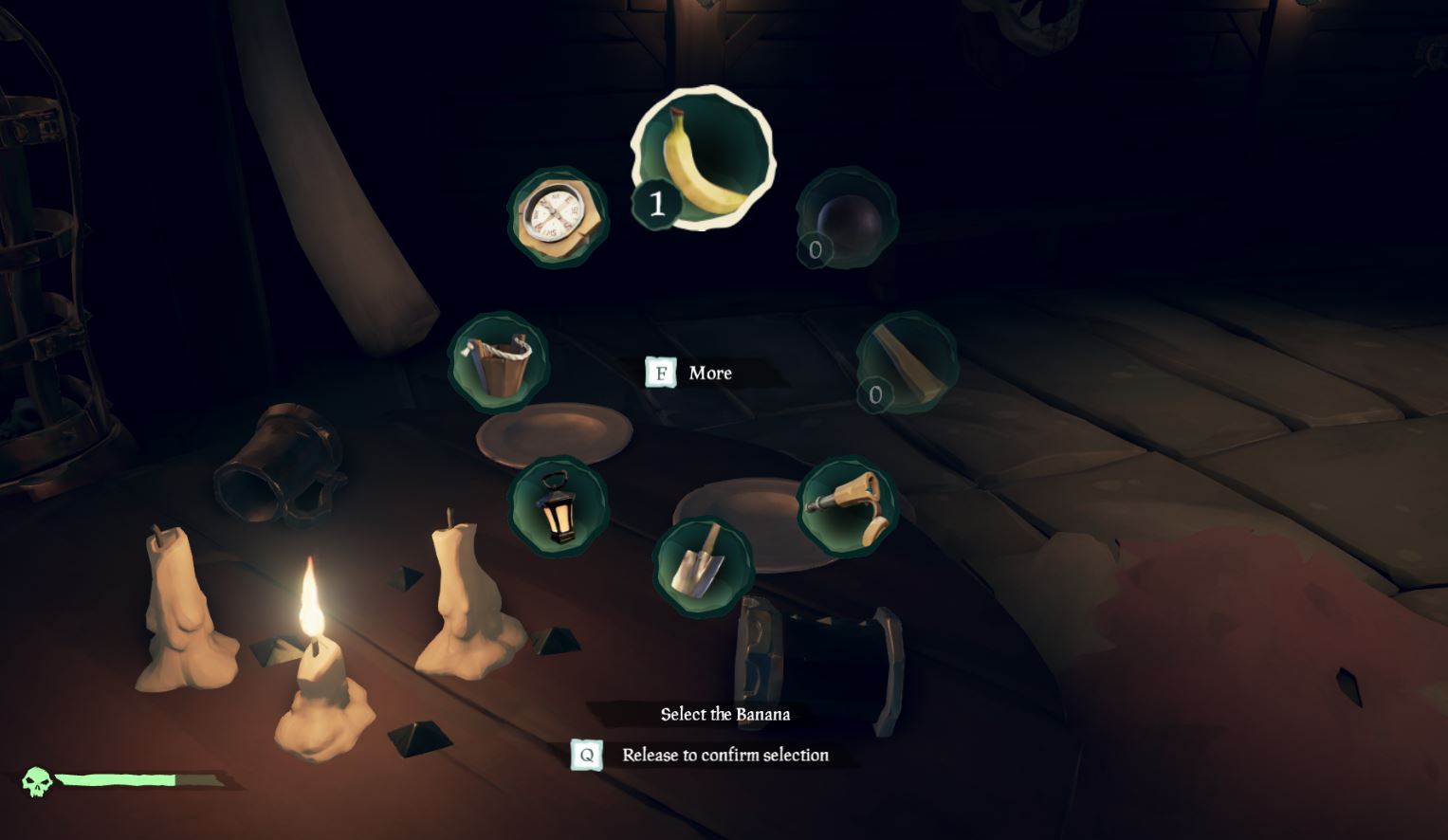
There are eight different tools in your inventory radial. You should become familiar with their purpose so you always have the right one for the right job:
Compass: The most important tool at your disposal, the compass is how you discern the right direction when away from your ship. Keep track of where you go after you drop anchor and go on land; your compass will help you get back.
The compass is also hugely valuable when you’re on land trying to hunt for treasure. Keep it handy. You can also look to the North Star if you’re wandering around at night.
Lantern: Handy when spelunking, the lantern is your default item for brightening caves or dark islands when exploring at nighttime. You can also right-click (left trigger on XB1) to lift the lantern higher, lighting up those dark corners.
Pocket Watch: Not terribly useful outside of Merchant Alliance voyages, this tool tells you the time and date. It can also help with determining how long you have before dark, but you’re a pirate – just look up at the sky!
https://www.windowscentral.com/sea-thieves-items
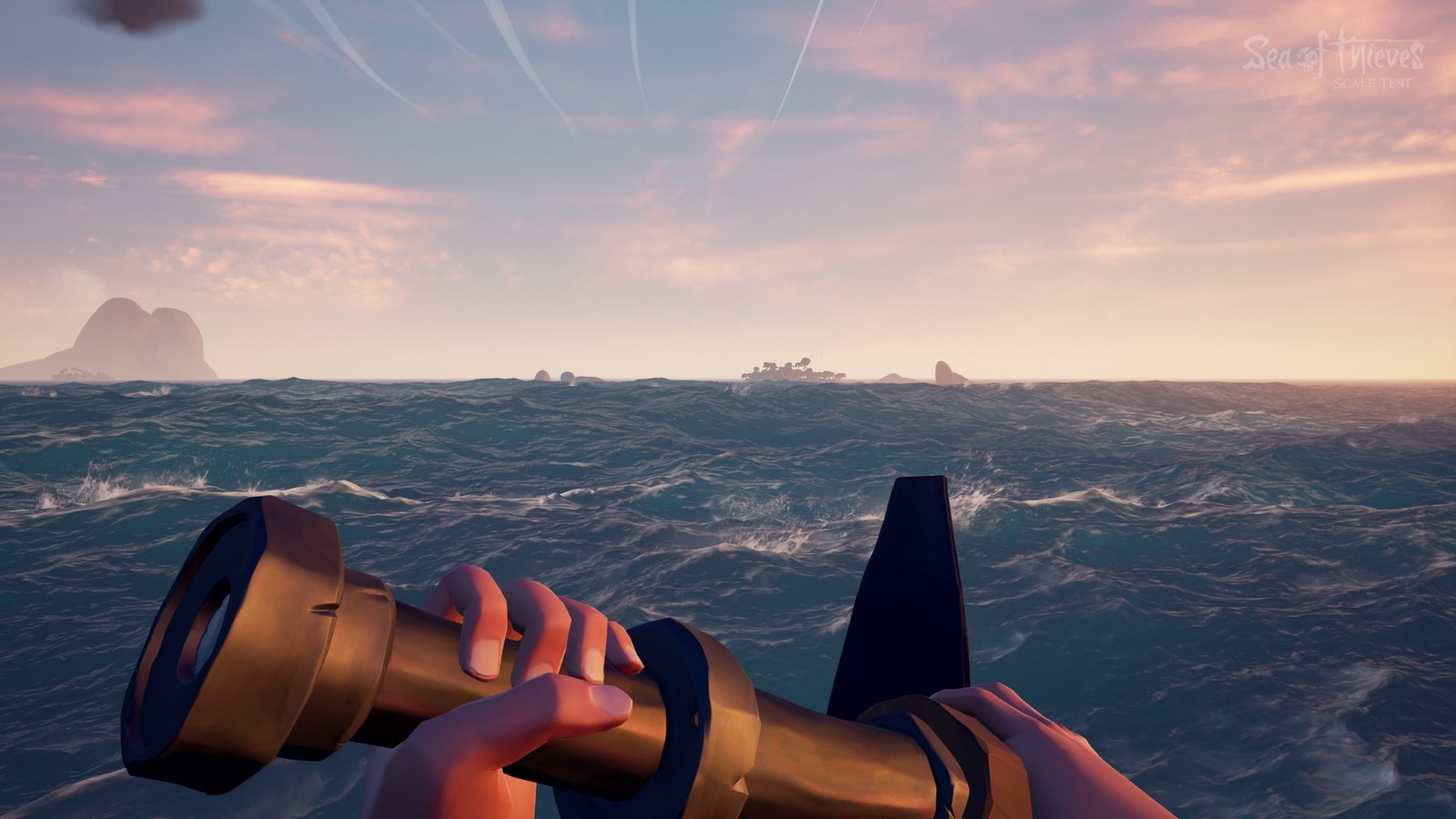
Spyglass: An unexpectedly valuable piece of equipment, this can help you spot islands, enemies, and passing ships. Passing ships should definitely be taken into account and shared with your crew. Know when to fight and when to flee, especially during timed quests or when low on supplies. Another tip is to put out your ship’s lanterns at night; other players will have a harder time spotting you in the dark if you’re not lit up like a Christmas tree.
Shovel: This digs up treasure. Listen for the clank sound; that means you’ve hit the chest.
Bucket: All players begin with the bucket, and all unfortunate players will likely end up using it. A lot. The bucket is for when your ship is taking on water and threatens to sink. Use the bucket to pour out the water, ideally when another player is patching up the hole.
Tankard: Not useful unless you want to roleplay. The tankard will hold grog for player consumption; you can find one in your equipment chest. Fun if you want to pretend you’re Captain Jack Sparrow.
4. Choose your weapons wisely
You can only carry two weapons on your person in Sea of Thieves, but can choose from four: The cutlass; blunderbuss; pistol, and Eye of Reach. When you’re picking your weapons, be mindful of two factors: What your other teammates are carrying; and whether you’re well-rounded if any of you wind up alone.
The cutlass requires the most finesse and practice. Able to swipe, parry, and lunge, it’s your most versatile (and classy) choice. The cutlass can also block, making it a viable defensive option, and is the only weapon in the game that does not require ammunition. We think it’s the best backup weapon you can pick.
The flintlock pistol is a good close-mid range gun, and accurate players will find it’s a good counter against careless sword wielders who can’t reliably close the distance. It also fires faster than the blunderbuss or Eye of Reach, so you’ve got more margin for error.
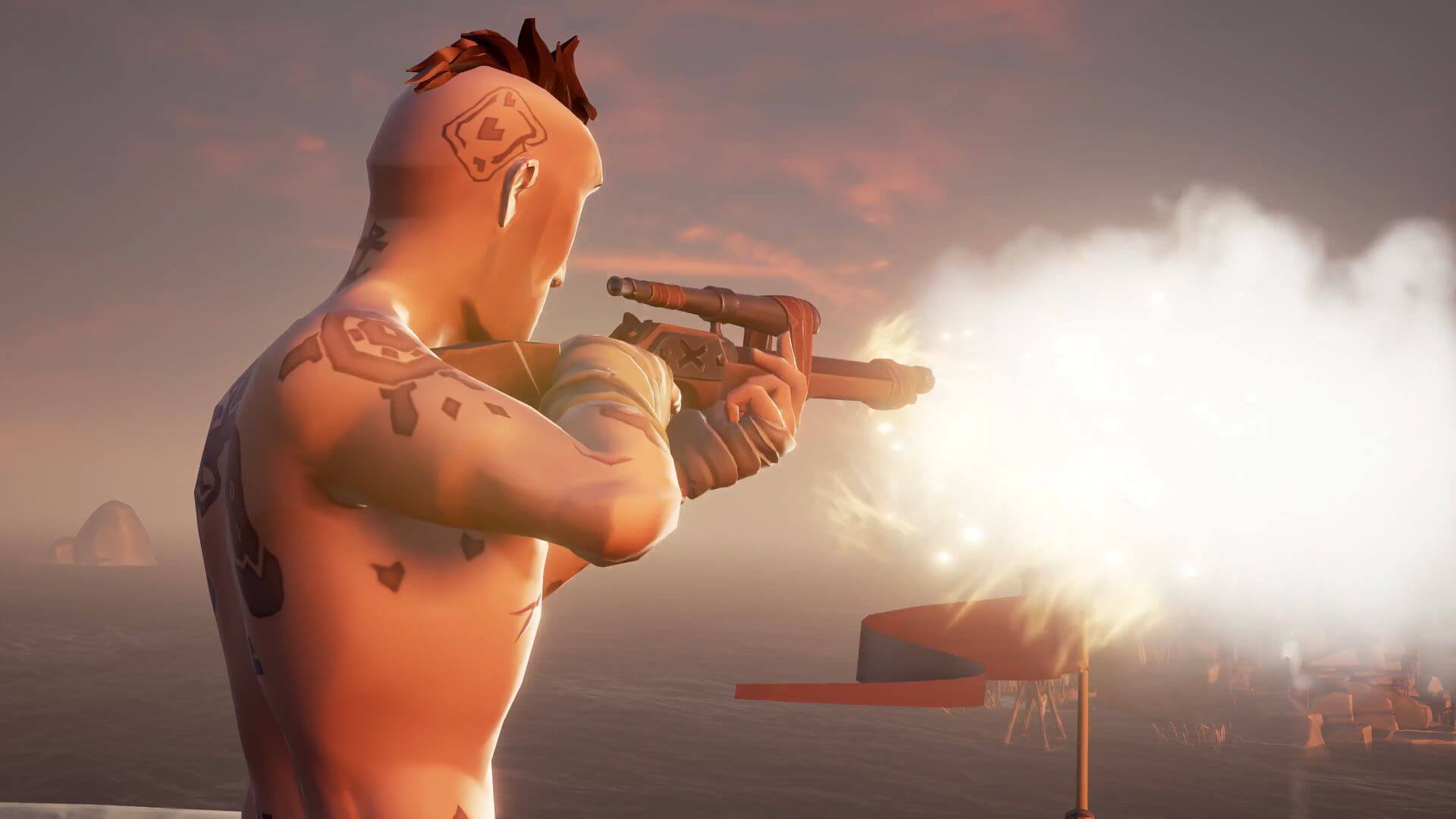
The Eyeof Reach is Sea of Thieves’ sniper rifle, using a fixed scope to engage enemies from great distances while maintaining higher accuracy. It can be incredibly useful from a hilltop or the crow’s nest of a Galleon, but don’t get caught using it alone against a pack of skeletons.
The blunderbuss is the champion of close quarters fighting, and we recommend beginner players rely heavily on this. Our blatant tip is to “practice with the sword, but proceed with the shotgun.” It’s also the only weapon capable of dispatching multiple assailants at once, making it your best choice against the game’s many skeletons hordes.
Our last tip for beginner players is to loot, loot, loot. This goes for completing quests and pillaging enemy vessels, but also extends to exploring small islands for wood, chests, or life-giving bananas. All supplies you find that belongs on your ship should be put there quickly, as you’ll never know when an enemy ship might decide to challenge you.
As for the bananas, we recommend you keep as many on your person as you can. Each will restore 25% of your health, and can be consumed one at a time to give you a fighting chance should you get ambushed.
Sea of Thieves is a ruthless, cutthroat world, but if you keep these five tips in mind and stick close to your friends you might just stay alive long enough to face down that Kraken. Or to launch yourself from a cannon only to plummet down to your death, questioning your life decisions all the way.
If you haven’t joined the online community of a game, you’re missing out on something special. There are a number of ways to do it and there are a whole lot of game communities, but joining the team almost always feels great. Almost always, because let’s be honest, some communities are, well…
That being said, gaming alone and gaming with a community is the difference between celebrating your birthday alone or grabbing pizza with the squad. If you haven’t already, we’d recommend giving it a try!
Choose a Method
As we’ve said, there are tons of ways to join a community, which makes it difficult to create discussable categories. But we worked together three pretty solid sections: console, online, and in-person communities.
Console
Many consoles like PlayStation and Xbox allow users to meet, collaborate, and communicate over games.
For example, Microsoft provides every game on the Xbox with a “Game Hub”, where users can collectively discuss, post videos, develop Clans, and create Group Requests, which joins the players in a party chat. Altogether, these abilities work great for games like Halo 5, where cooperative “fireteams” of Spartans go head to head in futuristic battles. Depending on those involved, the teamwork involved can bring teams together as friends.
So, whatever game you’re playing, make sure to check what your console offers. You may discover long-time teammates or a few buddies you can talk with to make gaming a bit more fun and friendly.
Also: many games, Fortnite especially, allow users to meet in-game. Here are some articles that discuss the topic more in-depth.
The main question to ask is, what do you want? There are many online resources that help communities gather, and even more application that can be used for the same purpose. Here are a few:
Reddit. Commonly called “The Front Page of the Internet”, this site offers numerous discussion pages, called subreddits, for literally anything. If you’re a game, make a Reddit account and subscribe to r/gaming. Do you have a specific game you enjoy? How about r/halo, r/bloodborne, or r/breath_of_the_wild? The downside to Reddit is that although posting, commenting, and discussing works well, it may be hard to find a specific group of people.
Facebook. A classic. Facebook excels at allowing users to create small or large groups. Thanks to the personalization, this makes it easier to plan events or work together, rather than posting memes. On the other hand, Facebook’s relative intimacy means you may need to search a while for the right group for you.
Twitch. This site does more than let you watch games: the following, commenting, and friending services enable the development of community like the other sites we’ve mentioned. However, in contrast with Reddit and Facebook, Twitch takes users right to the games with live feed videos of players. This hands-on style may be up your alley.
If a site wasn’t mentioned, we apologize. Please mention it in the comments below and remember: you don’t need to tie yourself down to one website. Most users have accounts on multiple sites. What matters most is what works best for each person!
In Person
Despite being in the communication age, meeting face-to-face can still create one of the best gaming experiences.
Keep an eye and ear out for opportunities in your community. Yes, it’s possible that nobody in your area actually plays the games you enjoy… but that’s highly unlikely. More often, you can discover fellow players through conversations about your interests. A number of gamer clans have been developed by adults who met in the office!
For the younger crowd, schools create the perfect environment to meet friends. If you’ve tried to discover teammates with no luck, consider making your own club or event: schools are often glad to accommodate student-run activities. With a little initiative, you may bring together a group of fellow gamers!
Looking to launch your career as a world-famous gamer? Live-streaming your gameplay from the Xbox requires a small amount of effort and a large amount of thought. The basics are easy, so we’ll start with choosing how to stream, then move toward using streaming programs. Finally, we have a bonus section with extra tips and tricks!
Choose how to stream
To be straightforward, you’re probably going to want to download Mixer or Twitch from the Microsoft store (no worries, they’re free). While YouTube Streaming is certainly a possibility, it’s far more difficult. Especially if you have a Mac laptop. That being said, we recommend Mixer or Twitch. If you are unfamiliar…
Mixer is Microsoft’s official streaming service and only works for the Xbox. This specialization means a smaller viewership compared to other services. Despite this, the app has notable strengths. For example: group streaming, which means multiple screens and Xboxes at once. If you’re looking for an easy program and aren’t worried about monetization, Mixer has a lot to offer.
Twitch currently leads the streaming industry. It’s well equipped to connect gamers with viewers and has notable perks like video storage, which allows your past gameplay to be preserved online. It is available on numerous devices, including phones and computers. You can download it here:
A quick note: if you plan on streaming yourself, you may enjoy watching others as well! On the other hand, if you’re confused by the idea of watching others play games, we have a few explanations: first, watching a good streamer feels like having a game night with friends. Alternatively, it can allow competitive gamers to watch over the shoulders of elite players and learn better techniques. Try it and see!
Create an Account
Whatever streaming route you choose, you’ll need to create an account. Be prepared with an email and phone number in case you need to verify the account.
Some apps may not allow you to make an account from the Xbox itself. If you find this to be the case, use another device (computer, phone, etc.) to make the account and then sign on with your Xbox afterward.
Using Your Program
By now you should have Mixer or Twitch downloaded on your Xbox and be signed in to the new account. Congratulations! At this point, each app works differently:
Mixer
As the official Microsoft app, Mixer is part of the built-in broadcast system. Click the “Home” button on the Xbox controller (shown below) to go the main screen.
Next, move to the “Broadcast and capture” tab. From here, you are given the choice to start broadcasting. Click on this button, and you will begin streaming on Mixer!
(There are a few extra settings. For example, you can choose whether or not to include your headset’s audio feed in the broadcast.)
Twitch
Twitch is not the official Xbox streaming app. So, to use this program you’ll need to open both your game and the app at the same time.
Once this is finished, enter the Twitch app. There should be a bar with four buttons, the bottom one being “Broadcast.” Select this button.
Doing so allows you to begin streaming! The app will take you through a few more steps while displaying a sample of how the broadcast will look. After this is finished, you can return to your game. You’ll know the broadcast is going when a small blue broadcast box appears.
The Other Considerations
You’ve begun streaming! We’re glad for you, but would like to serve up some food for thought. A few items to mull over:
How’s your internet speed? If you’re experiencing slow internet (possibly due to the proverbial “McDonald’s Wi-Fi”), you may run into serious lag while trying to play your game online.
What game are you streaming? If you’re trying to pick up subscribers, well-established streaming games like Fortnite, Overwatch, and Rocket League may not be for you. Try to find new games that are becoming popular and get ahead of the hype.
What are your expectations? Even if you find a good, new game, streaming requires a lot of hard work and good luck to become big. Those looking for quick fame and fortune should beware. On the other hand, passion and persistent work will give you a better chance at success.
Overall, remember this: business, business, business. The fact that you’re trying to stream games probably means you already enjoy video games, but good streaming is a holy combination of fun and business. This means: stick to a schedule so your viewers know when to expect you, look for opportunities to expand your audience outside of streaming itself (conventions, friends, etc.), and consider your brand. How do the things you say, wear, and do, define your type? Are you the master gamer? The fun but competent guy-next-door? The gaming comedian? Be careful about deciding who to be when you are online, especially in a live broadcast setting that can be seen by many people.
Admittedly, this is a lot to think about when you begin streaming. With persistence and mindfulness, we believe in your ability to master the ins and outs of video game streaming.
Microsoft has released details about the new Windows 10 update, which we should see drop sometime this fall
Love them or hate them, Windows 10 updates happen. It is all part and parcel of using Microsoft’s latest and greatest desktop operating system. Rather than giving us a finished OS like with Windows 7 or Windows XP, Microsoft decided to give us a constantly evolving operating system that updates every now and then.
Since it first launched, we’ve had a few Windows 10 updates already and many new features have been added to the Microsoft operating system. Now, however, we’re looking forward to the next Windows 10 update. Let’s have a look at what we can expect from the Windows 10 Fall Update.
It looks like the fall update will be called Windows 10 Redstone and that it will come with some neat new features and somewhat surprising updates.
The latest and greatest version of Microsoft's operating system.
Windows 10 Notepad update
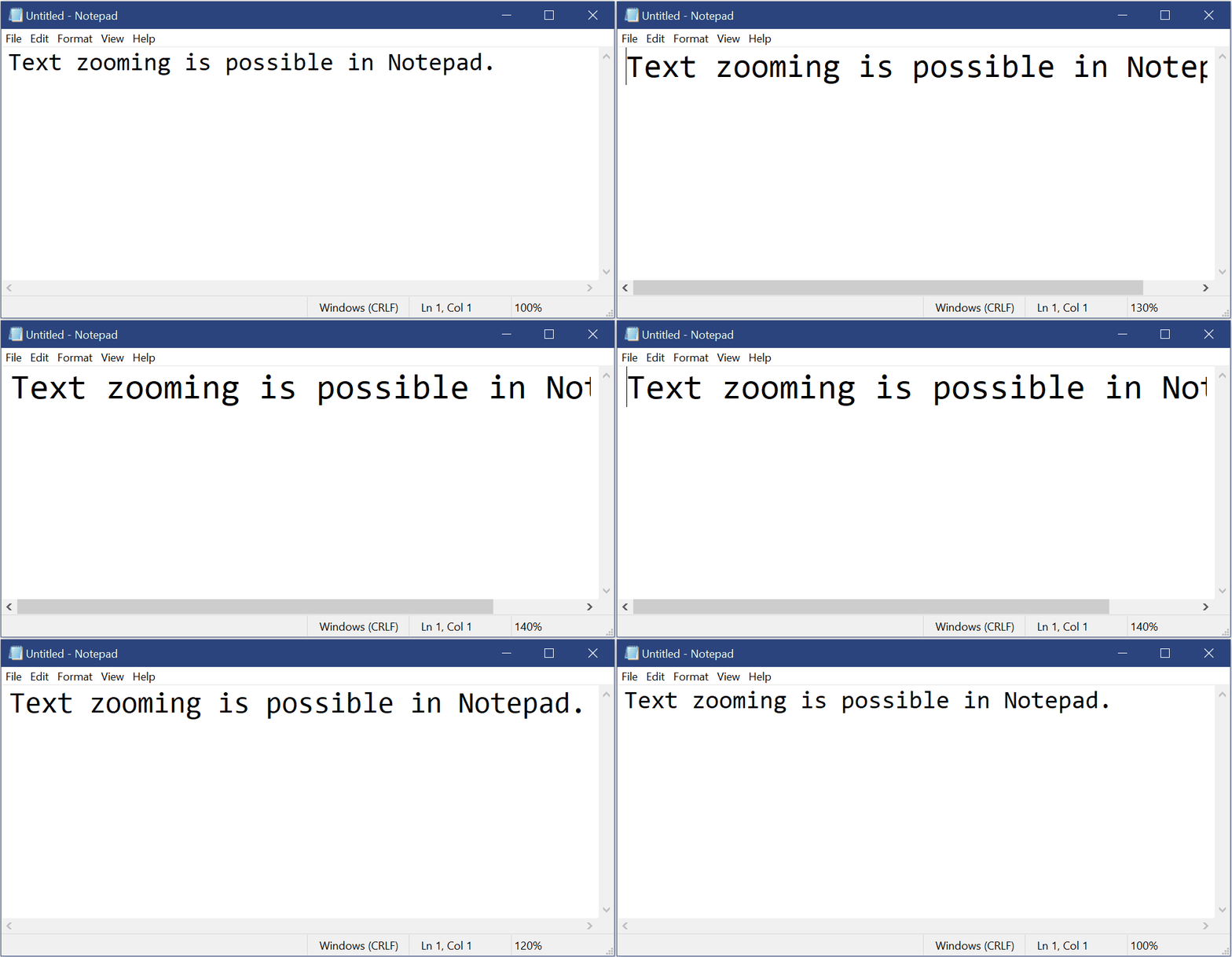
Windows Notepad offers a bundled, much stripped down, version of word processing to all Windows users. Notepad hasn’t received any update attention from Microsoft for years, but this fall it will get some useful new features.
Text zooming is now possible and there is also an update to find/replace so that it will remember old search terms and automatically fill out the search field if you open it up while you have highlighted text. Other Notepad updates include Ctrl + Backspace to delete the previous word, improved performance on larger files, and displaying line and column numbers if requested.
Big Windows 10 Edge update
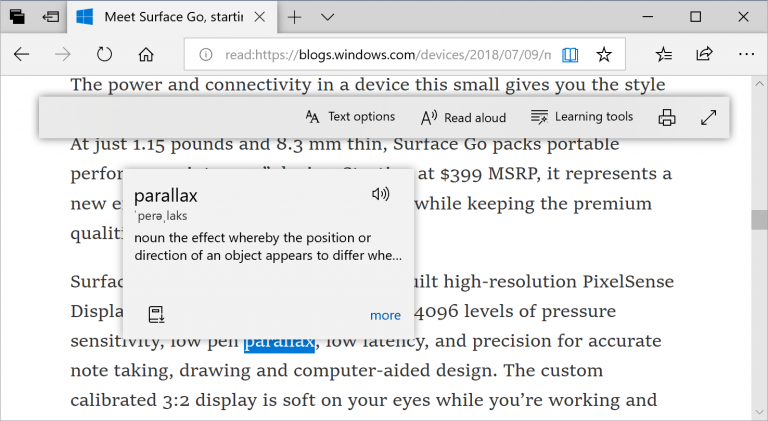
Microsoft’s new browser actually packs quite a punch. It is quick and reliable and offers a decent reading experience compared to other browsers. With the new Edge update, Microsoft is doubling down on this unique selling point. There will be a brand new built-in dictionary that includes a read-aloud feature so users can hear how words are correctly pronounced.
If you use Edge as your PDF viewer you’ll also see a host of updates when the Redstone update drops. There will be a considerable toolbar update to the toolbar making new options like Add notes much easier to access. You’ll also be able to pin/unpin the PDF toolbar and there will be far fewer rendering issues when scrolling through different pages.
In a cool update for Enterprise, The next Windows 10 update will bring with it the ability to log in remotely using biometrics. Windows Hello for business users will gain this handy new feature. A Fast Sign-in feature has also been added, which will help people using a shared or guest Windows 10 device.
Windows Defender updates and other “under the hood” updates
The Windows Defender Application Guard will get a user interface upgrade that will make it easier to use. There are also plenty of other little updates including improved handwriting functionality with Inking Update, and all sorts of little fixes to issues and bugs that have been raised by Windows 10 users.
All in all, the Redstone 5 update isn’t going to be one of the more exciting updates. Past updates have introduced programs like Paint 3D and improved Windows 10’s gaming functionality. The next Windows 10 update will, however, make some practical improvements across a wide range of Windows 10 apps and programs.
Lots of us use Outlook as a program to check our email. But did you know you can also use this software to read Gmail messages? It’s true! Today we’ll show you how to set up your Gmail in Outlook.
Enable Gmail
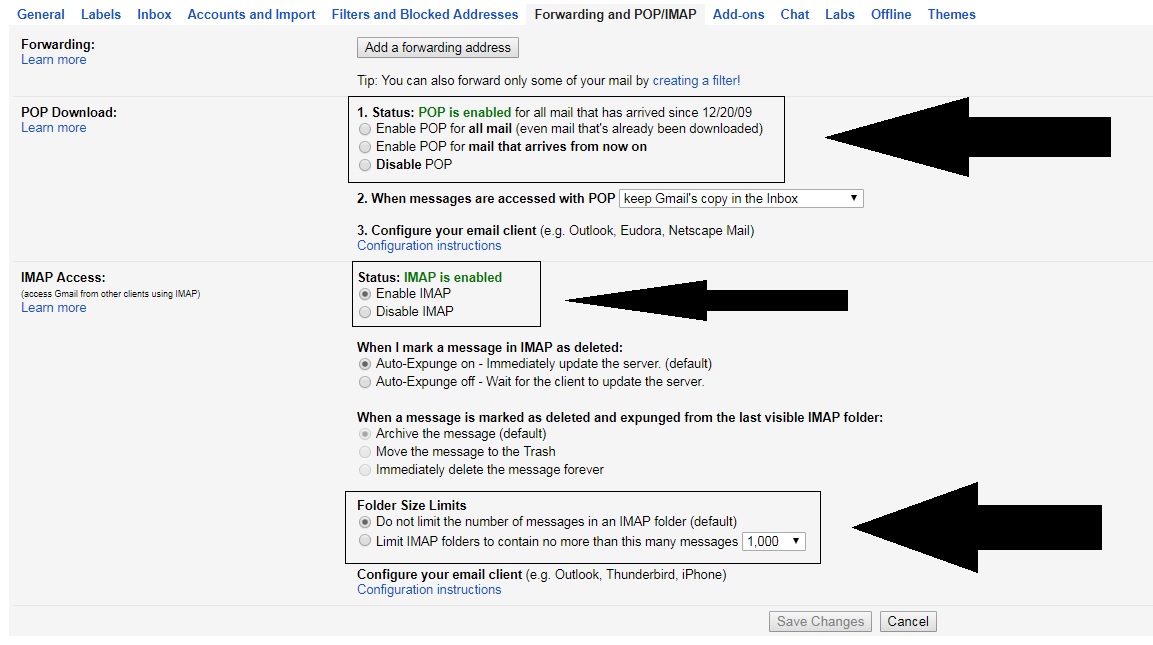
First of all, you must see if your Gmail account is enabled to send and receive email from other platforms. To do this, go to “Settings” and click on the field “Forwarding andPOP / IMAP” (depending on the version of Gmail you have, it can change names). Once inside, check three areas specifically:
“POP Download” is enabled.
“IMAP Access” is enabled.
The size limit of folders has no limits .
That done, let’s hop over to Outlook.
Quick and easy
Once you have Outlook open, it’s as quick and easy as clicking on the icon of three lines at the top and going to the “Information” section. Here, look for the first option that appears: “Add account.”
If you click on it, a pop-up window will appear where you can add your email address and password. After enabling everything in the previous step, the approval will take only a few minutes (and shouldn’t give you any trouble).
Congratulations! Now your email can find you wherever you go!
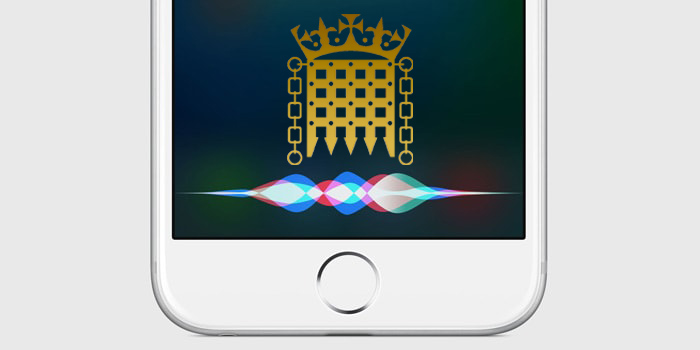
Is Siri the most useless of all the AI assistants? Well, objectively speaking, probably, but Siri’s lack of practical use can lull iPhone users into a false sense of security. Despite a lot of Softonic tutorials on mobile security, it is easy to forget that once activated, Siri is always listening.
If Siri was listening in the Houses of Parliament, where else was she listening?
Although it isn’t ideal to forget that your PHONE could be listening to everything you say, most of us can get away with the oversight. If you’re the Defense Secretary of the United Kingdom, however, there are a lot of things that you or the people around you might be saying that you don’t want to a hackable device to hear. In the UK Parliament yesterday, UK Secretary of Defense Gavin Williamson was interrupted by Siri trying to answer a query while he was talking about Syria. Siri is set to “always listening” on his phone. Let that sink in. Siri is listening to everything that UK Secretary of Defense is saying.
So just how vulnerable is Siri and, accordingly, all of the classified secrets that UK Secretary of Defense has to talk about on a daily basis?
Well, in September, Chinese researchers discovered a shocking backdoor into voice assistants from Google, Amazon, Microsoft, and yes, Appl,e too. Called DolphinAttack, the vulnerability plays on the fact that digital assistants can hear frequencies that lay outside the range of human hearing. This allows attackers to issue normal voice commands at such a high frequency that it is inaudible to human ears.
DolphinAttack means that anybody within a few feet could be issuing silent commands to a smartphone’s digital assistant. The researchers didn’t just stick to basic commands either. Using only basic equipment, the researchers were able to get iPhone’s to make calls and even initiate FaceTime video calls. Incredibly, they were even able to make Alexa unlock IoT connected smart locks or redirect the navigation systems on Audi A3. If a user is wearing an Apple Watch, it allows these ultrasonic attacks to take place from further away.
The implications of such an attack could be severe for a man, like Williamson, with high-security clearance. Anybody passing him in the street could issue an ultrasonic command, which could open a certain website on his mobile browser. From there, the website could automatically install malware onto the phone that would open up the contents of the phone and possible communications to exploitation.
Siri is supposed to only respond to the voice of the user who trained it, but with convincing deep-fake technology becoming more and more prevalent it is easier than ever to reproduce somebody else’s voice. In this particular case, it doesn’t matter that Siri was responding to Williamson’s voice. As Jordan Peele adeptly demonstrates below, it wouldn’t be hard to fake him saying “Hey Siri,” and then feed the fake command through the ultrasonic processors.
It is all well and good laughing at Siri’s interruption in the House of Commons, and coming up with a witty response to make light of the embarrassing situation. Is there something more, however, that we need be seeing. Does Siri’s intervention highlight a worrying lack of insight into the implications of modern technology at the highest levels of the Conservative government in the UK? A lack of insight that could be putting the security of the British nation and her allies at risk? Is it a laughing matter if the man in charge of security for an entire country can’t even manage the security settings of his own mobile phone?
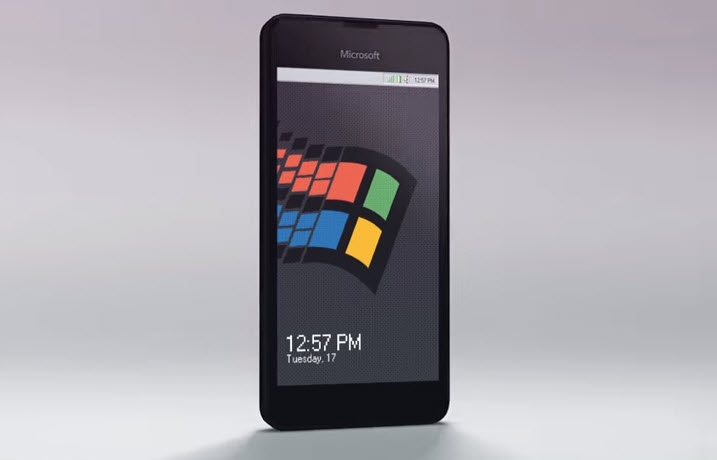
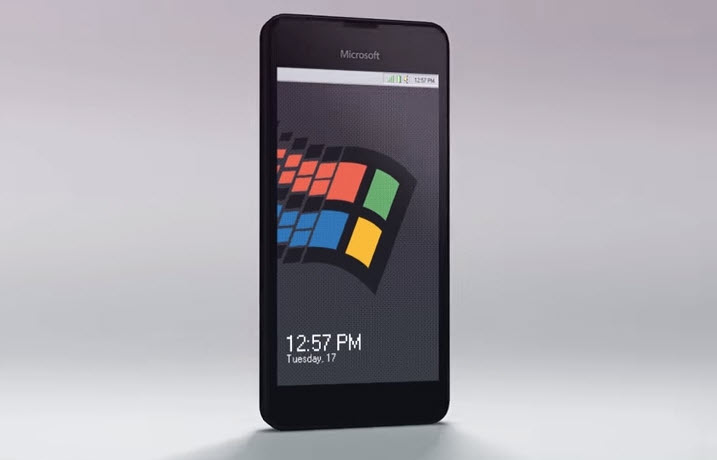
The Windows 95 phone uses the tile layout that, despite an endearing charm and functionality, famously failed on Microsoft Windows phones. It takes the tiles and gives them that instantly recognizable pixelated goodness of Windows 95.
Windows 95 marked a huge step forward for Microsoft’s operating system. I mean, come on, it was no Windows XP, but the introduction of the Start button revolutionized Windows. It was a massive stride toward where we are today with Windows 10 and, accordingly, Windows 95 holds a special place in the heart of anybody who had a computer back then.
Aesthetically, Windows 95’s mix of teal and grey aged pretty quickly. It wasn’t long before it was outright painful to look at, but they say fashion and trends are cyclical, and this Tastefully Offensive rendering of a Windows 95 mobile phone by Russian animator 4096 proves just that. It looks, somewhat oddly, glorious!
The mockup uses the tile layout that, despite an endearing charm and functionality, famously failed on Microsoft Windows phones. It takes the tiles and gives them that instantly recognizable pixelated goodness of Windows 95. It also comes fully loaded with Microsoft Word 97, complete with Word 97’s paperclip assistant, Clippy. Interestingly, with Siri, Apple doesn’t seem to have come much further than Microsoft had gone back in the day with Clippy.
Is this what the future could have been?
In case you’re wondering, yes, Windows 95 phones come with the Start button that will revolutionize your smartphone use. Other functions include the Sound Recorder and exclusive access to apps from the Windows 95 Store. There is also seamless Windows integration with modern apps, so you’ll be able to see apps WhatsApp and Twitter rendered in teal and grey.
Unfortunately, this render is merely a concept piece, but you never know. If we can make enough noise about it, maybe Microsoft will hear us.
When a game suffers fumble after fumble, it’s easy to overlook any good qualities that may have graced it. Two Worlds II is one such game, and it’s a real shame. While its prequel is the butt of many a joke (namely for its game-breaking bugs, lackluster plot, shoddy voicework, and uninspired quests), Two Worlds II, while leaps and bounds more sophisticated a title, sadly did not fare much better under the public’s scrutiny.
This is such an unfortunate outcome because, while there are certainly flaws to this game, there’s also kernels of something really special if you sift through it with a wide enough net.
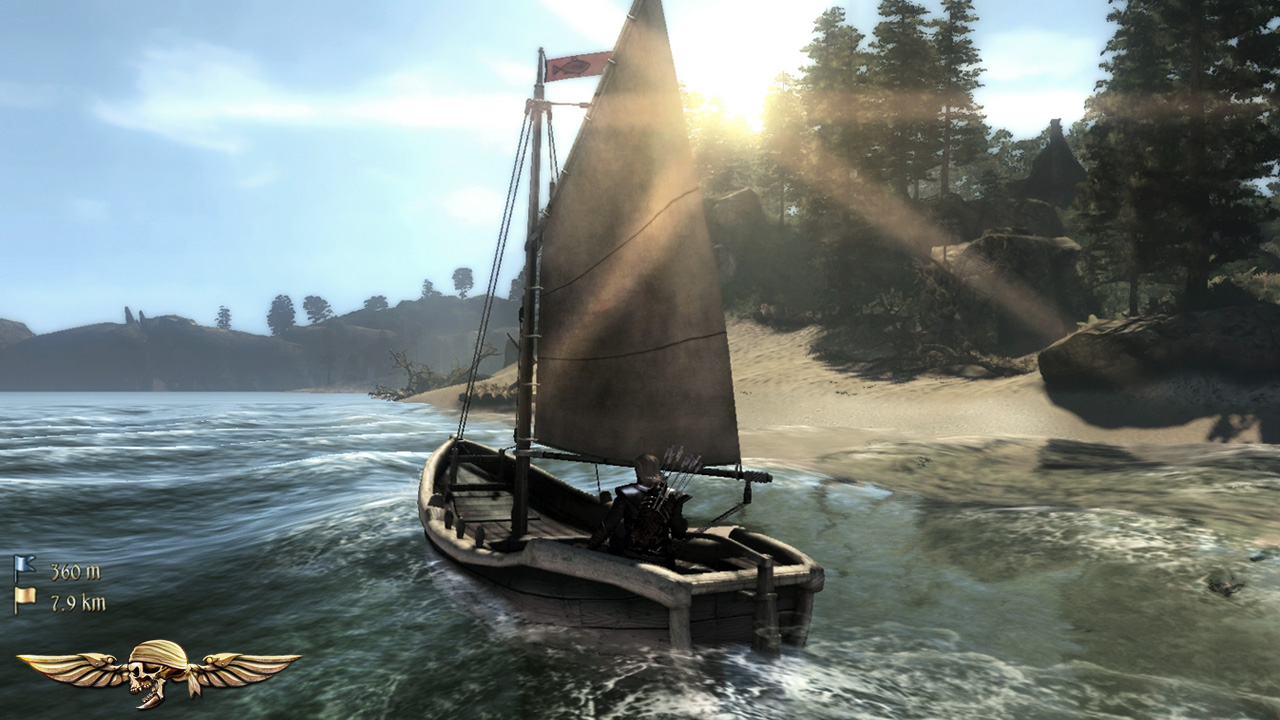
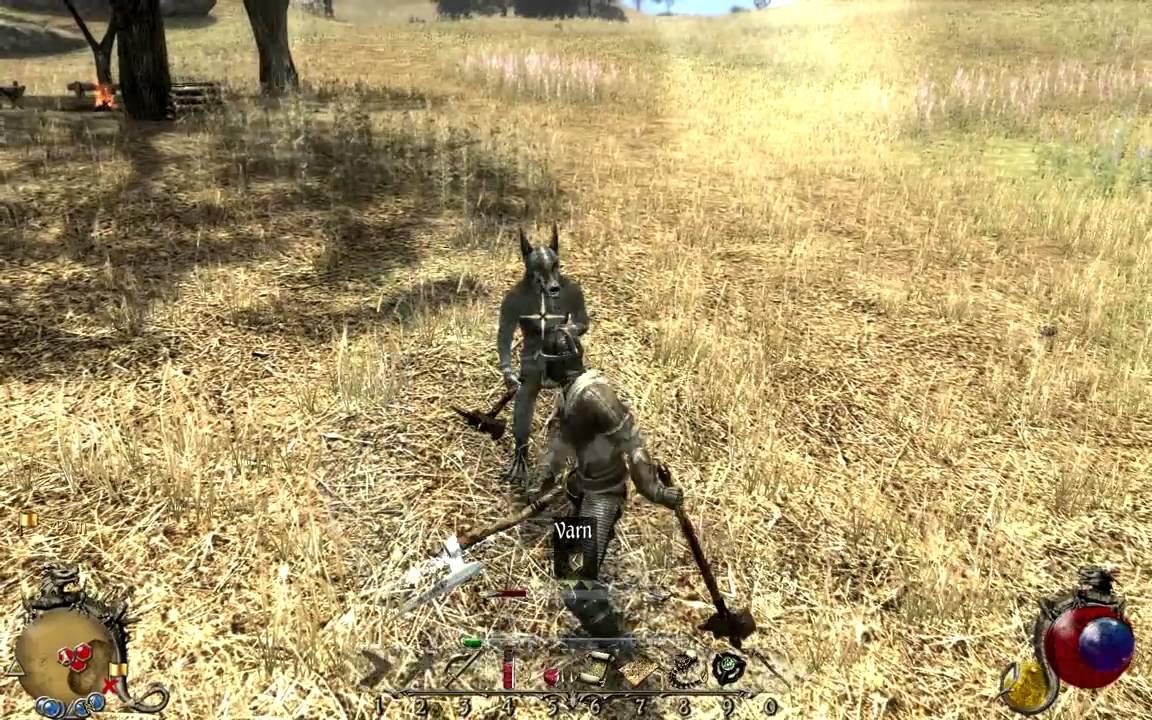
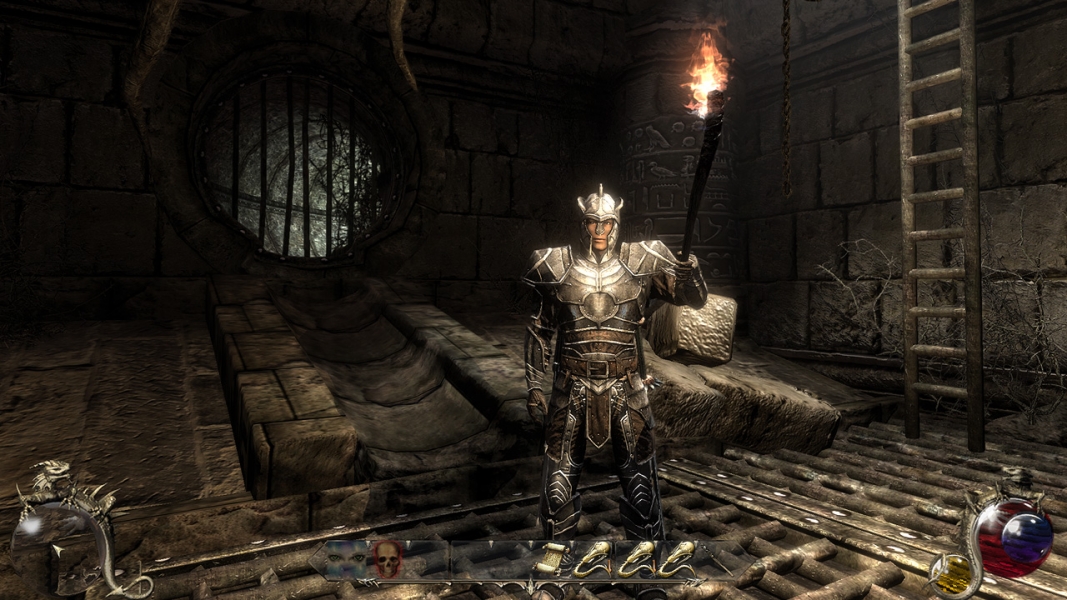
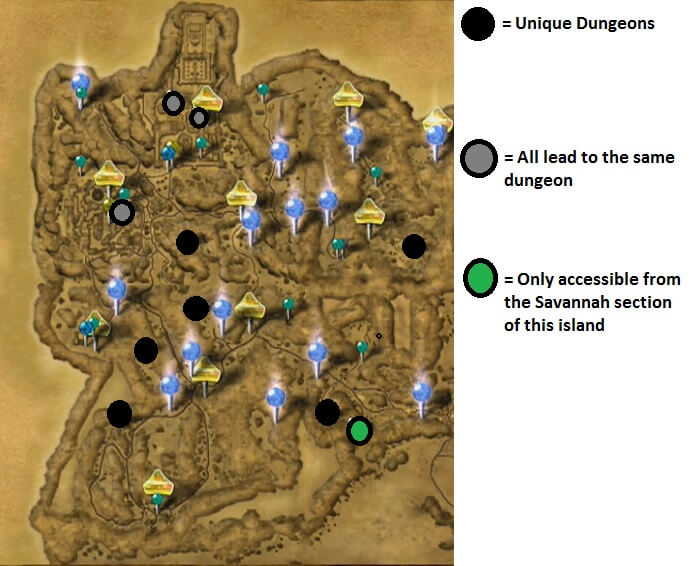
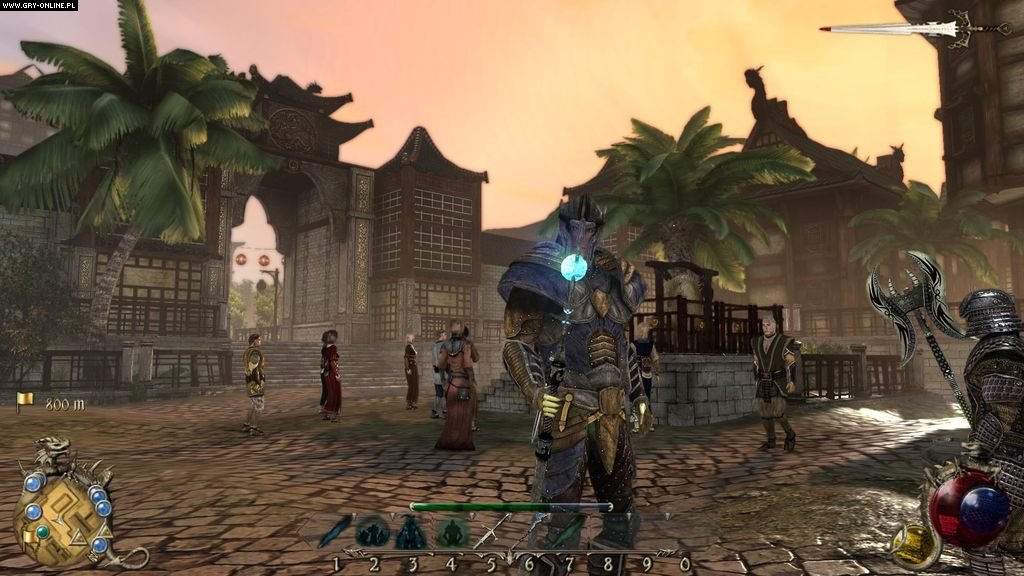
For every success, there’s a failure immediately following. The most obvious example of this is the game’s overall aesthetic. Character models are surprisingly polished for a game that came out in 2011 (the same year as Bethesda’s similarly-themed Elder Scrolls V: Skyrim), and in some ways perhaps are even better looking. Environment art and lighting are gorgeous, ranging from the wilds of the Savannah to islands, to bustling cities, to the nightmarish Swallows of act two. It all looks great until you start trying to make your way through it.
https://www.youtube.com/watch?v=0pSJoriX6ZU
To call the animations ‘clunky’ would be charitable. Sprinting is difficult to control and looks awkward, melee swings are jittery and unwieldy, and archery seems to lack any real punch on impact. On top of all that, the rendering of it all is slow, especially with a character’s hair and armor. For all the immersion that comes with a game that looks this good, poor rendering will pull the player right back out again.
The few people who did like the original Two Worlds are quick to point out the game’s outstanding sense of wanderlust. While there was a (loosely) story-driven narrative, the distance spanning from plot point to plot point was immense and rife with powerful enemies. Players relied on the sparse and expensive teleport platforms to travel distances quickly, or maybe stumble upon the rare horse if they were lucky. The result was that going from point A to point B really wasn’t an option, and it all created a very special sense of long trekking and exploring every bend and gully.
Needless to say, these fans who did move to Two Worlds II were sorely disappointed to find that the wanderlust element was far reduced. Not to say that the game is a corridor – far from it – but there are definitely distinct areas that you won’t be able to reach until certain plot points are fulfilled. The map doesn’t make that very intuitive, either, crammed with markers and quests that are difficult to navigate or distinguish between.
Plot
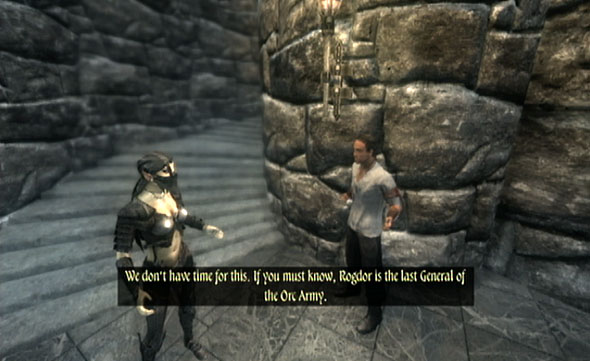
The plot of Two Worlds II starts off strong, with a good old-fashioned prison break. The player character is rescued with little explanation by a team of orcs. The abundance of dialogue in the prologue is deceptive, misleading us into believing we are in for a game with rich recurring characters or perhaps even NPC followers. The prologue alone introduces a rogue, a mage, a ranger, a blacksmith, a fighter, and a prophet – all of whom feel like they’d be tied pretty tightly to the story. This is not the case.
After the prologue is complete, there’s hardly any reason to speak with these characters again, which is sad since they were well-written and well voice-acted. It’s almost like the lead writer finished the first act and then wiped his hands of it and handed it off to someone with a vastly different idea. On top of all that, the story is based around you saving your sister, Kyra, even though the entirety of the first game revolved around the same thing. But maybe that isn’t fair to complain about, judging by popularity of rescue-the-princess titles like Legend of Zelda or Mario …
So for all of these complaints, what are this game’s uniquely good qualities?
Why play solo when you can be a fellowship?
https://www.youtube.com/watch?v=5JQWT6OWHzc
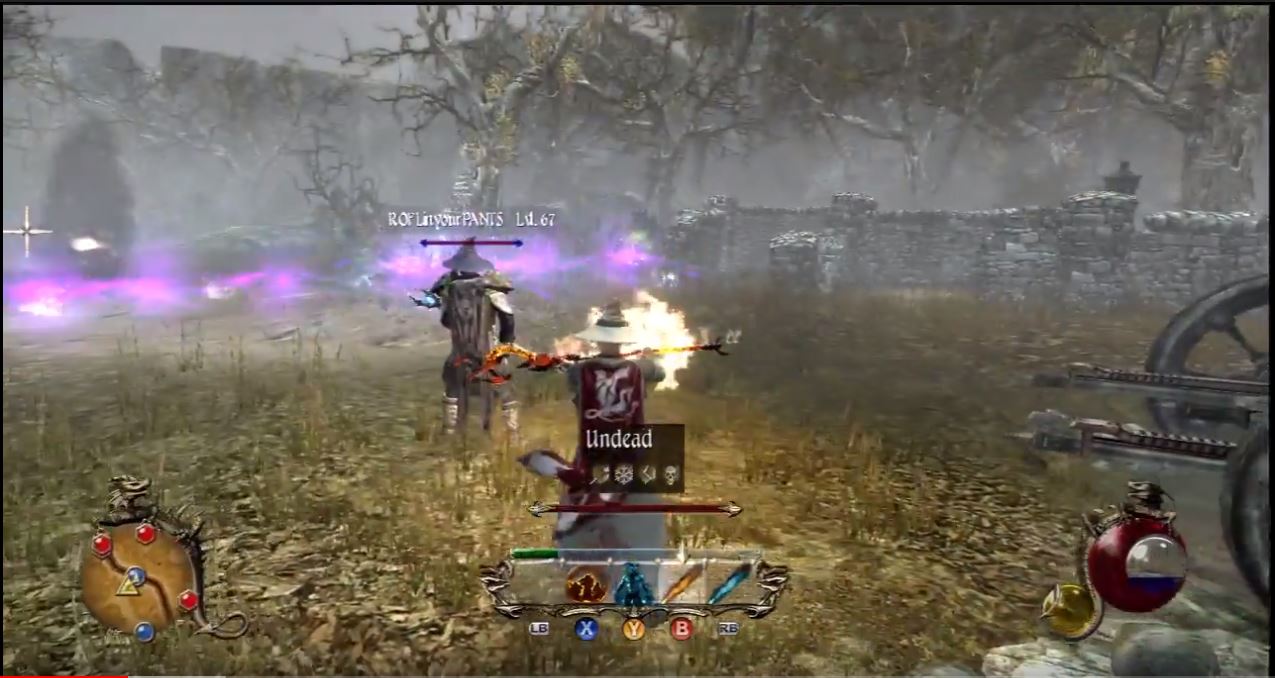
While not the only game of this niche to attempt multiplayer, this one does a surprisingly good job of it. There’s a PvP mode, a village building simulator, a Crystal Capture game, and best of all a team-oriented dungeon crawl called Adventure Mode. Here up to eight players can work together fighting through seven different (albeit linear) maps. When you have a handful of low-level players all spelunking through the same cave, you’re in for a good time. Because the game features such a variety of builds, it can actually be quite conducive to strong teamwork and strategy. Mages can buff other players, turning the party invisible with an AoE spell, or even resurrecting players that die nearby. Rogues can use distraction arrows or ice arrows to thin the herd. Warriors can use powerful flurries and counterattacks to make short work of even the mightiest of monsters. If you let yourself get immersed in the team roleplay, the game will make it worth your while.
Spells are only limited by your imagination … and your character’s wallet.
https://www.youtube.com/watch?v=ibn5-tnw0Vs
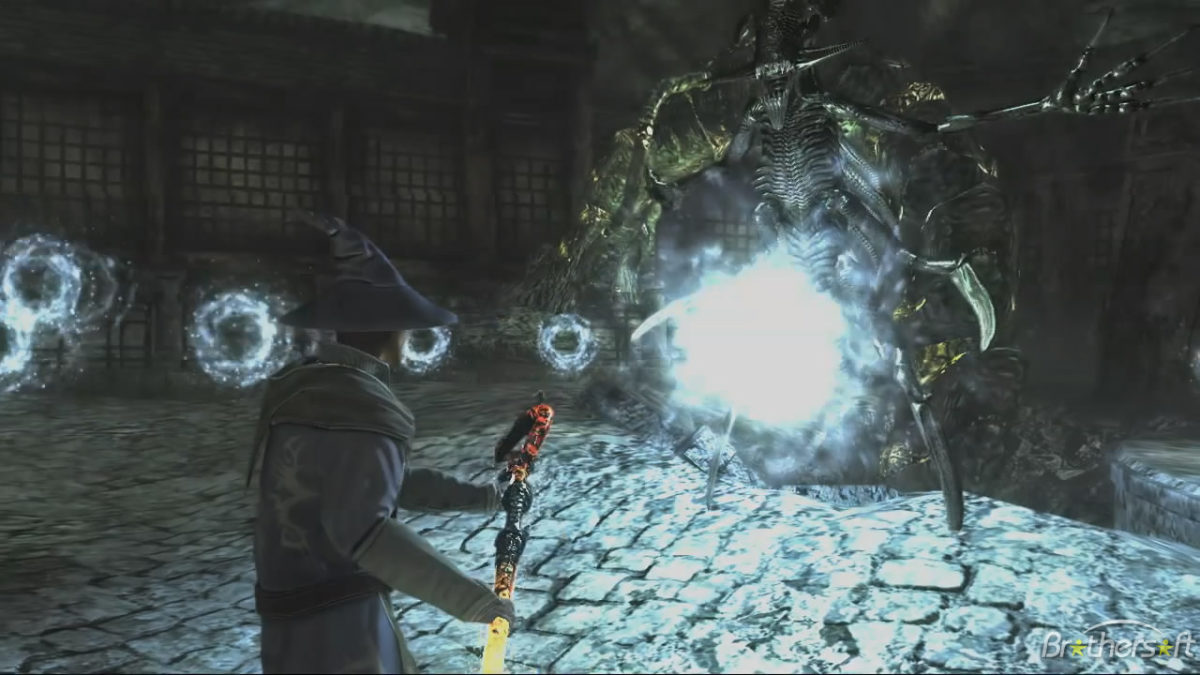
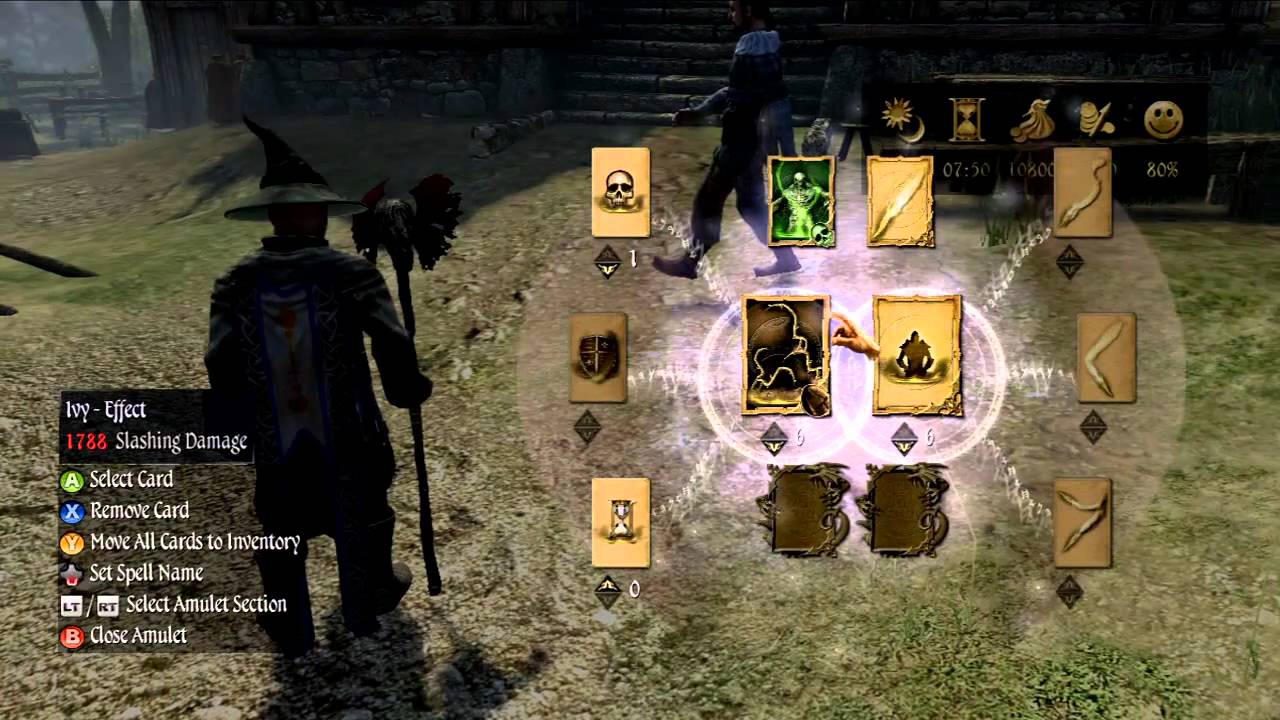
Perhaps the greatest feature of this game, the magic system is where Two Worlds II really shines. While most games will let you spend perks to unlock new spells and powers, this game takes a different approach. Rather than give players the recipe for each spell, Two Worlds II instead merely gives the players the ingredients. Spells are divided into water, air, fire, earth, and necromancy, then further subdivided (ie fire yields fire, power, and force). A carrier is then added to your spell to determine how it manifests, be it a missile, a summon, monolith or trap. Lastly, you can tag on a modifier to include things like homing, ricochet, spray, damage over time, or protection. In this game, if you can think it, you can probably craft a spell to do it. Magic serves as your back door to solving really every puzzle, provided you’re talented and creative enough to make the spell, and that’s a really cool feeling. Magic that is used to wipe out hordes of zombies and rain meteors can just as easily be used to open locks, walk on water, or levitate. If you want to see just how crazy this can get, check out these videos:
Invest in any skills you want
https://www.youtube.com/watch?v=0oqdeEwPxIQ
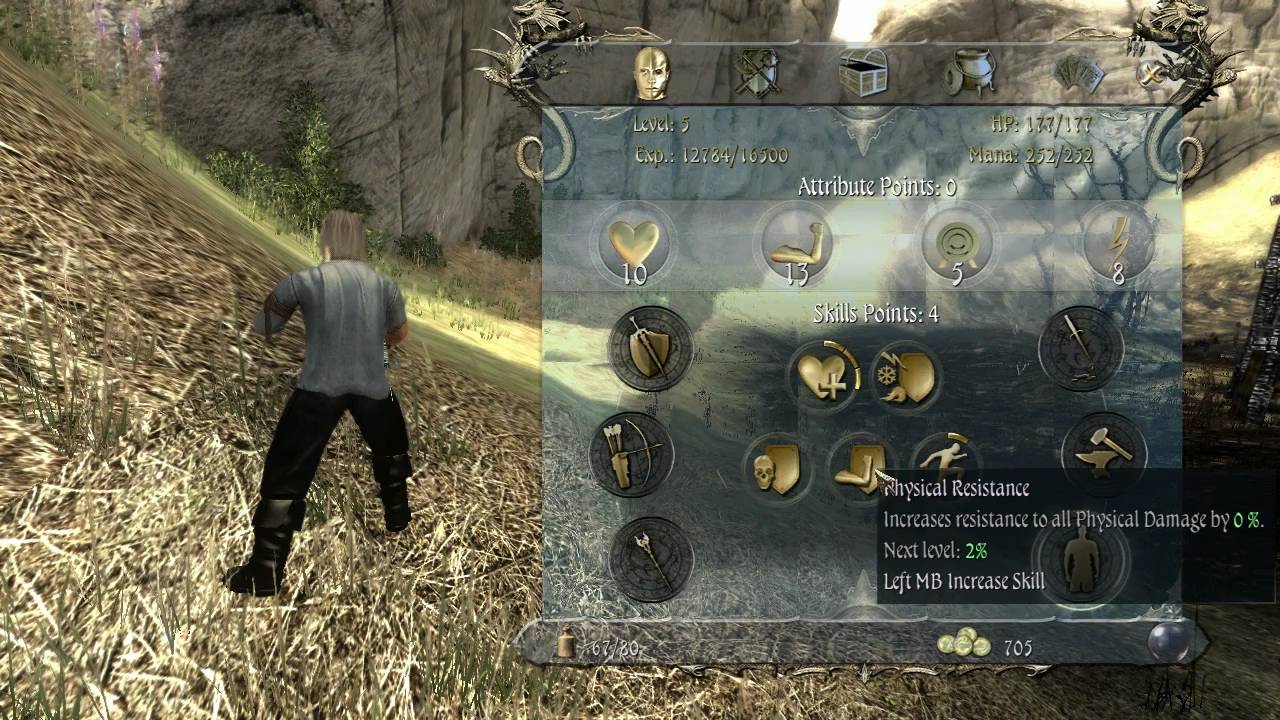
When you level up in Two Worlds II, you are never constrained to any one avenue of gameplay. Players who’ve been allocating perks for warrior can just as easily start spending those points on magic or ranger abilities if they want to branch out. While this isn’t a wholly unique concept (you can just as easily find this is a game like Skyrim or Path of Exile, or even the first Two Worlds), we were grateful that it was included here as well. For a hefty price, Soulpatchers can also allow you to redistribute your skills if you decide you made a mistake. The end result is that there’s plenty of room for error, or on the flip side you may intentionally put those points into mage skills once you’ve collected enough cards to make it worth the shift. It’s up to player choice, and that’s always a good thing.
You can be a bard.
https://www.youtube.com/watch?v=LGvuOBo5rQU
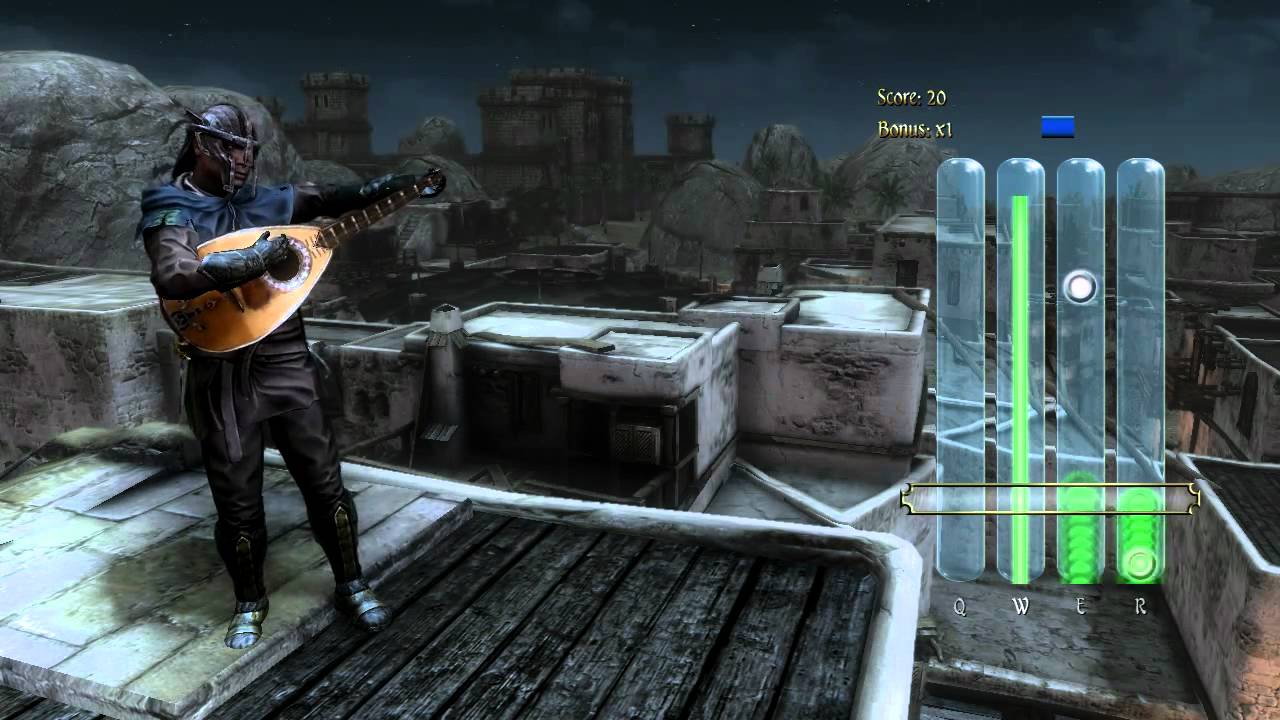
Anybody who has played Witcher 3 can tell you how addicting a good mini-game can be. There’s a reason Gwent became a standalone game! Two Worlds II has a dice high-low simulator, a dice-based poker game, a clever pickpocketing mechanic, and – best of all – a full-fledged busking system. Players who find a flute or a harp can take advantage of a mini-game reminiscent of Guitar Hero. Get good enough at it, find yourself a busy throng of people in a marketplace, and suddenly you’re earning auras (the game’s currency) enough to purchase that heavy plate mail you had your eye on. You can collect or purchase new music for different instruments, and – surprise of all surprises – if you and another player in multiplayer time it just right you can actually play the full song!
In the end, Two Worlds II is undeniably a flawed game. It pushed the envelope in many avenues where the first game laughably failed, but still doesn’t really compare with the wildly successful Elder Scrolls, Dragon Age, or Witcher. But that’s the beauty here – it isn’t those games. Two Worlds II succeeds in other areas, and frankly, we wonder what a game like Skyrim would be like if it did try to emulate the magic system of Two Worlds II, or what Witcher would be like if it incorporated a pickpocketing mechanic. If you’re willing to look past the game’s faults, you might be surprised to find you wish more fantasy RPGs did share these elements from Two Worlds II.
https://guides.gamepressure.com/twoworldsii/
We’re looking forward to Two Worlds III, and hope that they can get the core mechanics ironed out enough that all the uniquely special aspects that this franchise possesses can really shine through next round.
Trying to capture some in-game footage of your latest killstreak on Fortnite? Or maybe you’re looking to snag some video that you can overlay some VO on later. Pics or it didn’t happen, right?
While tools like FRAPS, Snagit, and Camtasia do boast high-quality capture, you’re downloading software that’s going to cost a pretty penny. If you’re looking for good quality, intuitive video capture software that is 100% FREE you might be surprised to find that Windows 10 already has you covered.
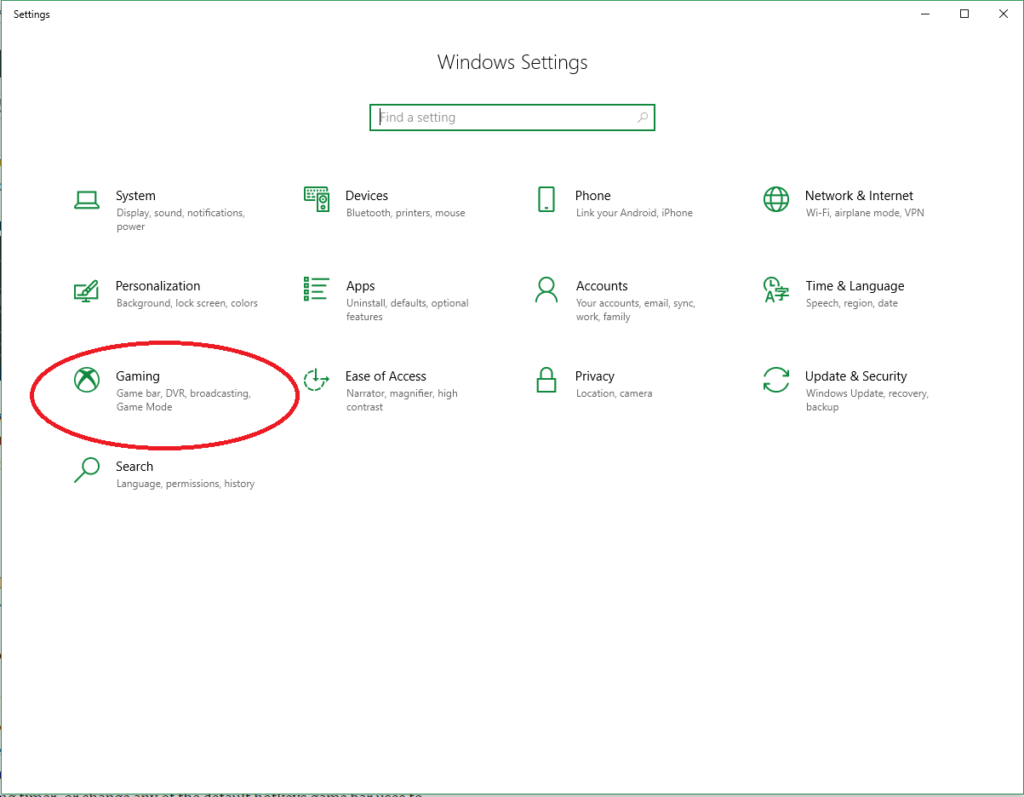
The Windows 10 OS automatically comes with Game DVR, your easy answer to start getting video immediately. It can be found right in your Settings tab under Gaming.
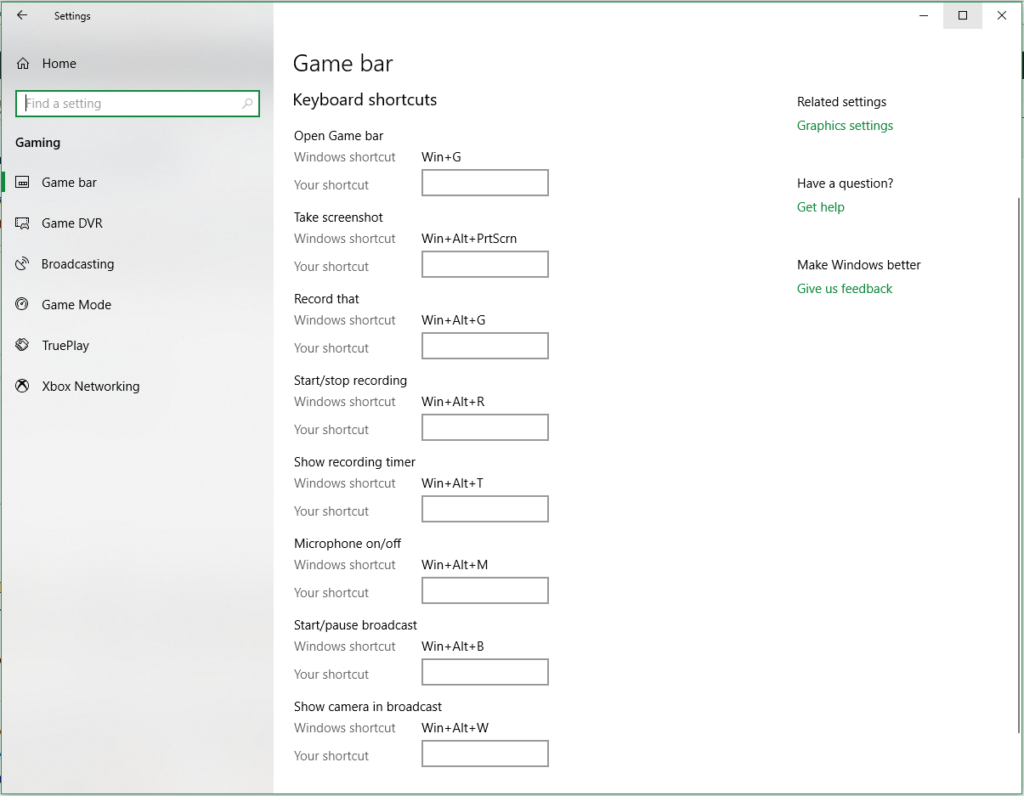
If you own an Xbox controller you can also open the Game Bar at any time by pressing and holding the Xbox button. Either way, it will take you to this screen:
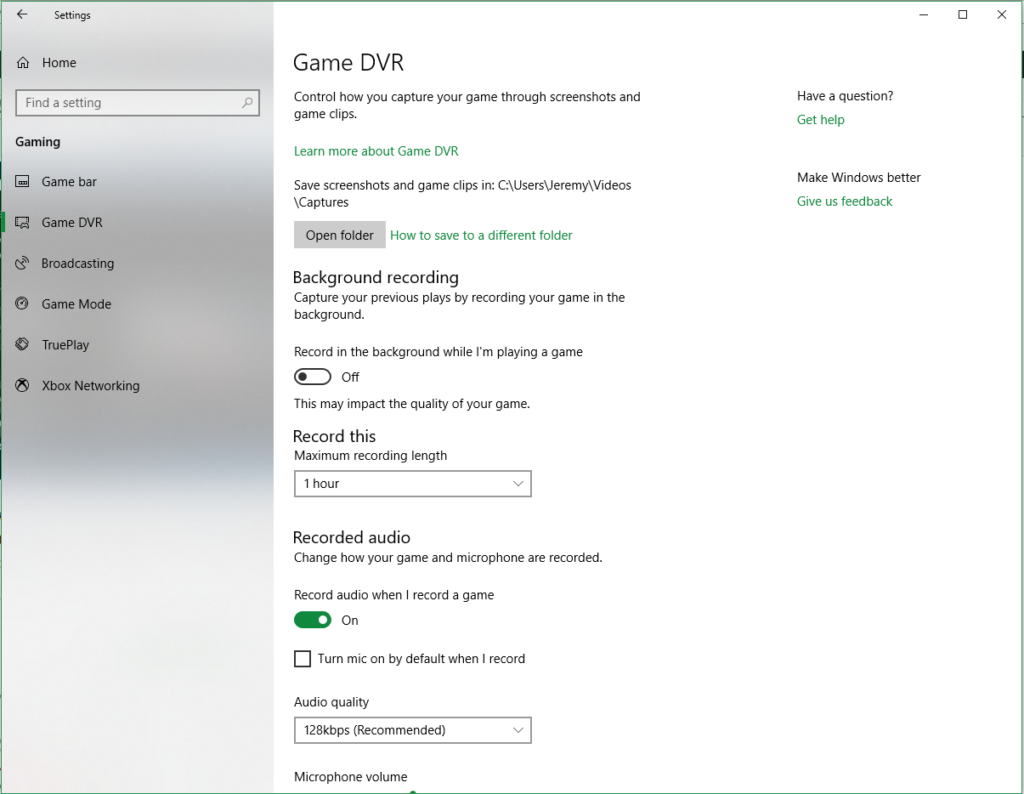
From here you have a variety of options to customize, such as which folder your video will be saved to, how long you want the recorder to capture for (anywhere from 30 minutes to 4 hours!), fps, and the video quality. You can also use Game Bar to capture screenshots, show the recording timer, or change any of the default hotkeys Game Bar uses to ones you prefer.
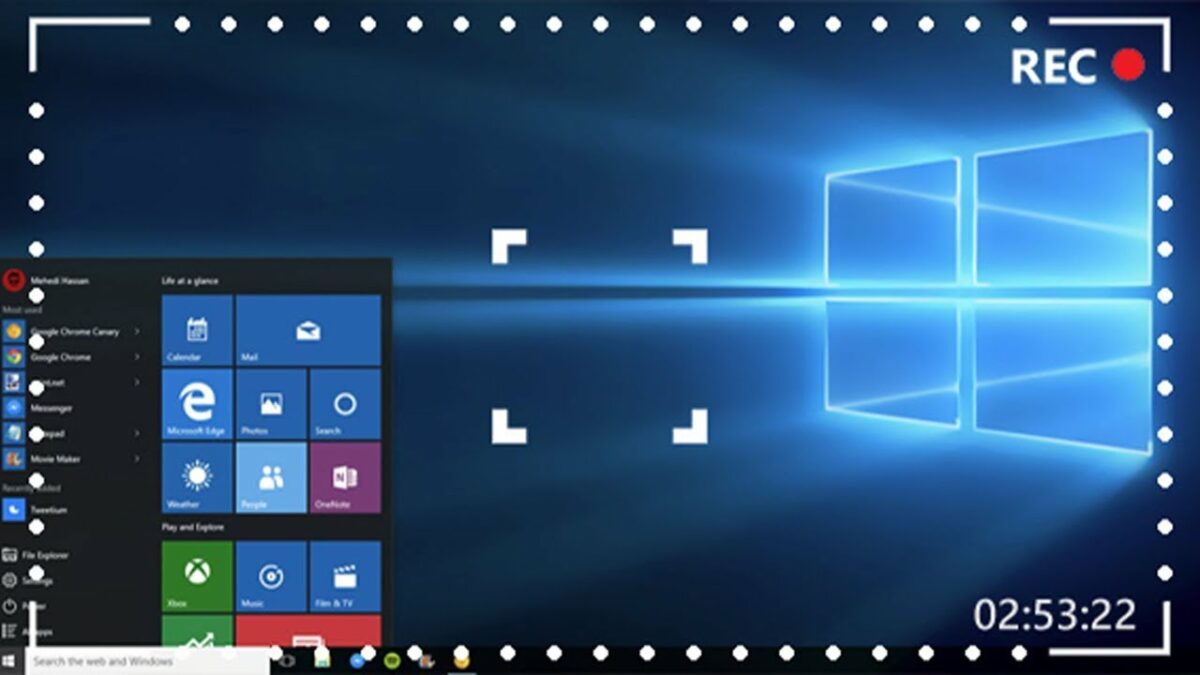
Not easy enough? Without even setting anything up you can just get in game and press Win+Alt+R and it will begin recording. You may see a toolbar appear, which means the recording has begun.
Press Win+Alt+R again and it will stop recording, and your video will be saved to your Videos/Captures folder by default. It will be saved as a .mp4 and from here you can do whatever you wish with your saved footage!